Hand Swatch Cosmetics Photographyfor the shade proof
Hand swatches showing each shade on skin — the single most-requested asset in cosmetics social and PDPs.
Hand Model cosmetics: what works, what doesn't
Swatches convert cosmetics PDPs more than any other asset. Before a buyer commits to a lipstick or blush shade, they want to see it on actual skin. A row of swatches across a forearm, a finger-tap of foundation on the back of a hand, a blush drawn across the cheek of a hand model — these are the must-have assets for every launch. Snapsible renders swatches with realistic skin texture, absorption, and pigment payoff. The exact shade of your lipstick or blush translates accurately onto the skin — which the AI controls for skin tone so you can generate swatch rows across fair, medium, and deep tones for a single SKU.
AI-generated. Studio quality.
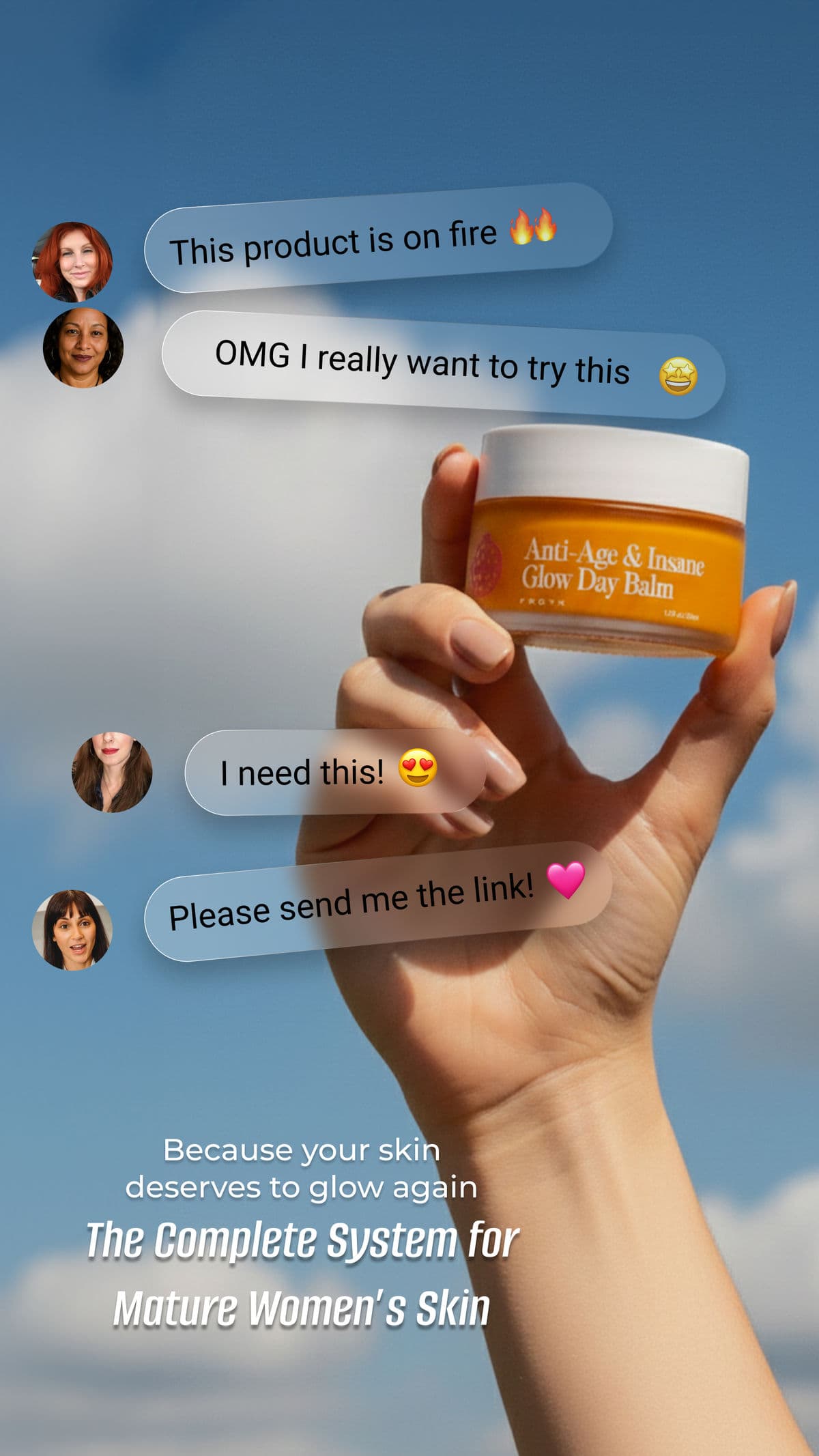
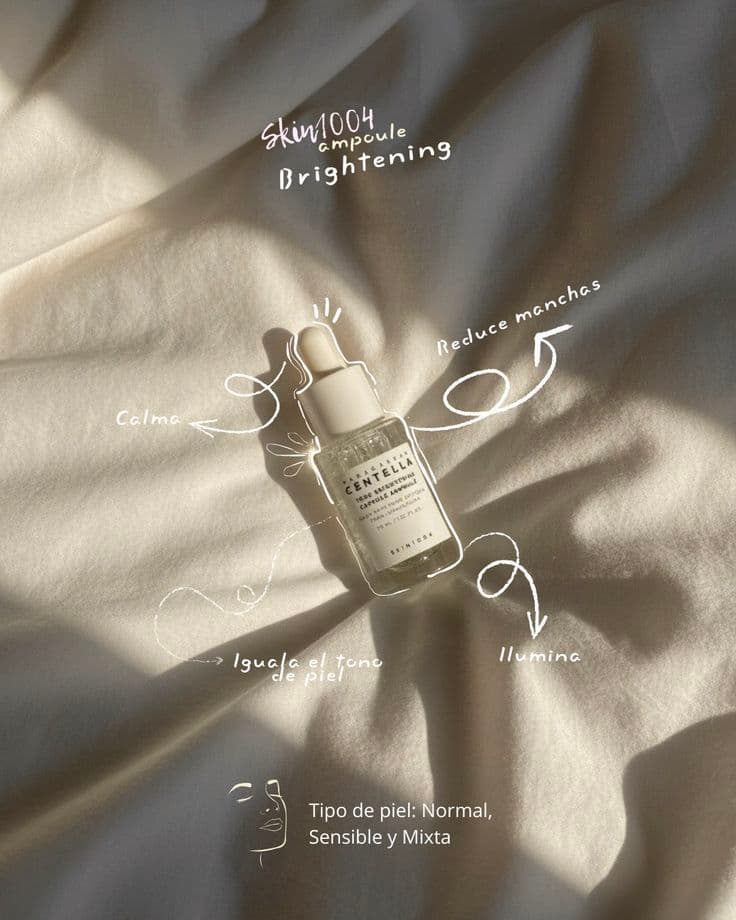
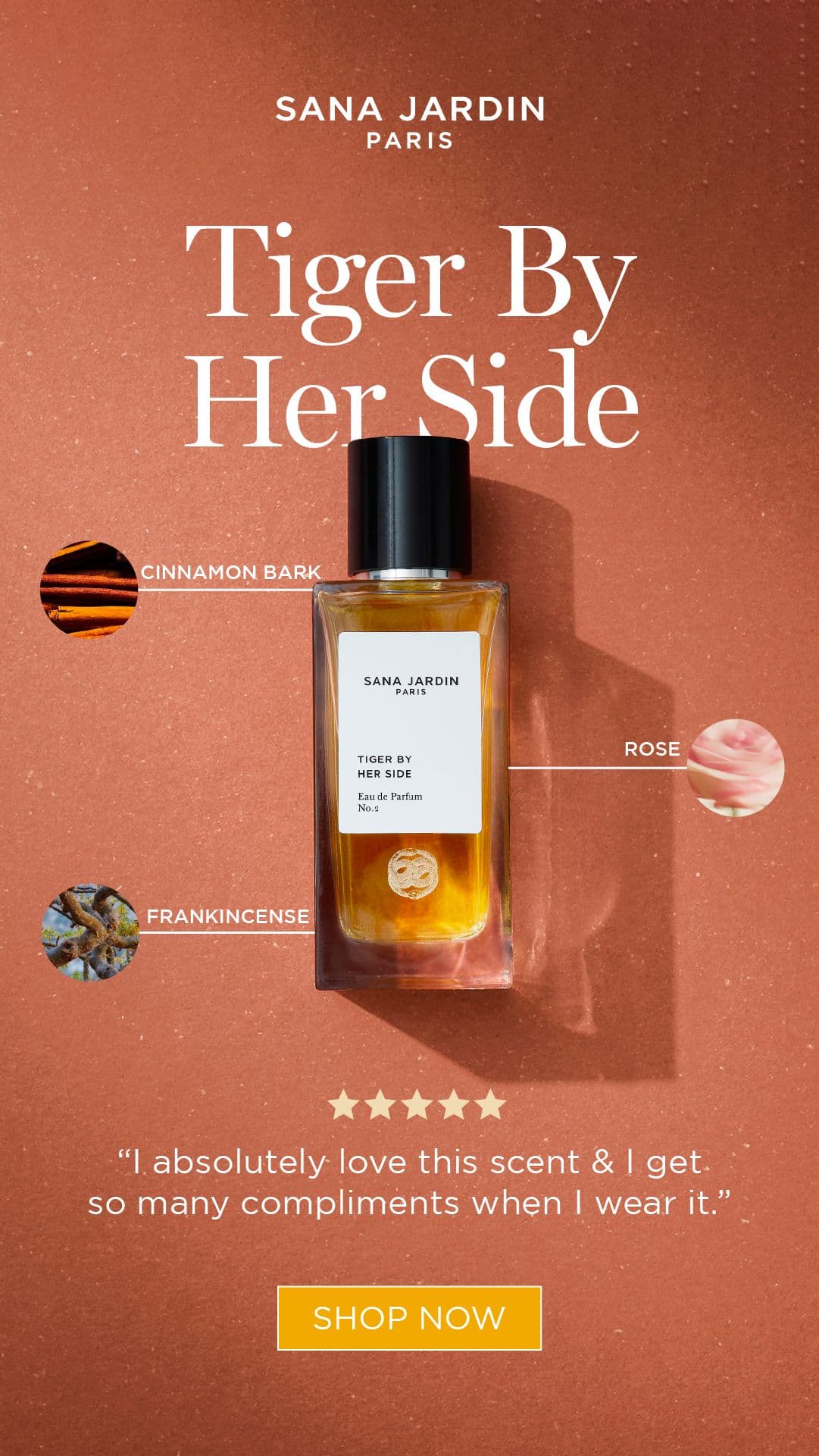
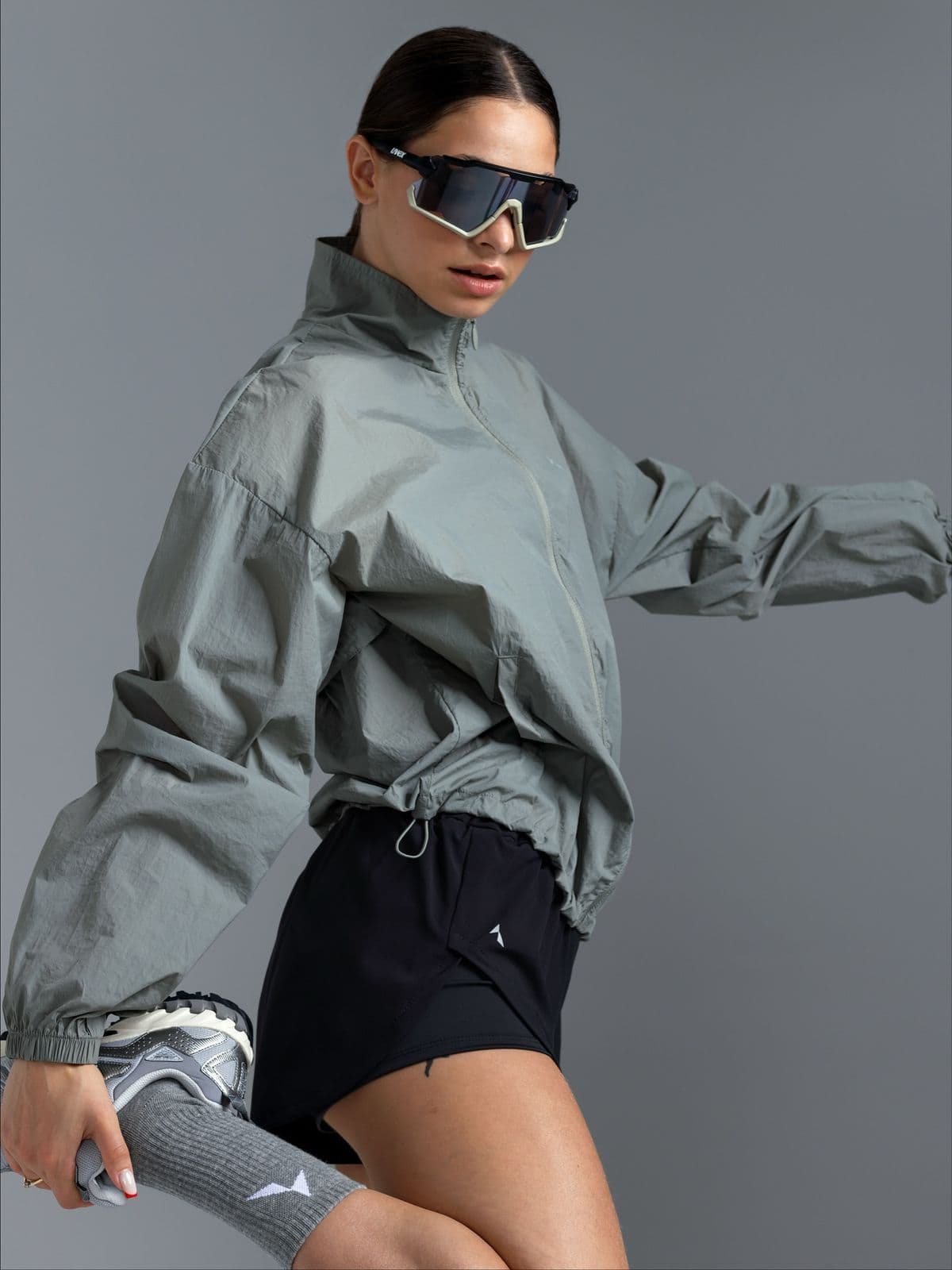
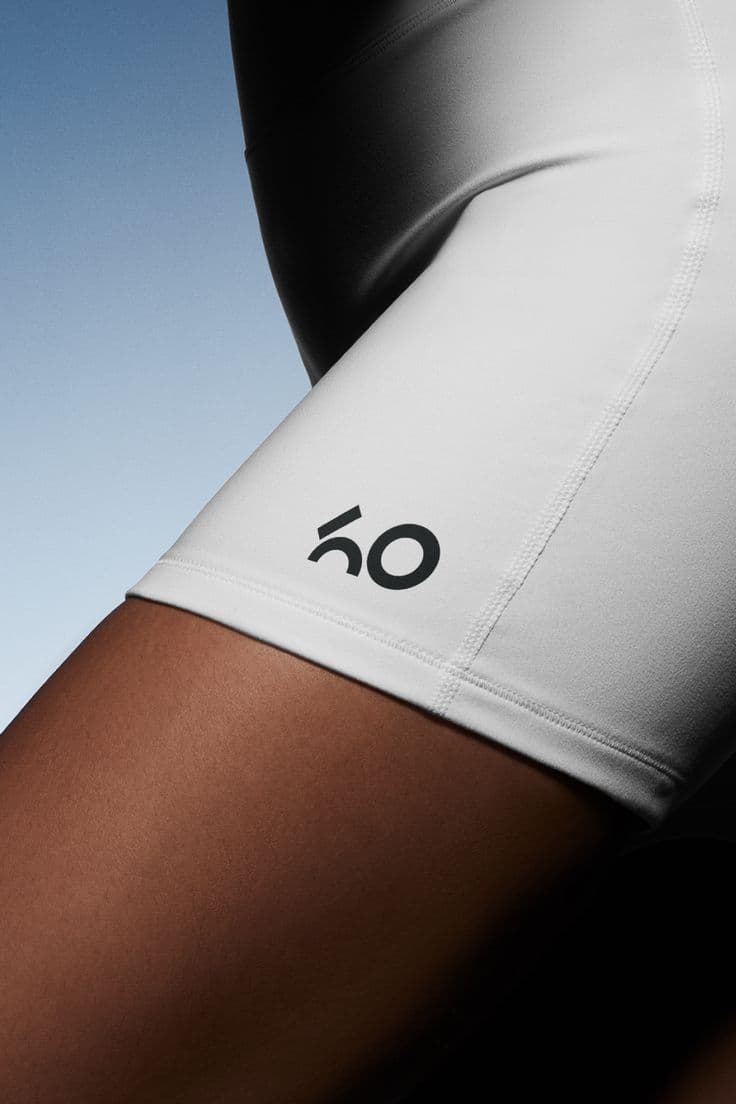
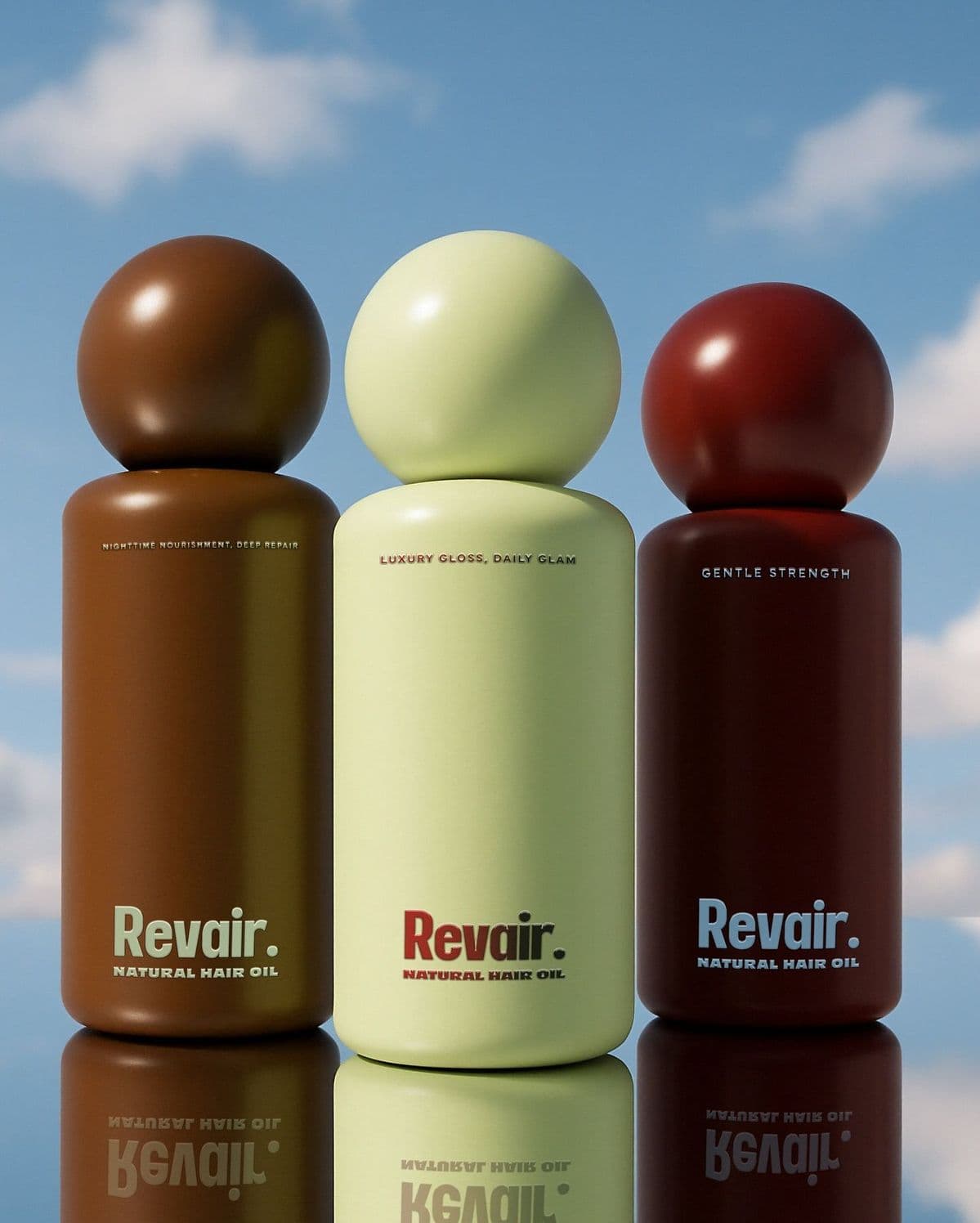
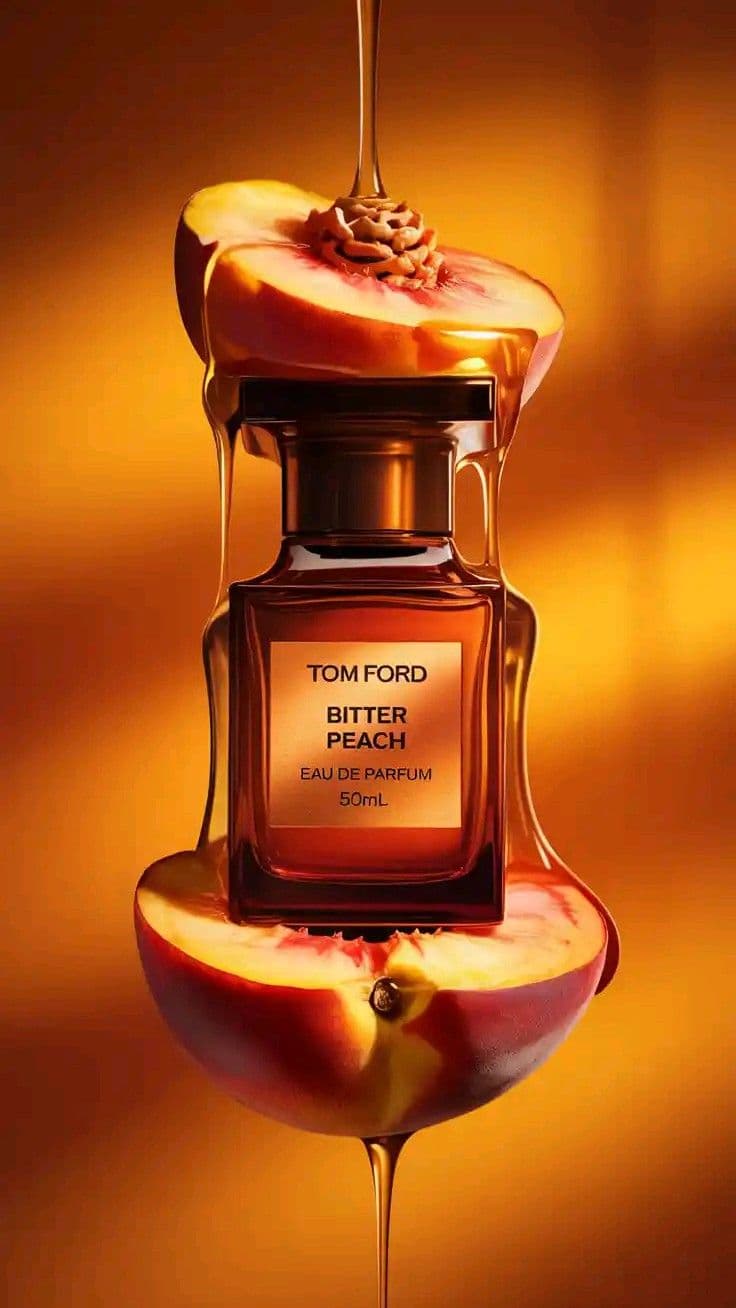
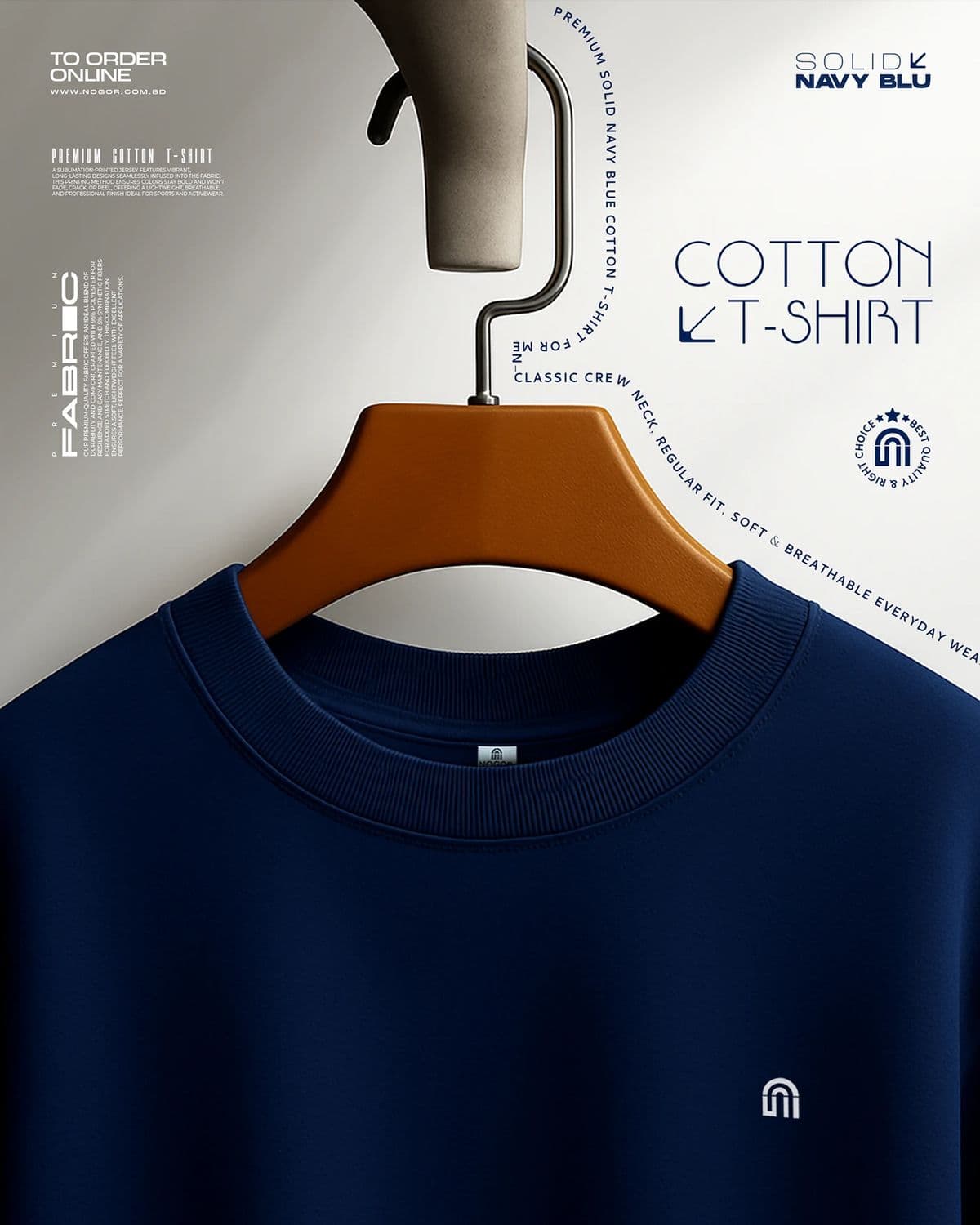
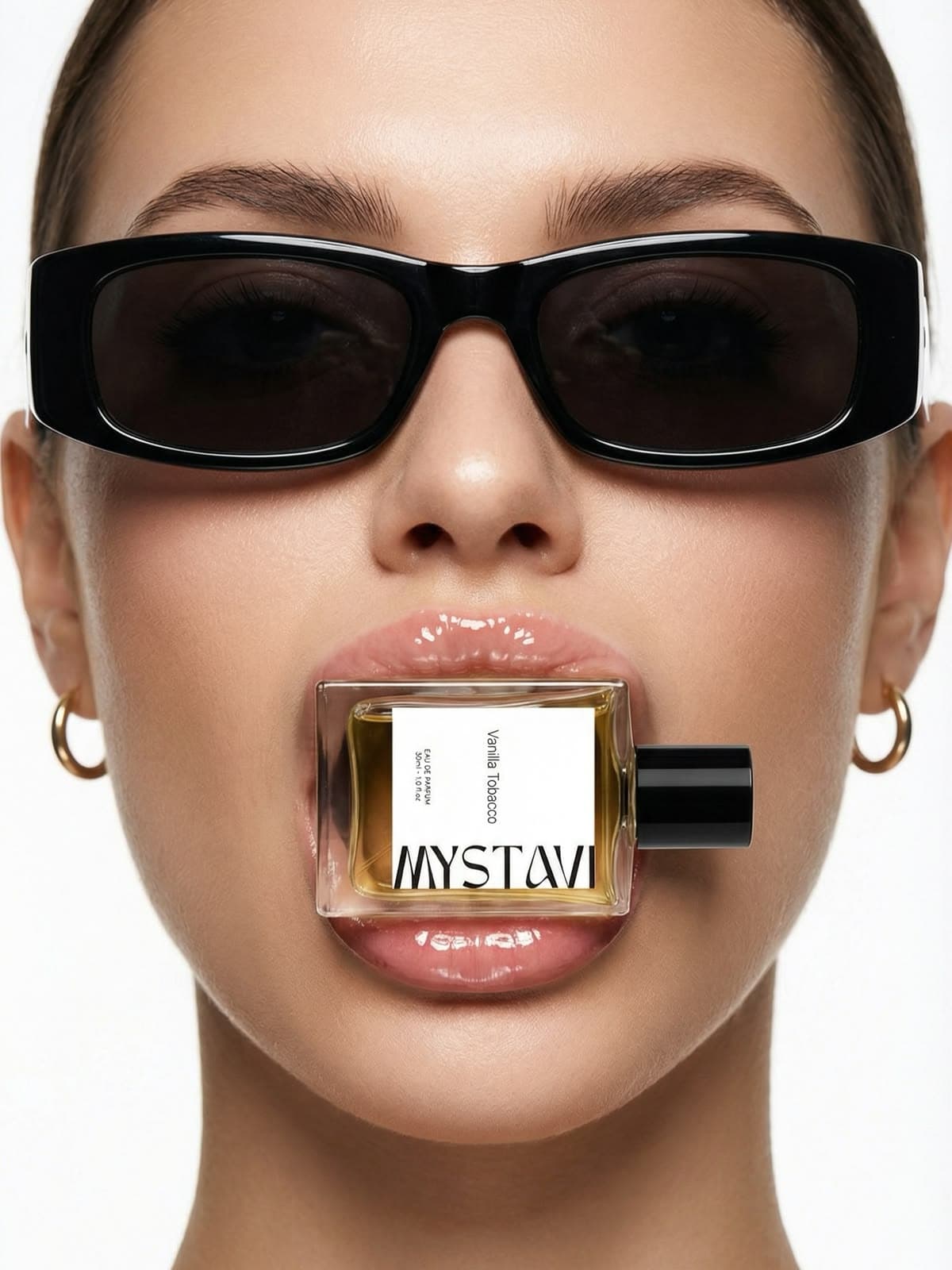
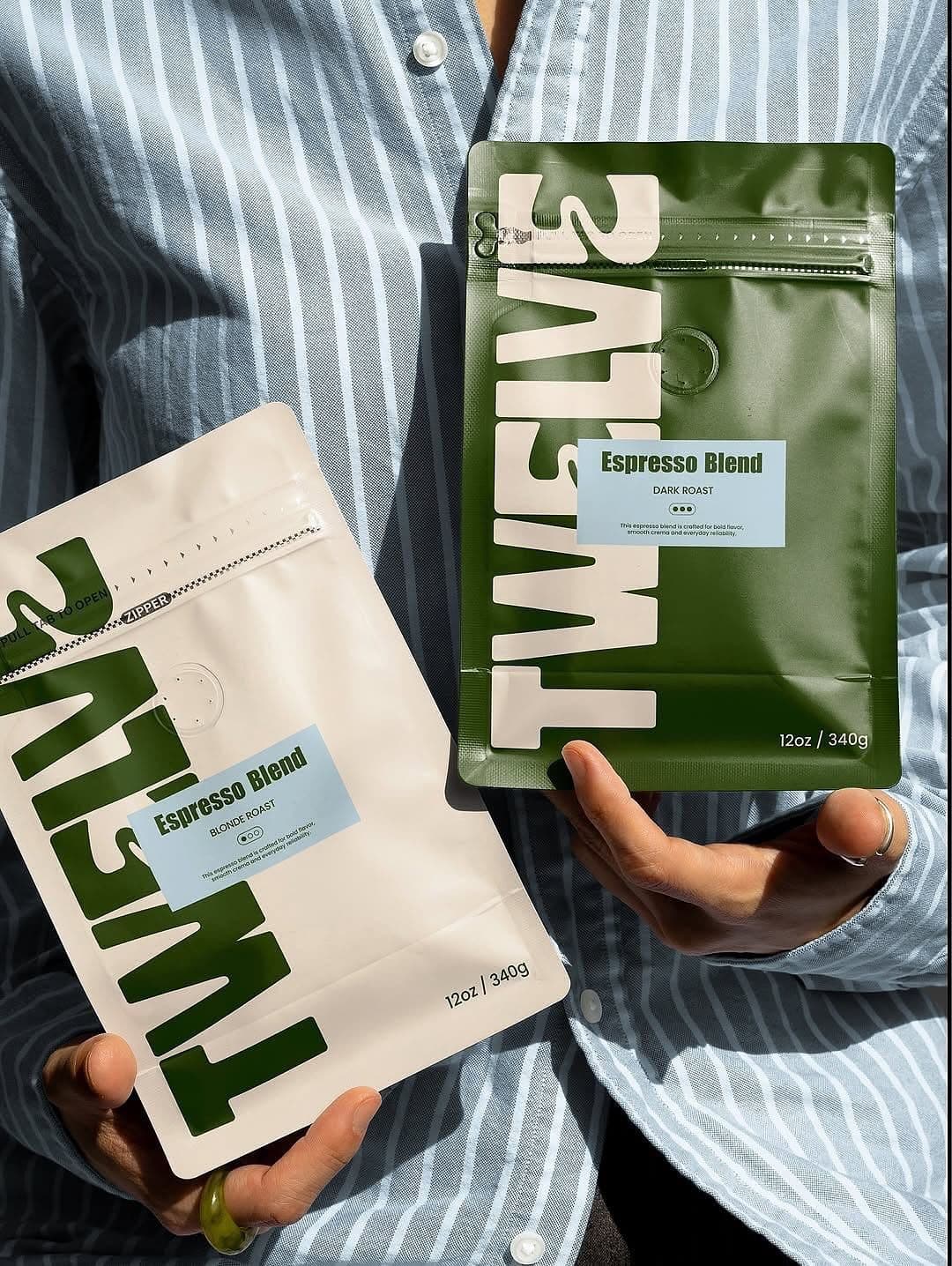
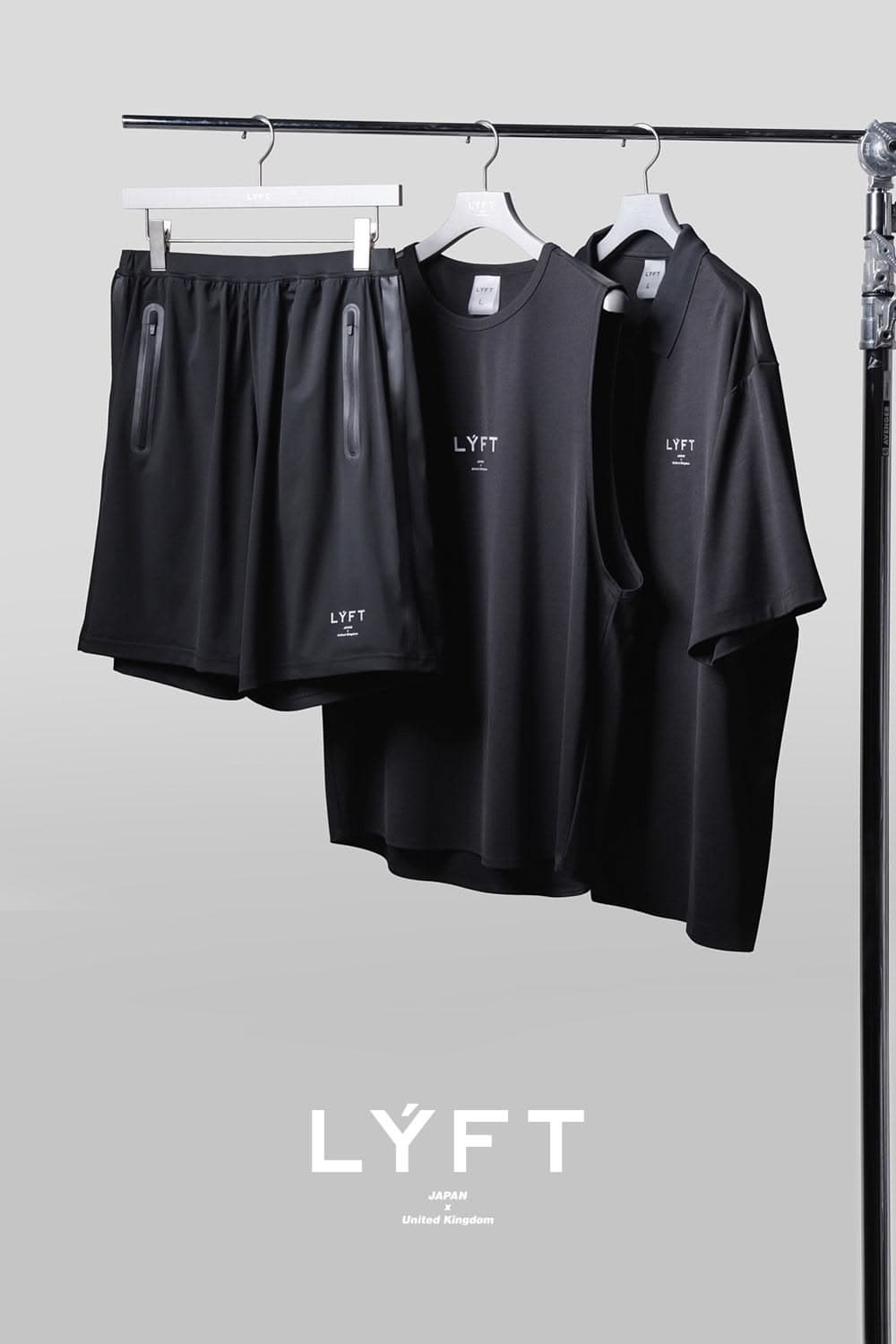
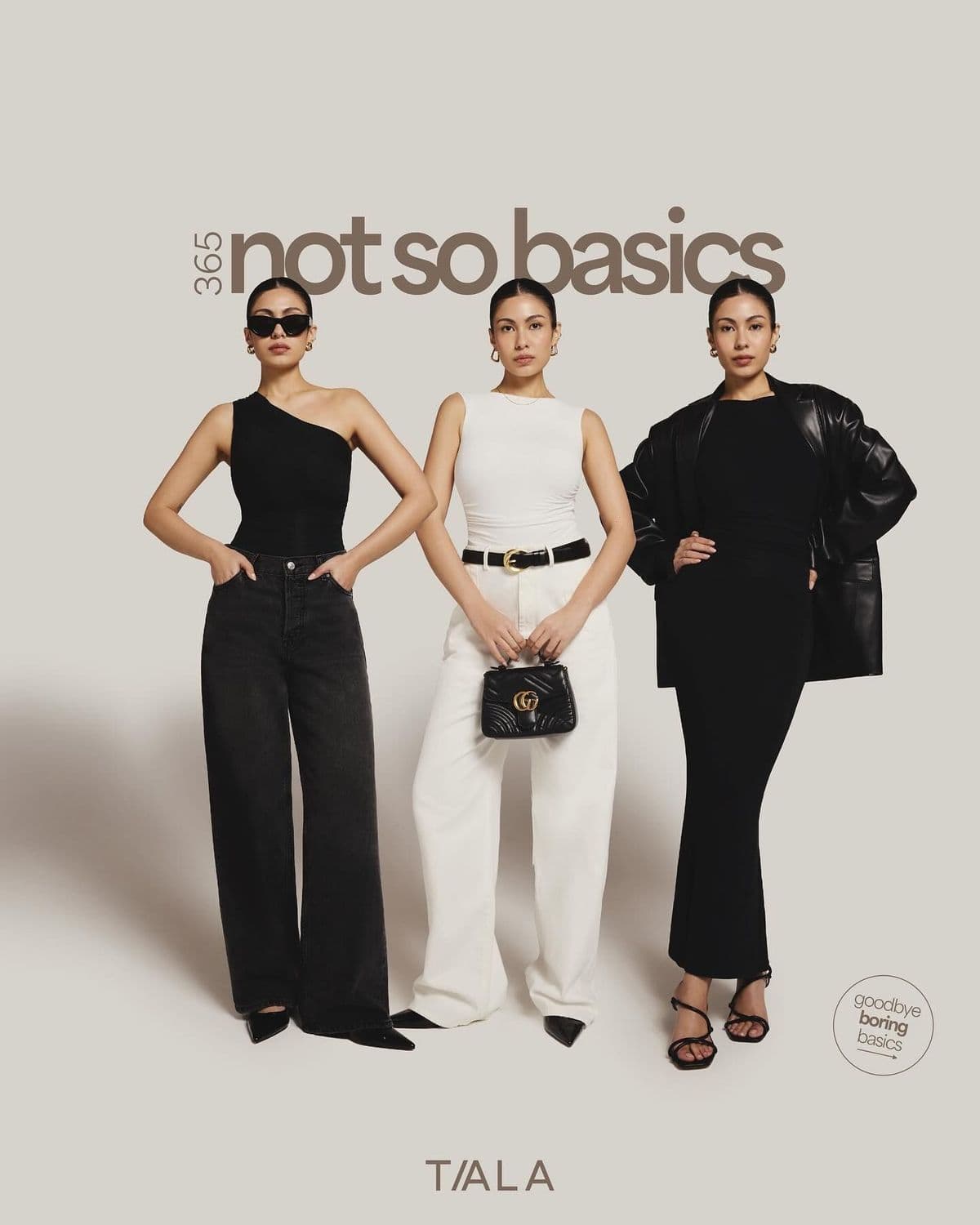
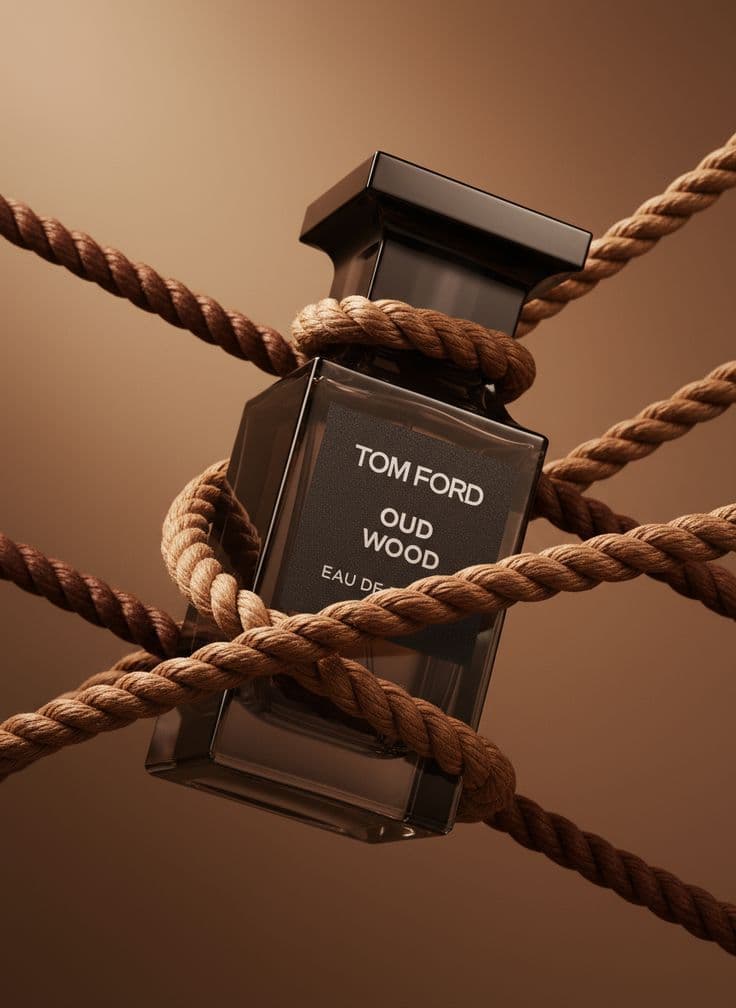
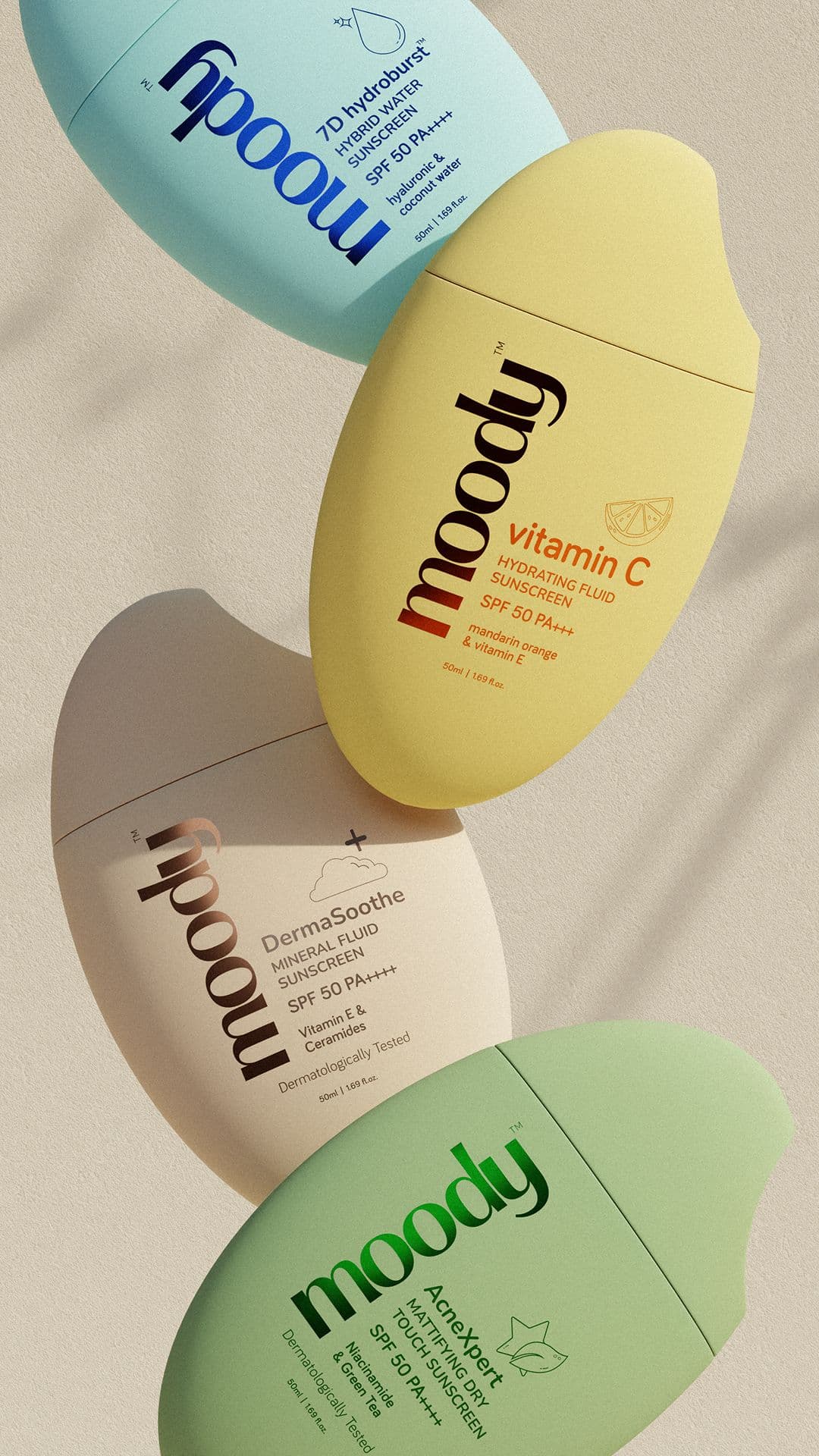
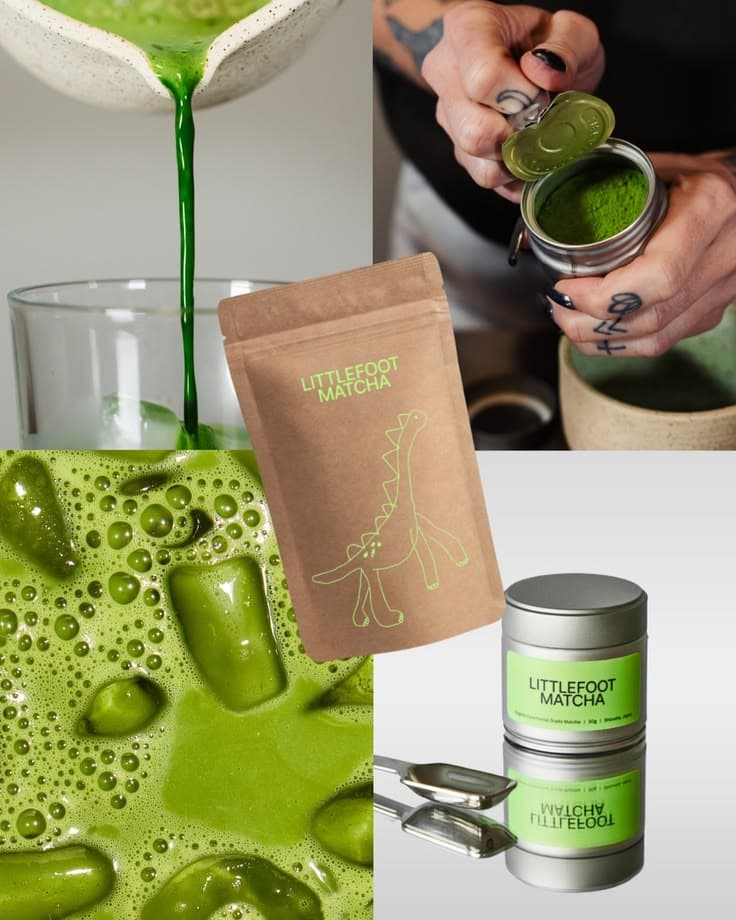
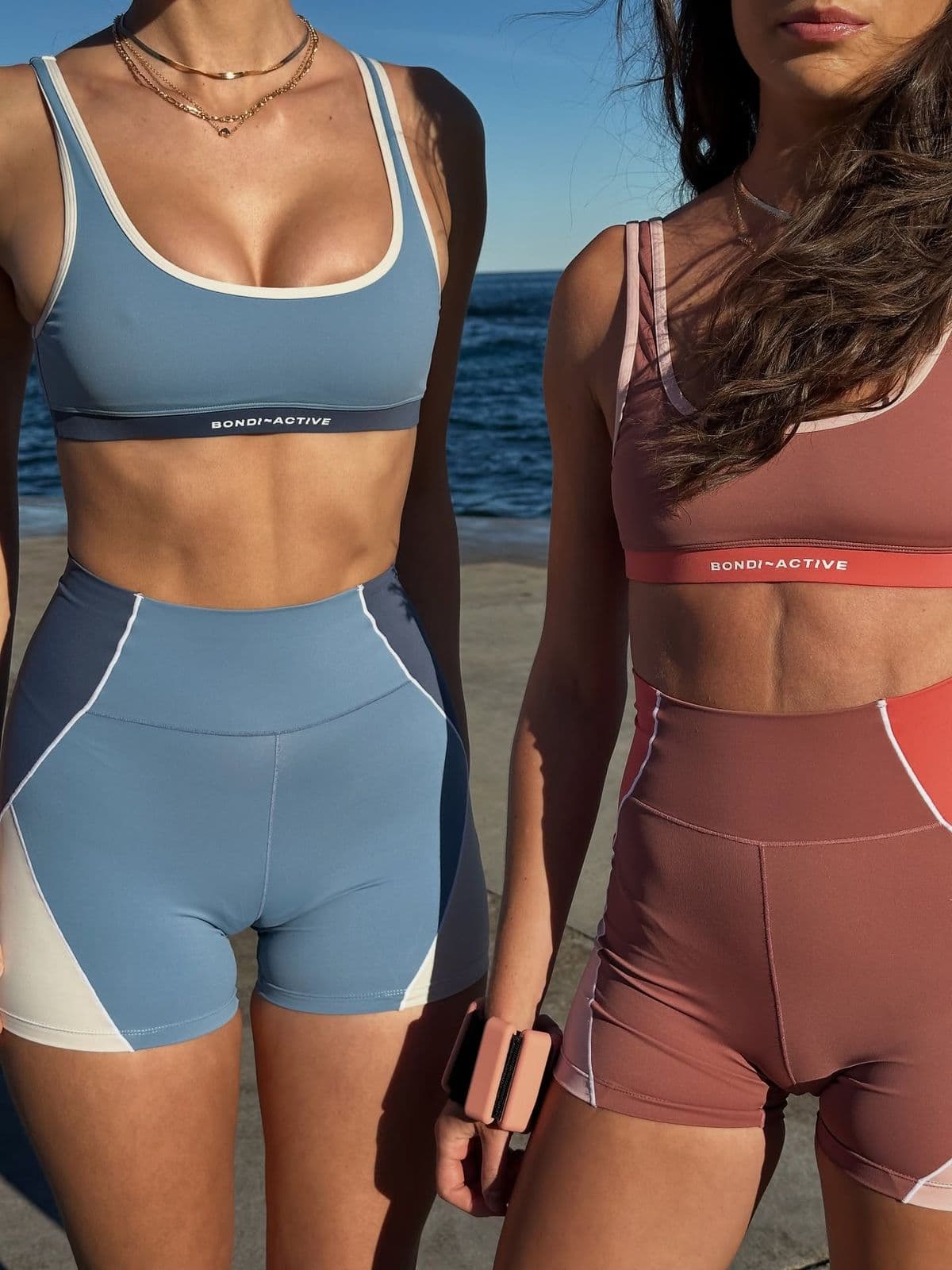
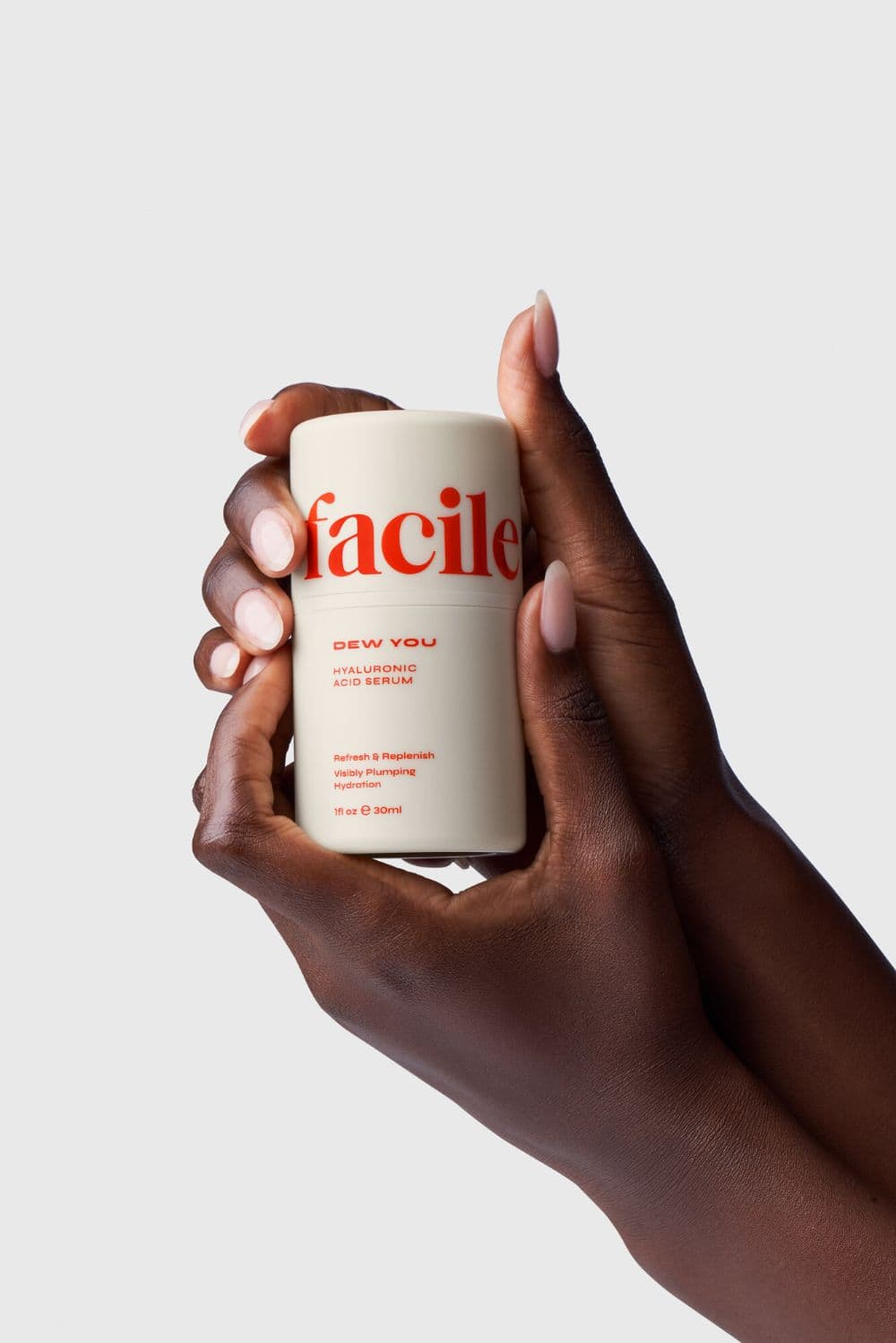
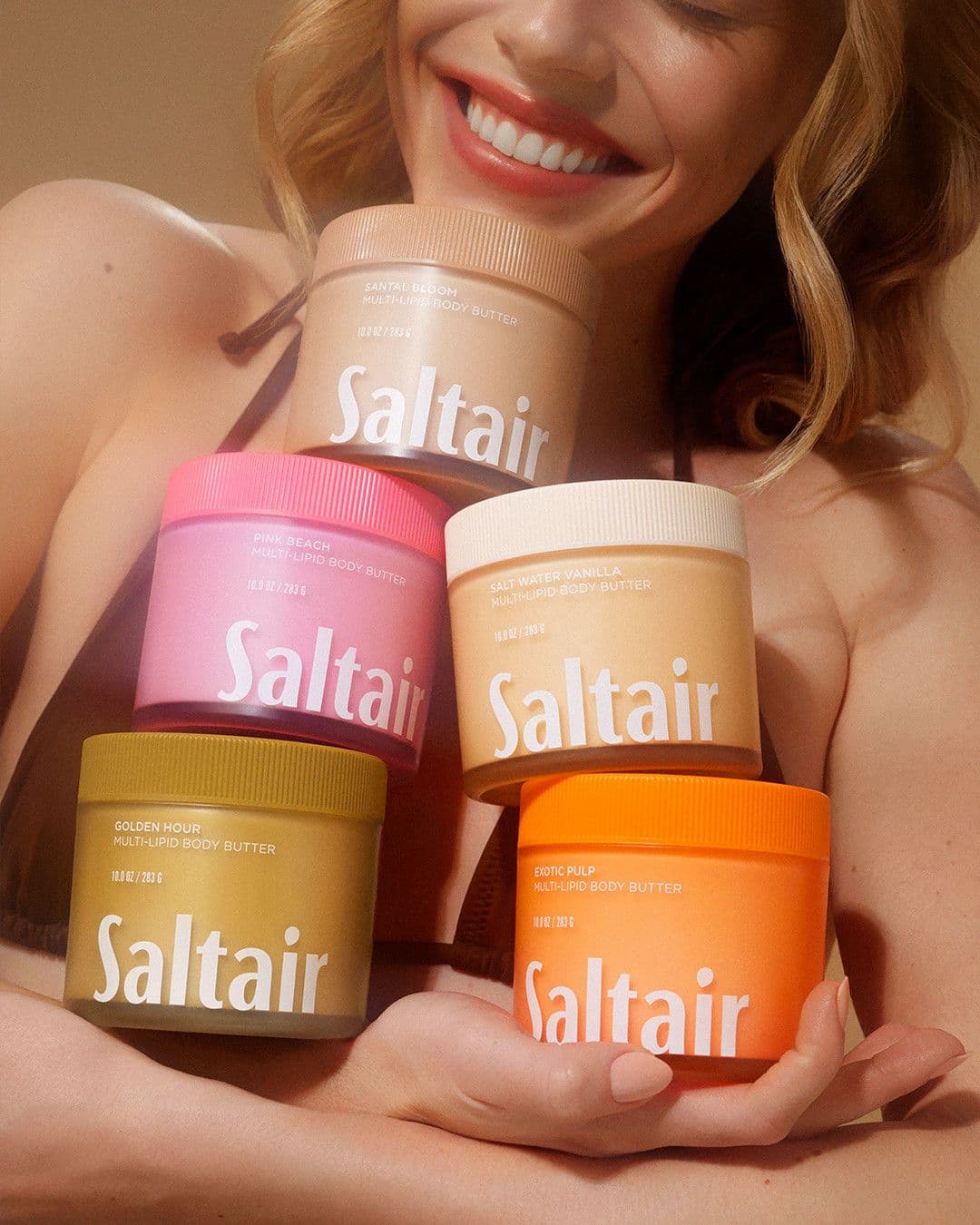
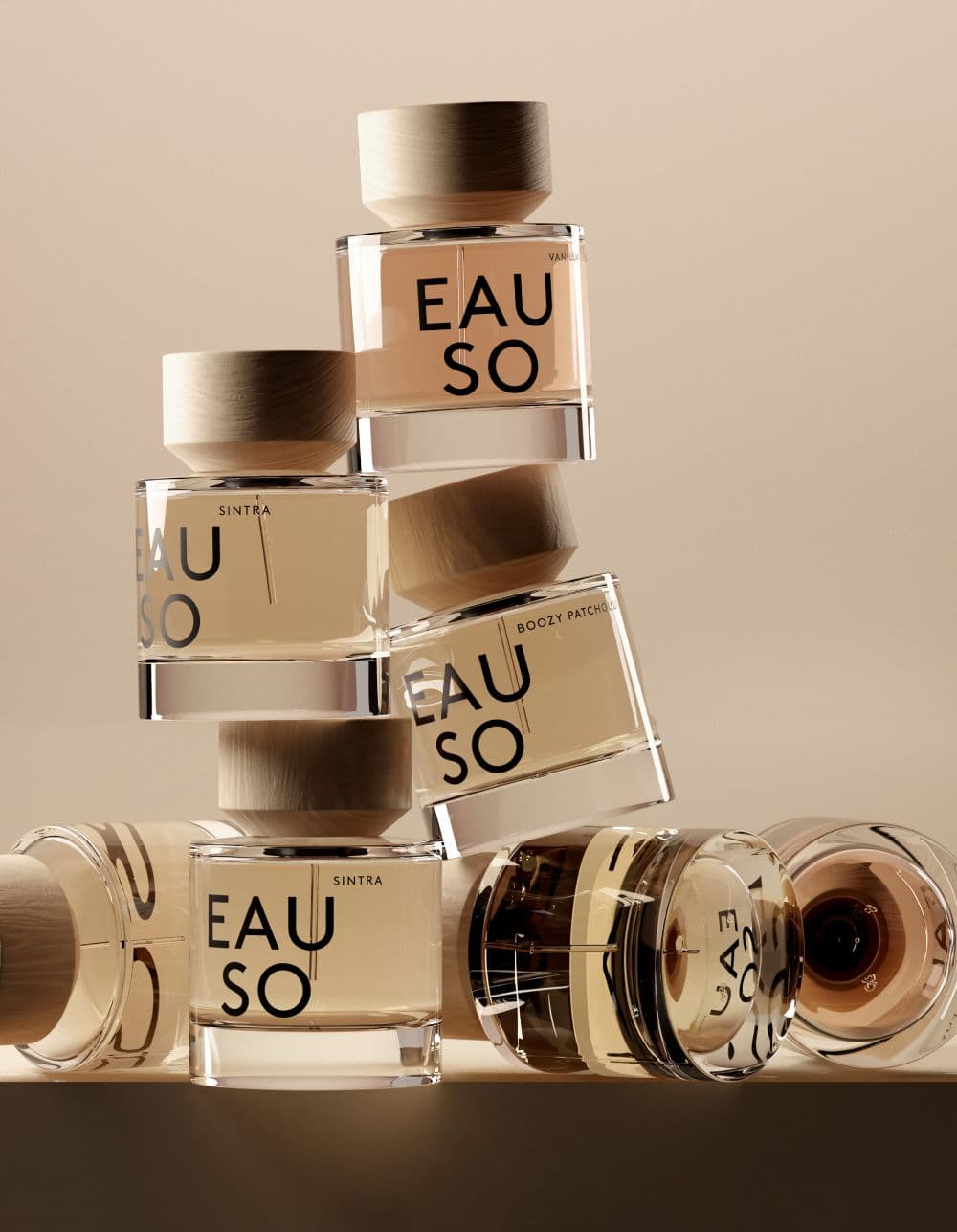
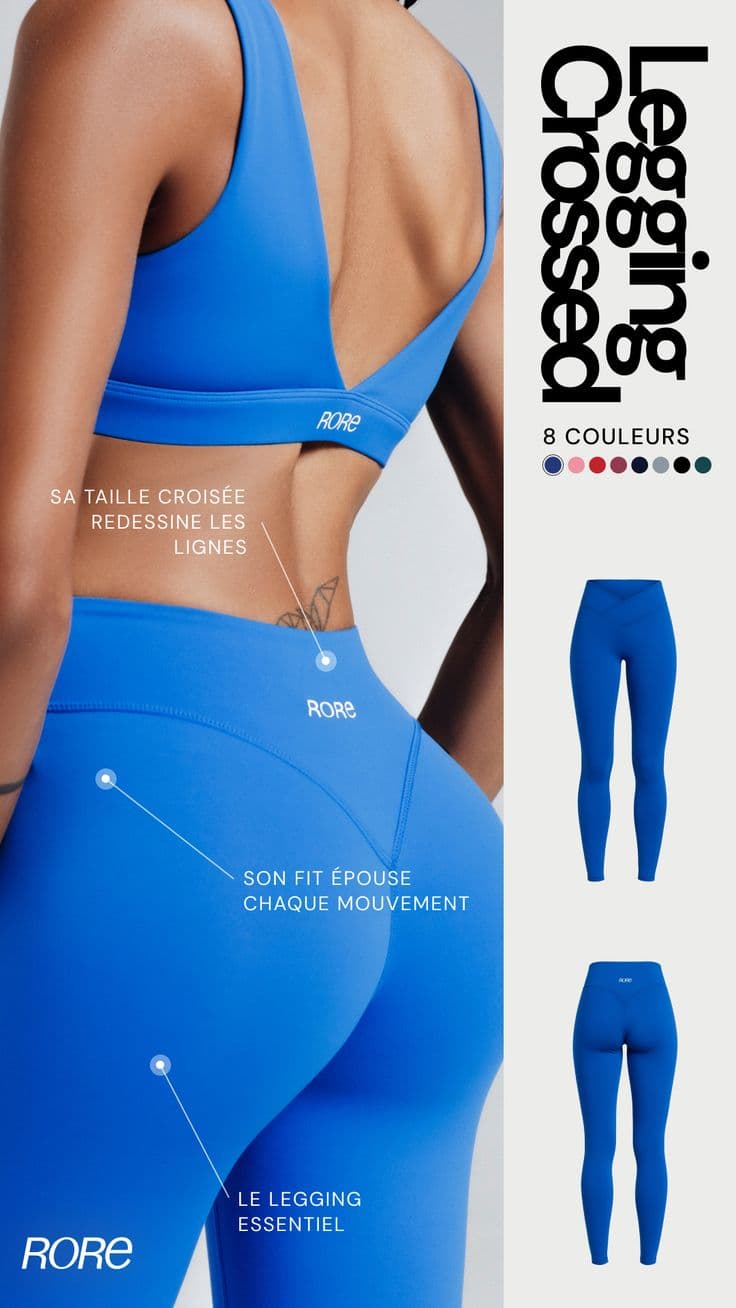
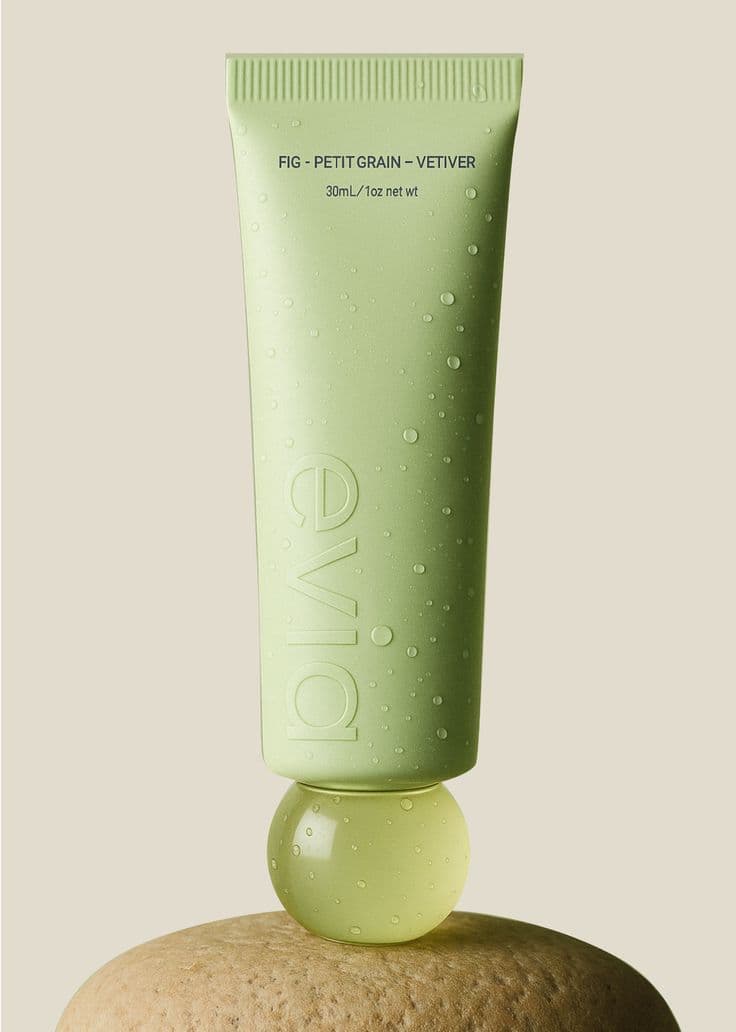
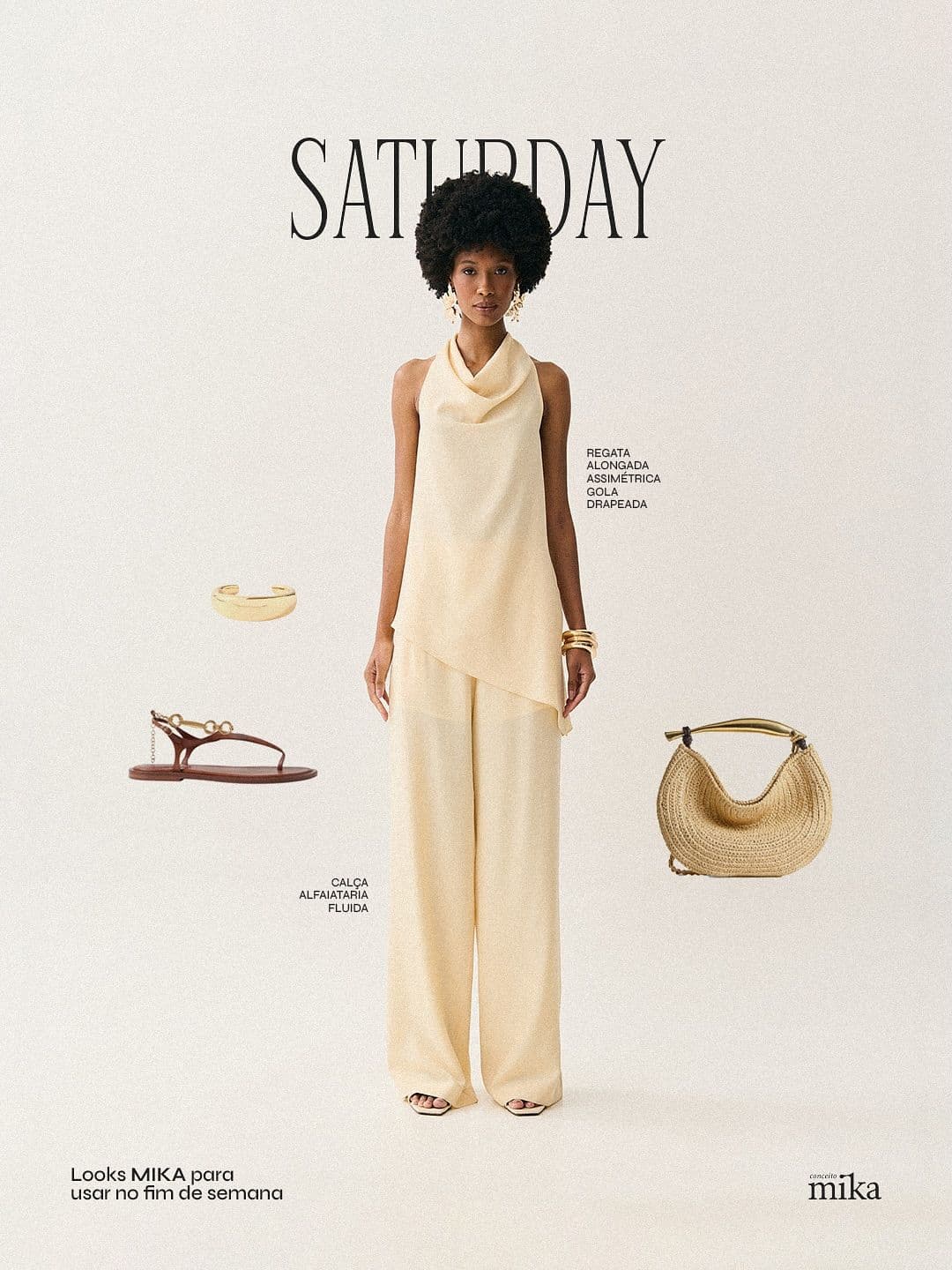
Every image below was generated in seconds. No photographer, no studio, no retouching.







Three steps to
studio-quality content
No design skills. No studio. Just your product, your brand, and a reference image.
Set up your Brand DNA
Paste your website URL and we auto-extract your colors, fonts, tone, and style in seconds. Or define it manually.
Pick your references
Upload inspiration images or import directly from Pinterest. AI analyzes the scene, lighting, and composition.
Generate & download
AI places your exact product into the reference scene. Download in any format, or create ad creatives in one click.
Hand Model cosmetics photography tips
Tips that apply specifically to cosmetics — and hand model fundamentals that hold across every niche.
Swatch across three skin tones minimum
A single skin-tone swatch fails to convert the buyer with a different complexion. Always run fair, medium, deep — three swatch sets per SKU.
Semi-smeared, not clean stripes
A swatch with a slight smear shows the pigment payoff and finish (matte, satin, shimmer). A clean stripe just shows color.
Match the skin tone to your core customer
Hand-model imagery is demographic signaling. A brand targeting a Black or South Asian customer shouldn't default to a pale hand because "it's what the reference shows." Snapsible lets you specify skin tone — use that deliberately. Brands that reflect their actual customer in hand imagery convert measurably better.
Use a relaxed hand pose, not a claw
The most common amateur mistake is a tense, straight-fingered grip that looks like the hand is gripping the product for dear life. Real hand poses are slightly curled, fingers at natural variation, wrist soft. Reference a relaxed grip, not a product-display grip.
Keep nails clean and neutral unless color is part of the story
A neutral or clear manicure removes visual noise and lets the product be the subject. Bright nail color should only appear when you want the nail to participate in the composition — on a ring shot with a complementary polish, or on a bold campaign. Otherwise it competes.
Watch your sleeve and background
A busy sleeve or patterned background destroys a hand shot. Neutral solid color, soft texture (linen, cream, stone), or clean studio white. The hand and product should always be the visual priority.
Shoot at slightly above hand-level, not straight on
A camera pointed dead at the palm flattens the hand and makes fingers look stubby. A slight downward angle (10–25 degrees) keeps the fingers visually extended and elegant. For ring shots, shoot slightly down the line of the finger.
Let the product be the sharpest thing in the frame
Shallow depth of field — hand softly in focus, product crisply in focus — is how editorial hand shots work. Too much depth of field and everything flattens. Snapsible handles this in generation when you specify "shallow focus" or "product-focused" in your reference.
More cosmetics photography styles
Try a different look for your cosmetics drops.
Start free. Scale when ready.
Every plan runs on credits — 5 credits per image. No hidden fees, no confusing tiers.
Try it out, no card needed.
- 50 credits / month
- 10 image generations
- 1 brand profile
- All 6 workflows
For solo creators and founders.
- 500 credits / month
- 100 image generations
- 5 brand profiles
- All 6 workflows
- No watermark
- Commercial license
For growing brands and agencies.
- 1,500 credits / month
- 300 image generations
- Unlimited brand profiles
- All 6 workflows
- No watermark
- Commercial license
- Priority queue
- API access
5 credits per image · All workflows same cost · Credits reset monthly, no rollover
Hand Model photography for other niches
See how hand model translates across product categories.
Hand Model cosmetics photography: FAQ
Your References +
Your Brand DNA
= Studio-Quality Content
No designers. No studios. No wasted hours. Just upload, generate, and publish.
Free plan available · No credit card required · Cancel anytime