AI product photographyfor Amazon FBA sellers
Generate Amazon-compliant main images, lifestyle shots, infographic backdrops, and A+ Content modules — all from a single product photo.
Your listing is one great image away from the buy box
On Amazon, images carry more weight than copy. The main image decides whether a shopper clicks in the search results. The secondary image stack decides whether they scroll to buy. A+ Content keeps them from bouncing to a competitor. Sponsored Brands and Storefront tiles need matching creative to keep ROAS sustainable. And Amazon's main-image rules — pure white background, 85% frame fill, no text or graphics — are non-negotiable, while the other six slots beg for lifestyle, infographics, and scale references. Snapsible is built for that stack. Upload your product, and the platform generates a compliant pure-white main image, infographic-ready lifestyle scenes, in-use shots, scale references, and clean backdrops for overlaying feature callouts — all preserving your exact product, packaging, and branding. A+ Content modules export at Amazon's recommended dimensions. Sponsored Brands lifestyle shots export at 1200x628 and 1200x1200. You stop paying a studio $800 per listing and start refreshing imagery the same week you restock inventory.
What for Amazon FBA sellers actually struggle with
Before we talk about how Snapsible helps, the honest pain list.
Amazon's main-image rules are strict and reshoots are slow
85% frame fill, pure white (#FFFFFF) background, no props, no text. Most phone-shot or studio-shot main images get flagged. Reshoots cost $200-$500 and take a week — while your listing sits suppressed.
Secondary image slots 2-7 are under-used
You've got one main and maybe one lifestyle. The infographic slot is empty, the scale reference is missing, the in-use shot never happened. Conversion leaks because shoppers can't visualize the product.
A+ Content needs banner-sized, on-brand modules
Amazon's A+ modules need 970x300, 1464x600, and 300x300 images. Producing a cohesive brand story across modules means coordinating a whole shoot. Most FBA sellers skip it or hire a freelancer per refresh.
Sponsored Brands and Storefront need fresh creative
Your Sponsored Brands lifestyle hero can't match your PDP photos if you never shot lifestyle. Storefront tiles look empty. ROAS suffers when the same old assets get recycled across every campaign.
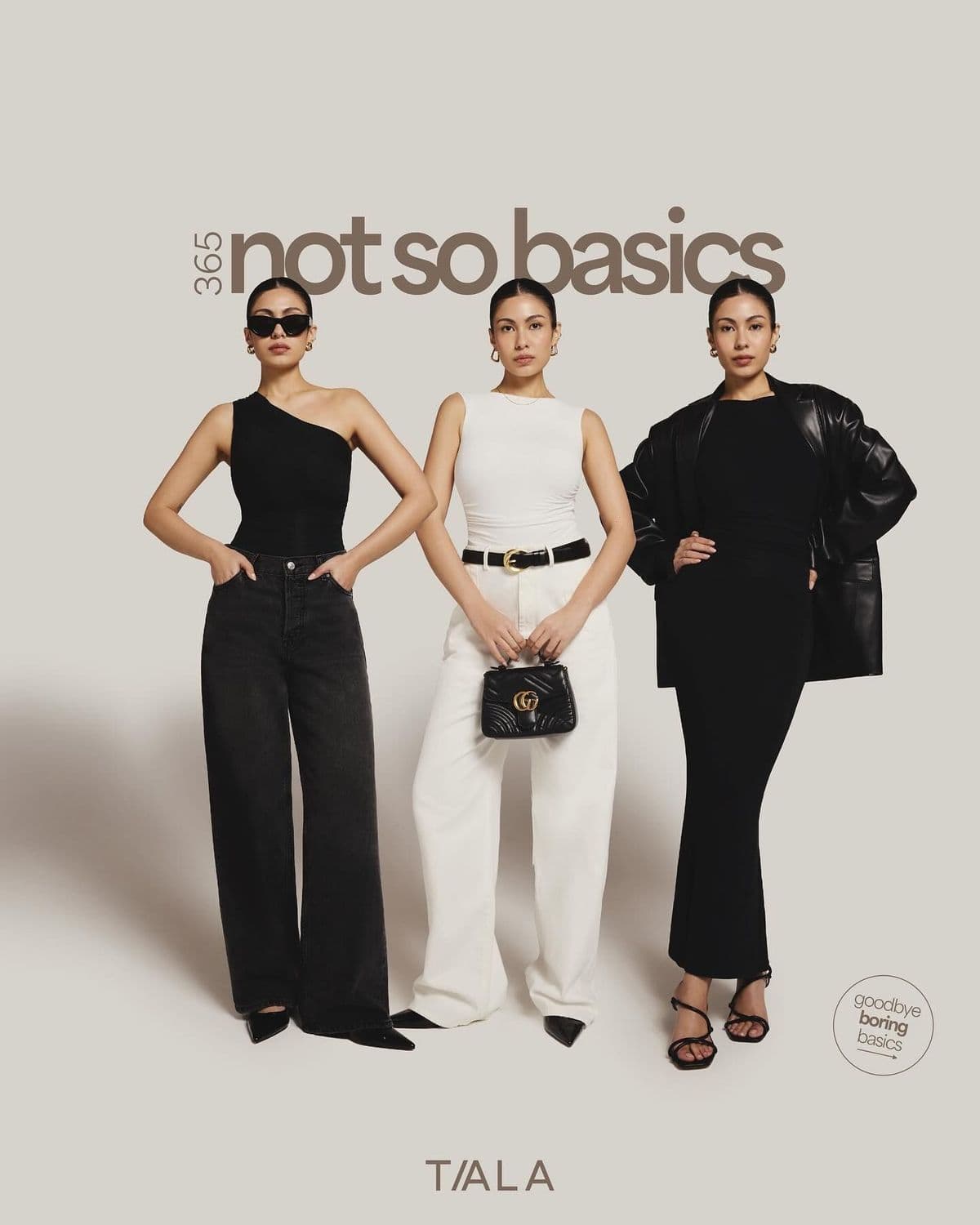
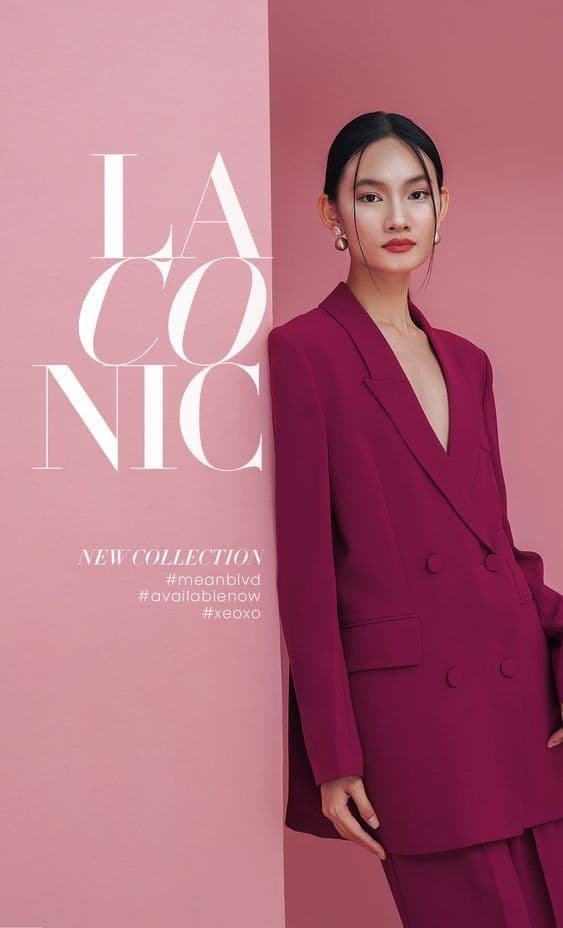
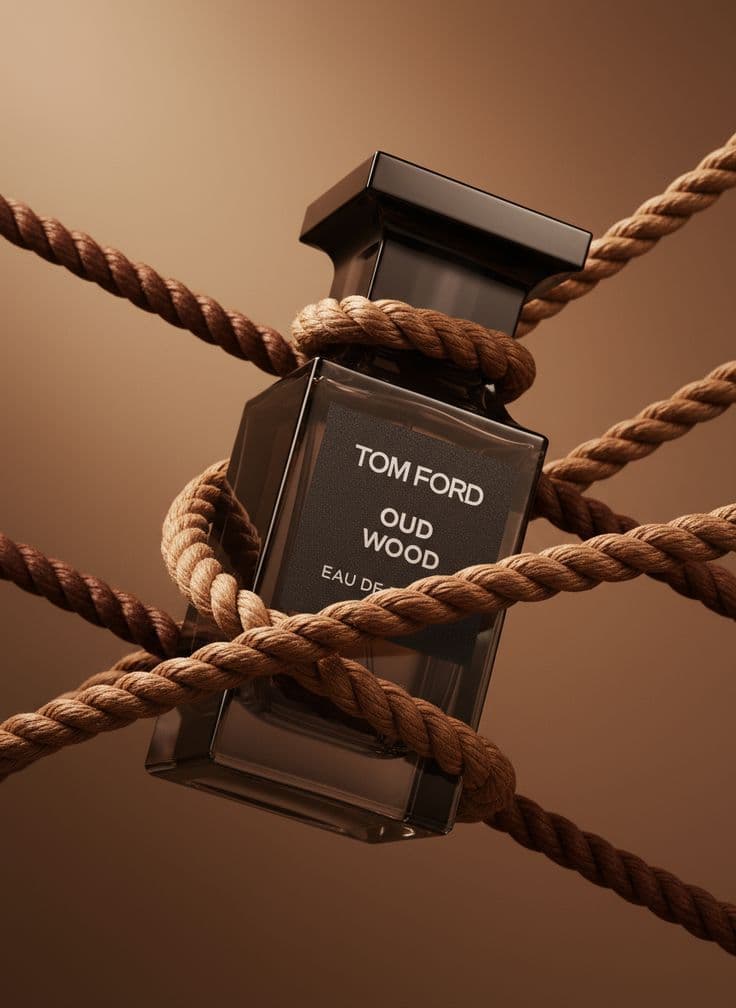
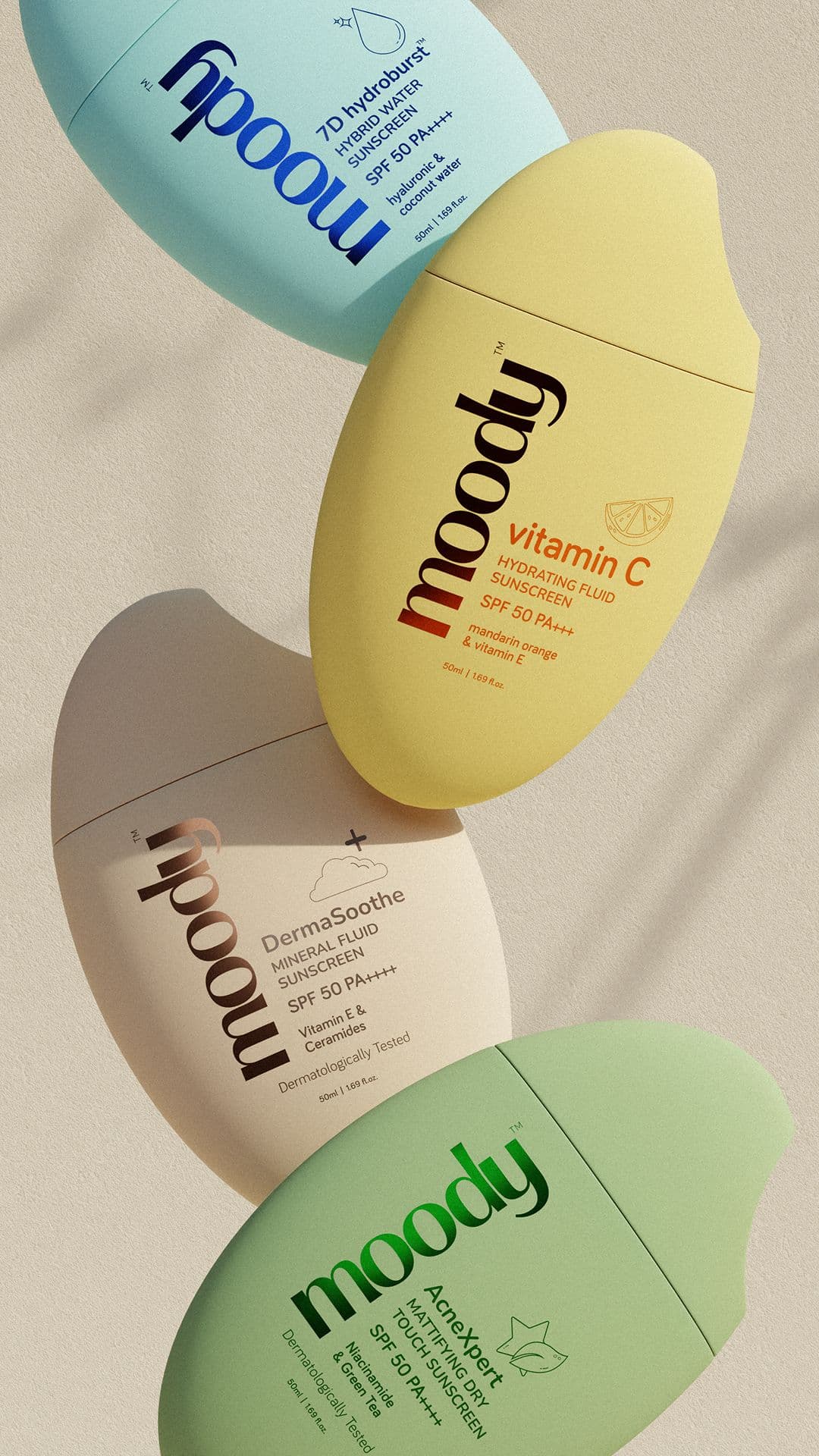
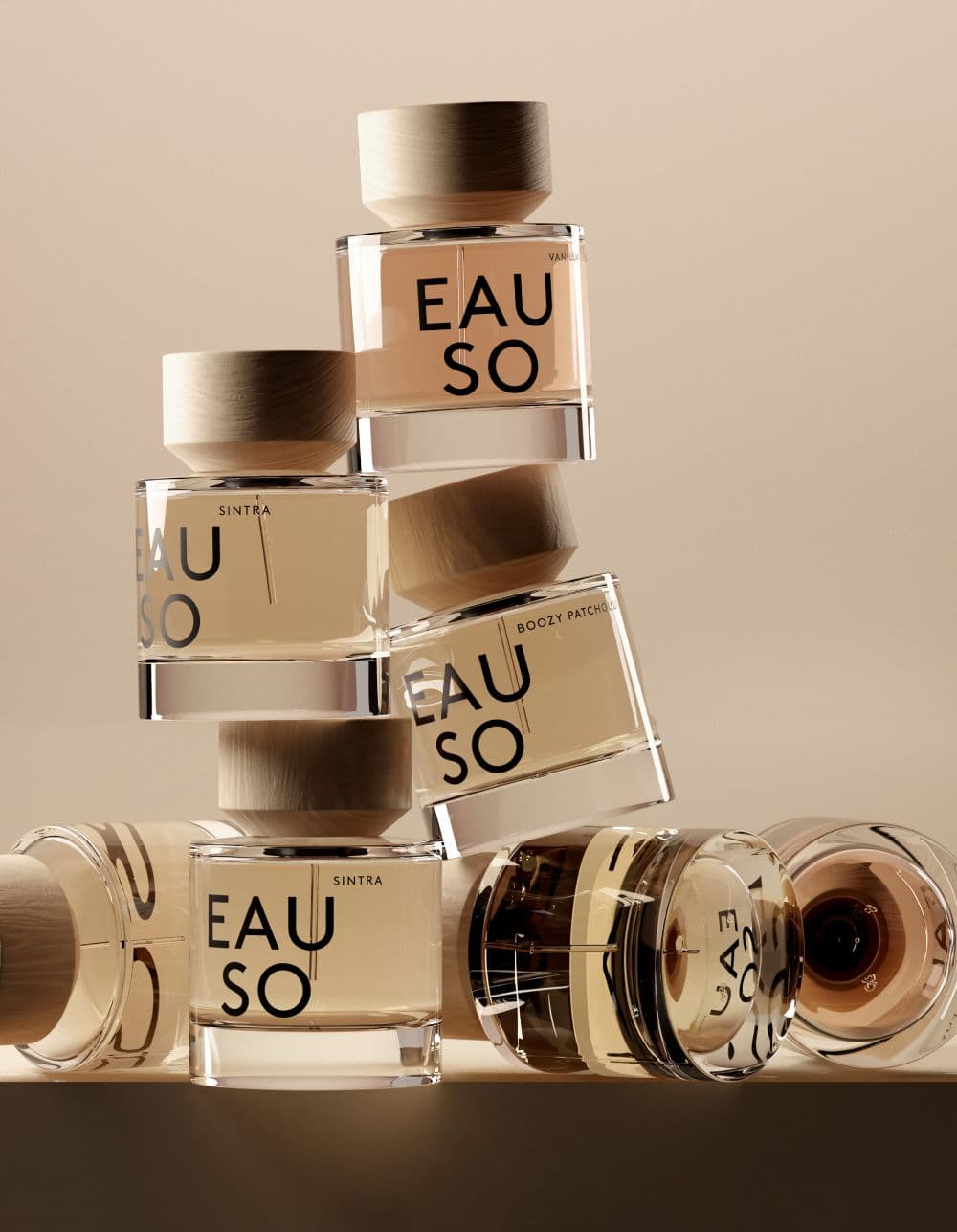
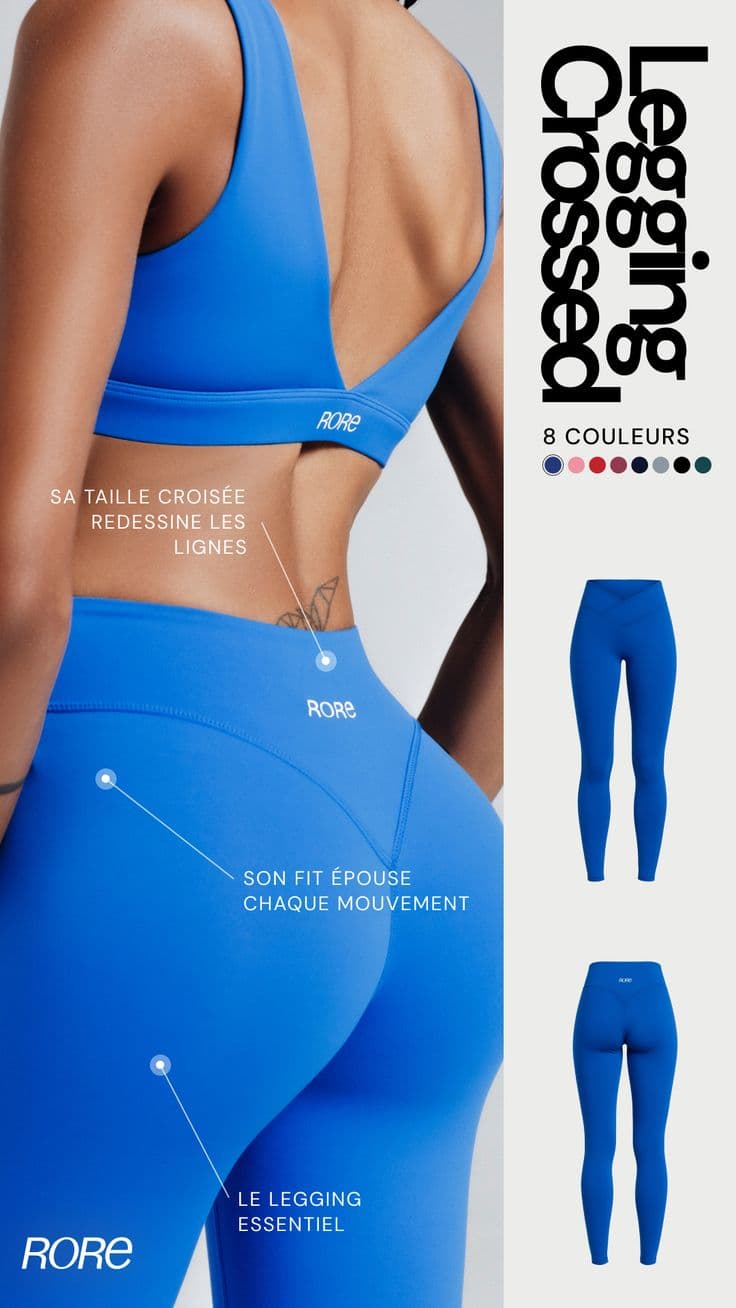
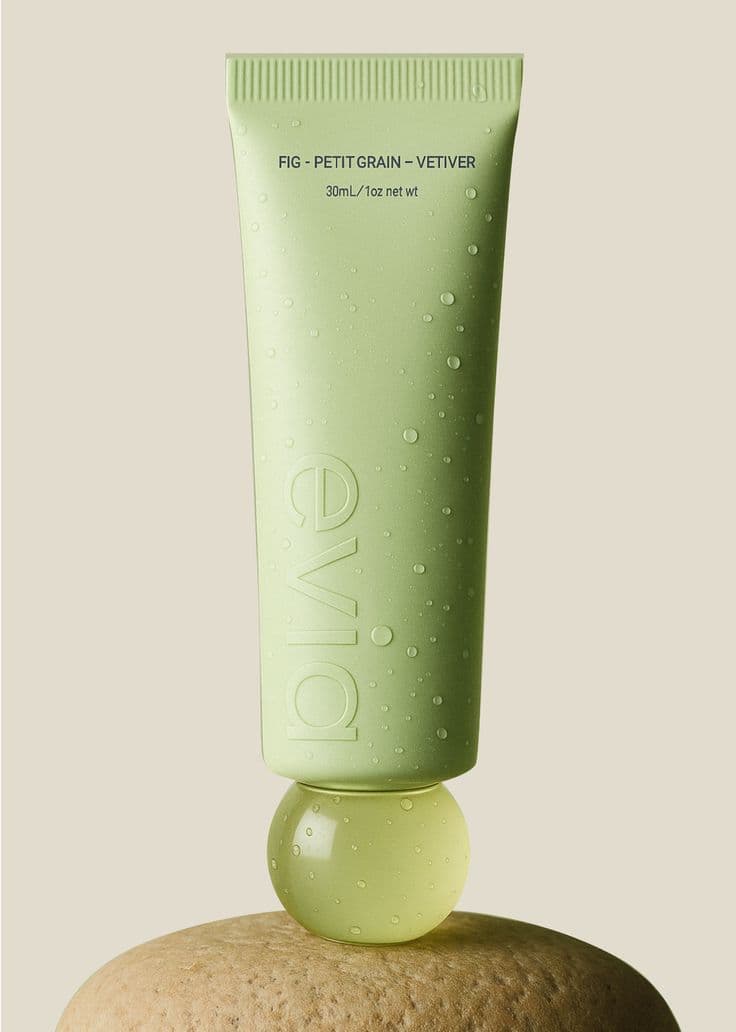
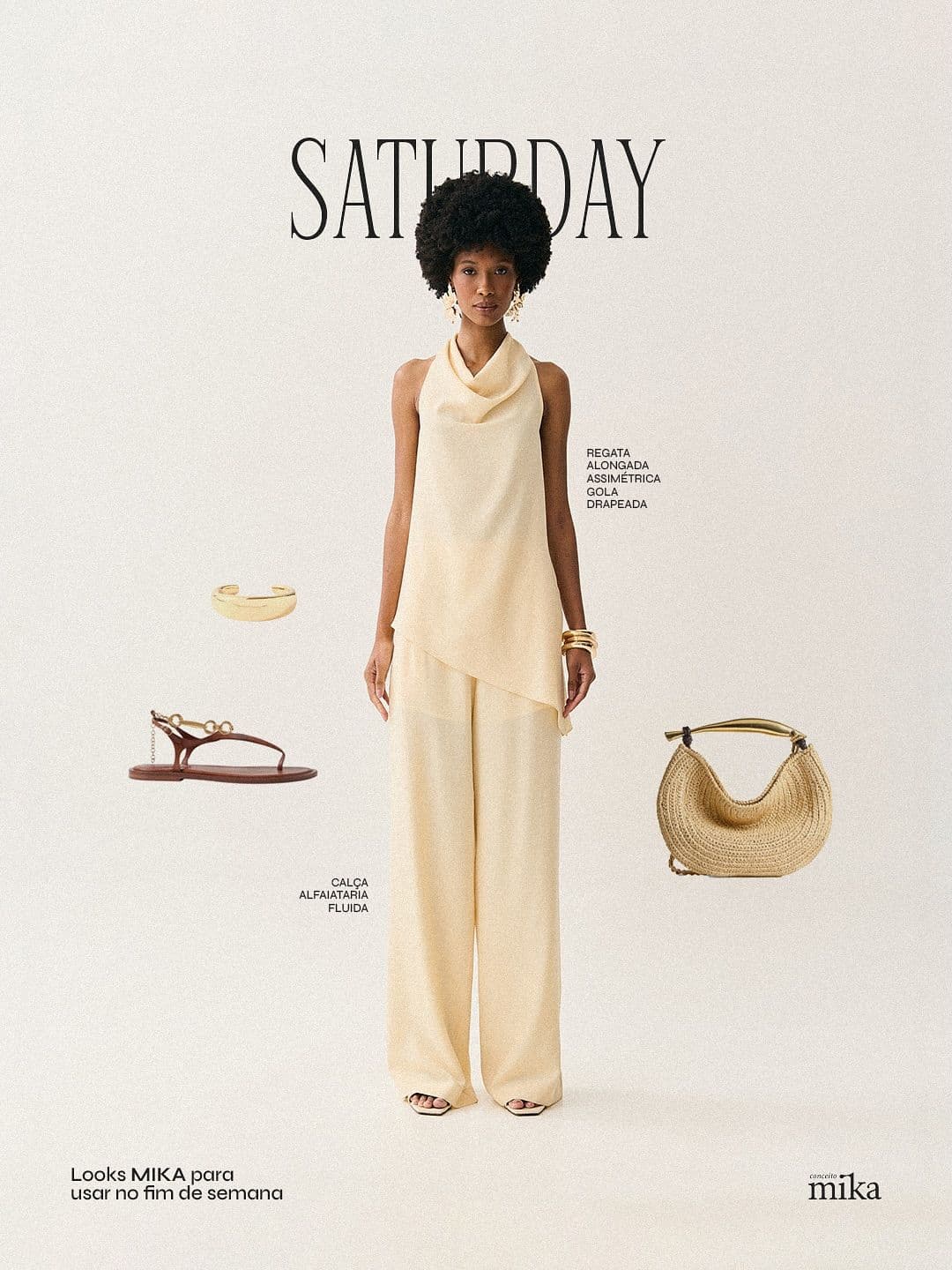
AI-generated. Studio quality.
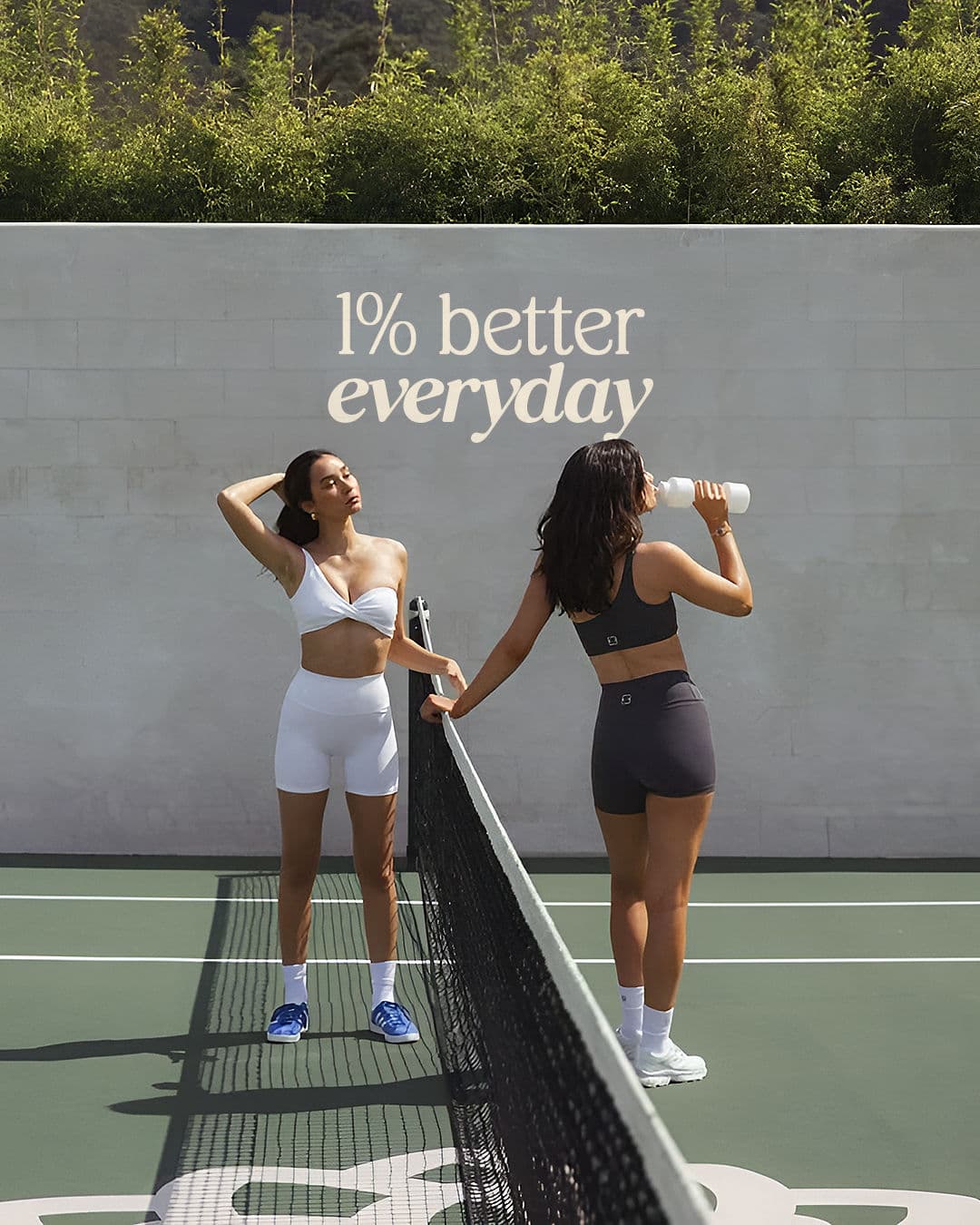
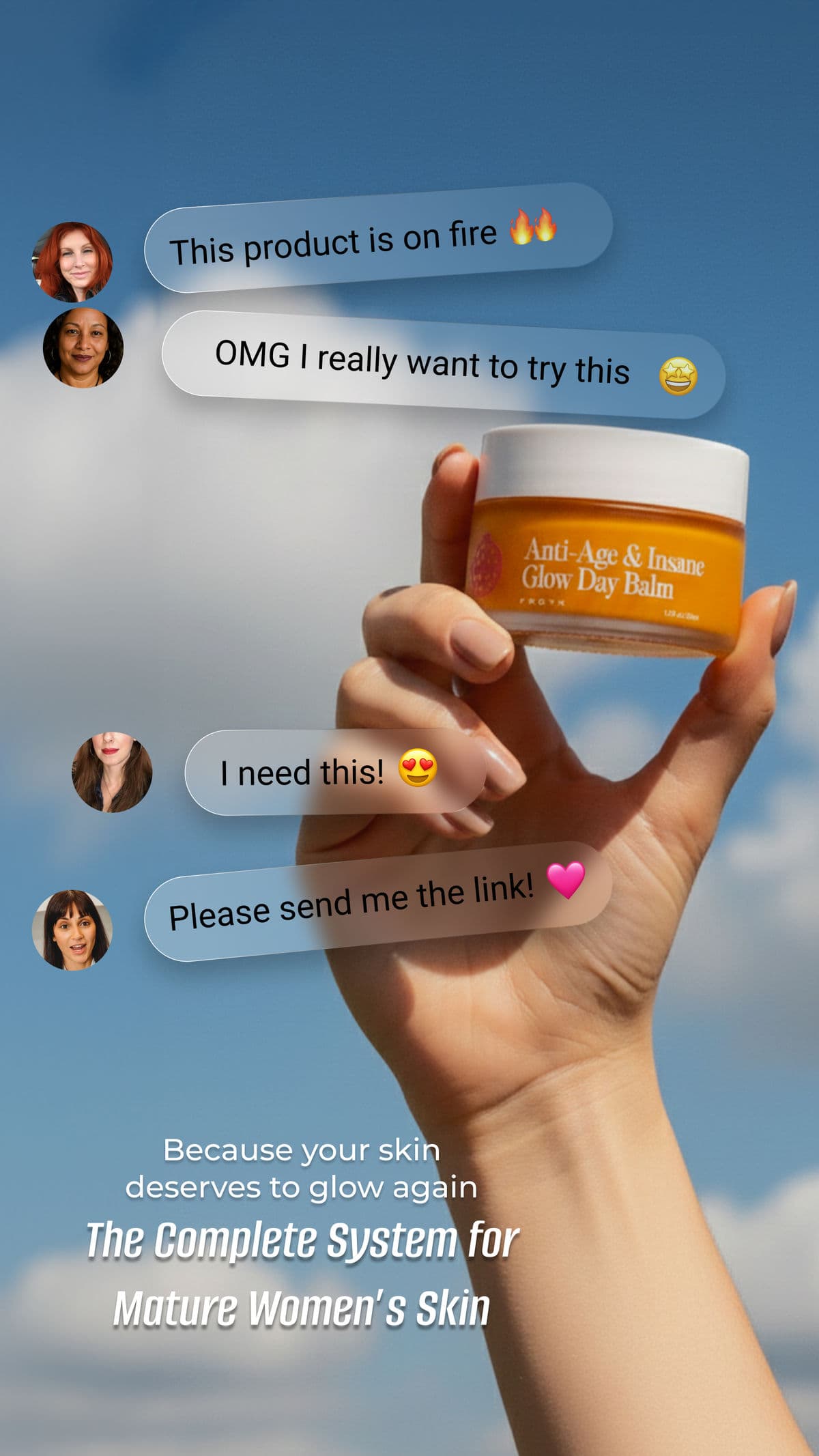
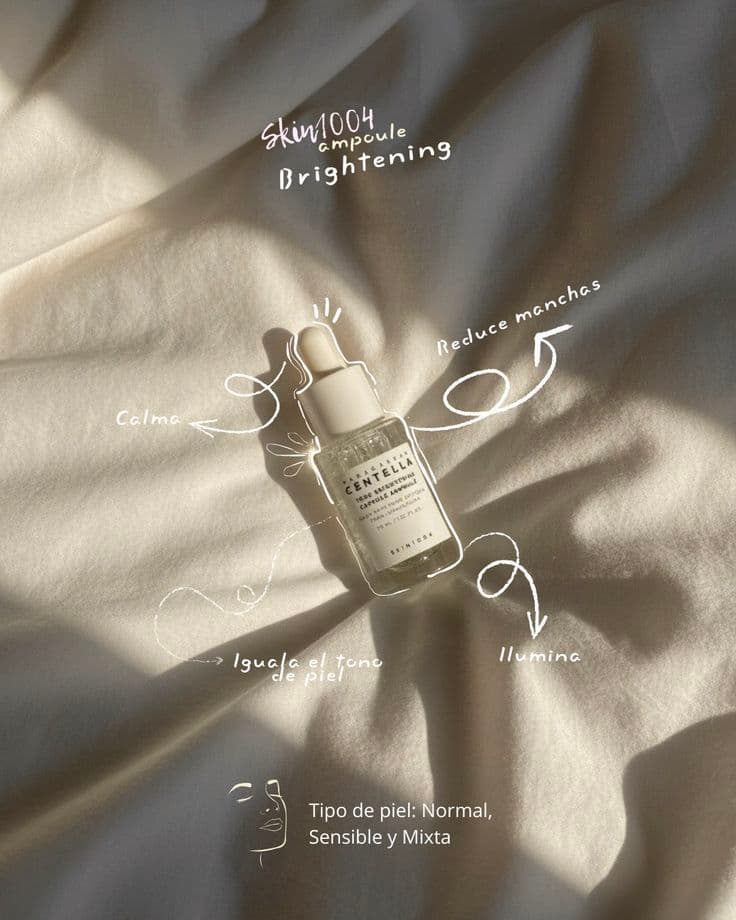
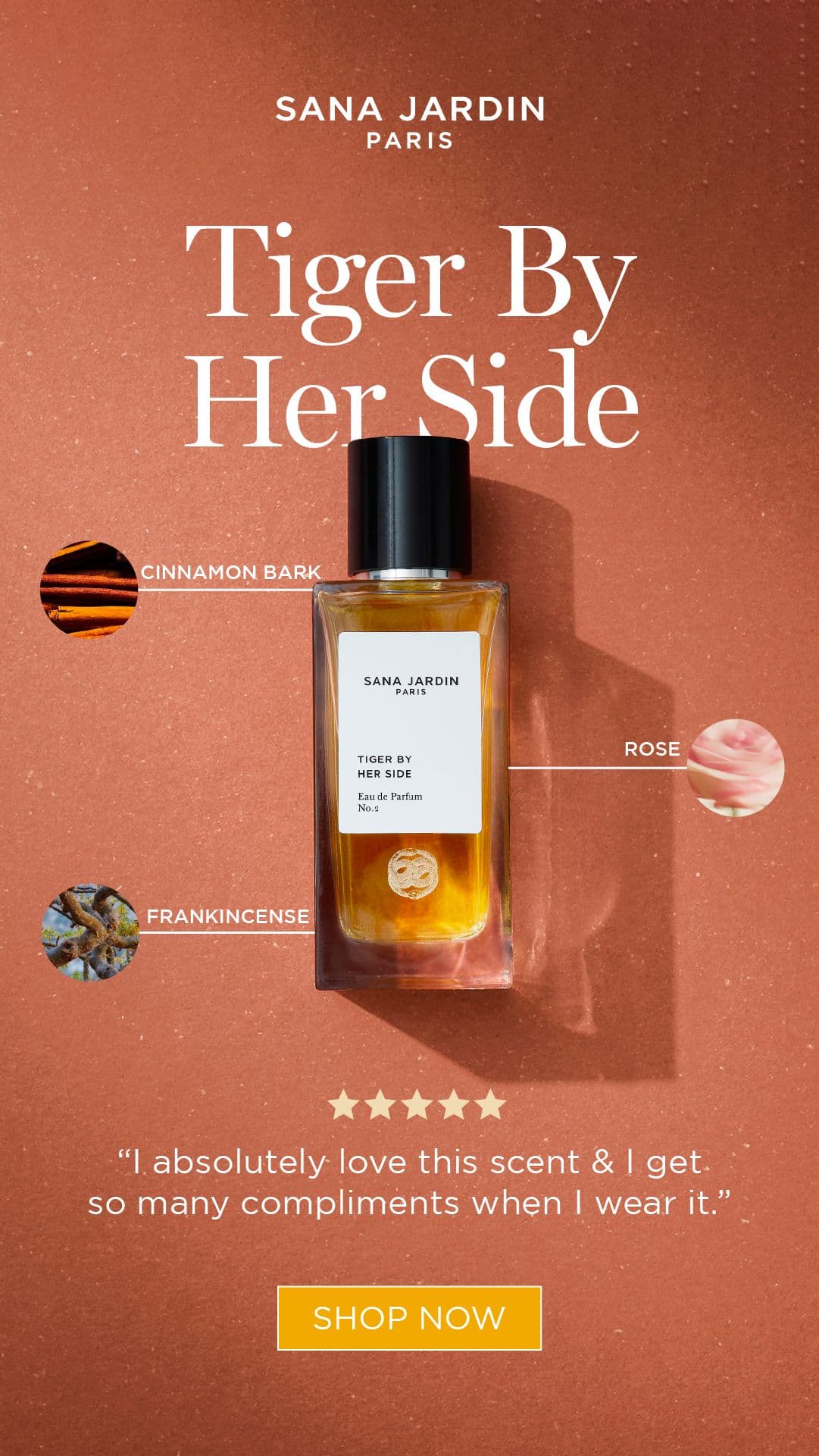
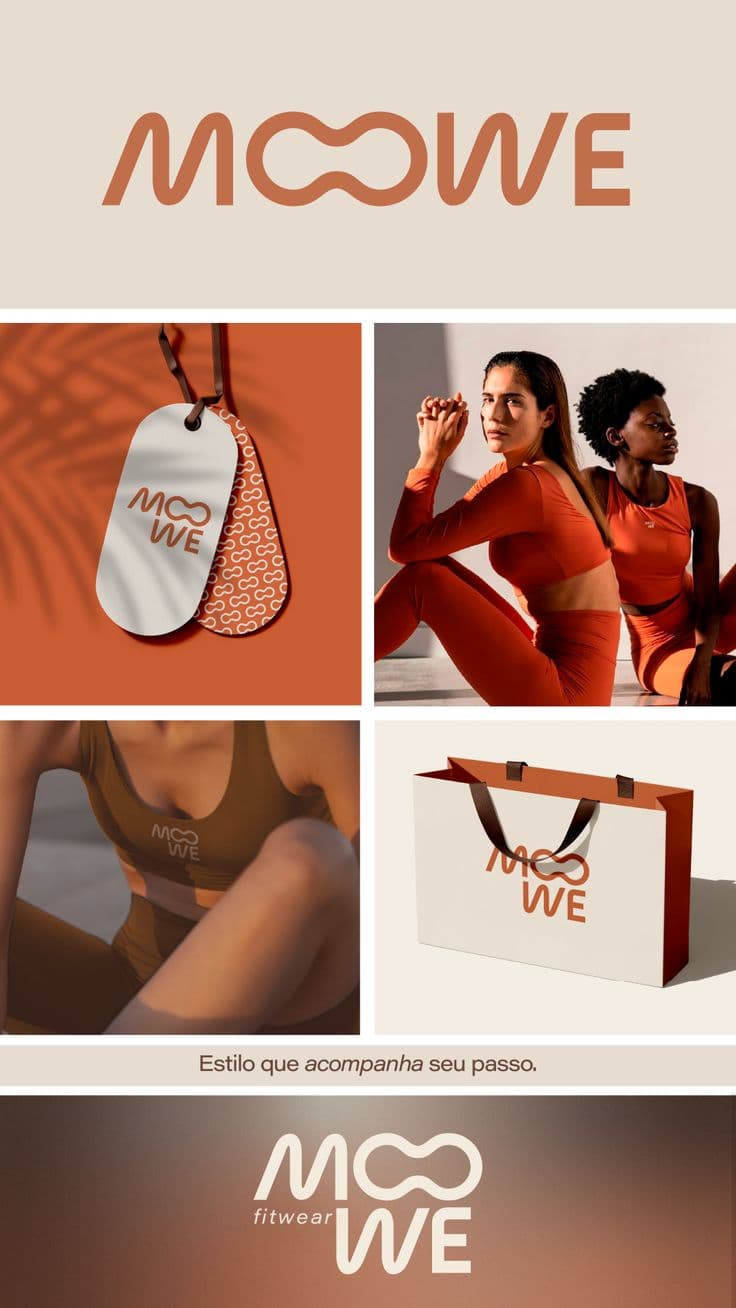
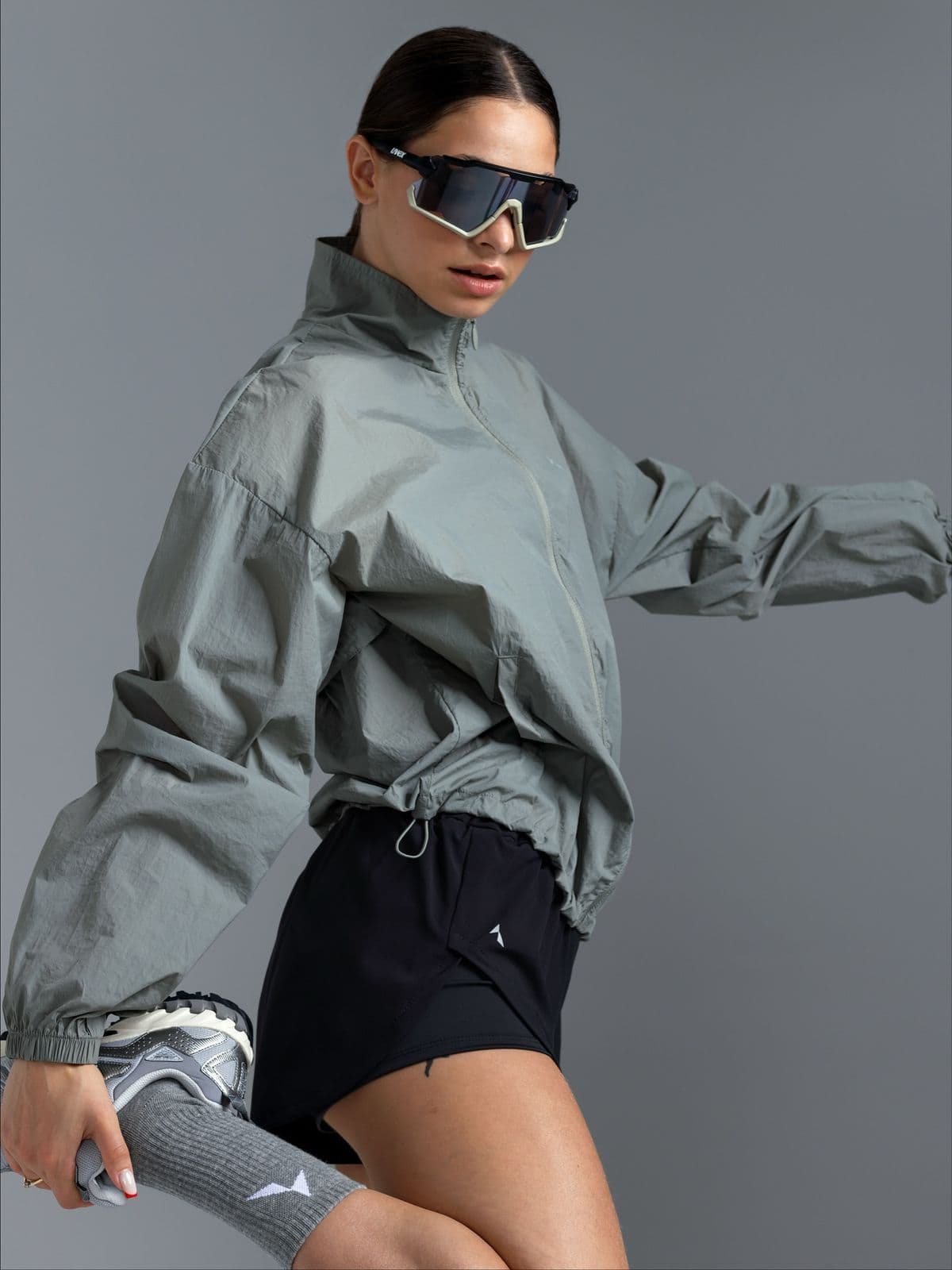
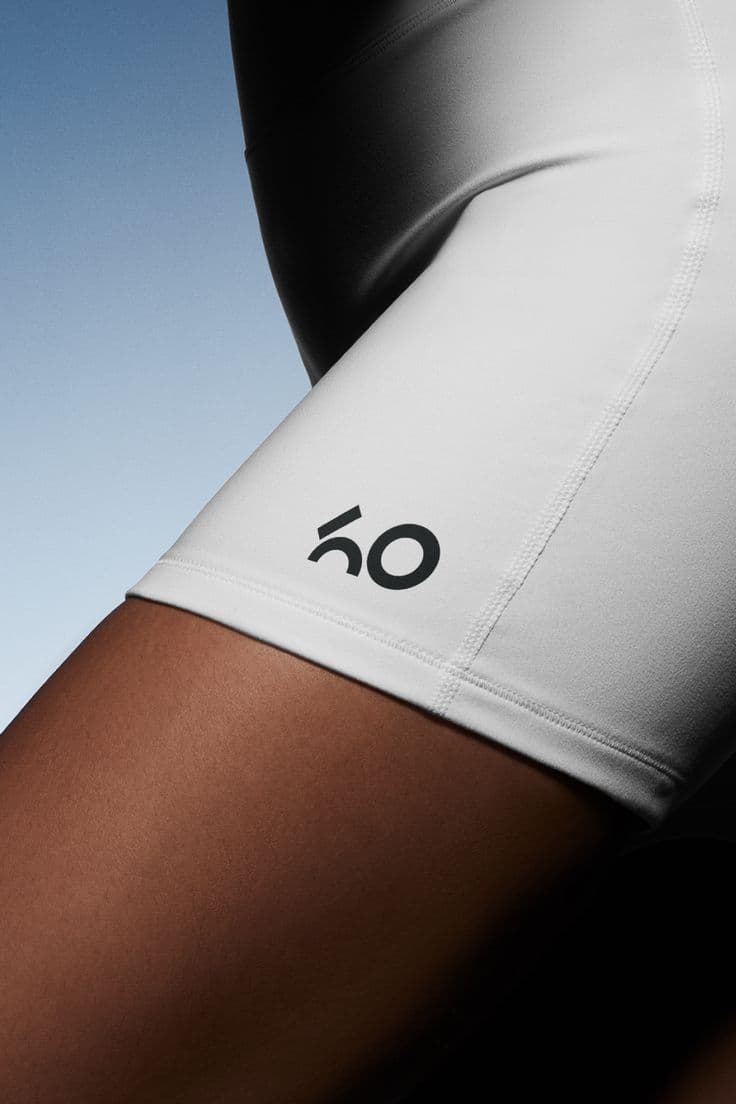
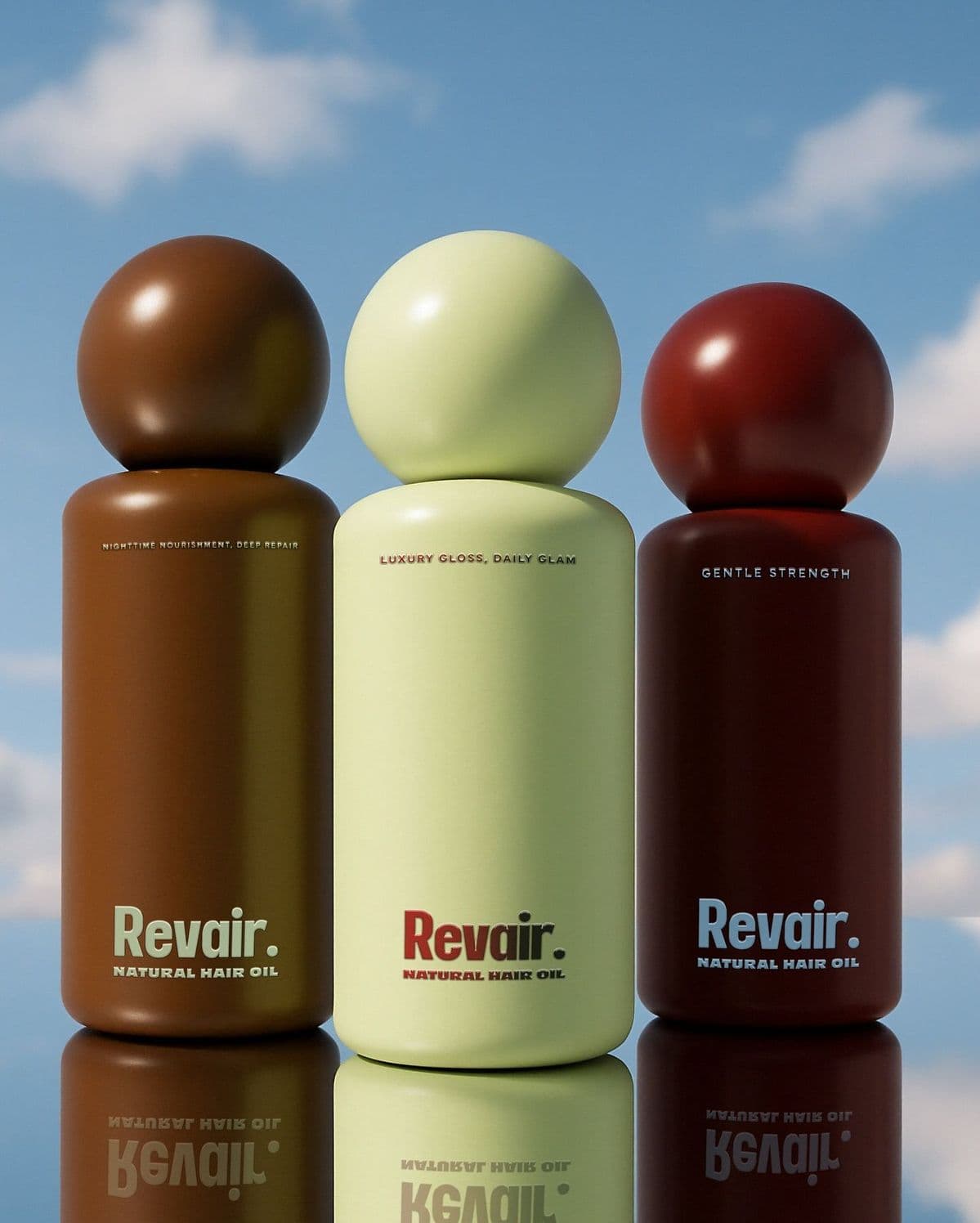
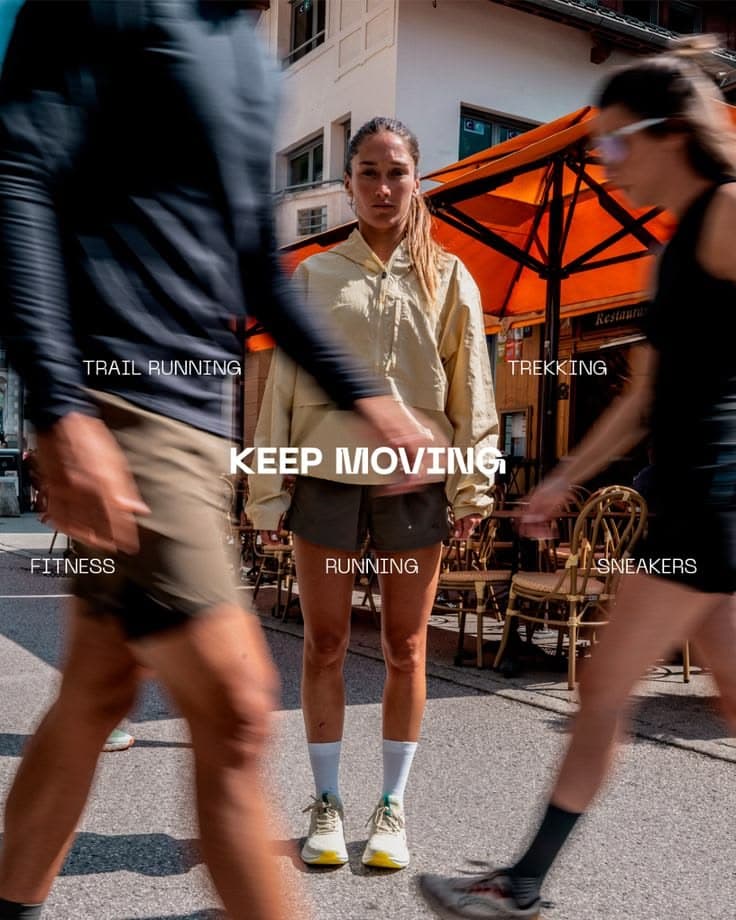
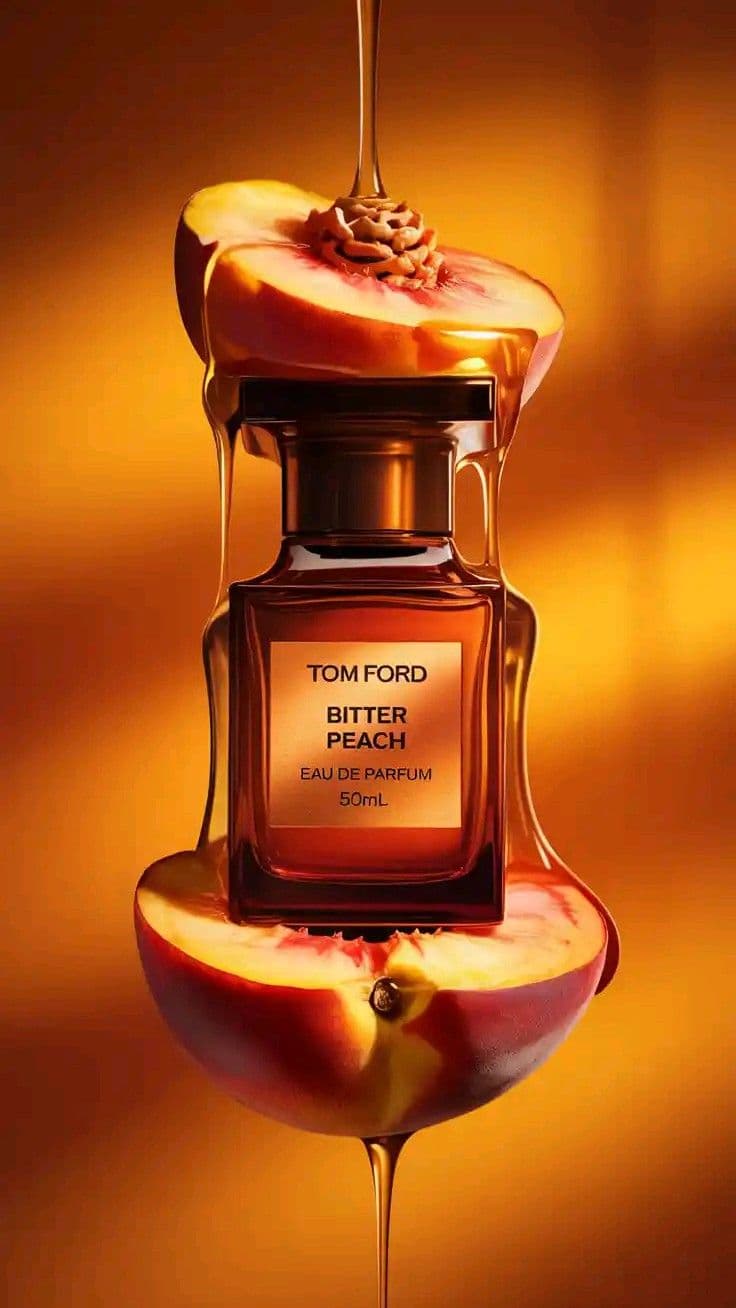
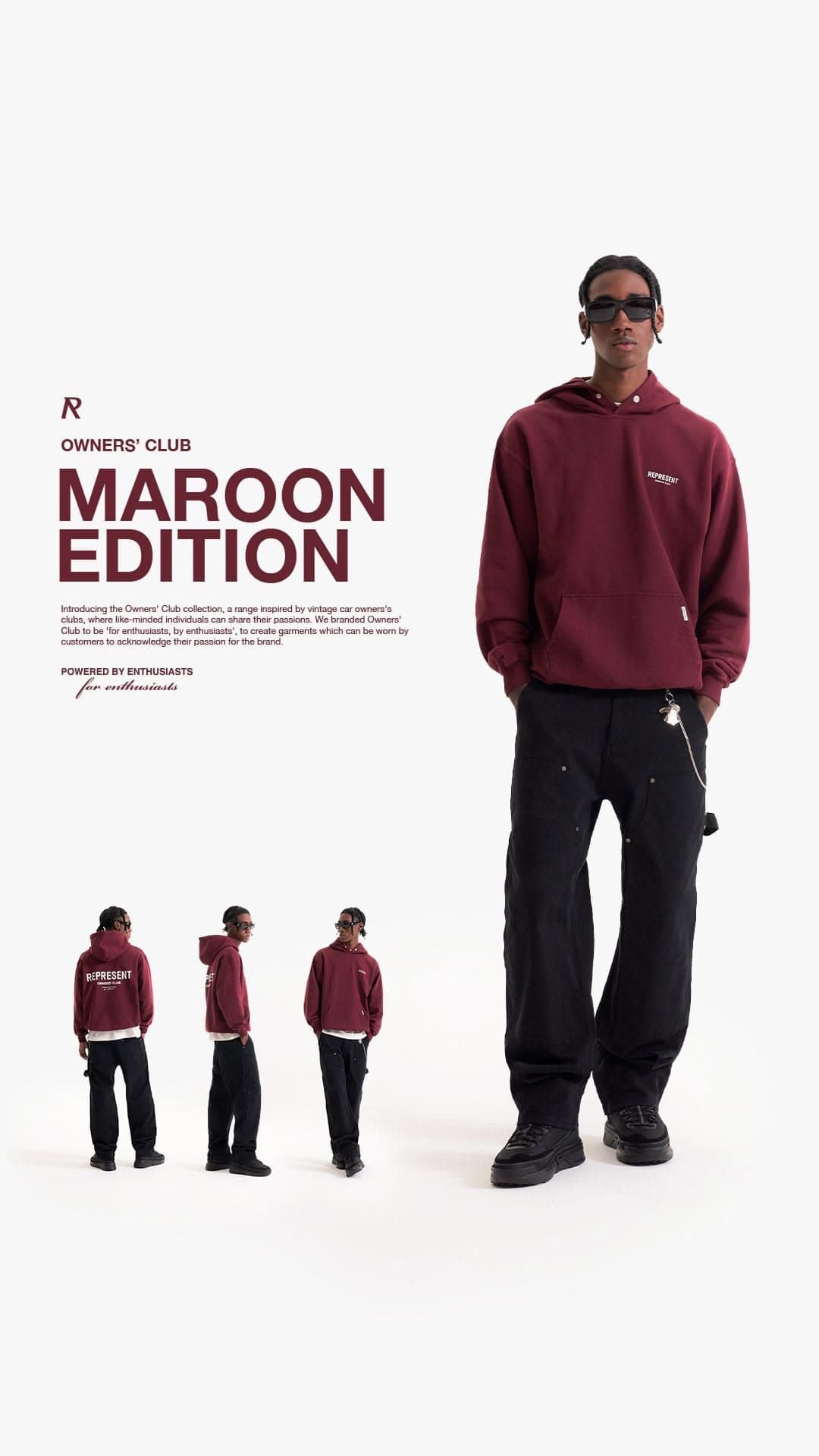
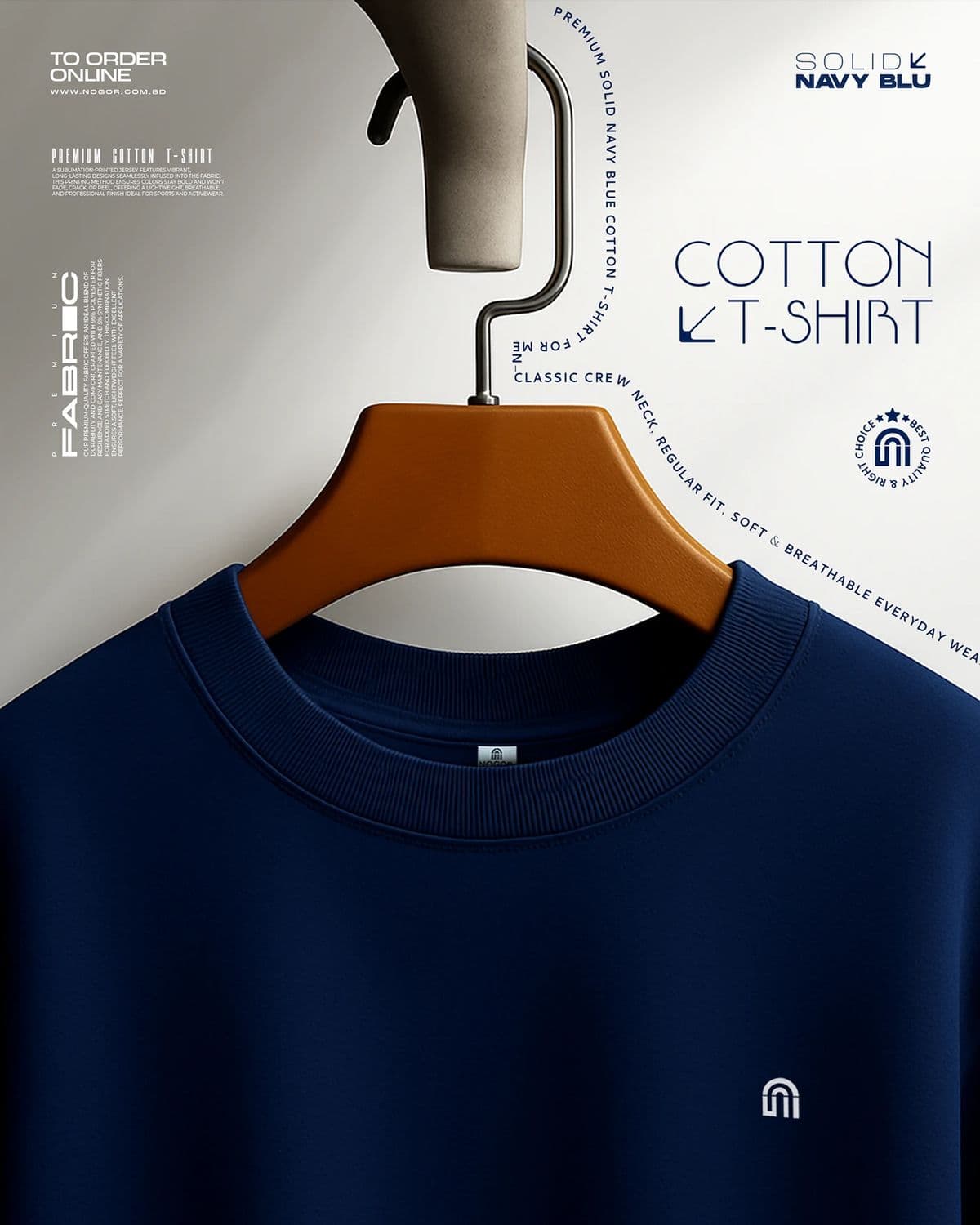
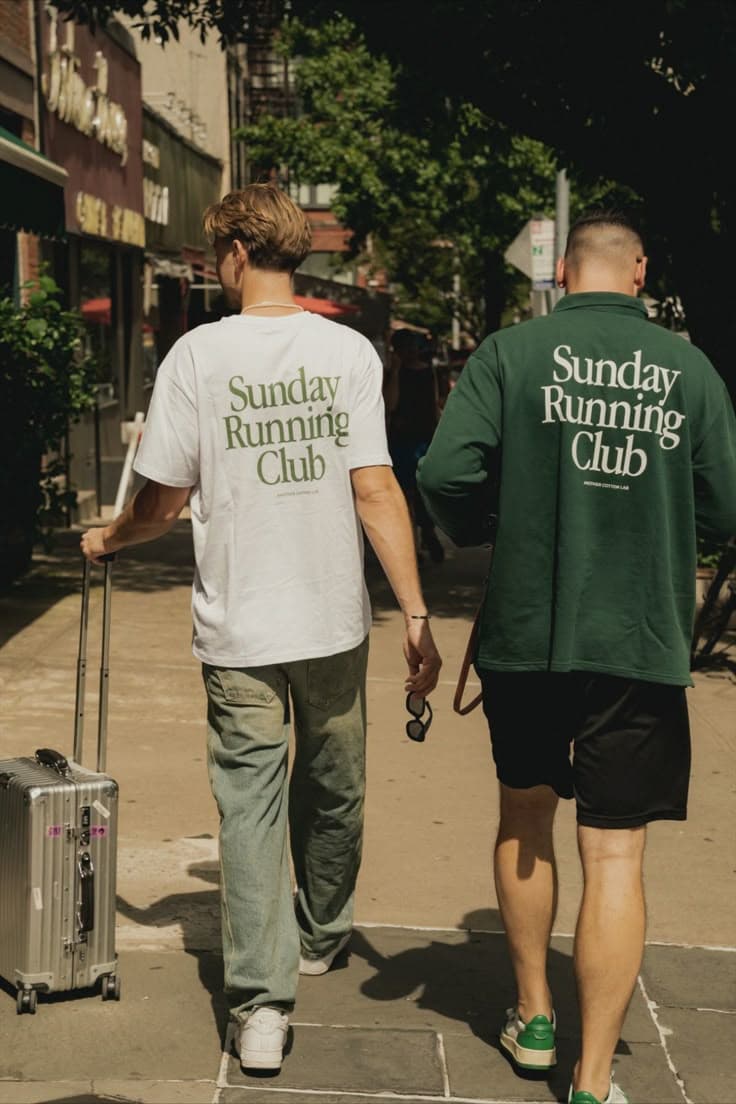
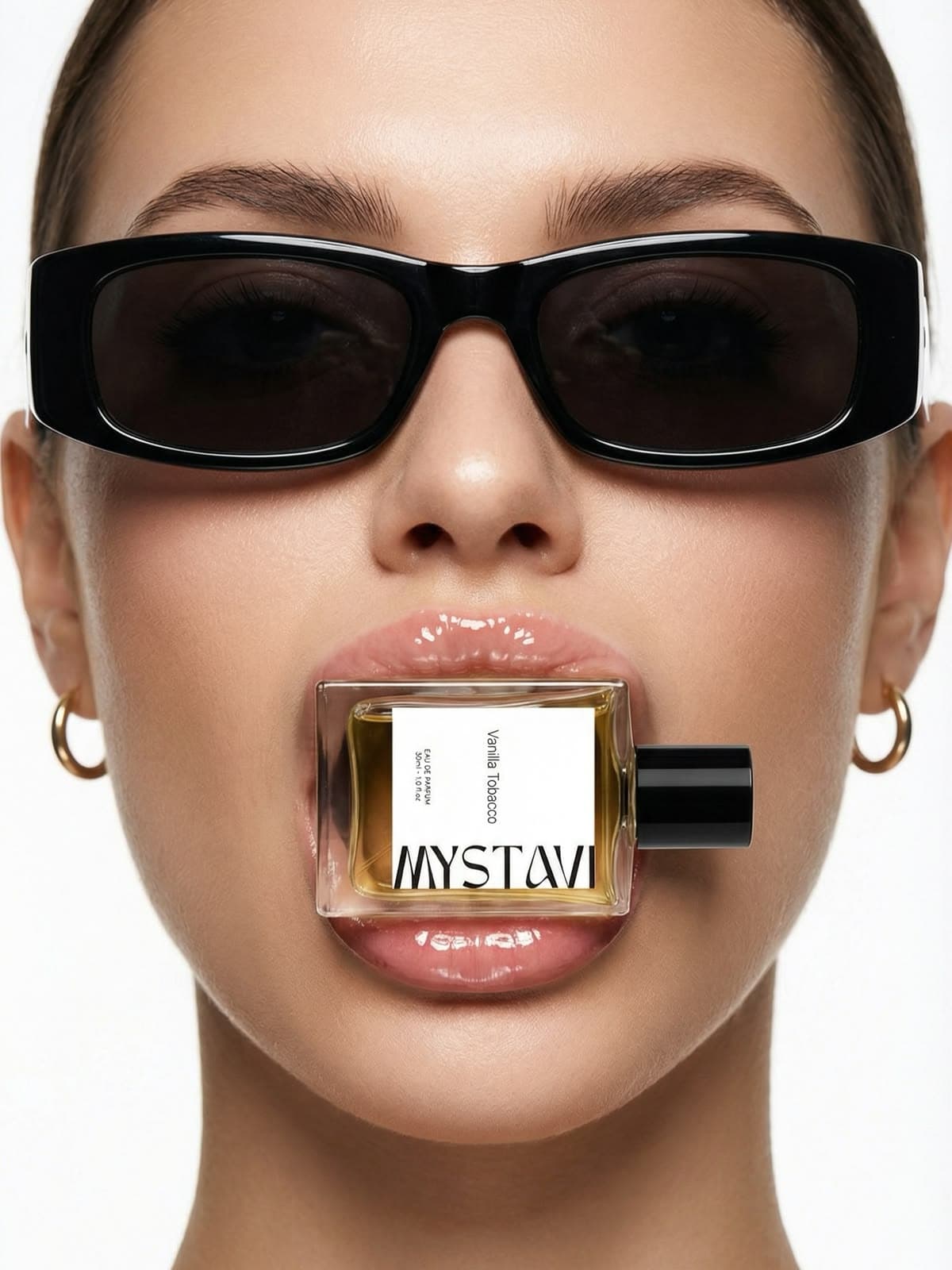
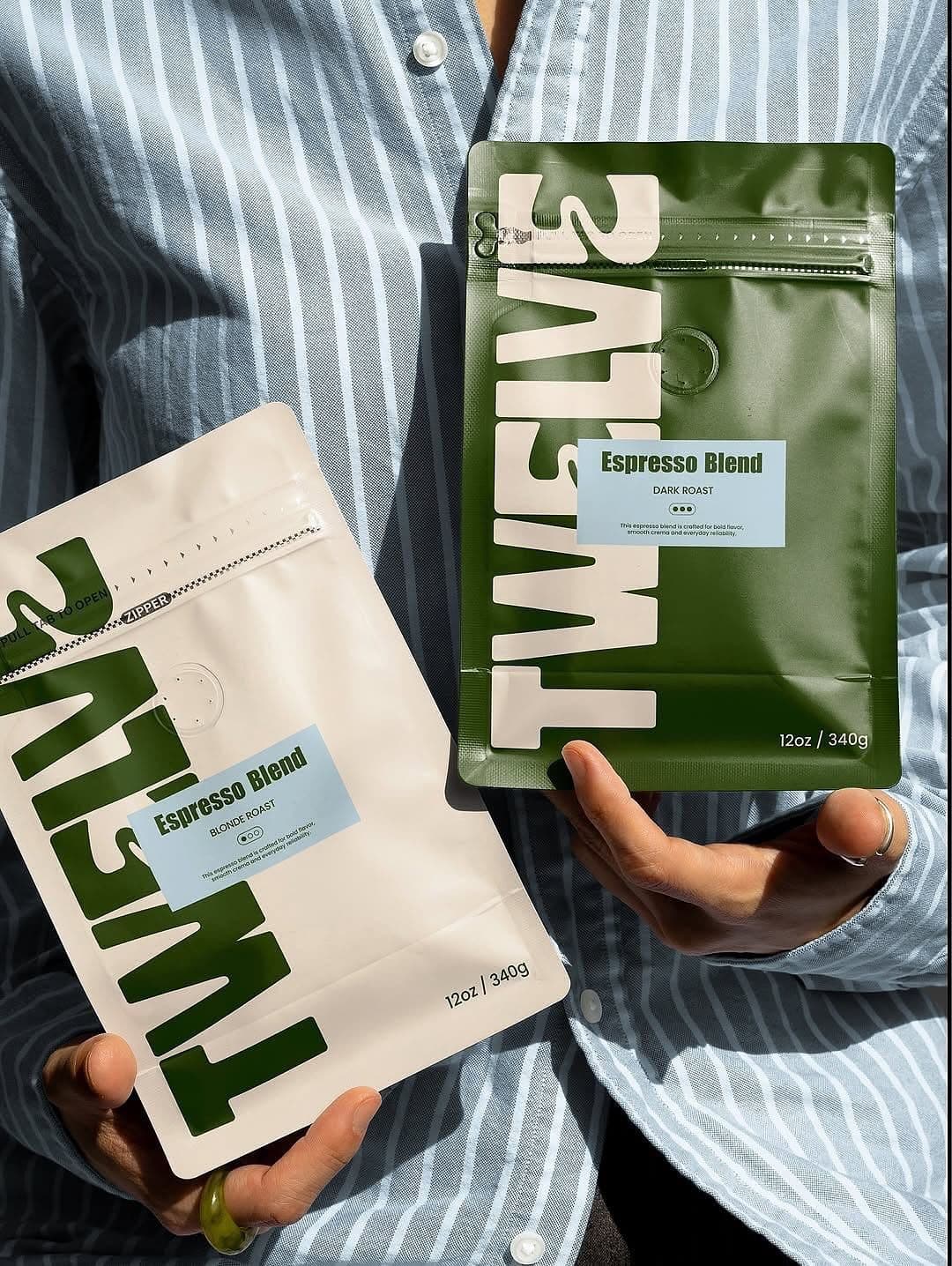
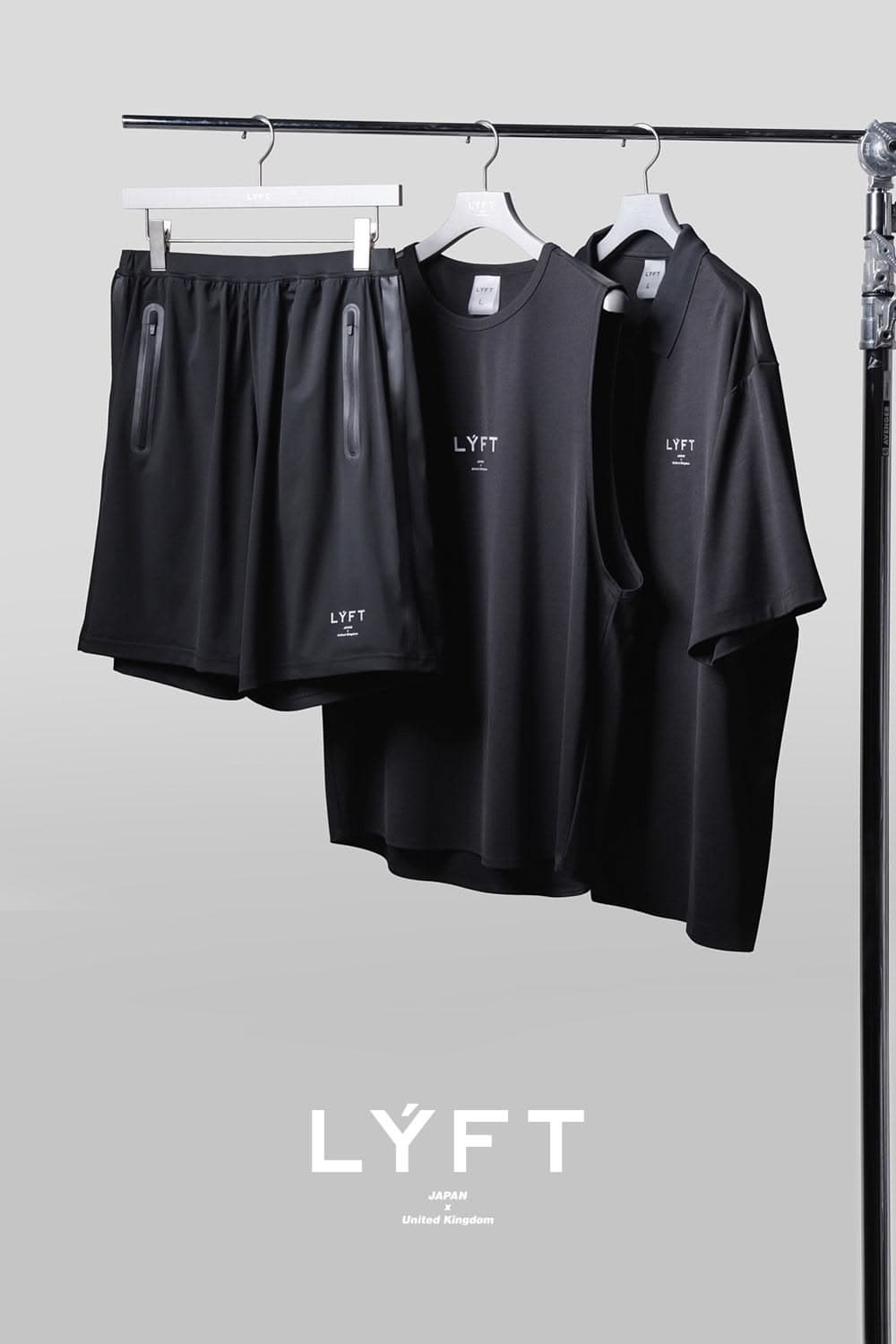
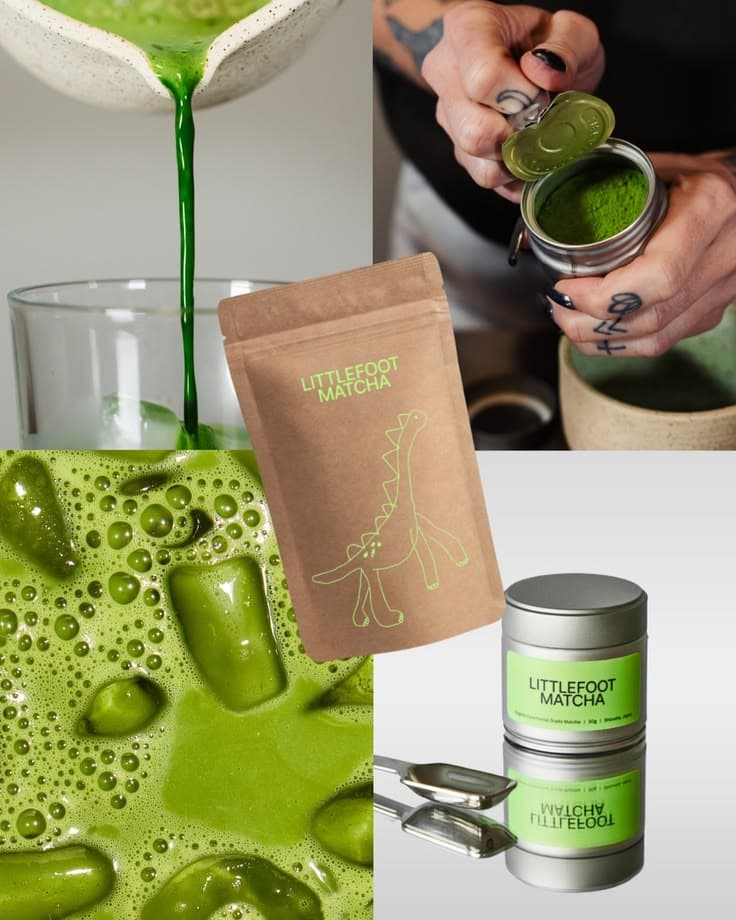
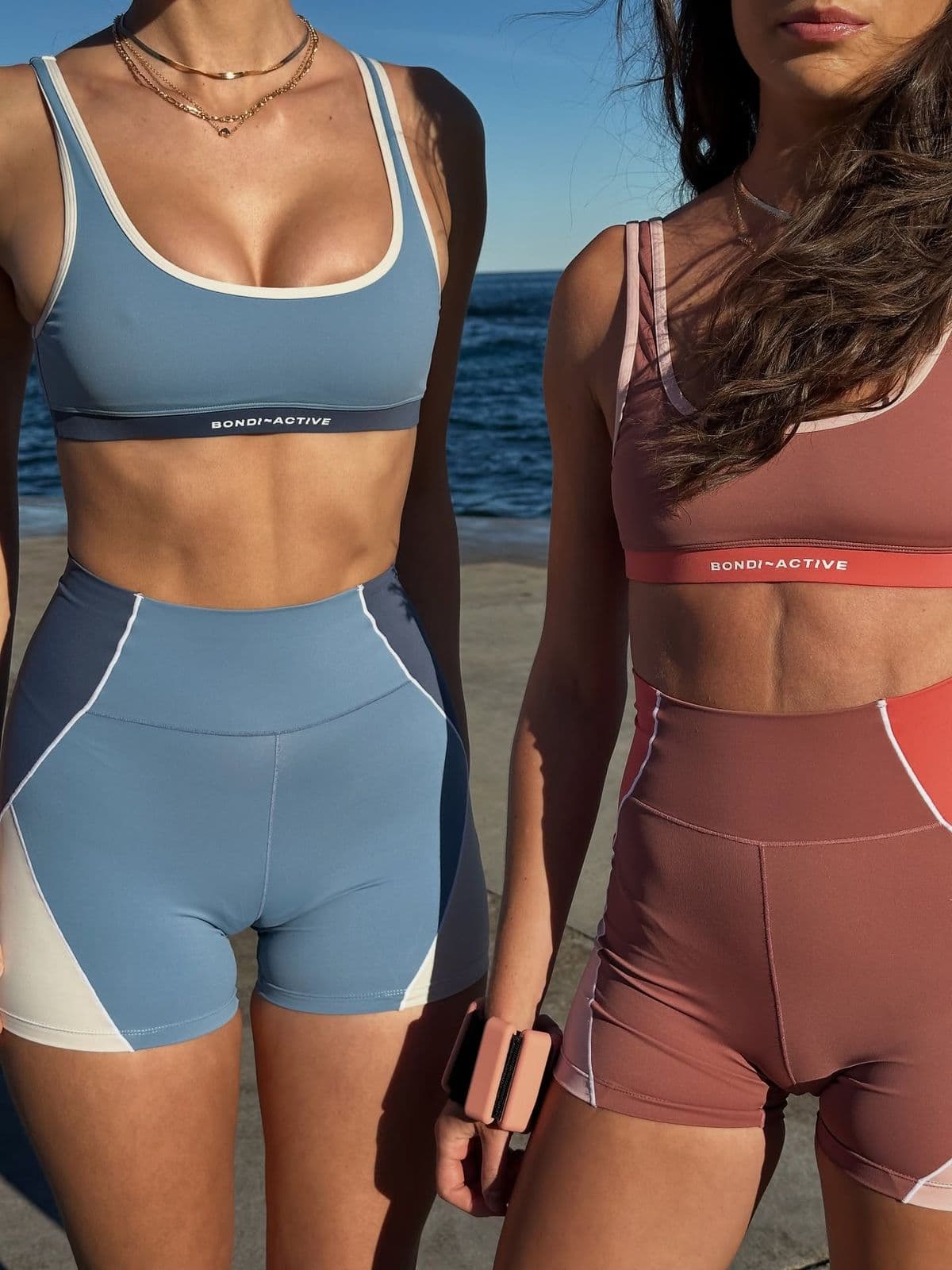
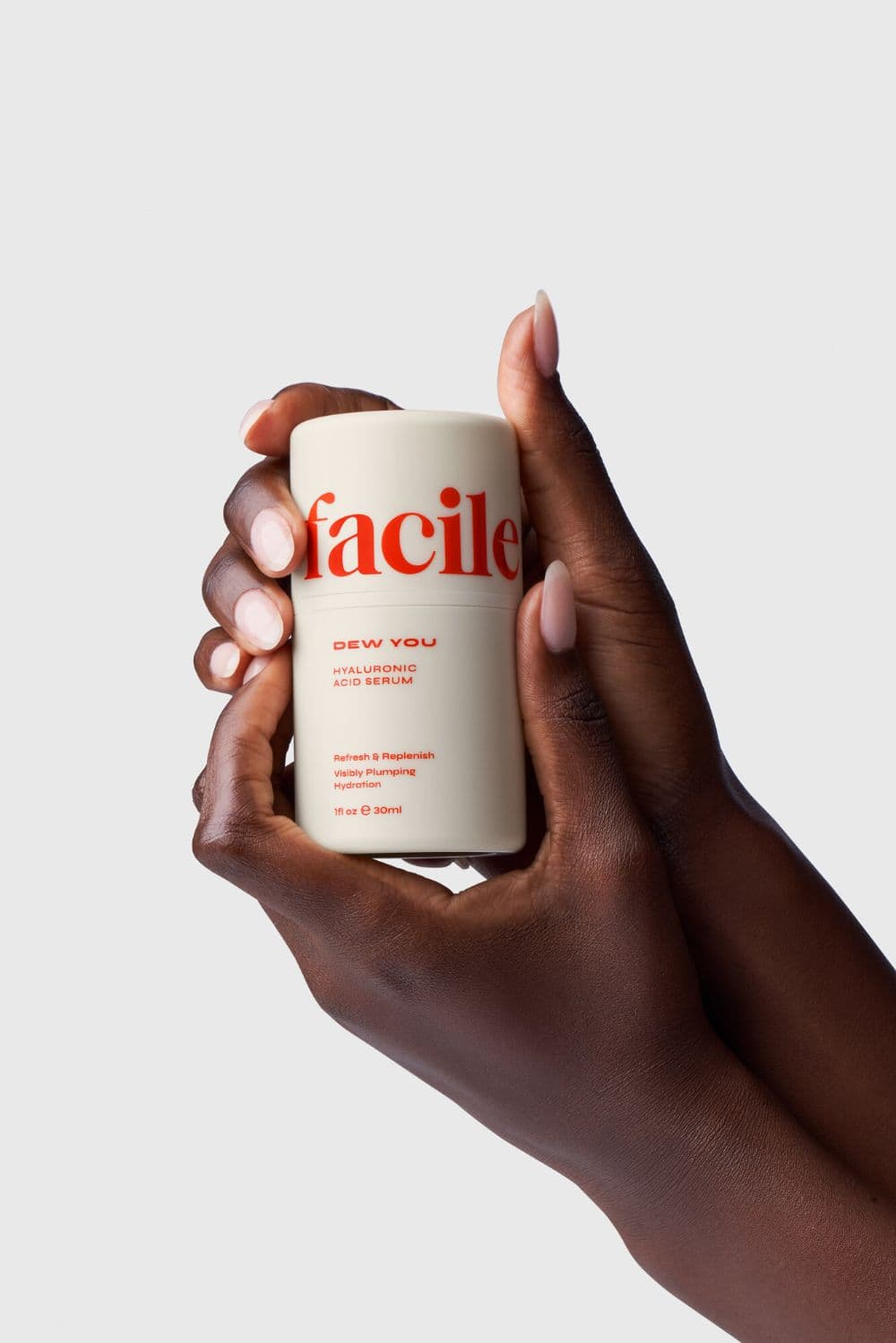
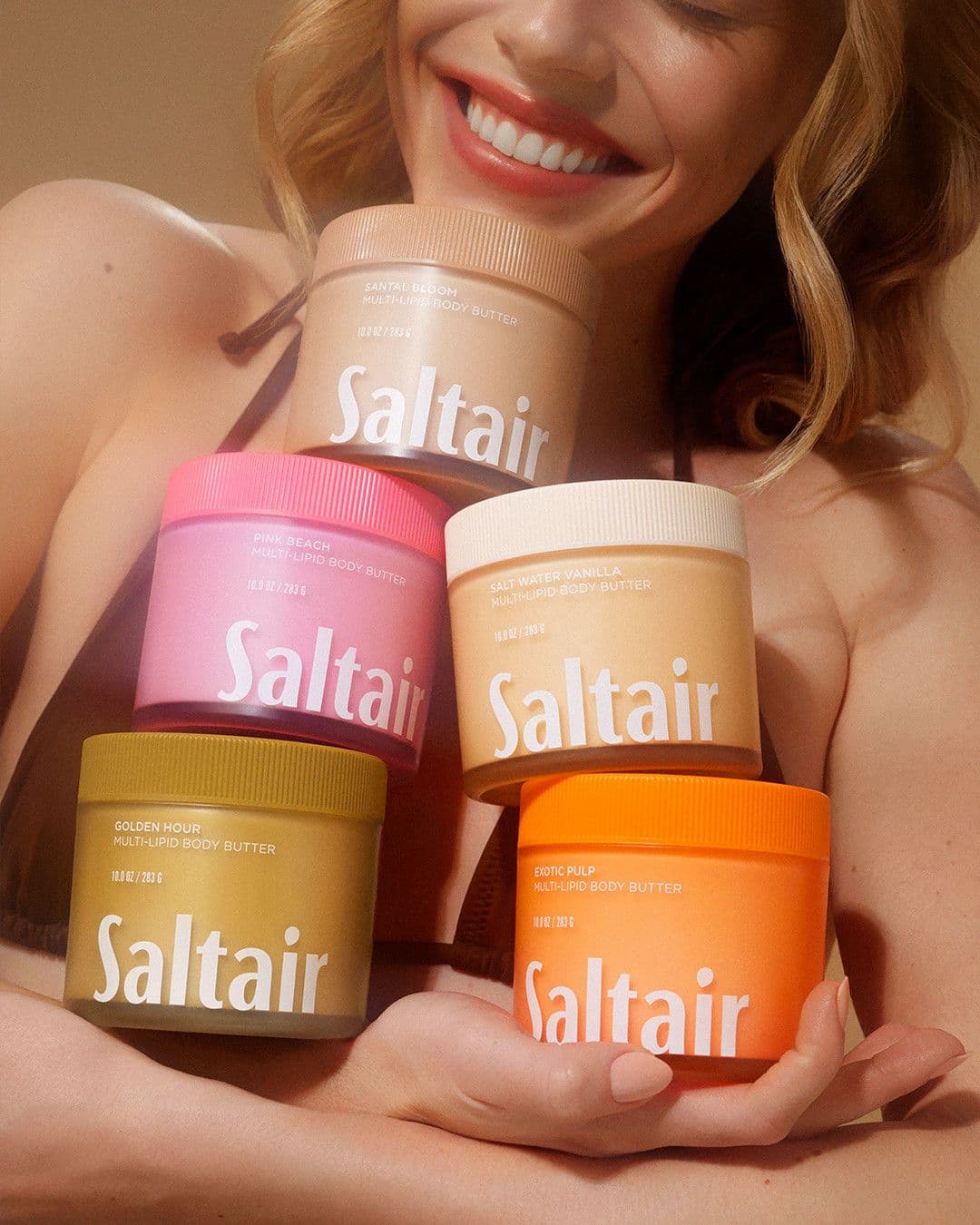
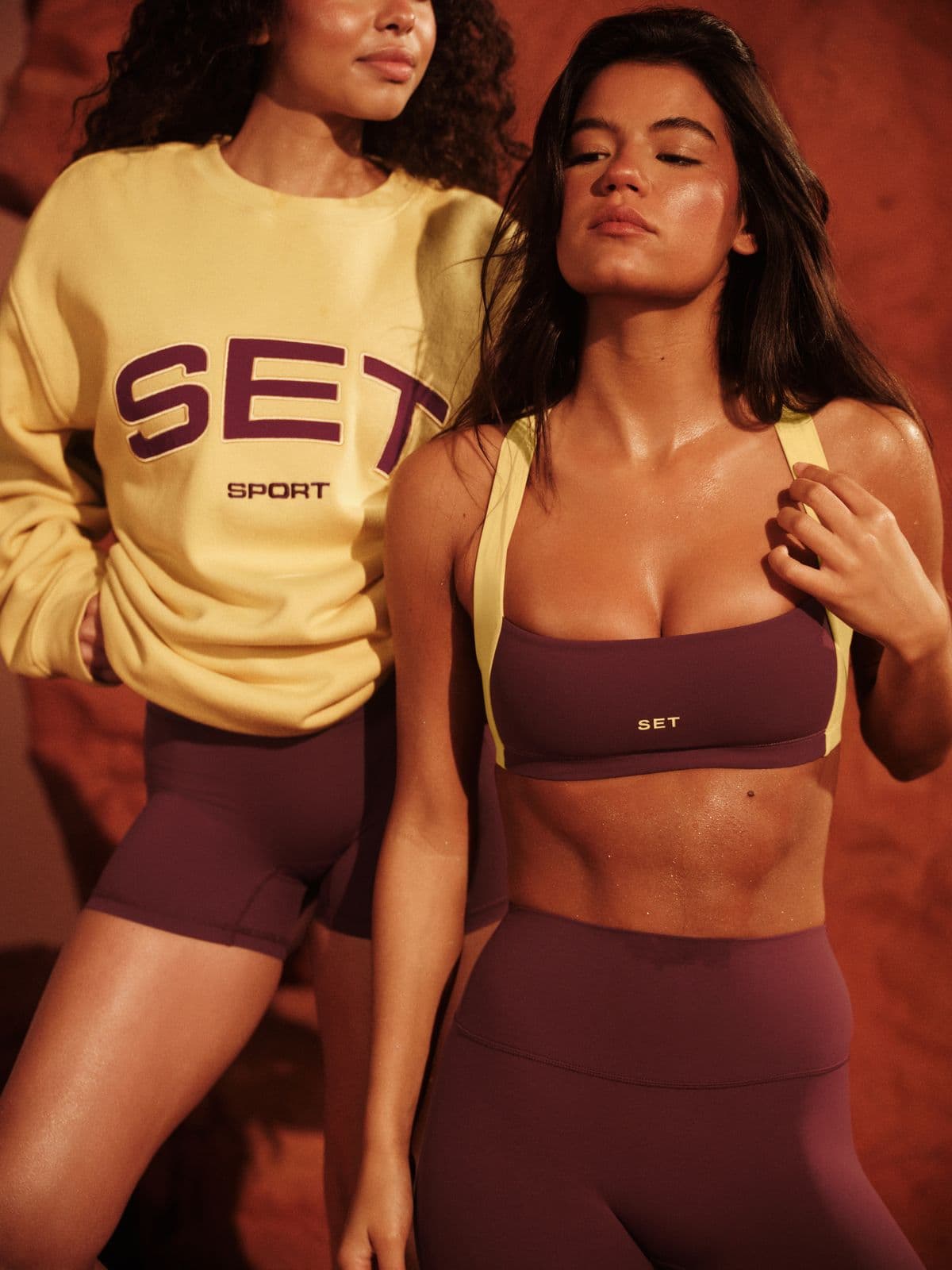
Every image below was generated in seconds. No photographer, no studio, no retouching.
How for Amazon FBA sellers use Snapsible
The specific moments where Snapsible replaces a photographer, a stylist, or a week of editing.
Amazon-compliant main image
Generate a pure-white-background main image with 85% frame fill, no props, no text. One generation, upload straight to Seller Central.
Lifestyle and in-use secondary images
Fill slots 2-7 with in-context shots — kitchen for supplements, bathroom for skincare, gym for activewear, desk for tech accessories. Preserves your exact packaging and label.
Infographic and A+ Content backdrops
Clean, text-overlay-ready lifestyle backgrounds sized for Amazon's A+ modules and comparison tables. Add feature callouts in Canva or Photoshop after.
Sponsored Brands and Storefront creative
Generate 1200x628 lifestyle heroes and 1200x1200 tiles that match your PDP imagery. Keep ROAS efficient with fresh, on-brand ad variants every week.
How a typical session goes
- 1Upload your product packaging or unitOne clean photo of your product in its retail packaging. The AI preserves your exact label, logo, claims, and color design.
- 2Pick the Amazon slot you're fillingMain Image (pure white), Lifestyle (slot 2-7), A+ Content (wide banner), Sponsored Brands (1200x628), or Storefront Tile (1:1).
- 3Choose a scene or paste a competitor referenceUse preset kitchen, bathroom, gym, or office scenes — or paste a top-listing competitor photo to match its framing without copying.
- 4Generate 4 variations in parallelEvery generation runs at 1K at your target Amazon dimensions. Variations cover different scene angles and lighting.
- 5Download and upload via Seller CentralExport PNG for main images (Amazon's preferred format), JPG for secondaries. Upload through the Images tab or A+ Content Manager.
Three steps to
studio-quality content
No design skills. No studio. Just your product, your brand, and a reference image.
Set up your Brand DNA
Paste your website URL and we auto-extract your colors, fonts, tone, and style in seconds. Or define it manually.
Pick your references
Upload inspiration images or import directly from Pinterest. AI analyzes the scene, lighting, and composition.
Generate & download
AI places your exact product into the reference scene. Download in any format, or create ad creatives in one click.
Popular niches for for Amazon FBA sellers
Product categories where this workflow hits hardest.
Start free. Scale when ready.
Every plan runs on credits — 5 credits per image. No hidden fees, no confusing tiers.
Try it out, no card needed.
- 50 credits / month
- 10 image generations
- 1 brand profile
- All 6 workflows
For solo creators and founders.
- 500 credits / month
- 100 image generations
- 5 brand profiles
- All 6 workflows
- No watermark
- Commercial license
For growing brands and agencies.
- 1,500 credits / month
- 300 image generations
- Unlimited brand profiles
- All 6 workflows
- No watermark
- Commercial license
- Priority queue
- API access
5 credits per image · All workflows same cost · Credits reset monthly, no rollover
Snapsible for Amazon FBA sellers: FAQ
Other teams we've built for
Your References +
Your Brand DNA
= Studio-Quality Content
No designers. No studios. No wasted hours. Just upload, generate, and publish.
Free plan available · No credit card required · Cancel anytime