AI product photographyfor content creators
Build a full week of Instagram, TikTok, and Pinterest content from one product upload — on-brand, on-format, ready to post.
The content calendar is never done
Social media managers and creators running brand accounts are stuck in a perpetual content-debt loop. The calendar demands three to five posts a week per platform — Instagram feed, Reels, TikTok, Pinterest, maybe a carousel, maybe a Story set, maybe a LinkedIn native shot if the brand plays there. Each post wants a distinct visual, or at least a variation, or the feed starts looking repetitive and engagement tanks. Meanwhile the brand budgets one photo shoot a quarter and expects that to carry every channel. The gap gets filled with screenshots, reposted UGC, dim phone photos on the couch, and designer mockups that nobody had time to style properly. Snapsible is the content-calendar multiplier. Upload one product reference, connect the brand profile, and generate a week's worth of on-format content in a single sitting. Instagram feed grid in 1:1, Story and Reel covers in 9:16, Pinterest pins in 2:3, TikTok frames in 9:16 — all preserving the real product and matching the brand's visual system. Themed carousels, seasonal scenes, lifestyle moments, and campaign imagery all roll out of the same platform. The grid looks cohesive because every asset was generated against the same brand DNA. The creator posts on cadence. The social manager stops burning weekends re-staging the kitchen counter for another flat-lay.
What for creators and social managers actually struggle with
Before we talk about how Snapsible helps, the honest pain list.
You're shooting the same product every week for new angles
The brand launched three SKUs a year ago and you've posted every conceivable angle of them. The feed starts looking like reruns and engagement slides.
Platform formats multiply the shot list
Every piece of content needs a 1:1, a 9:16, and sometimes a 2:3 version. One photo shoot turns into four hours of cropping, repositioning, and redesigning for each placement.
Content calendar gaps force low-quality fillers
The campaign shoot doesn't cover this week's theme. You fill the gap with a desaturated phone photo, a reposted UGC, or a Canva template — and the feed loses its edge.
Brand consistency is your full-time job
You're constantly Frankenstein-ing imagery from different shoots into one cohesive grid. Two posts in and the palette drifts. The feed looks like three brands pretending to be one.
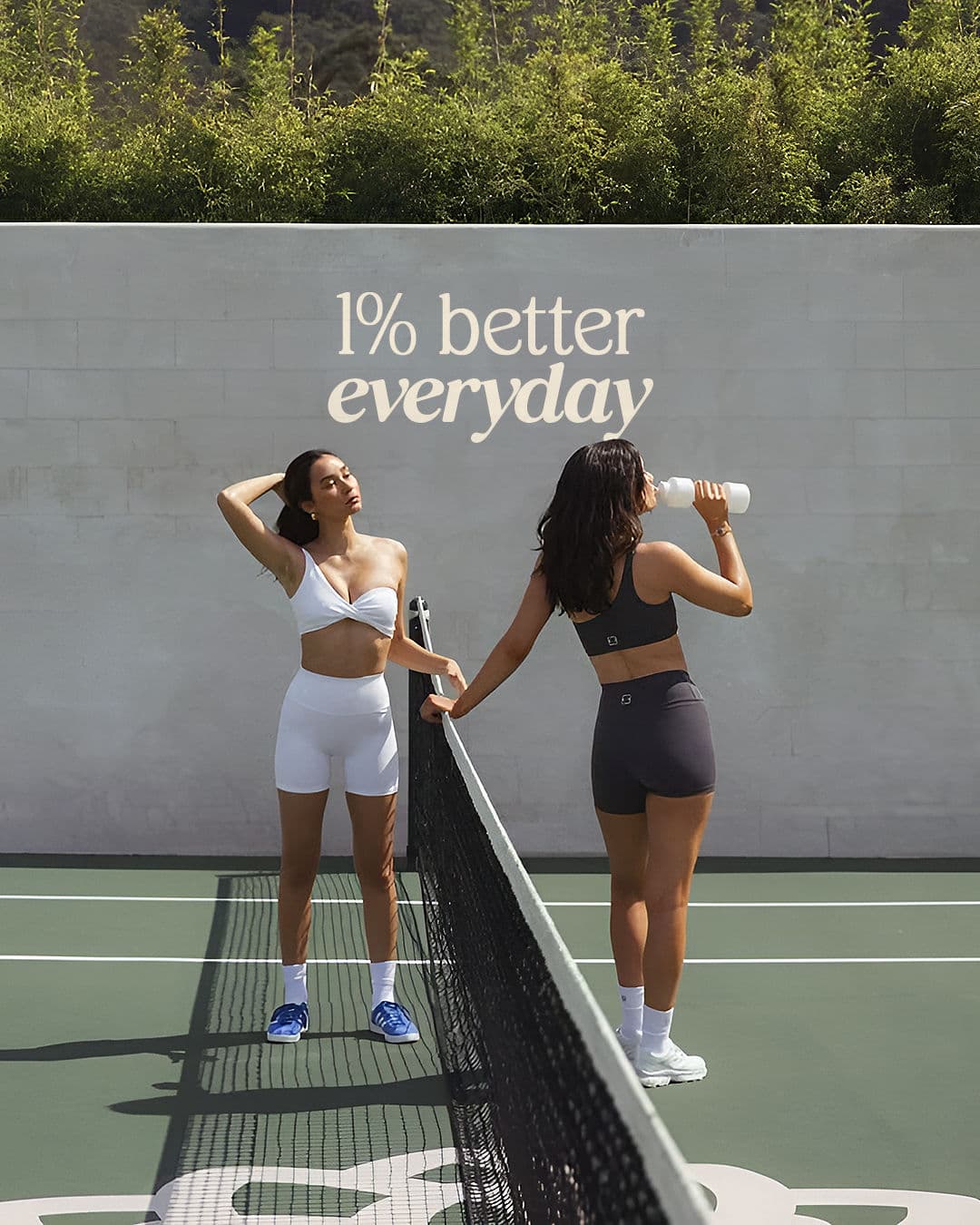
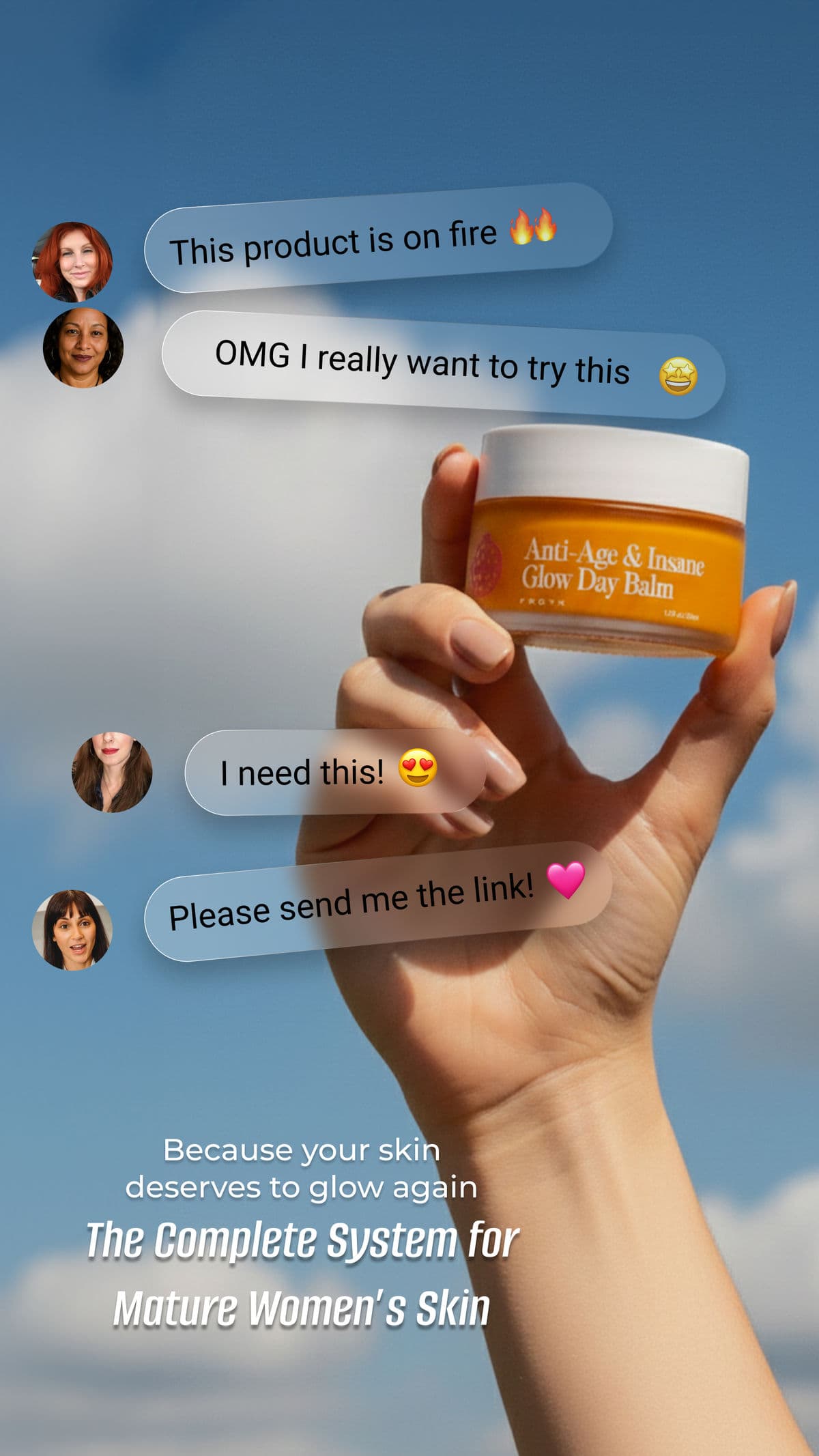
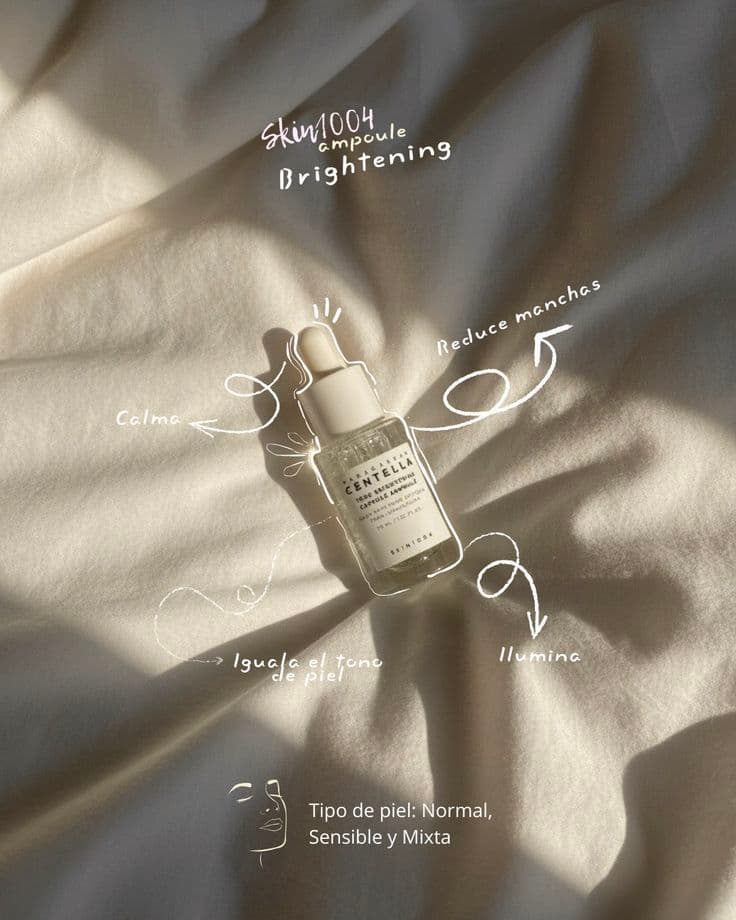
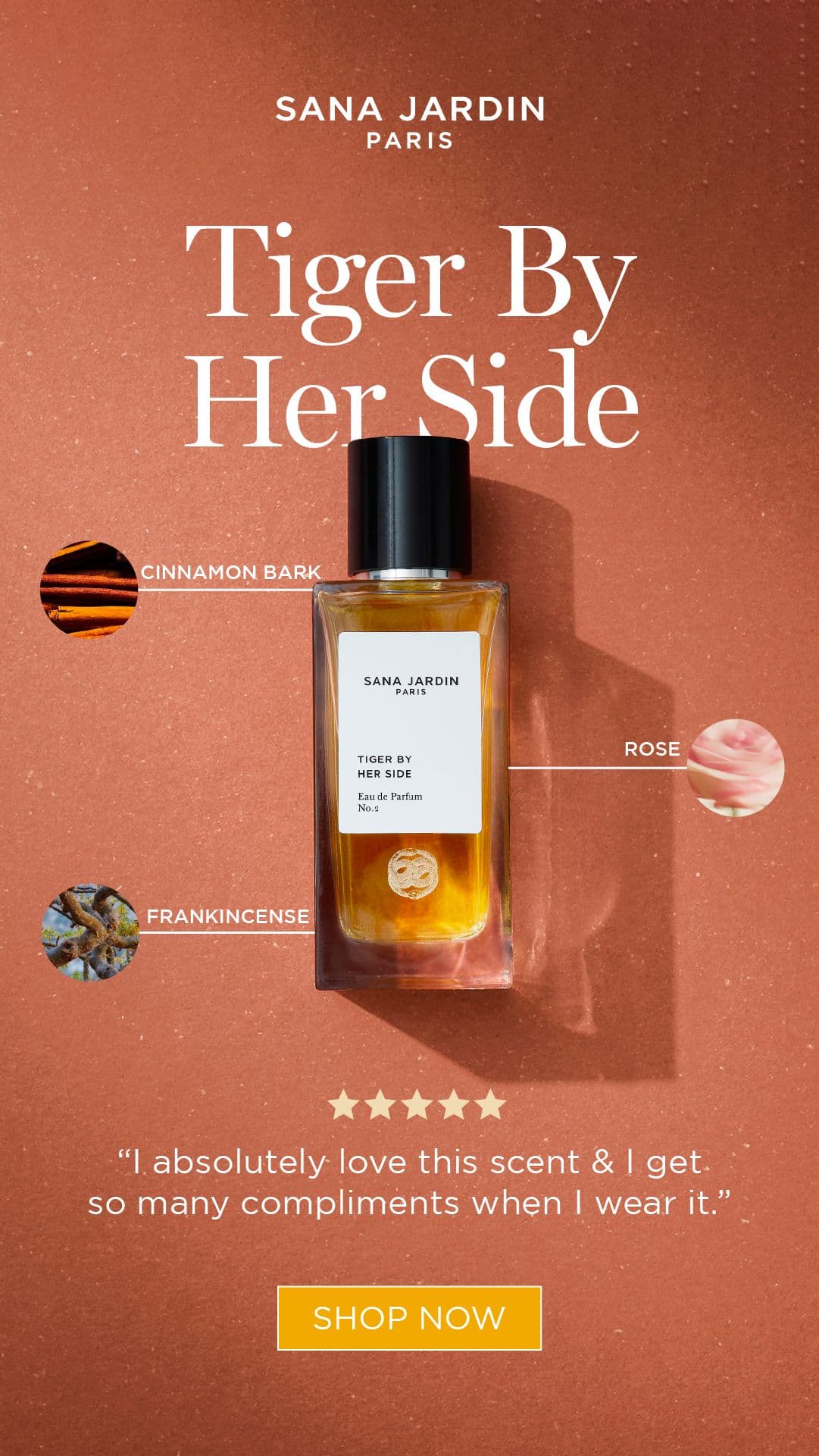
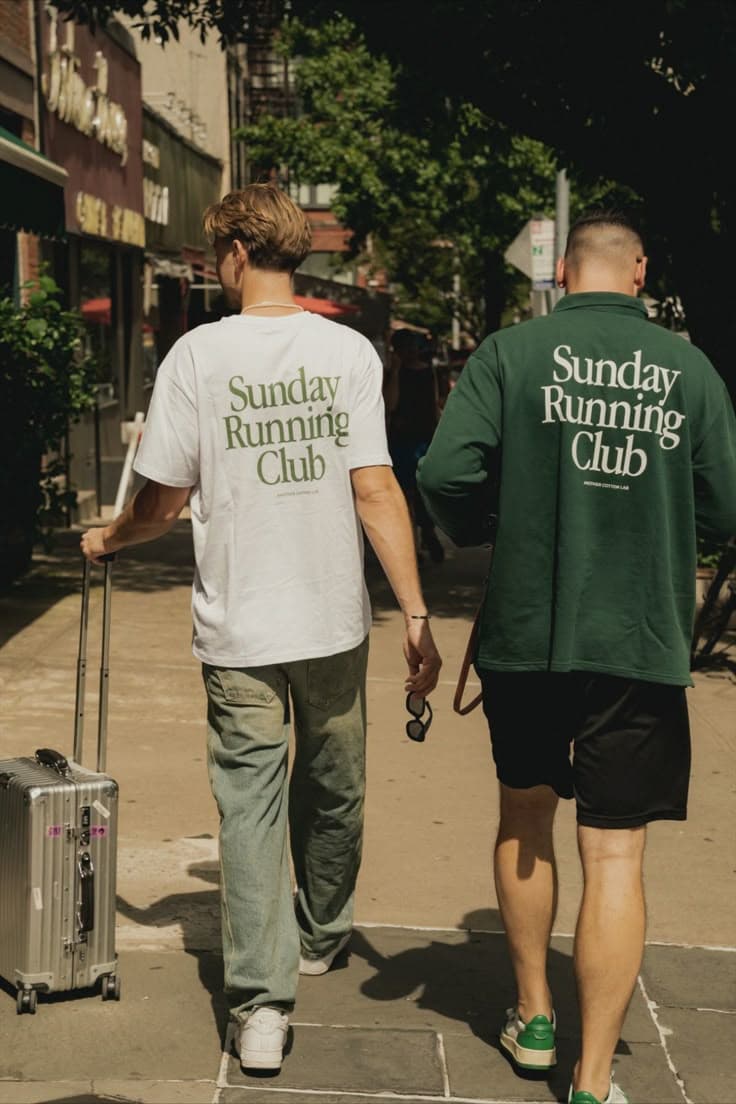
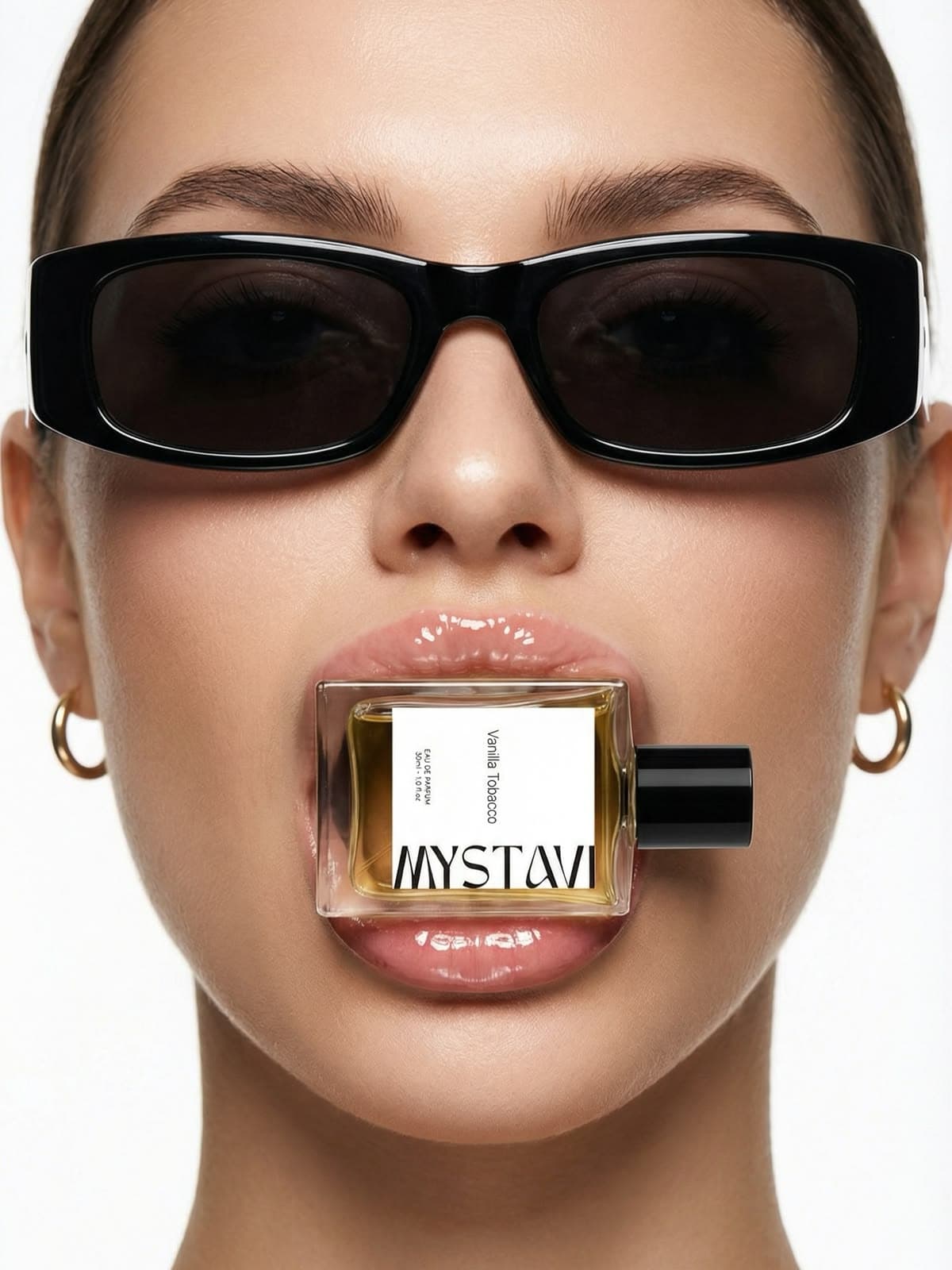
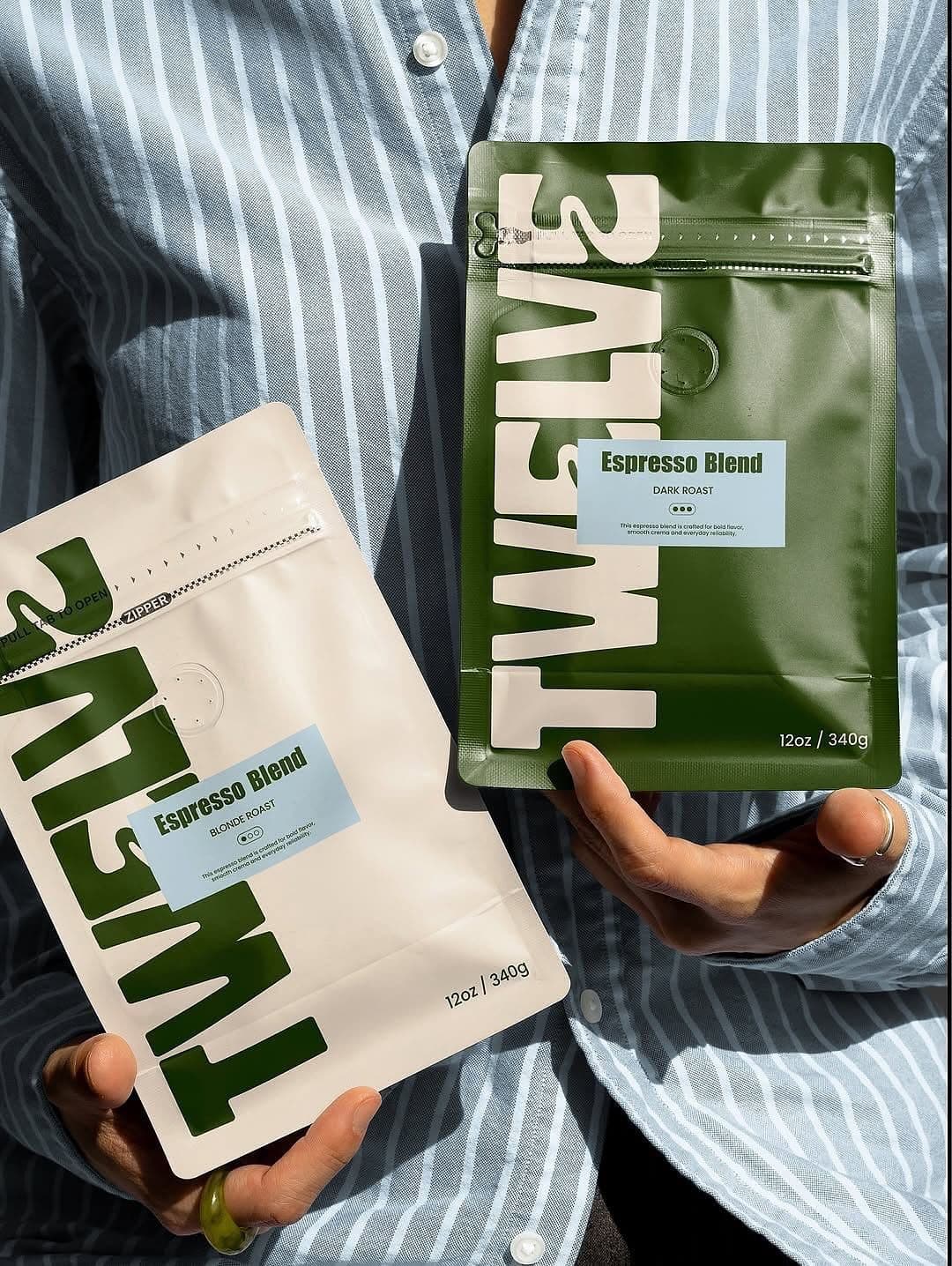
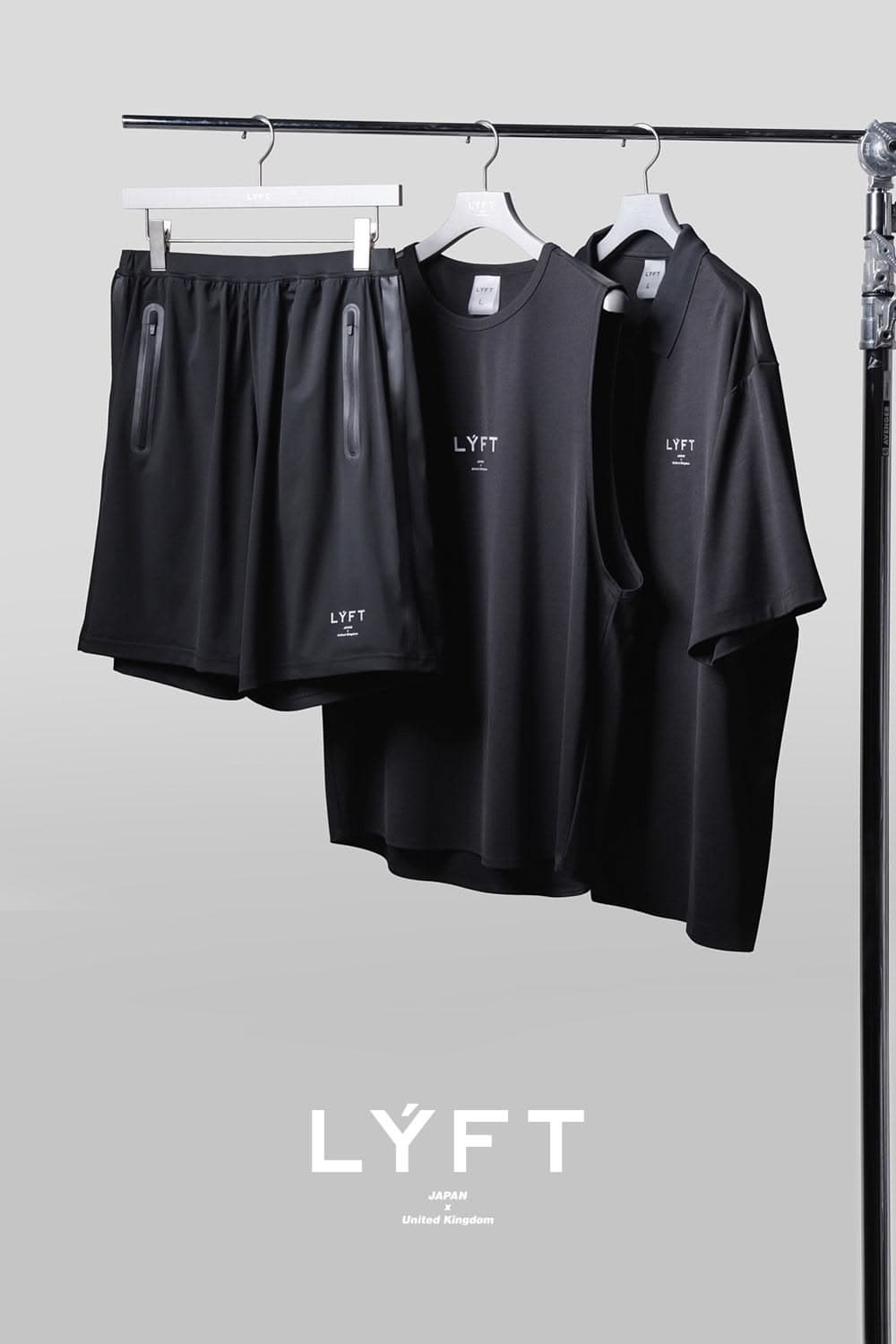
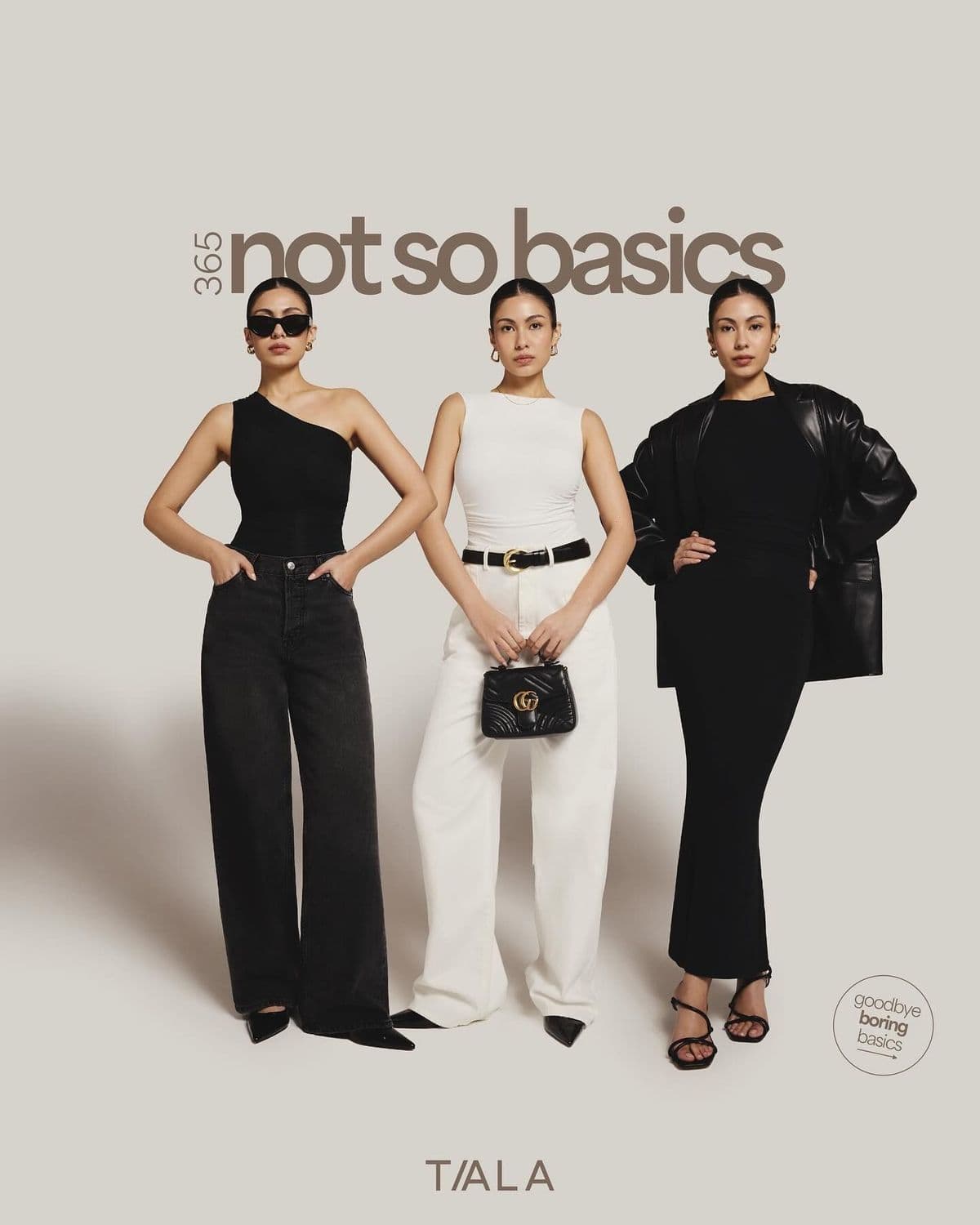
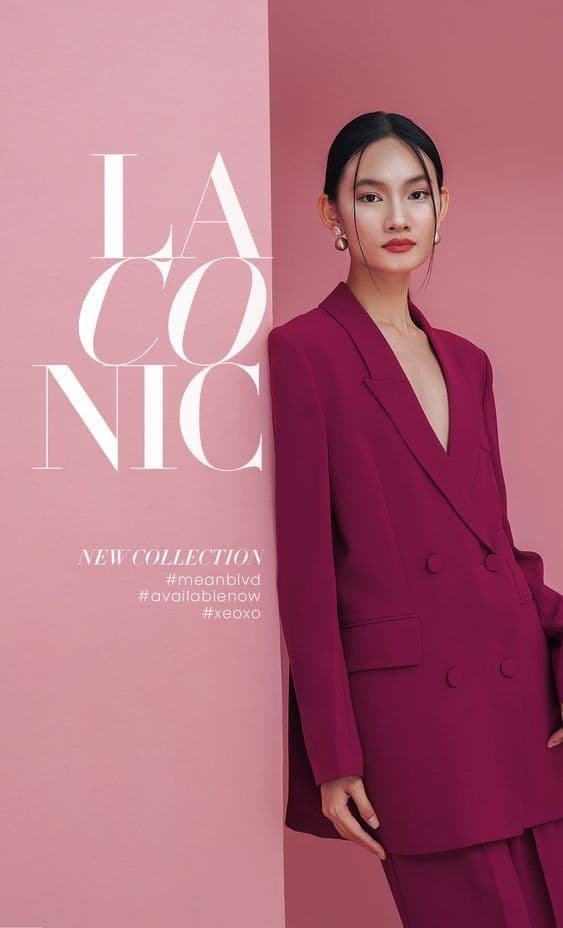
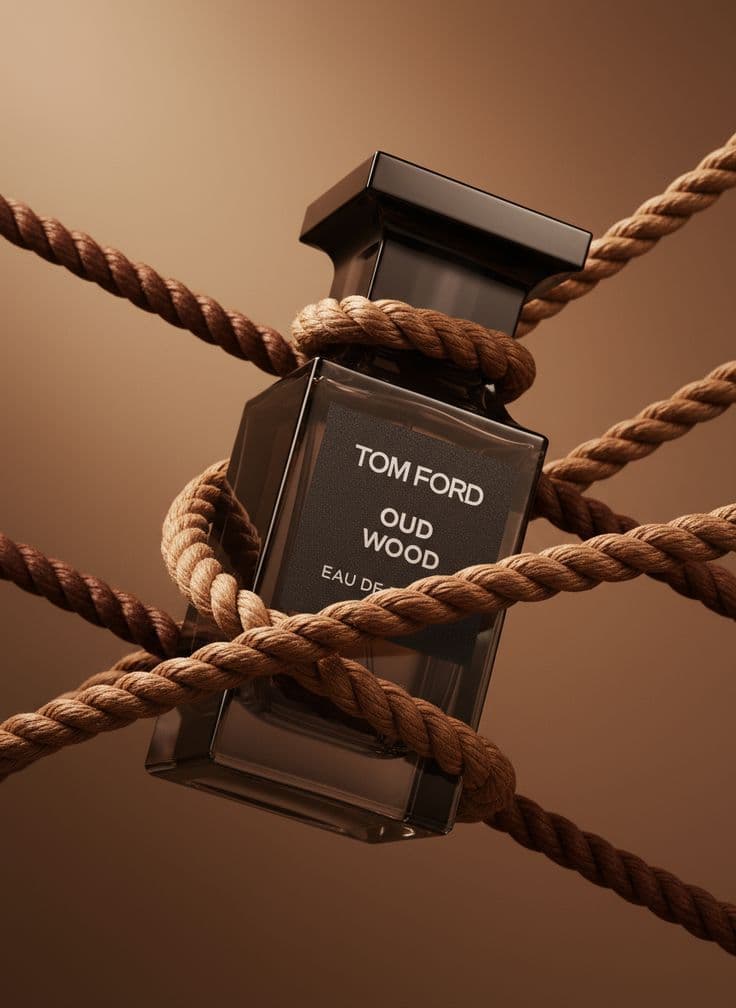
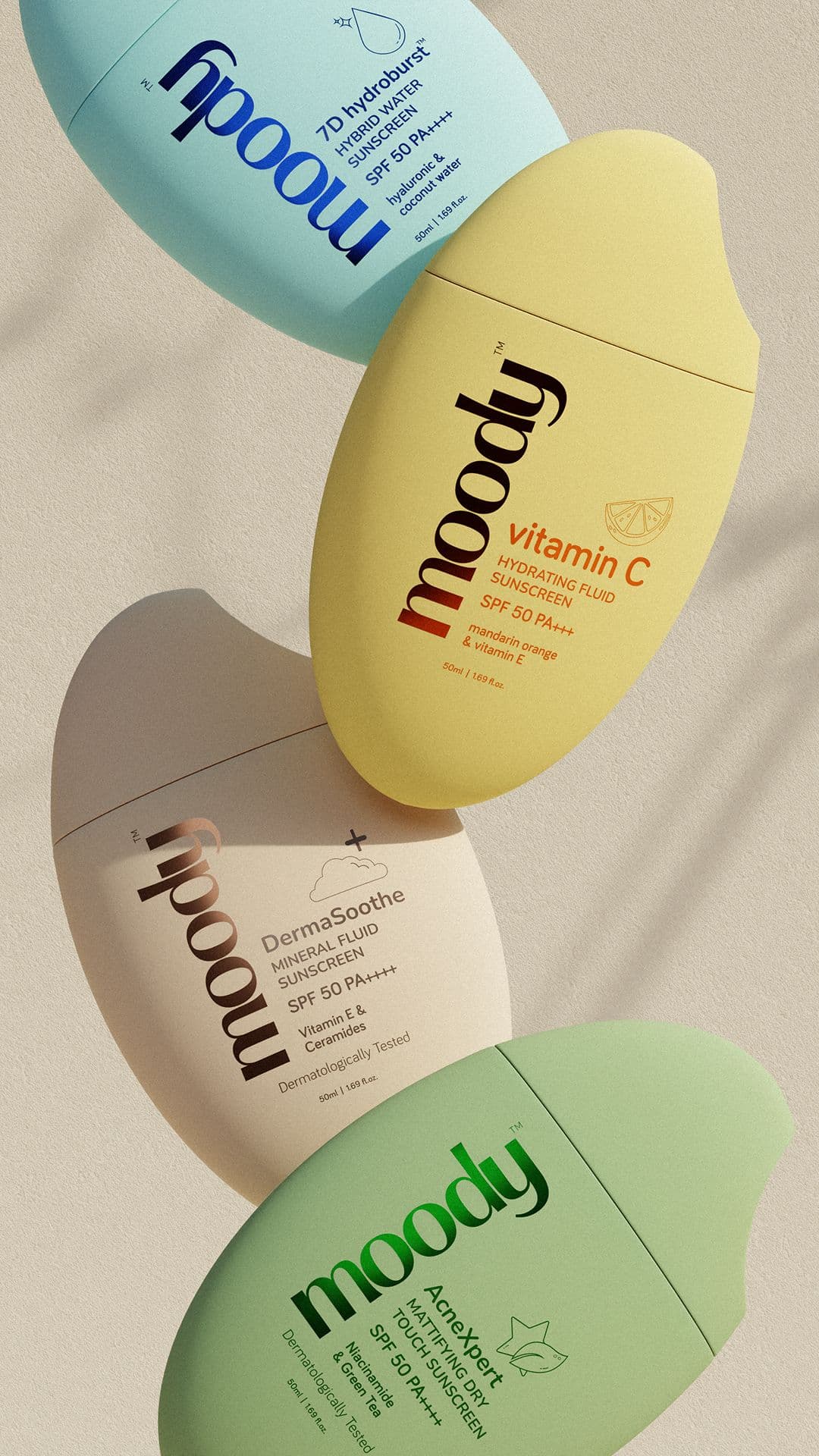
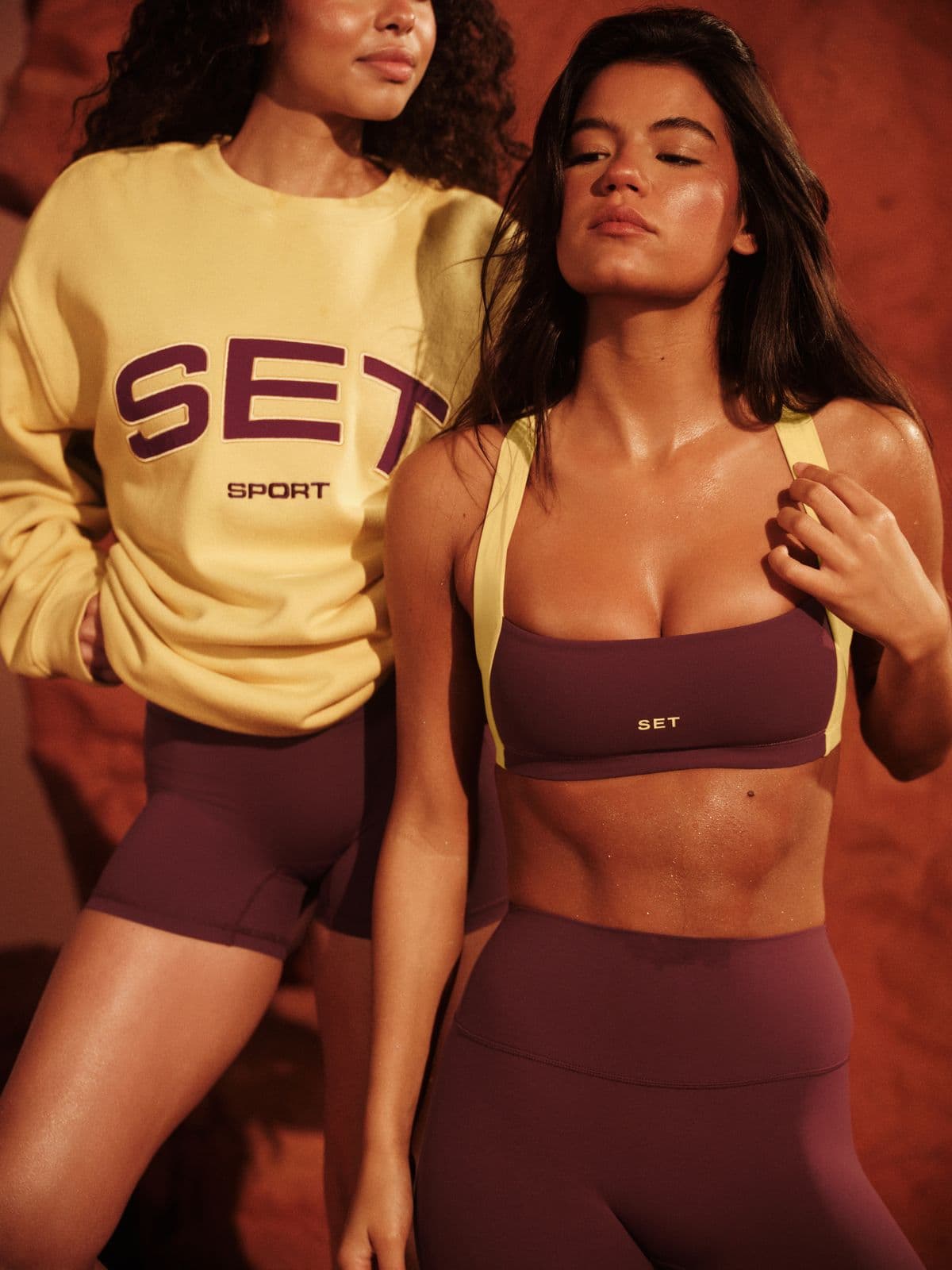
AI-generated. Studio quality.
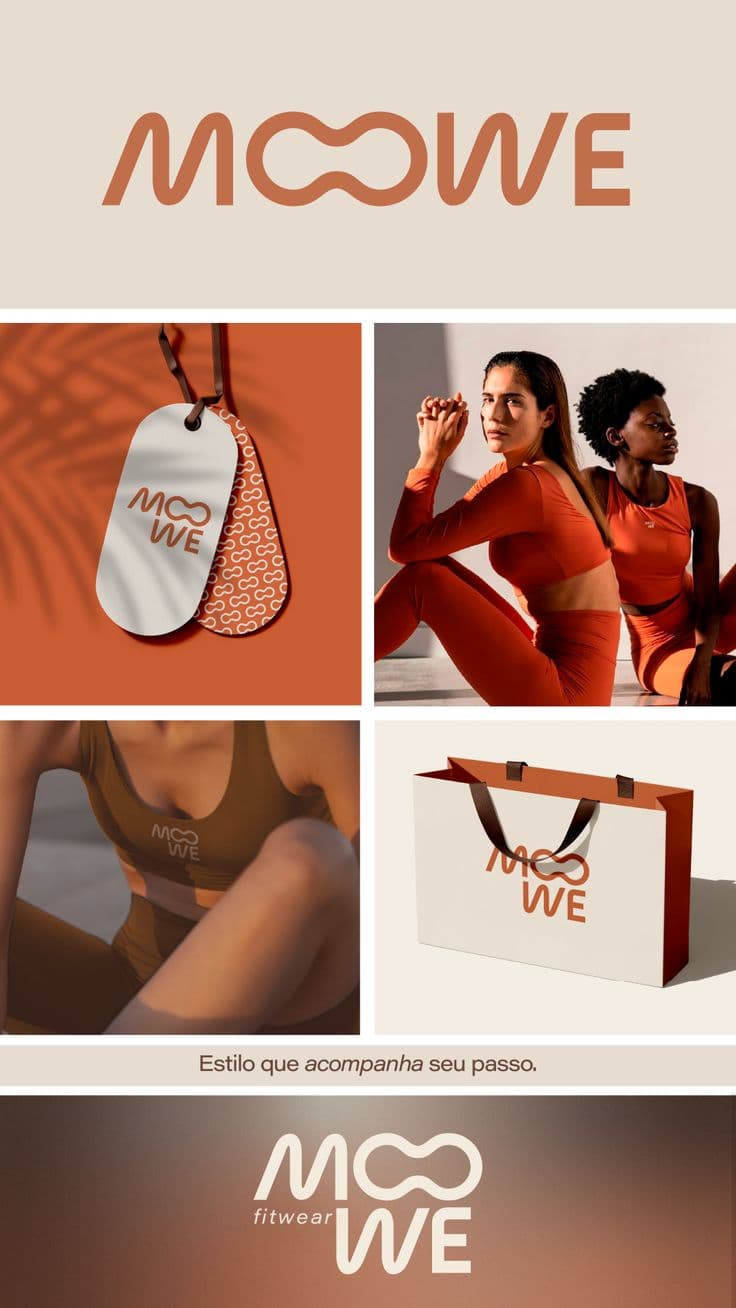
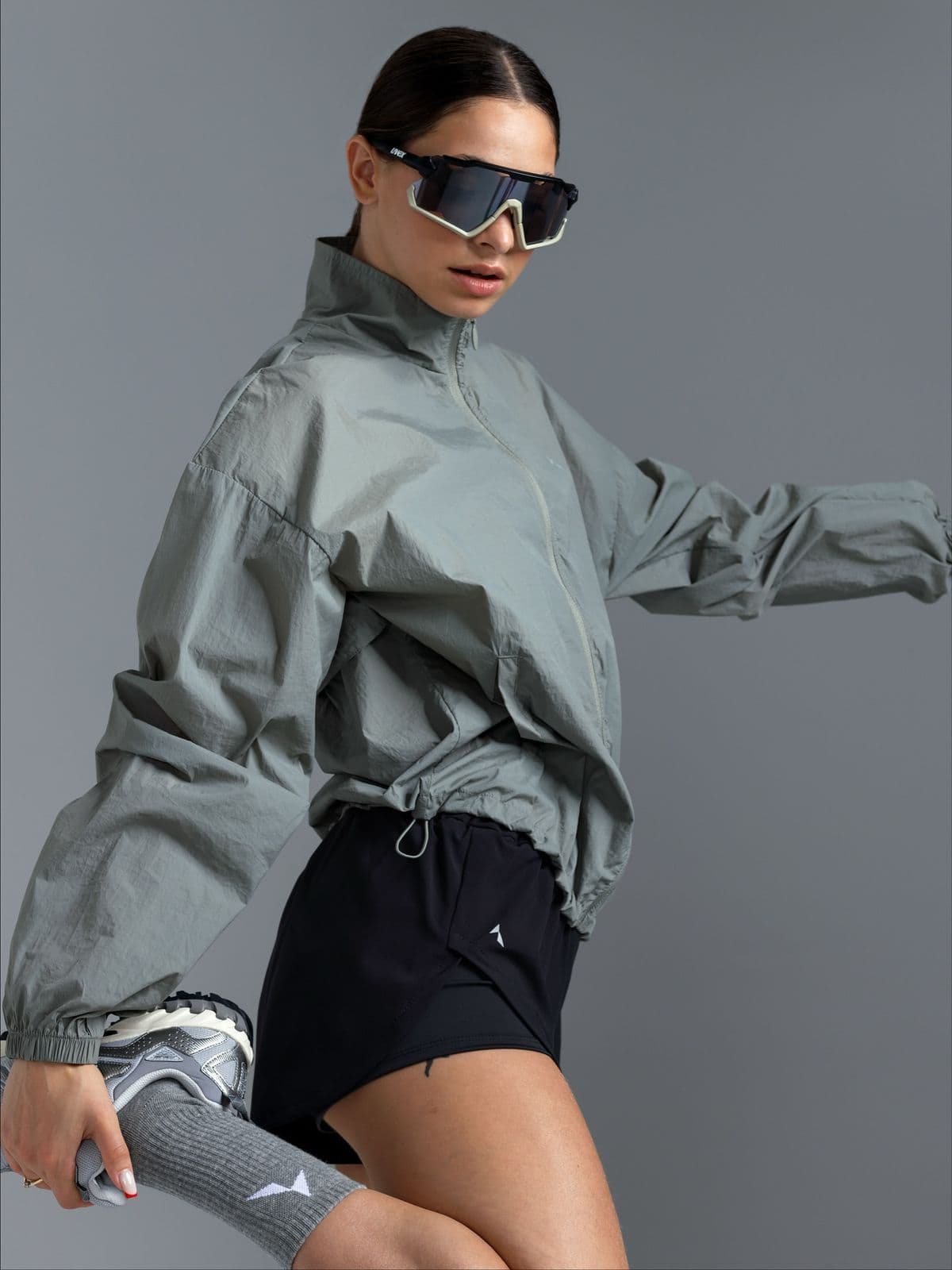
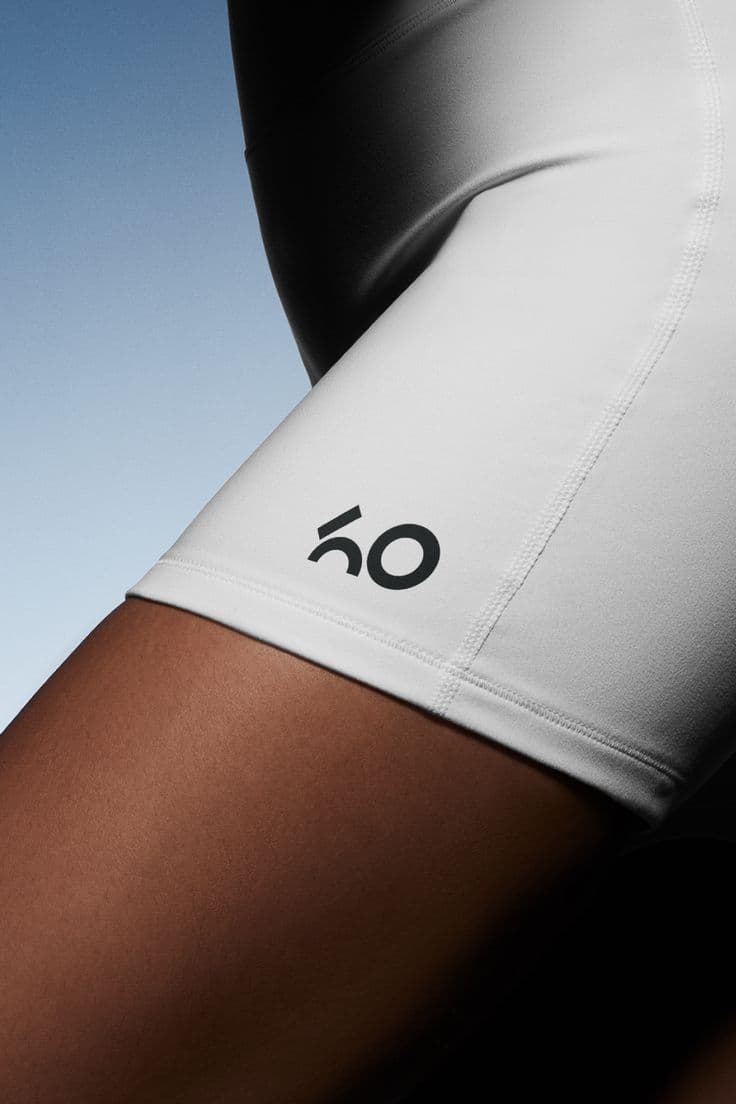
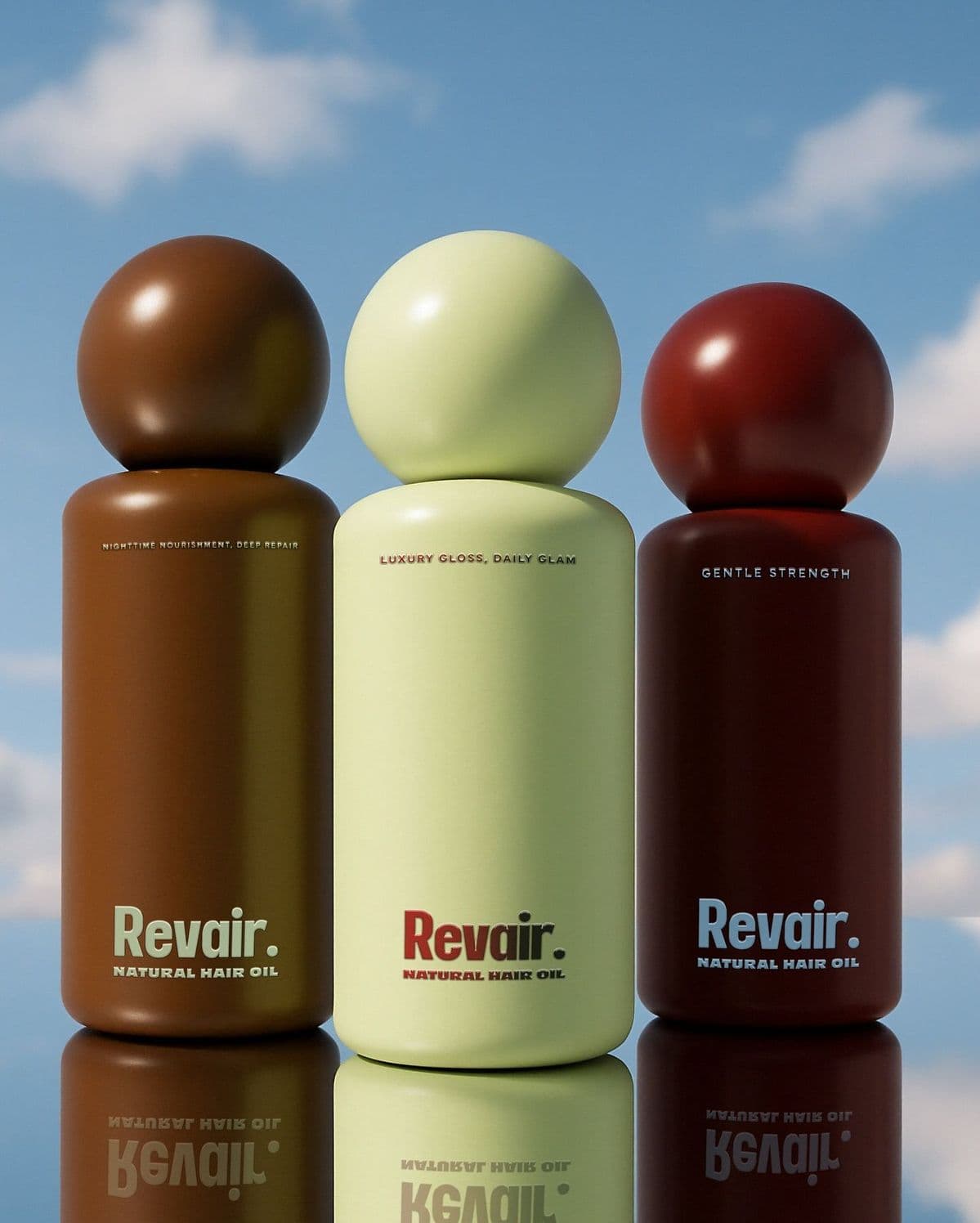
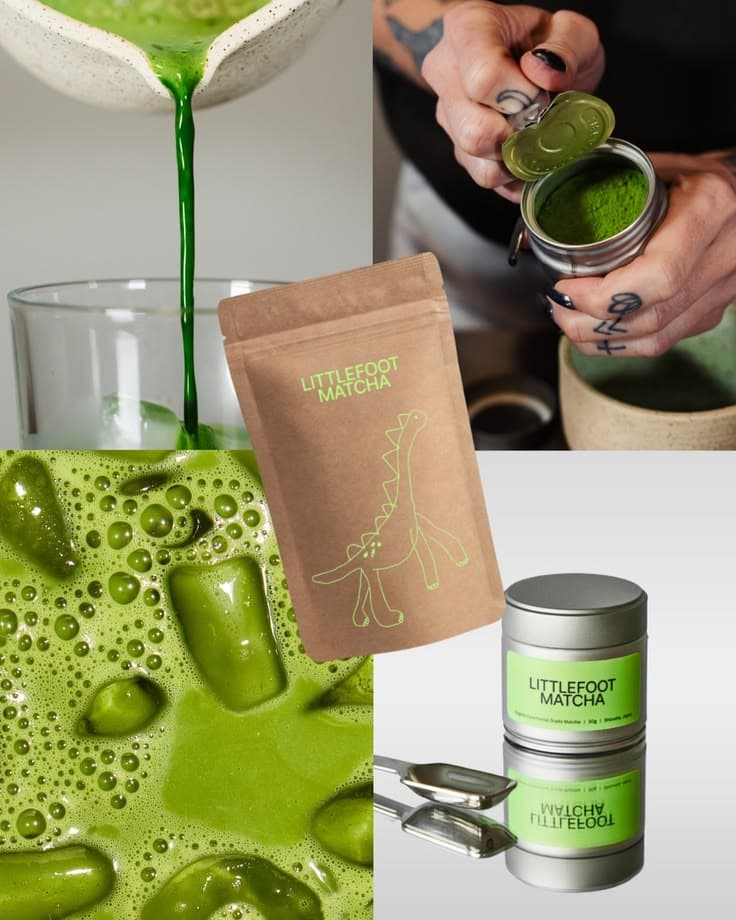
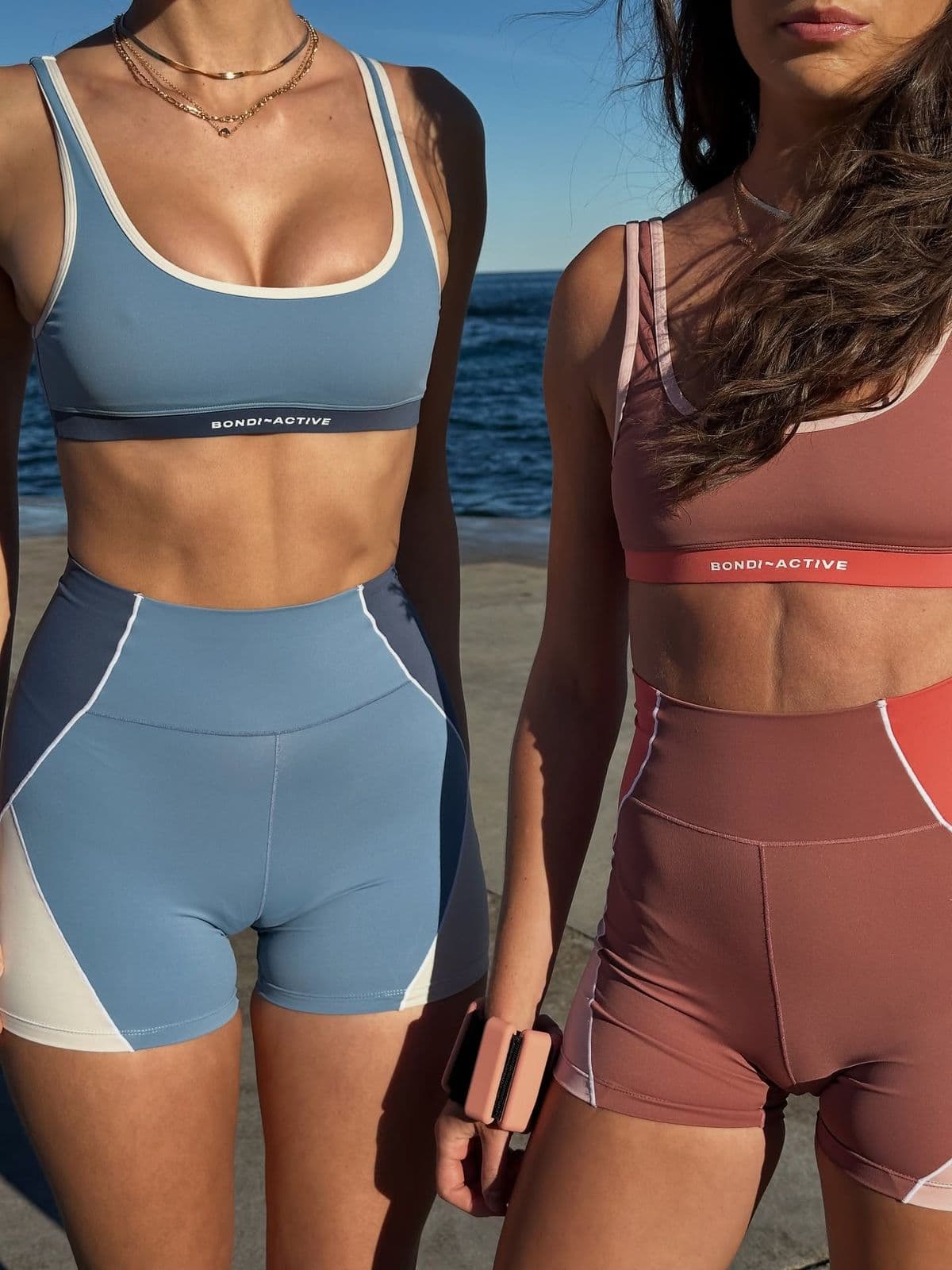
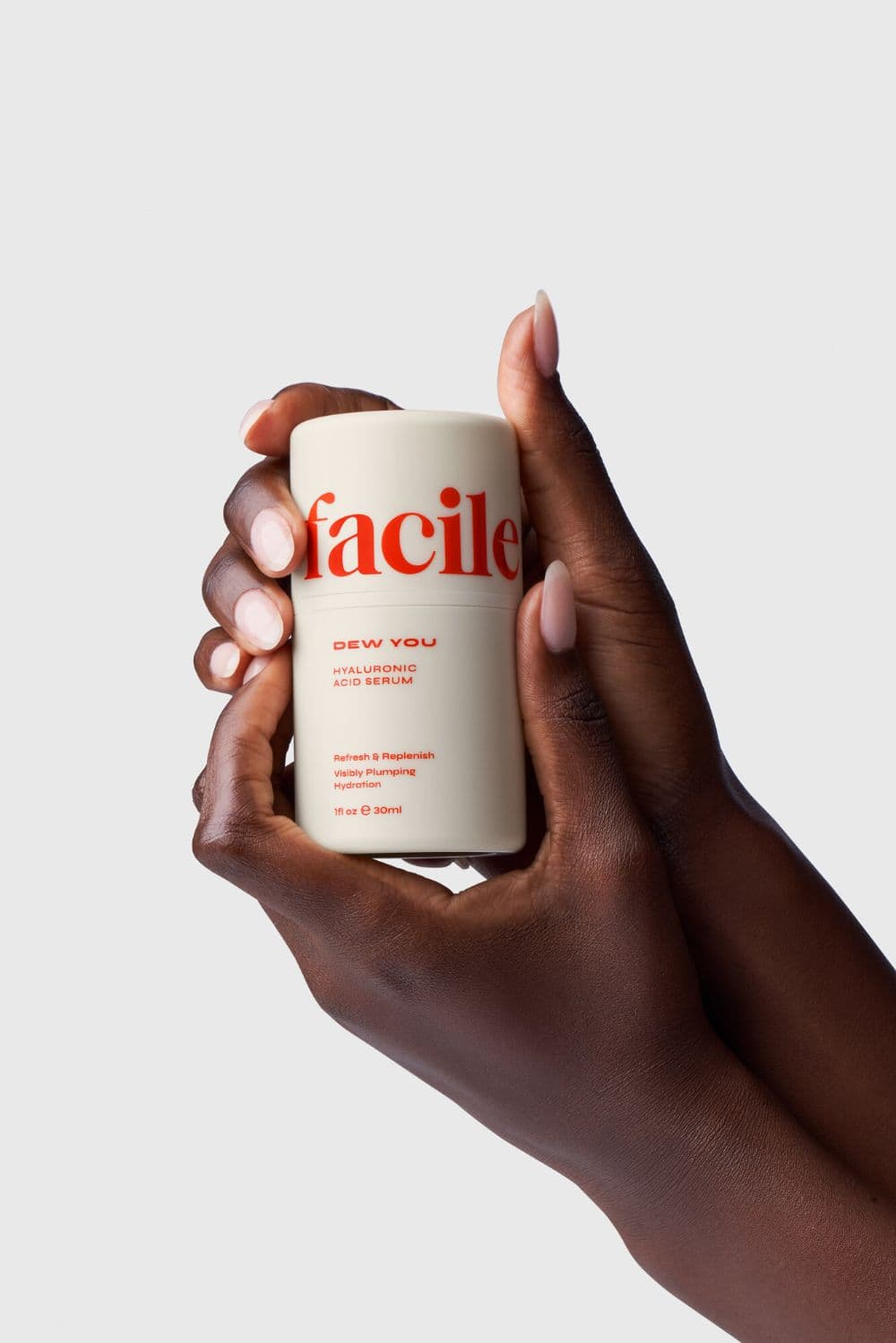
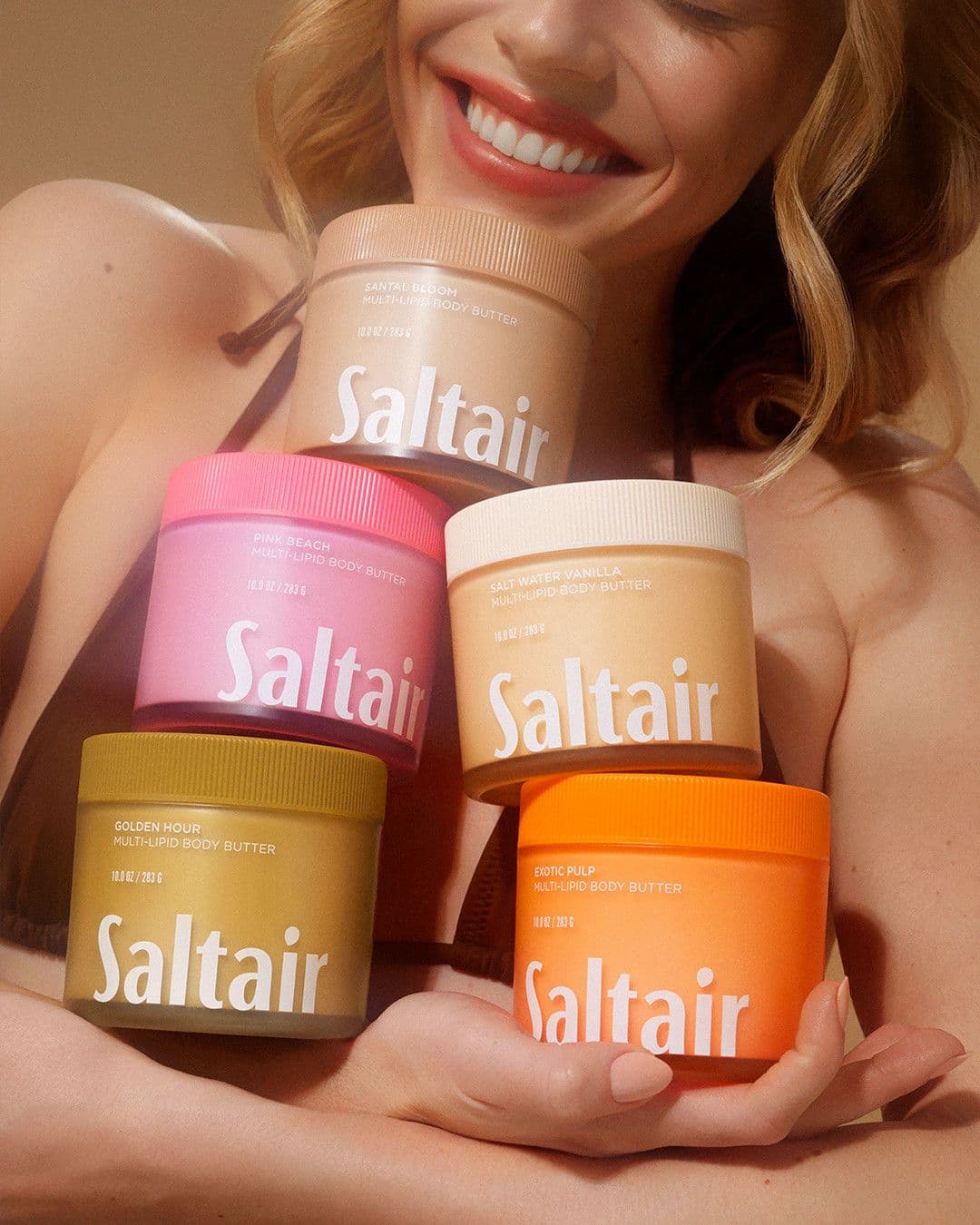
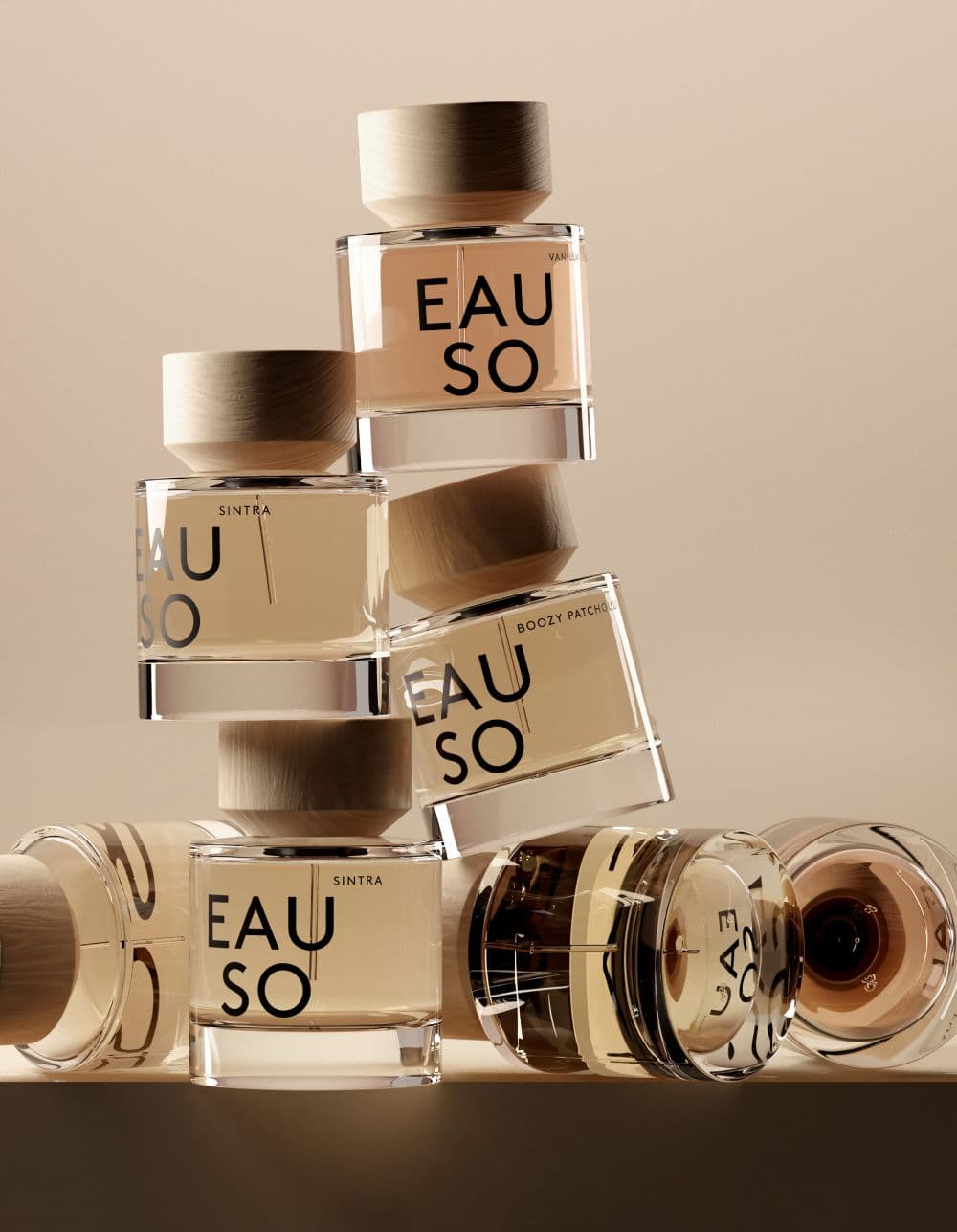
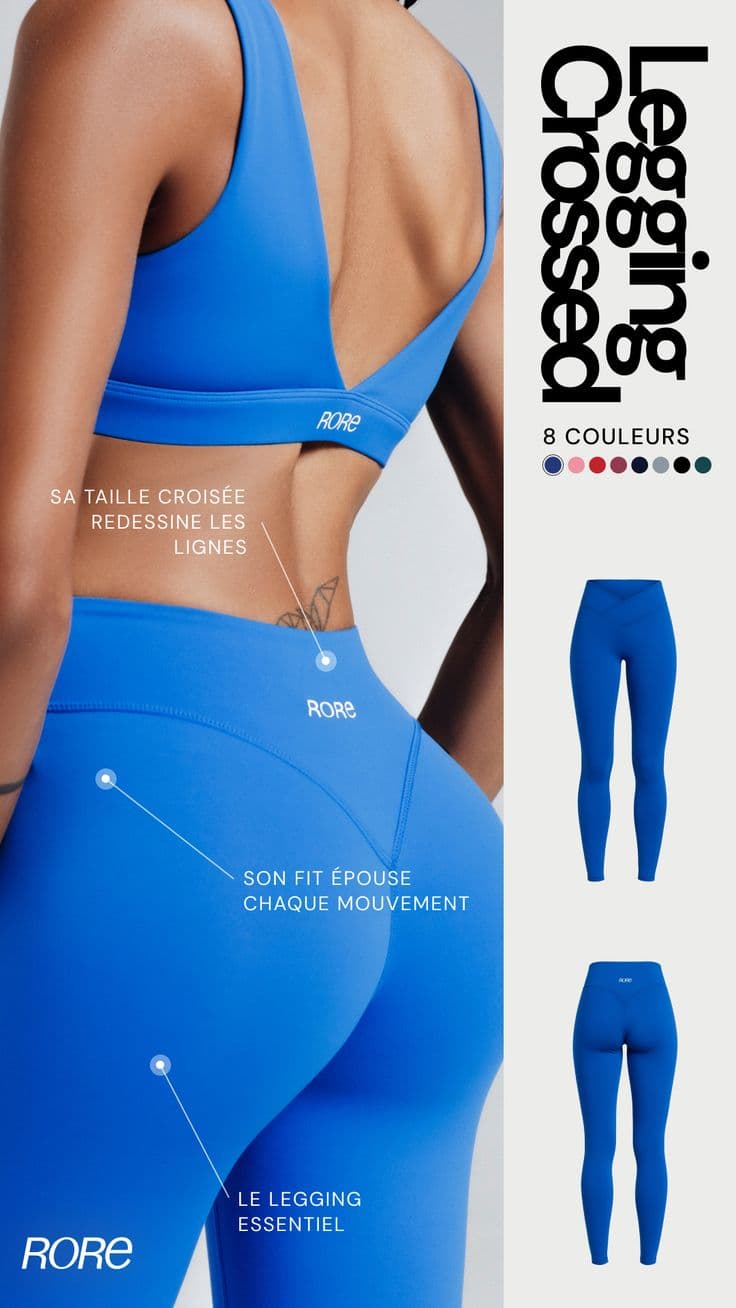
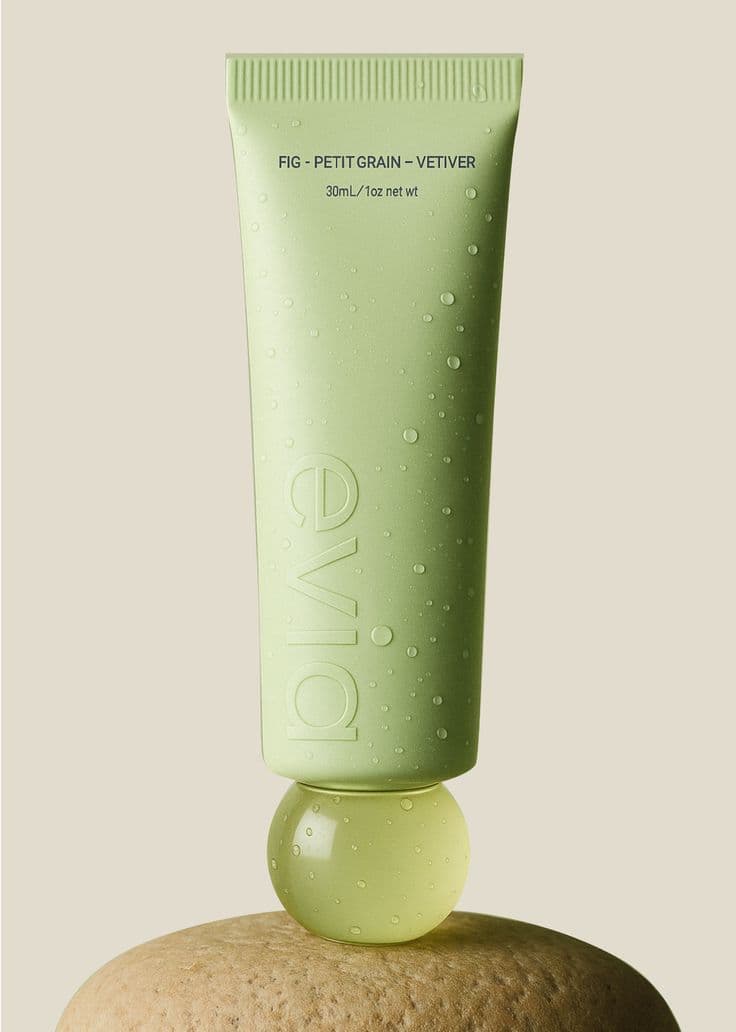
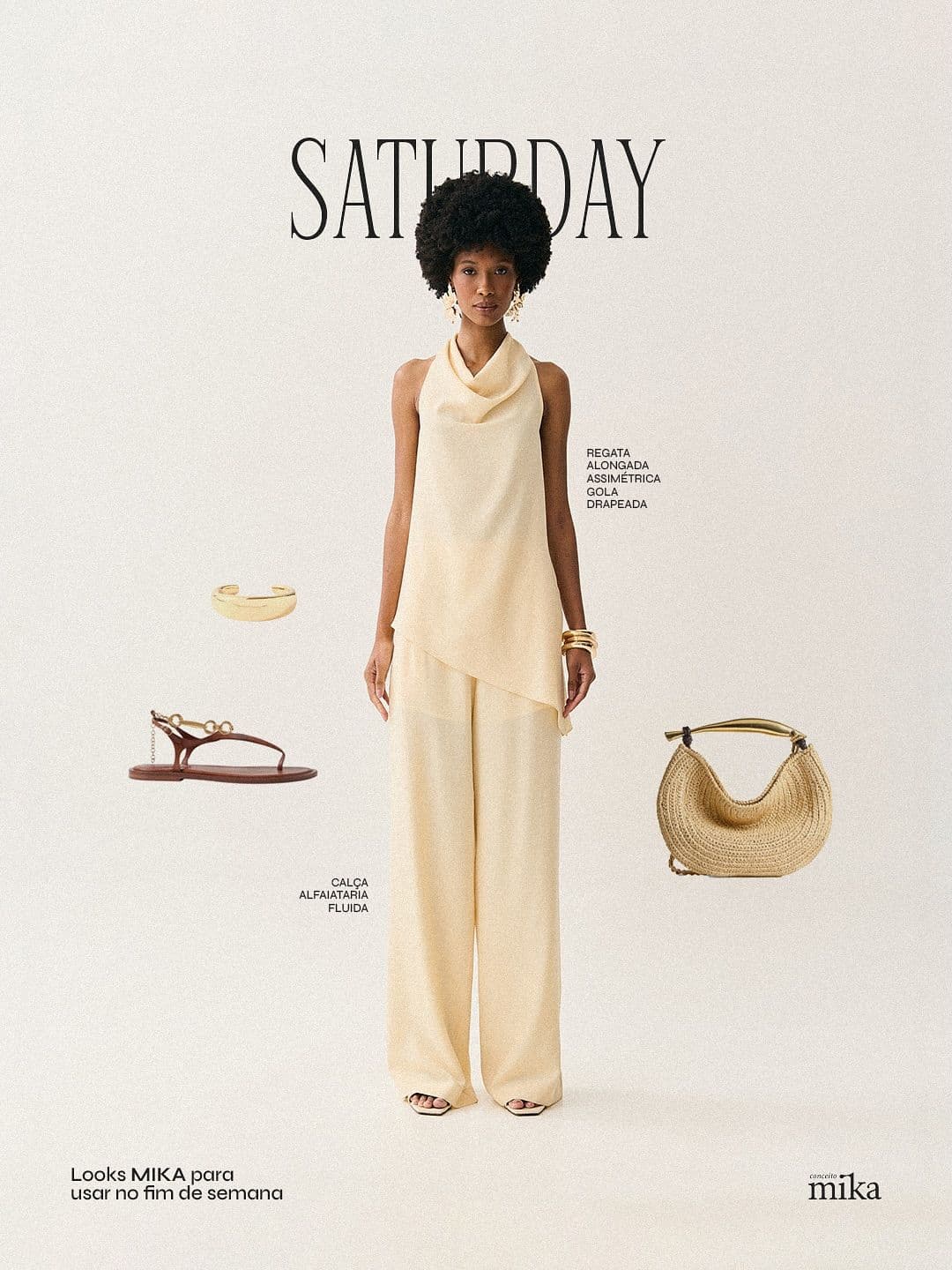
Every image below was generated in seconds. No photographer, no studio, no retouching.
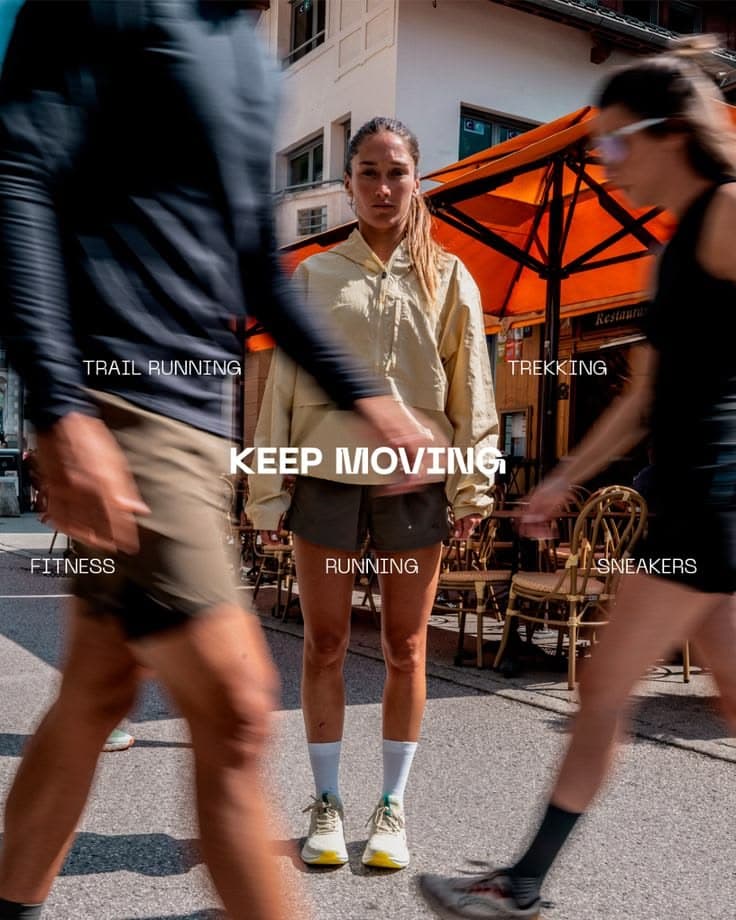
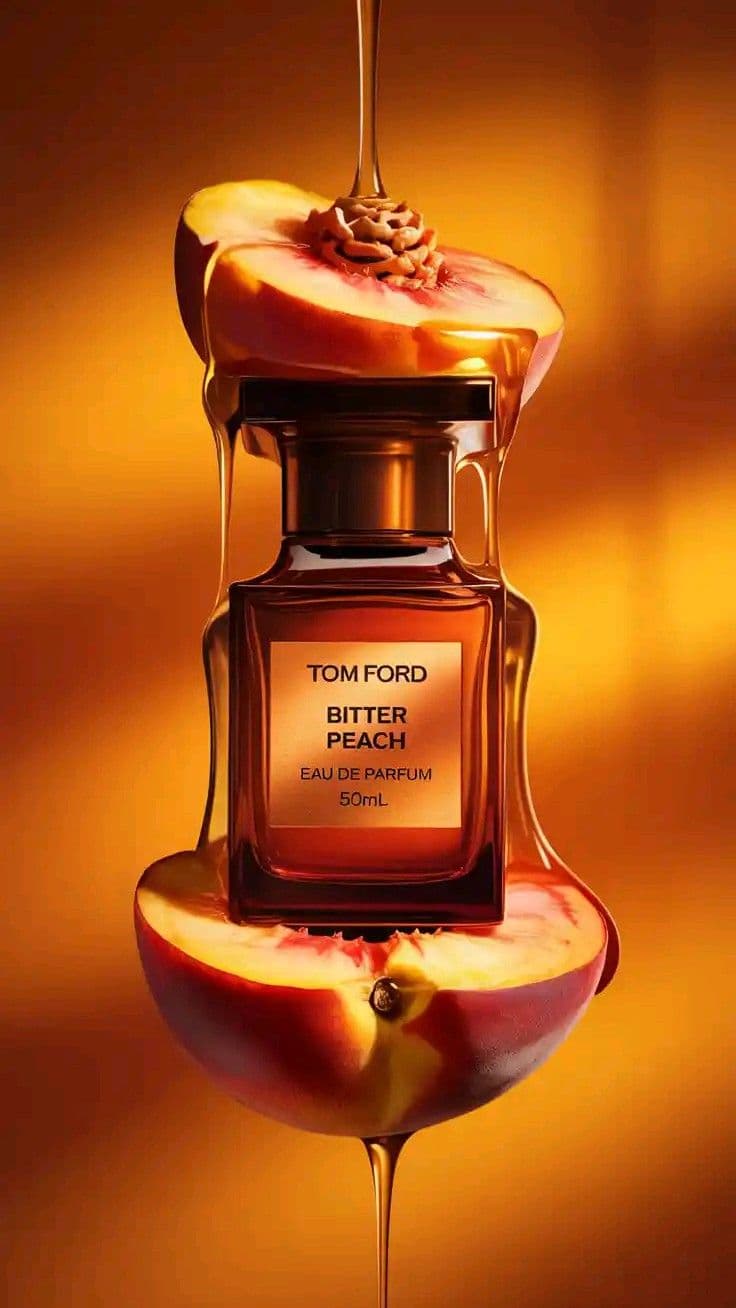
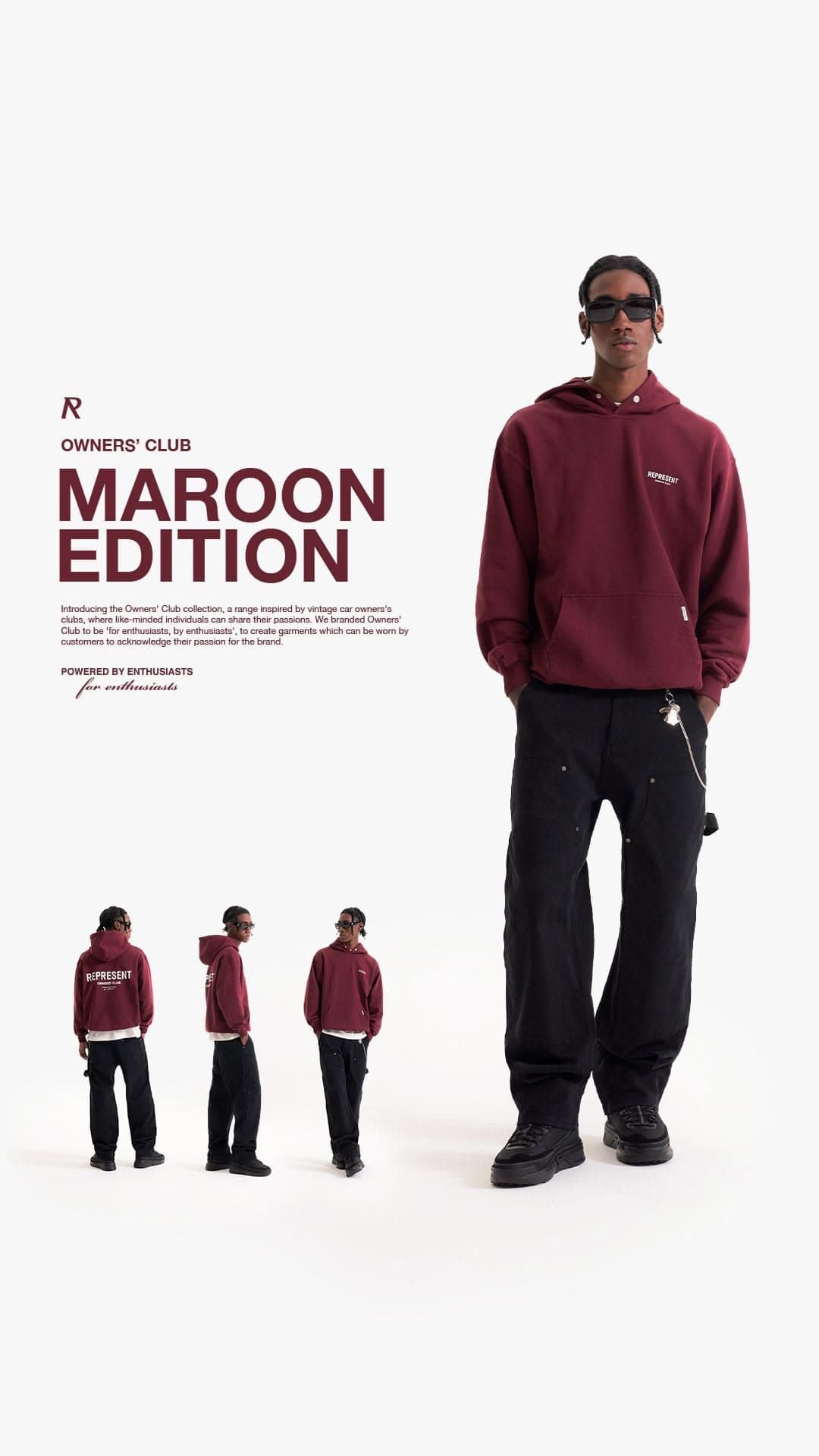
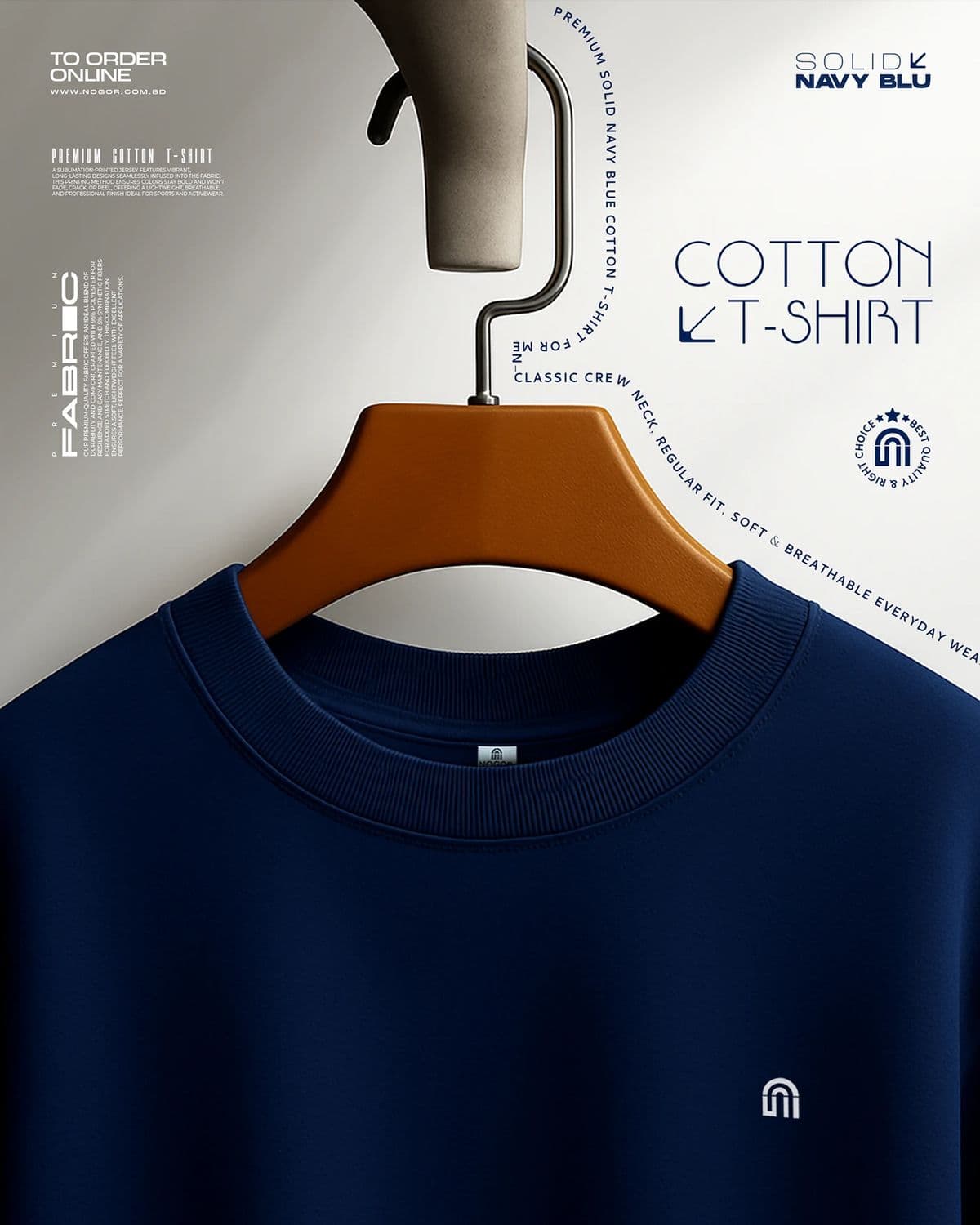
How for creators and social managers use Snapsible
The specific moments where Snapsible replaces a photographer, a stylist, or a week of editing.
Full Instagram grid planning
Generate 9-12 posts at once in 1:1, planned for a cohesive grid aesthetic. Swap lighting, scene, and prop styling per tile while keeping the brand system locked.
Reels and TikTok cover frames
Produce 9:16 cover frames that stop the scroll before a creator's video even loads. Match in-video product shots for seamless transitions.
Pinterest pin packs
Batch 2:3 pins at Pinterest-native dimensions. Generate themed pin packs for seasonal campaigns — gift guides, recipes, styling inspiration — all driving back to the brand's product.
Campaign-length content sprints
Run a 30-day content sprint from one planning session. Themed by week (launch, UGC-style, behind-the-scenes aesthetic, lifestyle), all produced in one afternoon.
How a typical session goes
- 1Connect the brand profilePaste the brand's site URL once. Palette, typography, tone, and voice are saved and available for every generation in this account.
- 2Upload hero product photosOne clean reference photo per product. The AI uses them as the anchor — real product, real colorway, preserved in every generated scene.
- 3Plan the week or month as a content briefList out posts by format and theme. For each, pick a reference scene or paste a Pinterest inspiration image that matches the vibe.
- 4Batch generate on the content calendarProduce each post in 4 variations. Drop winners into the content calendar tool — Later, Planoly, Buffer, Notion, or your CMS of choice.
- 5Schedule and post on cadenceExport 1:1 for Instagram feed, 9:16 for Reels and Stories, 2:3 for Pinterest. Most creators plan a full week in a single afternoon session.
Three steps to
studio-quality content
No design skills. No studio. Just your product, your brand, and a reference image.
Set up your Brand DNA
Paste your website URL and we auto-extract your colors, fonts, tone, and style in seconds. Or define it manually.
Pick your references
Upload inspiration images or import directly from Pinterest. AI analyzes the scene, lighting, and composition.
Generate & download
AI places your exact product into the reference scene. Download in any format, or create ad creatives in one click.
Popular niches for for creators and social managers
Product categories where this workflow hits hardest.
Start free. Scale when ready.
Every plan runs on credits — 5 credits per image. No hidden fees, no confusing tiers.
Try it out, no card needed.
- 50 credits / month
- 10 image generations
- 1 brand profile
- All 6 workflows
For solo creators and founders.
- 500 credits / month
- 100 image generations
- 5 brand profiles
- All 6 workflows
- No watermark
- Commercial license
For growing brands and agencies.
- 1,500 credits / month
- 300 image generations
- Unlimited brand profiles
- All 6 workflows
- No watermark
- Commercial license
- Priority queue
- API access
5 credits per image · All workflows same cost · Credits reset monthly, no rollover
Snapsible for creators and social managers: FAQ
Other teams we've built for
Your References +
Your Brand DNA
= Studio-Quality Content
No designers. No studios. No wasted hours. Just upload, generate, and publish.
Free plan available · No credit card required · Cancel anytime