Studio whitephotography
The clean, seamless-background shot every marketplace and PDP needs. Upload your product and generate catalog-grade studio imagery in seconds.
The non-negotiable shot for every product catalog
Studio white — also called product-on-white, seamless, or catalog photography — is the clean, evenly-lit shot of a product isolated against a pure white or near-white background. It's the dominant image format on Amazon, Shopify, Google Shopping, Walmart Marketplace, and nearly every retailer in the world because it's legible, consistent, and lets the product do all the work. Amazon actually requires pure white (RGB 255, 255, 255) for the primary image. There's no way to run e-commerce without a studio-white library. But shooting studio white well is harder than it looks. You need a photo table or a seamless sweep, two to three lights balanced to kill all shadows, a polarizing filter for reflective products, a locked-off tripod, and a retoucher who can perfectly knock out the background afterwards. A small brand's first attempt at DIY studio white almost always ends up yellow-tinted, shadowy, or with visible seams. Snapsible generates broadcast-clean studio white directly from your product photo. The AI holds every detail of the product — label, color, finish, logo — and renders it on perfect seamless white with correct shadow placement (soft drop shadow, floating shadow, or no shadow depending on your platform requirements). It's the fastest way to get Amazon-compliant imagery, fill out a 50-SKU catalog, or refresh your PDP primary images without booking a studio.
AI-generated. Studio quality.
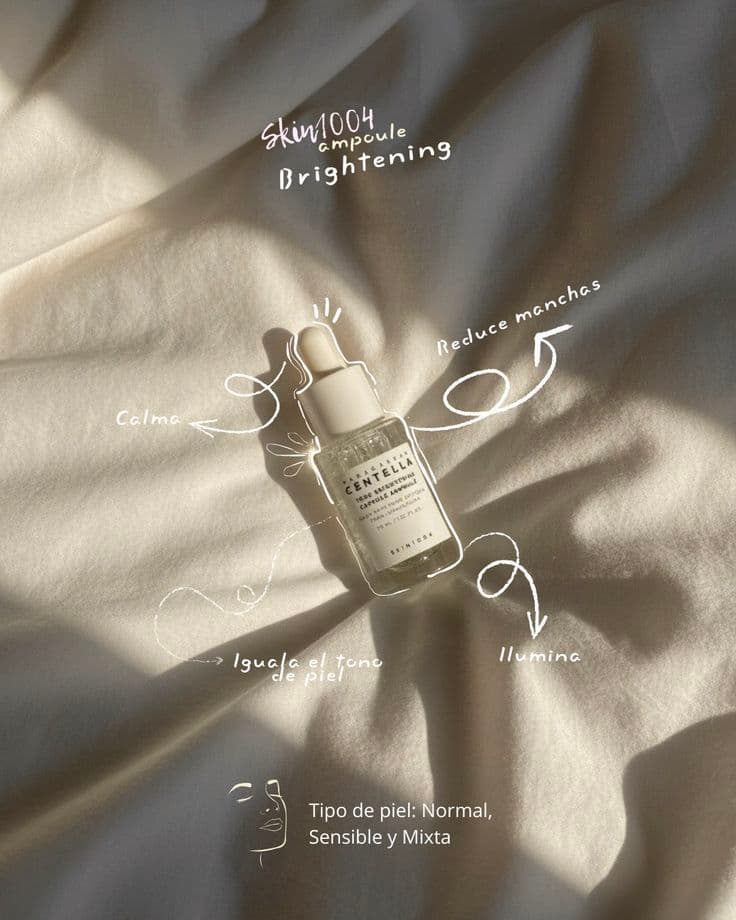
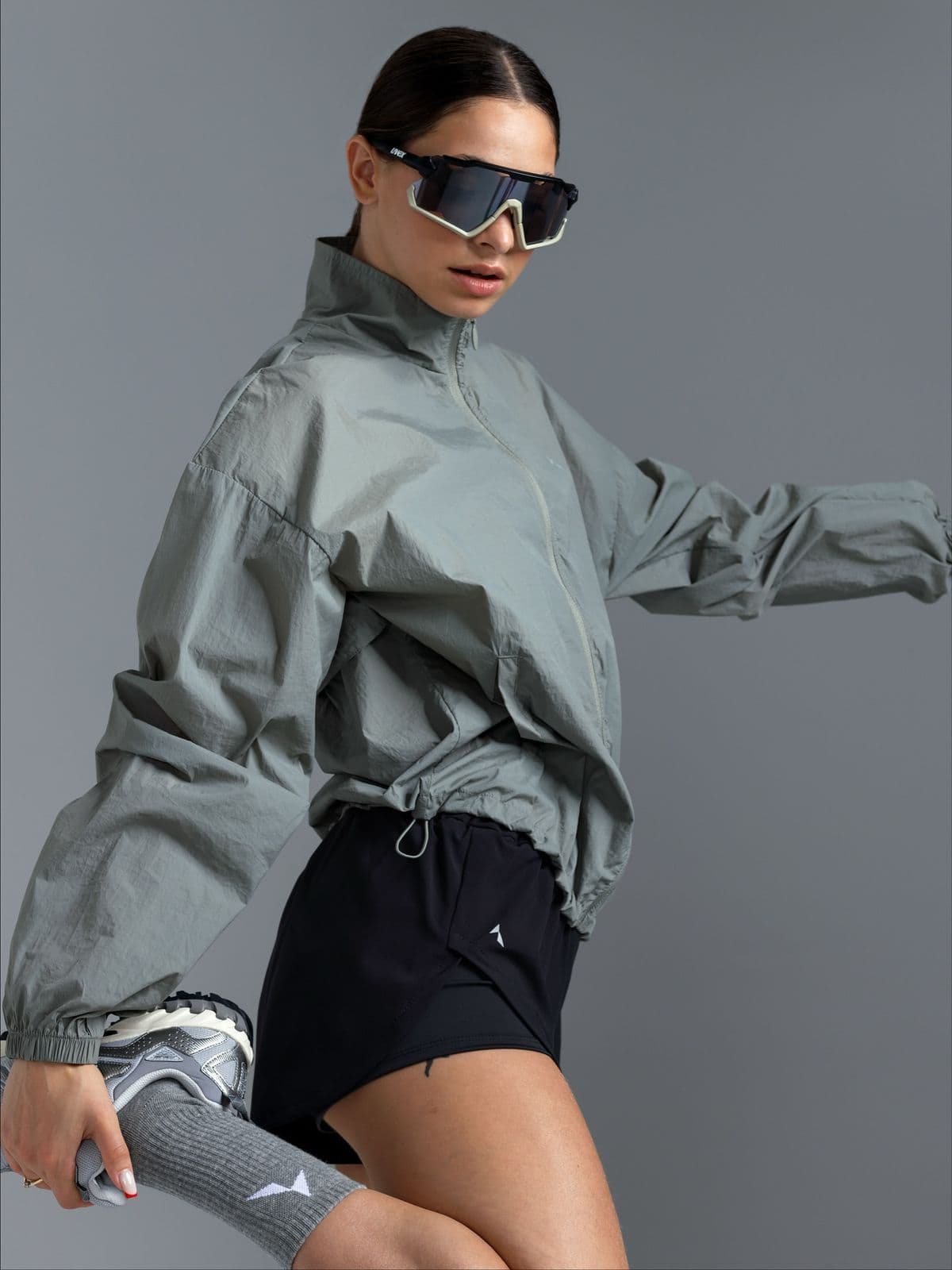
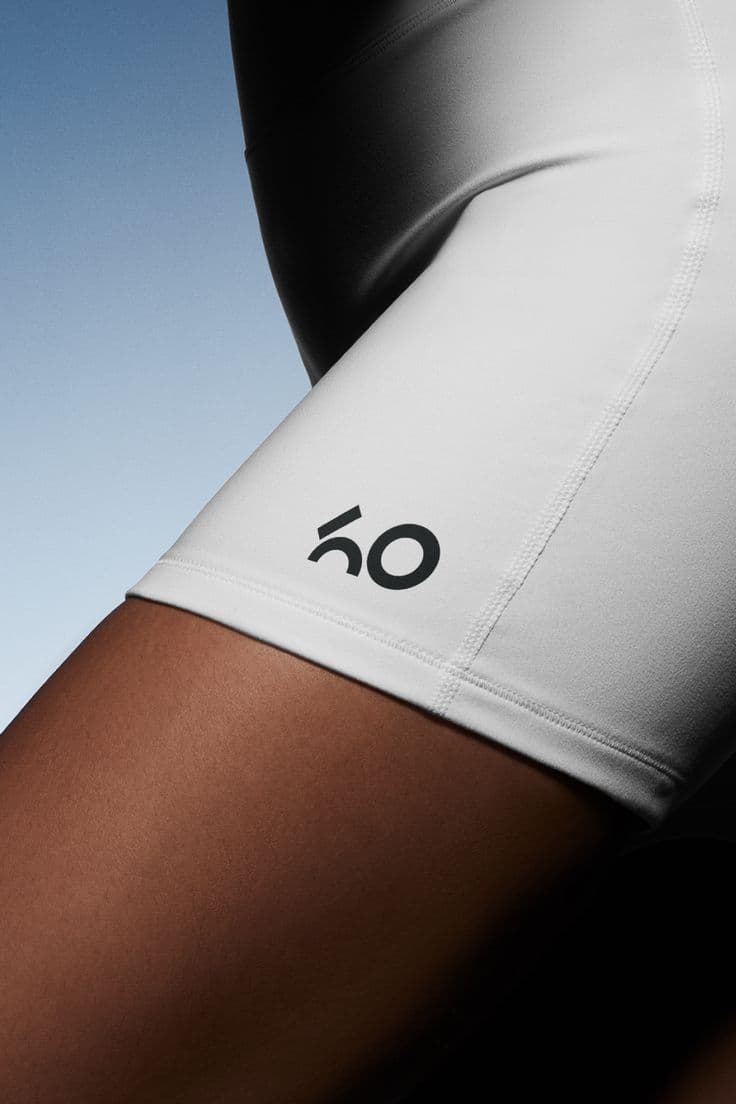
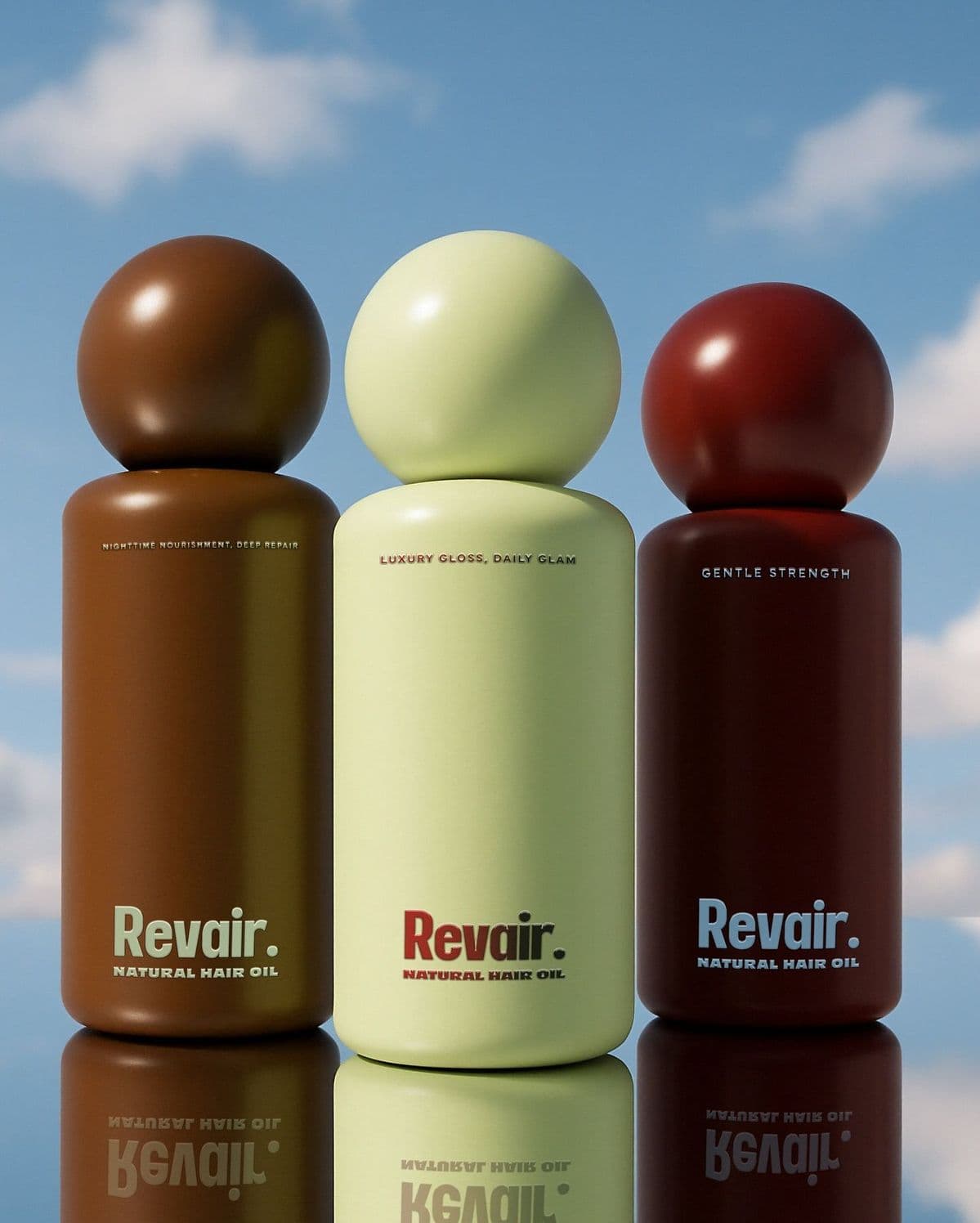
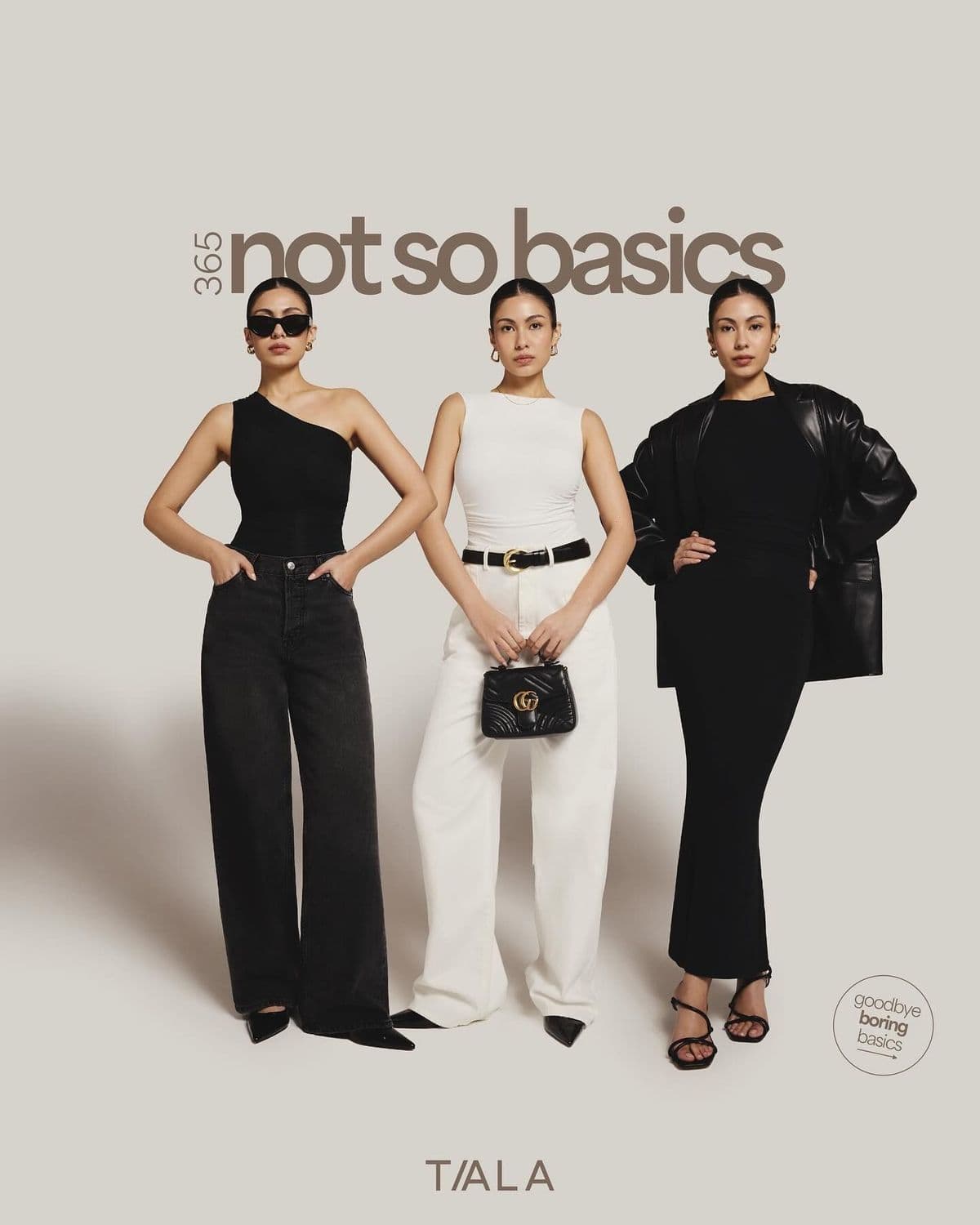
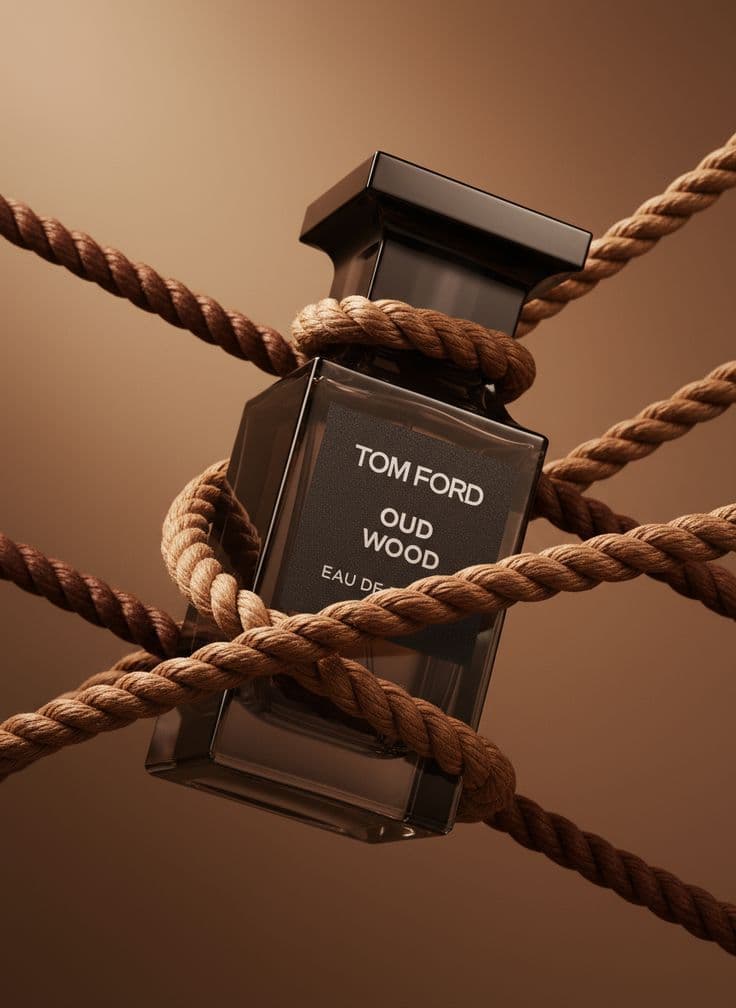
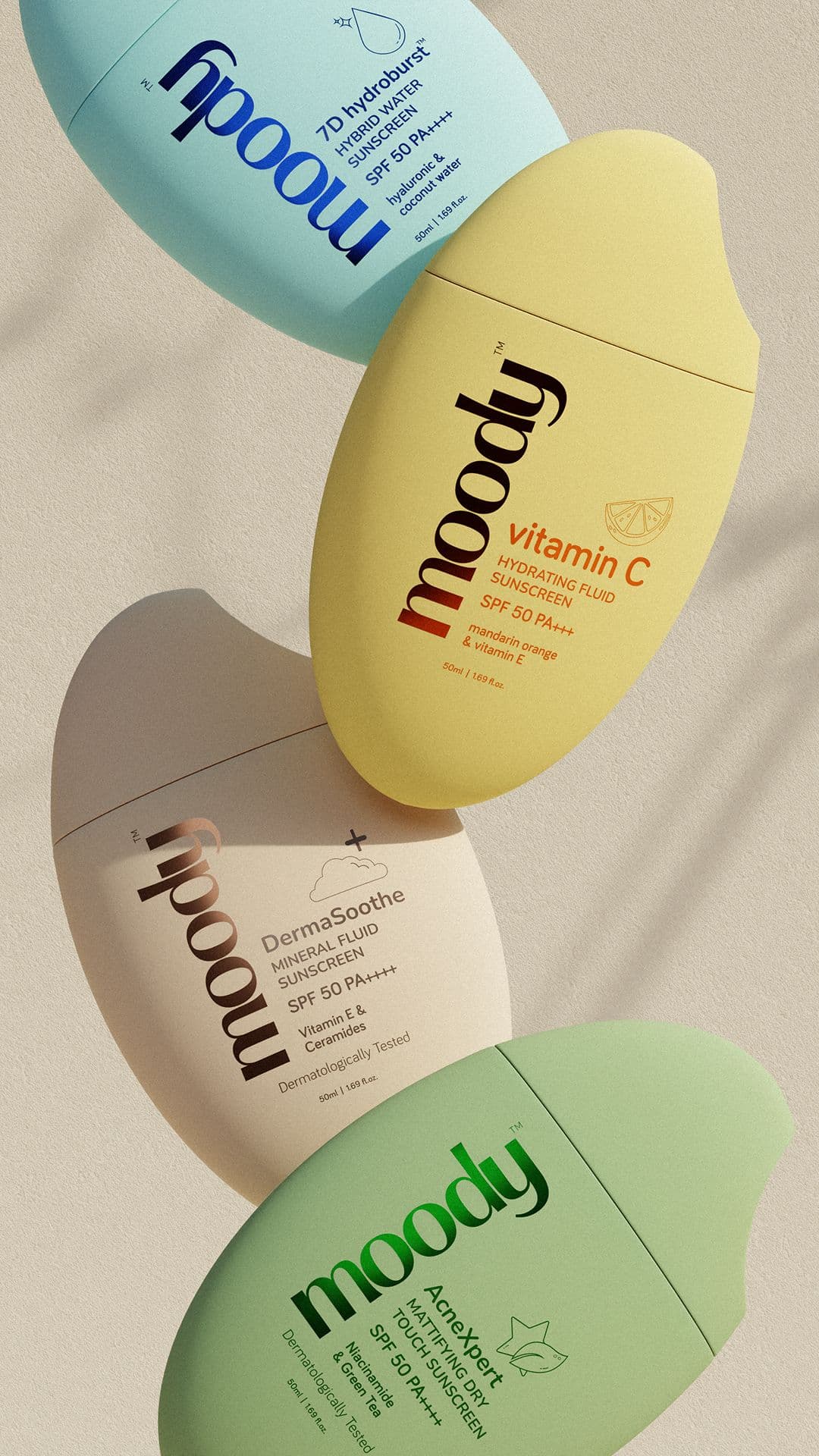
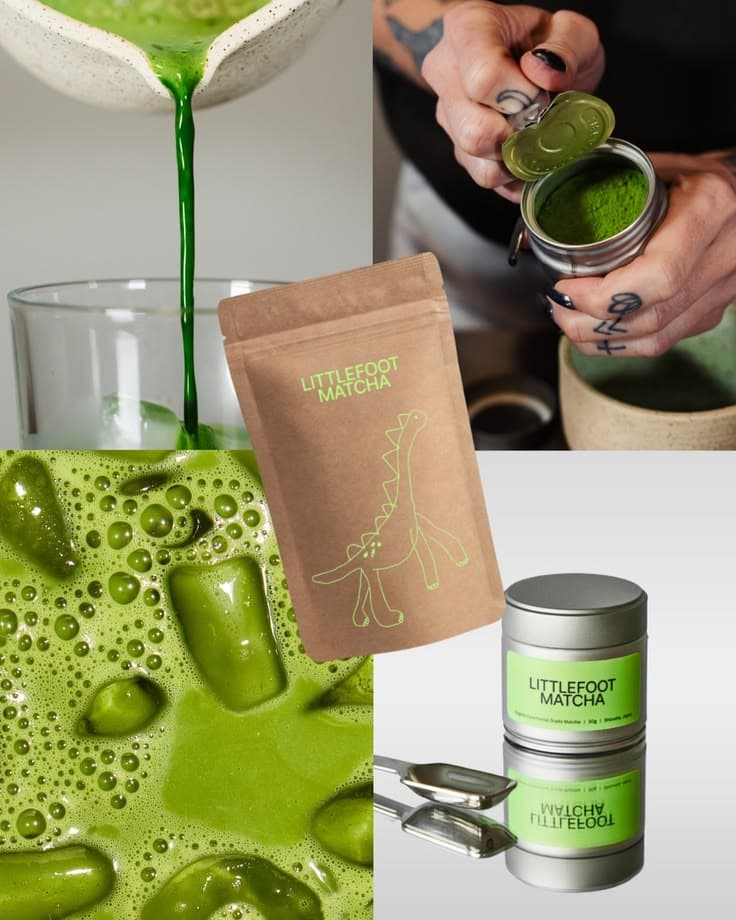
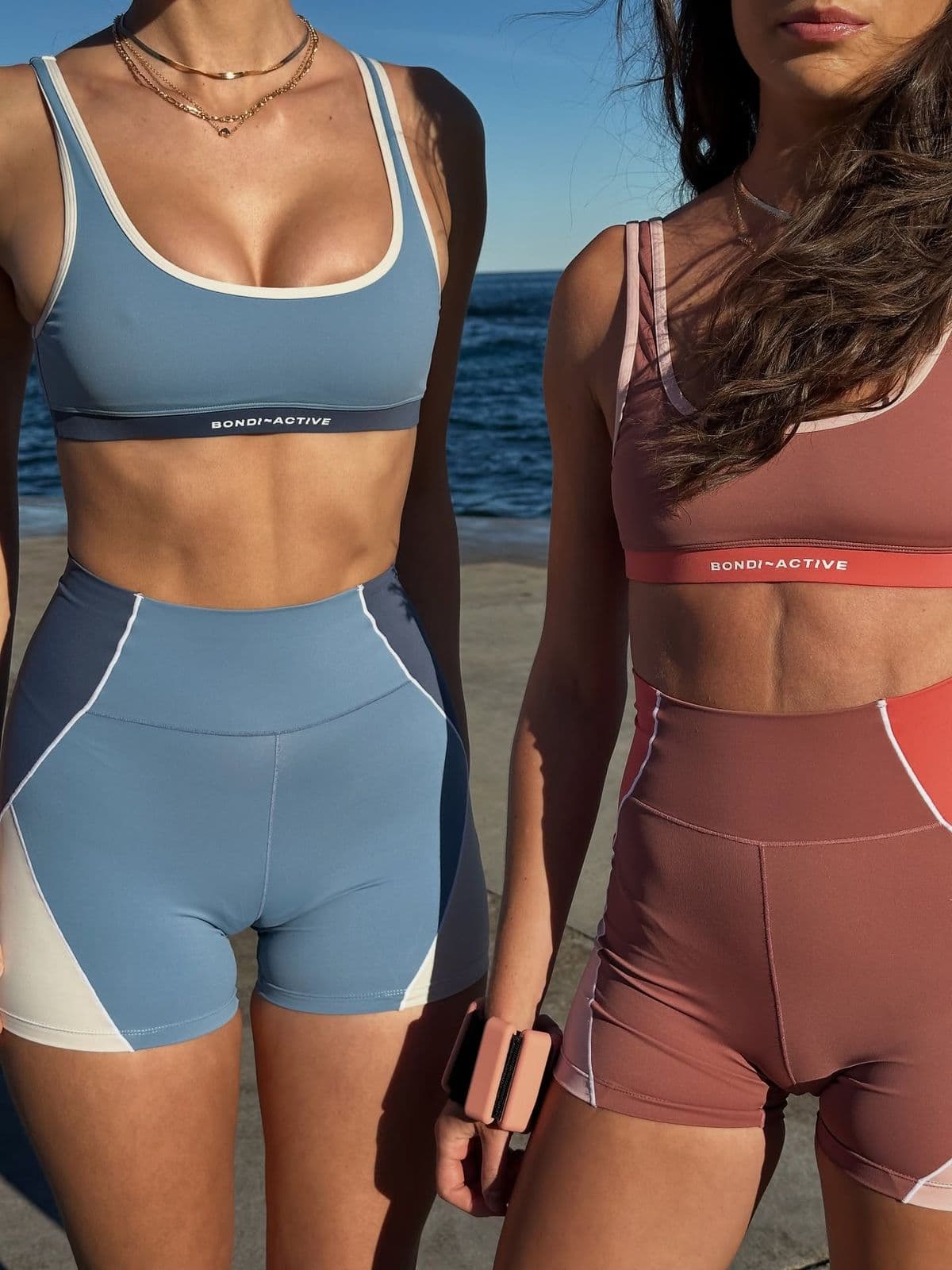
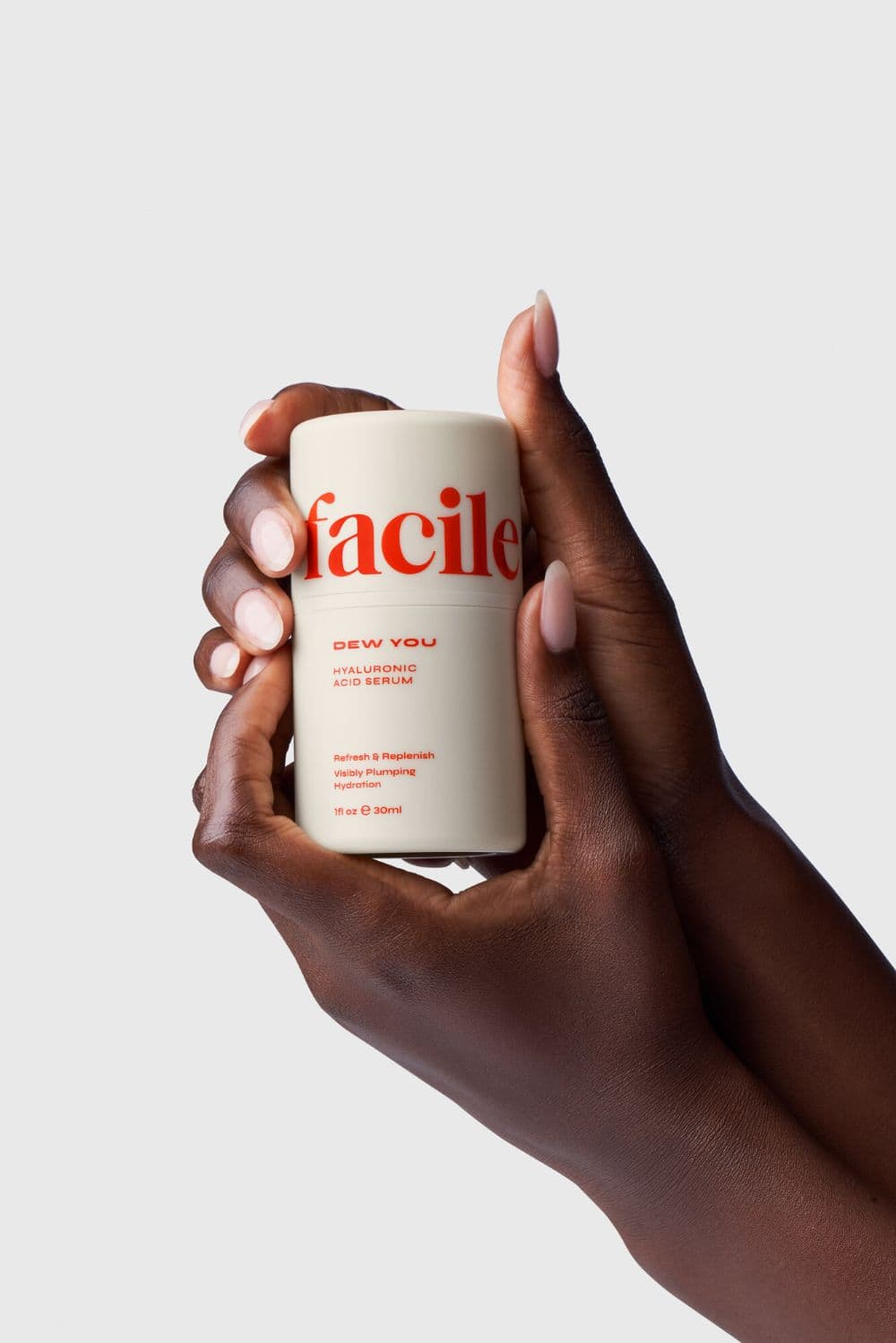
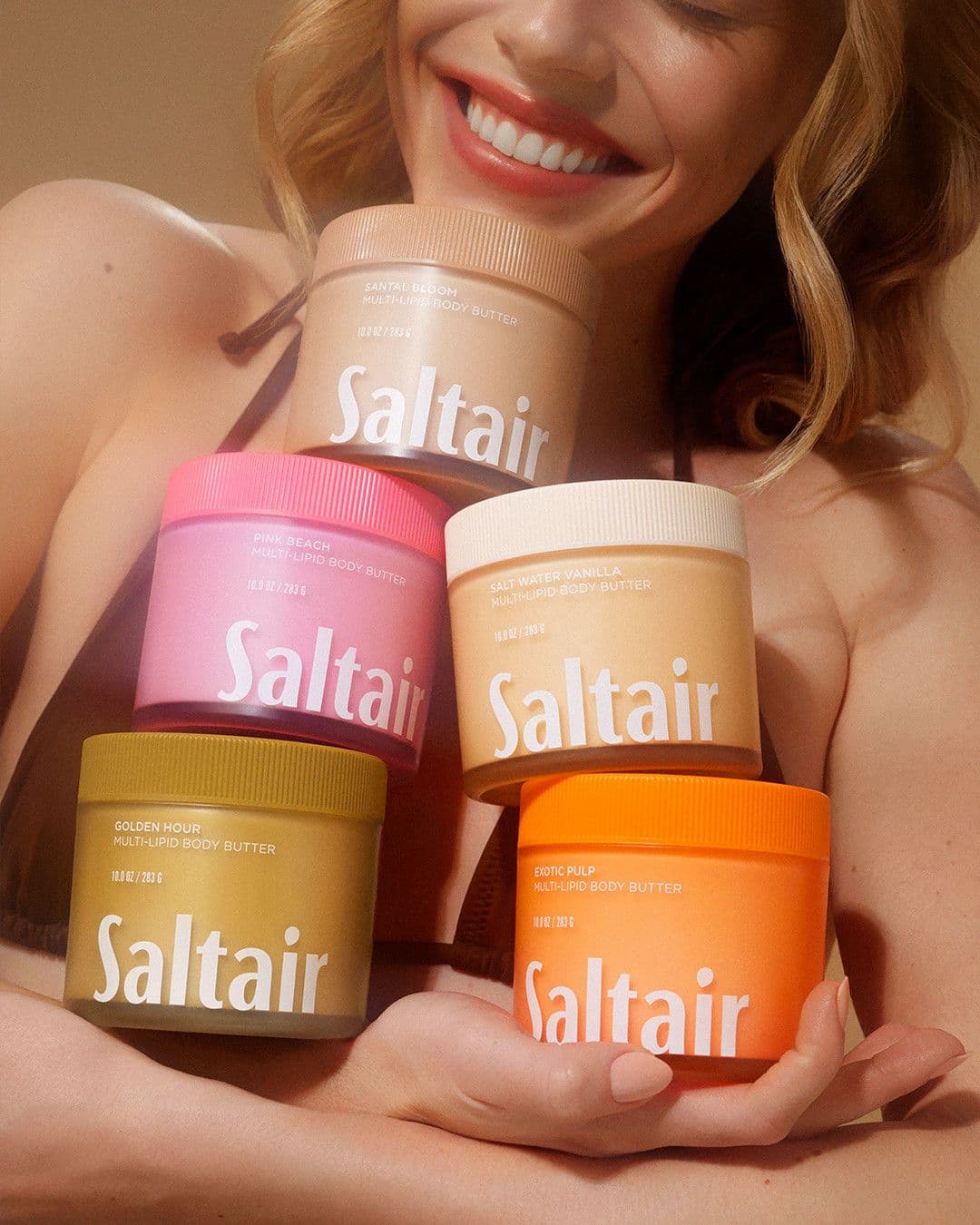
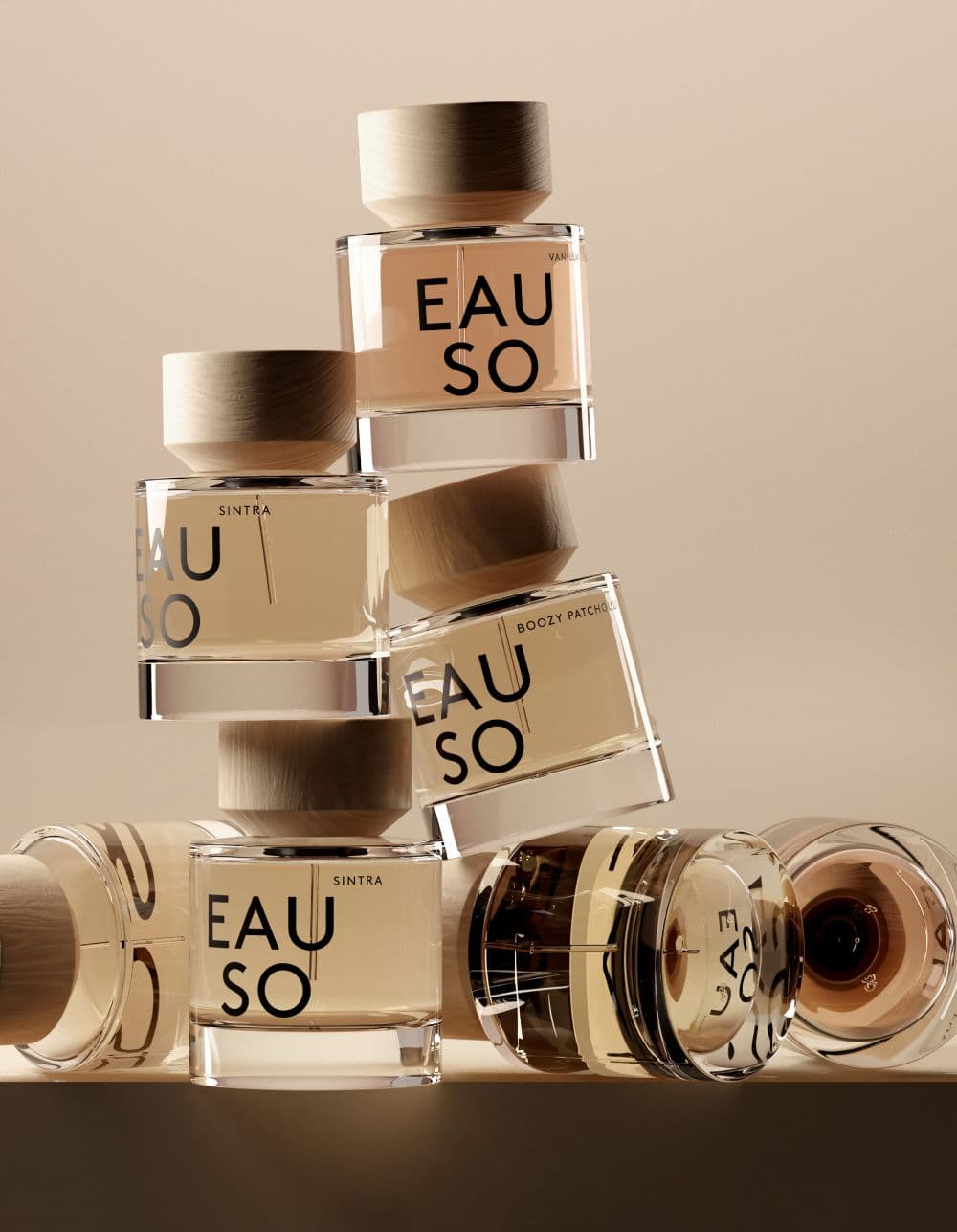
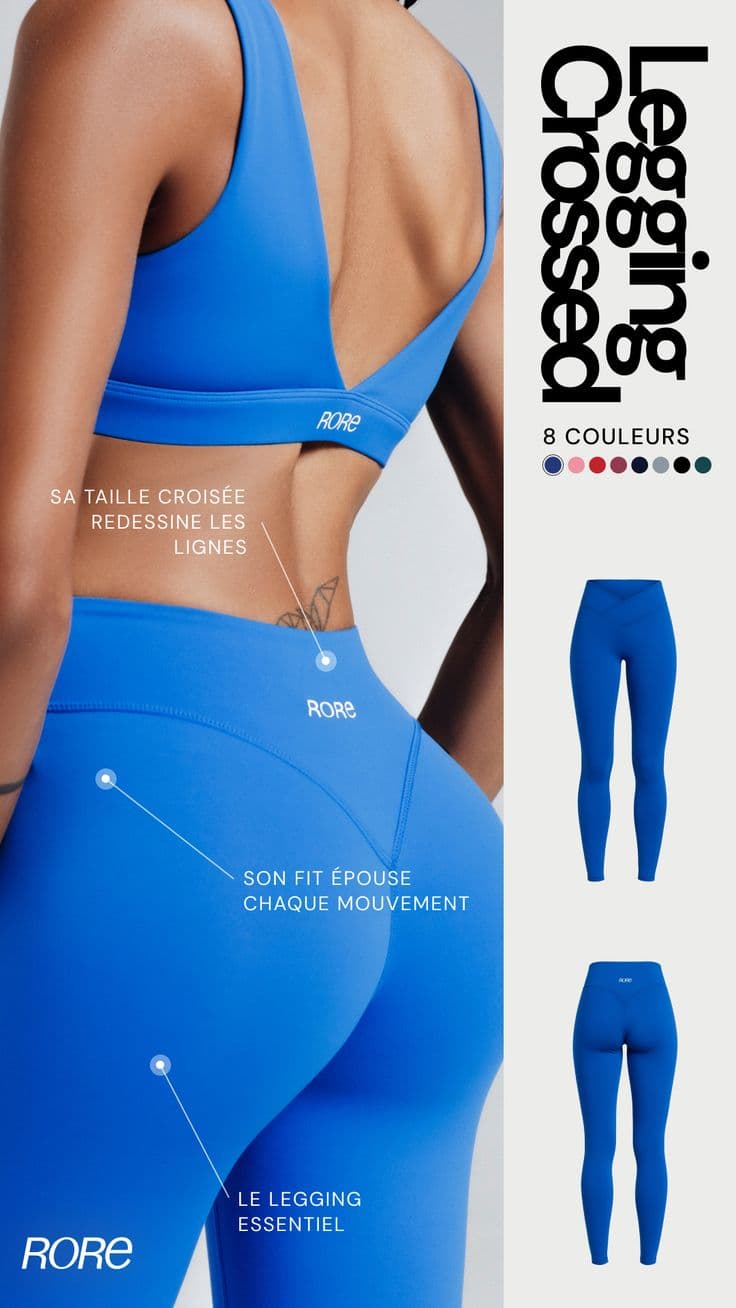
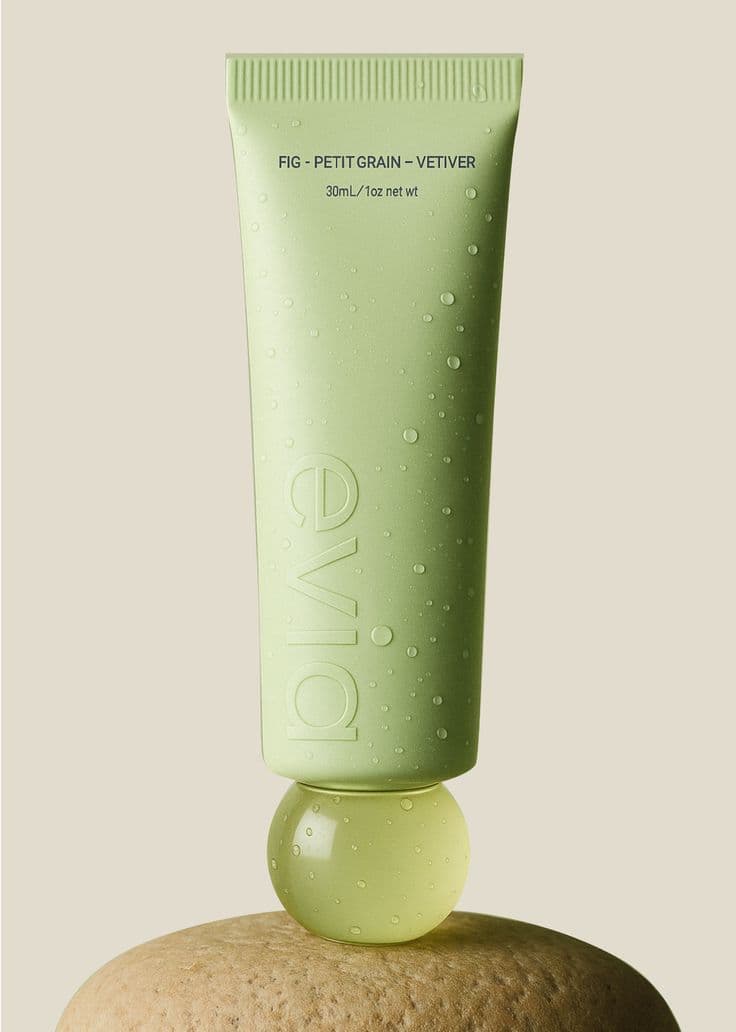
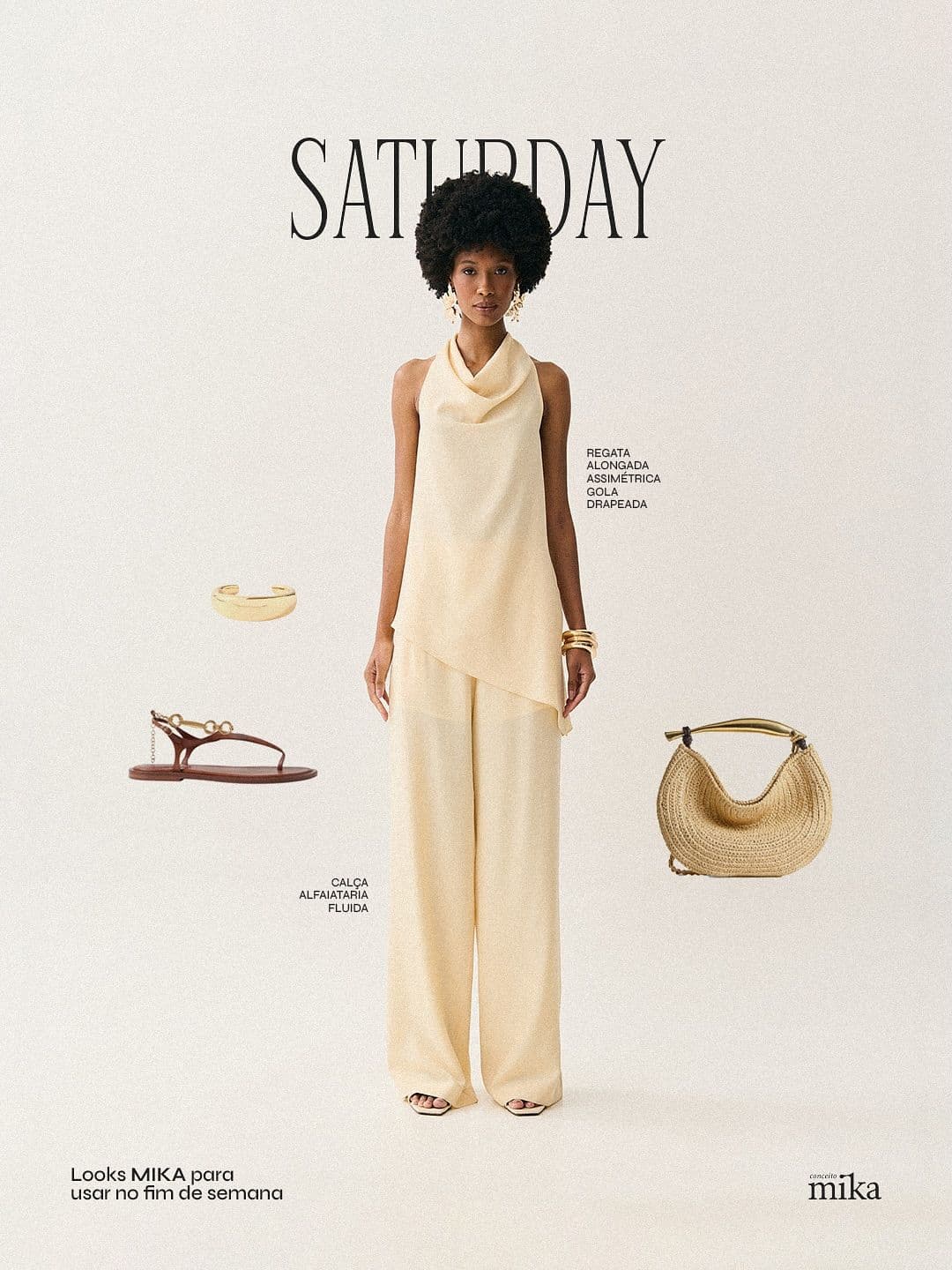
Every image below was generated in seconds. No photographer, no studio, no retouching.







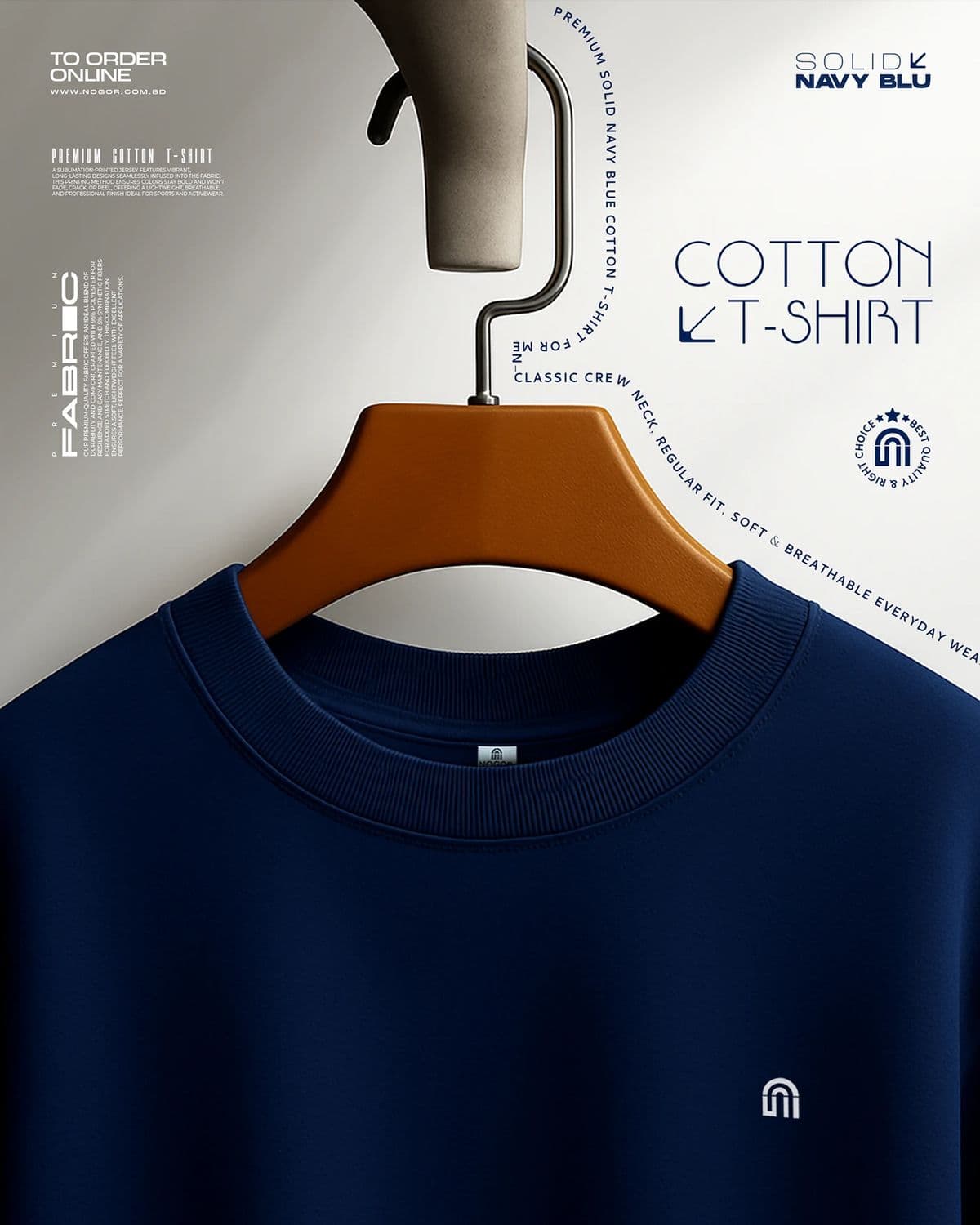

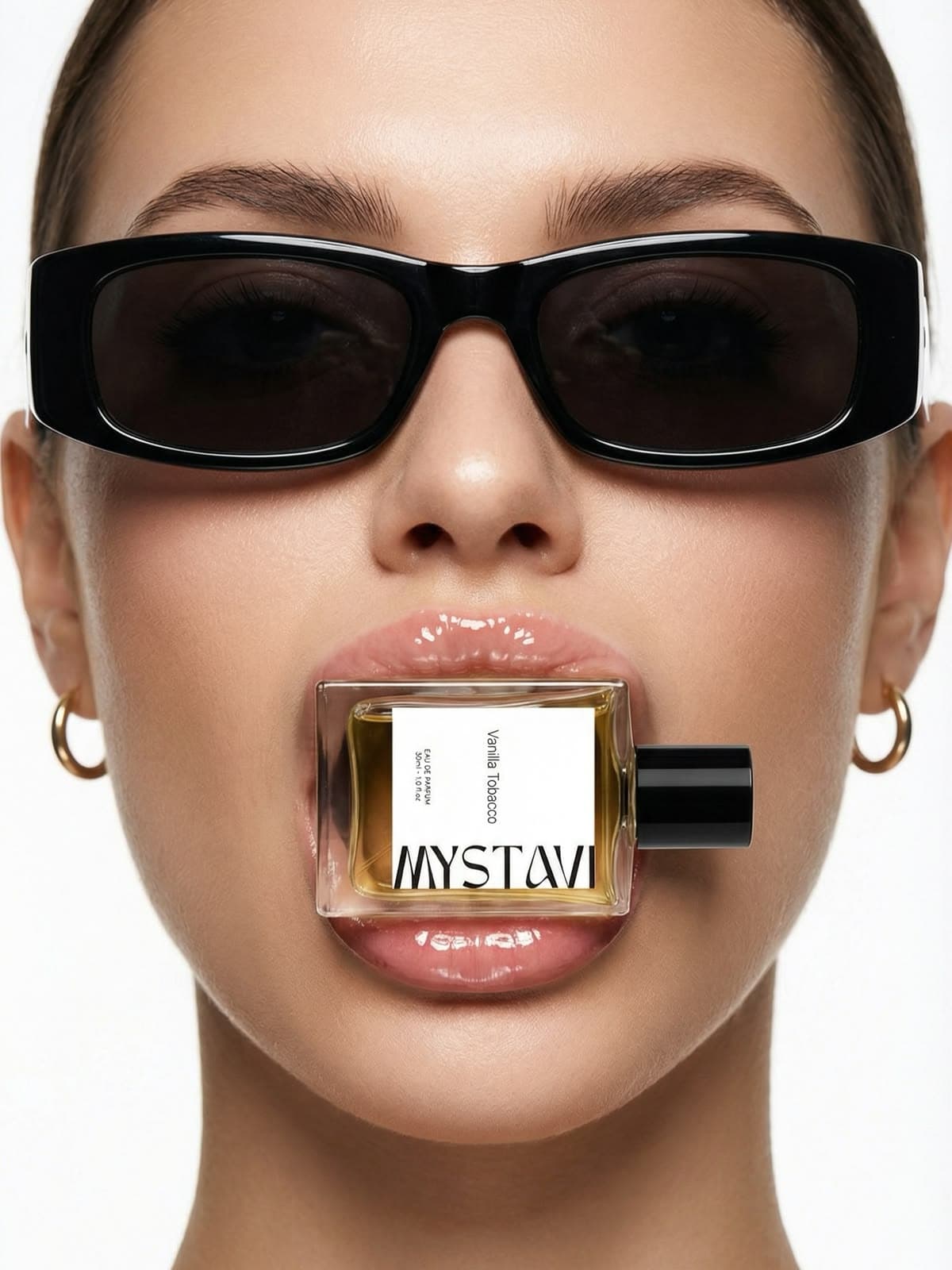
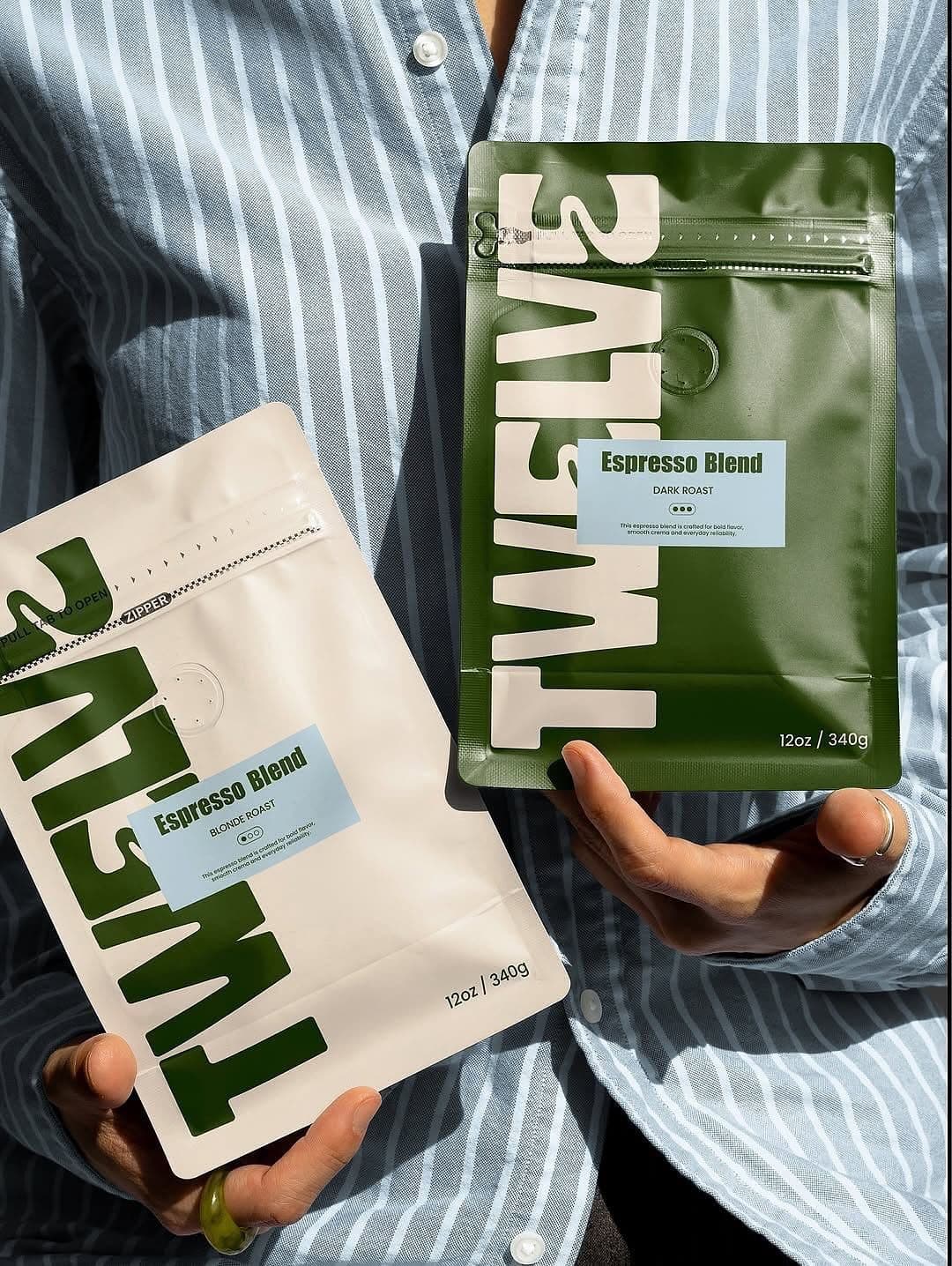
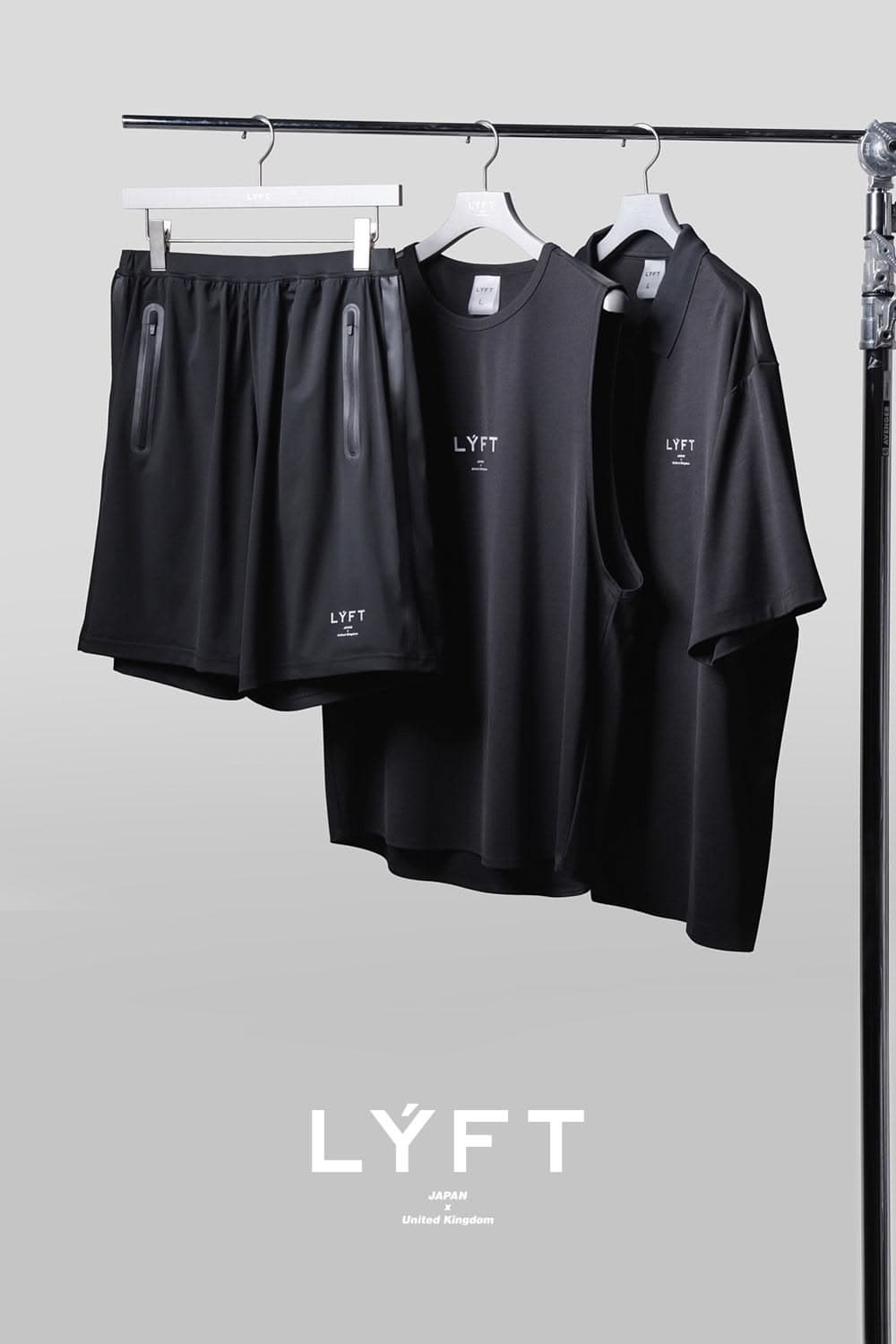


What makes studio white actually work at scale
Studio white looks simple but there are a handful of details that separate marketplace-compliant from visibly amateur. Six things to get right.
Use pure white (#FFFFFF), not off-white
Amazon technically requires RGB 255/255/255 for primary images. Most DIY white shoots end up at 245 or lower because of light falloff. Snapsible outputs true pure white by default, which means no post-processing and no marketplace rejection.
Keep a consistent product-to-frame ratio across SKUs
Every product in your catalog should fill roughly the same percentage of the frame — usually 75–85 percent. Inconsistent sizing makes a collection grid look chaotic even when every individual image is clean.
Decide on a shadow rule and stick to it
Three options: no shadow (most clinical, best for supplements and skincare), soft contact shadow (most natural, best for everyday products), or floating drop shadow (most premium, best for watches and handbags). Pick one and apply it to every image in the catalog.
Match the product angle across the collection
If one bottle is facing 10 degrees left of camera, every bottle in the collection should match. Studio white is about ruthless consistency — it's not where you get creative with angles.
Show the front of the package on the hero image
Label forward, logo readable, best marketing surface facing the camera. Save three-quarter angles and back-of-package shots for secondary images in the PDP gallery, not the primary.
Respect the margins marketplaces require
Amazon requires the product to fill at least 85 percent of the frame. Other marketplaces want 70–80 percent. Too much white space and the product looks lost; too little and it gets cropped in thumbnails. Snapsible lets you lock the margin when you generate.
Three steps to
studio-quality content
No design skills. No studio. Just your product, your brand, and a reference image.
Set up your Brand DNA
Paste your website URL and we auto-extract your colors, fonts, tone, and style in seconds. Or define it manually.
Pick your references
Upload inspiration images or import directly from Pinterest. AI analyzes the scene, lighting, and composition.
Generate & download
AI places your exact product into the reference scene. Download in any format, or create ad creatives in one click.
Studio White photography by niche
Product categories where studio white photography works best.
Start free. Scale when ready.
Every plan runs on credits — 5 credits per image. No hidden fees, no confusing tiers.
Try it out, no card needed.
- 50 credits / month
- 10 image generations
- 1 brand profile
- All 6 workflows
For solo creators and founders.
- 500 credits / month
- 100 image generations
- 5 brand profiles
- All 6 workflows
- No watermark
- Commercial license
For growing brands and agencies.
- 1,500 credits / month
- 300 image generations
- Unlimited brand profiles
- All 6 workflows
- No watermark
- Commercial license
- Priority queue
- API access
5 credits per image · All workflows same cost · Credits reset monthly, no rollover
Studio White product photography: FAQ
Your References +
Your Brand DNA
= Studio-Quality Content
No designers. No studios. No wasted hours. Just upload, generate, and publish.
Free plan available · No credit card required · Cancel anytime