Macro Detail Jewelry Photographyfor the skeptic buyer
Extreme close-ups that sell the prong setting, the hallmark, the pavé — the proof of craftsmanship.
Macro Detail jewelry: what works, what doesn't
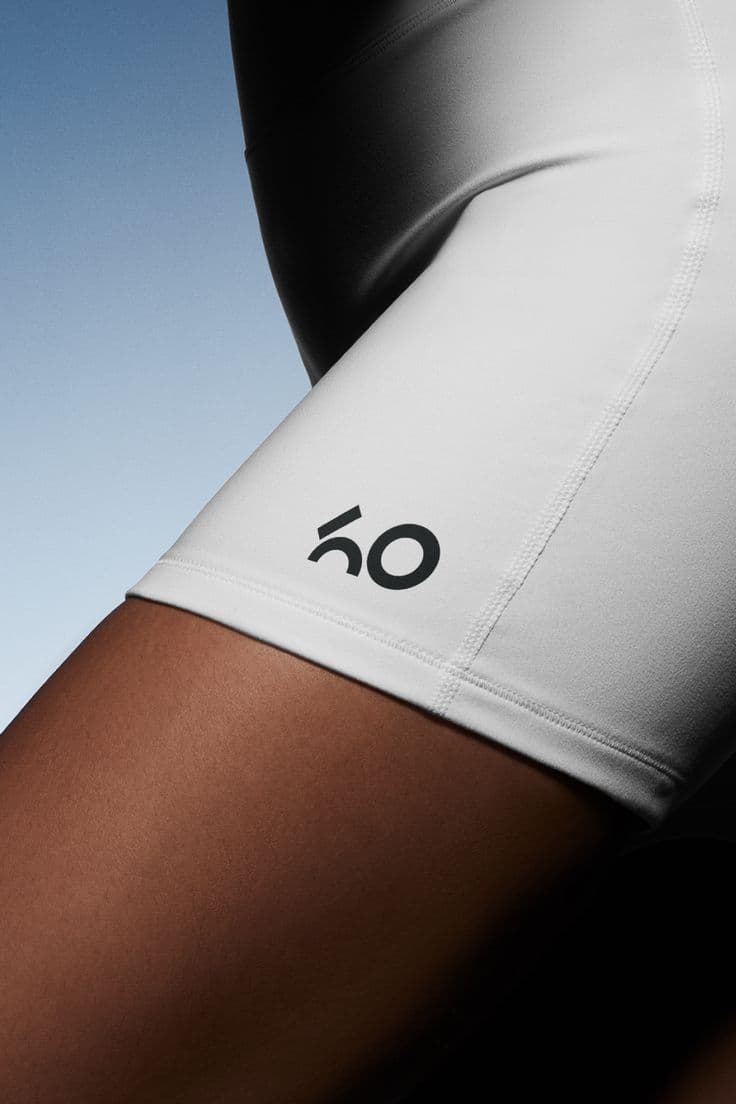
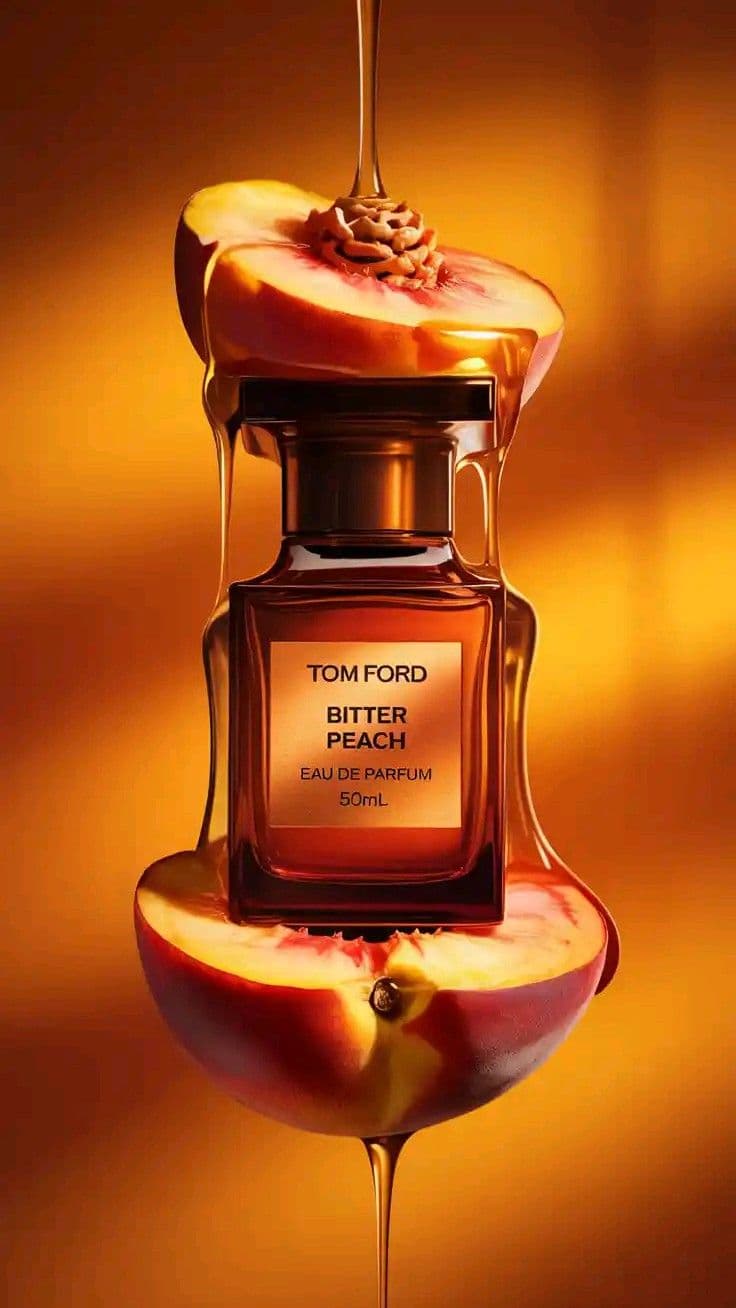
Macro is the trust shot. Before a buyer drops $800 on a ring they want to see the prong tips, the stone inclusions, the hallmark stamp, the solder join on a chain. A sharp macro on the PDP kills the "is this real" doubt that kills carts. This is also where cheap AI tools fall apart — they smooth away the micro-detail that makes fine jewelry fine. Snapsible uses your real product photo as the source, so faceting, claw prongs, and engraving stay exact. Then it regenerates the lighting and backdrop — deep black, pastel cloud, a silk swatch — at macro scale with the depth of field you'd get from a 100mm macro lens. Use these on PDPs above the size chart.
AI-generated. Studio quality.
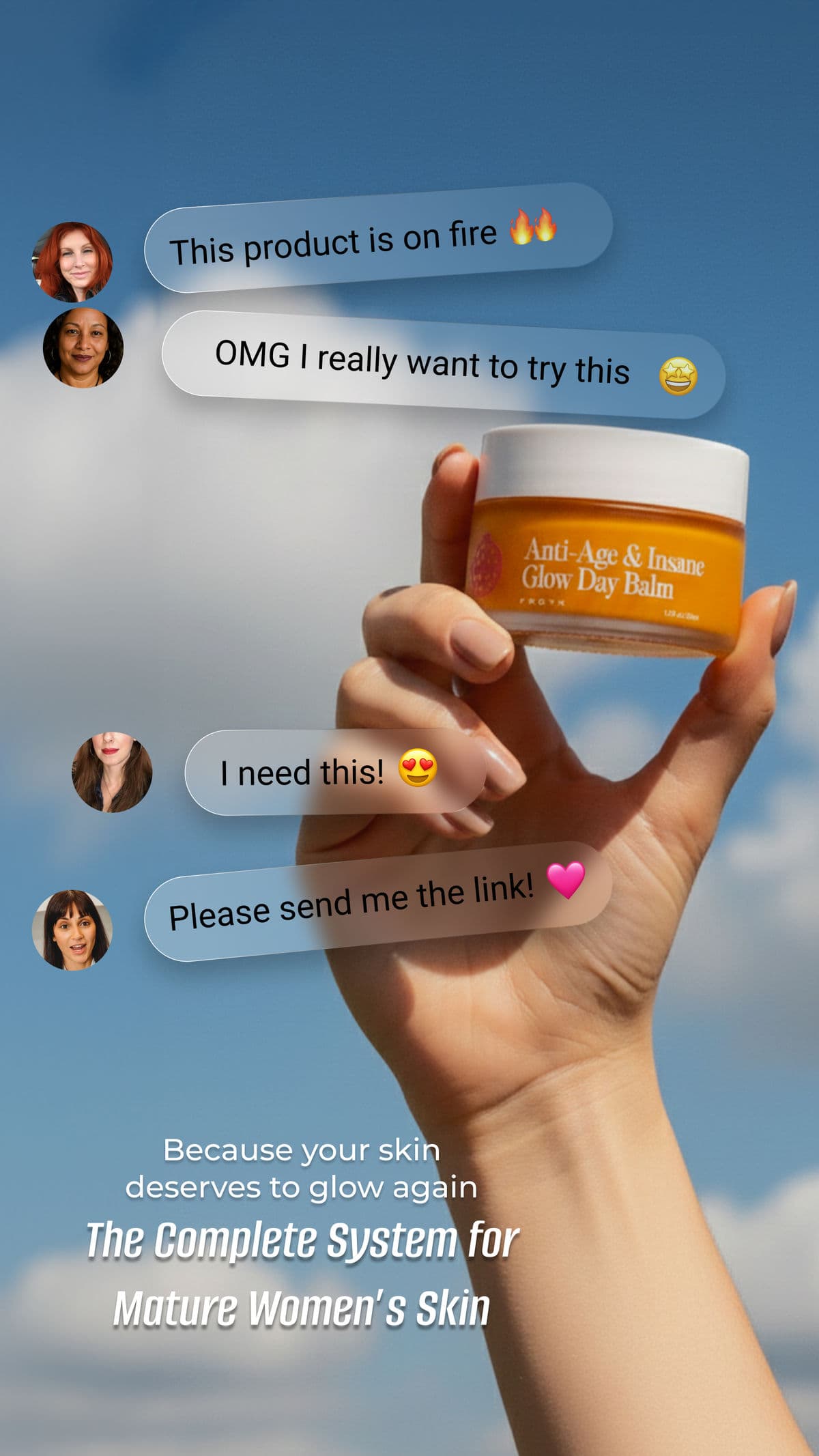
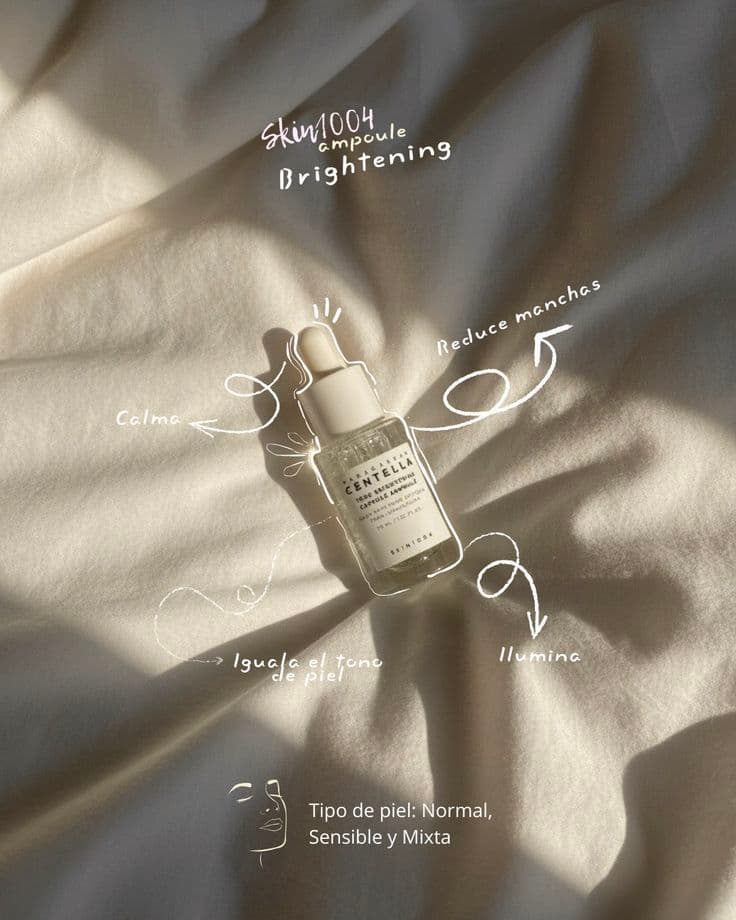
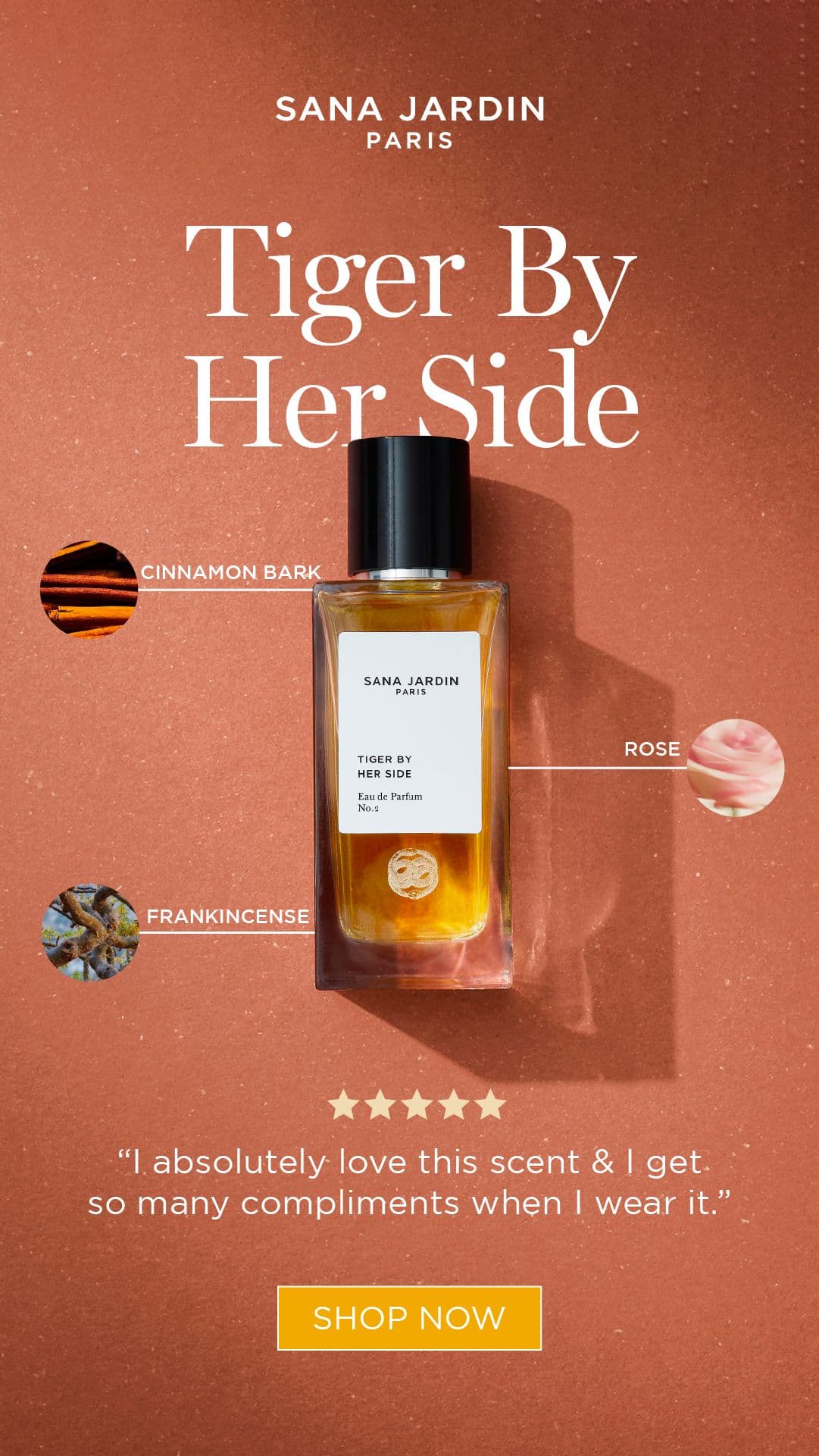
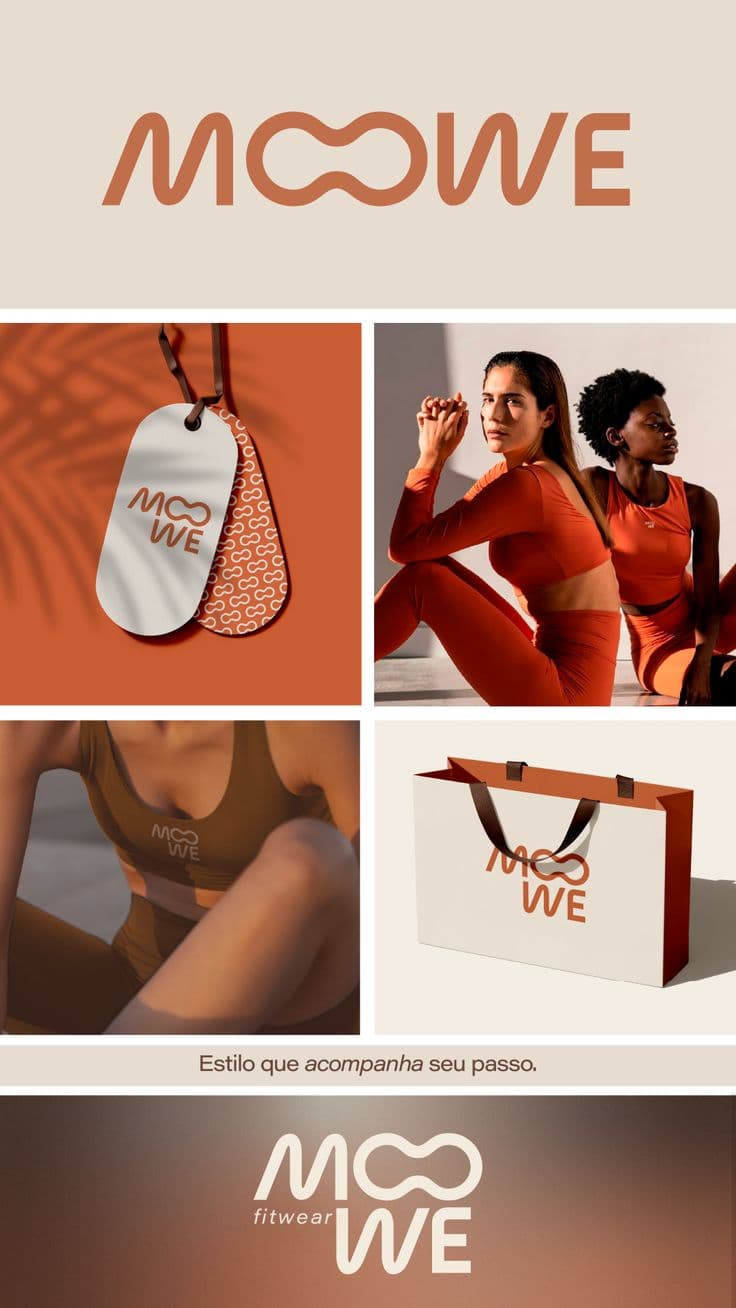
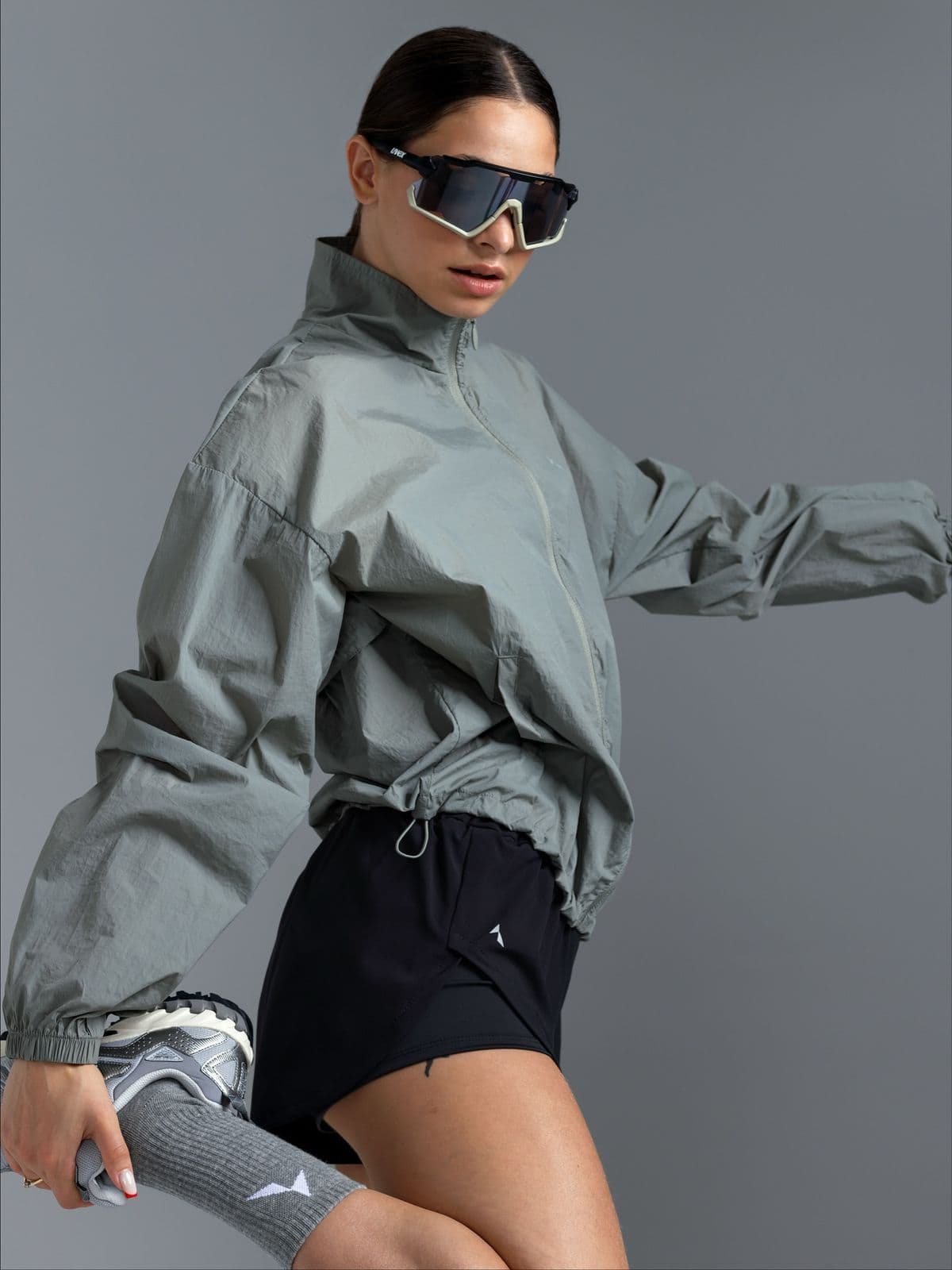
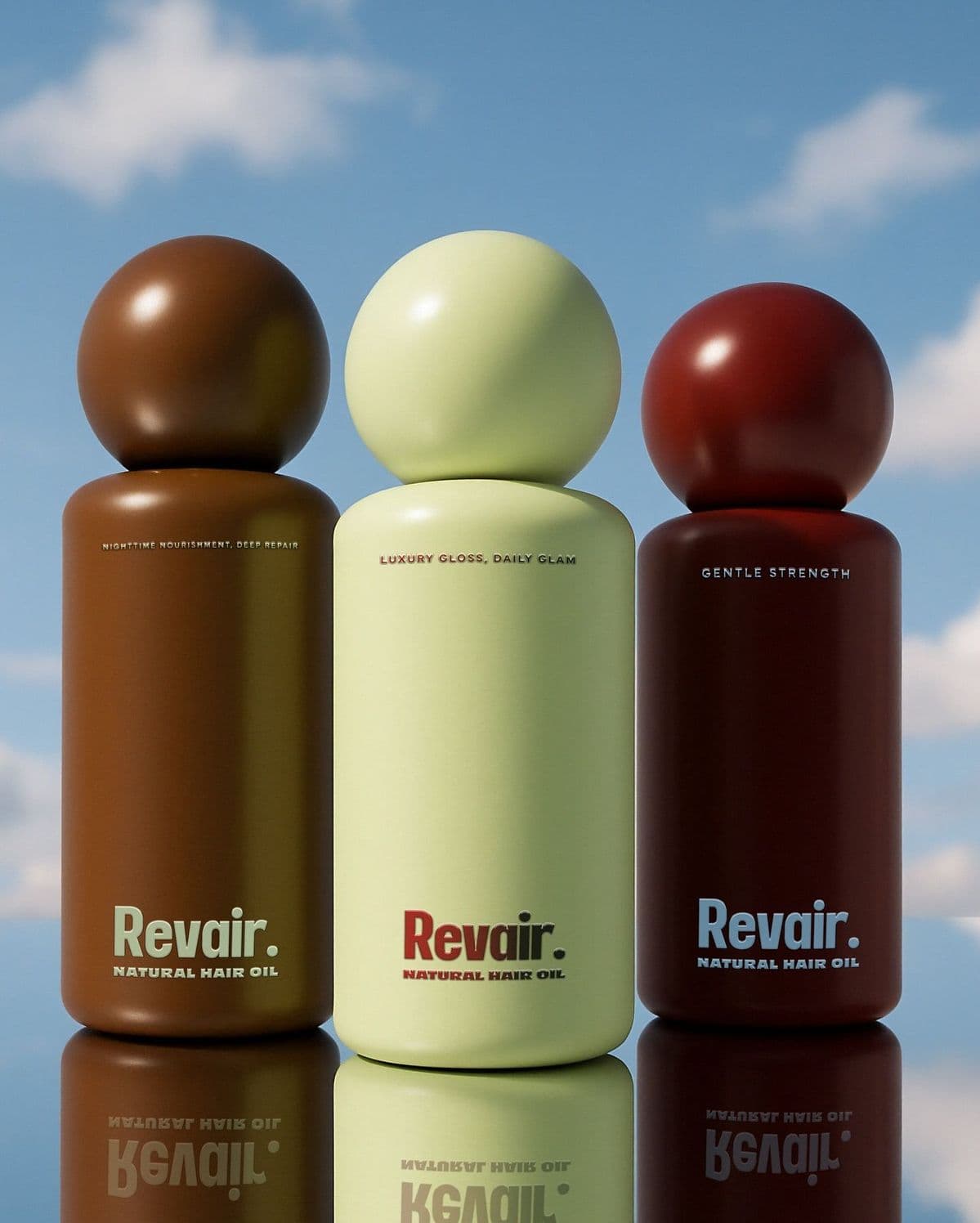
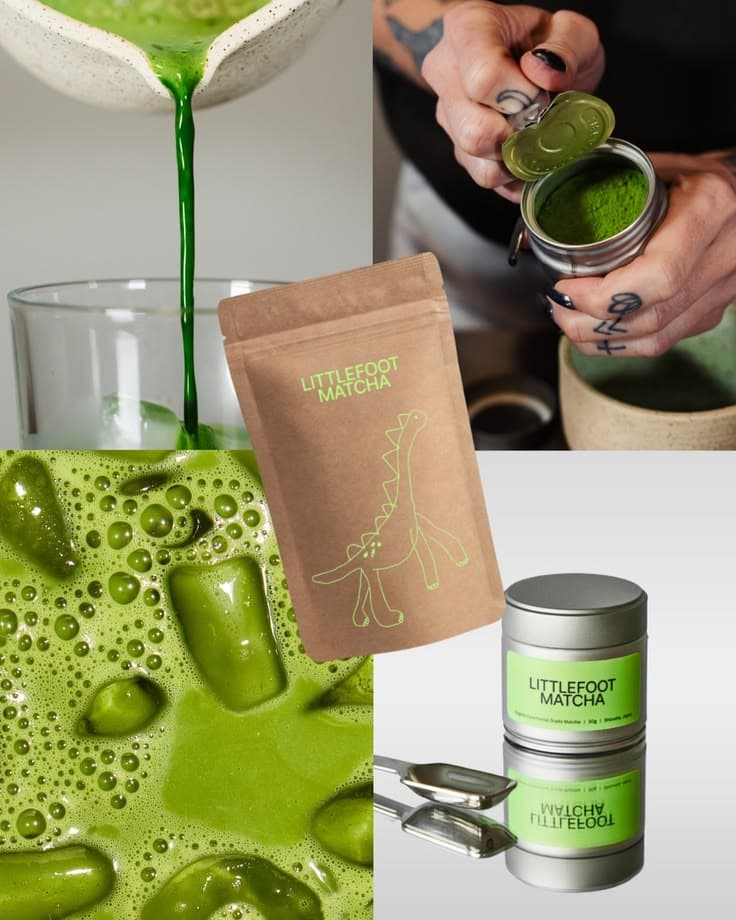
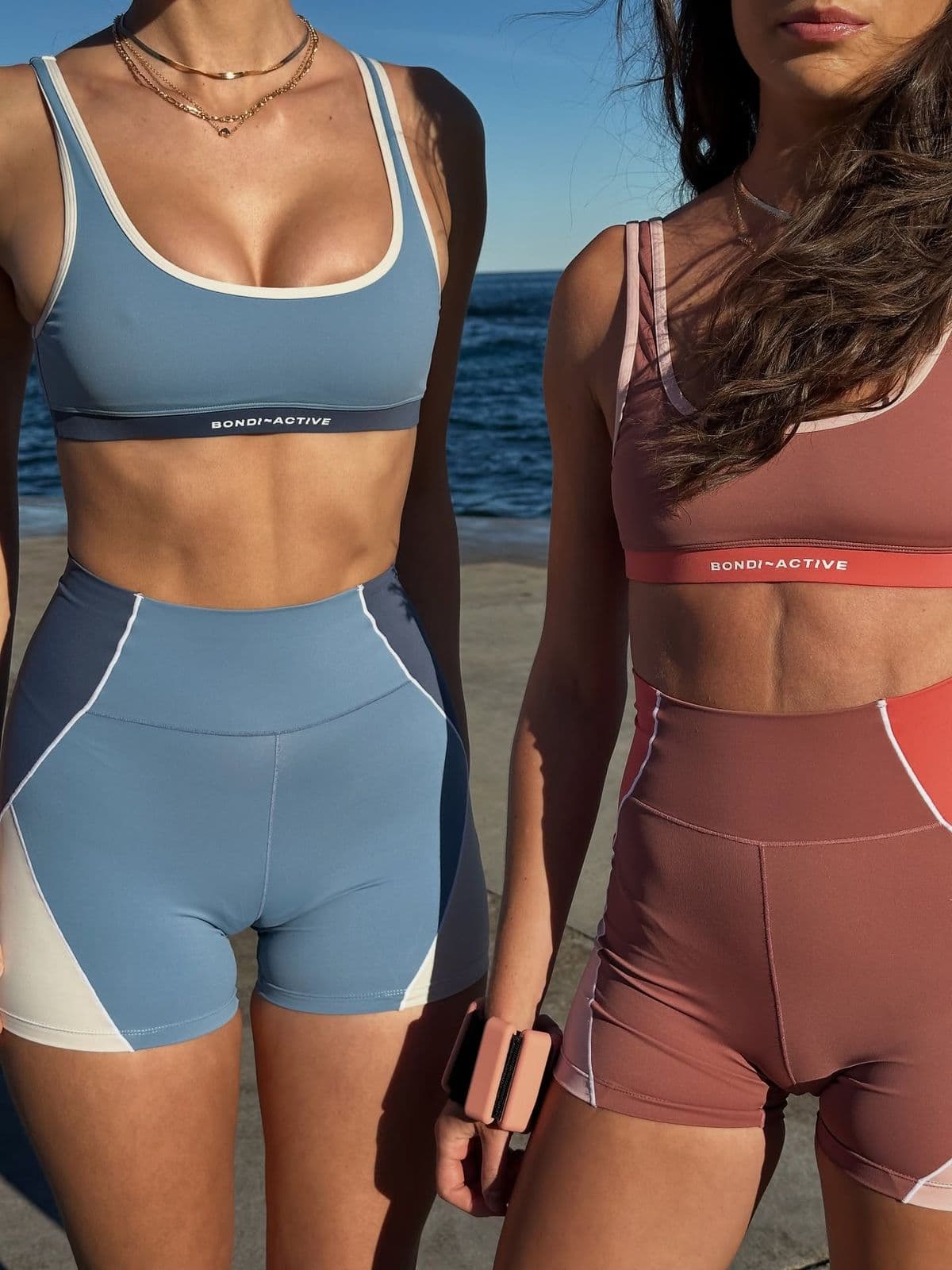
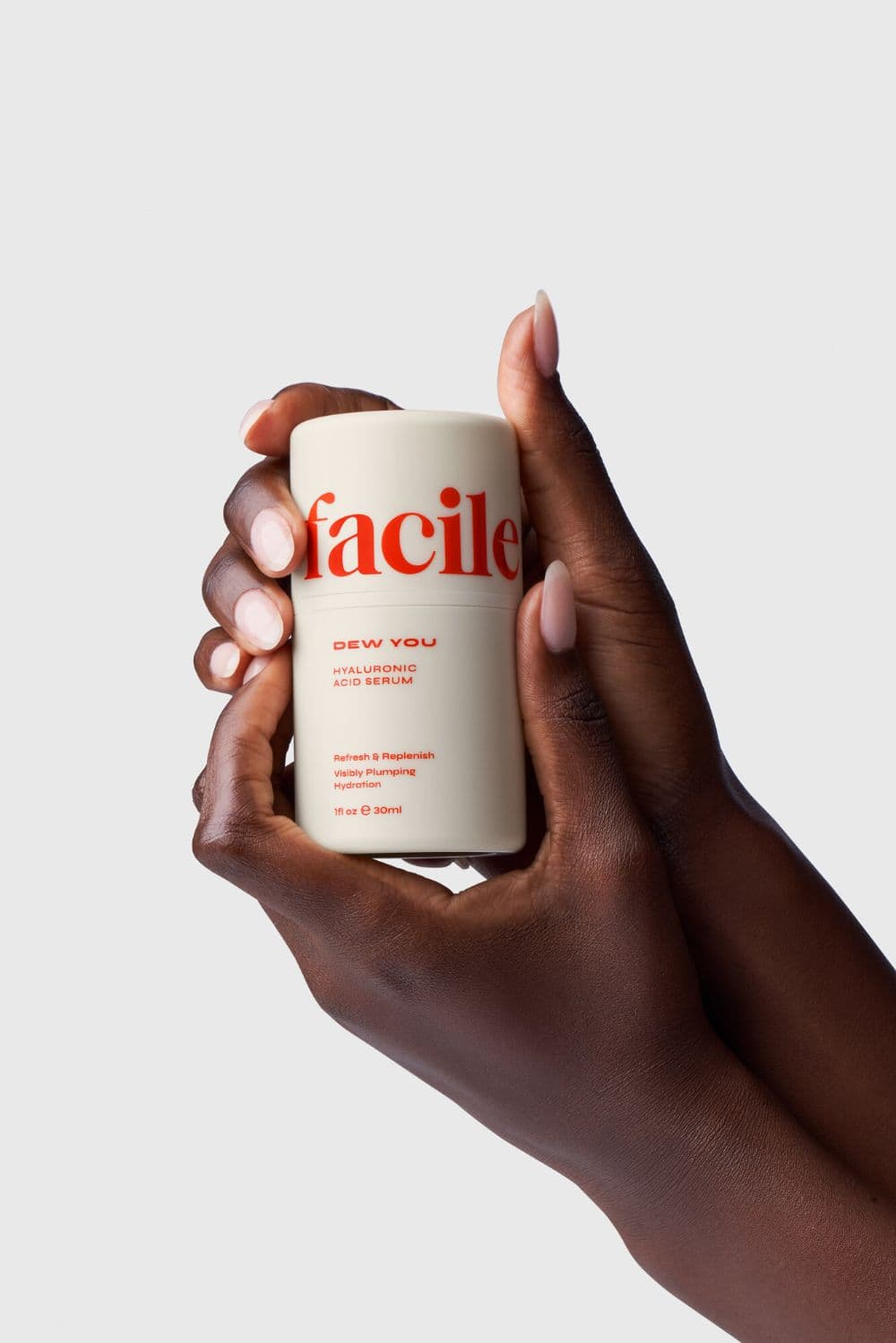
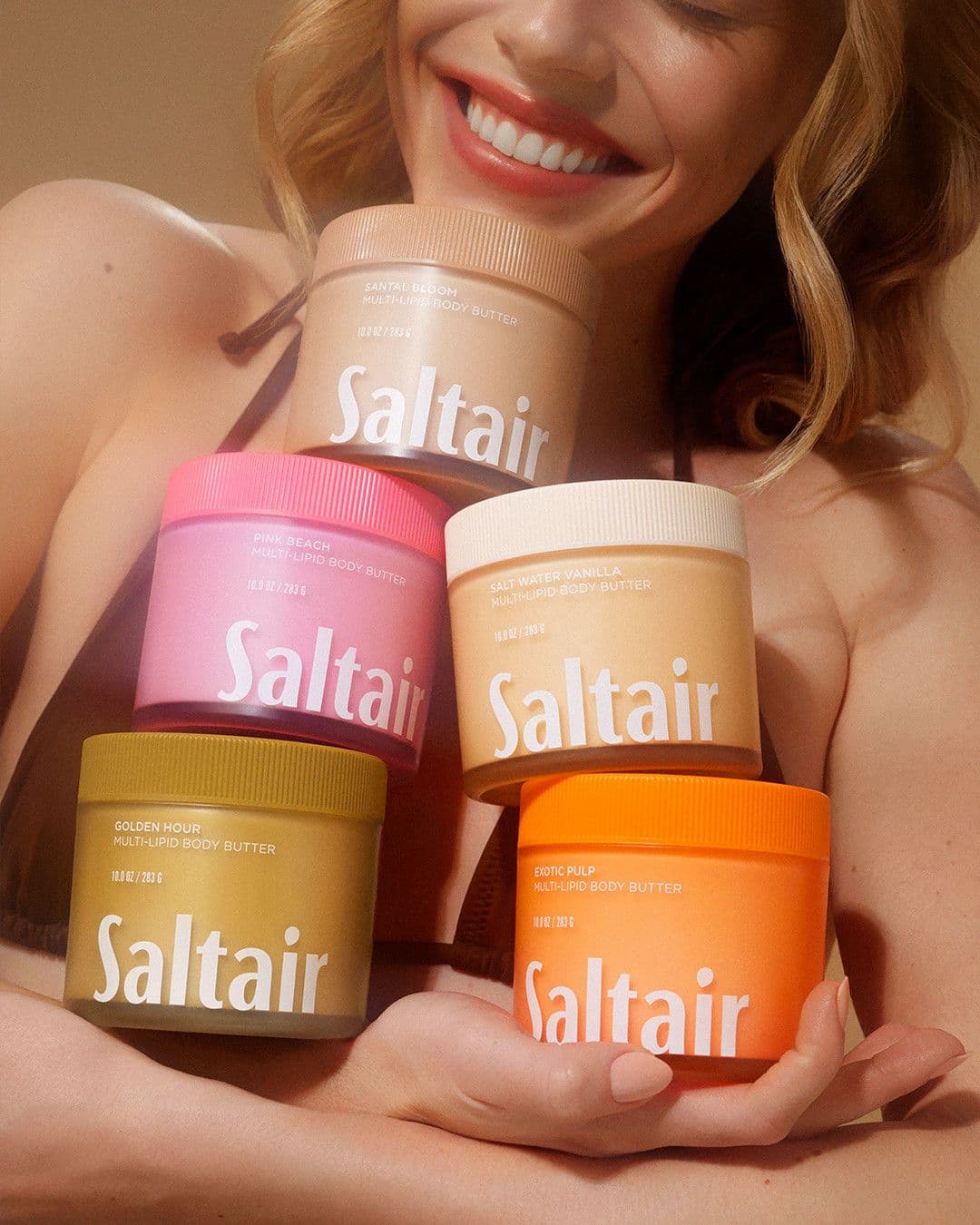
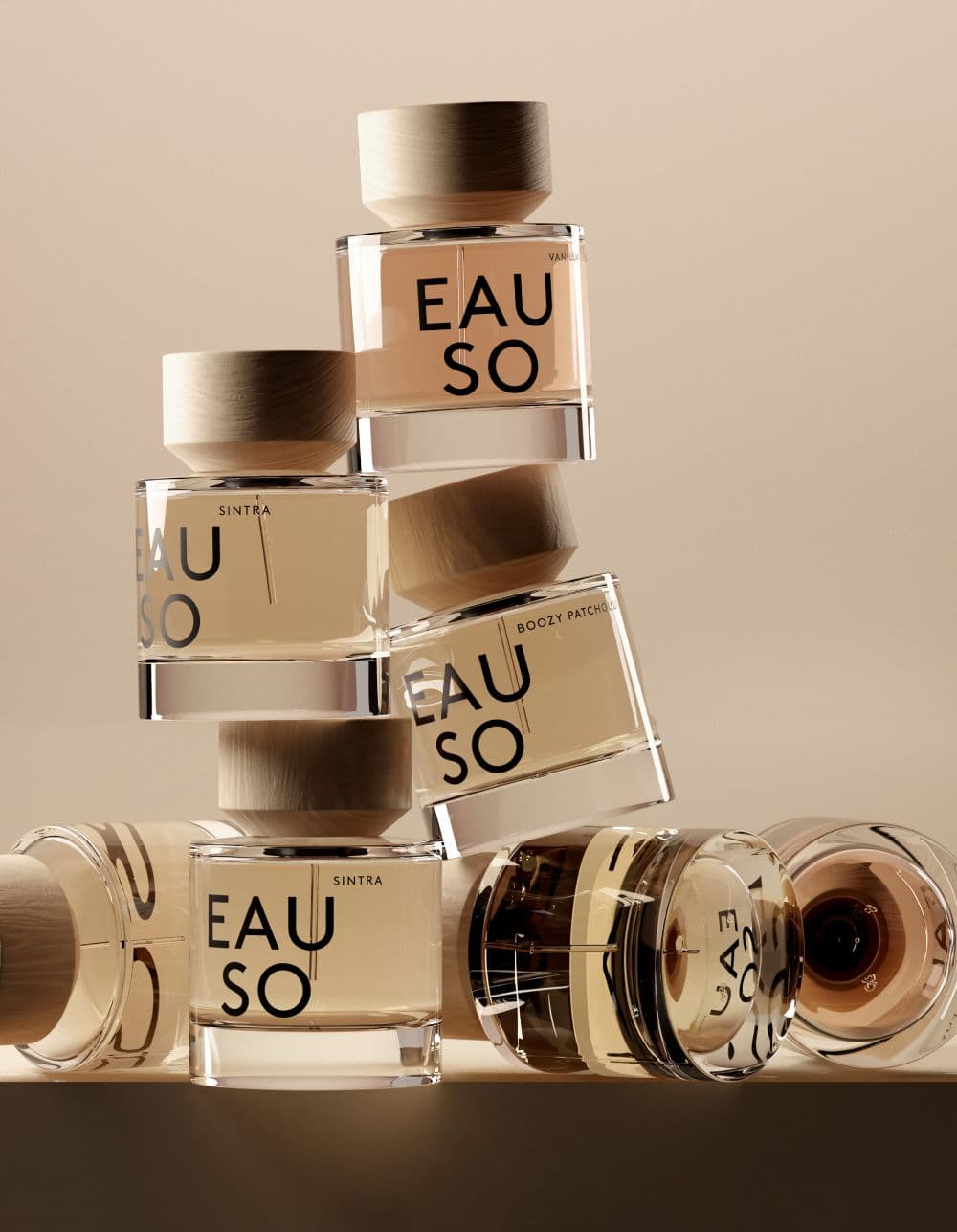
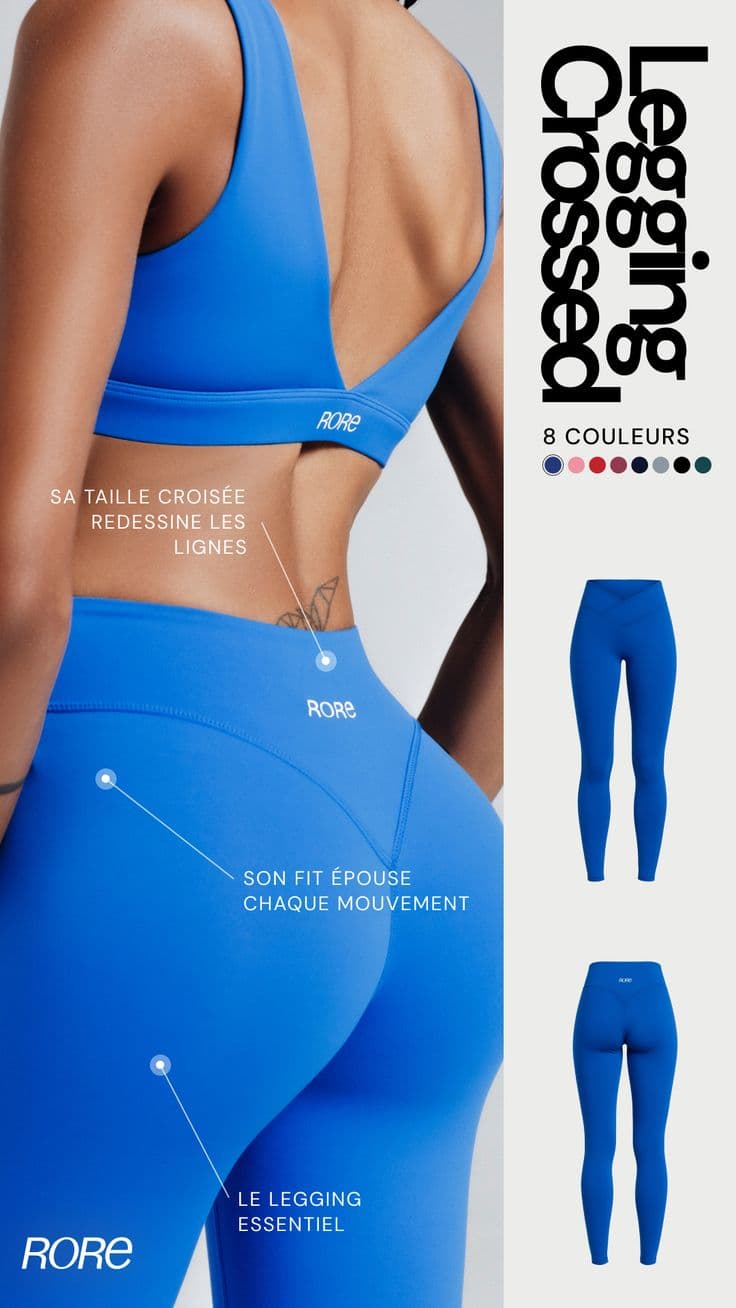
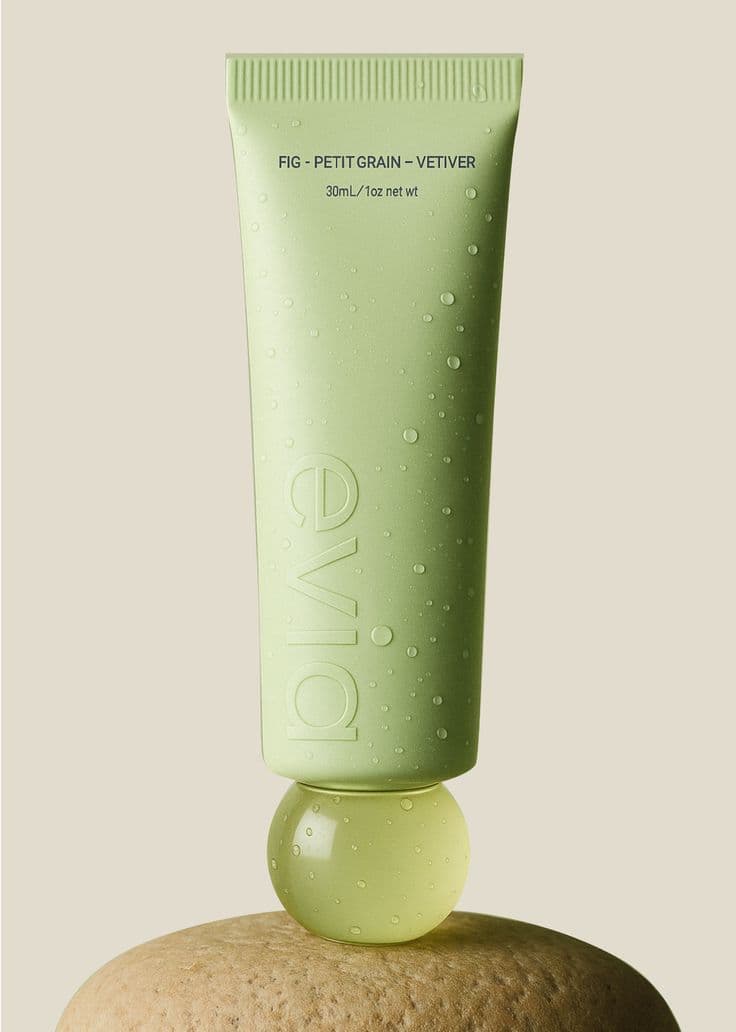
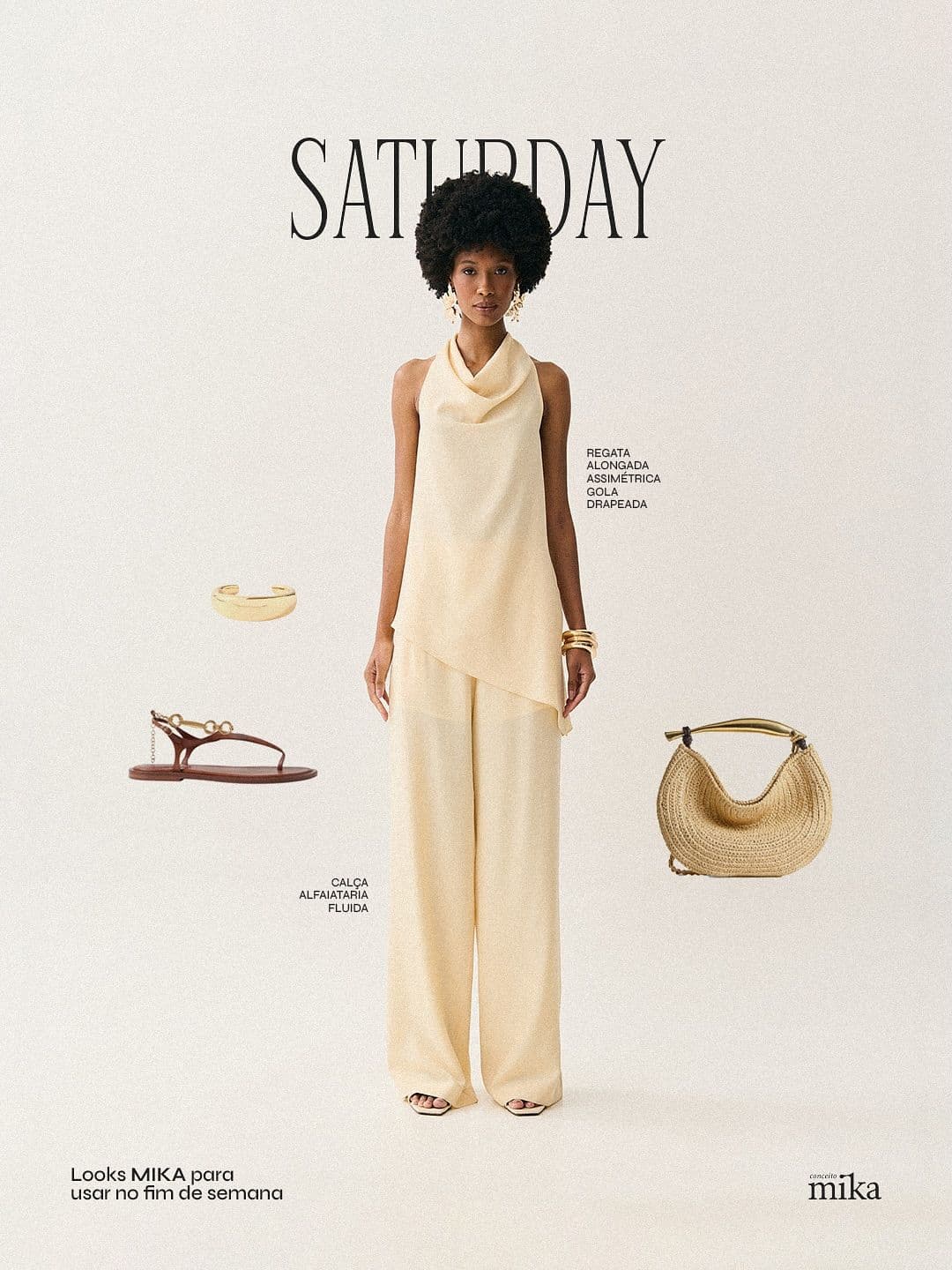
Every image below was generated in seconds. No photographer, no studio, no retouching.



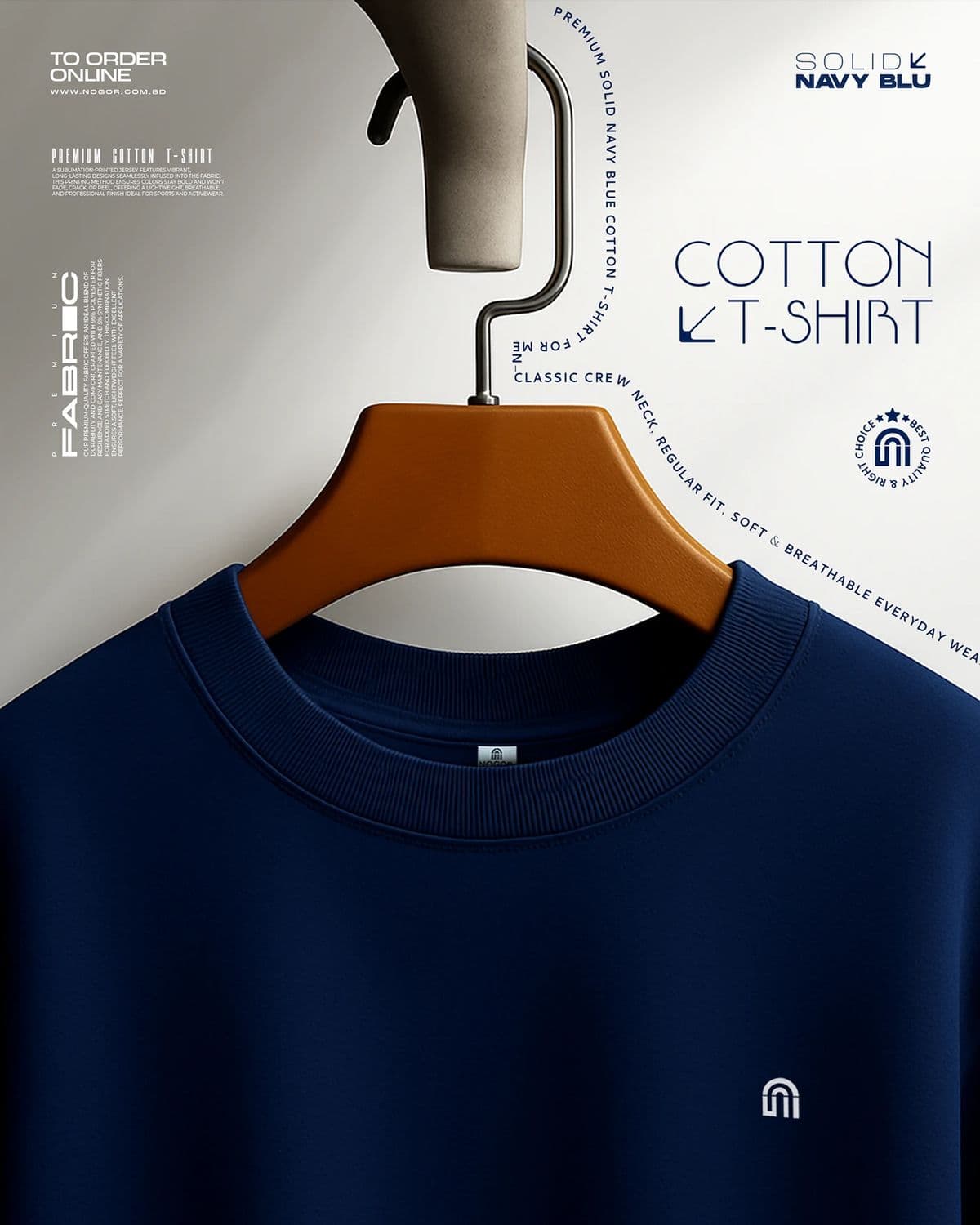

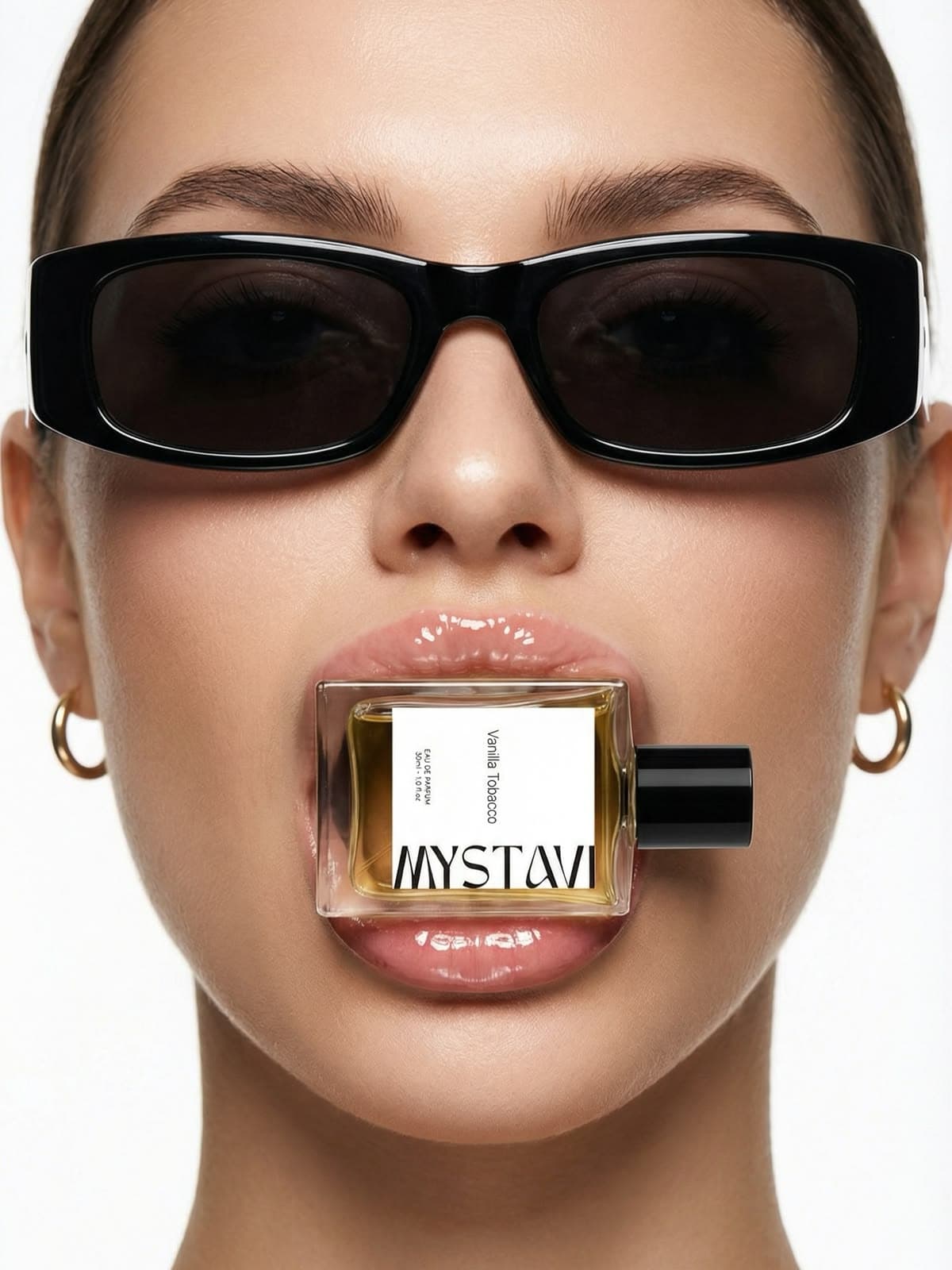
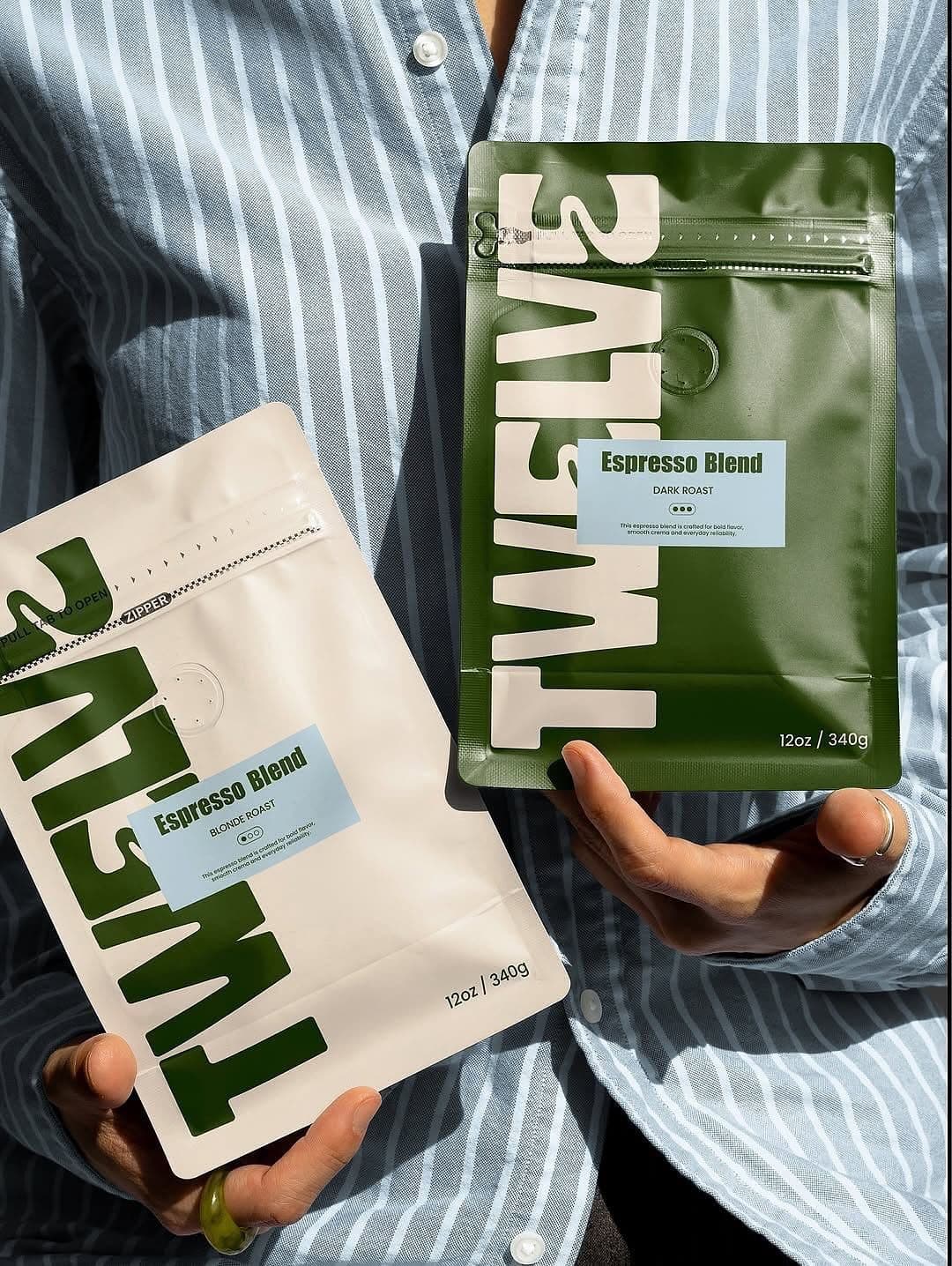
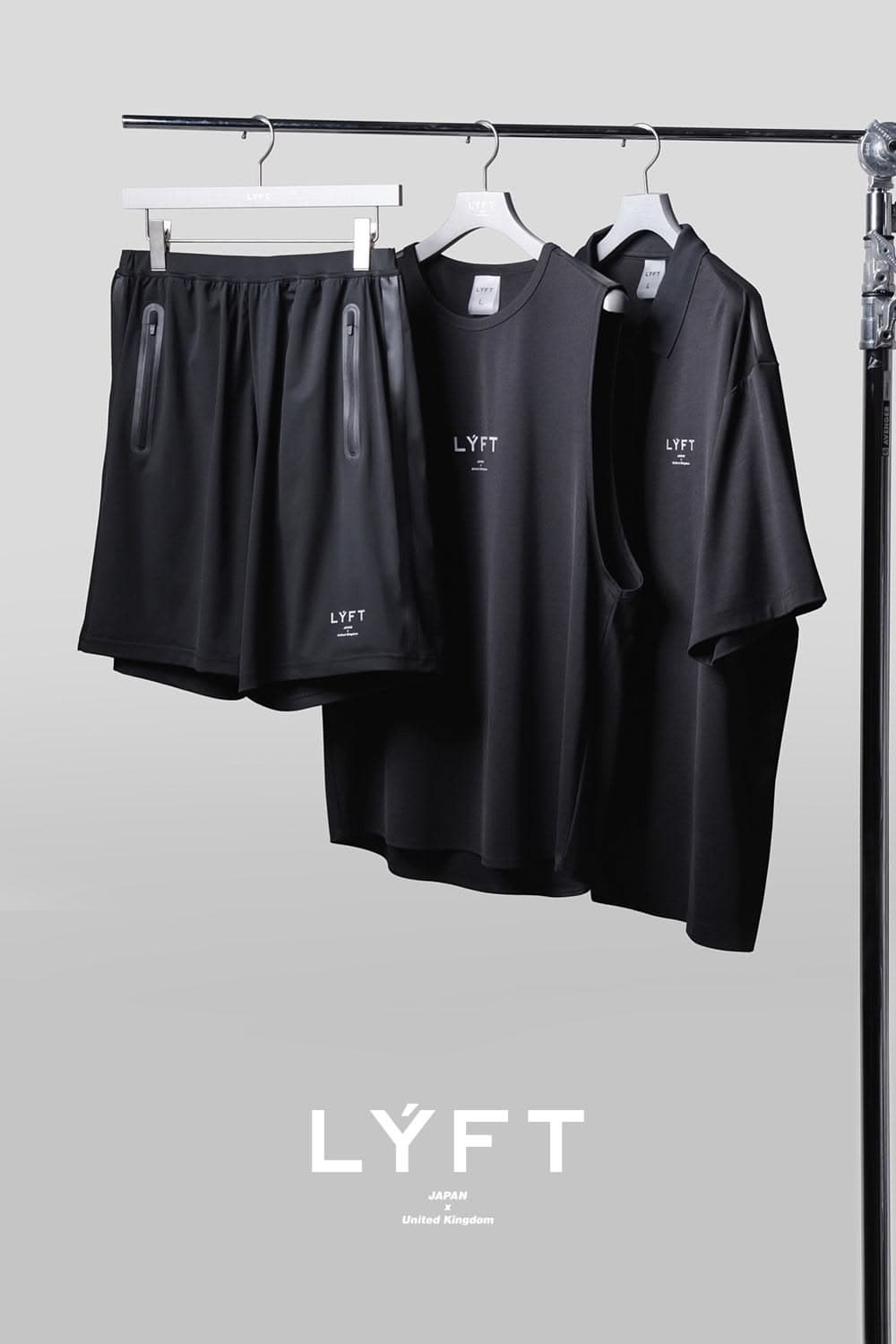
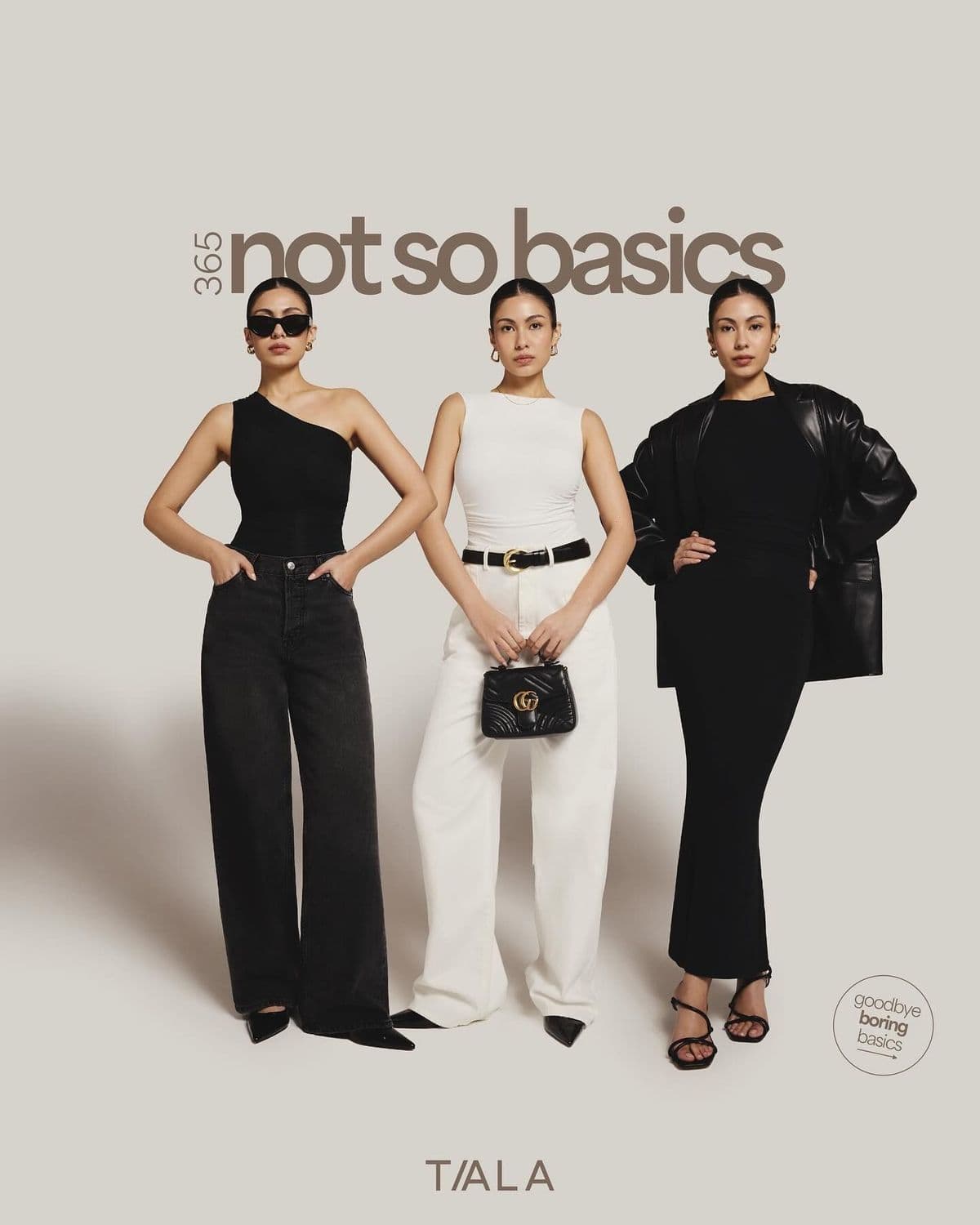
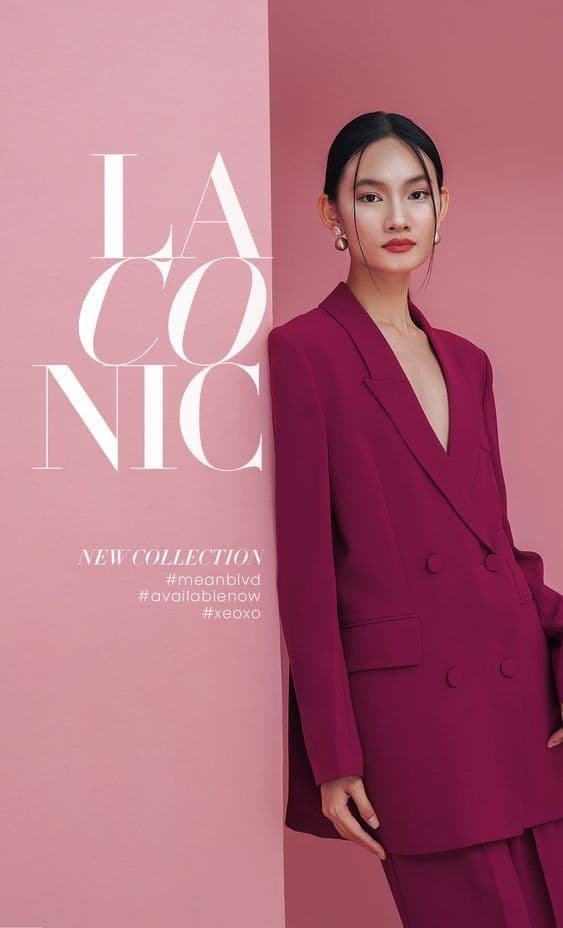
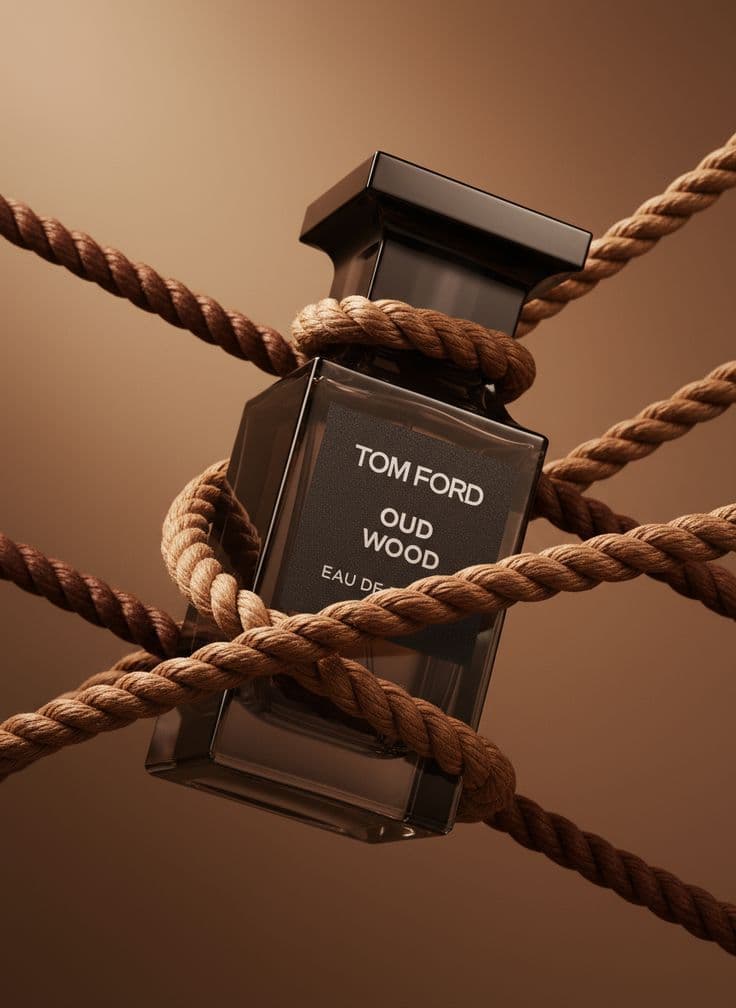
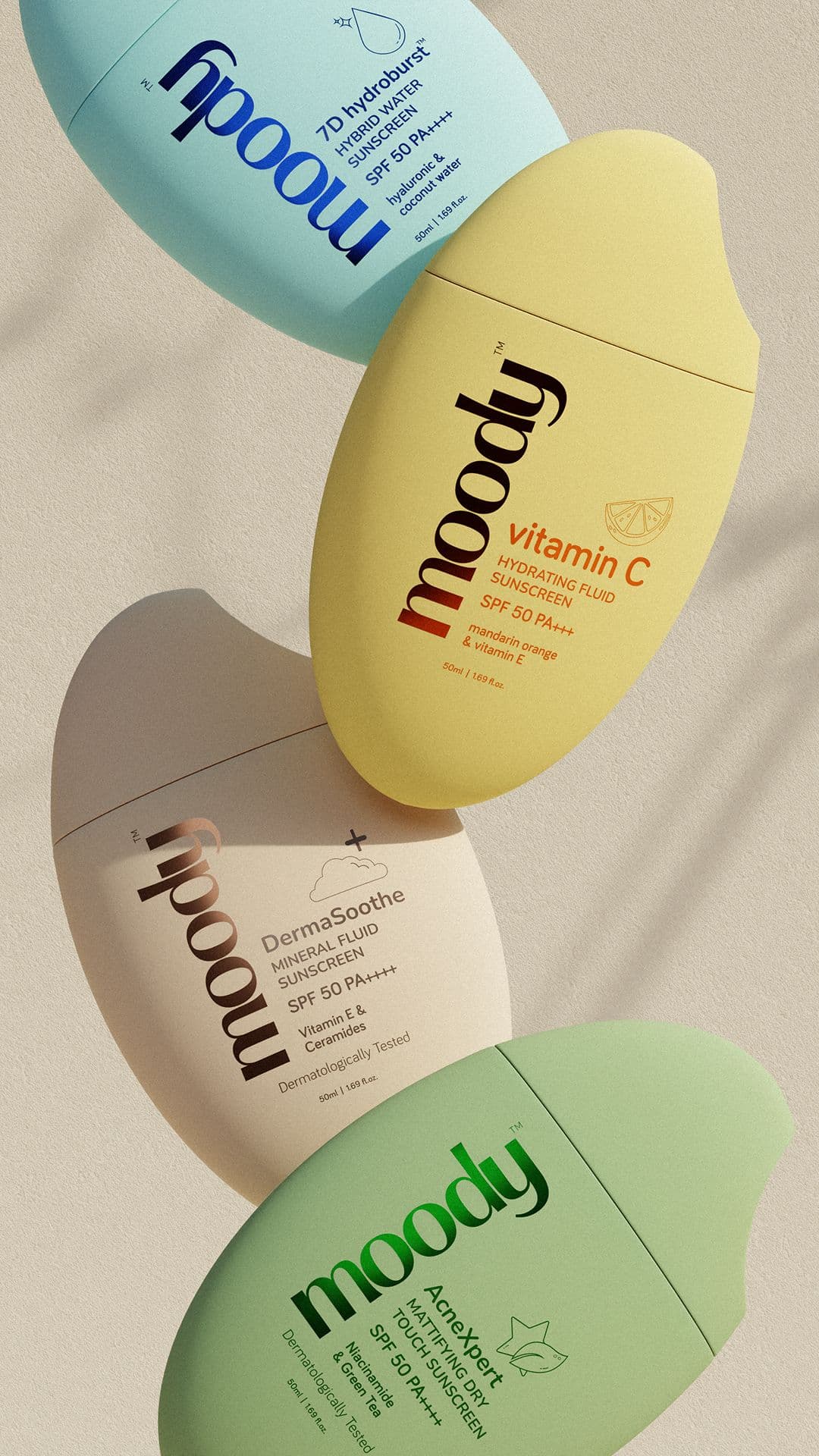
Three steps to
studio-quality content
No design skills. No studio. Just your product, your brand, and a reference image.
Set up your Brand DNA
Paste your website URL and we auto-extract your colors, fonts, tone, and style in seconds. Or define it manually.
Pick your references
Upload inspiration images or import directly from Pinterest. AI analyzes the scene, lighting, and composition.
Generate & download
AI places your exact product into the reference scene. Download in any format, or create ad creatives in one click.
Macro Detail jewelry photography tips
Tips that apply specifically to jewelry — and macro detail fundamentals that hold across every niche.
Show the underside
A 3/4 back angle of a ring reveals the gallery, the under-bezel, and the sizing bar. That detail is what separates fine jewelry from costume in a buyer's eye.
Focus on the setting, not the stone
Counterintuitive, but prong tips or pavé micro-stones are more persuasive than a hero shot of the center stone. They signal "made by a jeweler," not "rendered."
Pick one feature, commit fully
A macro shot of "the product" is a product shot. A macro shot of "the clasp" or "the stone setting" or "the stitching" is a macro shot. Commit to one feature and frame the whole image around it. Trying to show multiple features at macro distance breaks the format.
Use raking light to reveal texture
Light that grazes across the surface at a low angle reveals texture that straight-on light flattens out. This is how you show leather grain, fabric weave, or powder surface. Reference side-lit product photography, not evenly lit catalog shots.
Keep the focus plane razor-thin and intentional
Macro shots have very shallow depth of field by physics. Pick what should be sharp — the stitch, the stone, the meniscus of the serum — and let everything else fall off. Tack-sharp across the whole frame looks like CGI, not photography.
Let specular highlights stay bright
The tiny bright reflections on metal, glass, leather, and cream are how the eye reads material. Don't kill them by over-lighting or over-softening. Specular highlights are the visual signature of each material type.
Show scale context somewhere in the frame
Pure macro can disorient the viewer. Including a tiny visible edge of the product (the rim of the jar, the edge of the bag, the curve of the ring shank) anchors scale and tells the viewer what they're looking at. Complete abstraction can confuse.
Match the backdrop to the material, not to the brand
Velvet behind jewelry, ceramic under chocolate, linen under leather, water for glass. The backdrop exists to make the material look like itself. Pulling the brand color into macro tends to compete with the texture story.
More jewelry photography styles
Try a different look for your jewelry drops.
Start free. Scale when ready.
Every plan runs on credits — 5 credits per image. No hidden fees, no confusing tiers.
Try it out, no card needed.
- 50 credits / month
- 10 image generations
- 1 brand profile
- All 6 workflows
For solo creators and founders.
- 500 credits / month
- 100 image generations
- 5 brand profiles
- All 6 workflows
- No watermark
- Commercial license
For growing brands and agencies.
- 1,500 credits / month
- 300 image generations
- Unlimited brand profiles
- All 6 workflows
- No watermark
- Commercial license
- Priority queue
- API access
5 credits per image · All workflows same cost · Credits reset monthly, no rollover
Macro Detail photography for other niches
See how macro detail translates across product categories.
Macro Detail jewelry photography: FAQ
Your References +
Your Brand DNA
= Studio-Quality Content
No designers. No studios. No wasted hours. Just upload, generate, and publish.
Free plan available · No credit card required · Cancel anytime