On-Model Jewelry Photographyfor the full story
Full-body and environmental model shots that place your jewelry inside a lifestyle, not on a backdrop.
On Model jewelry: what works, what doesn't
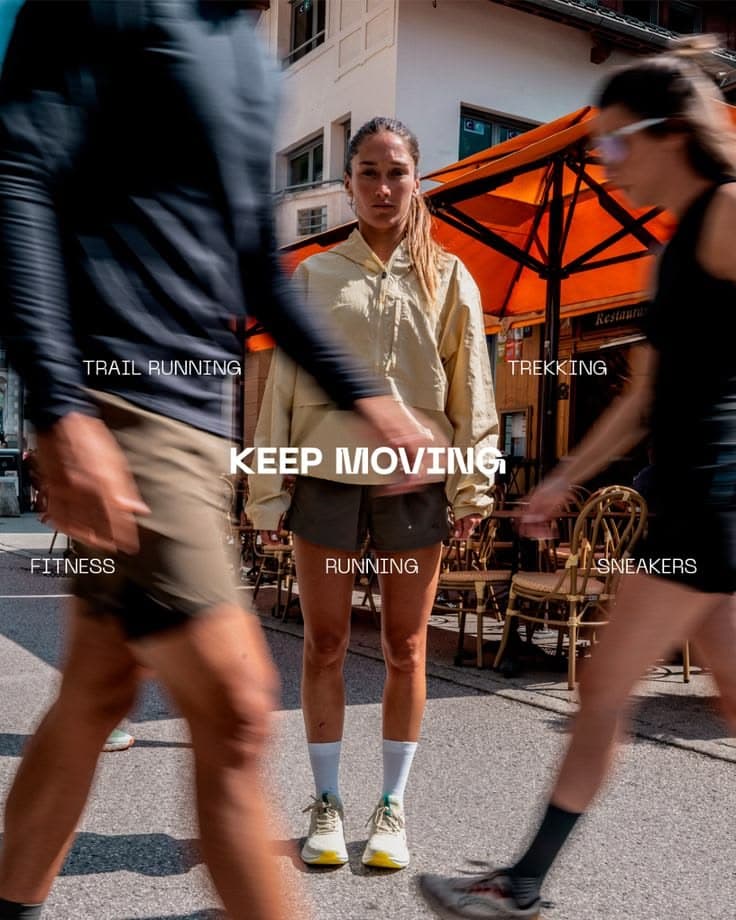
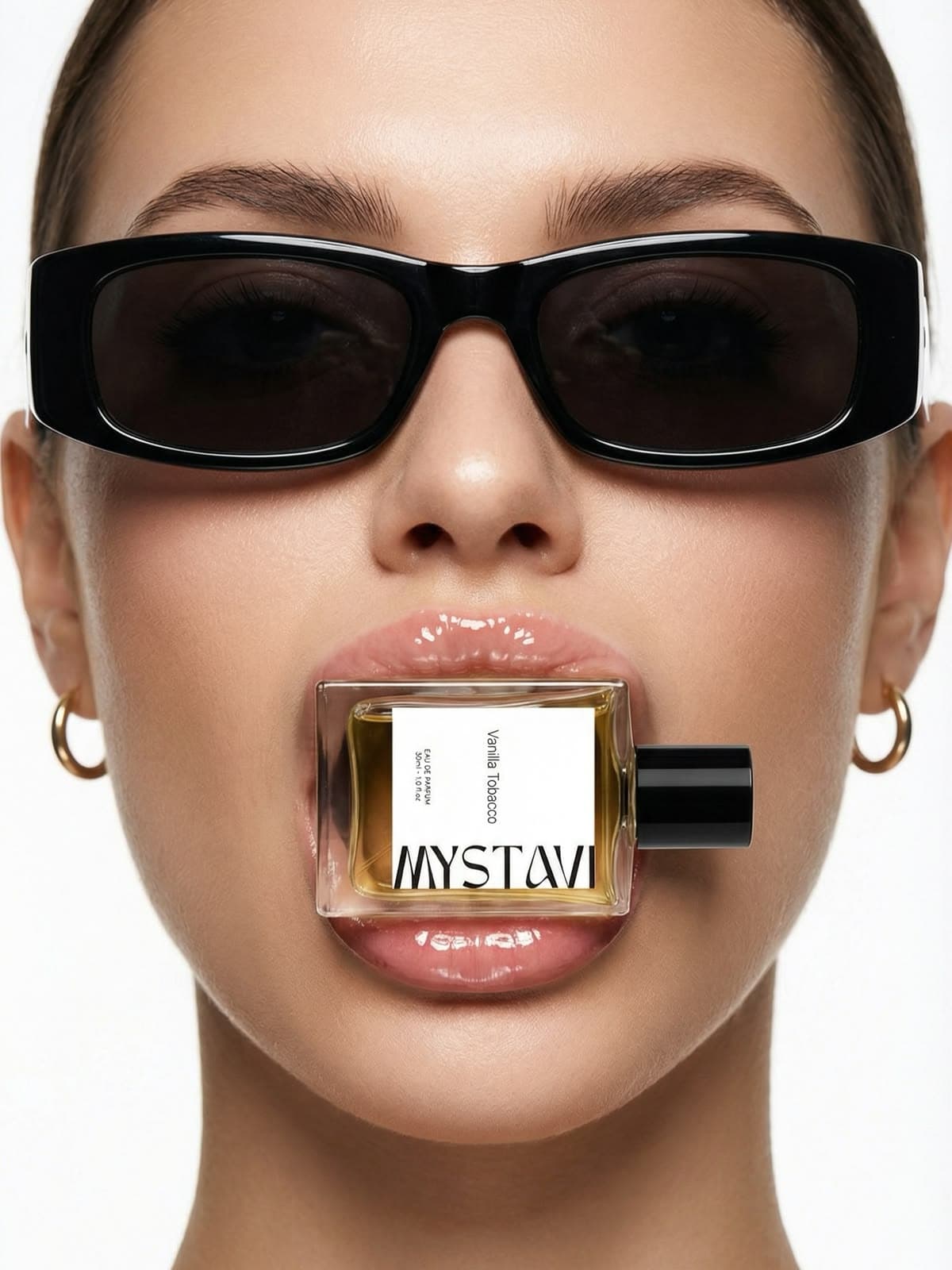
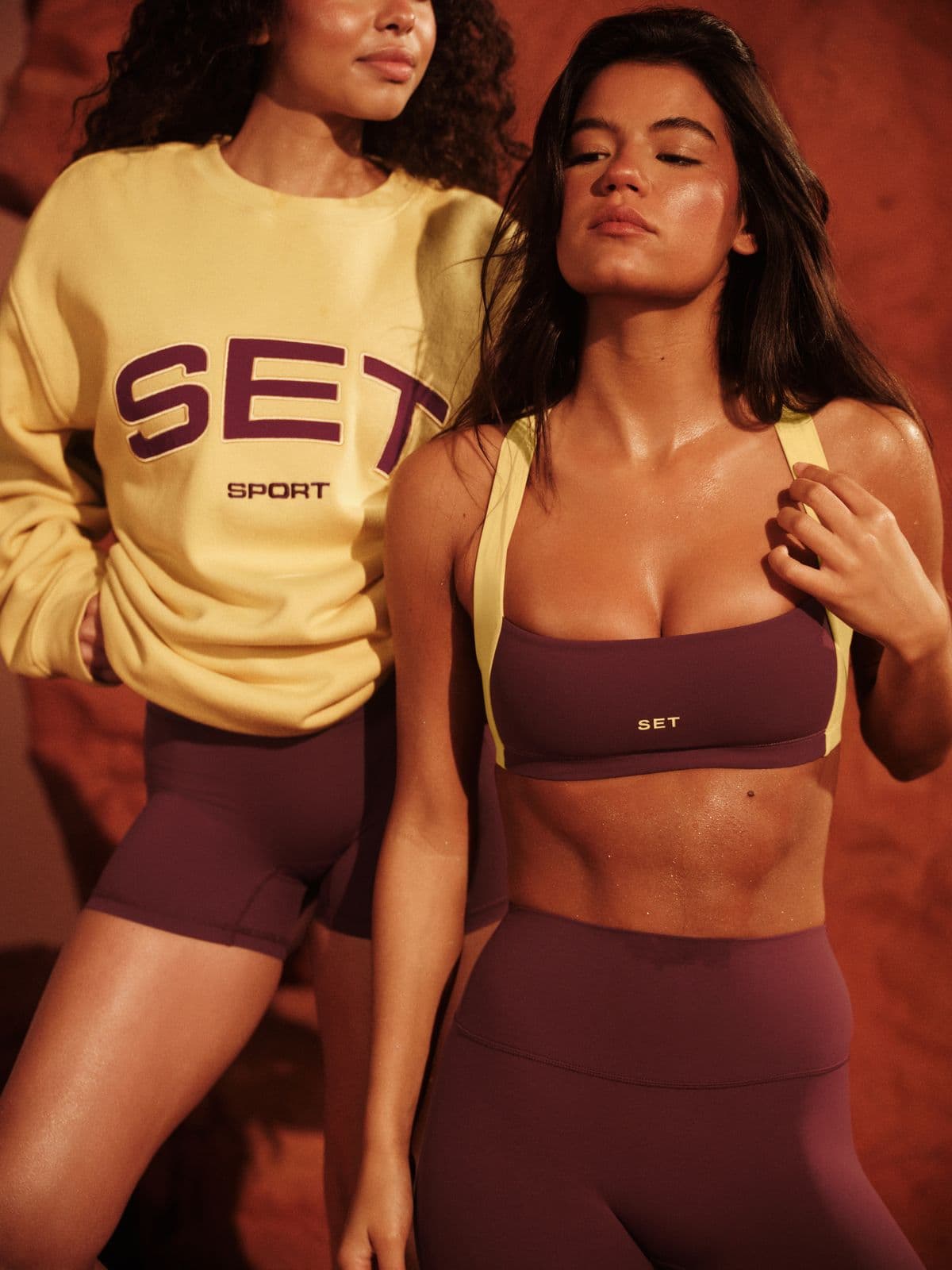
On-model jewelry goes further than editorial by putting the piece in a real-world moment — a candlelit dinner, a morning at the window, a walk through the city. This is the content that performs on TikTok and Reels because it reads as a scene, not a product shot. Layered necklaces at a rooftop party. A tennis bracelet peeking out from a cashmere sleeve. A signet ring resting on a coffee cup. Snapsible generates a model, a wardrobe, and a setting to match your reference, with your exact piece rendered at scale. Because you control the model demographics, you can produce on-model content that feels native to your ICP — not a generic stock model in a generic kitchen.
AI-generated. Studio quality.
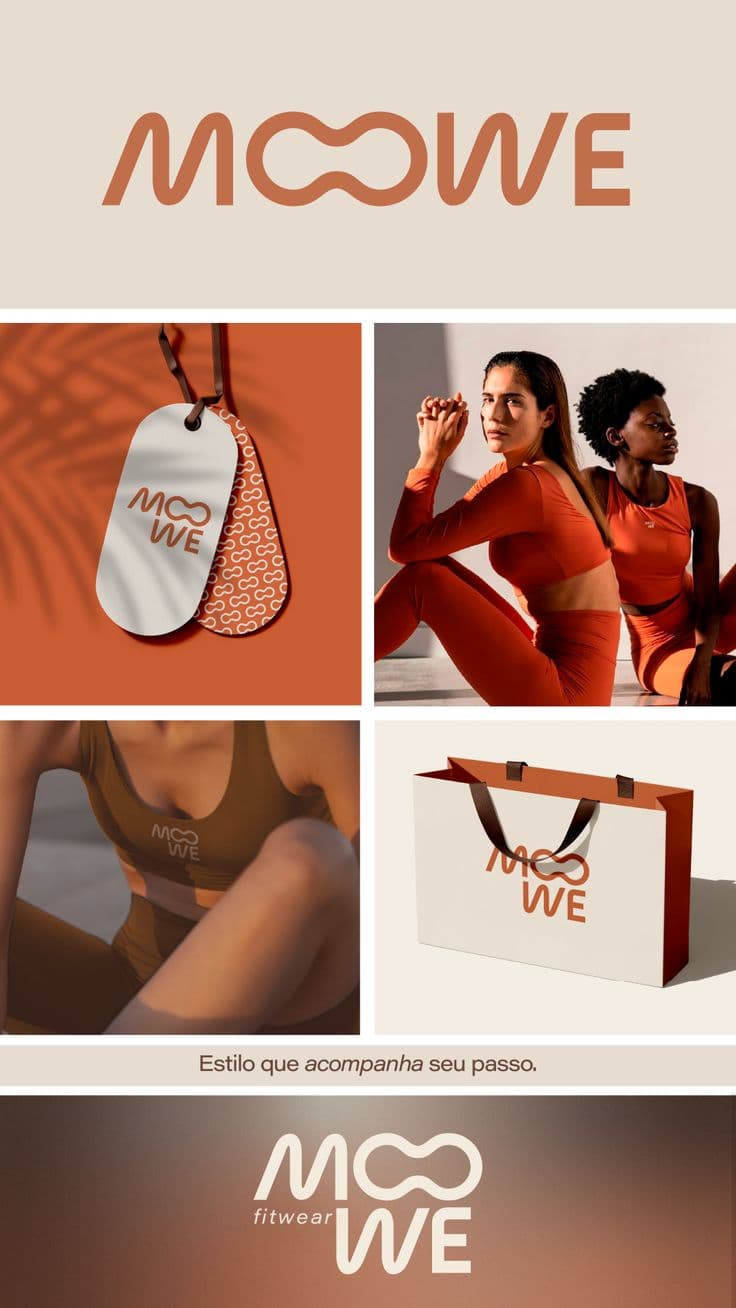
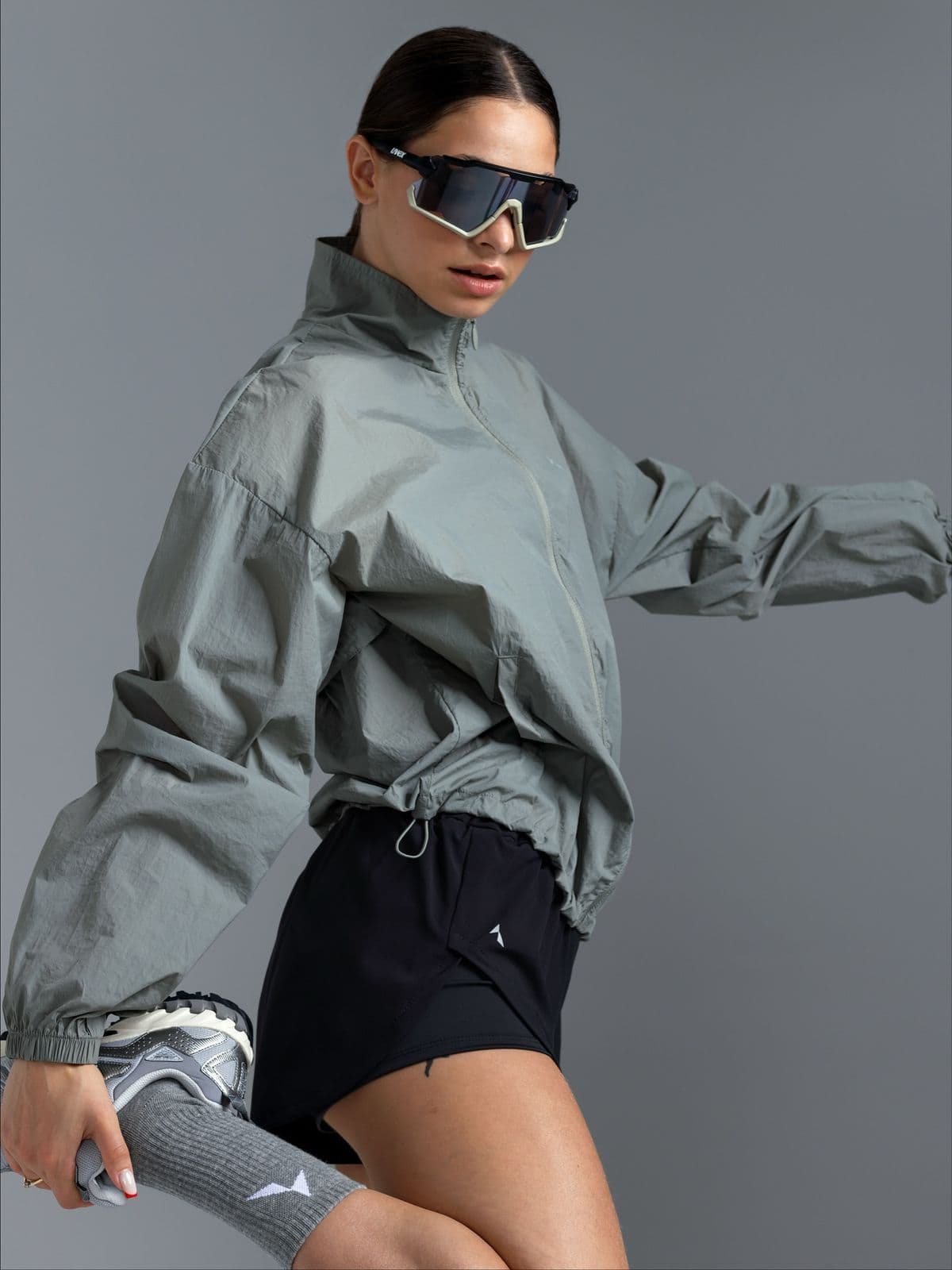
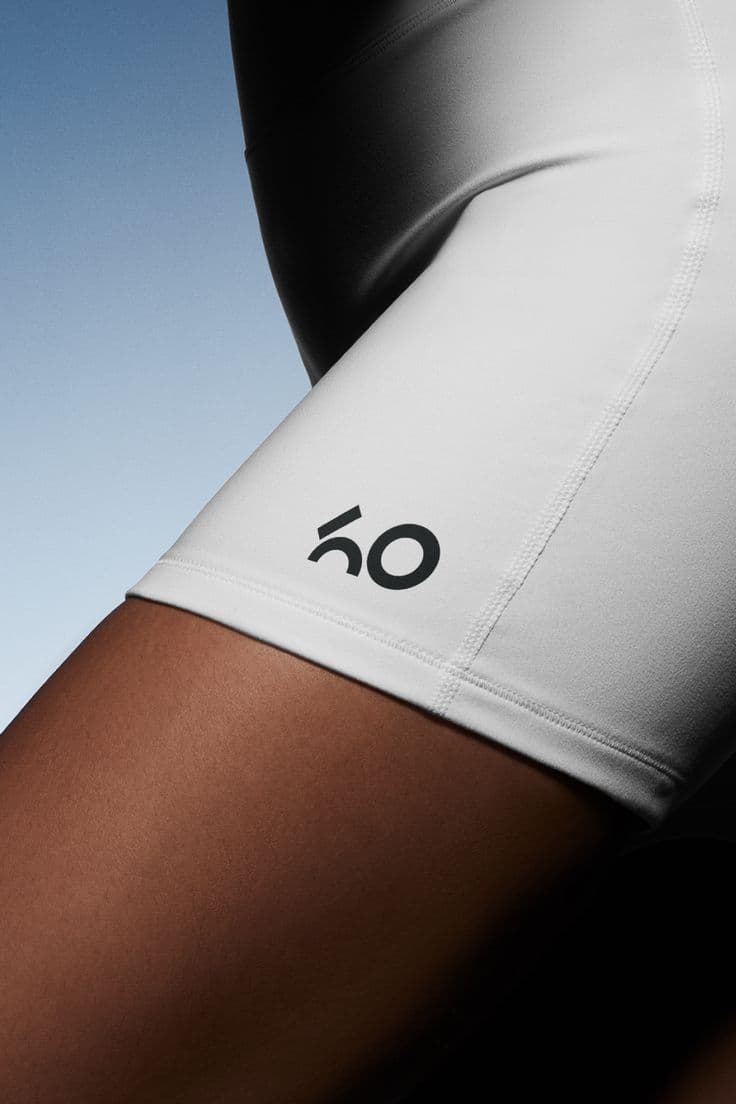
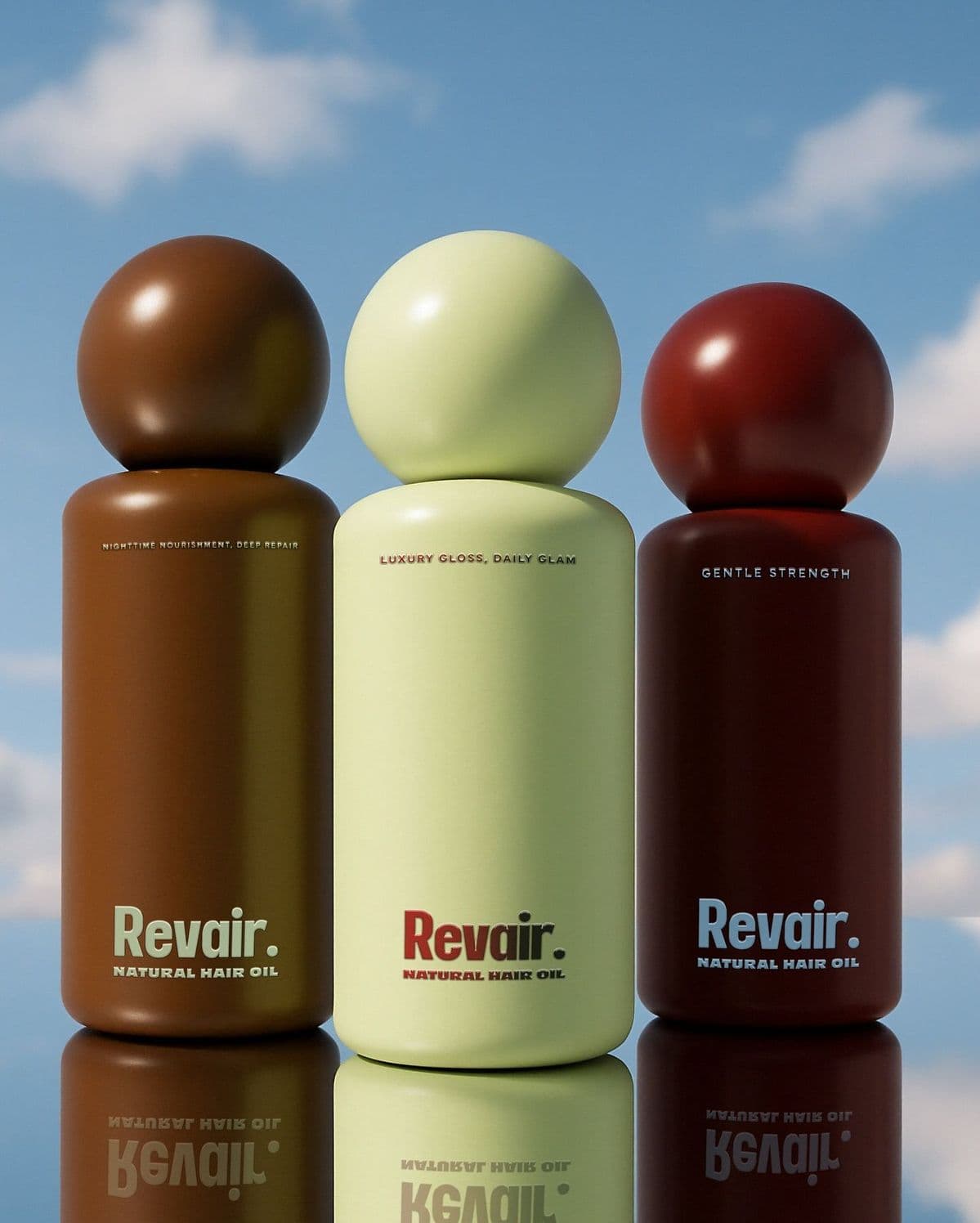
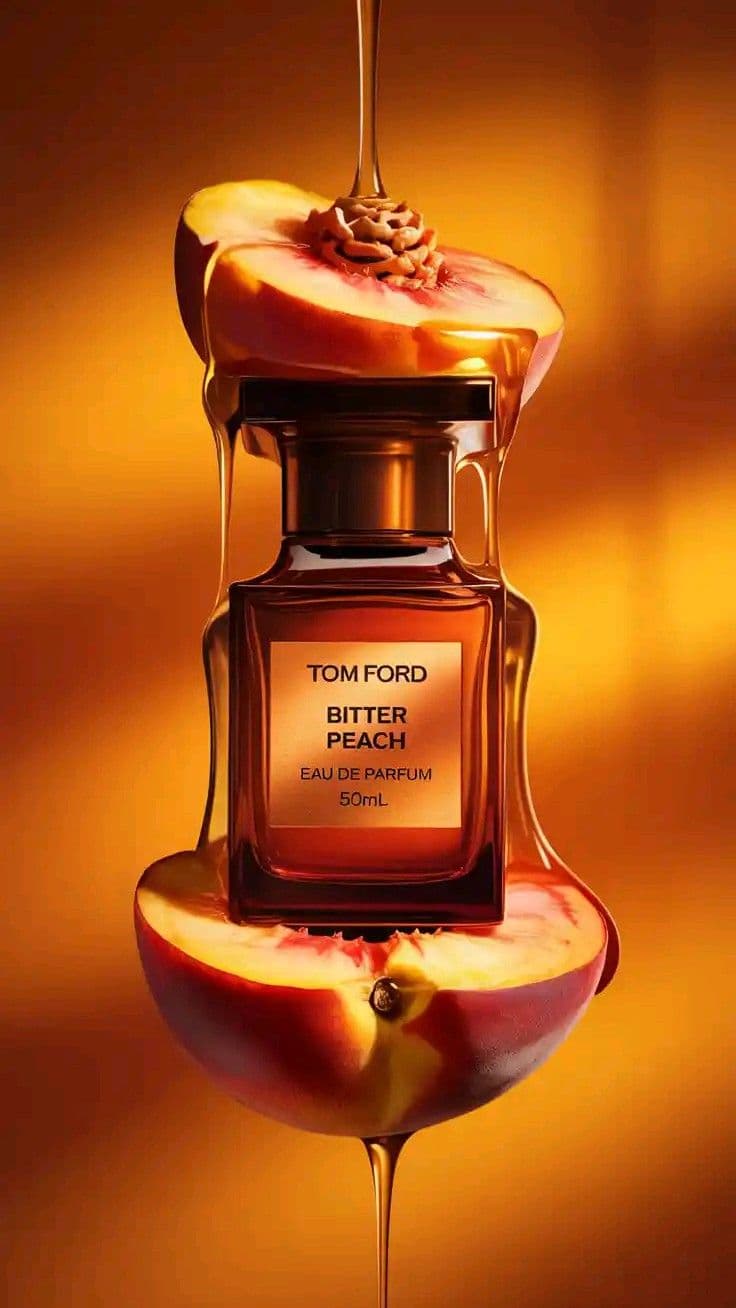
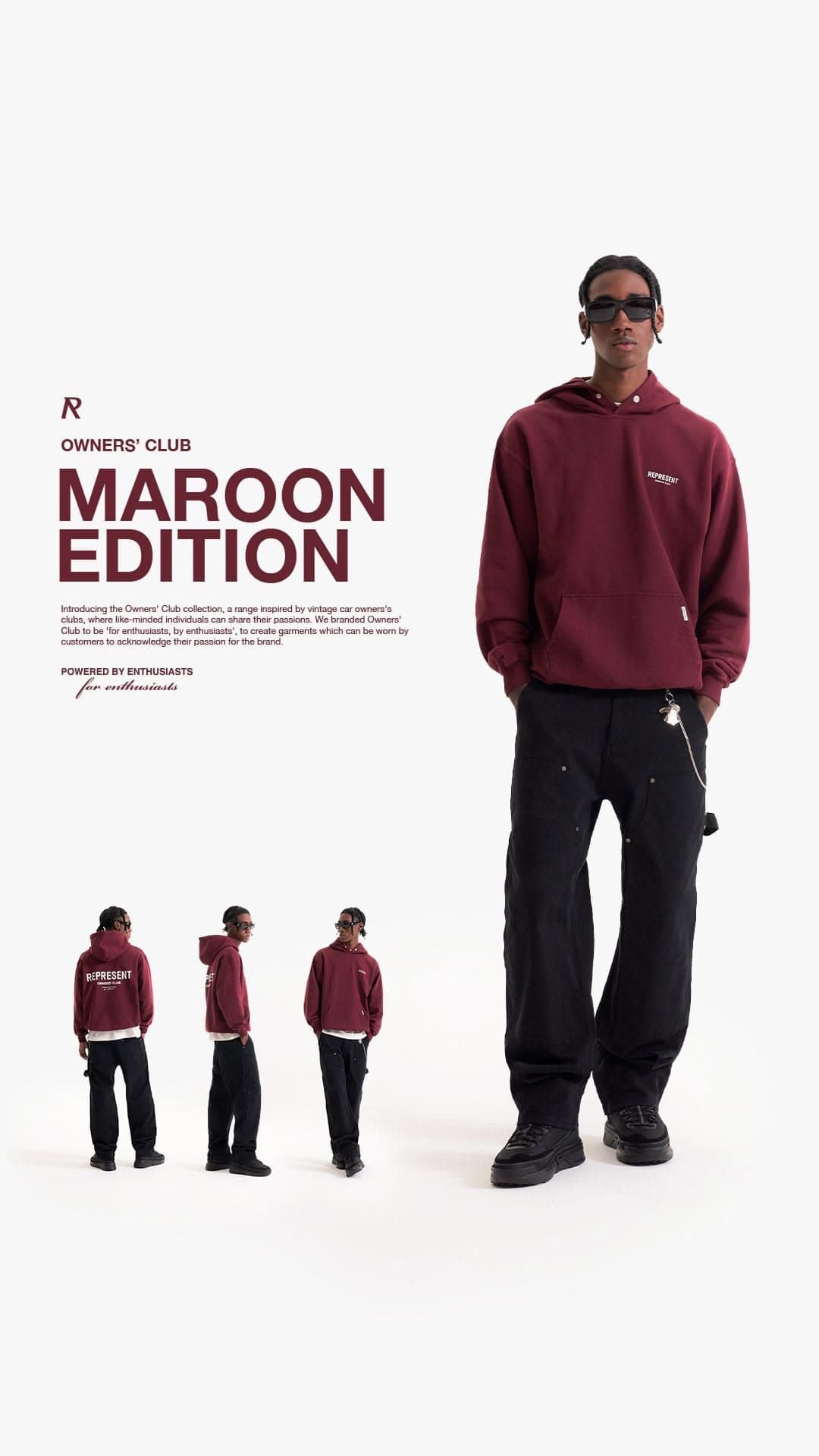
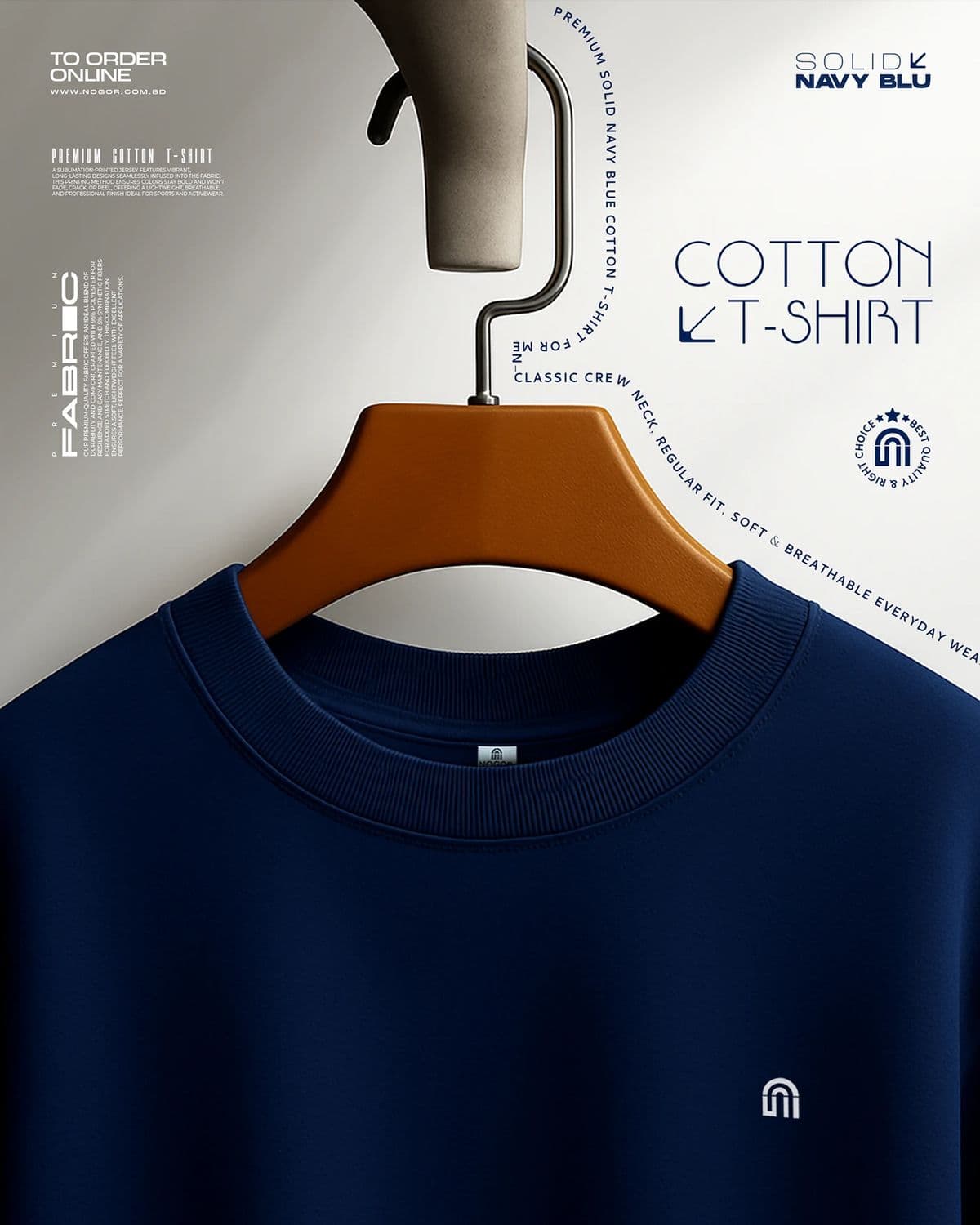
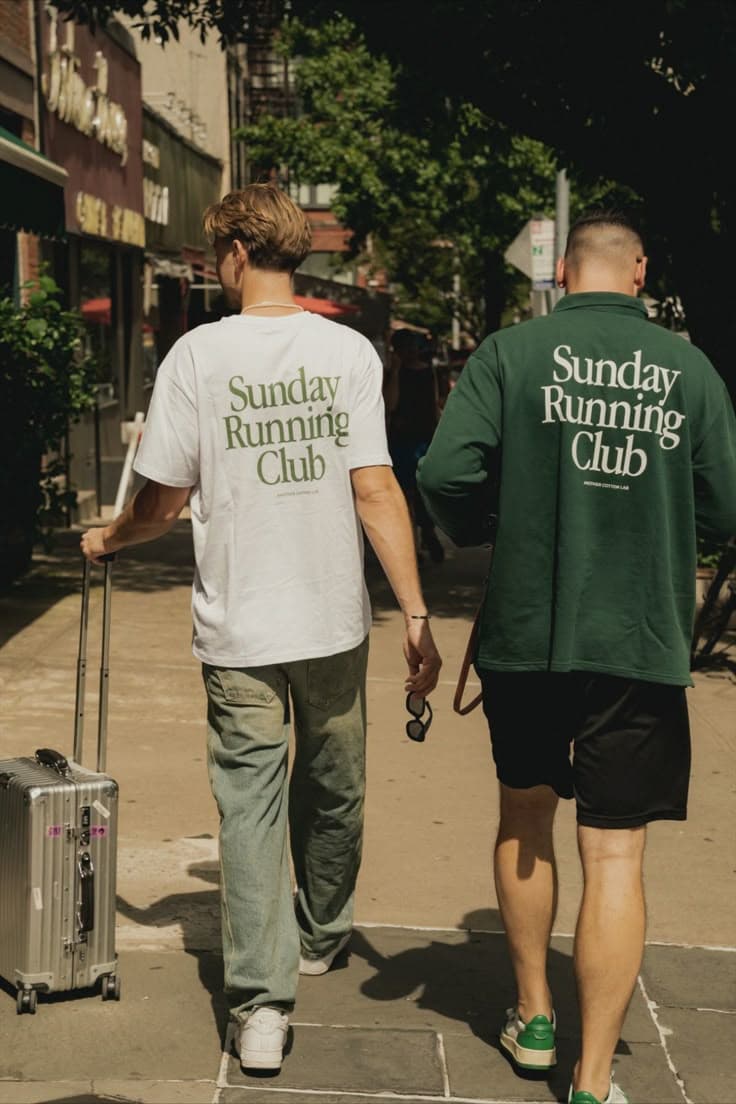
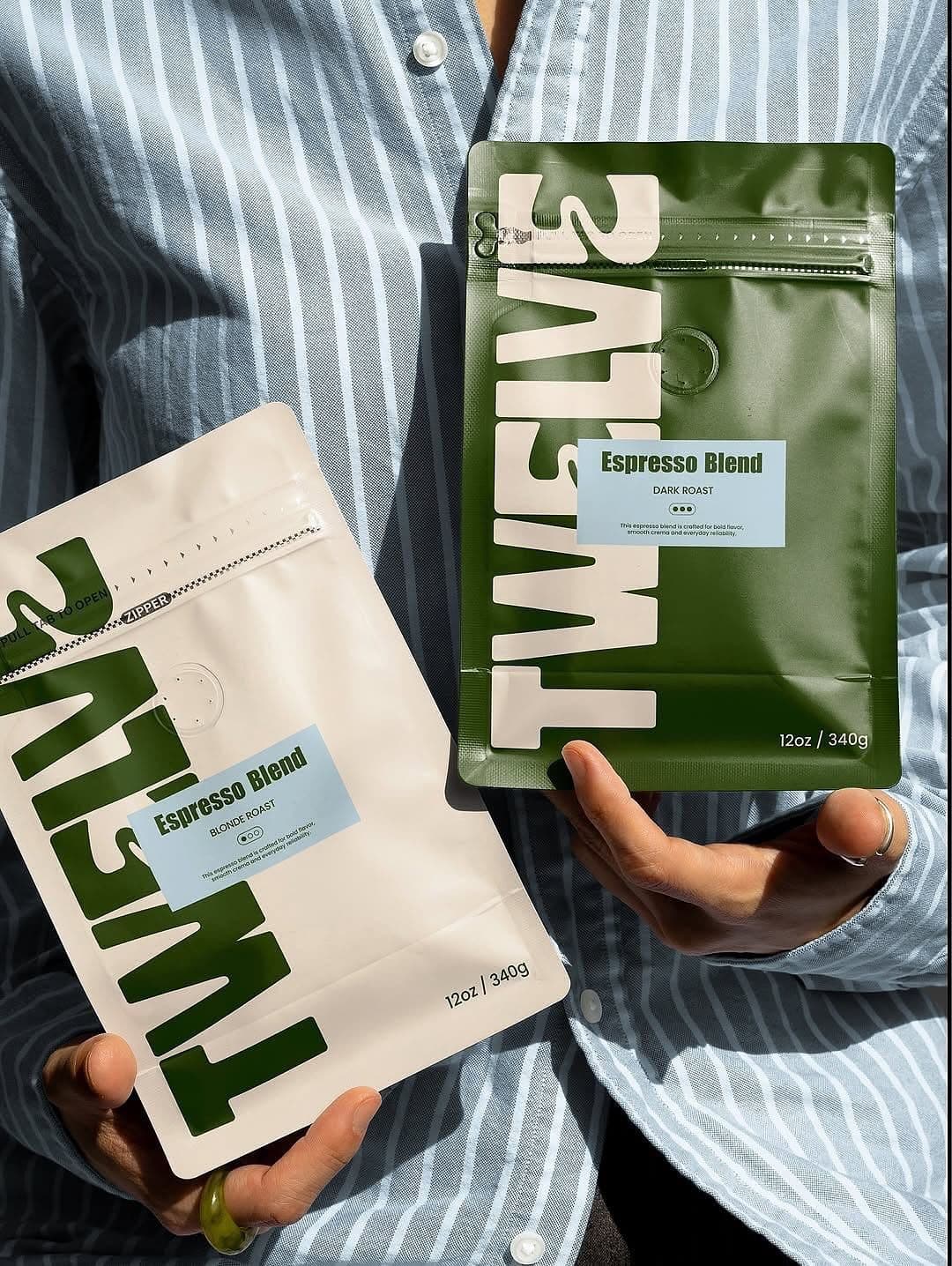
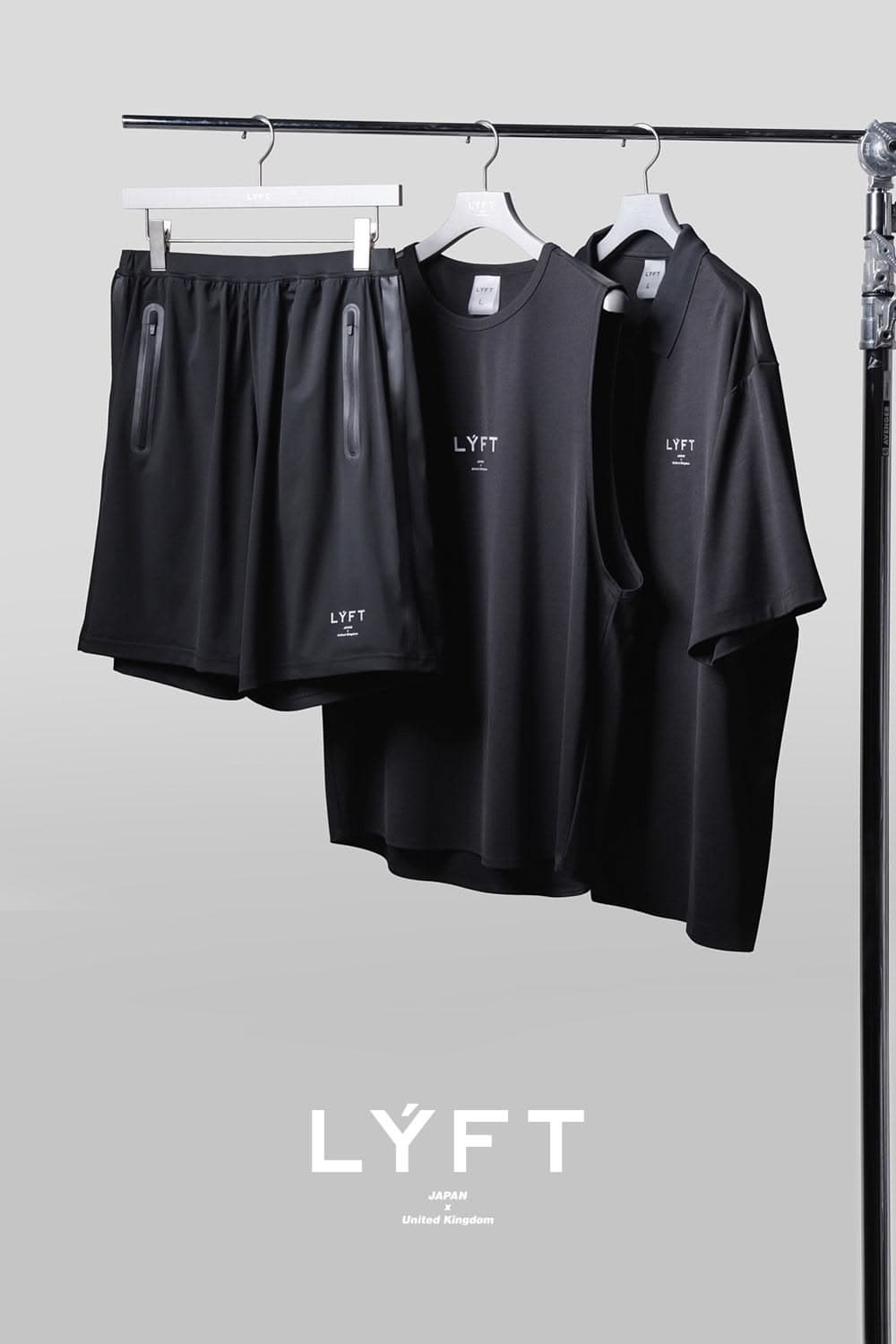
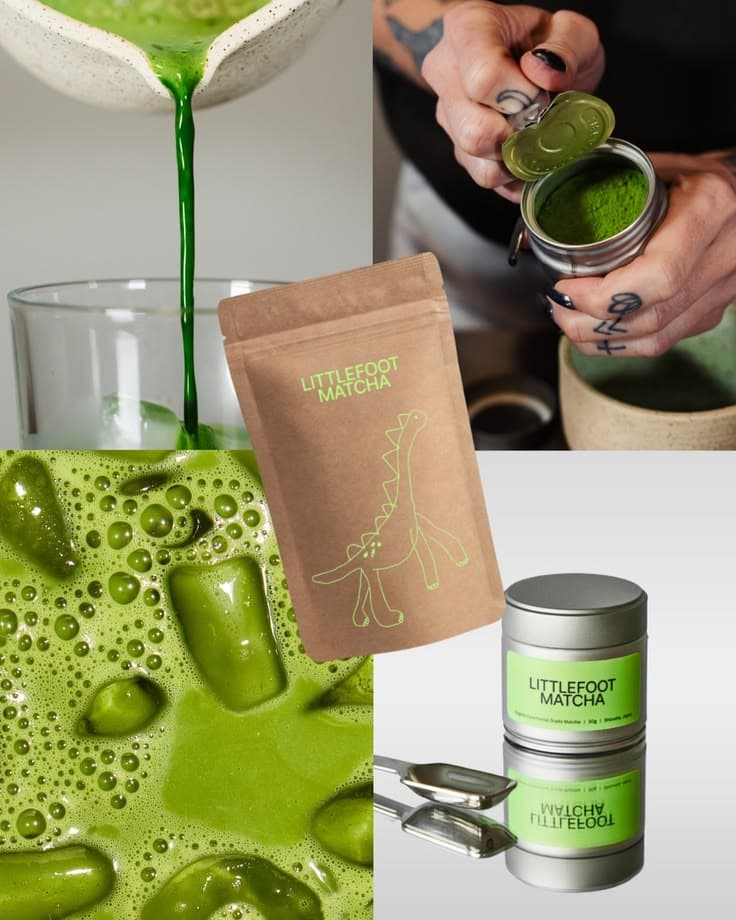
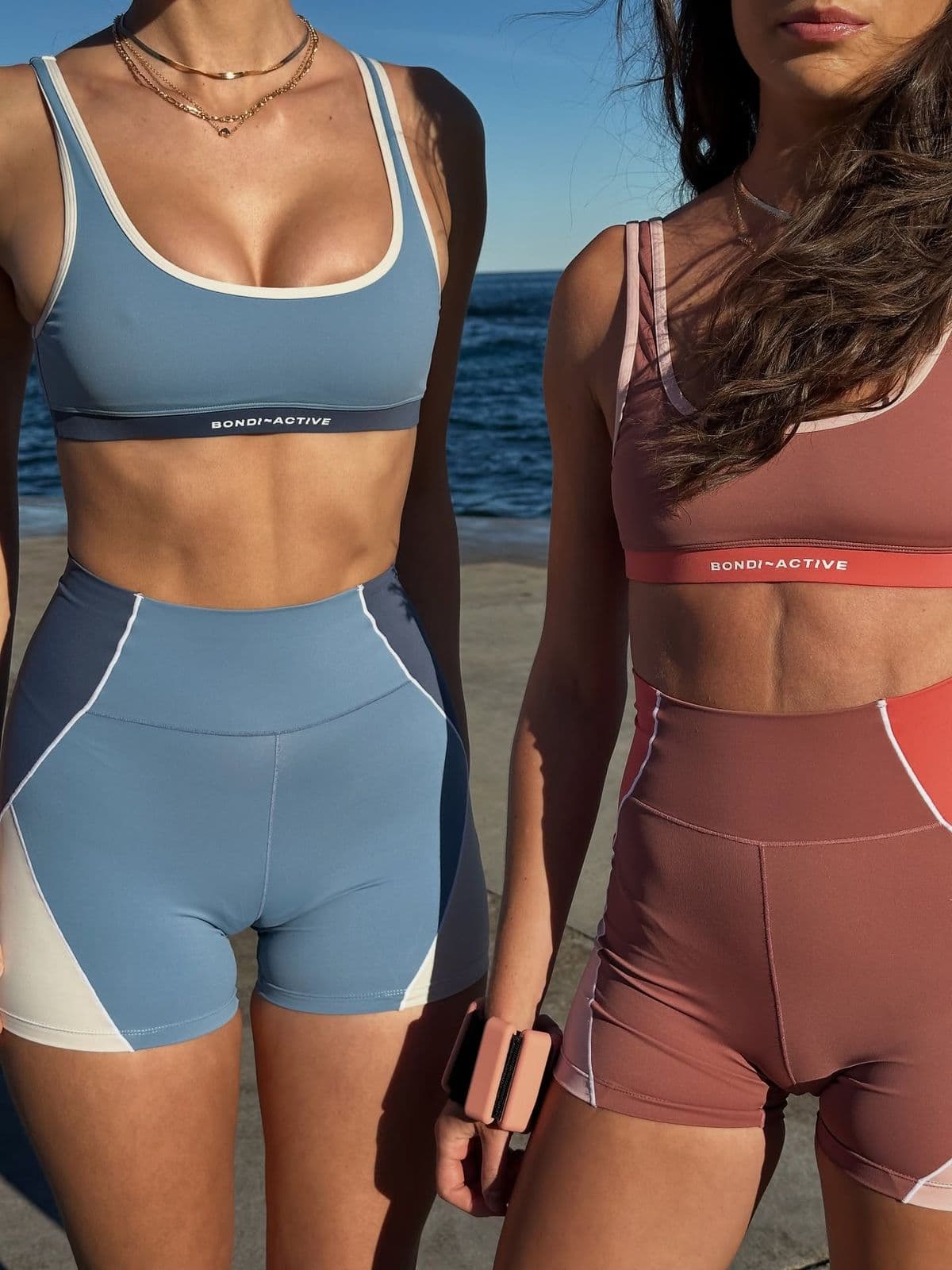
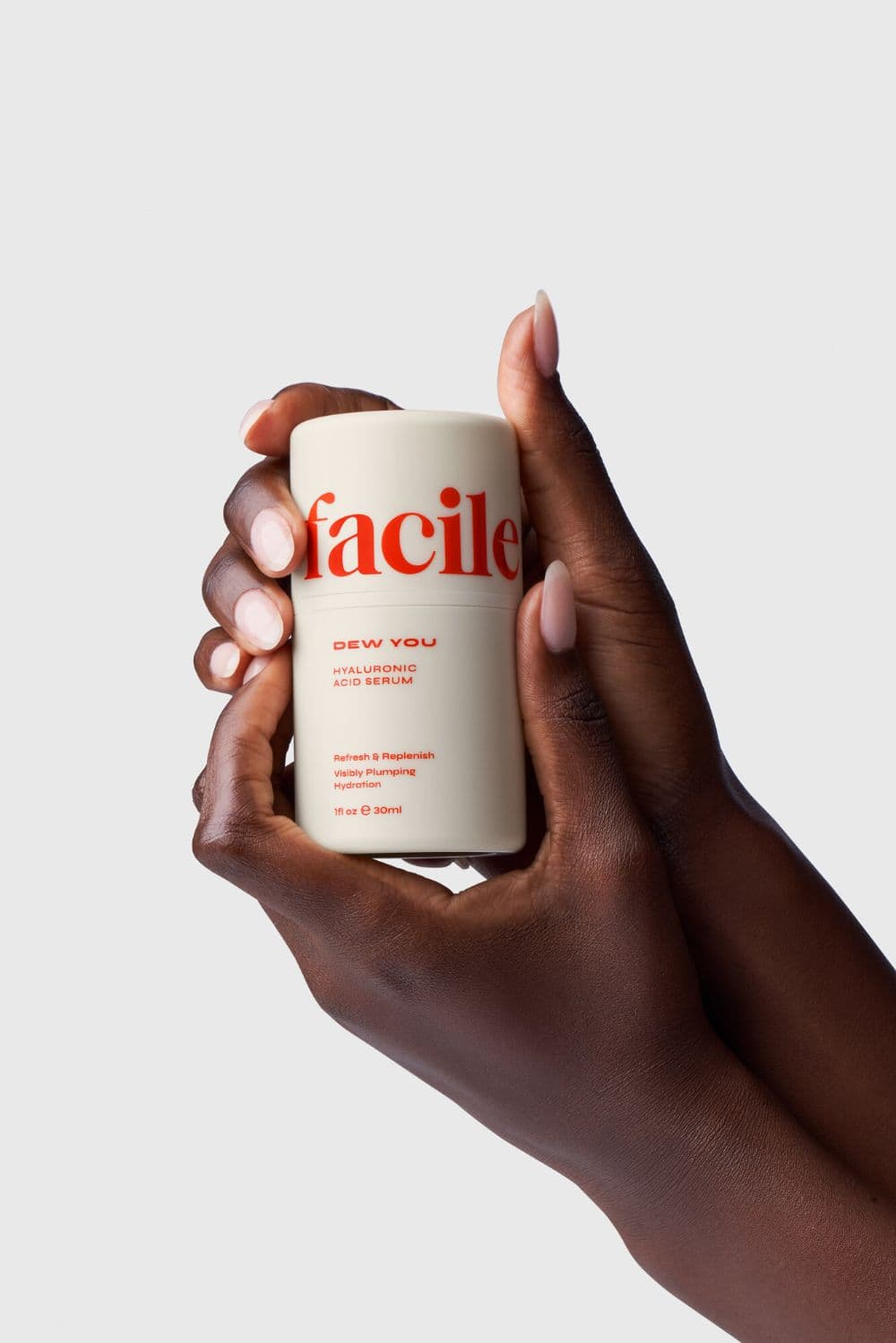
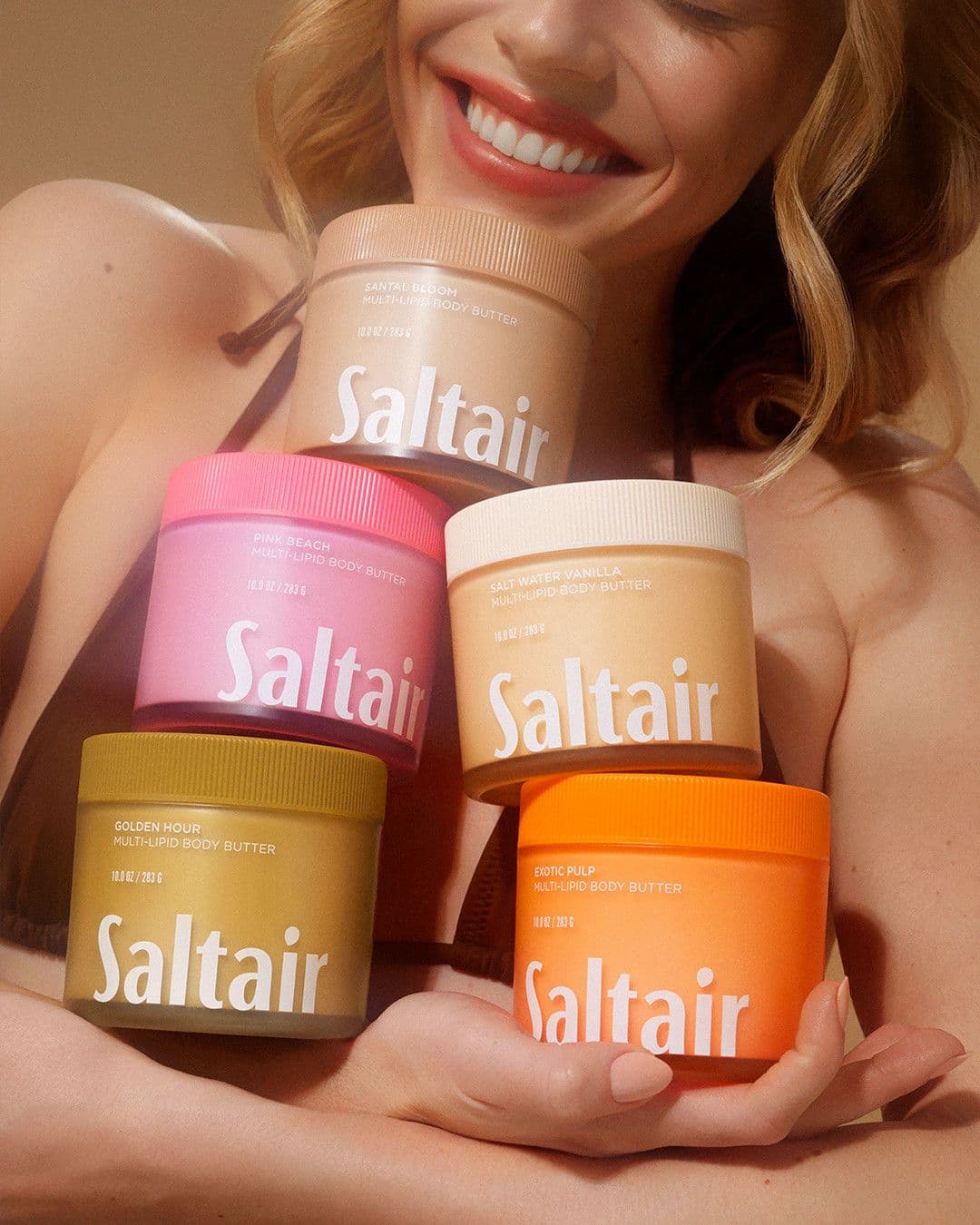
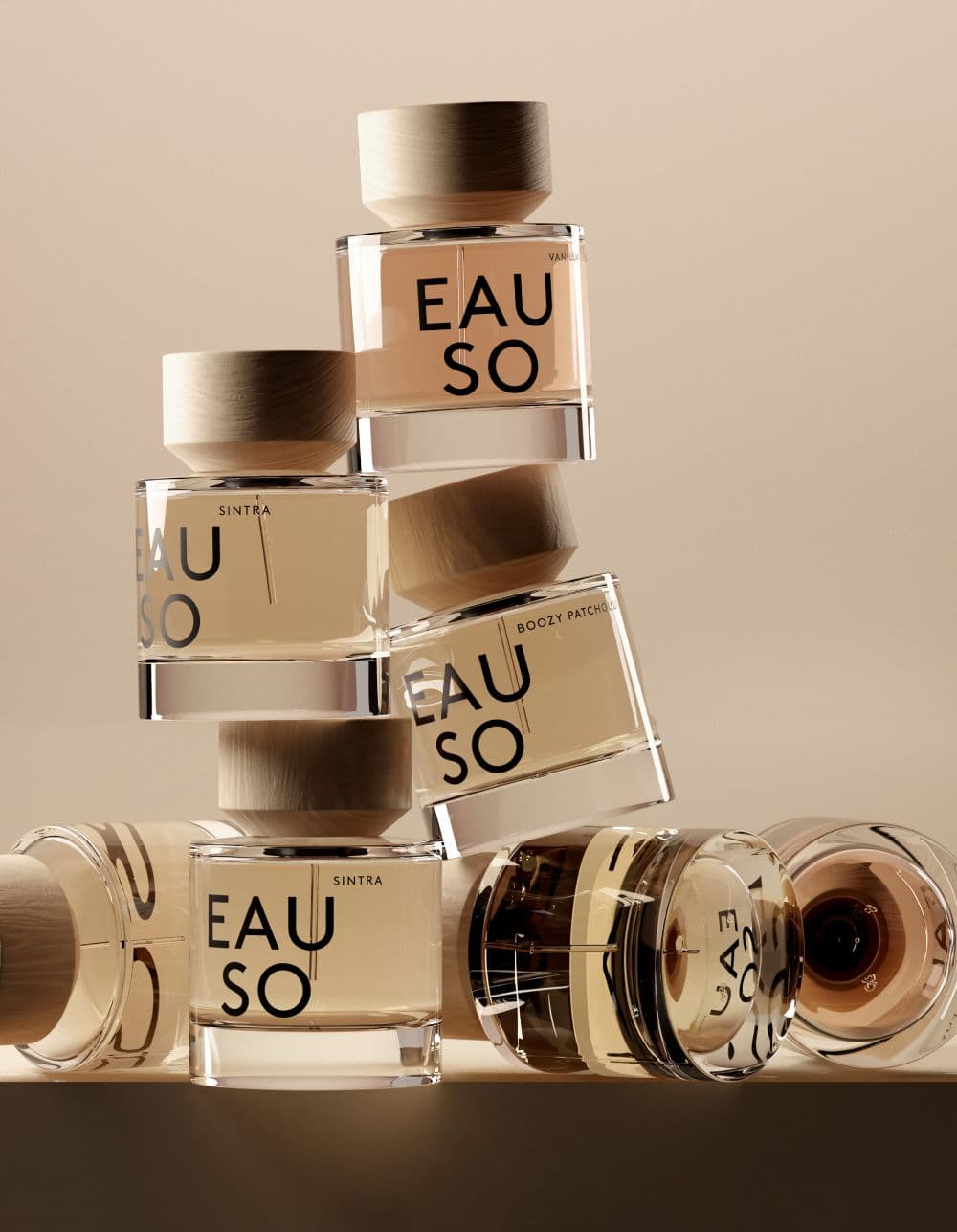
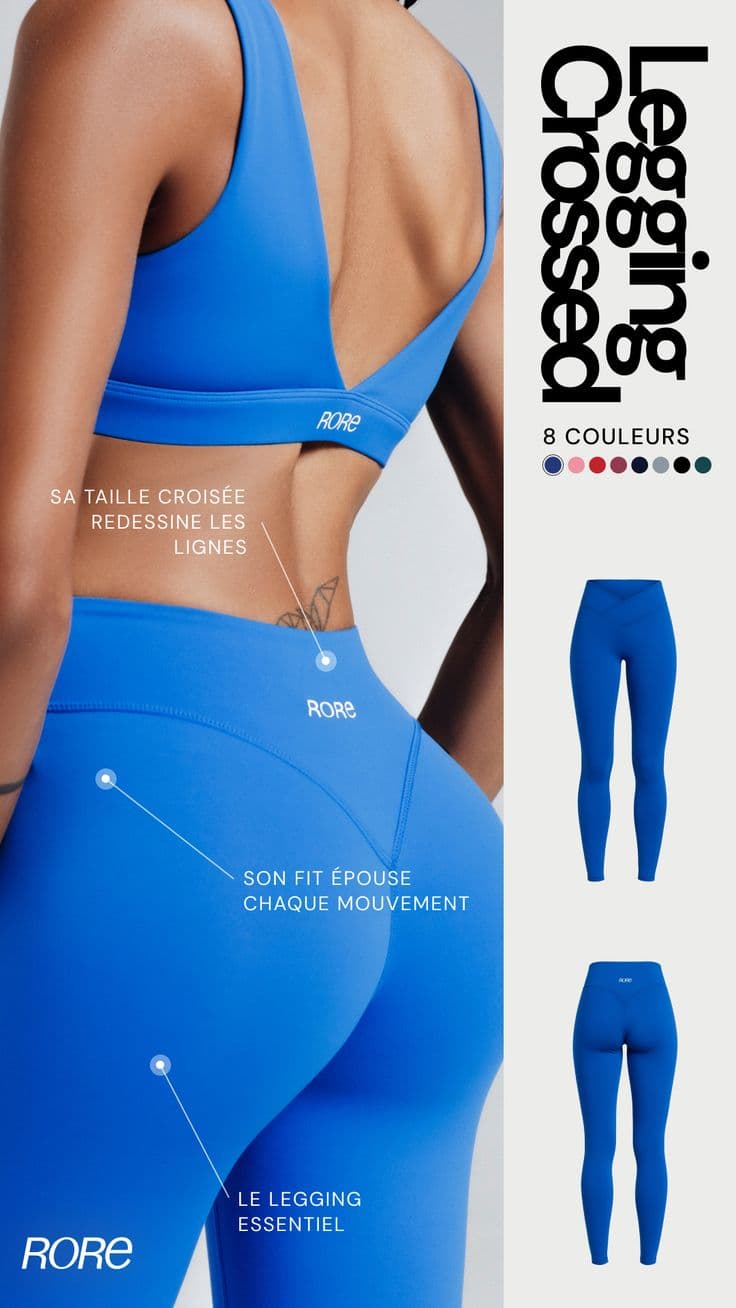
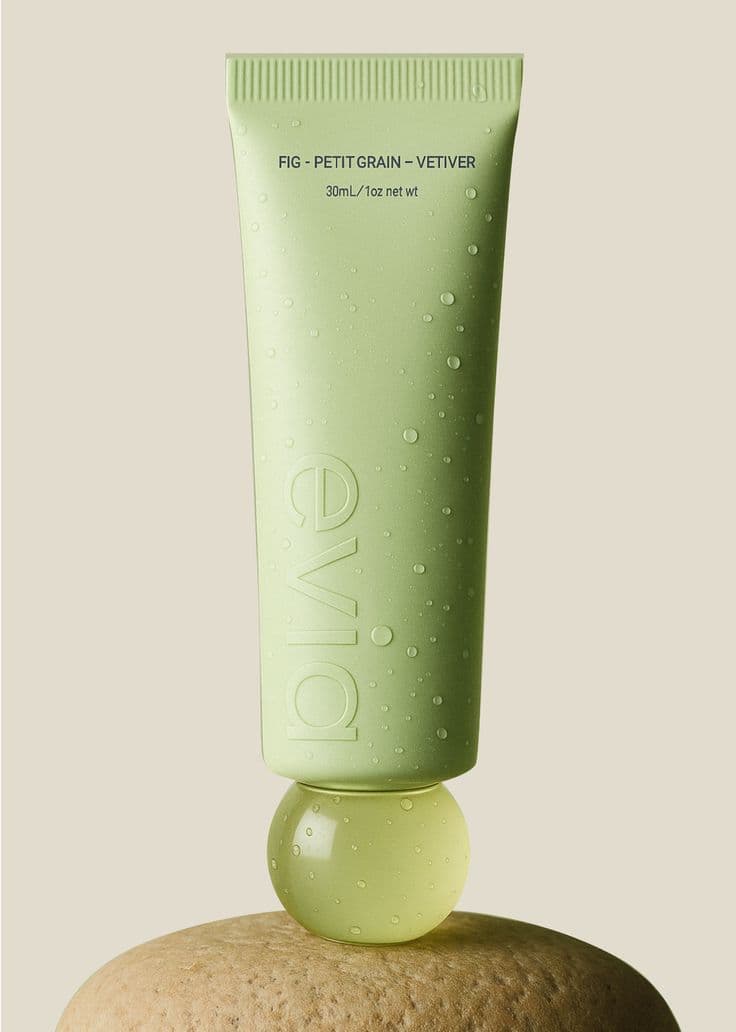
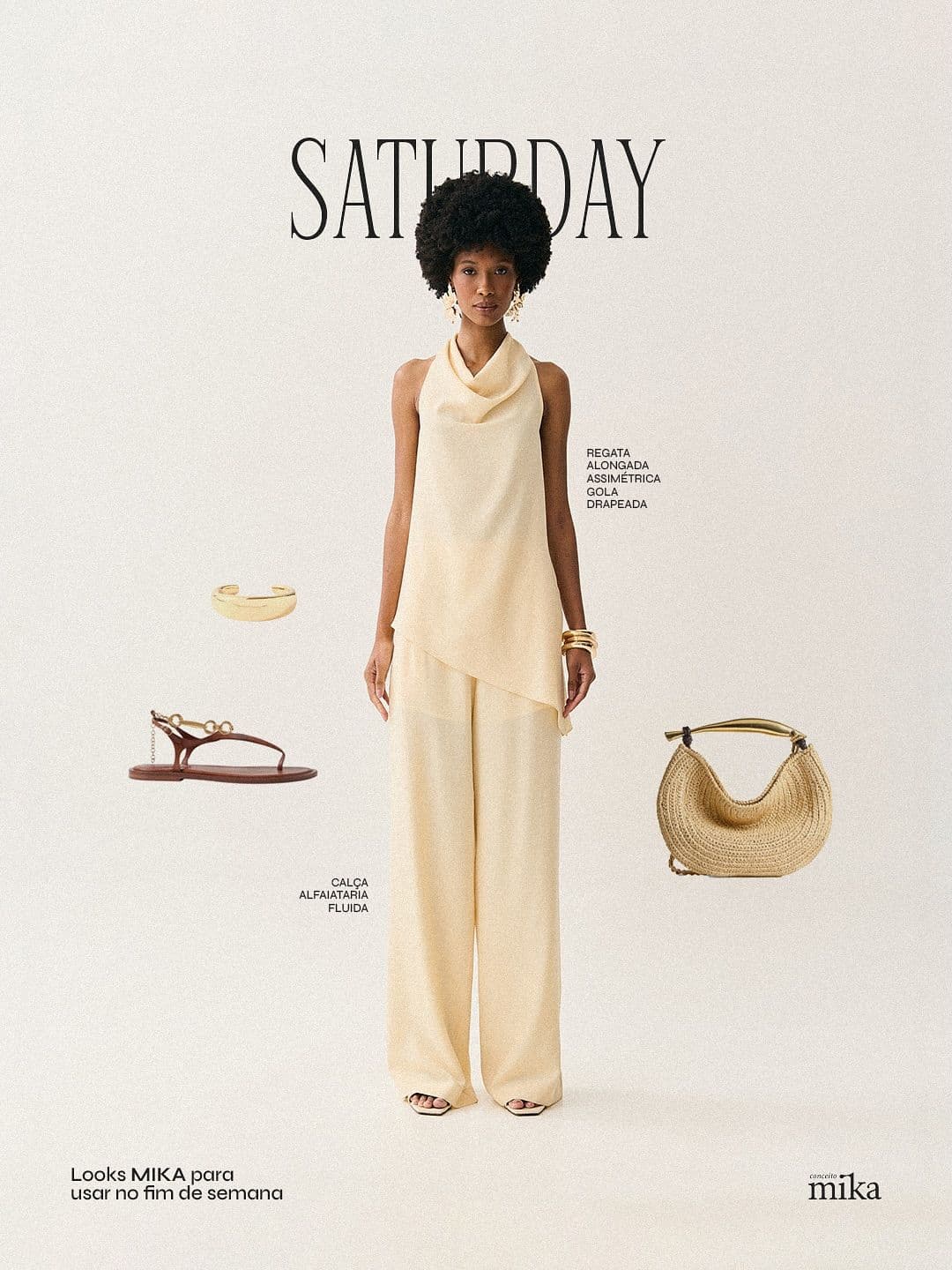
Every image below was generated in seconds. No photographer, no studio, no retouching.
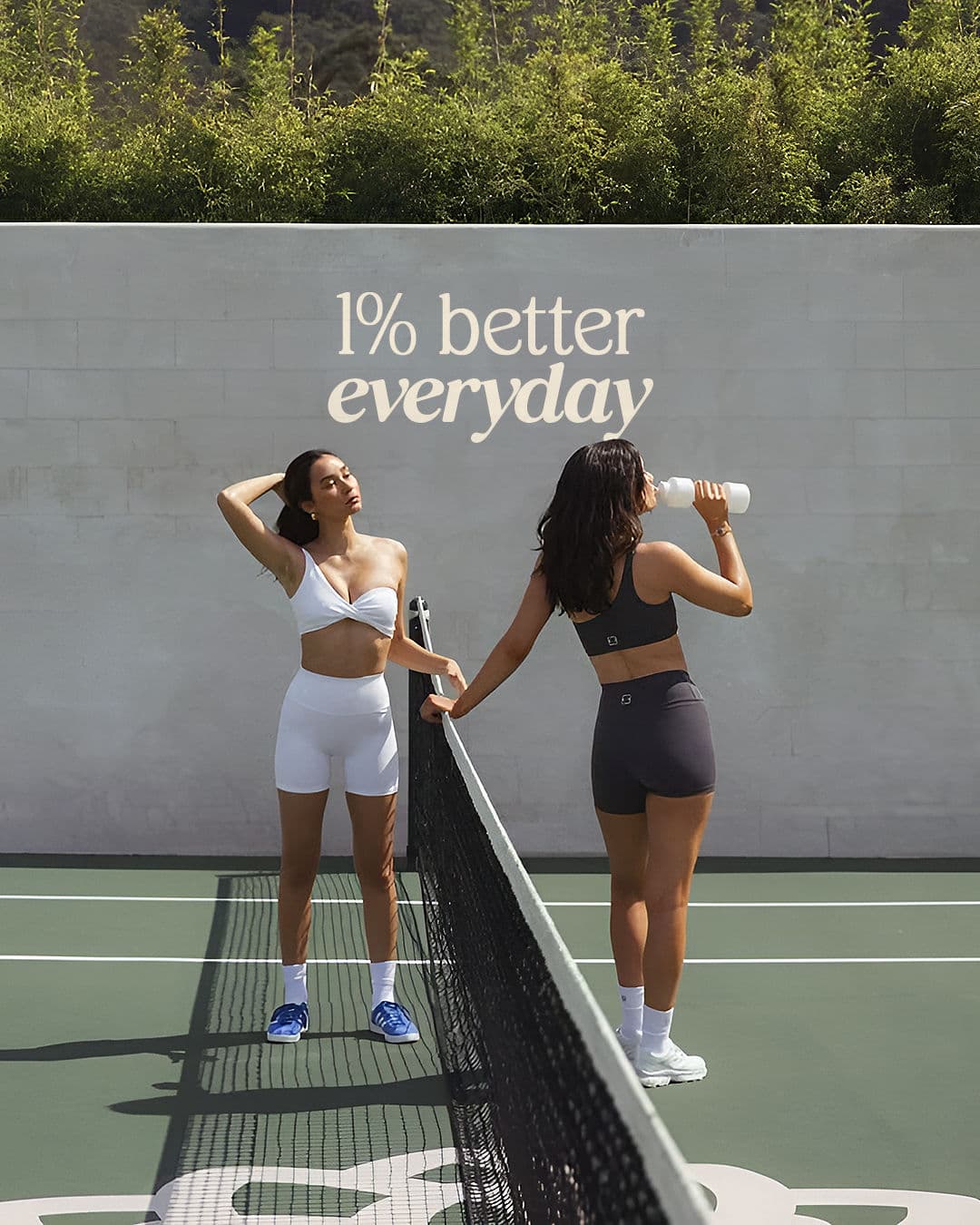
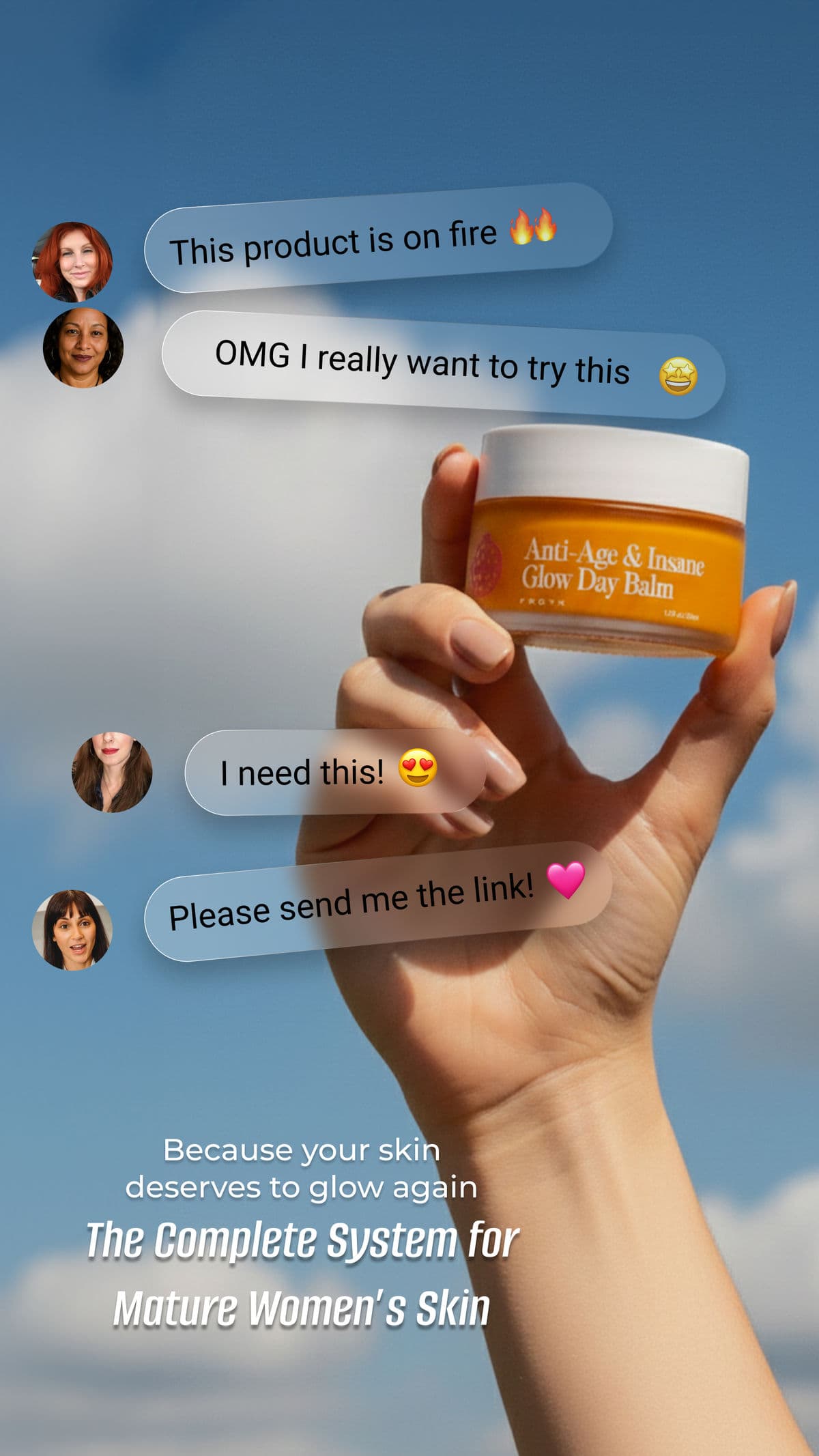
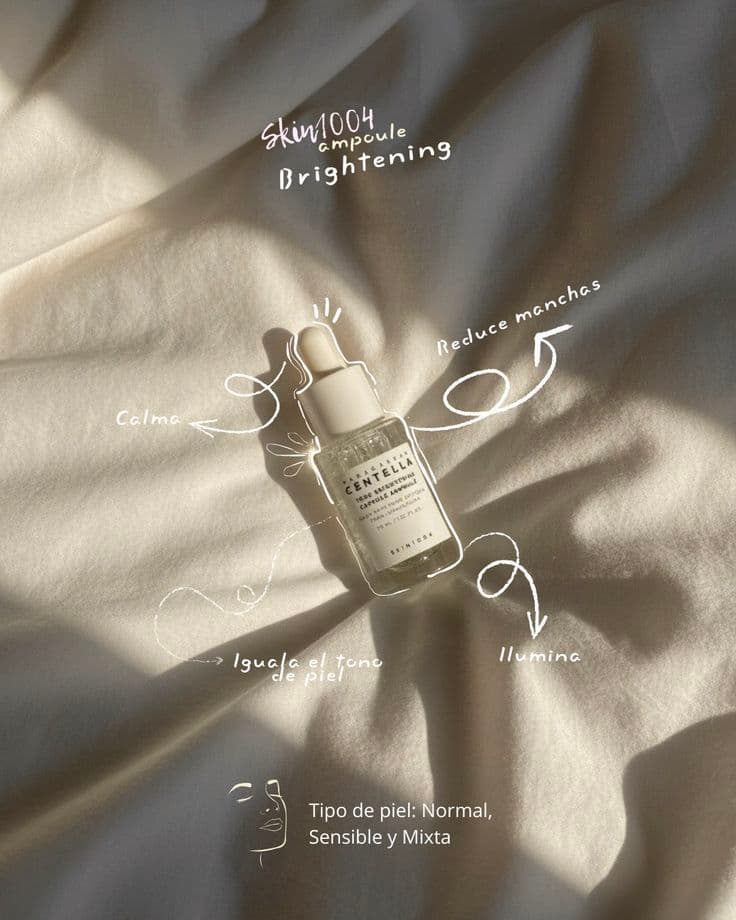
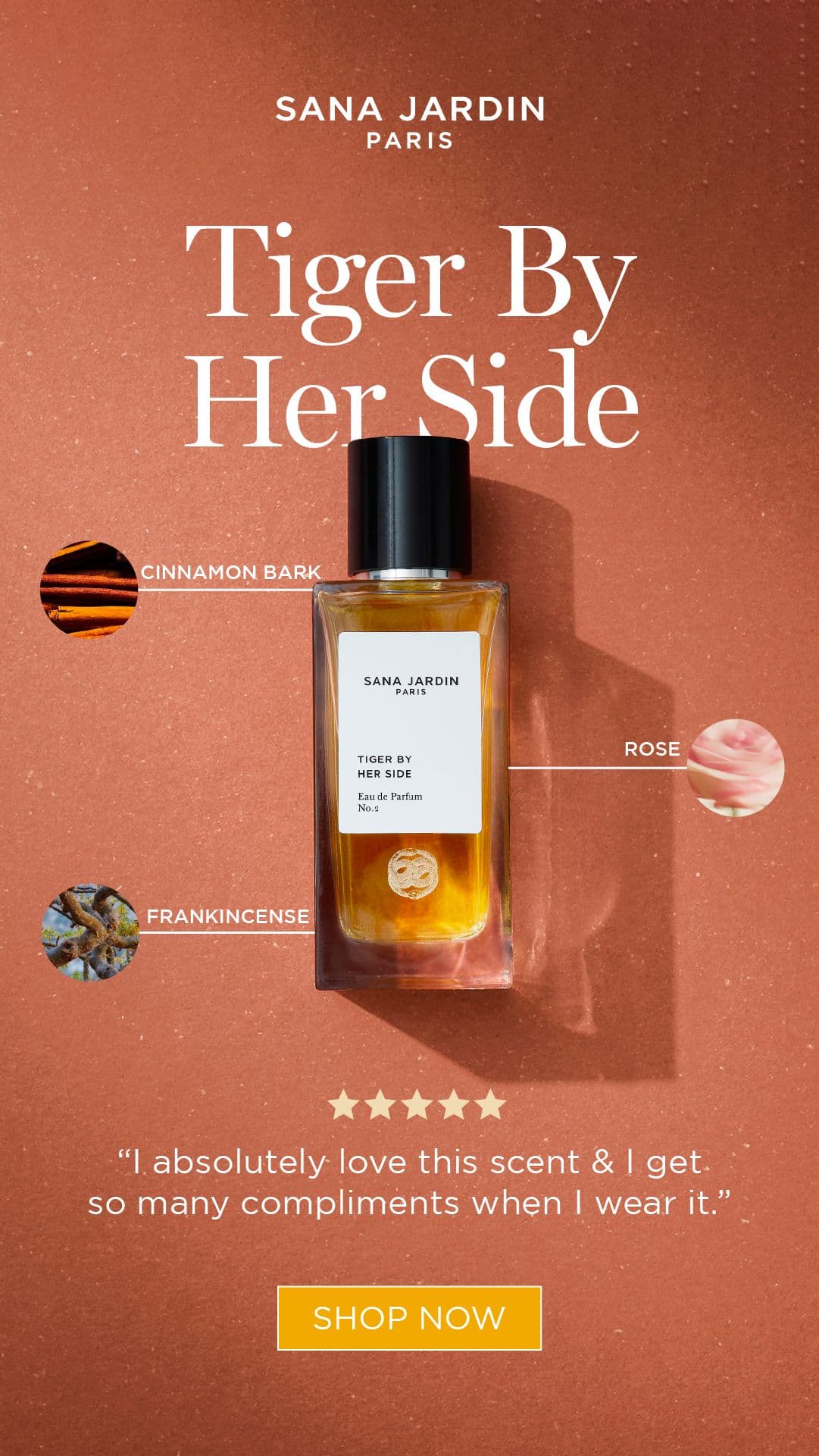
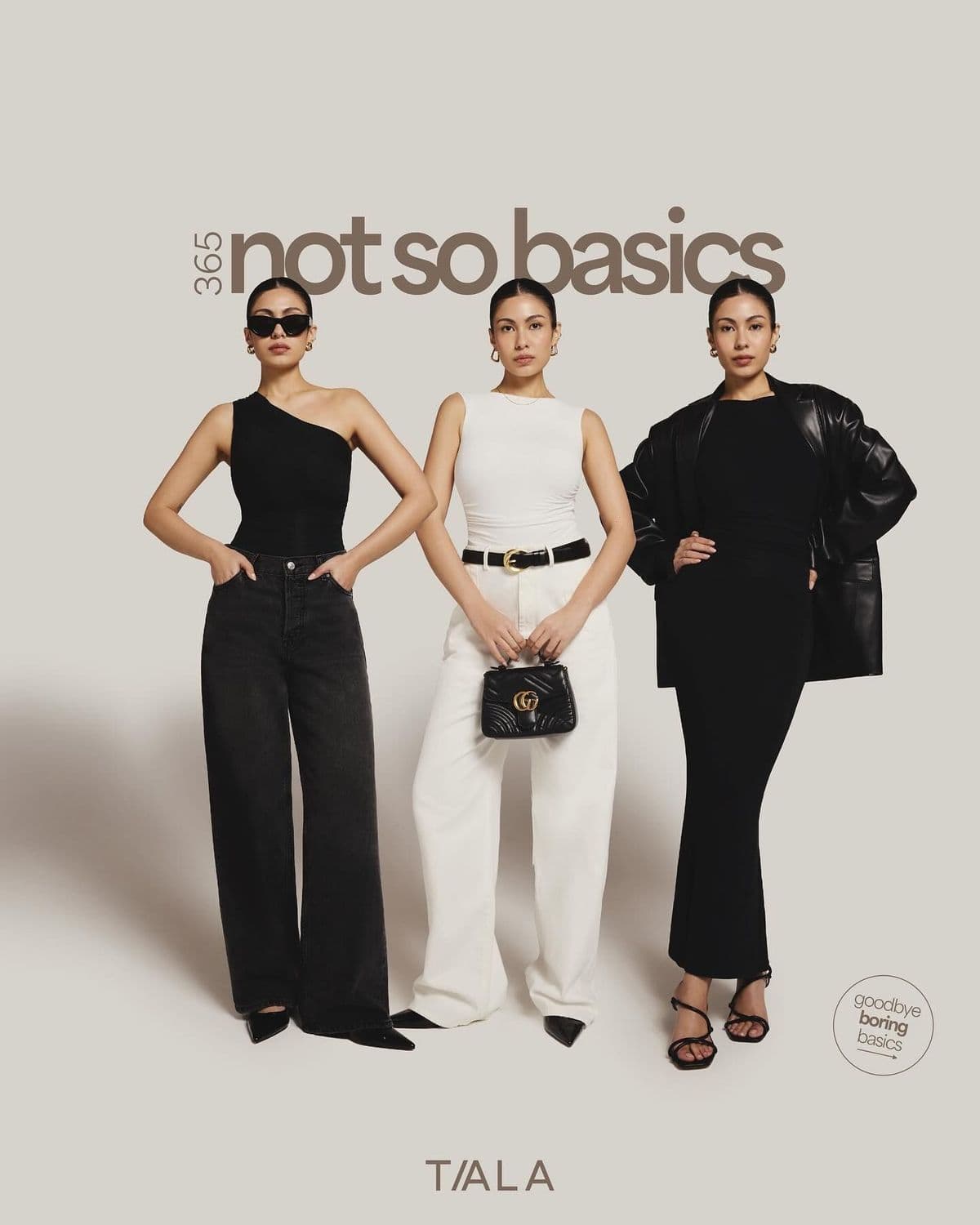
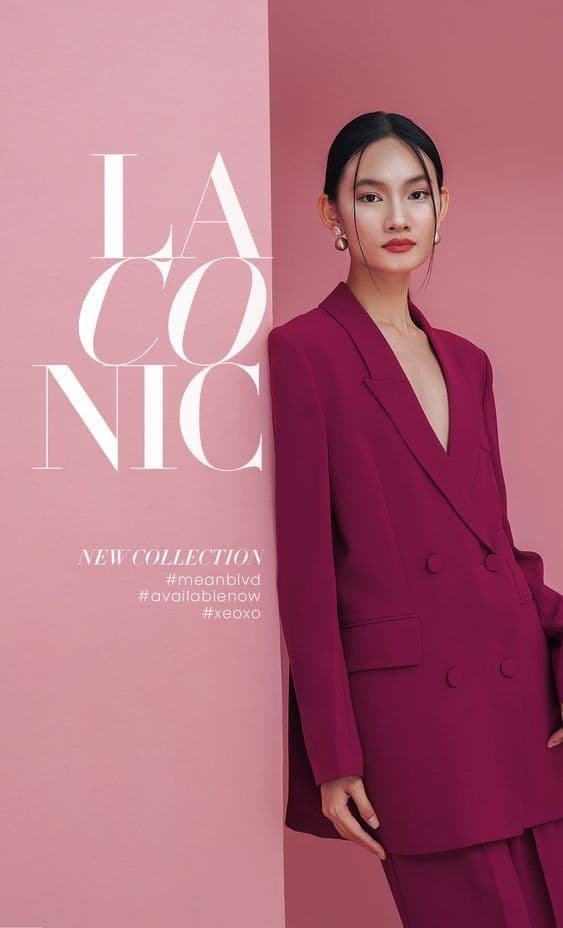
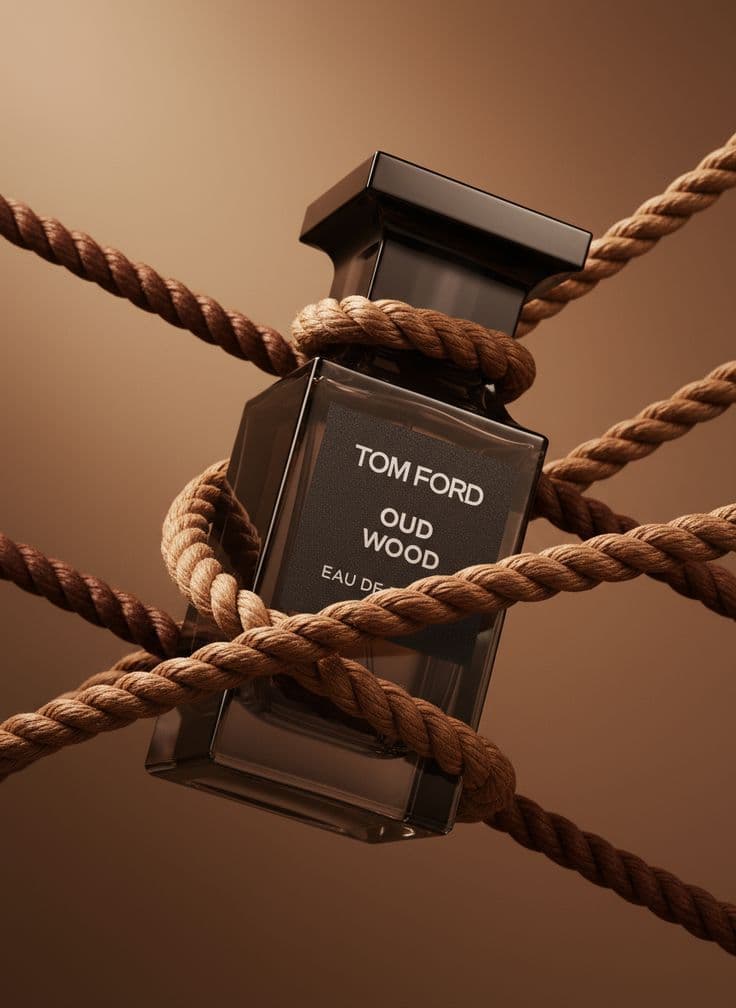
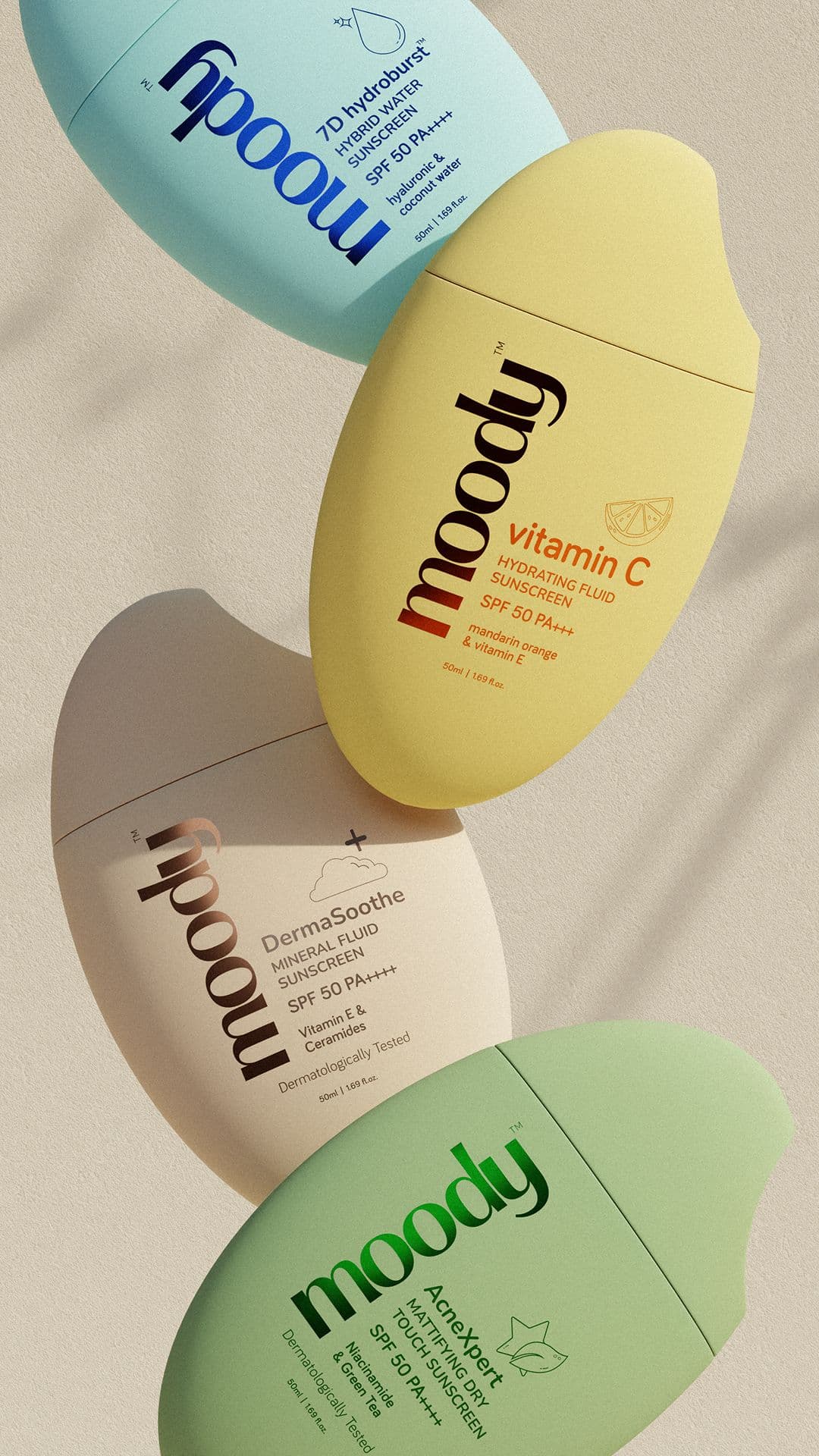
Three steps to
studio-quality content
No design skills. No studio. Just your product, your brand, and a reference image.
Set up your Brand DNA
Paste your website URL and we auto-extract your colors, fonts, tone, and style in seconds. Or define it manually.
Pick your references
Upload inspiration images or import directly from Pinterest. AI analyzes the scene, lighting, and composition.
Generate & download
AI places your exact product into the reference scene. Download in any format, or create ad creatives in one click.
On Model jewelry photography tips
Tips that apply specifically to jewelry — and on model fundamentals that hold across every niche.
Style the wardrobe around the metal
Warm gold wants cream, camel, ivory, and earth tones. Cool silver wants white, black, charcoal, denim. Clashing undertones kill the piece.
Environmental beats studio
For social, a real-feeling cafe or bedroom scene outperforms a seamless backdrop 2-3x on save rate. The scene sells the lifestyle, the jewelry sells itself.
Choose a model who represents your actual customer
The closer the generated model looks like your real buyer, the better the image converts. Look at your actual customer demographic — age, skin tone, body type, style energy — and match it. Aspirational but recognizable outperforms aspirational but distant.
Give the model something to do
Hands in pockets, holding a coffee, adjusting sunglasses, walking, looking off-frame. A model with a purpose looks like a person; a model standing blankly looks like a mannequin. Reference action poses, not catalog poses.
Get the product in sharp focus, model in softer focus
Fashion editorial convention is the opposite — model sharp, background soft — but for product-driven imagery, the garment or accessory needs to be the crispest element. Specify "product in focus, shallow background" in your reference.
Match the setting to the product's use
Activewear outdoors or in motion. Swimwear by water or on a beach. Streetwear in an urban context. Jewelry in a styled interior. The environment has to earn its place in the frame — generic studio settings make on-model imagery feel flat.
Show the product in context, not just displayed
A handbag worn while walking into a cafe. Earrings visible as the model laughs. A jacket half-zipped mid-motion. Worn-in-use beats worn-on-display. The shot should look like it was captured in a real moment, not posed for the camera.
Generate multiple body types and sizes
If you sell sizes XS–4XL, you need on-model imagery across that range. Snapsible makes size and body-type variation free — generate the same piece on five different bodies and put all of them on the PDP. Customers convert when they can see themselves.
More jewelry photography styles
Try a different look for your jewelry drops.
Start free. Scale when ready.
Every plan runs on credits — 5 credits per image. No hidden fees, no confusing tiers.
Try it out, no card needed.
- 50 credits / month
- 10 image generations
- 1 brand profile
- All 6 workflows
For solo creators and founders.
- 500 credits / month
- 100 image generations
- 5 brand profiles
- All 6 workflows
- No watermark
- Commercial license
For growing brands and agencies.
- 1,500 credits / month
- 300 image generations
- Unlimited brand profiles
- All 6 workflows
- No watermark
- Commercial license
- Priority queue
- API access
5 credits per image · All workflows same cost · Credits reset monthly, no rollover
On Model photography for other niches
See how on model translates across product categories.
On Model jewelry photography: FAQ
Your References +
Your Brand DNA
= Studio-Quality Content
No designers. No studios. No wasted hours. Just upload, generate, and publish.
Free plan available · No credit card required · Cancel anytime