AI product photographyfor Amazon listings
Main images on pure white, lifestyle secondaries, infographic overlays, and A+ Content modules — generated to Amazon's exact spec and ready for Seller Central upload.
Amazon's image rules are strict. Snapsible follows them by default.
Amazon rejects main images that don't sit on pure white (RGB 255, 255, 255), fill at least 85% of the frame, or include props, watermarks, and text. Your main image alone can make or break click-through from search. Beyond that, the six secondary slots need lifestyle shots, scale references, infographics, and in-use scenes — each at 2000x2000 minimum for zoom to activate. Then A+ Content adds another layer of module-specific dimensions (970x300 banners, 300x300 comparison tiles, and more). Getting this right manually takes a dedicated Amazon photographer, and most FBA sellers still end up with listings that look amateur. Snapsible is configured for Amazon's rulebook. Product Photography mode exports a compliant main image with your product on pure white, filling 90%+ of the frame, no shadows that Amazon might flag, no props. Then toggle to lifestyle mode for secondary images that show scale, use-case, and material detail. A+ Content modules render at the exact crops Amazon requires. Upload a reference of a competitor's top-selling listing and Snapsible will recreate the energy with your product, trained on your brand DNA.
Amazon aspect ratios & image specs
Snapsible generates at the exact ratio each slot expects — no after-the-fact cropping.
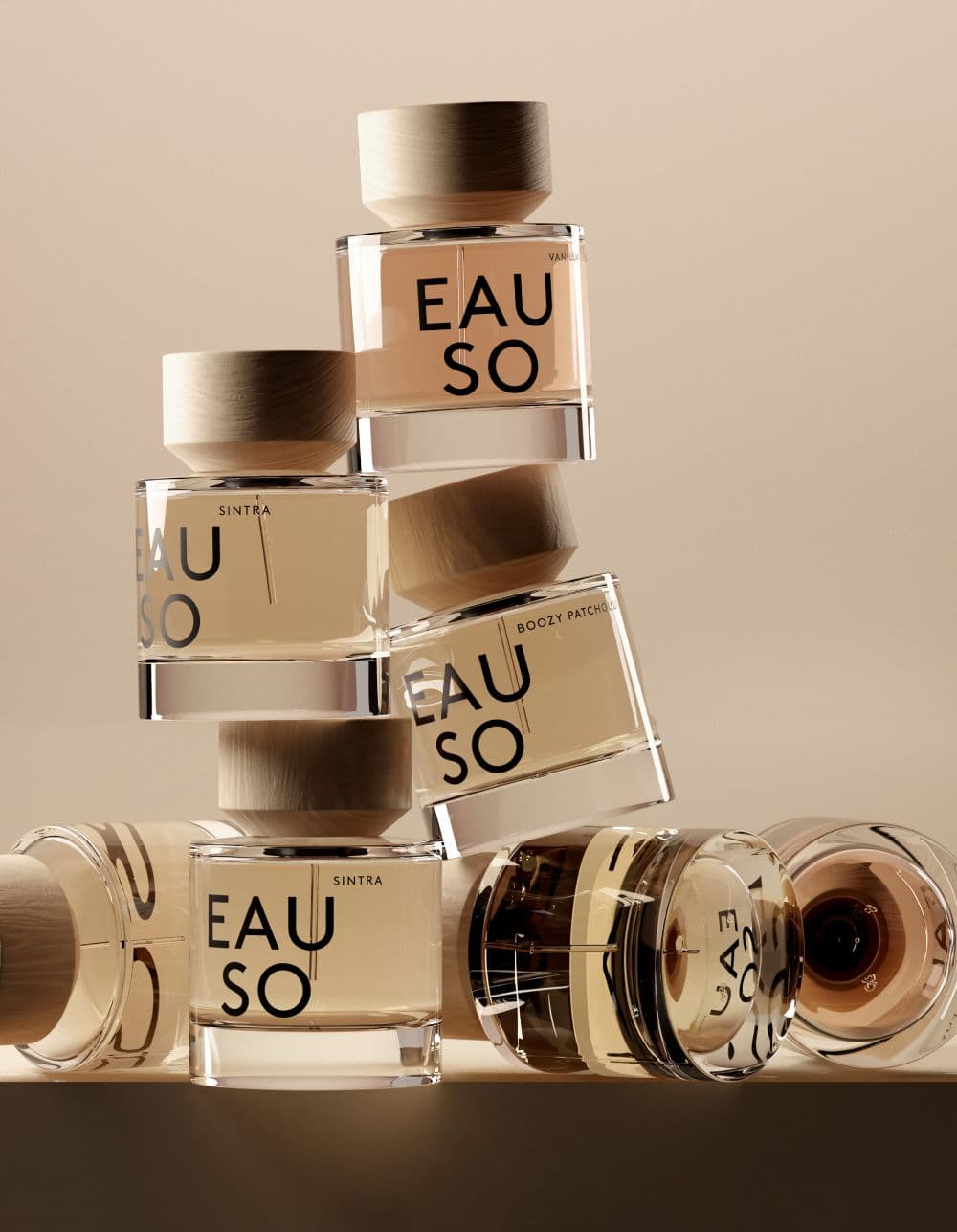
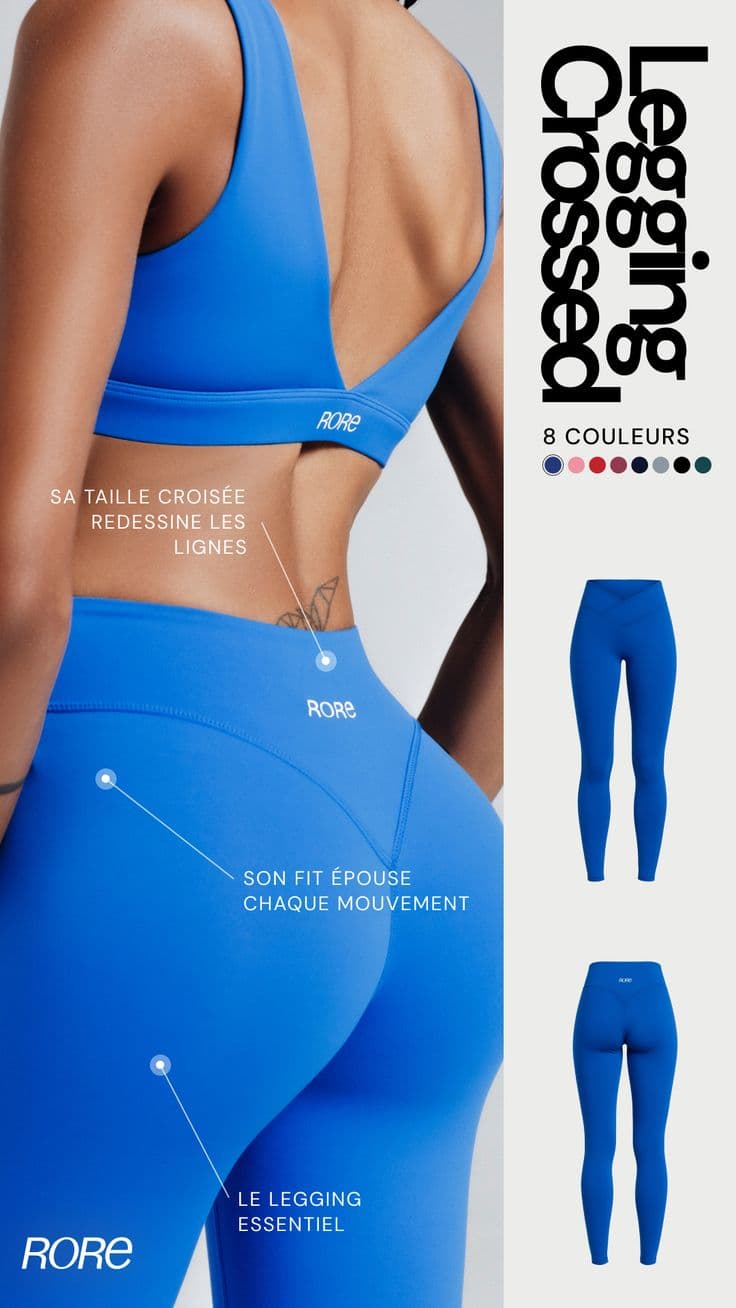
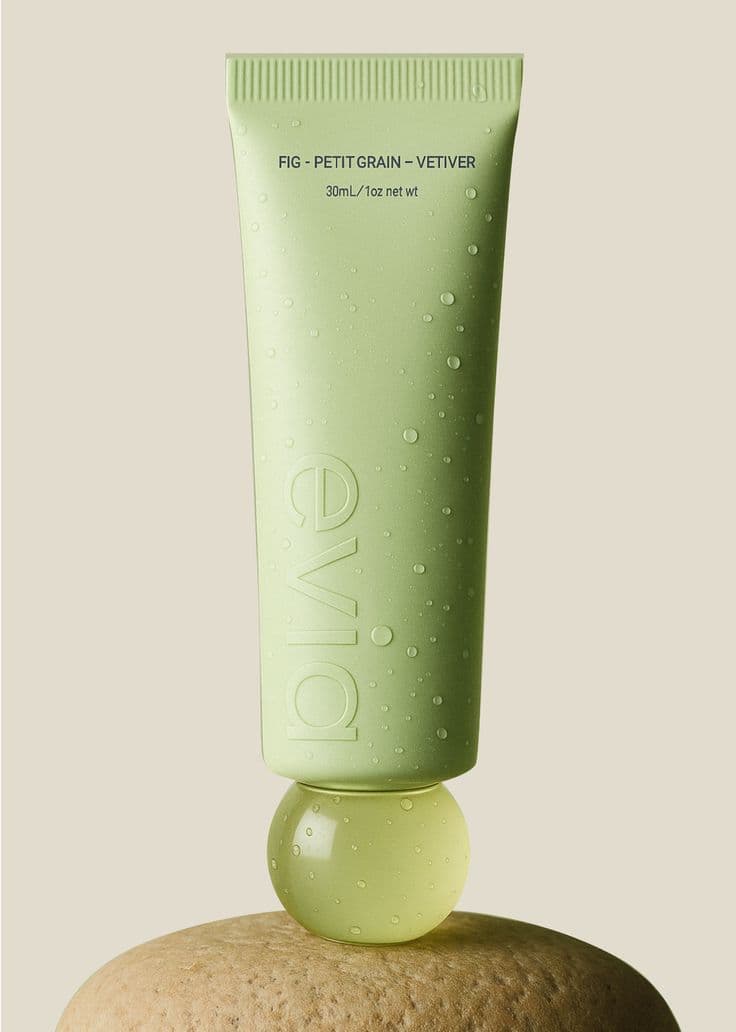
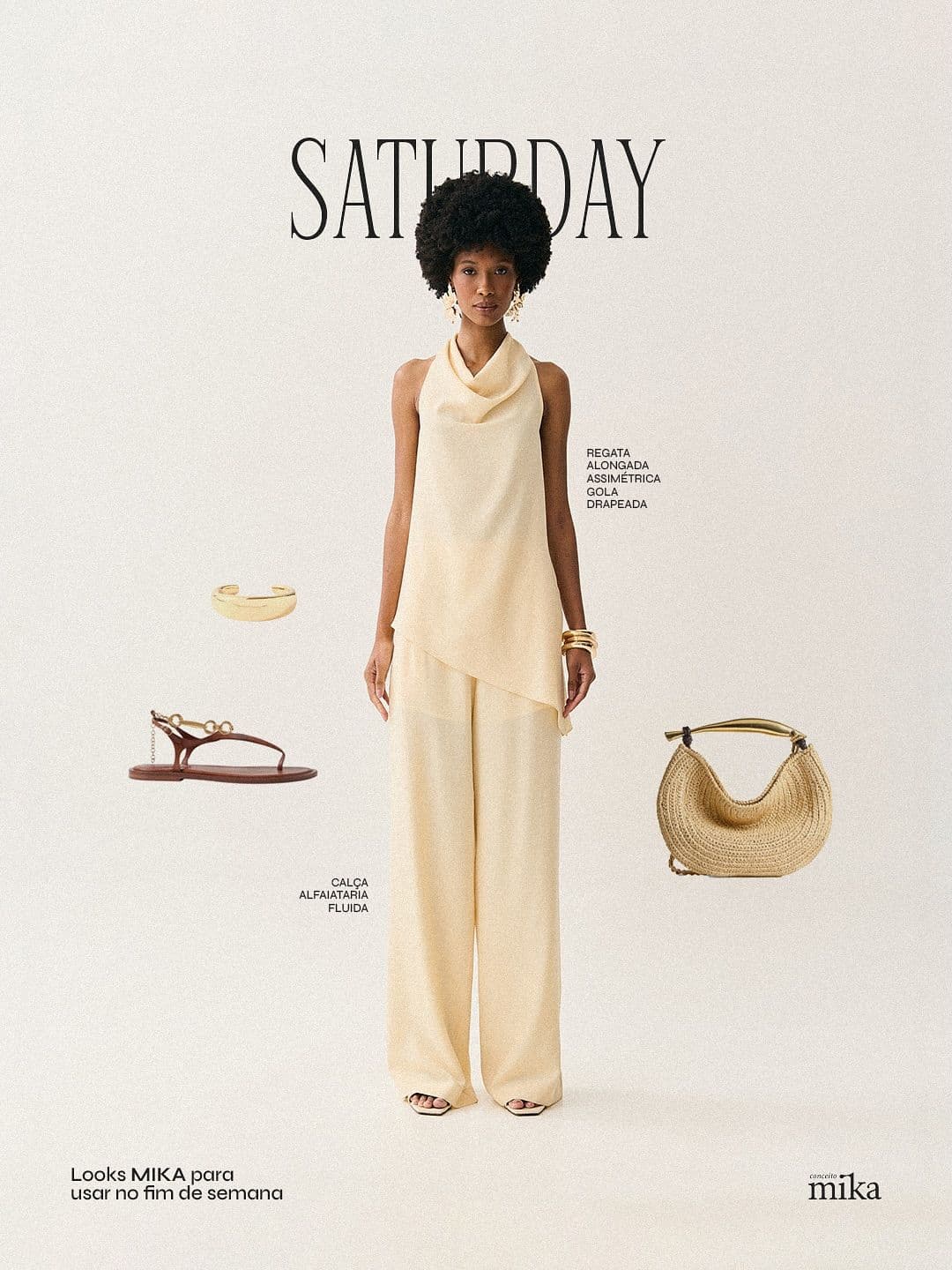
AI-generated. Studio quality.
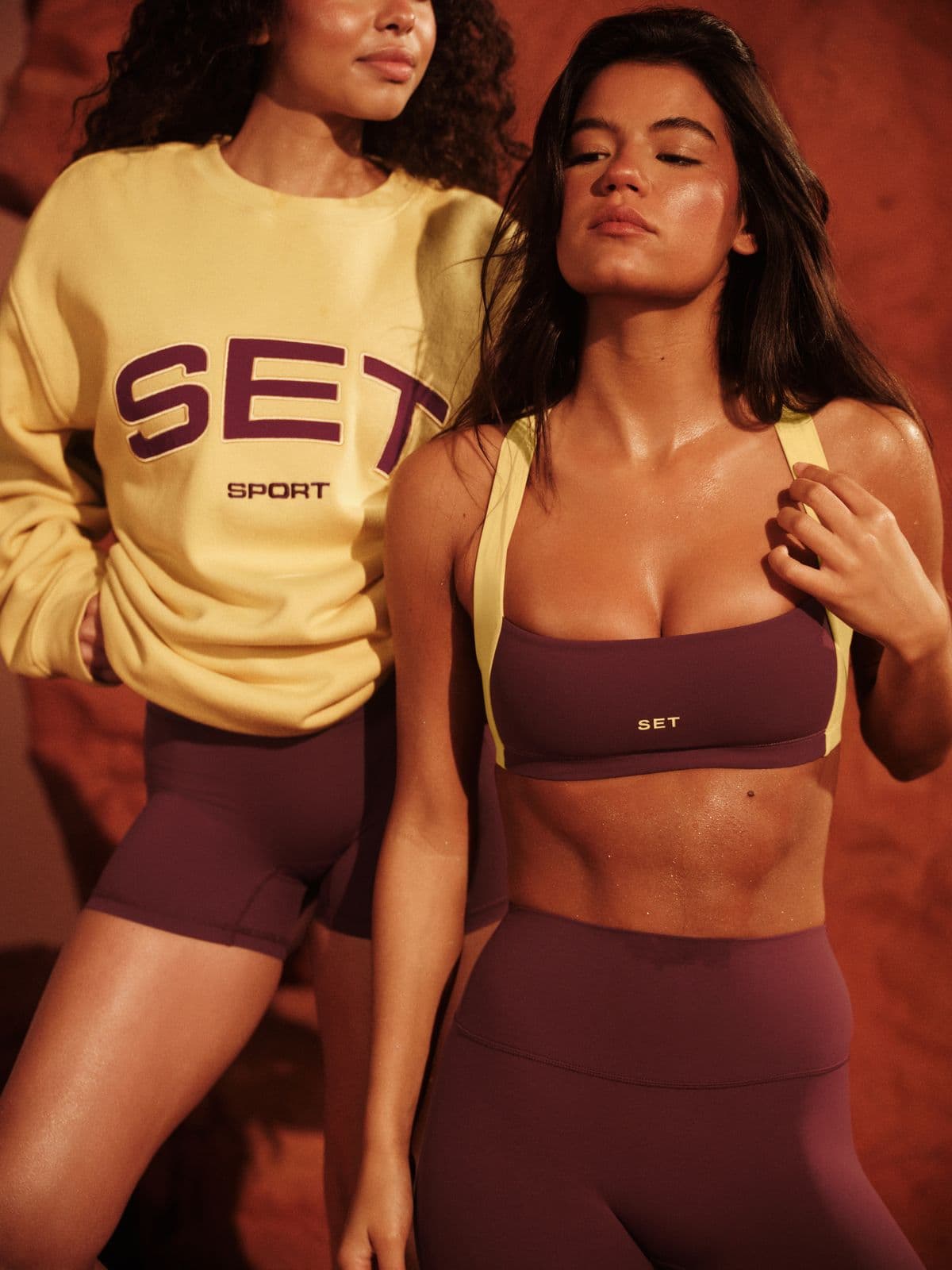
Every image below was generated in seconds. No photographer, no studio, no retouching.
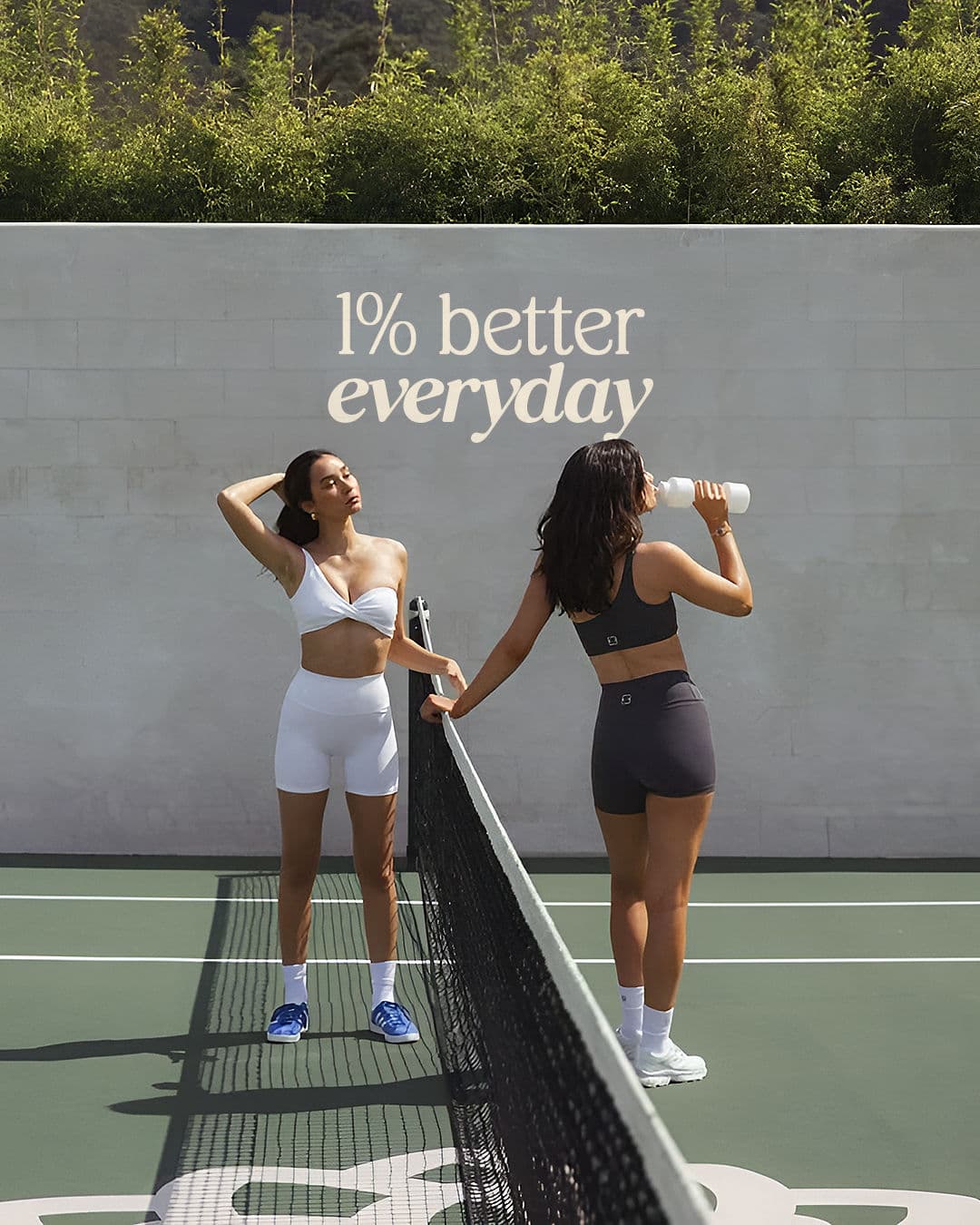
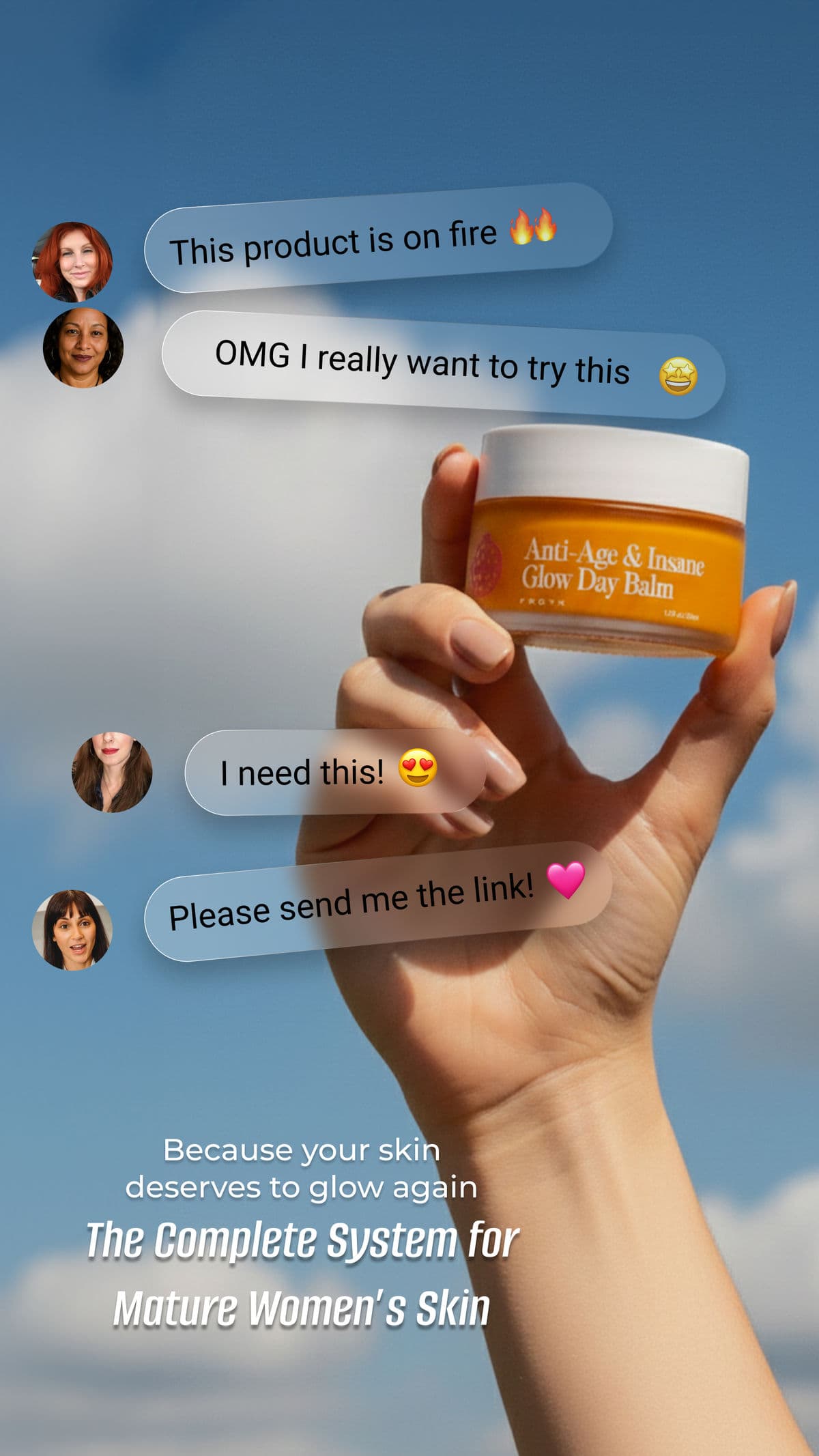
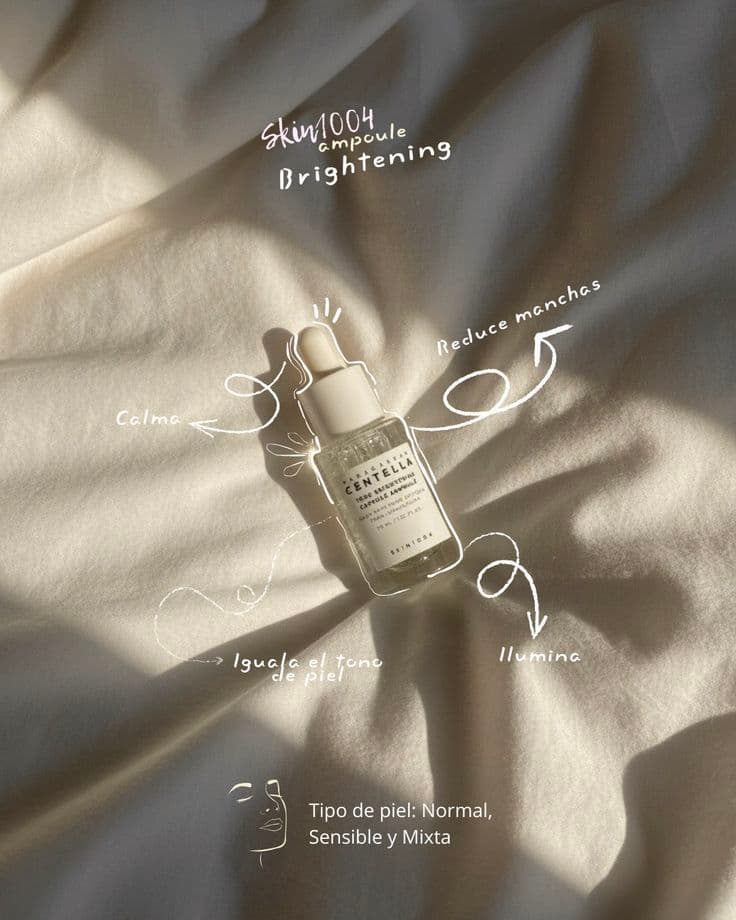
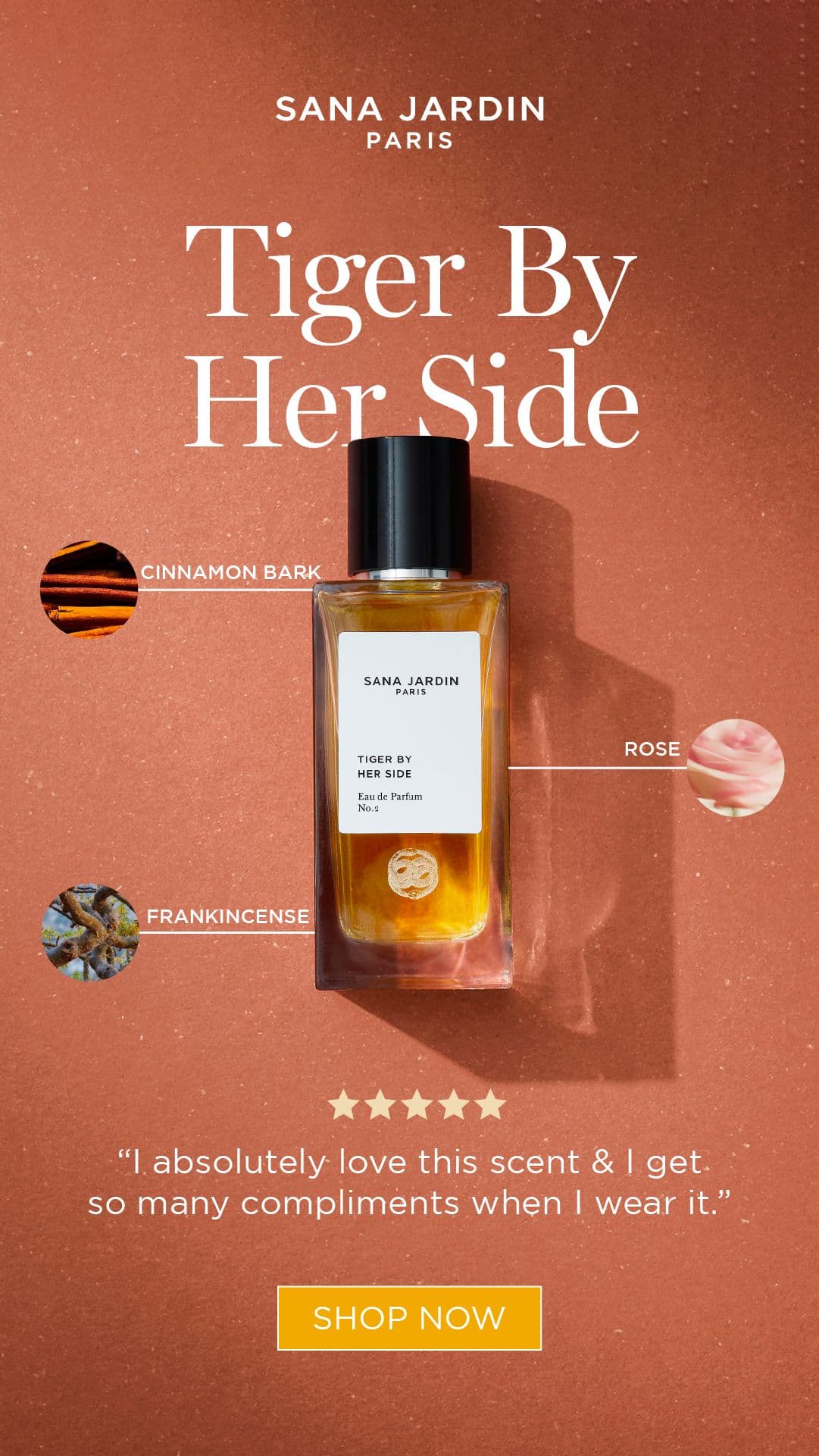
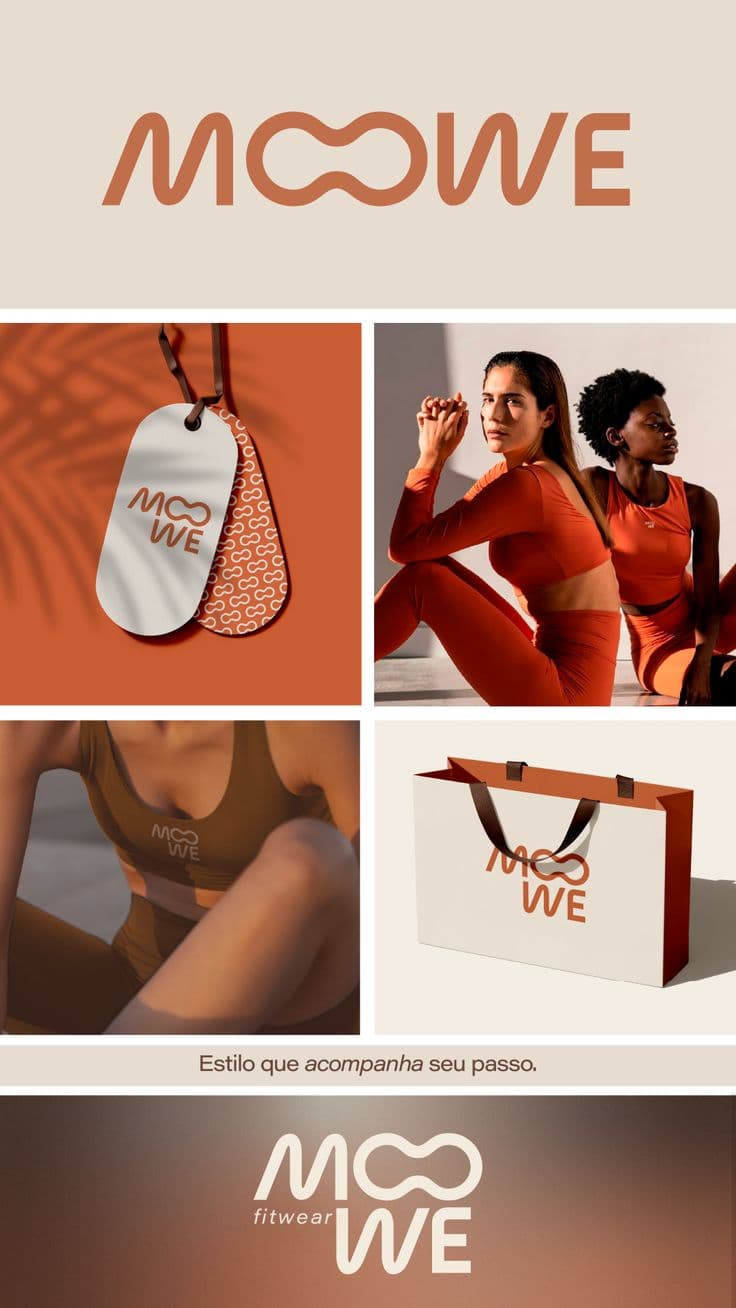
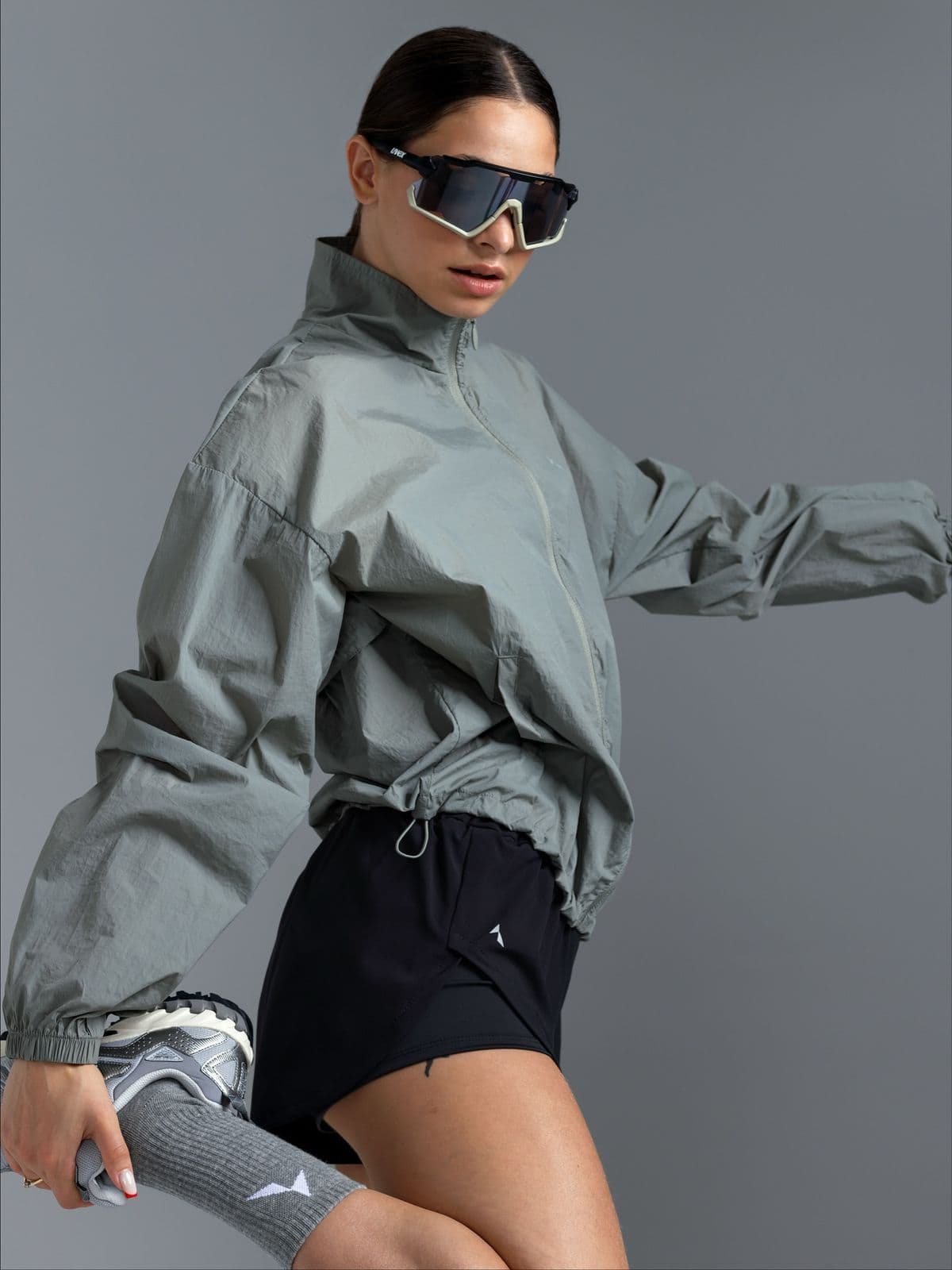
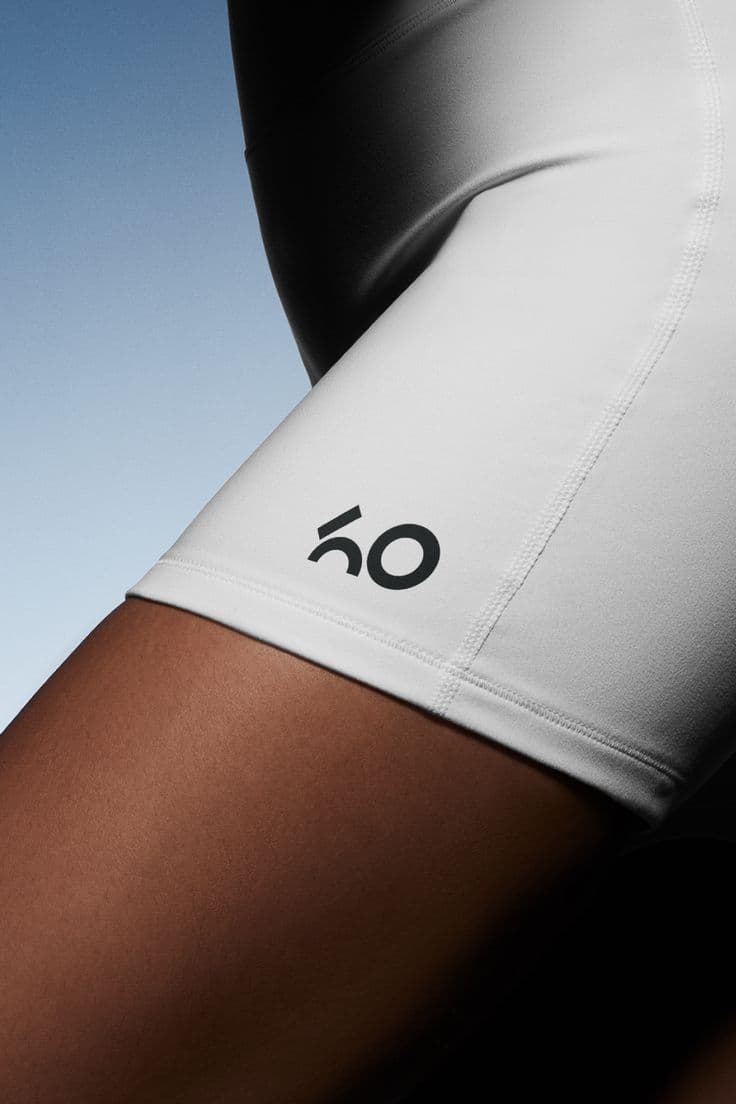
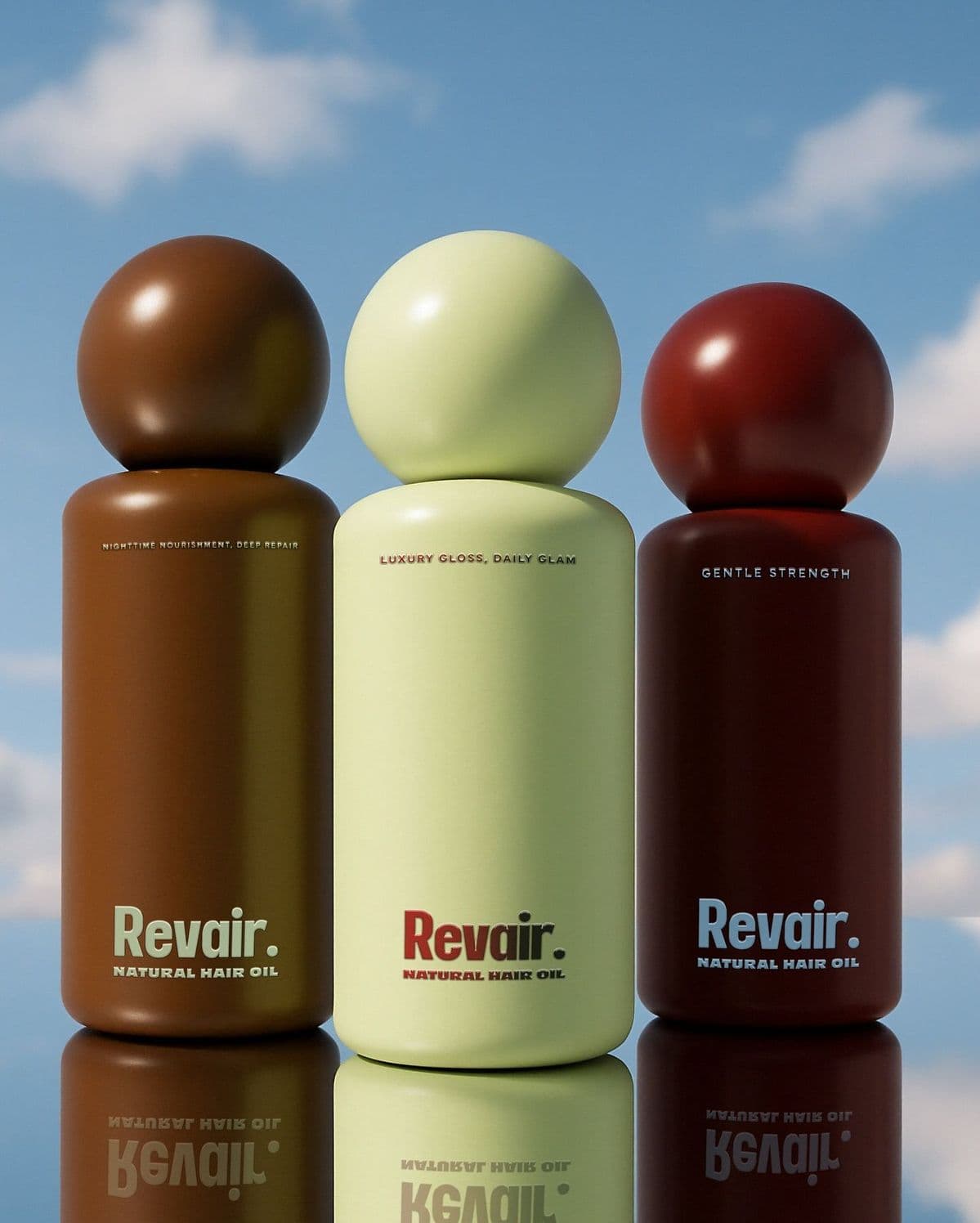
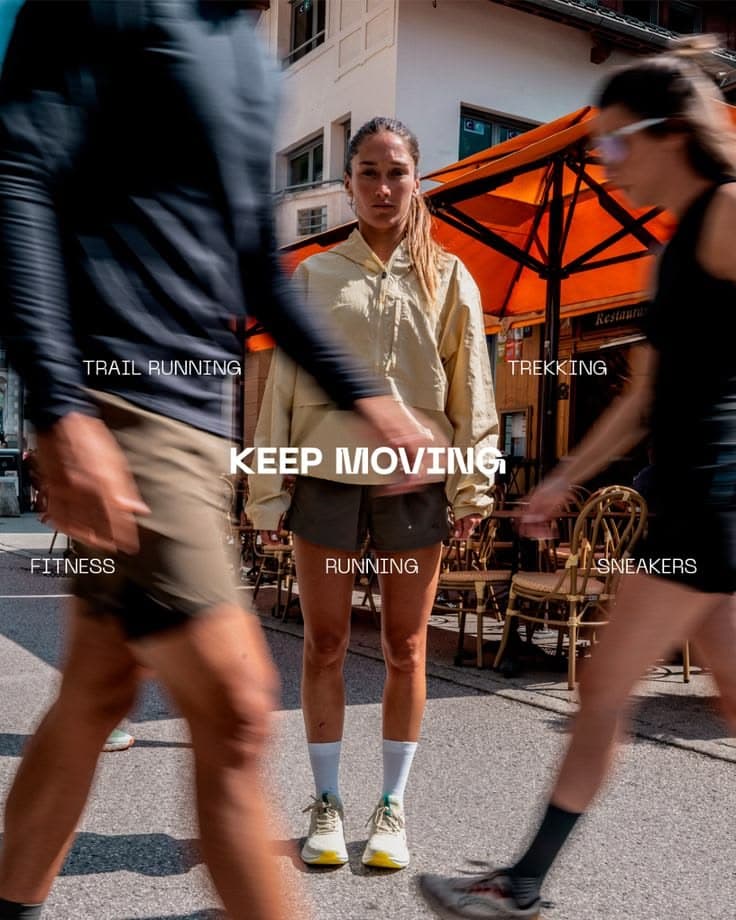
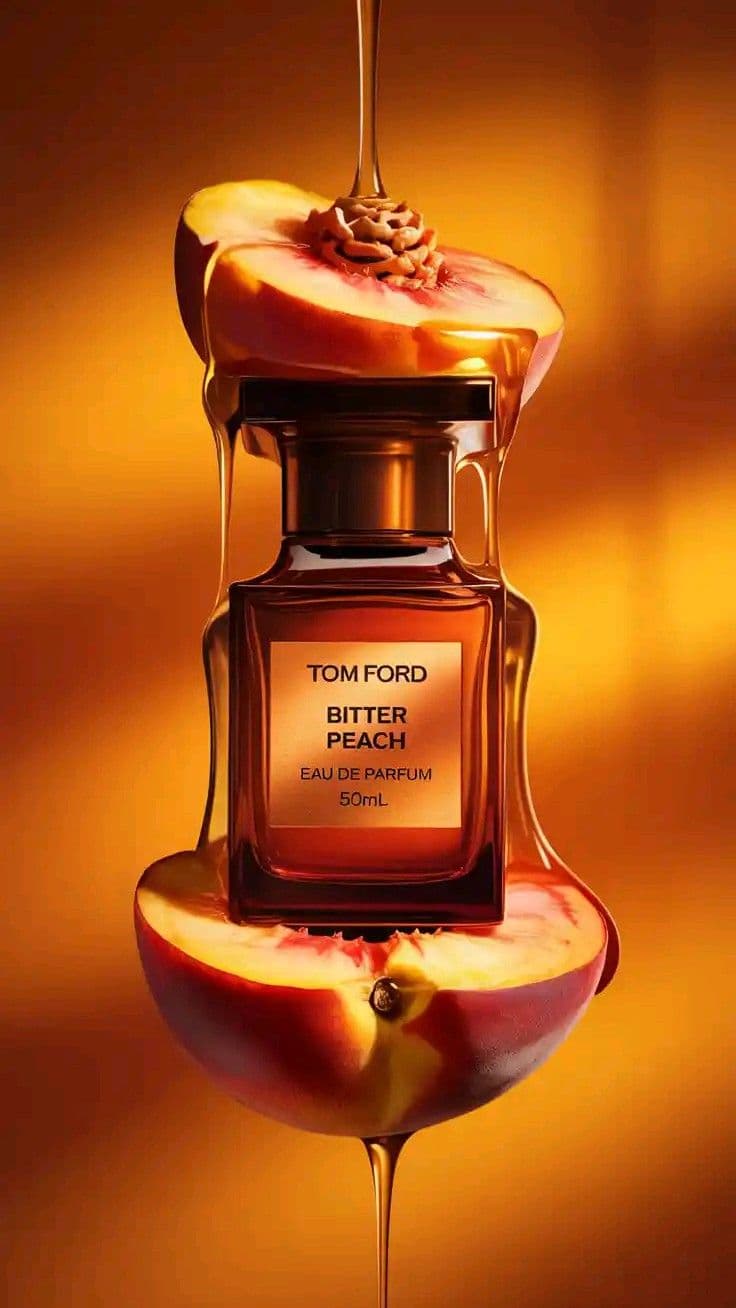
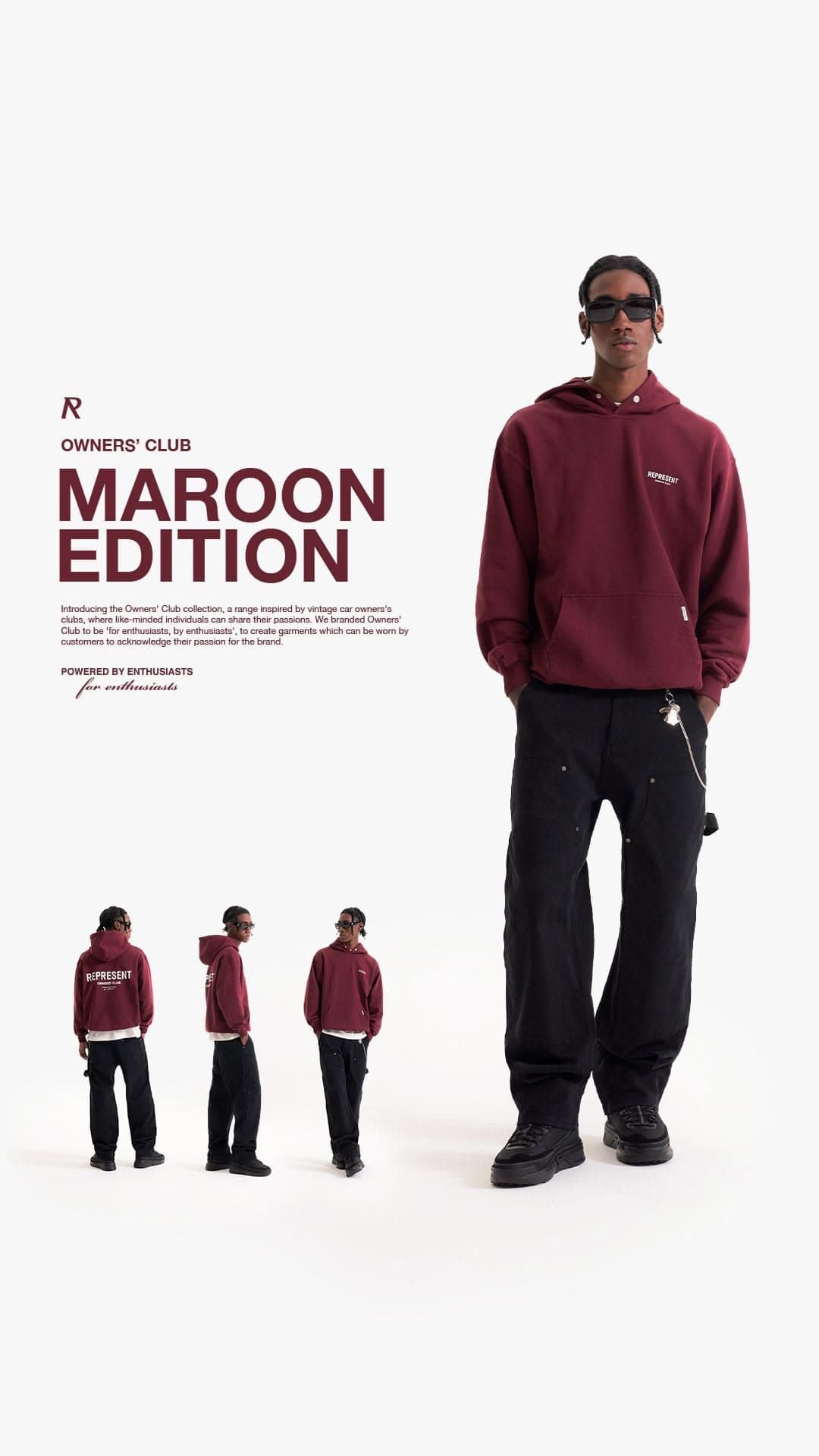
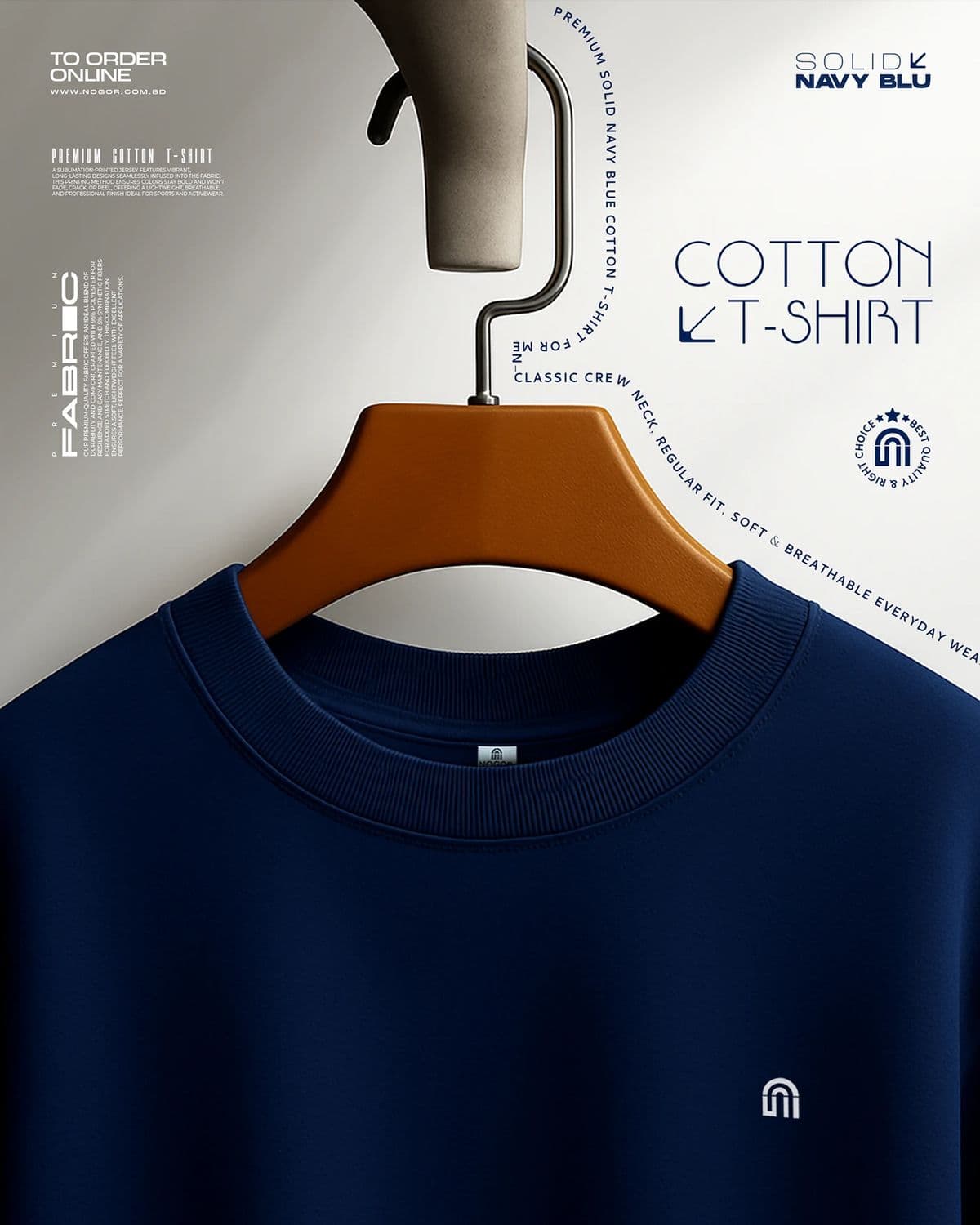
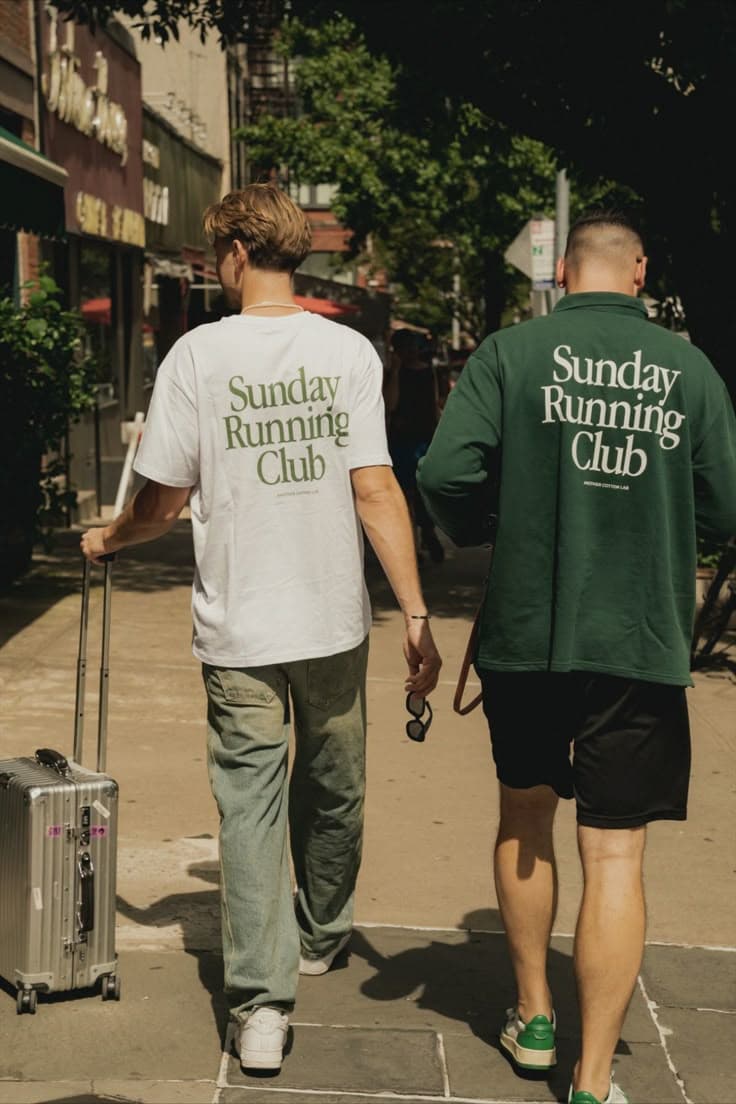
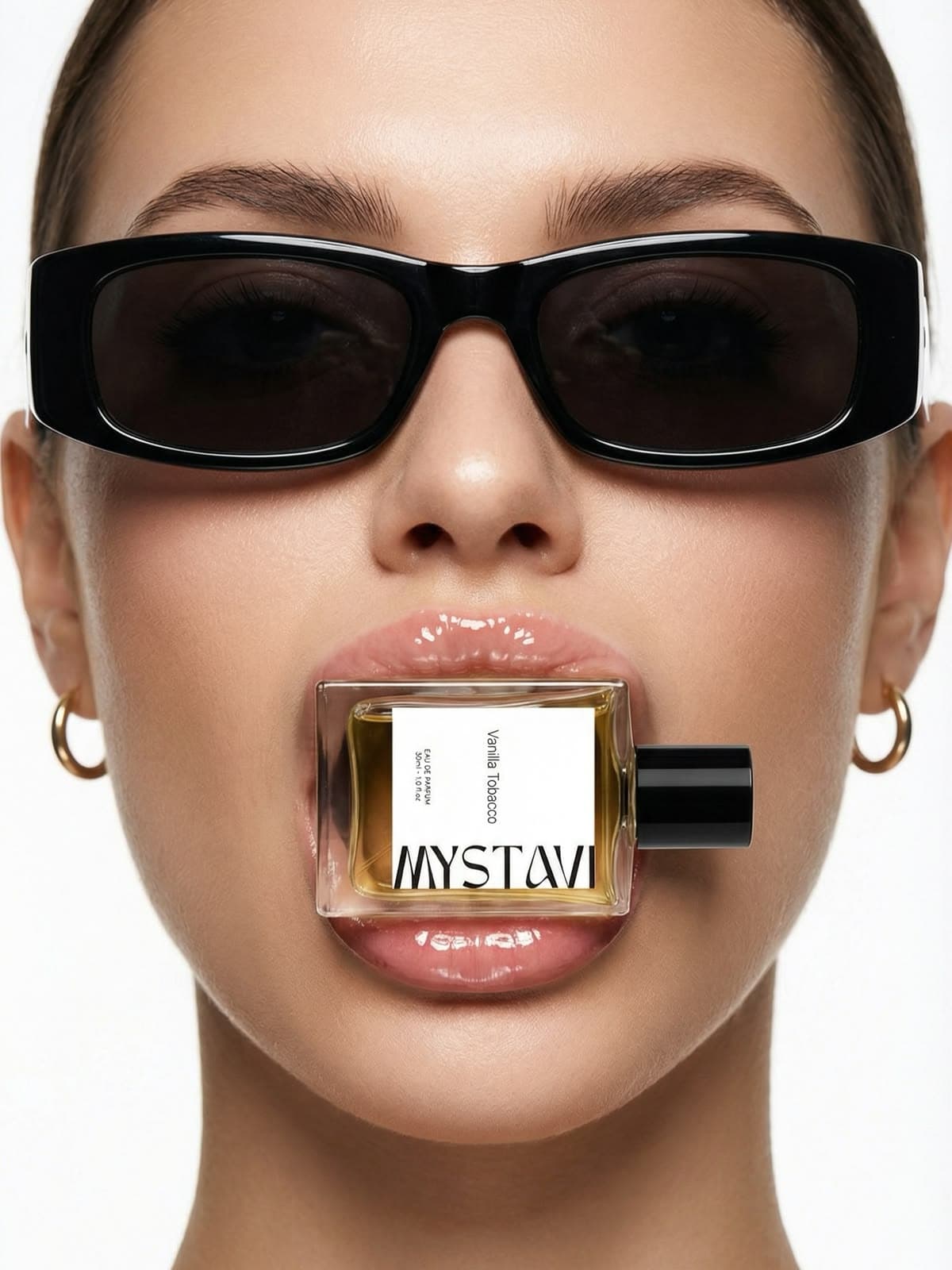
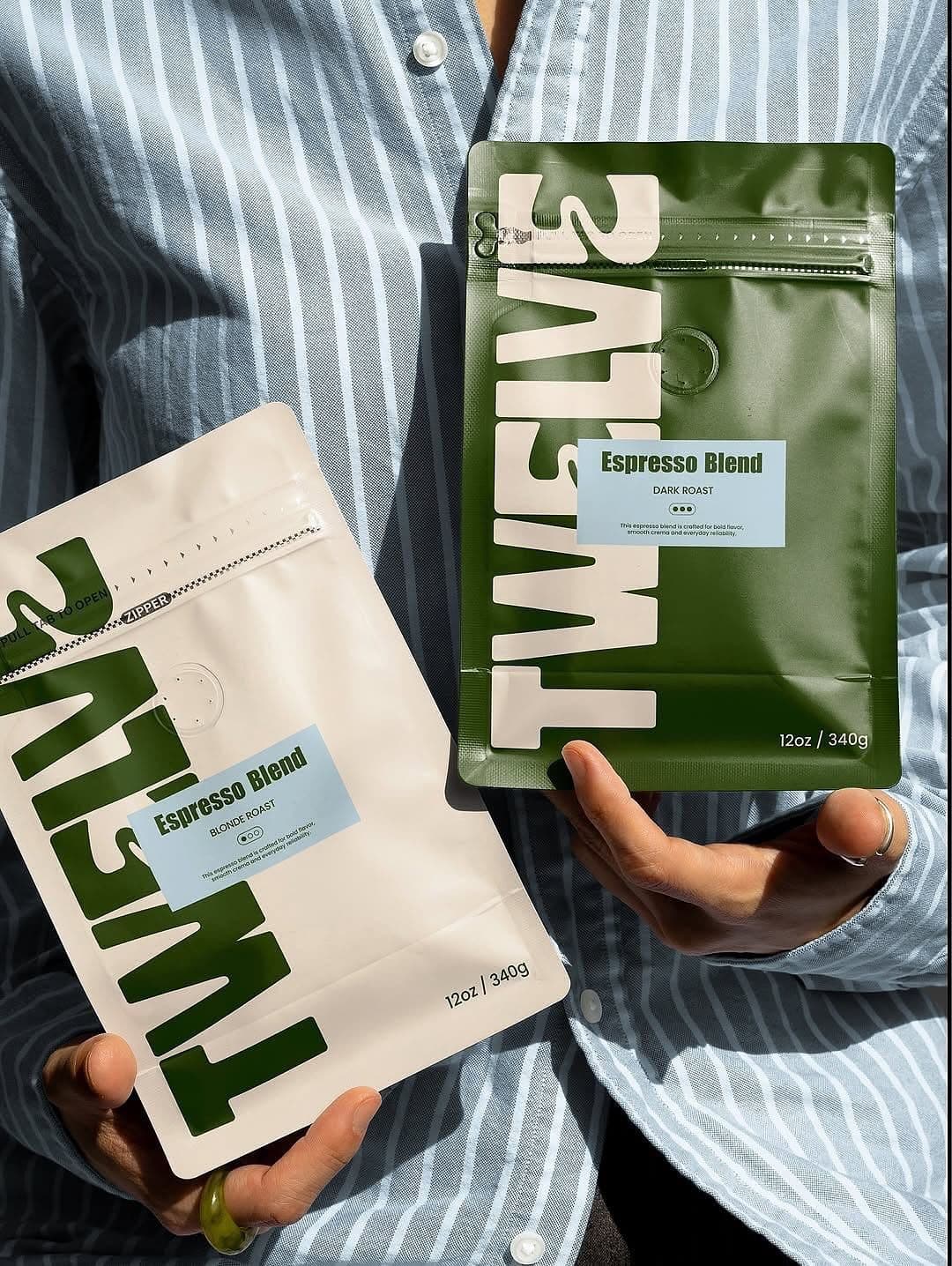
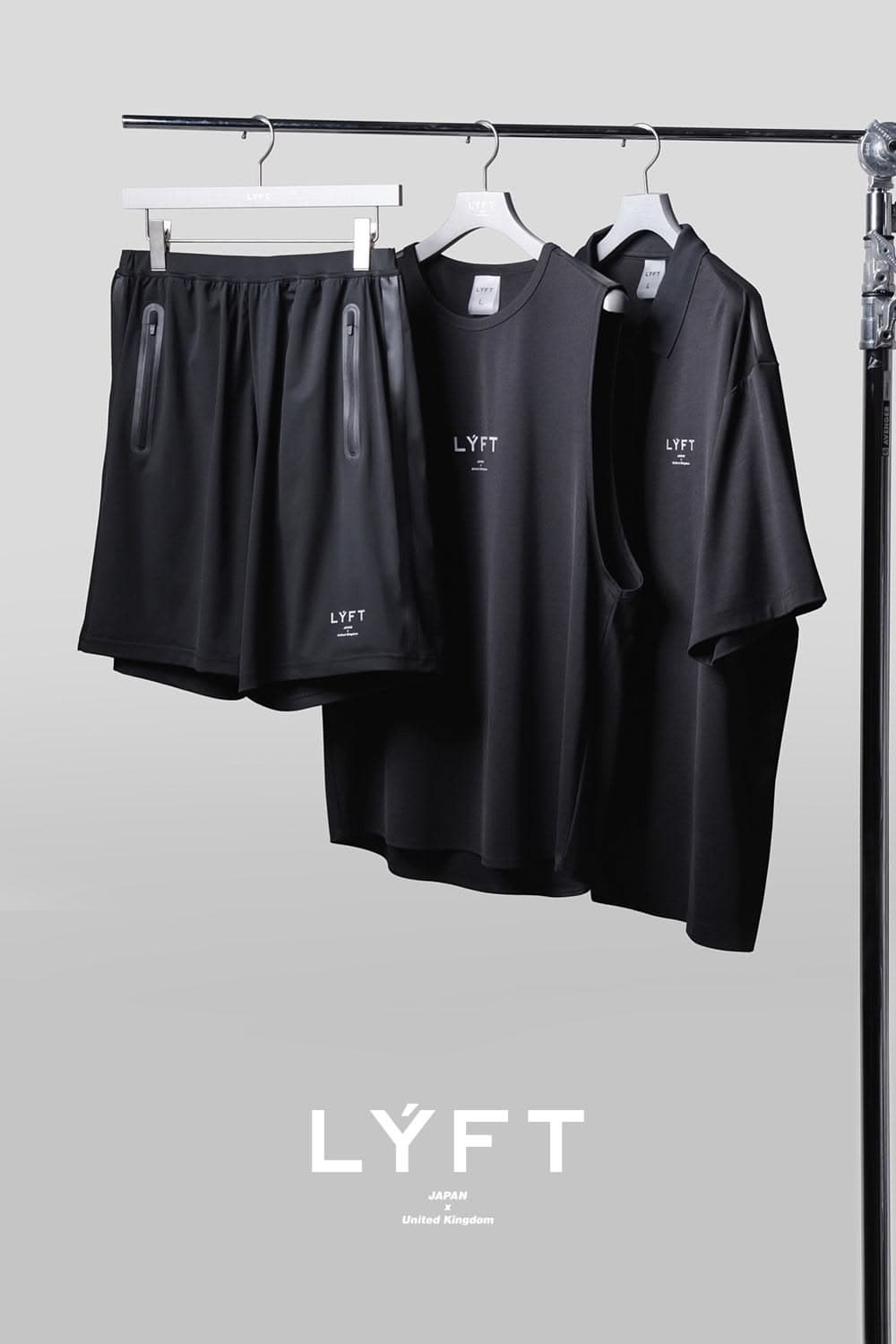
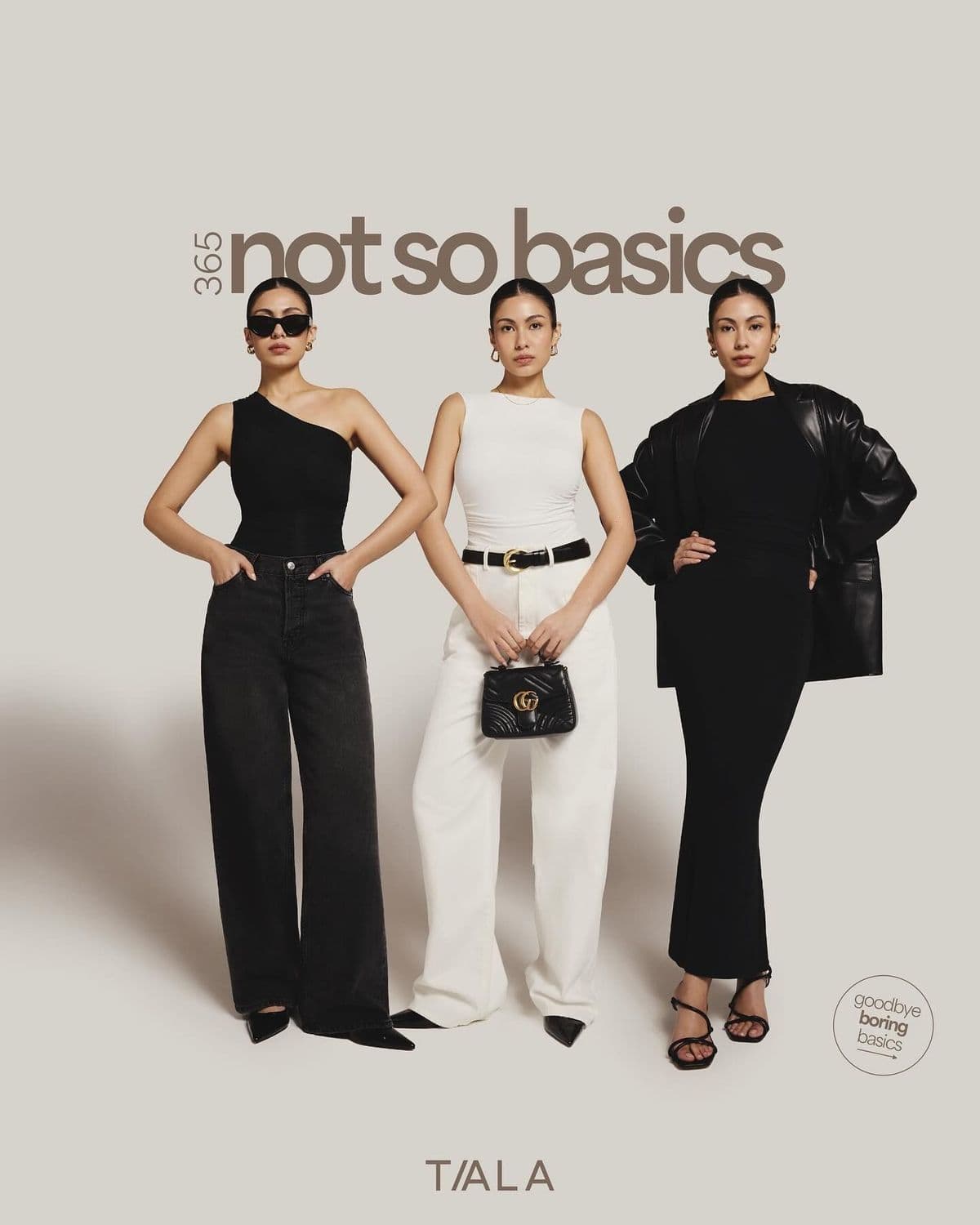
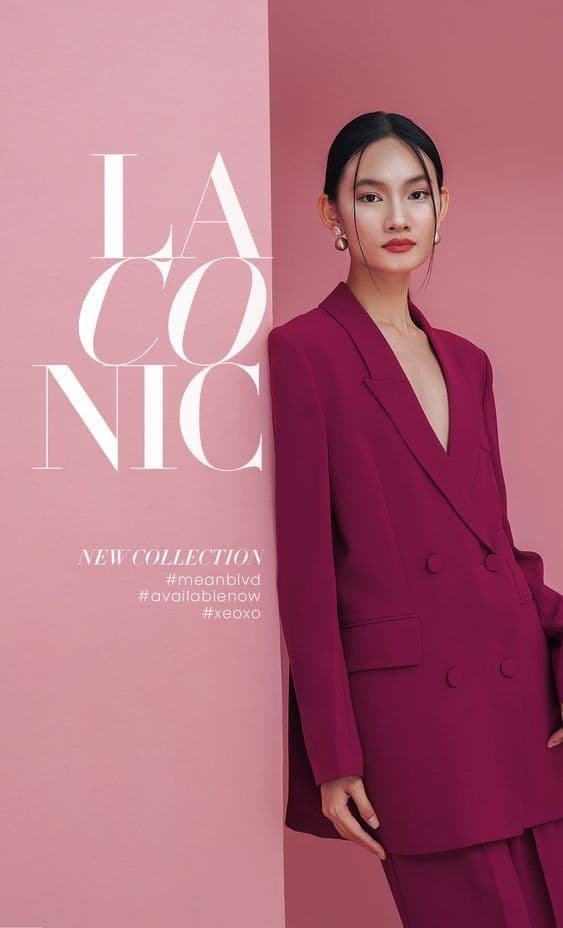
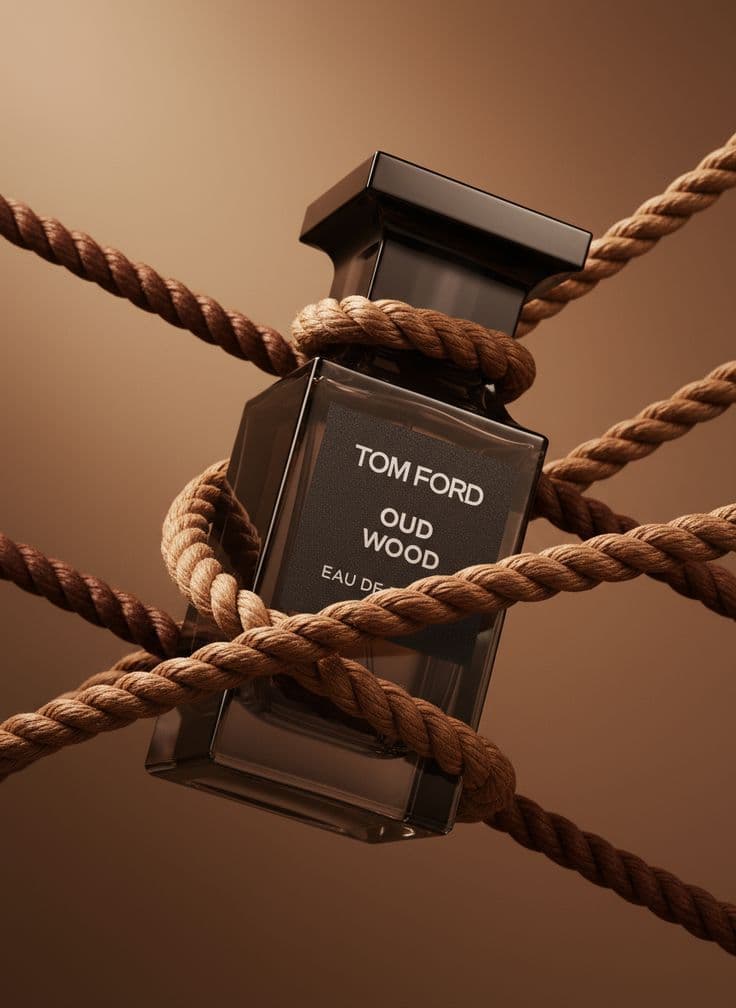
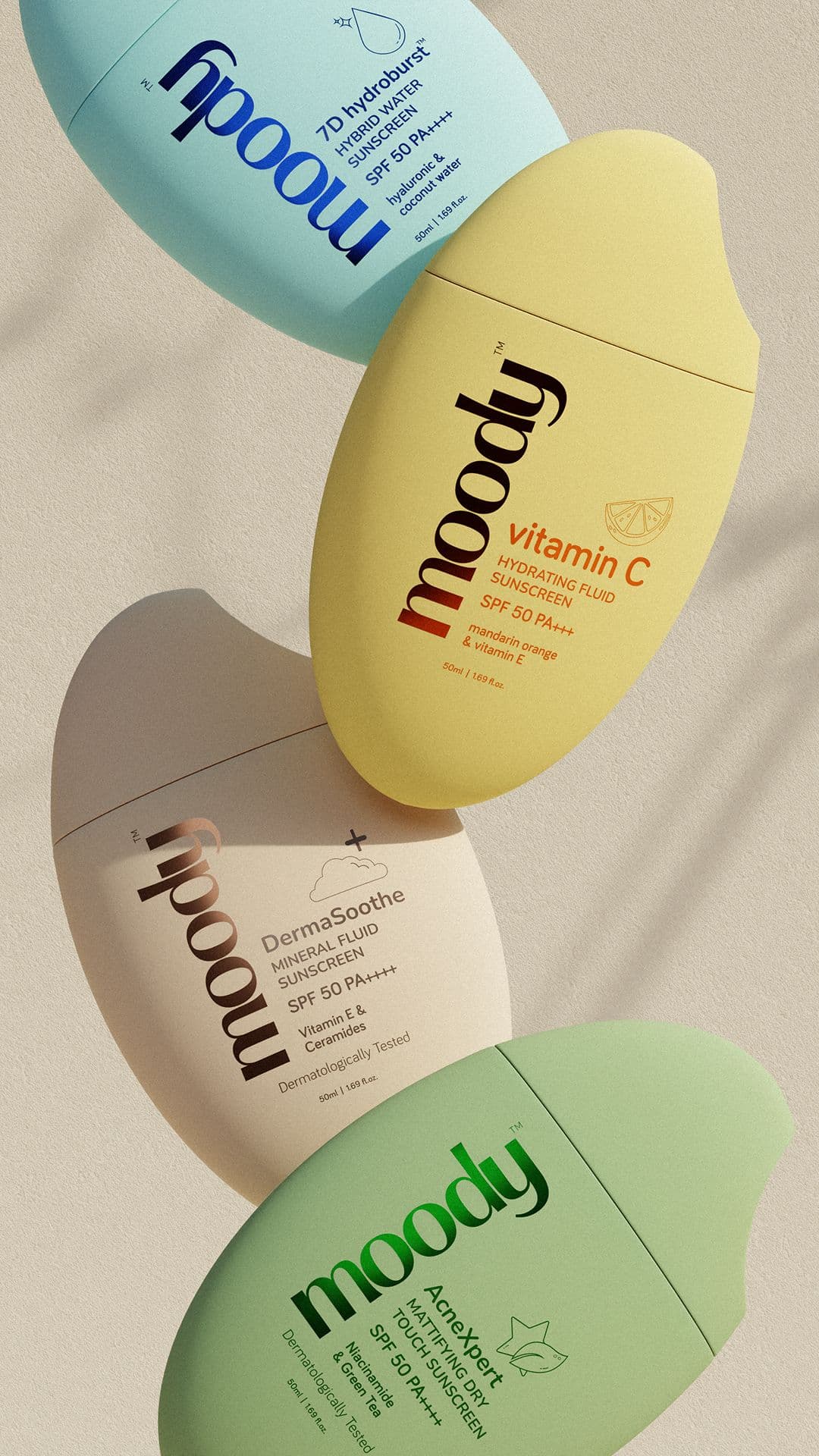
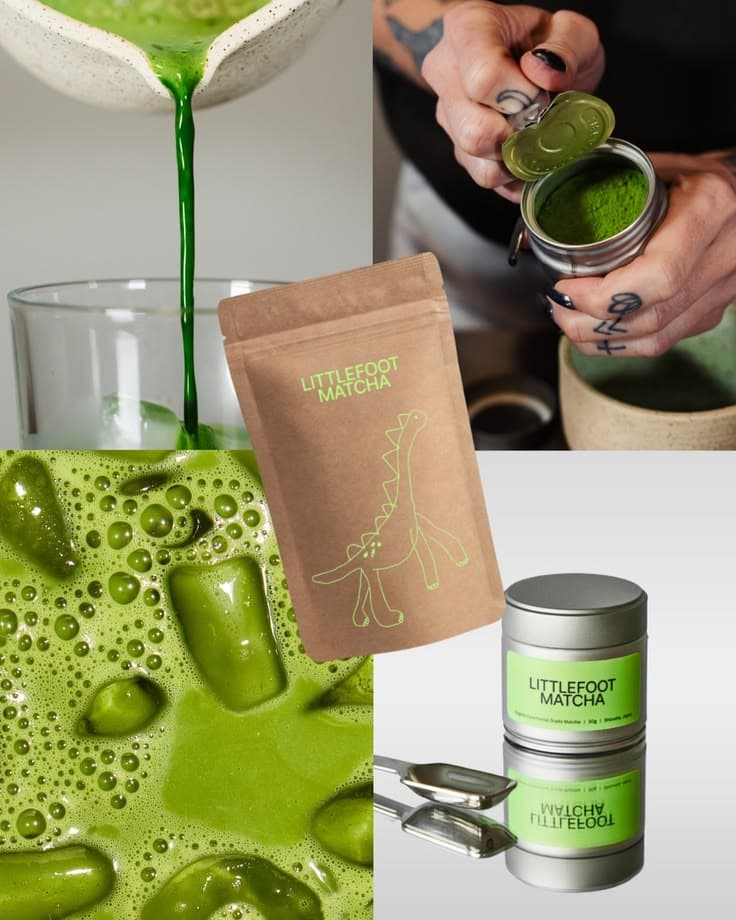
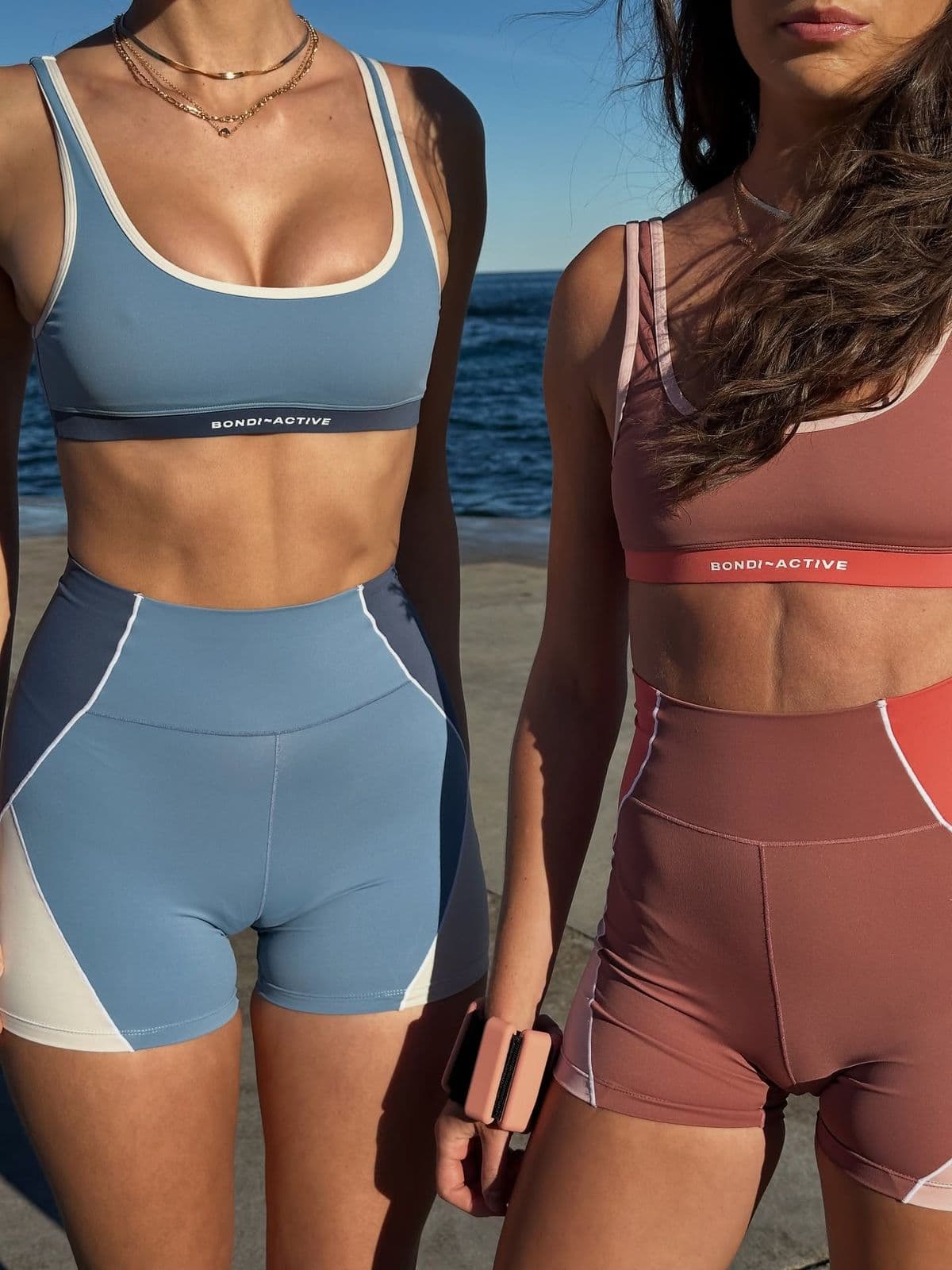
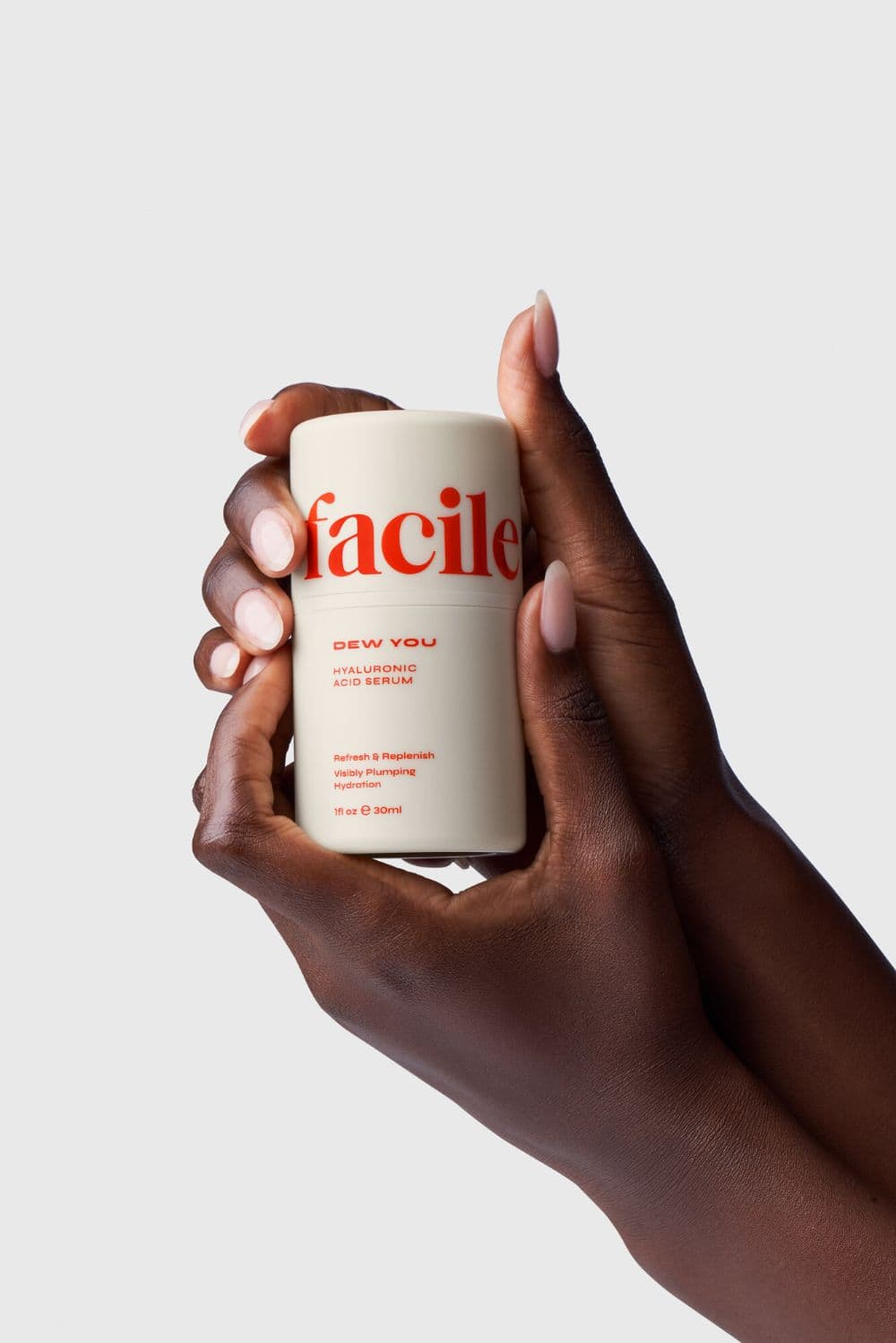
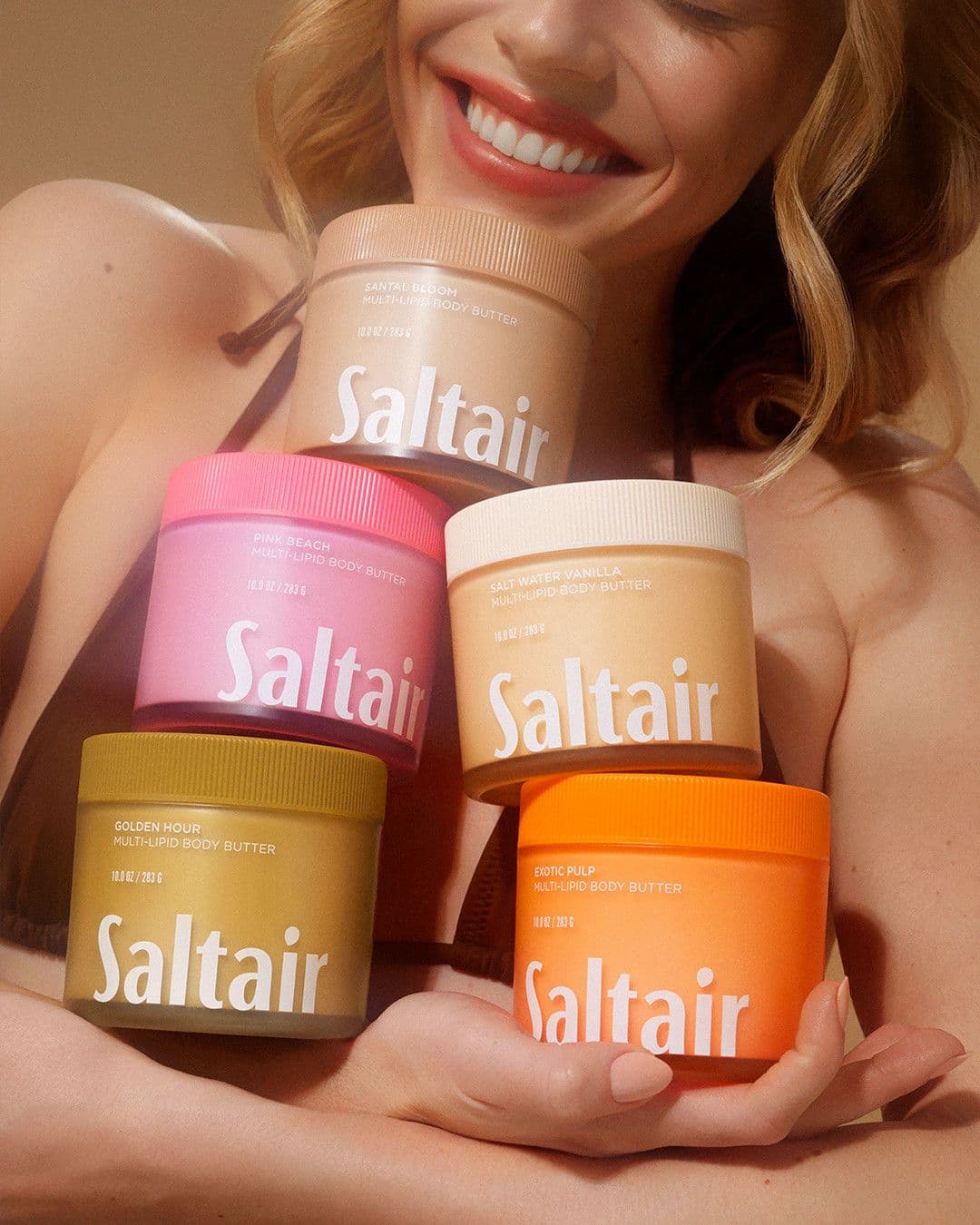
From upload to Amazon in minutes
- 11. Generate the compliant main imageUpload your product and select Amazon Main Image preset. Snapsible renders on pure white (RGB 255) at 2000x2000 with the product filling 90% of the frame.
- 22. Build your 6 secondary slotsSwitch to lifestyle and infographic modes. Render scale shots, in-use scenes, material close-ups, feature call-outs, and packaging — one per slot.
- 33. Design A+ Content modulesUse the A+ preset for 970x600 headers and 300x300 comparison tiles. Snapsible matches your brand palette from your Amazon Brand Store URL.
- 44. Validate image requirementsPreview against Amazon's spec checklist built into Snapsible: no watermarks, no text overlays on main, RGB 255 background confirmed, min 85% fill verified.
- 55. Upload to Seller CentralExport JPEG at 2000+ pixels and drag into Manage Inventory, A+ Content Manager, or bulk upload via Excel flat file. Images route to the right listing by SKU.
Three steps to
studio-quality content
No design skills. No studio. Just your product, your brand, and a reference image.
Set up your Brand DNA
Paste your website URL and we auto-extract your colors, fonts, tone, and style in seconds. Or define it manually.
Pick your references
Upload inspiration images or import directly from Pinterest. AI analyzes the scene, lighting, and composition.
Generate & download
AI places your exact product into the reference scene. Download in any format, or create ad creatives in one click.
Amazon-specific tips
What separates AI-looking output from editorial-grade Amazon creative.
Lock main image compliance before anything else
Amazon suppresses listings whose main images violate policy. Generate the main image first, verify the background is true RGB 255 (Snapsible's Amazon preset enforces this), and confirm the product occupies 85–90% of the frame. Everything else can fail and you'll still rank — the main image cannot.
Use secondary slots for comparison and social proof cues
Top-selling FBA listings use slot 2 for a benefits infographic, slot 3 for lifestyle in-use, slot 4 for a size comparison, slot 5 for a package contents layout, slot 6 for a material detail shot. Snapsible renders all of these from a single product photo.
Render A+ Content at 1464 pixels wide minimum
Amazon compresses A+ Content aggressively. Generate your full-width modules at 1464x600 or larger so they stay crisp after Amazon's image processing pipeline. Snapsible defaults are safe.
Keep text overlays out of main images
Adding "Best Seller" badges, price, or feature text to a main image triggers automatic listing suppression. Save those overlays for secondary slots 2–7 and A+ Content, where Amazon actively allows them.
Match your Brand Store and Sponsored Brand creative
Shoppers see your PDP after clicking a Sponsored Brand ad or Brand Store tile. Use Snapsible's brand DNA extraction on your Amazon Brand Store URL to keep the creative consistent from click to purchase — this measurably lifts conversion.
Start free. Scale when ready.
Every plan runs on credits — 5 credits per image. No hidden fees, no confusing tiers.
Try it out, no card needed.
- 50 credits / month
- 10 image generations
- 1 brand profile
- All 6 workflows
For solo creators and founders.
- 500 credits / month
- 100 image generations
- 5 brand profiles
- All 6 workflows
- No watermark
- Commercial license
For growing brands and agencies.
- 1,500 credits / month
- 300 image generations
- Unlimited brand profiles
- All 6 workflows
- No watermark
- Commercial license
- Priority queue
- API access
5 credits per image · All workflows same cost · Credits reset monthly, no rollover
AI product photos for Amazon: FAQ
Your References +
Your Brand DNA
= Studio-Quality Content
No designers. No studios. No wasted hours. Just upload, generate, and publish.
Free plan available · No credit card required · Cancel anytime