AI ad creativefor Meta campaigns
Scroll-stopping Facebook and Instagram ads at every placement — 1:1 feed, 4:5 mobile feed, 9:16 Stories and Reels, 1.91:1 link ads. Iterate 20 variants in the time it takes to brief an agency.
Meta's placement matrix needs 4 ratios per creative. Snapsible ships all of them.
Meta Ads Manager runs creative across Facebook Feed, Instagram Feed, Stories, Reels, Explore, Marketplace, Audience Network, and Messenger — each with a different optimal aspect ratio. A single campaign needs 1:1 for feed, 4:5 for mobile feed (Meta's best-performing placement), 9:16 for Stories and Reels, and 1.91:1 for link ads. If you only ship one ratio, Meta auto-crops and your product ends up clipped or centered in dead space, which tanks CTR and drives CPMs up. Snapsible generates native creative at every Meta placement ratio in one batch. Upload your product, pick Ad Creative mode for net-new concepts or Inspiration-to-Ad to recreate a competitor's winning creative with your brand, and Snapsible renders 1:1, 4:5, 9:16, and 1.91:1 versions in parallel. Your brand DNA — extracted from your website — keeps headline copy, color palette, and product styling consistent across every placement. Swap headlines, sublines, and CTAs independently to ship 20 ad variants for velocity testing without re-briefing a designer.
Meta Ads aspect ratios & image specs
Snapsible generates at the exact ratio each slot expects — no after-the-fact cropping.
AI-generated. Studio quality.
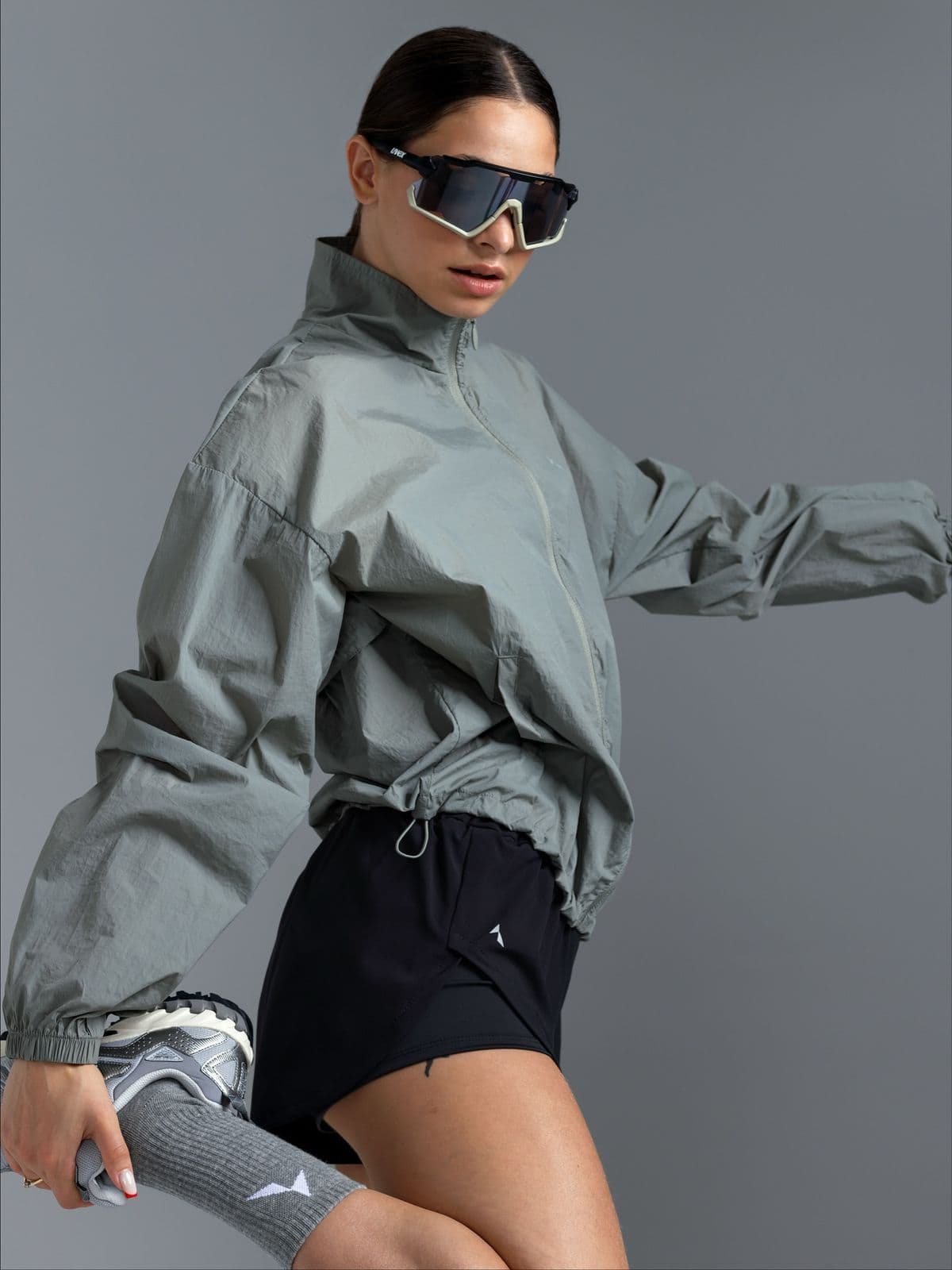
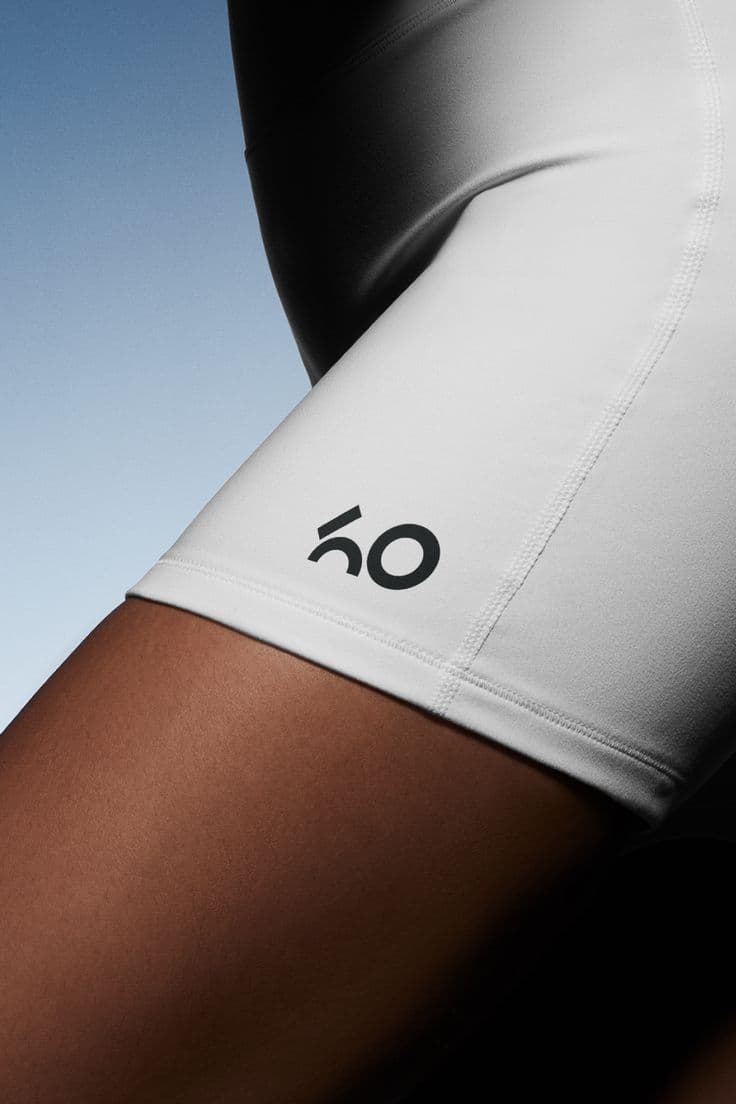
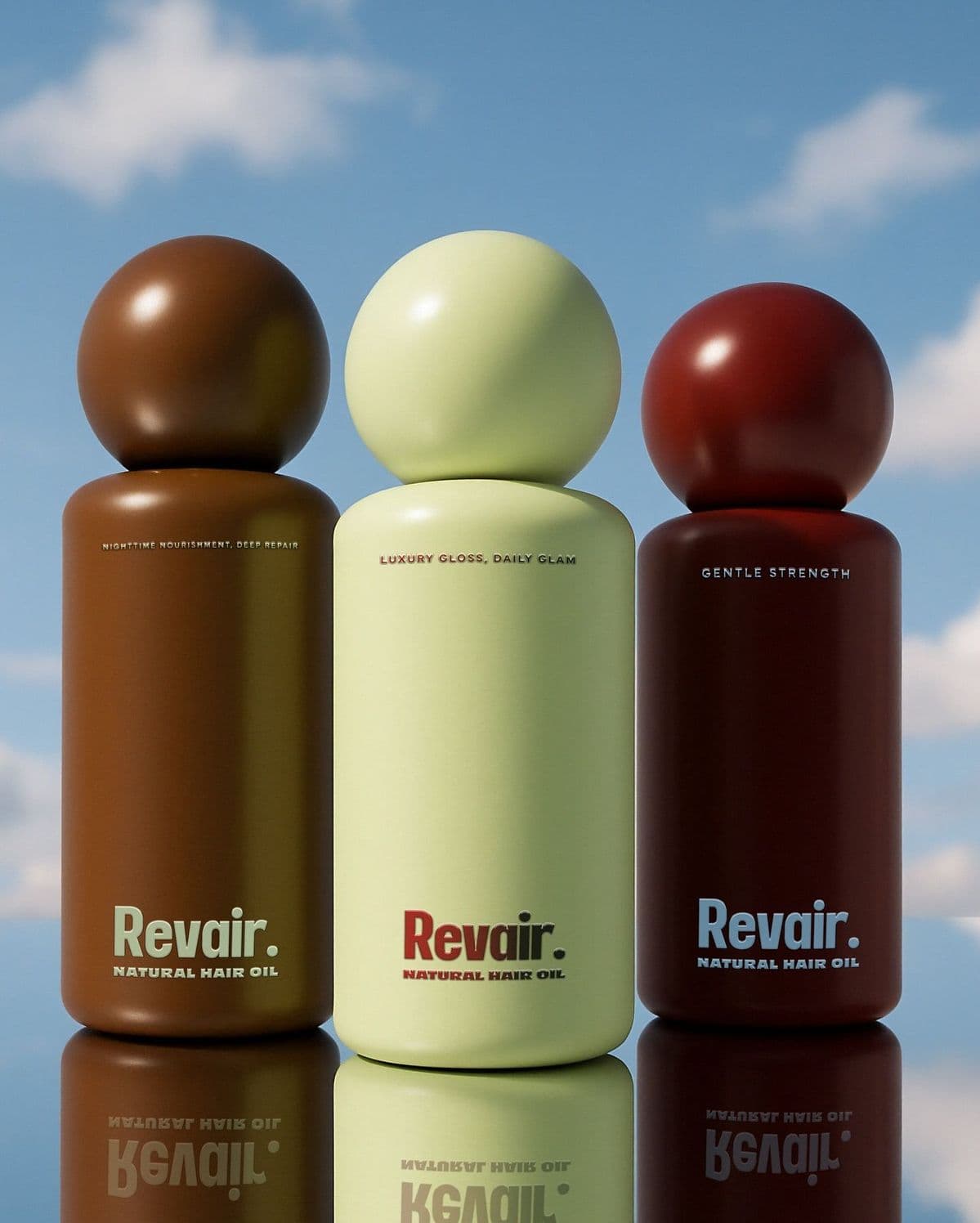
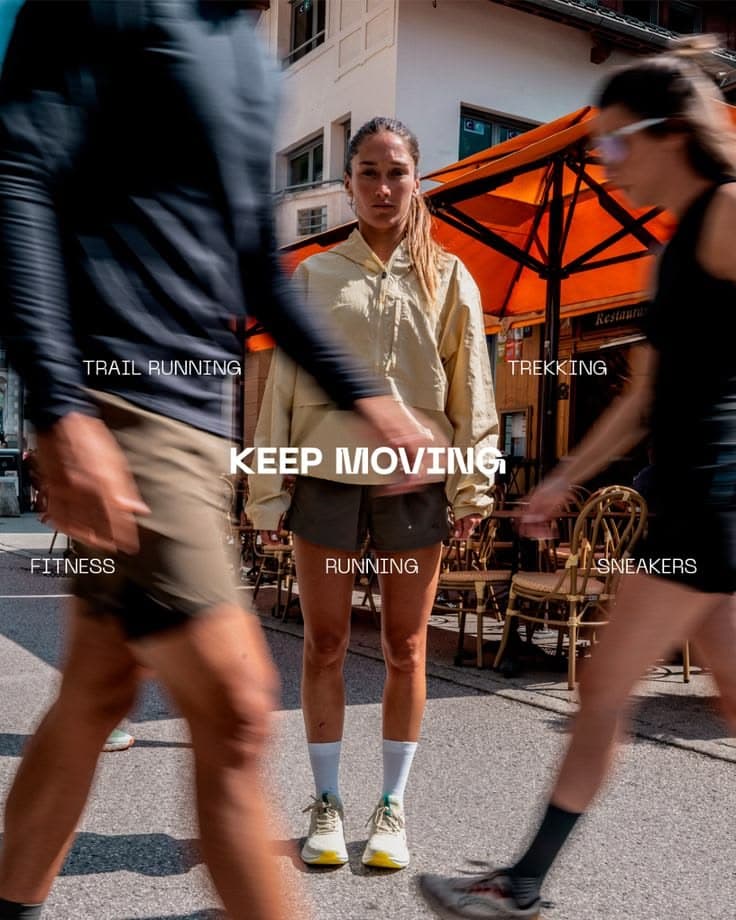
Every image below was generated in seconds. No photographer, no studio, no retouching.
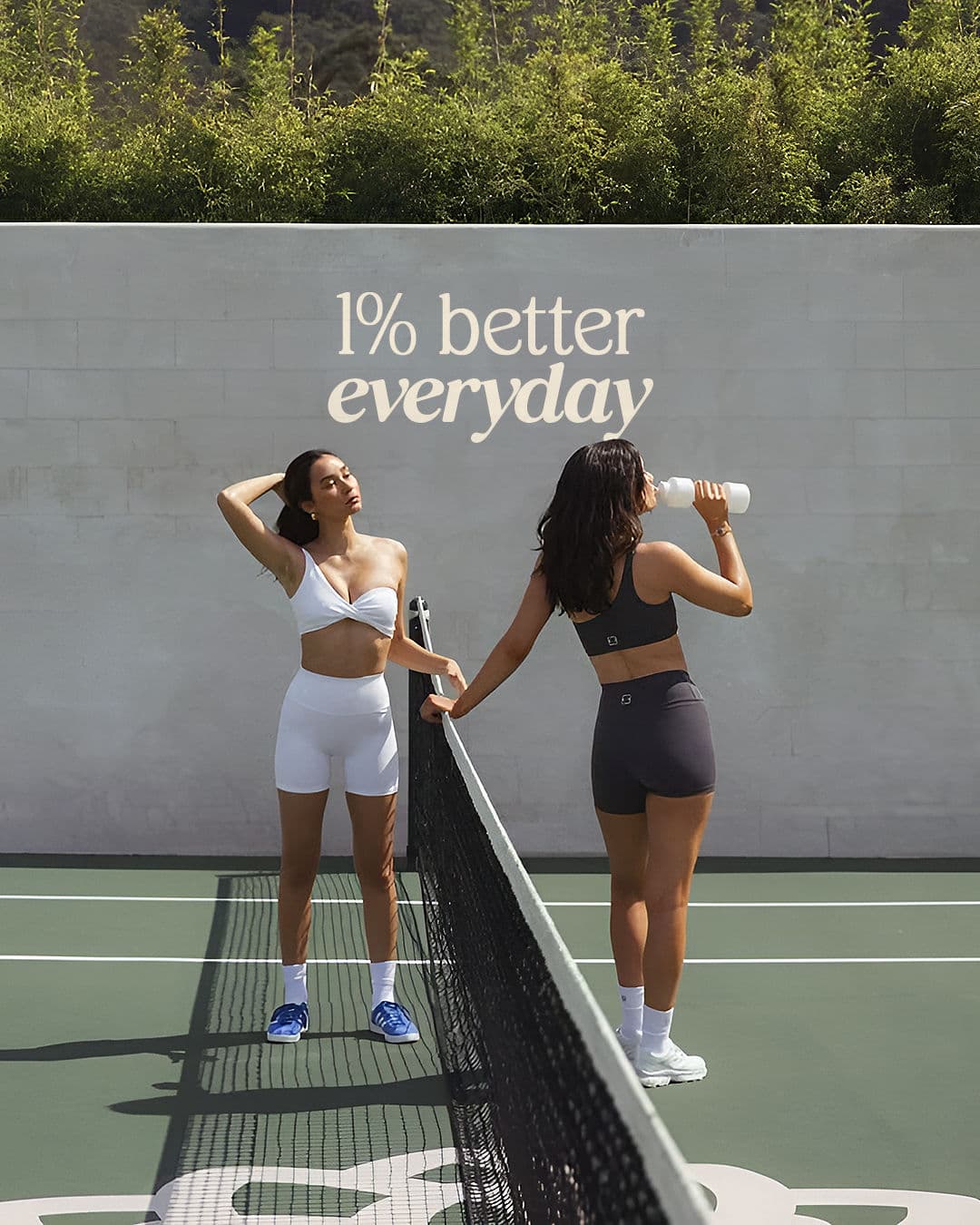

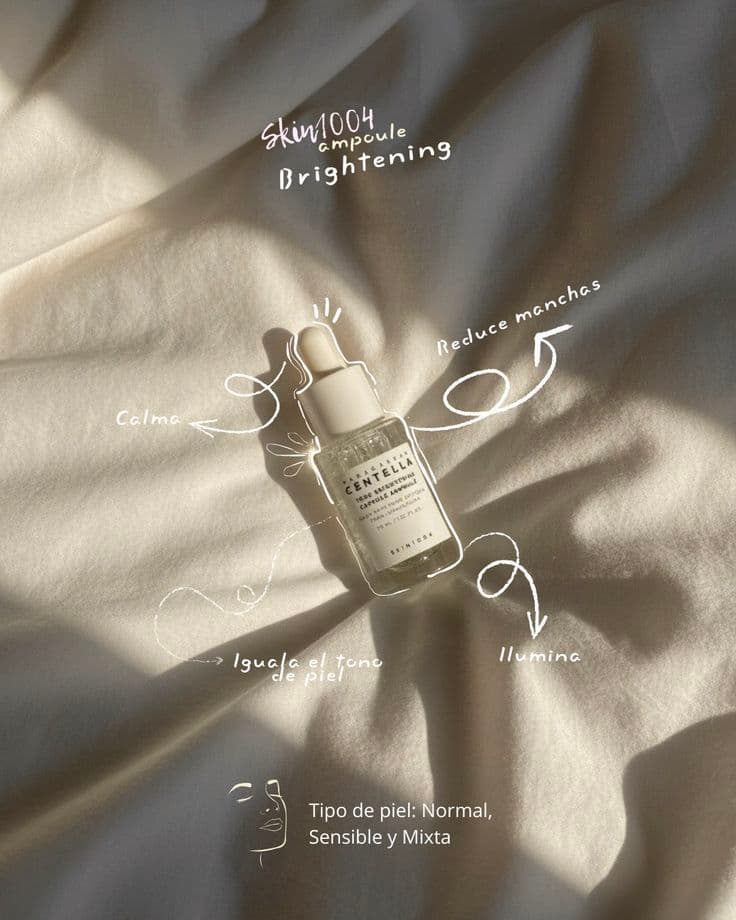
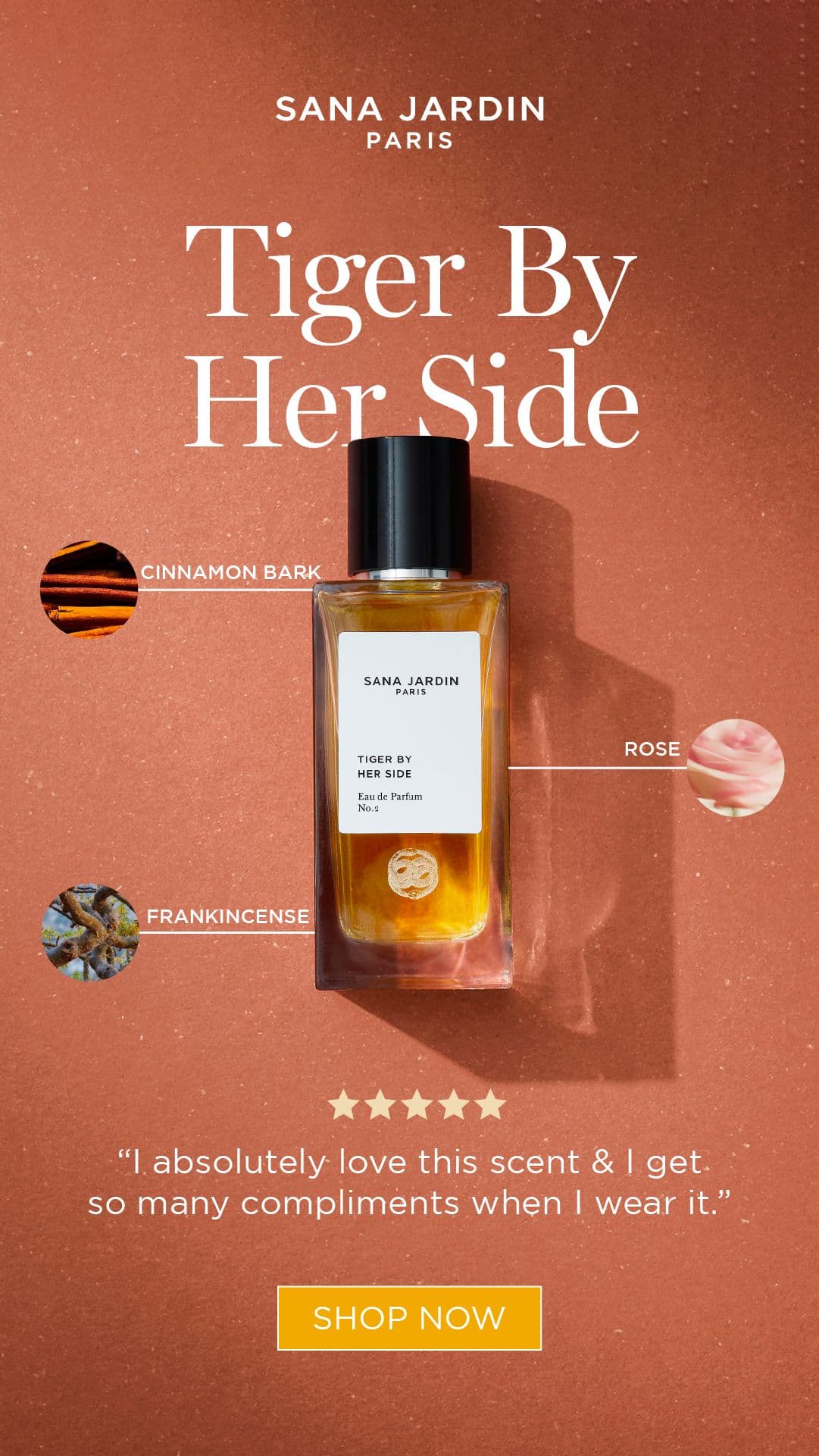
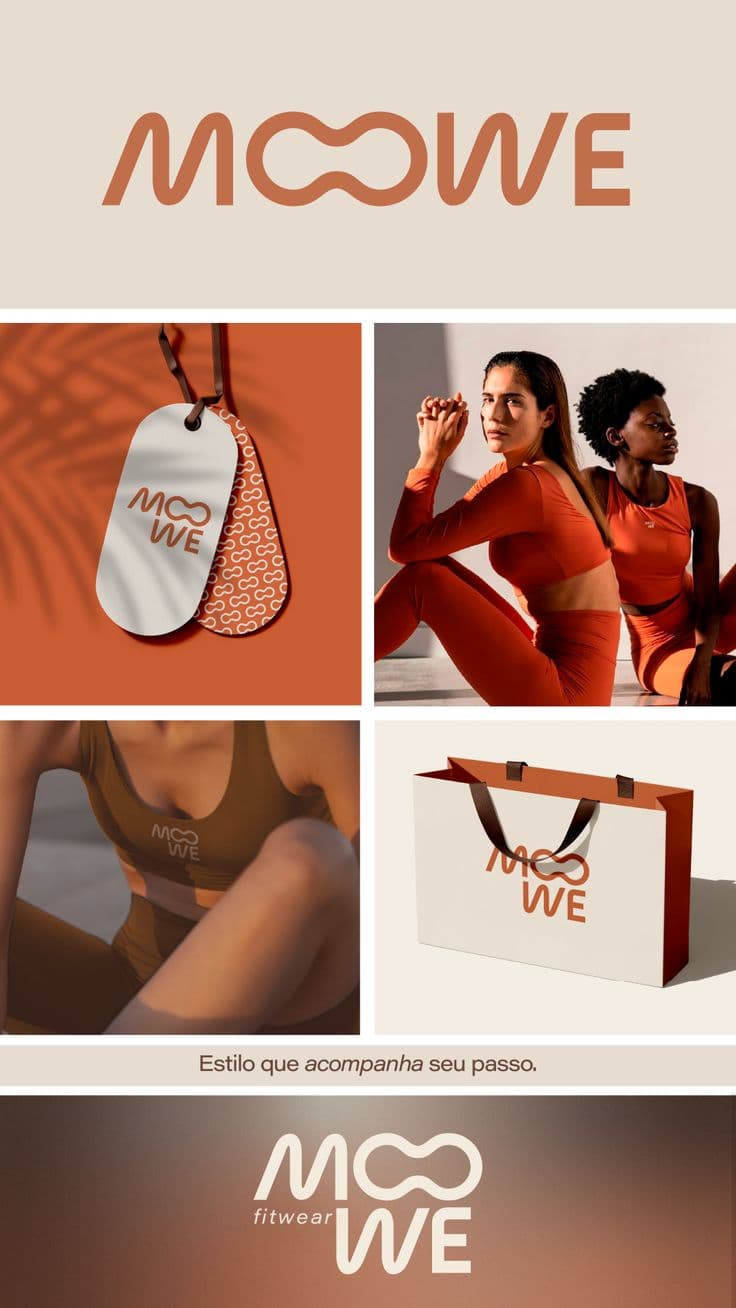
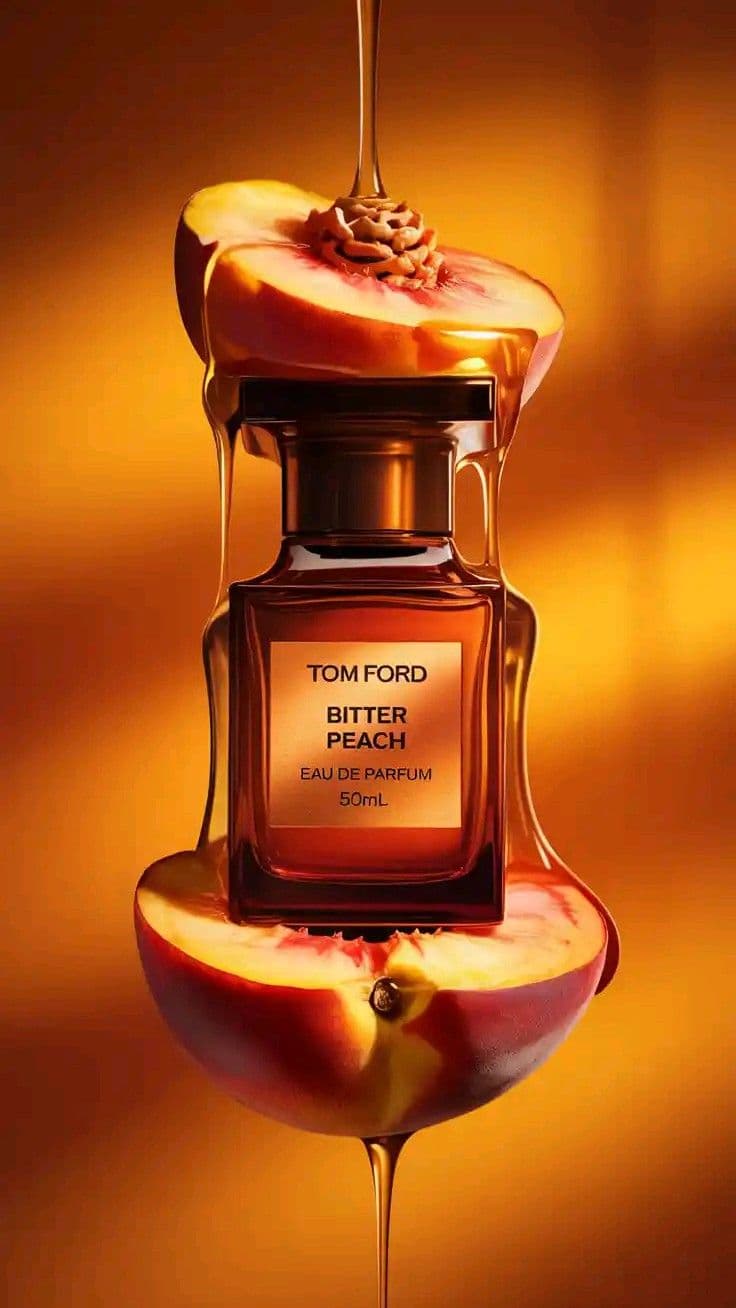
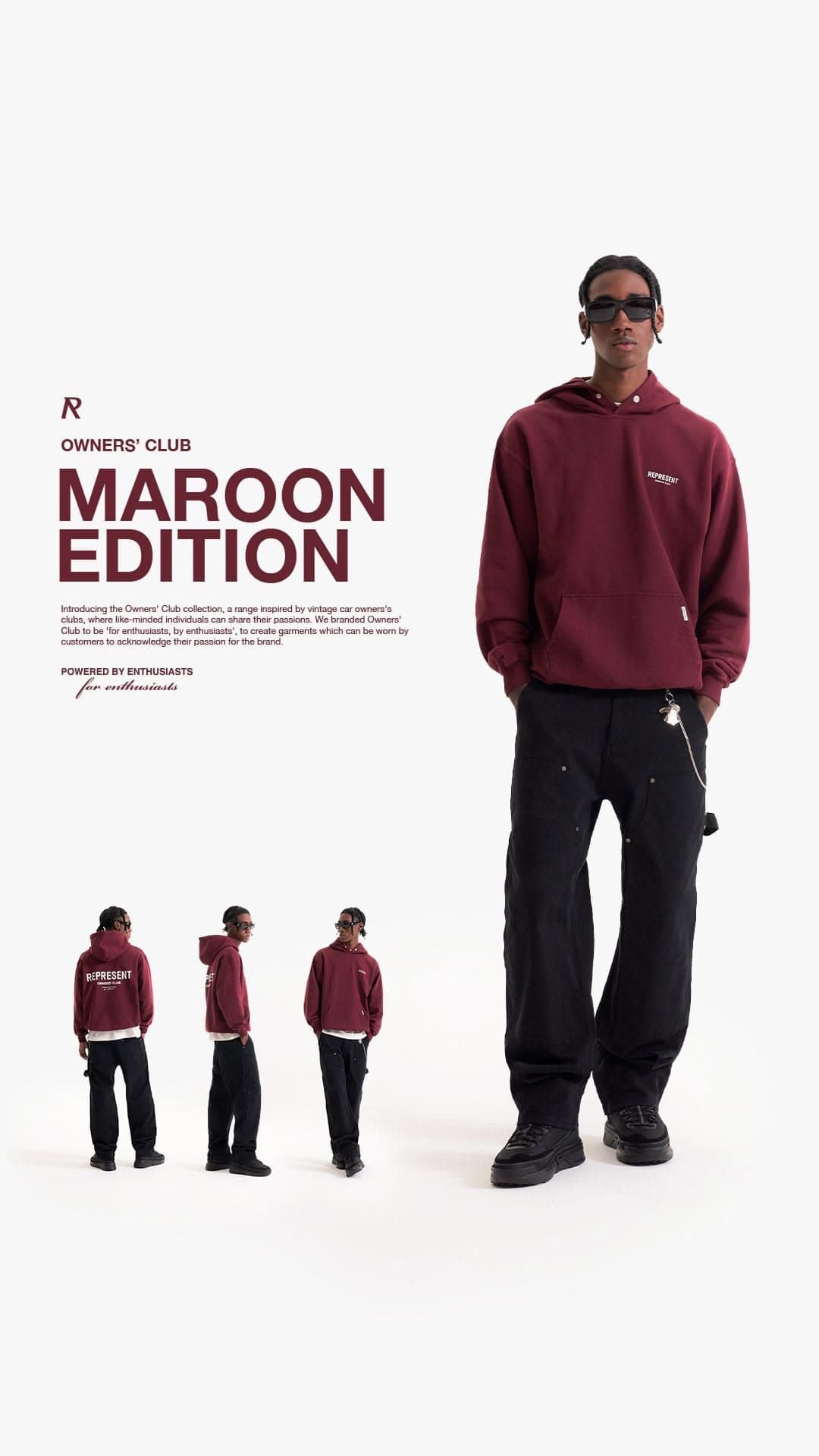
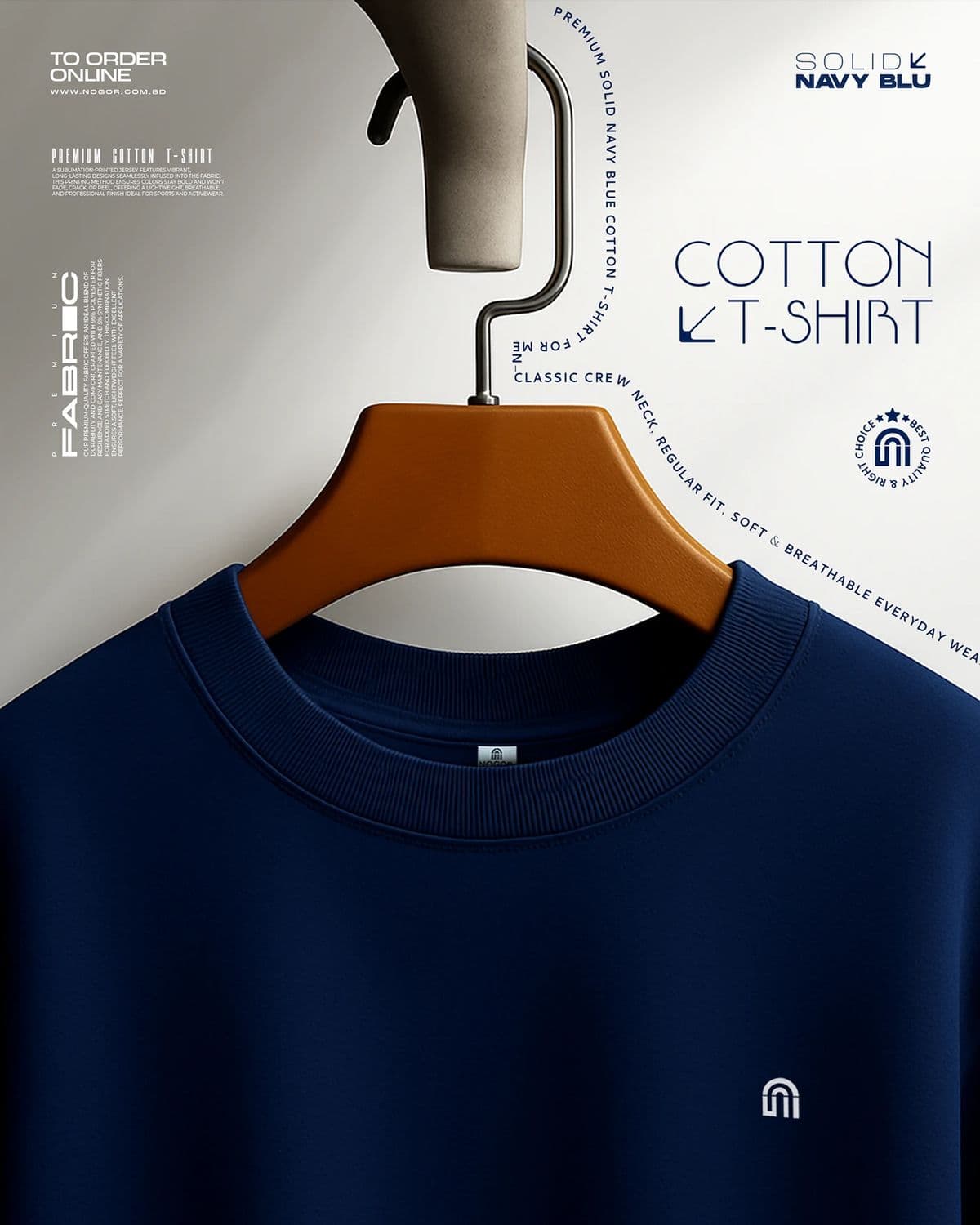
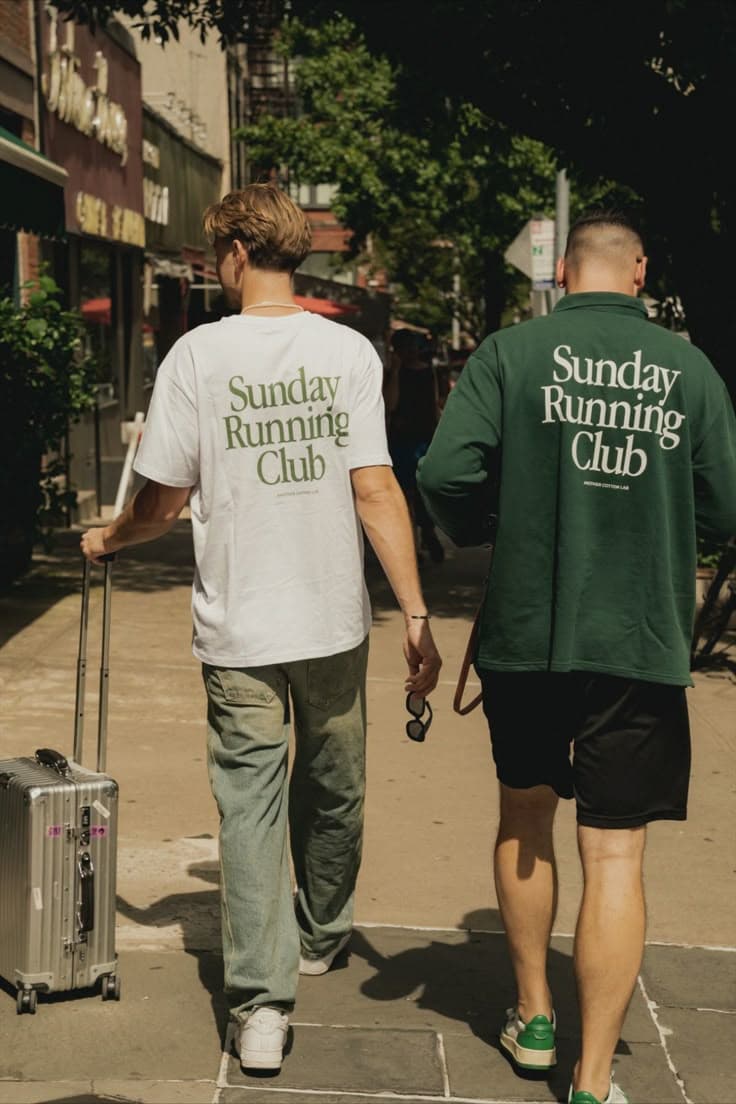
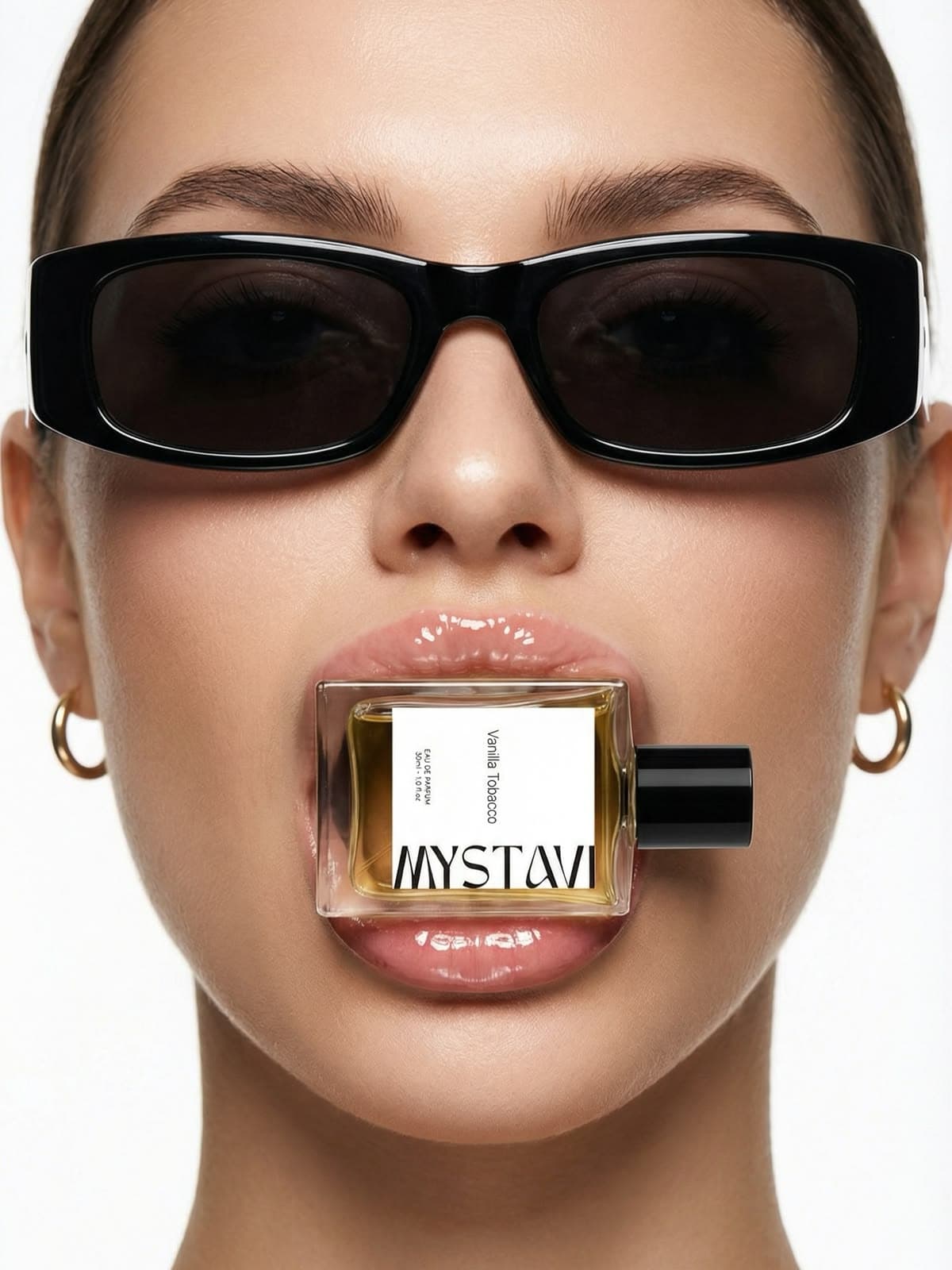
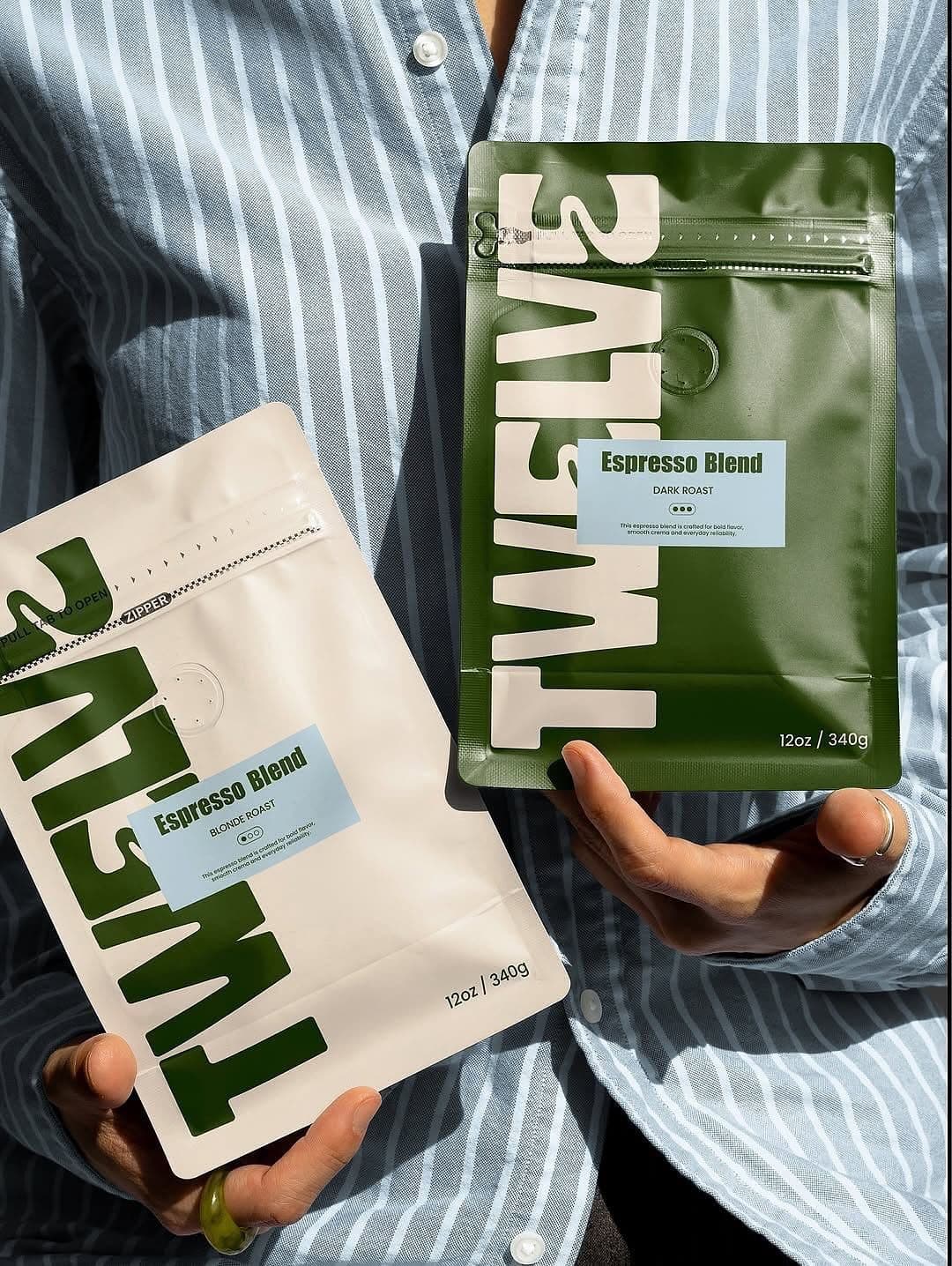
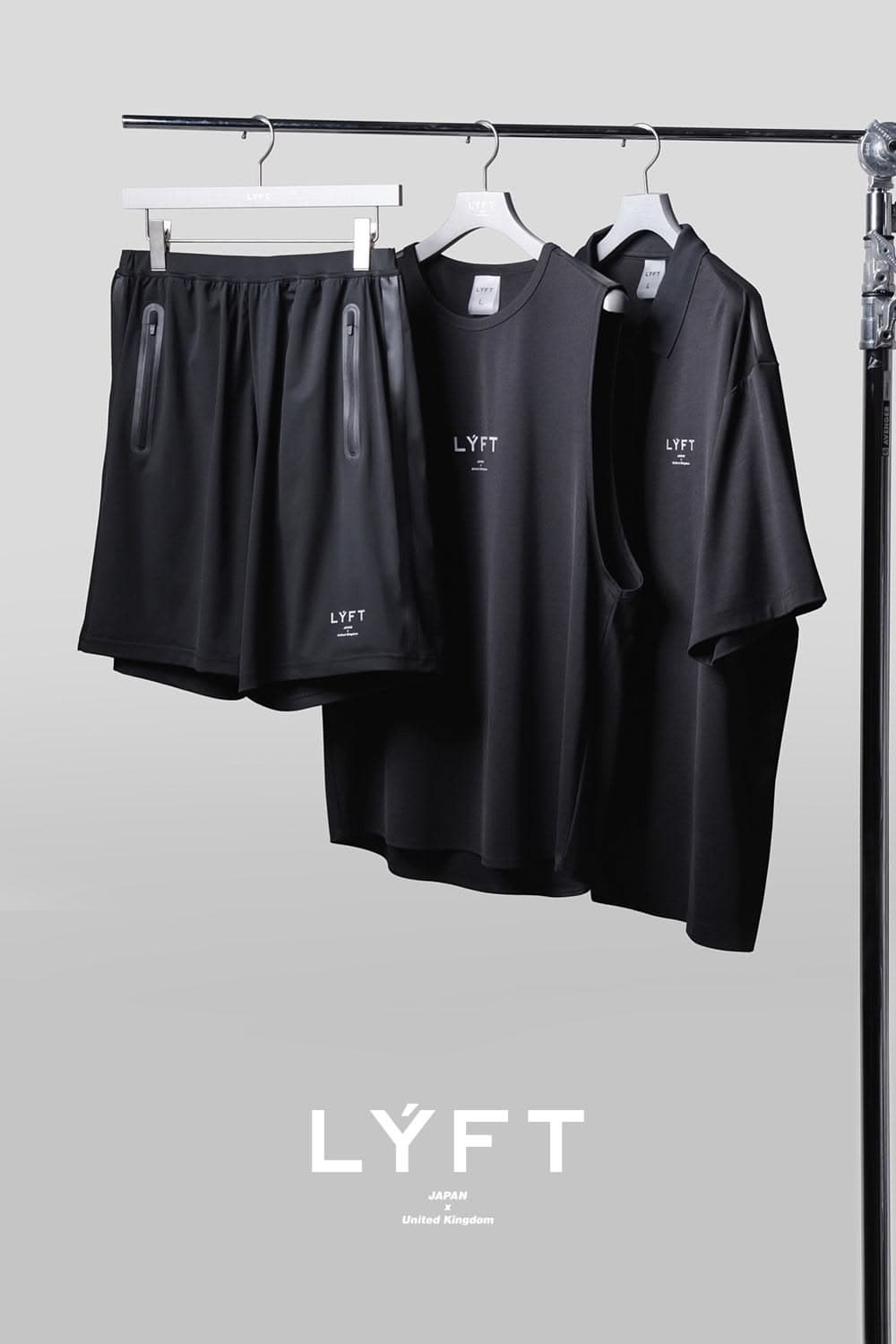
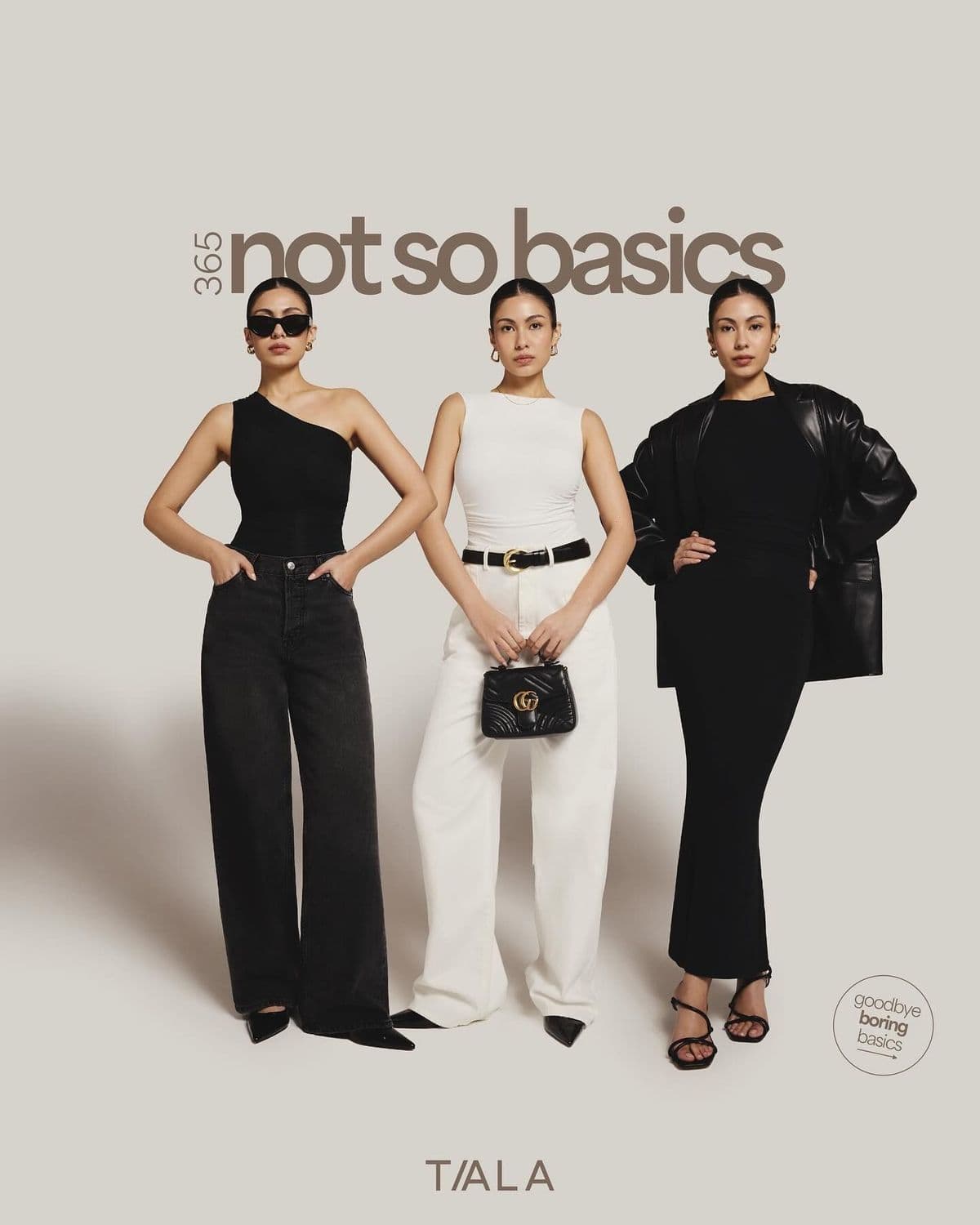
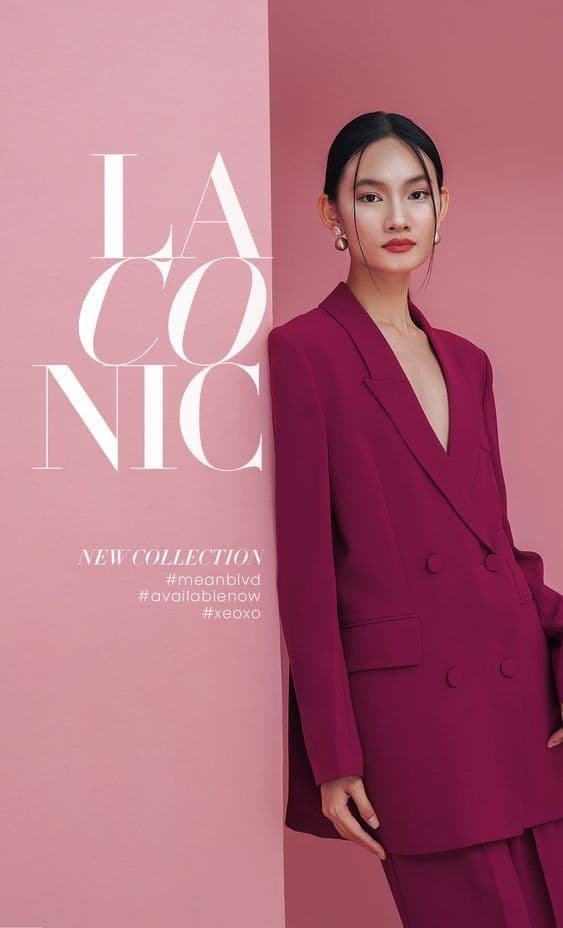
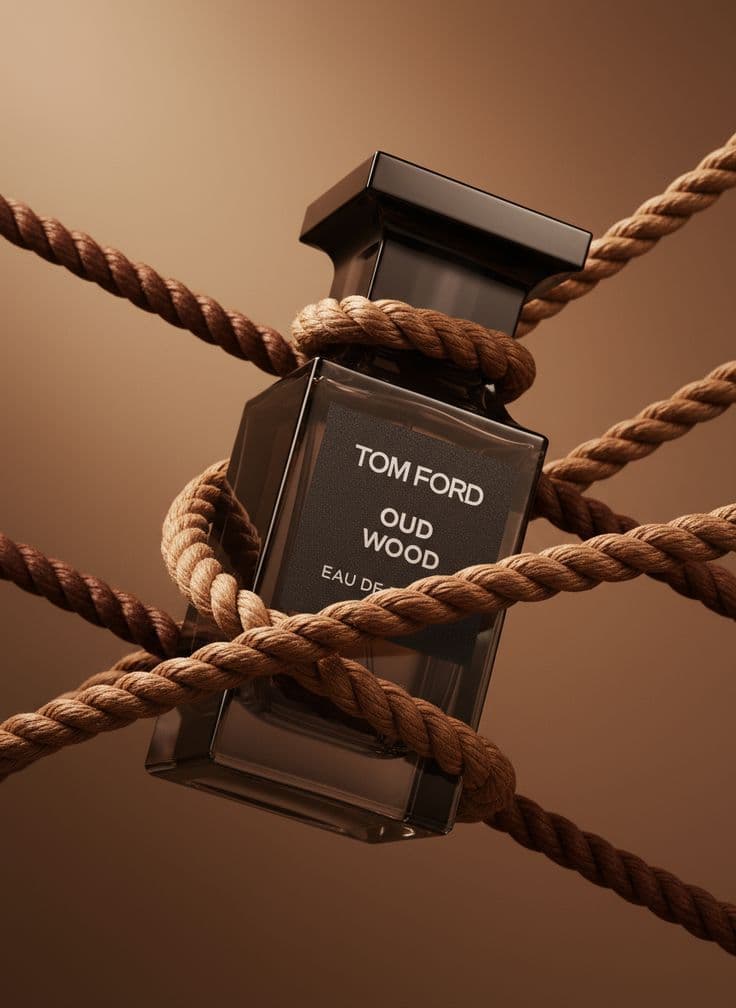
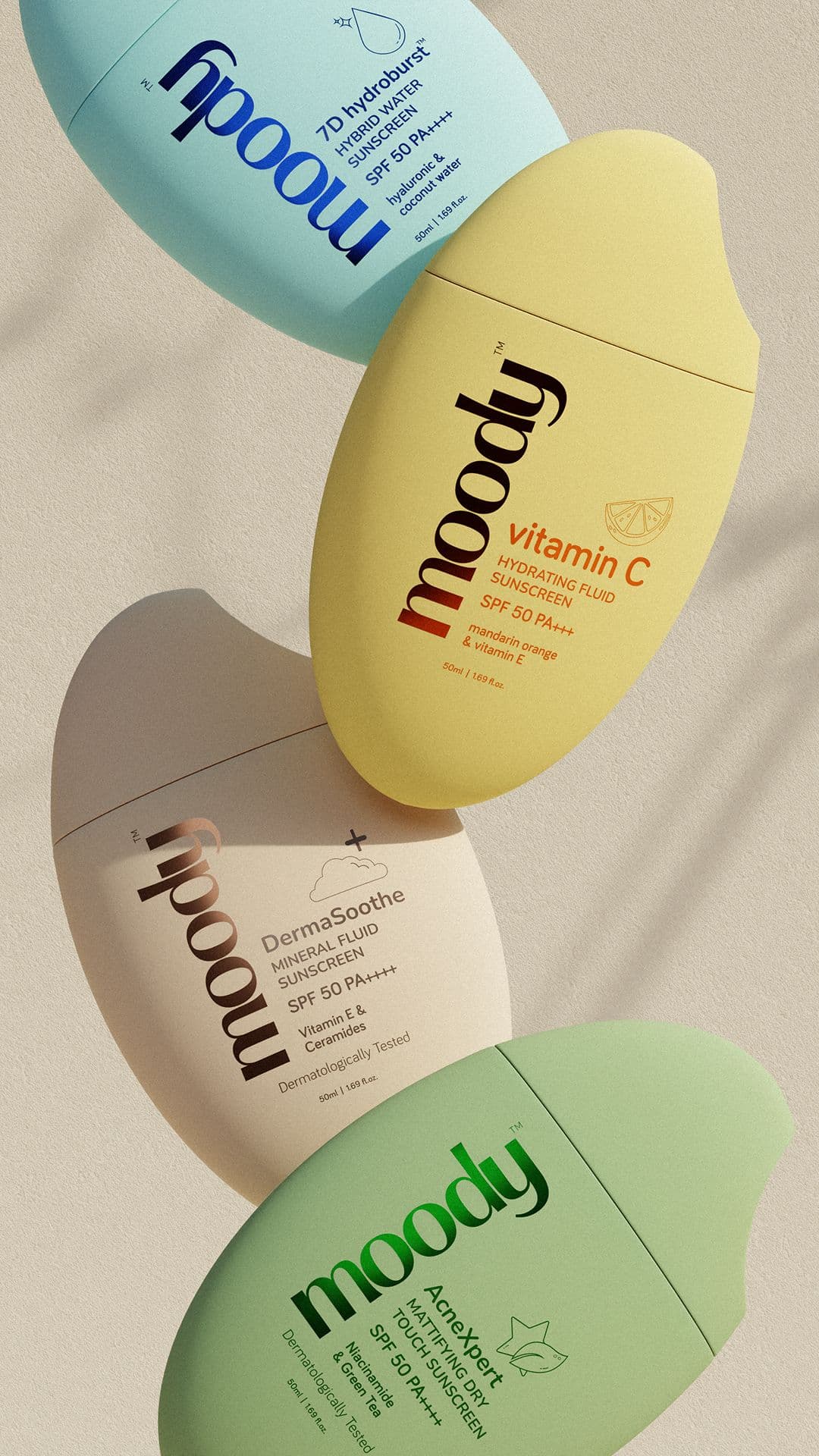
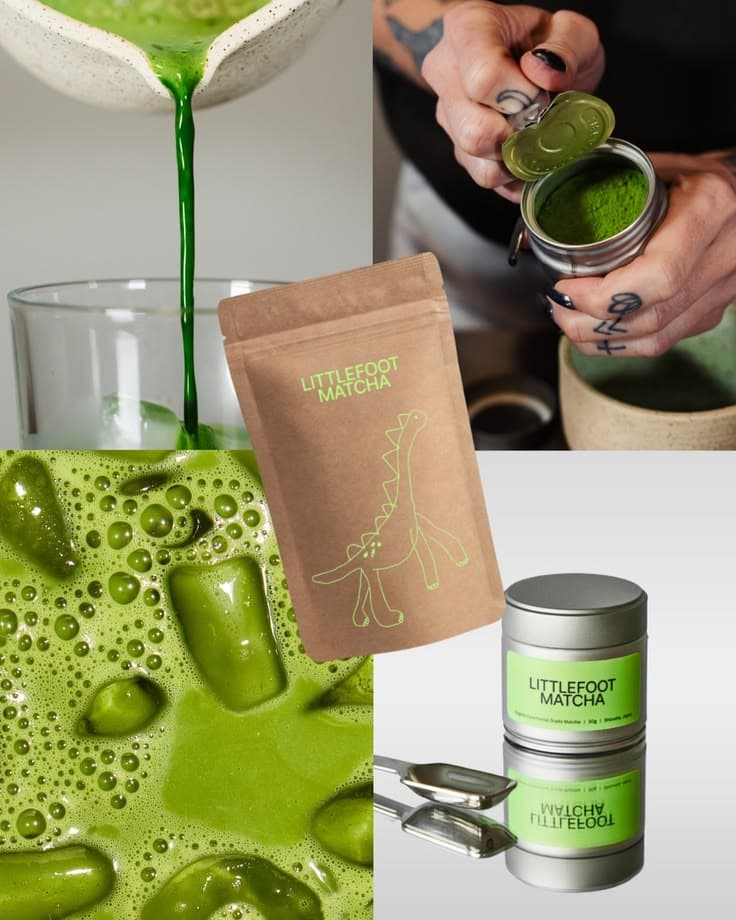
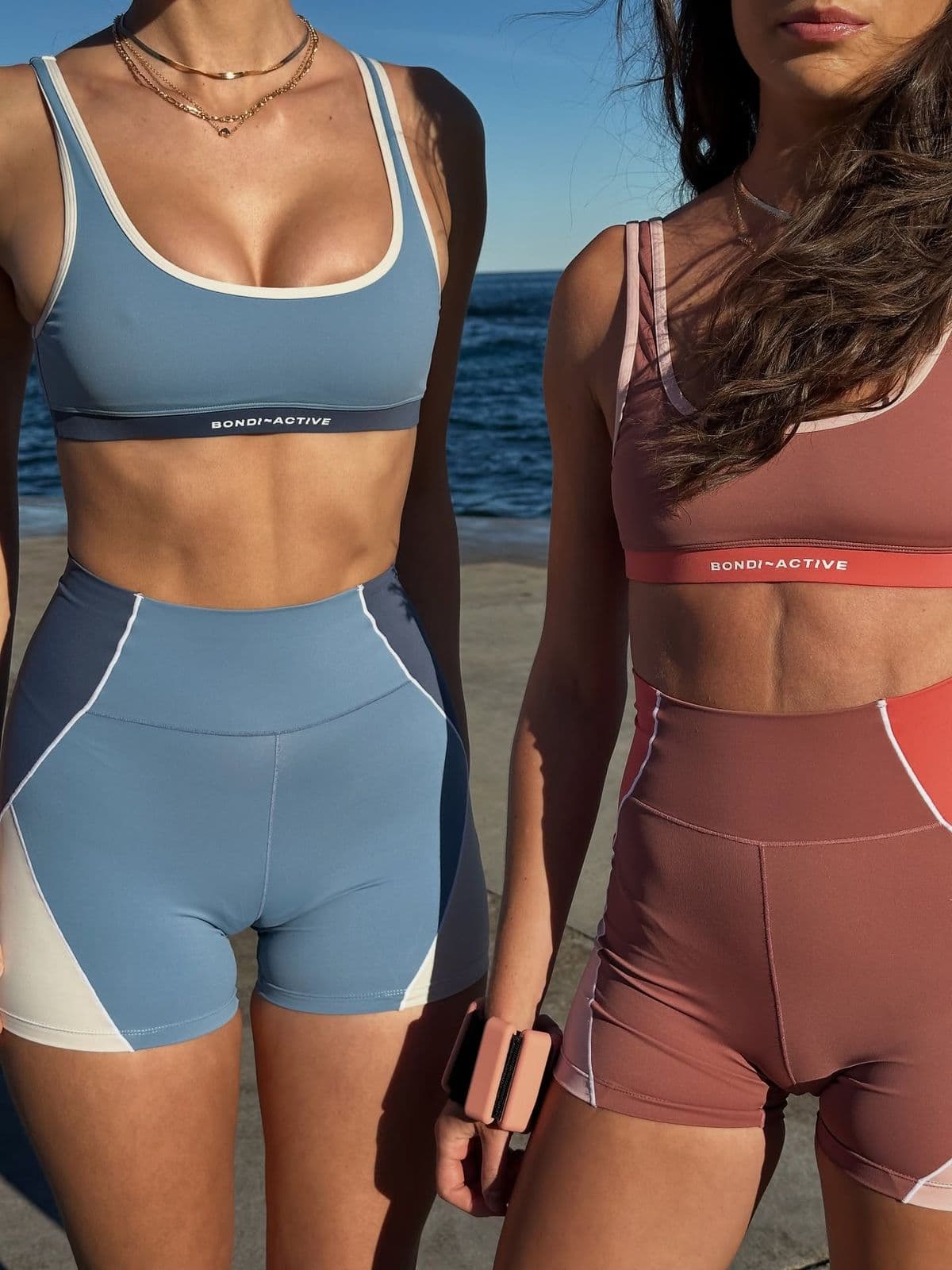
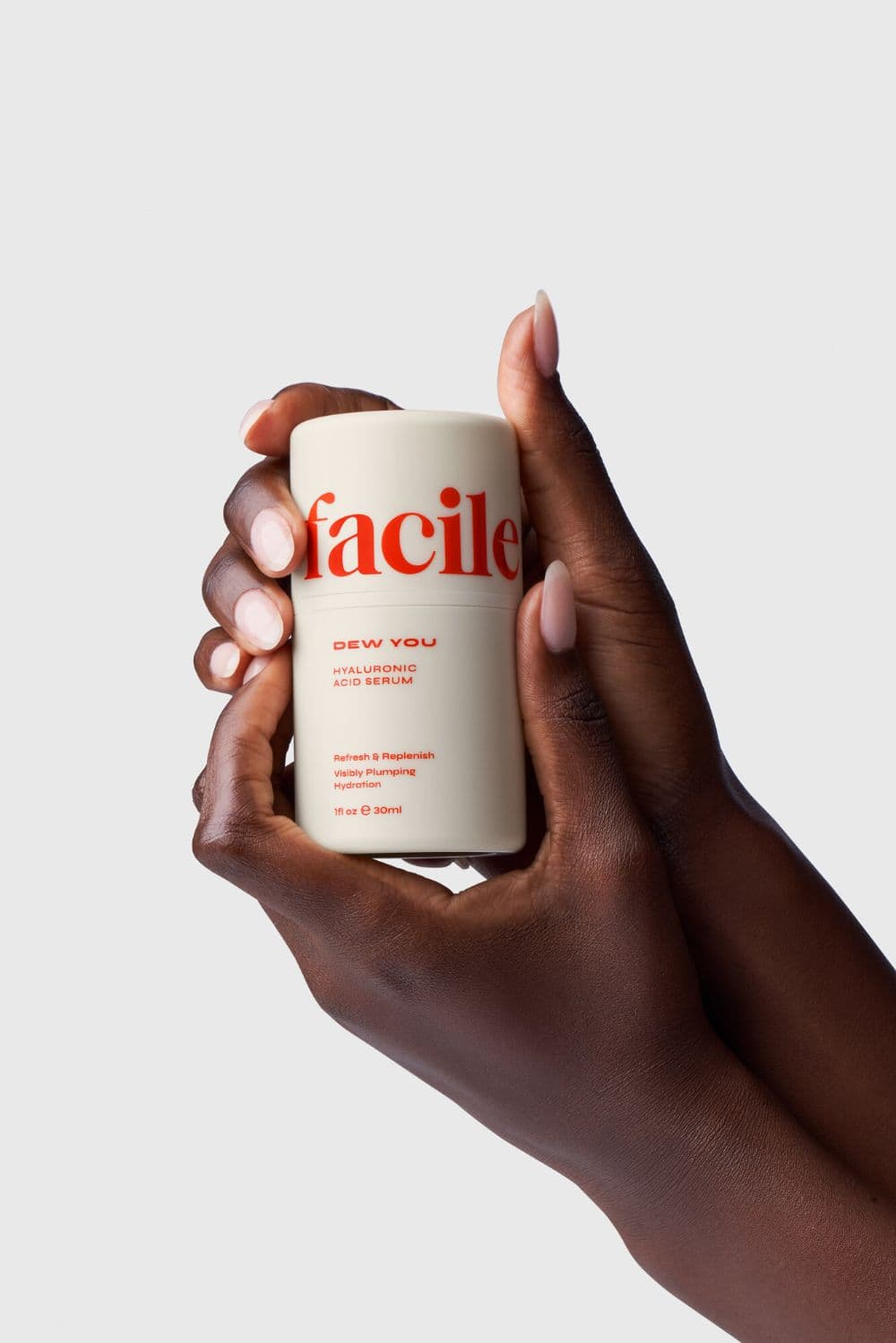
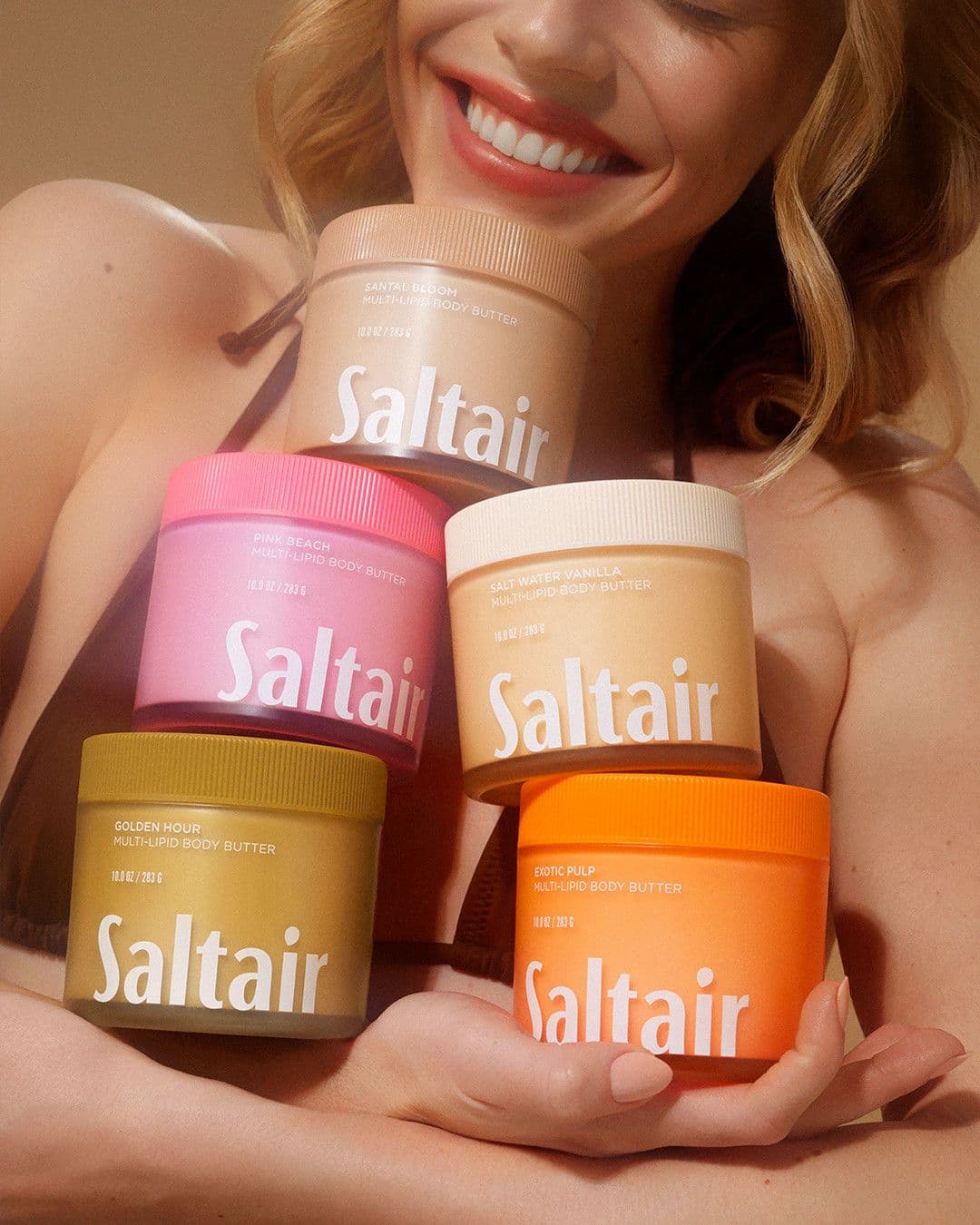
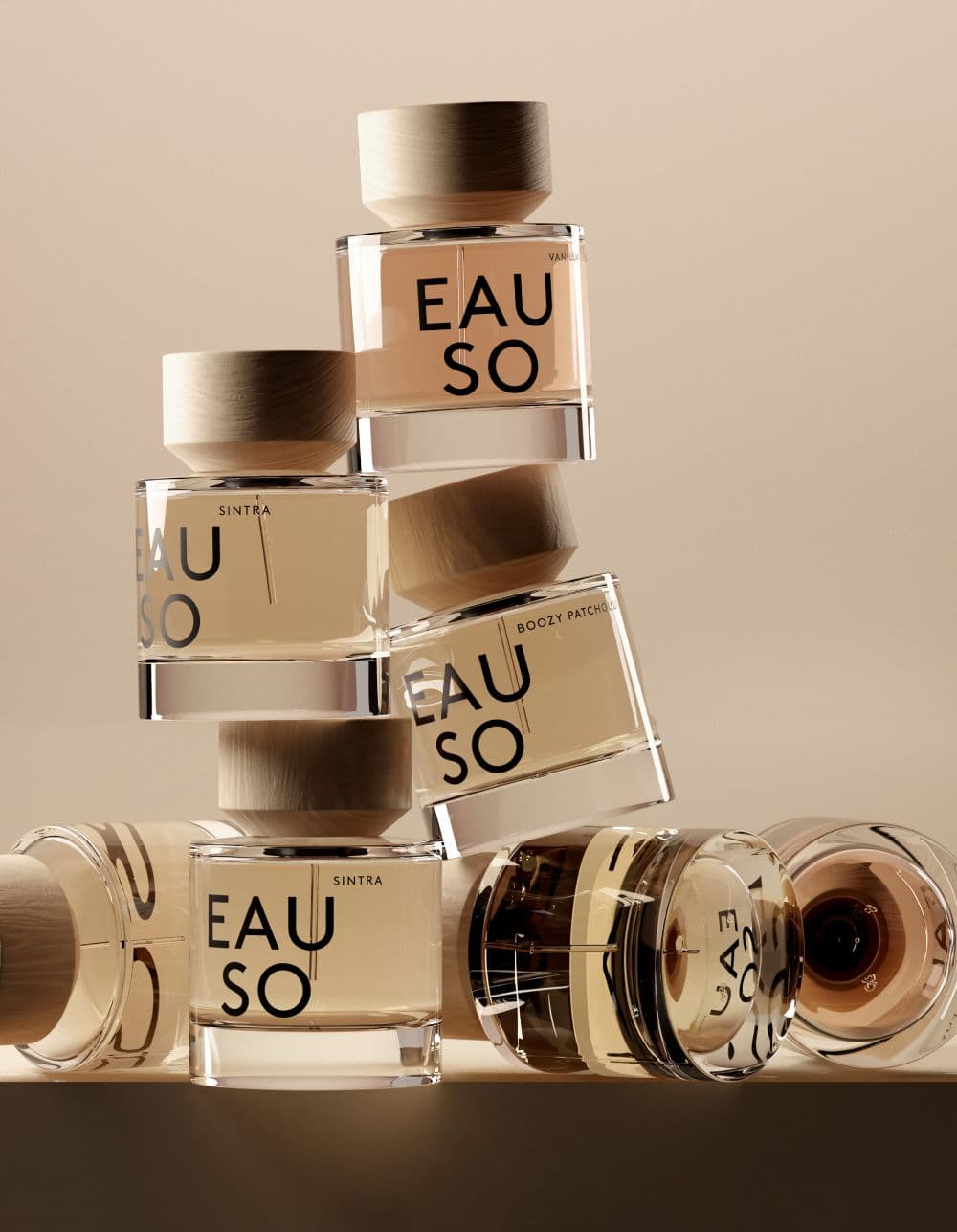
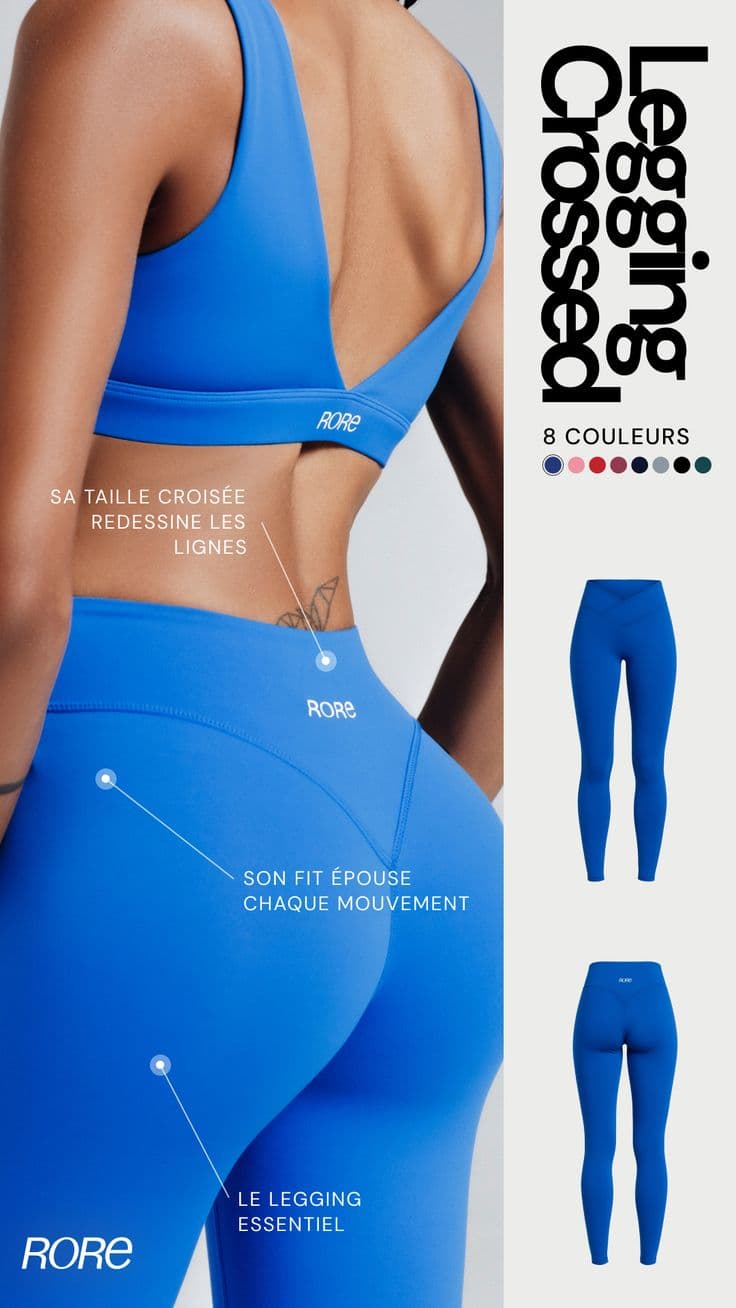
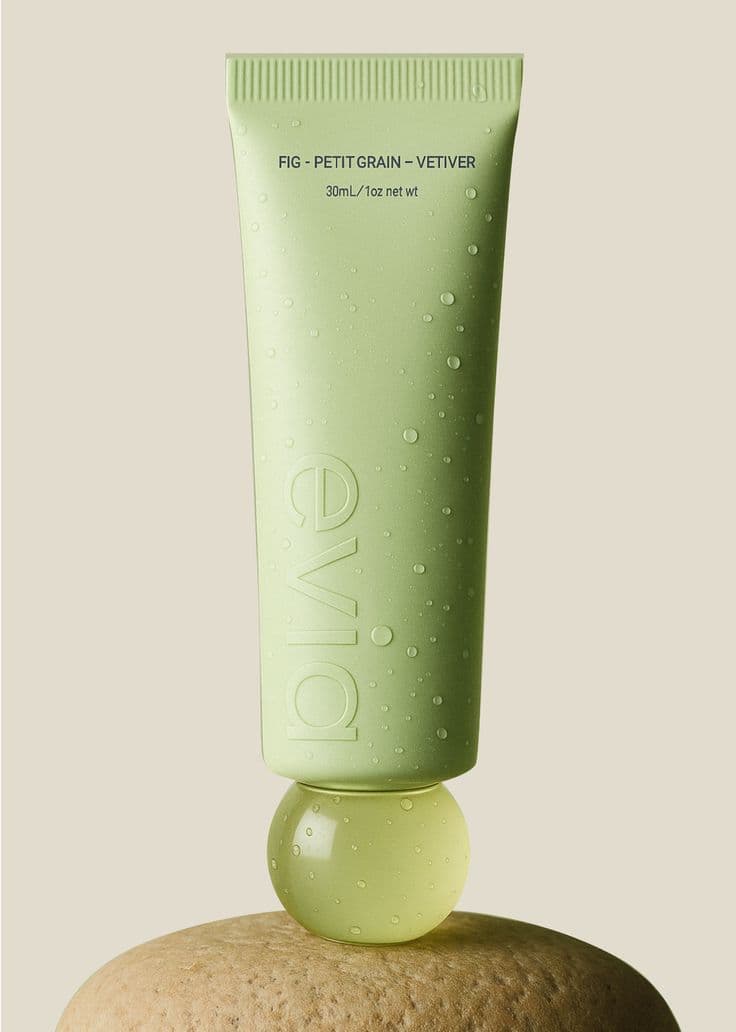
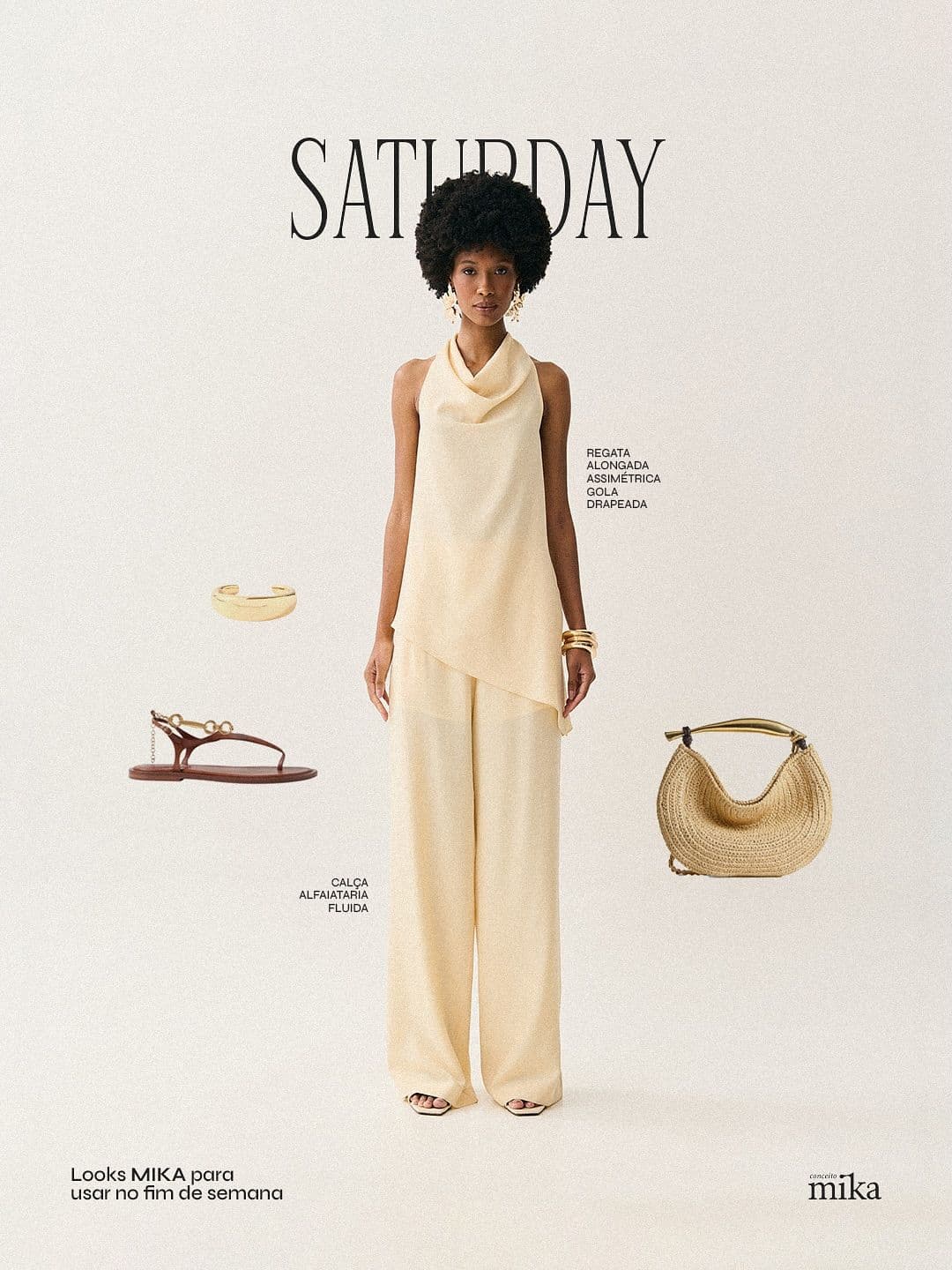
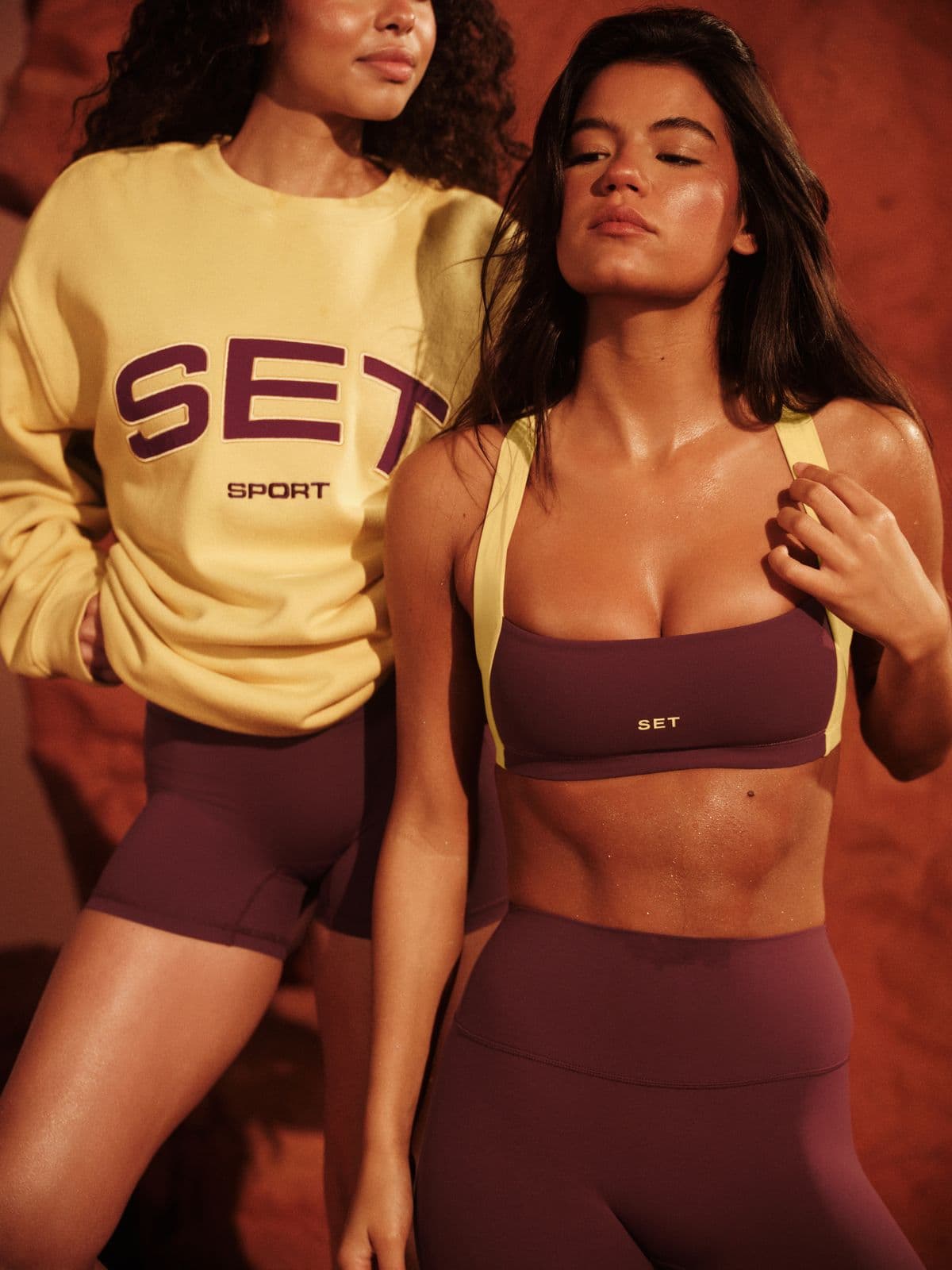
From upload to Meta Ads in minutes
- 11. Extract brand DNA from your sitePaste your site URL. Snapsible pulls brand colors, tone, product language, and typography — used on every ad overlay.
- 22. Pick Ad Creative or Inspiration-to-Ad modeGenerate net-new ads from scratch, or paste a competitor ad screenshot and recreate the energy with your product and brand.
- 33. Add headline, subline, and CTASnapsible composes copy directly on the creative at Meta-safe text ratios (under 20% of frame) so ads pass automated review.
- 44. Render all 4 placement ratios in parallelSnapsible generates 1:1, 4:5, 9:16, and 1.91:1 simultaneously — the full Meta placement matrix in one batch.
- 55. Upload to Ads Manager or Meta Ads LibraryDownload the PNG or JPEG set. Upload to Ads Manager's creative library, assign to ad sets by placement, and launch.
Three steps to
studio-quality content
No design skills. No studio. Just your product, your brand, and a reference image.
Set up your Brand DNA
Paste your website URL and we auto-extract your colors, fonts, tone, and style in seconds. Or define it manually.
Pick your references
Upload inspiration images or import directly from Pinterest. AI analyzes the scene, lighting, and composition.
Generate & download
AI places your exact product into the reference scene. Download in any format, or create ad creatives in one click.
Meta Ads-specific tips
What separates AI-looking output from editorial-grade Meta Ads creative.
Prioritize 4:5 — it wins 78% of Instagram feed impressions
Meta now serves Instagram Feed as 4:5 by default on mobile, which is where 90%+ of traffic lives. If you only generate one ratio, make it 4:5. Reuse it for Facebook Feed placement too — it outperforms 1:1 on both surfaces.
Keep text under 20% of the frame
Meta no longer hard-rejects text-heavy ads, but ads above 20% text still face reduced distribution and higher CPMs. Snapsible's Ad Creative mode enforces this ratio by default — headline + subline + CTA always fit inside the safe zone.
Design Stories with thumb-safe zones
Top 250 pixels and bottom 250 pixels of a 9:16 Story get covered by profile info and the CTA sticker. Keep your product, headline, and logo in the center 1420 pixels. Snapsible's Stories preset masks the unsafe zones during preview.
Launch 4 creative concepts, not 4 copy variants
Meta's algorithm learns fastest when it can compare meaningfully different concepts, not micro-tweaks to the same ad. Use Snapsible to ship four genuinely different ad angles (problem, result, social proof, testimonial) and let Meta auto-optimize.
Use Advantage+ Creative with a 4-ratio asset bundle
Meta's Advantage+ Creative auto-picks the best placement ratio per impression when you upload all 4. Snapsible ships the full bundle (1:1, 4:5, 9:16, 1.91:1) in one batch so you can feed Advantage+ directly and let Meta do the rest.
Start free. Scale when ready.
Every plan runs on credits — 5 credits per image. No hidden fees, no confusing tiers.
Try it out, no card needed.
- 50 credits / month
- 10 image generations
- 1 brand profile
- All 6 workflows
For solo creators and founders.
- 500 credits / month
- 100 image generations
- 5 brand profiles
- All 6 workflows
- No watermark
- Commercial license
For growing brands and agencies.
- 1,500 credits / month
- 300 image generations
- Unlimited brand profiles
- All 6 workflows
- No watermark
- Commercial license
- Priority queue
- API access
5 credits per image · All workflows same cost · Credits reset monthly, no rollover
AI product photos for Meta Ads: FAQ
Your References +
Your Brand DNA
= Studio-Quality Content
No designers. No studios. No wasted hours. Just upload, generate, and publish.
Free plan available · No credit card required · Cancel anytime