AI product photographyfor Wix Stores
Hero strips, gallery pro tiles, PDP mains, and Wix Studio CMS images — generated at the exact dimensions Wix Editor and Studio templates expect.
Wix templates look generic by default. Brand them with your own photography.
Wix's Editor, Studio, and Stores product all rely heavily on hero strips, gallery pro widgets, and product PDPs — and the default template imagery is stock. When merchants upload their own product photos, they often run into Wix's aggressive auto-crop: a 1080x1080 Instagram shot gets stretched into a 1920x800 hero strip and the product ends up awkwardly centered or cut off. The fix is to generate each Wix-specific dimension natively instead of relying on crops. Snapsible exports Wix's exact sizes: 1920x1080 for hero strips, 800x800 for gallery pro tiles, 1500x1500 for product page main images, and 940x460 for parallax sections. Your brand DNA is extracted from your Wix site URL in seconds, so every generation matches your site palette, typography, and voice. If you're on Wix Studio with CMS collections, generate a batch of product images at the same dimensions and bulk-import via the CSV collection tool.
Wix aspect ratios & image specs
Snapsible generates at the exact ratio each slot expects — no after-the-fact cropping.
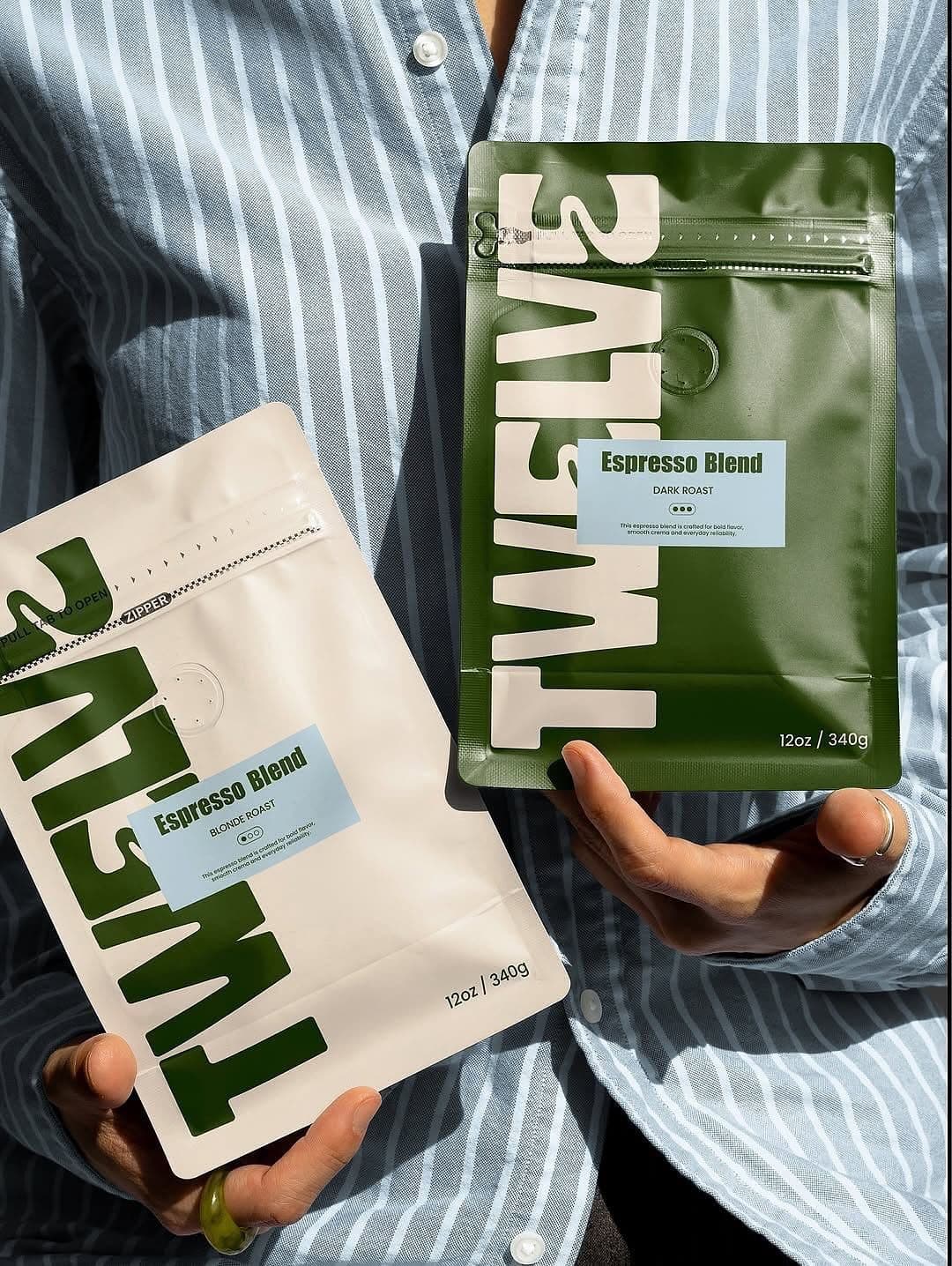
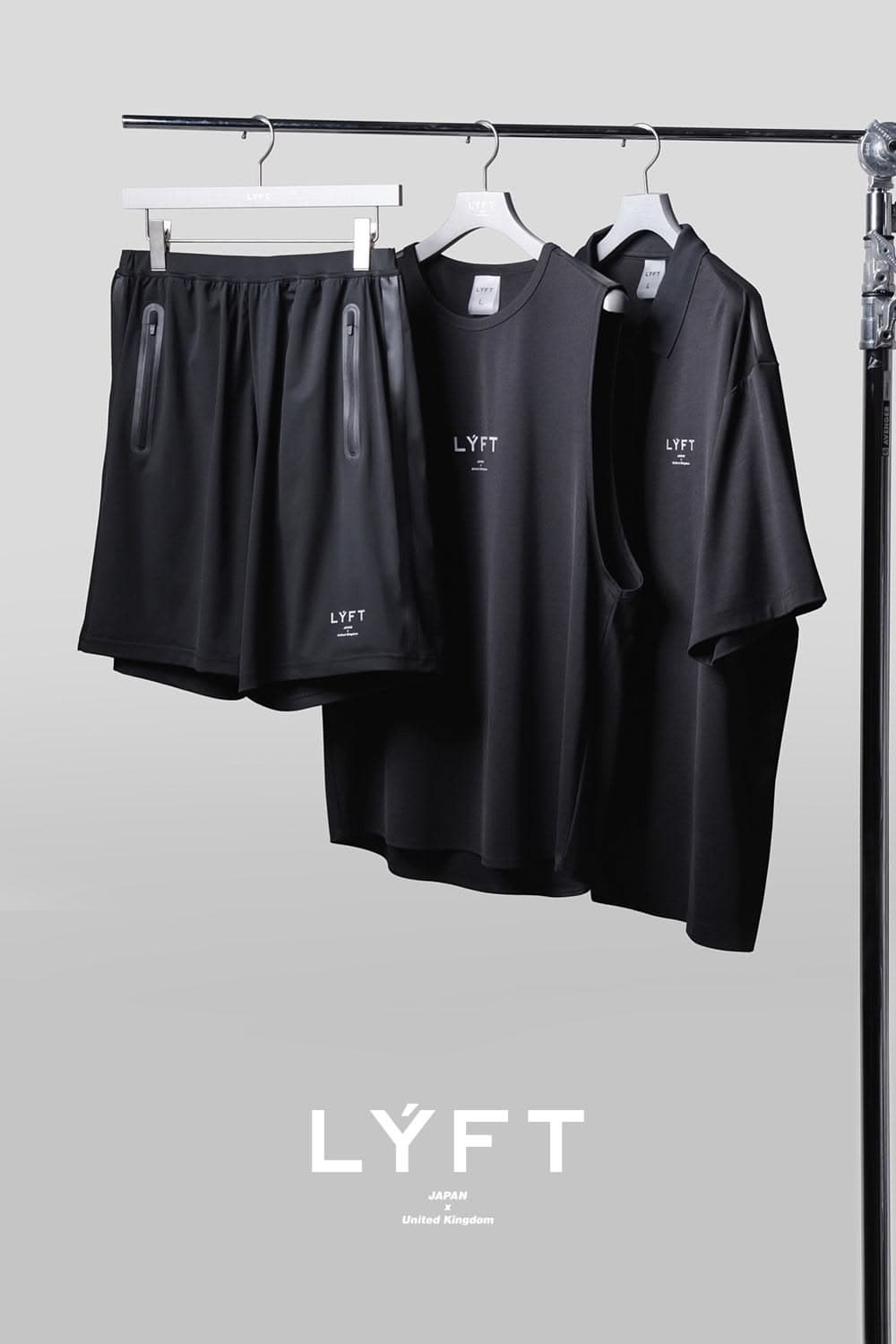
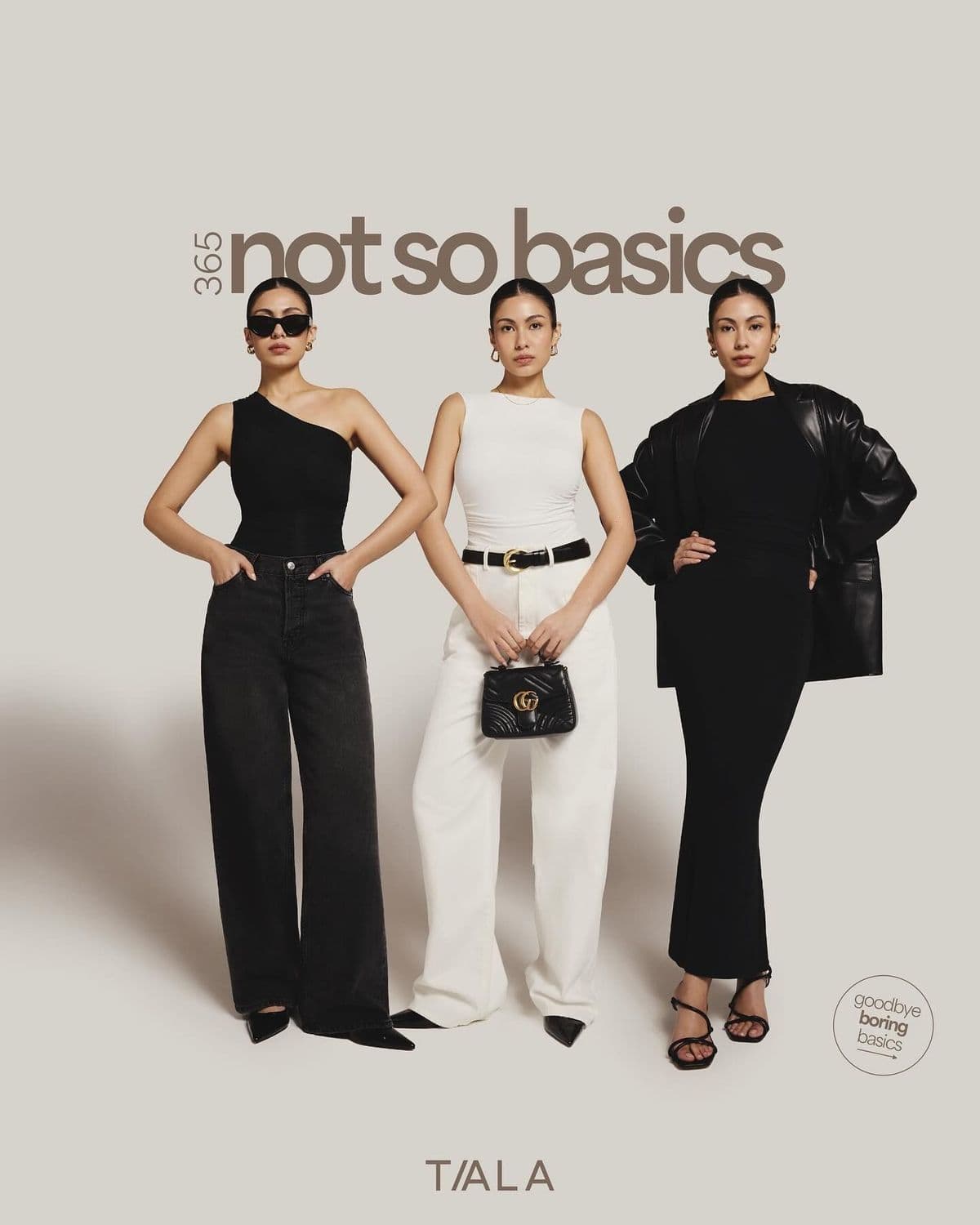
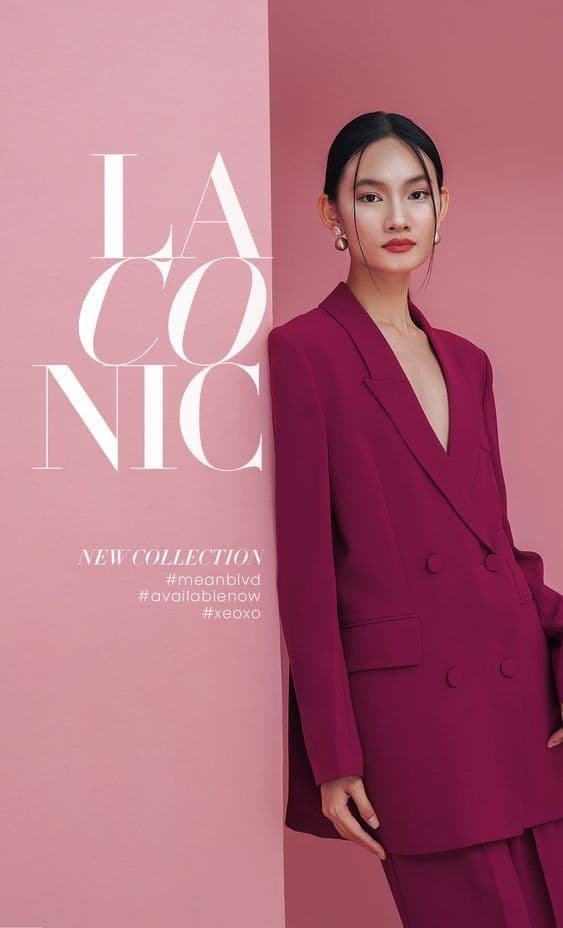
AI-generated. Studio quality.
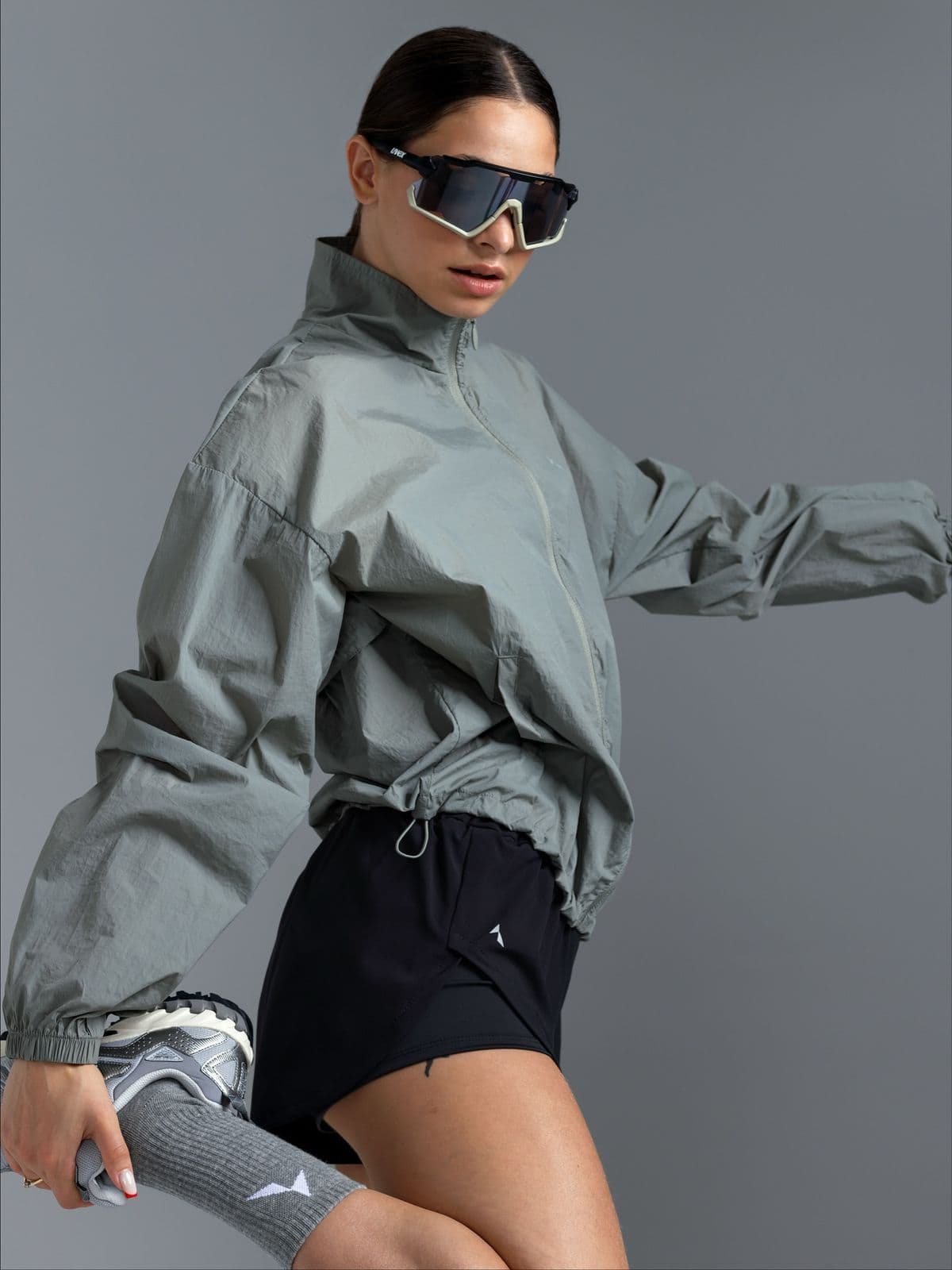
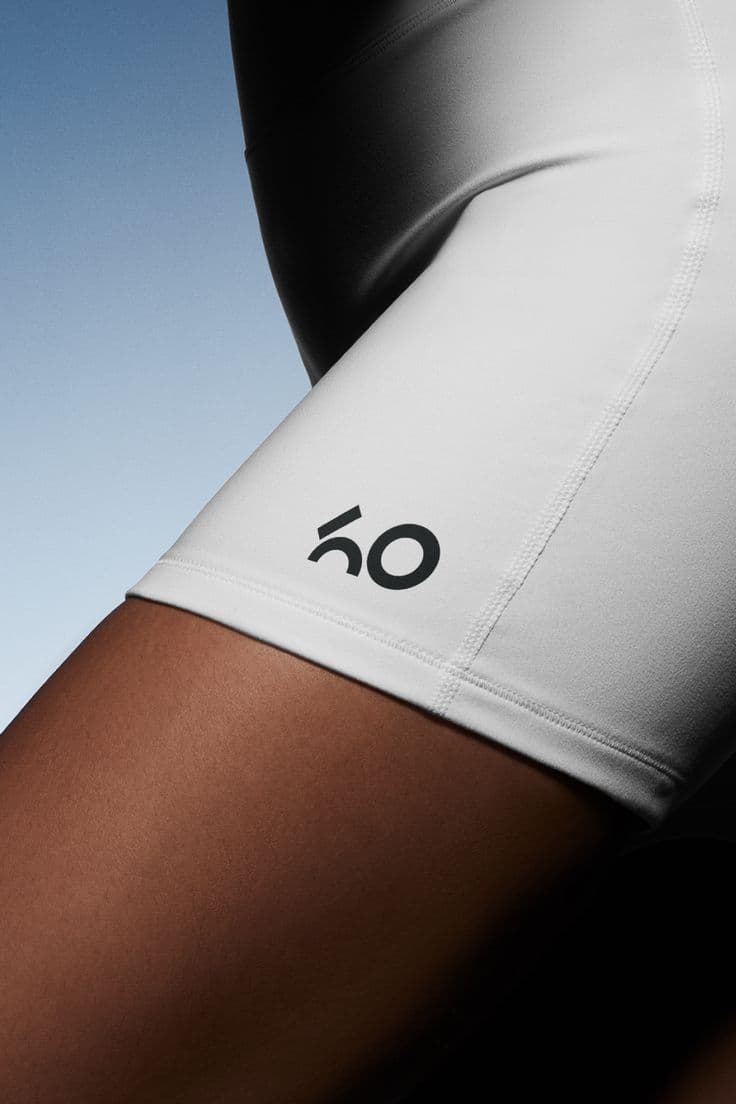
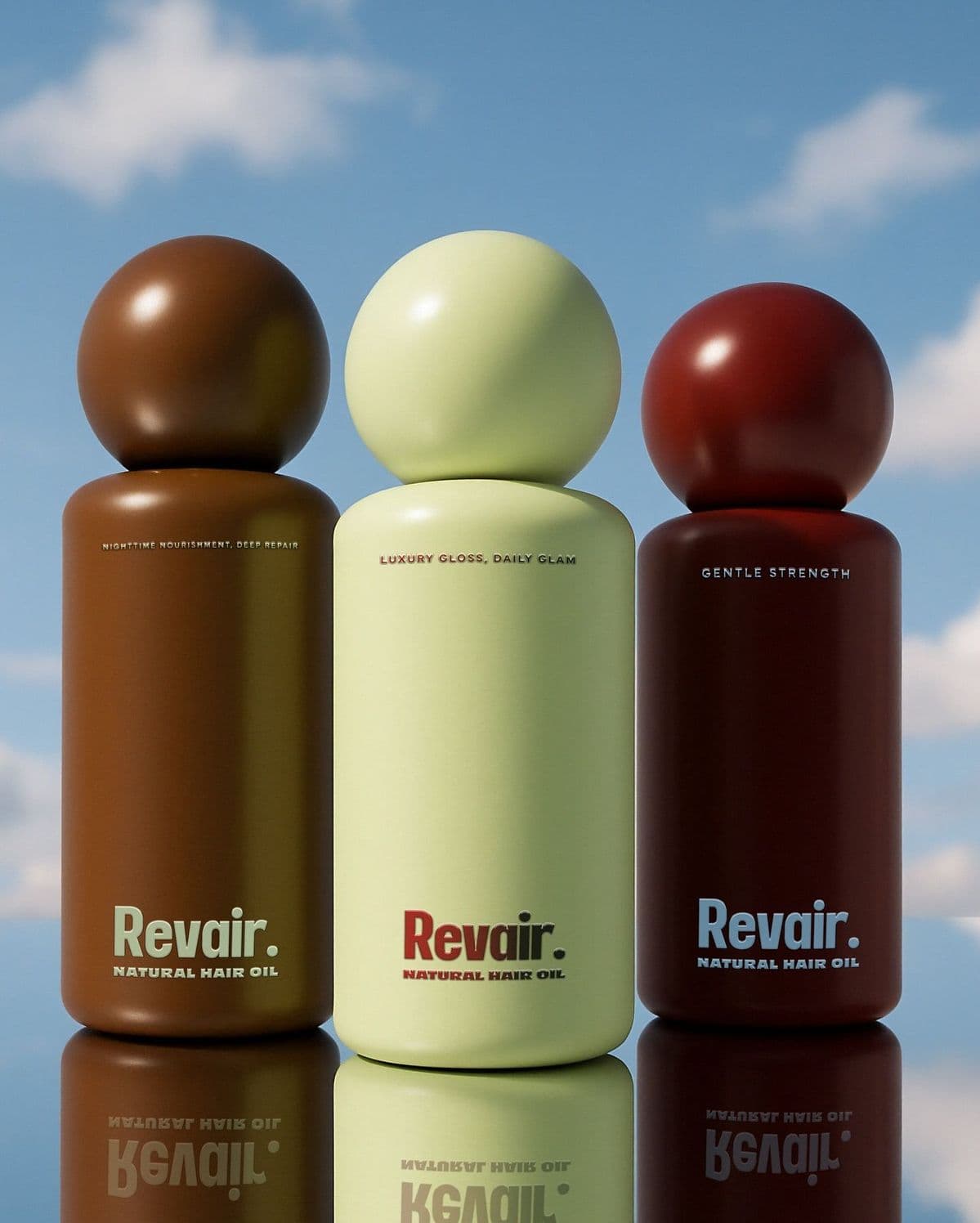
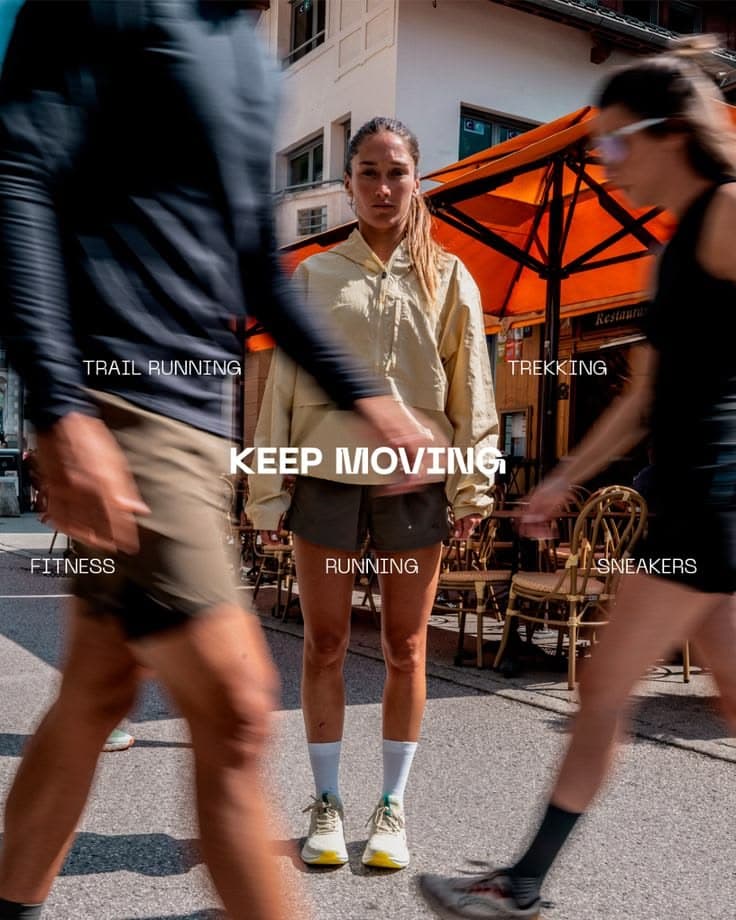
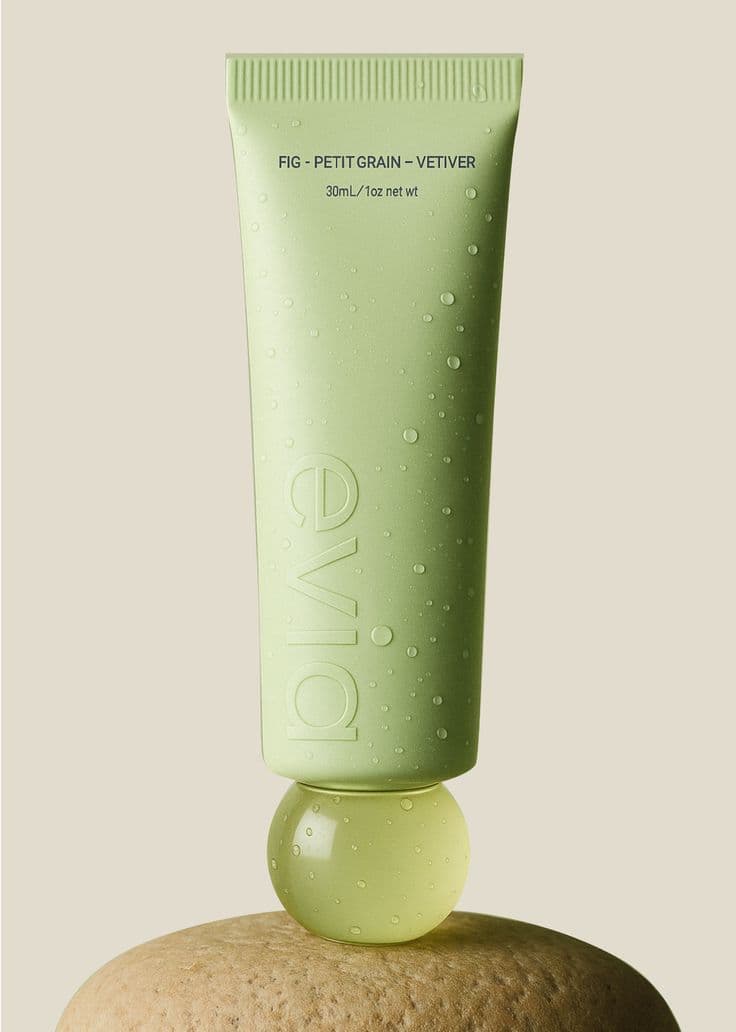
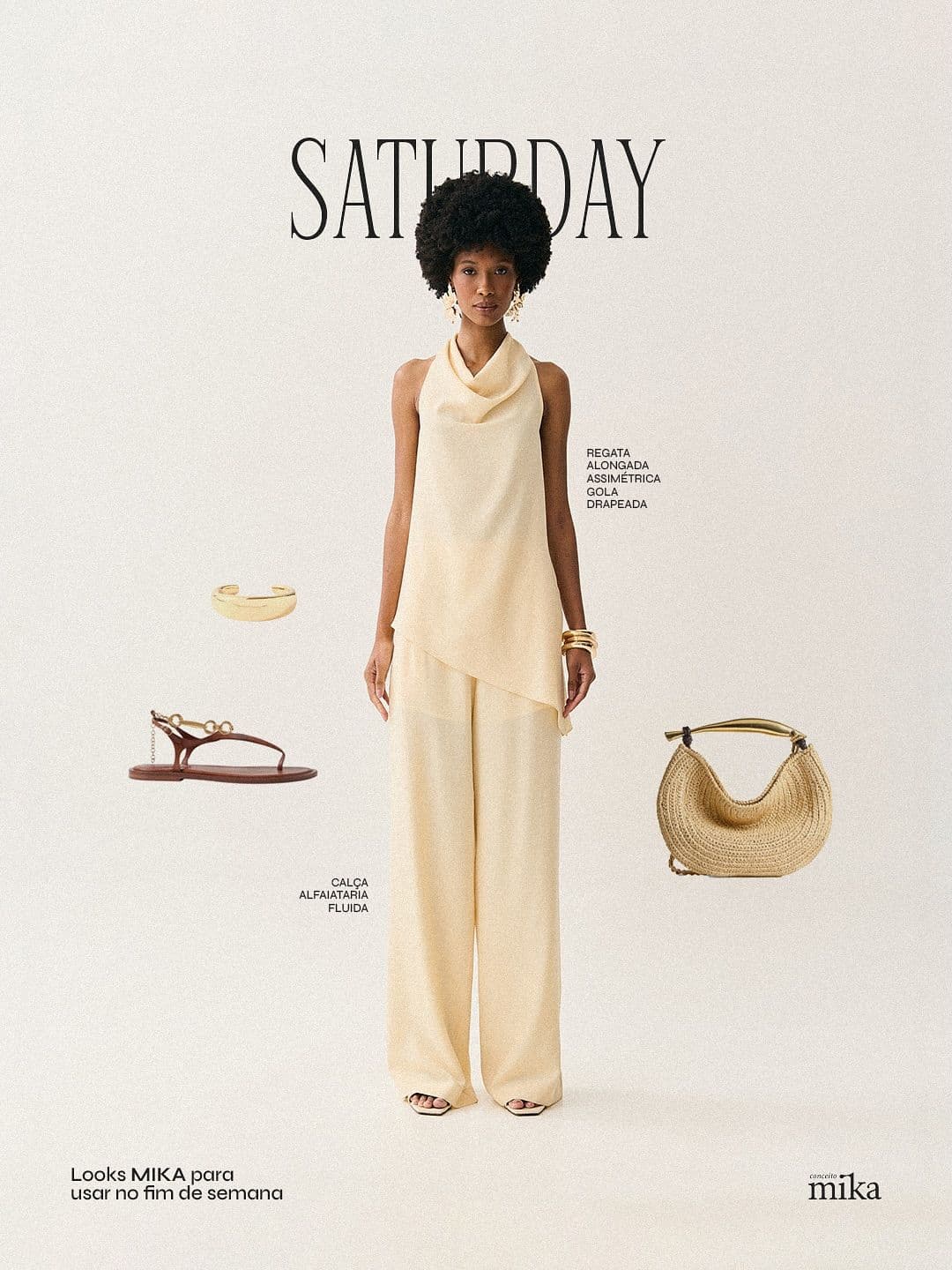
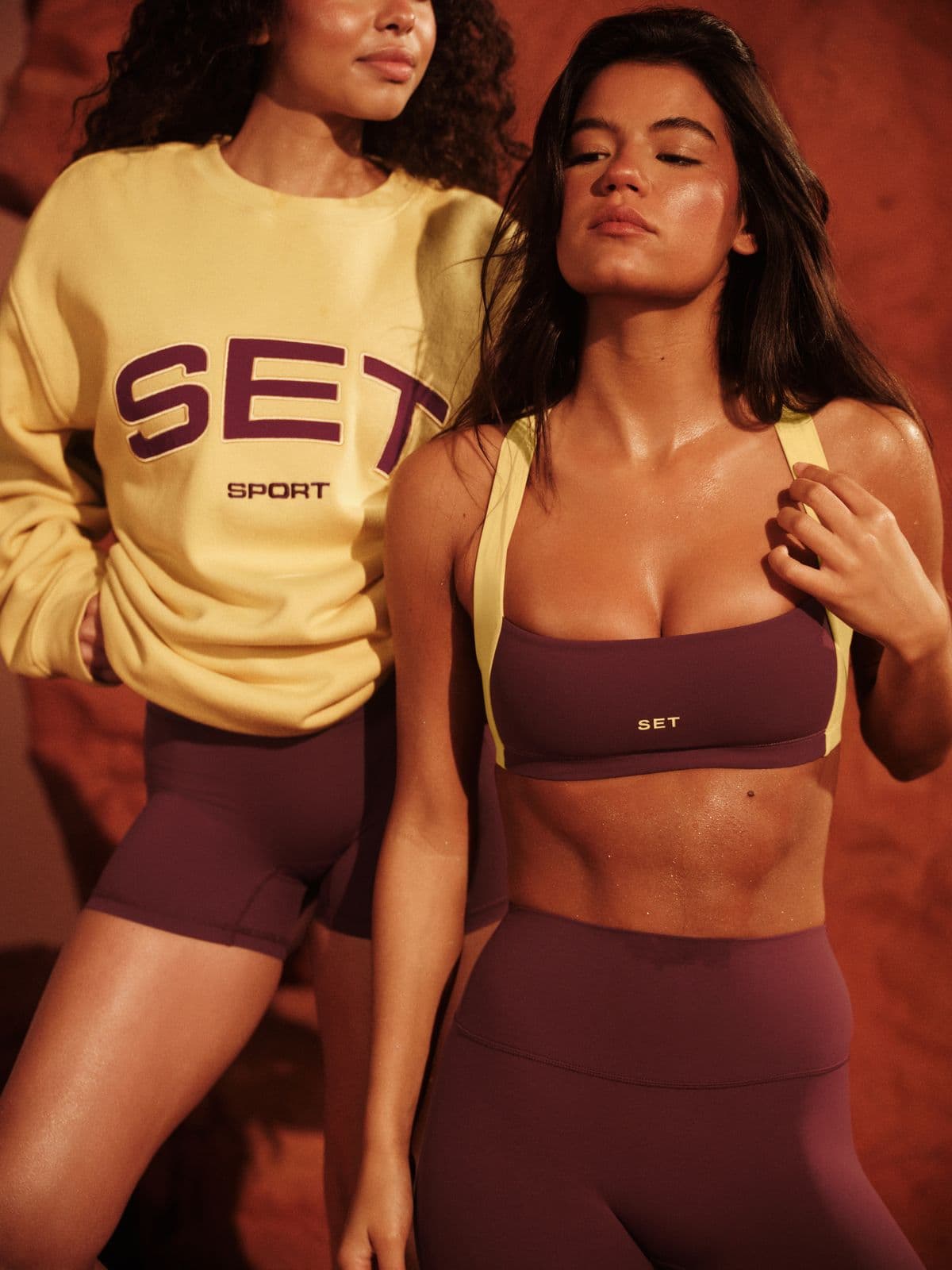
Every image below was generated in seconds. No photographer, no studio, no retouching.
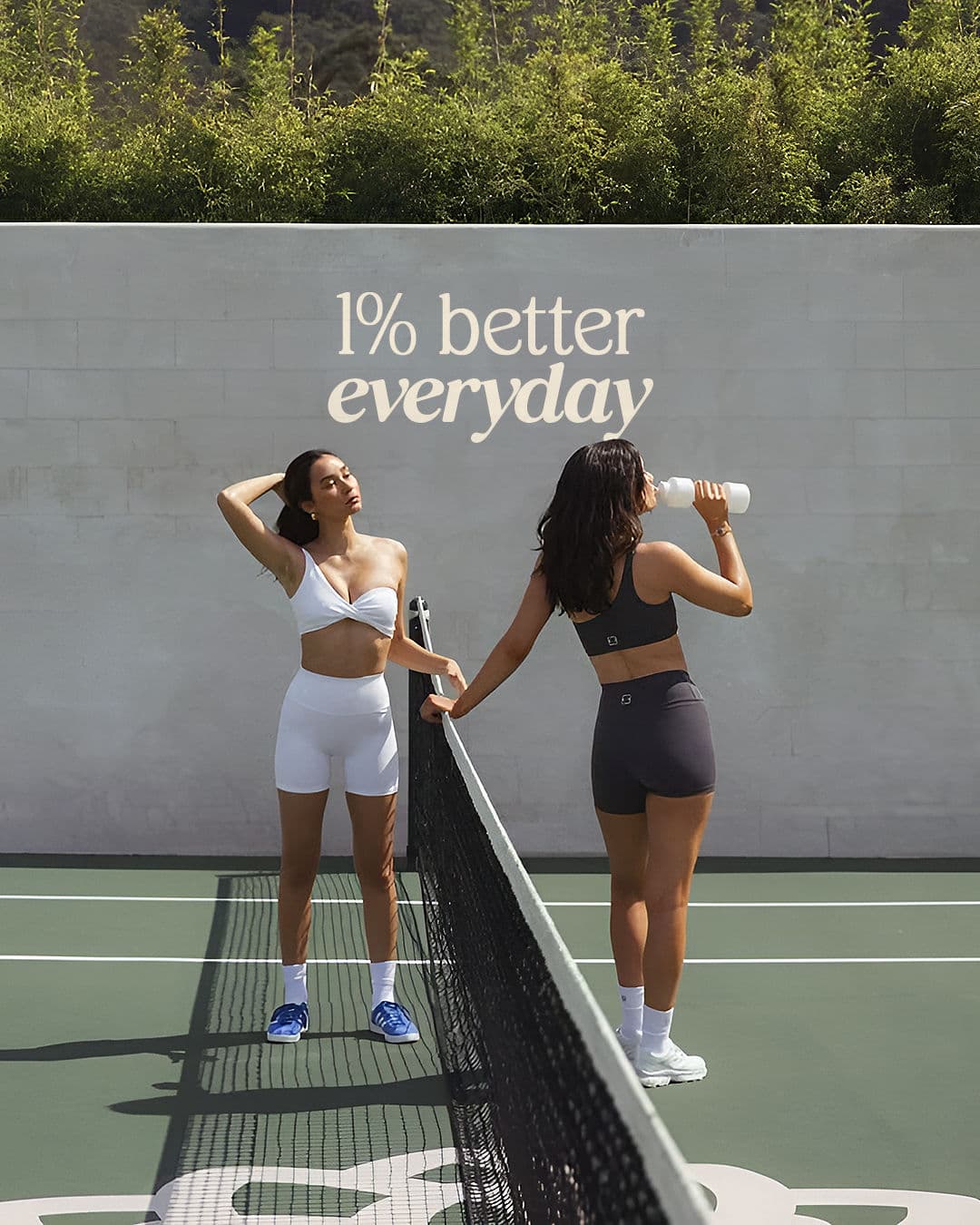

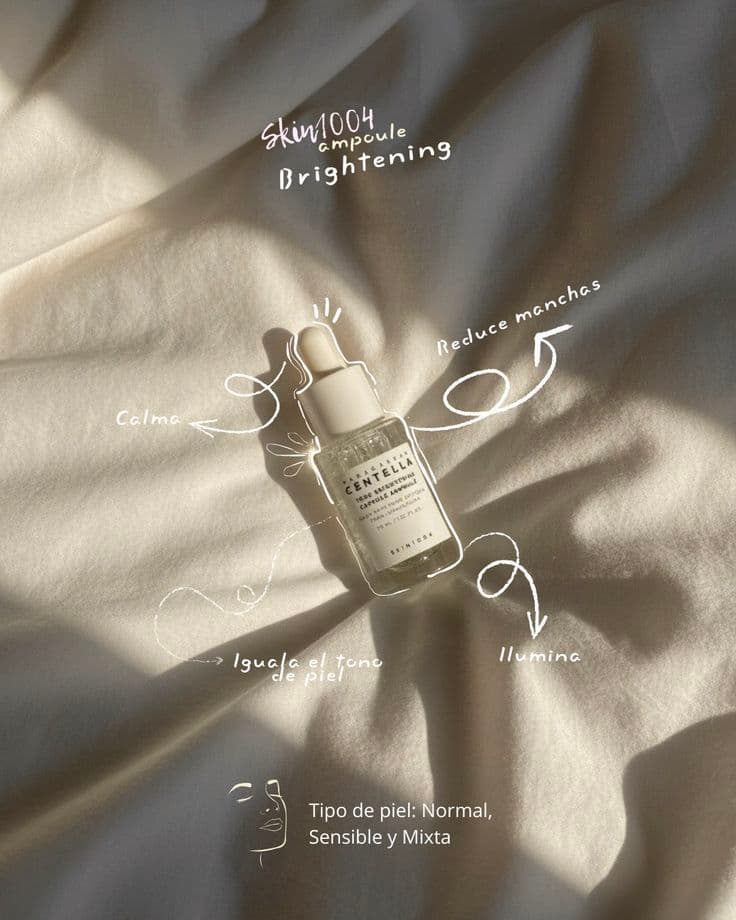
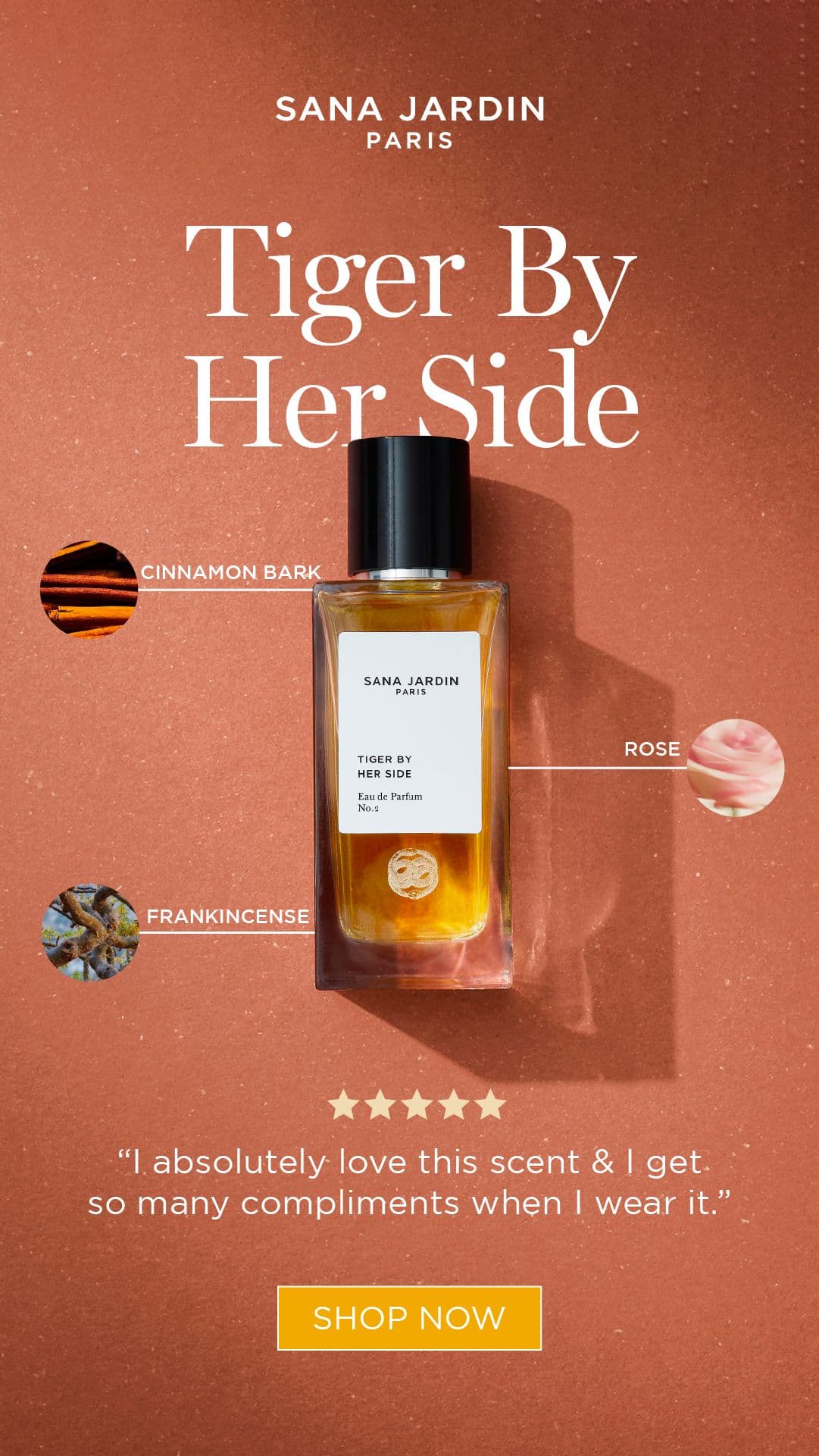
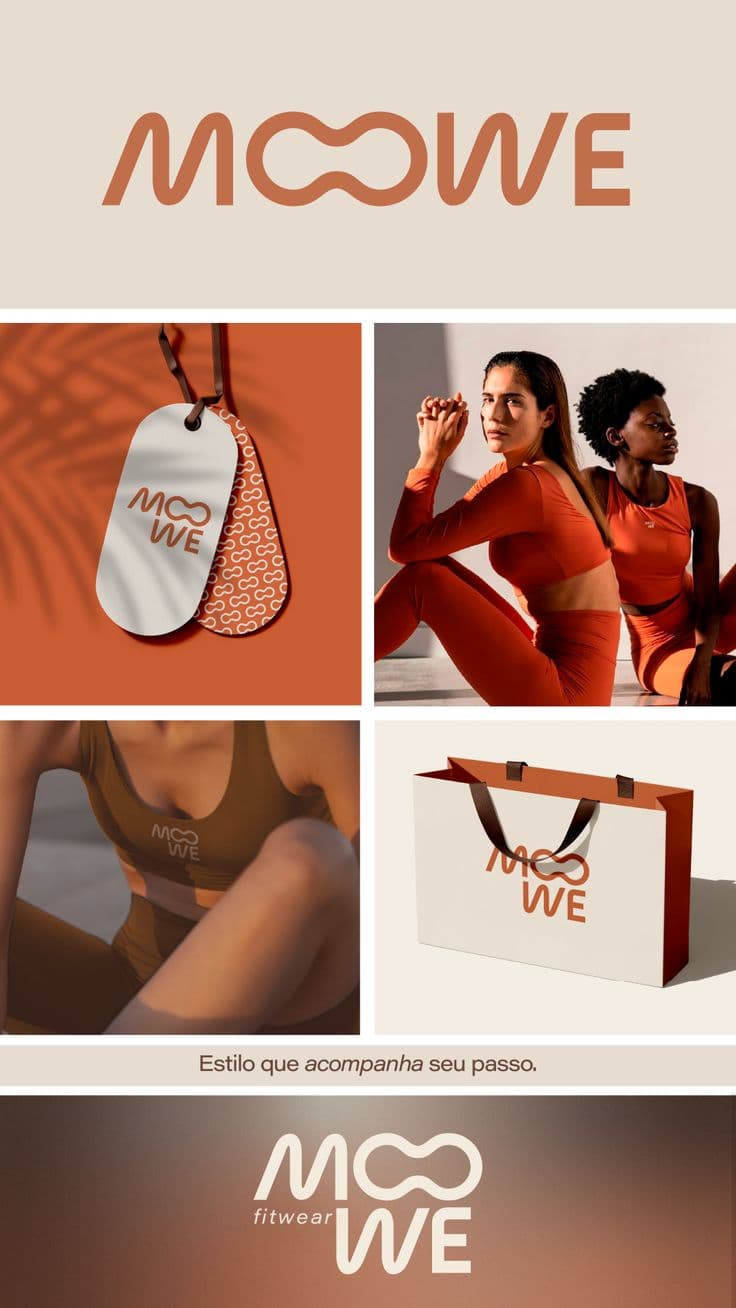

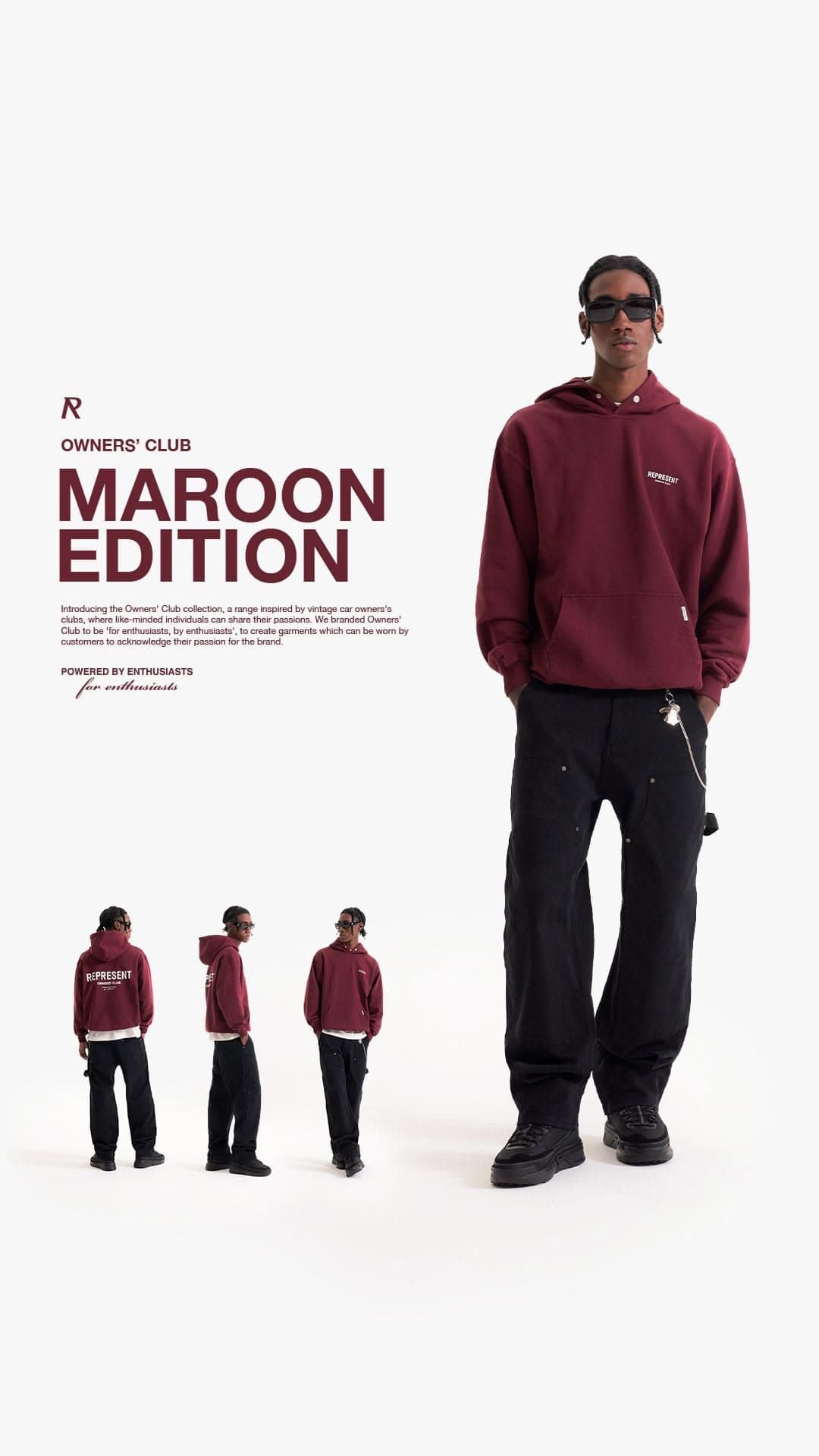
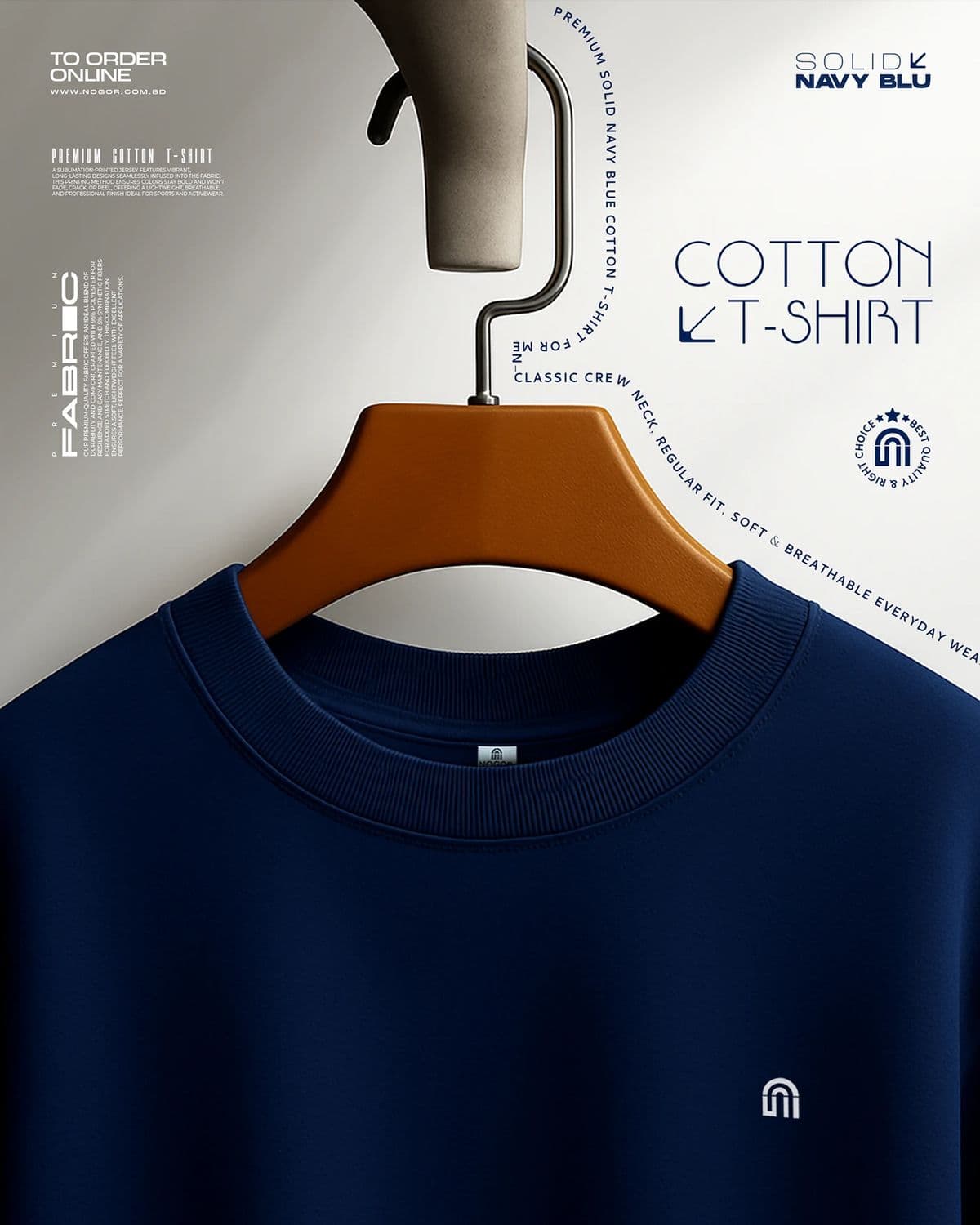
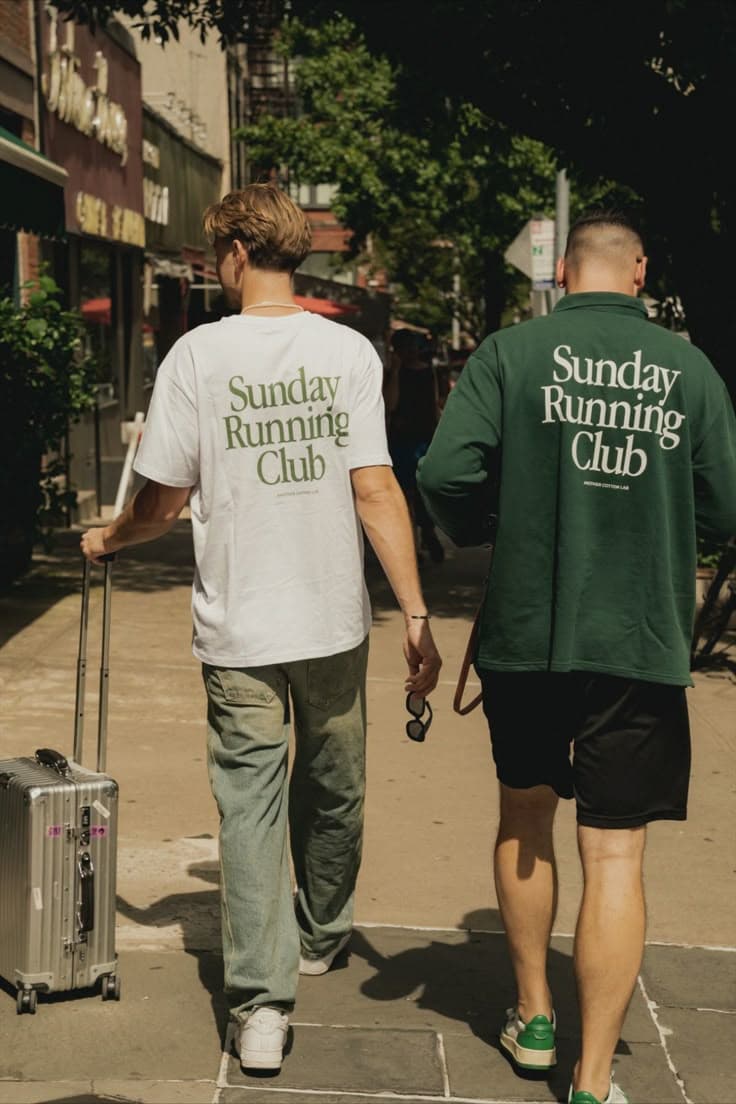
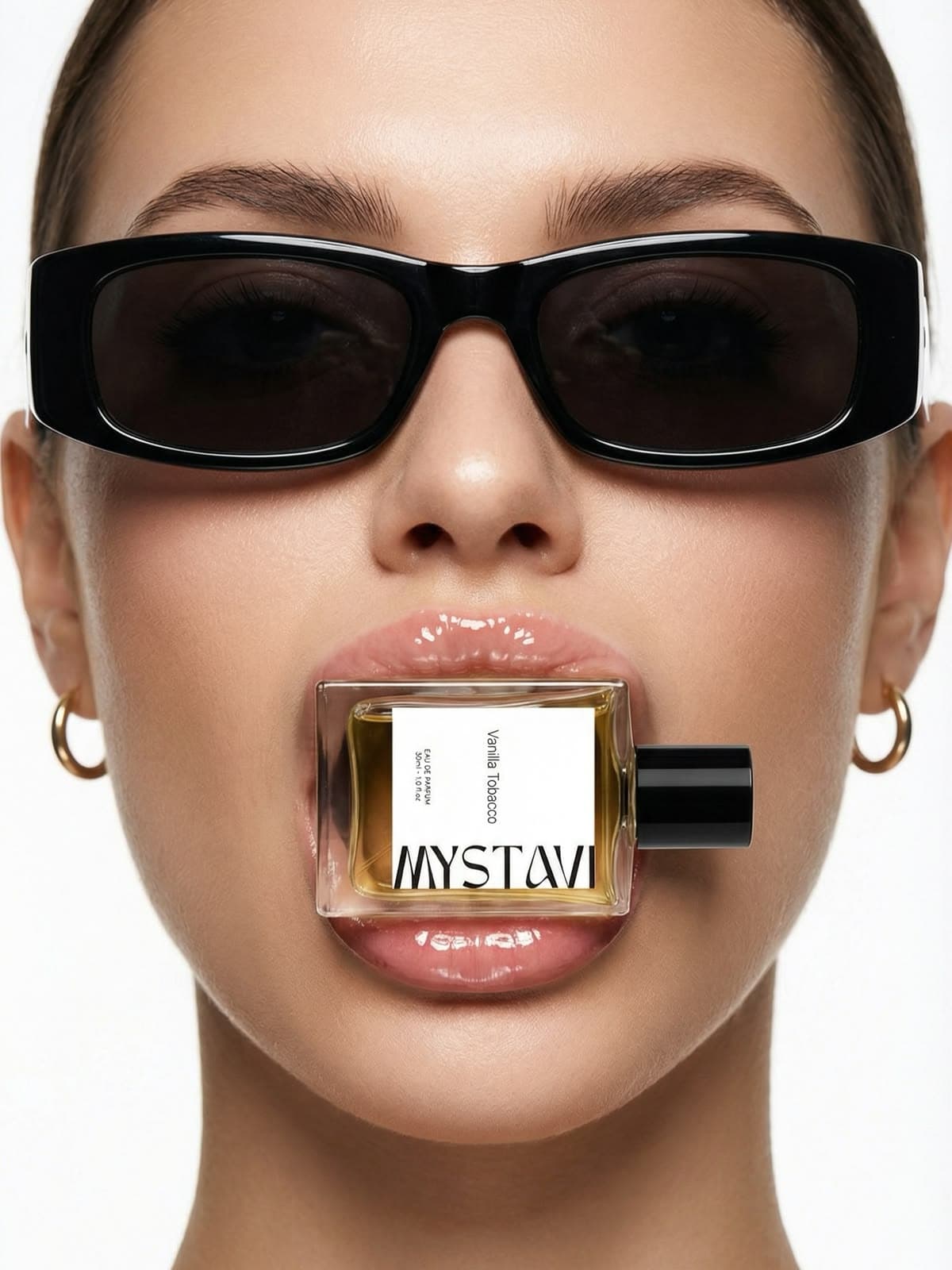
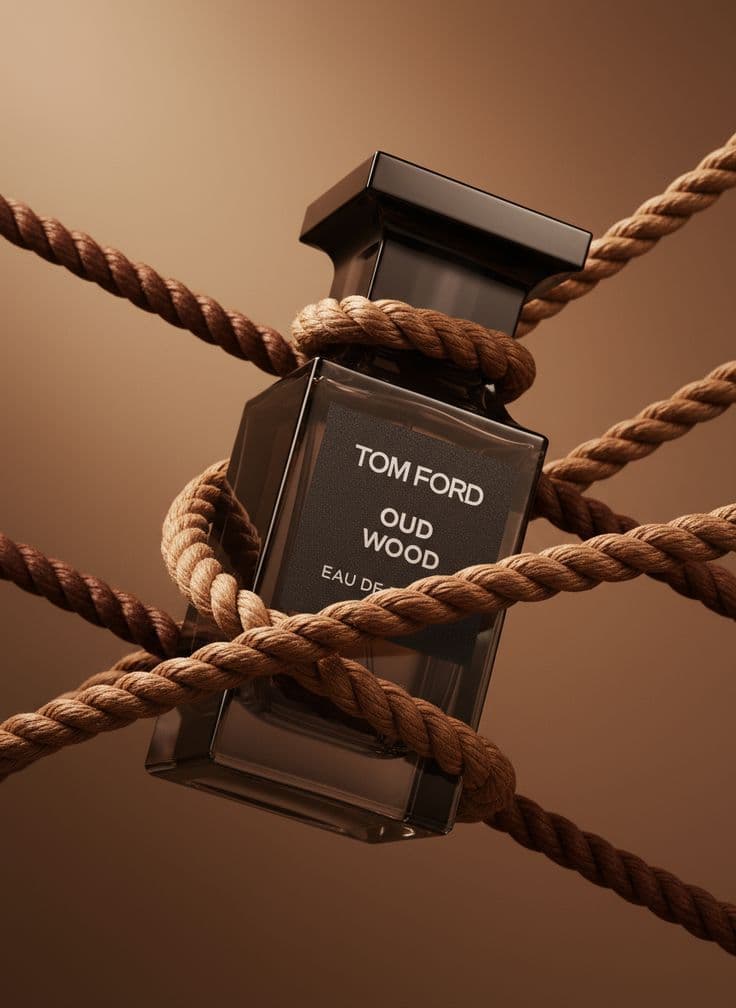
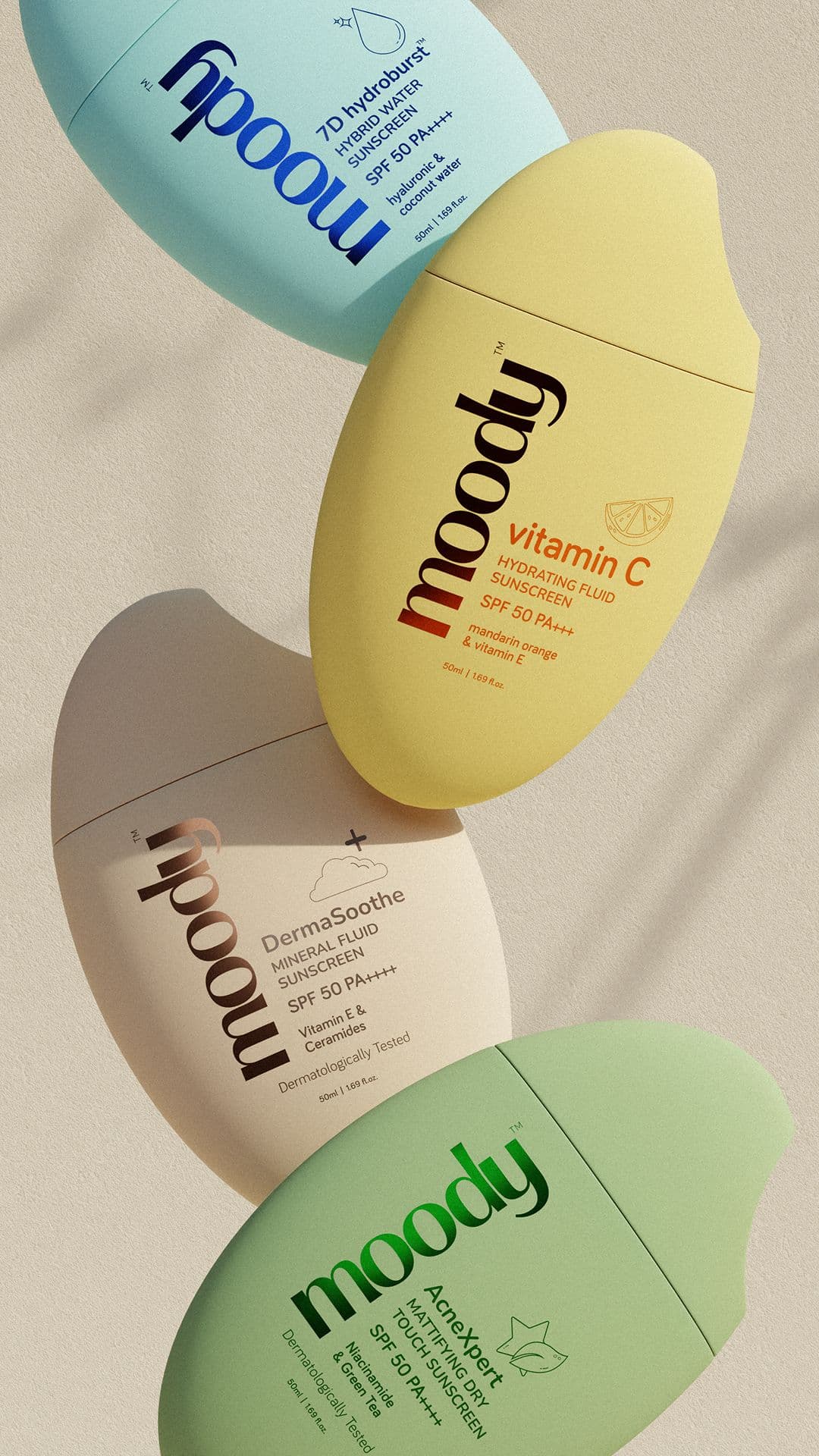
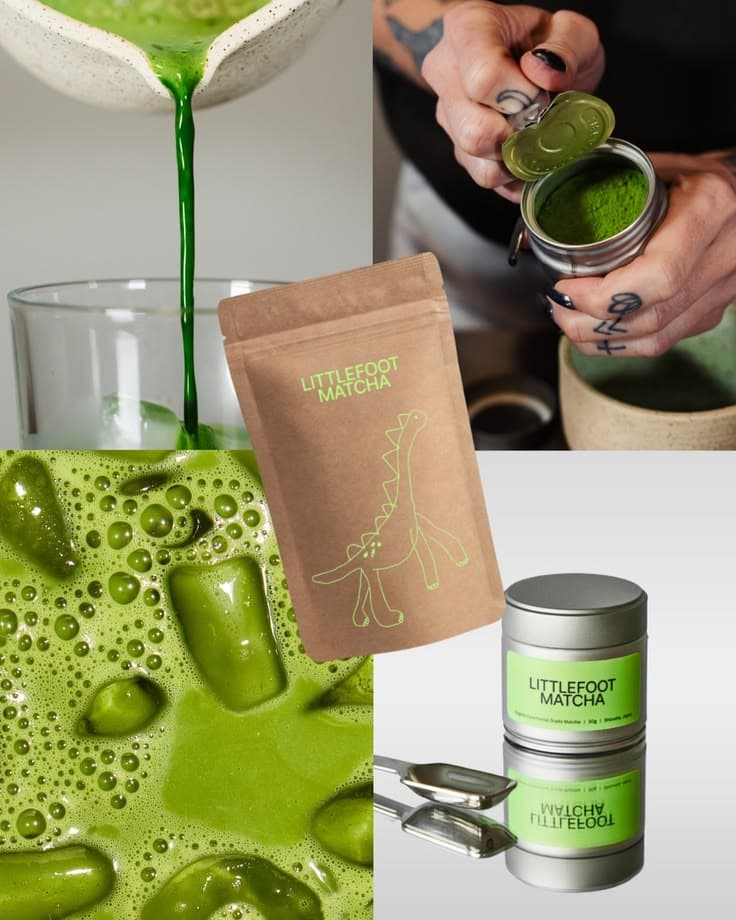
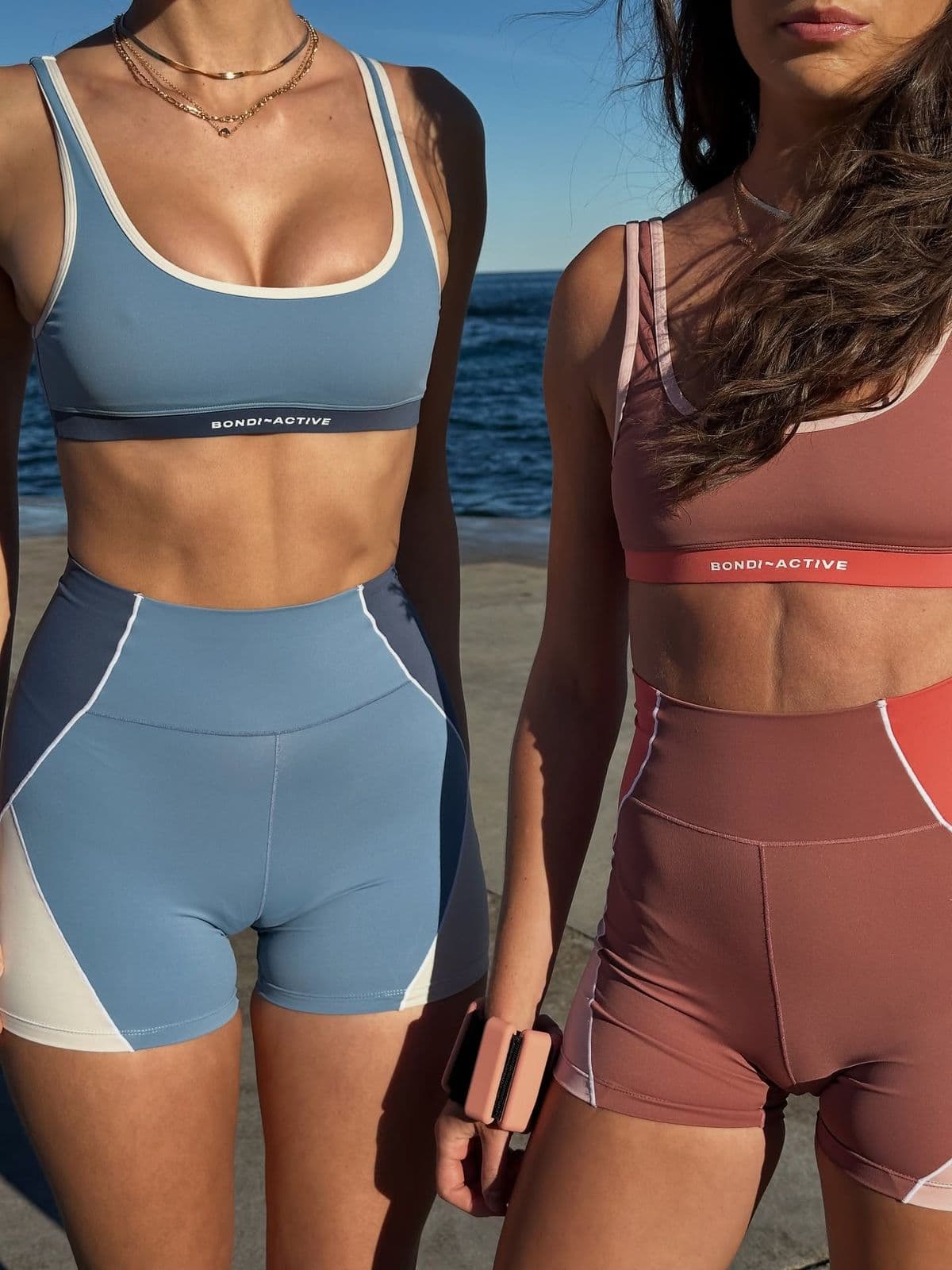
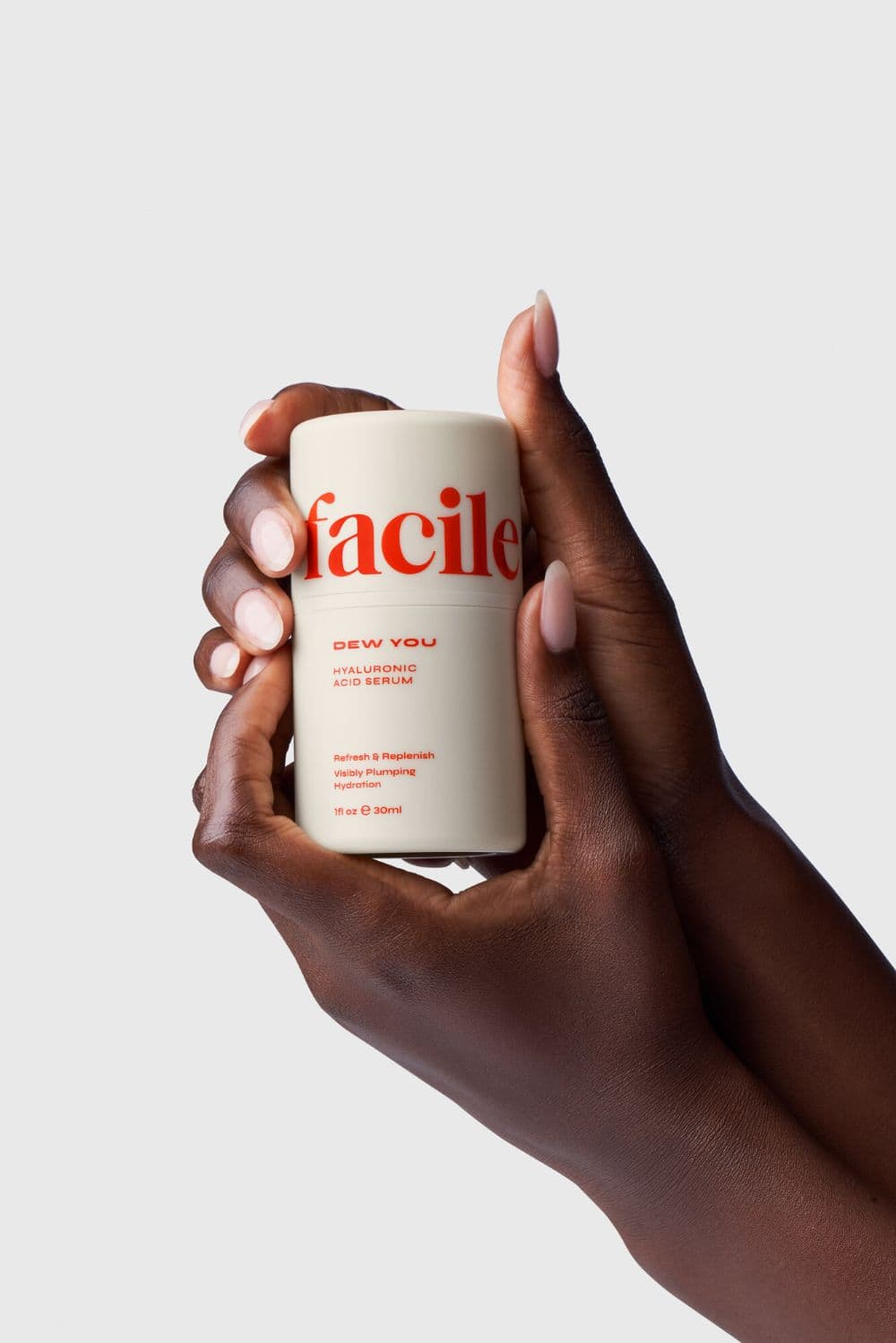
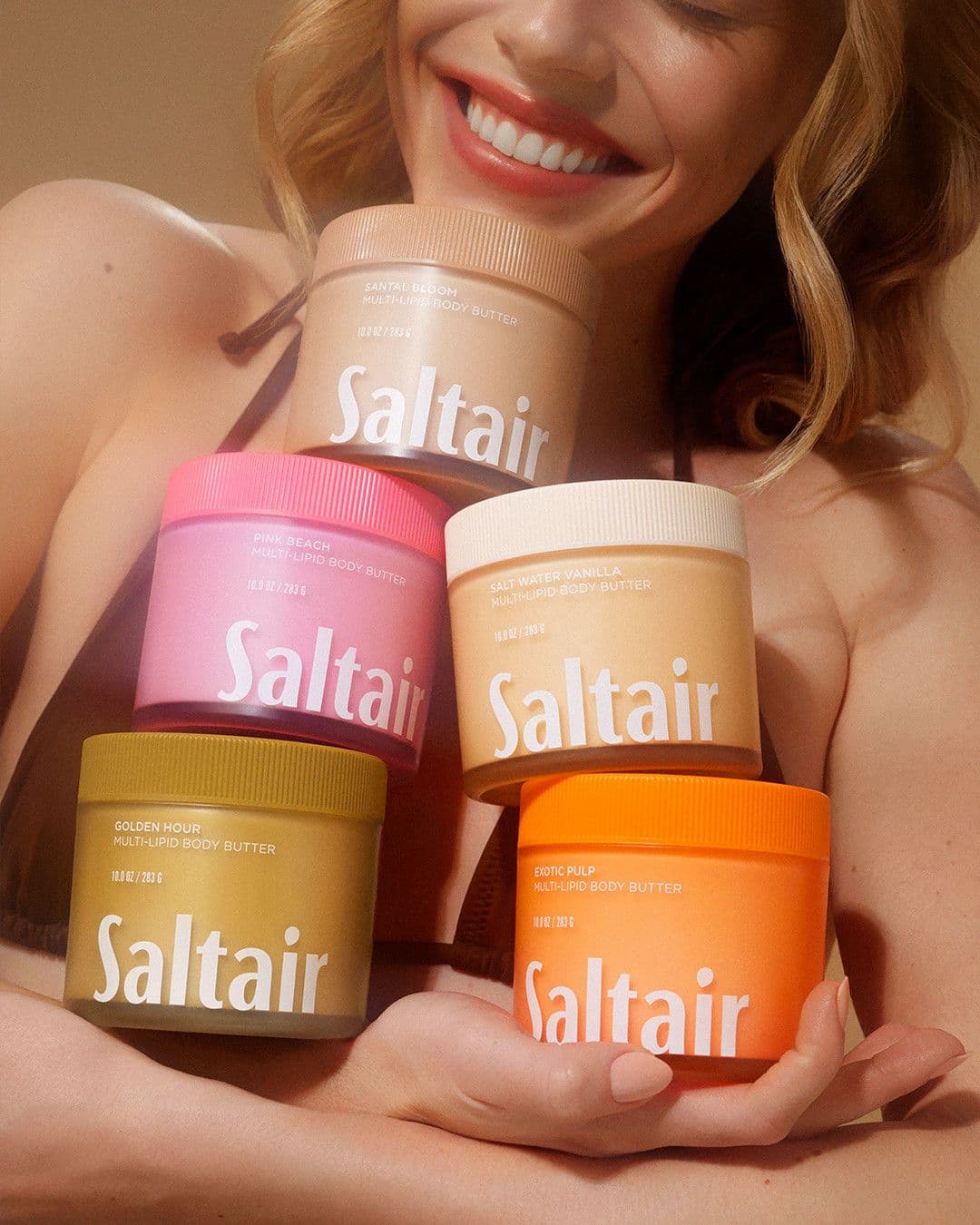
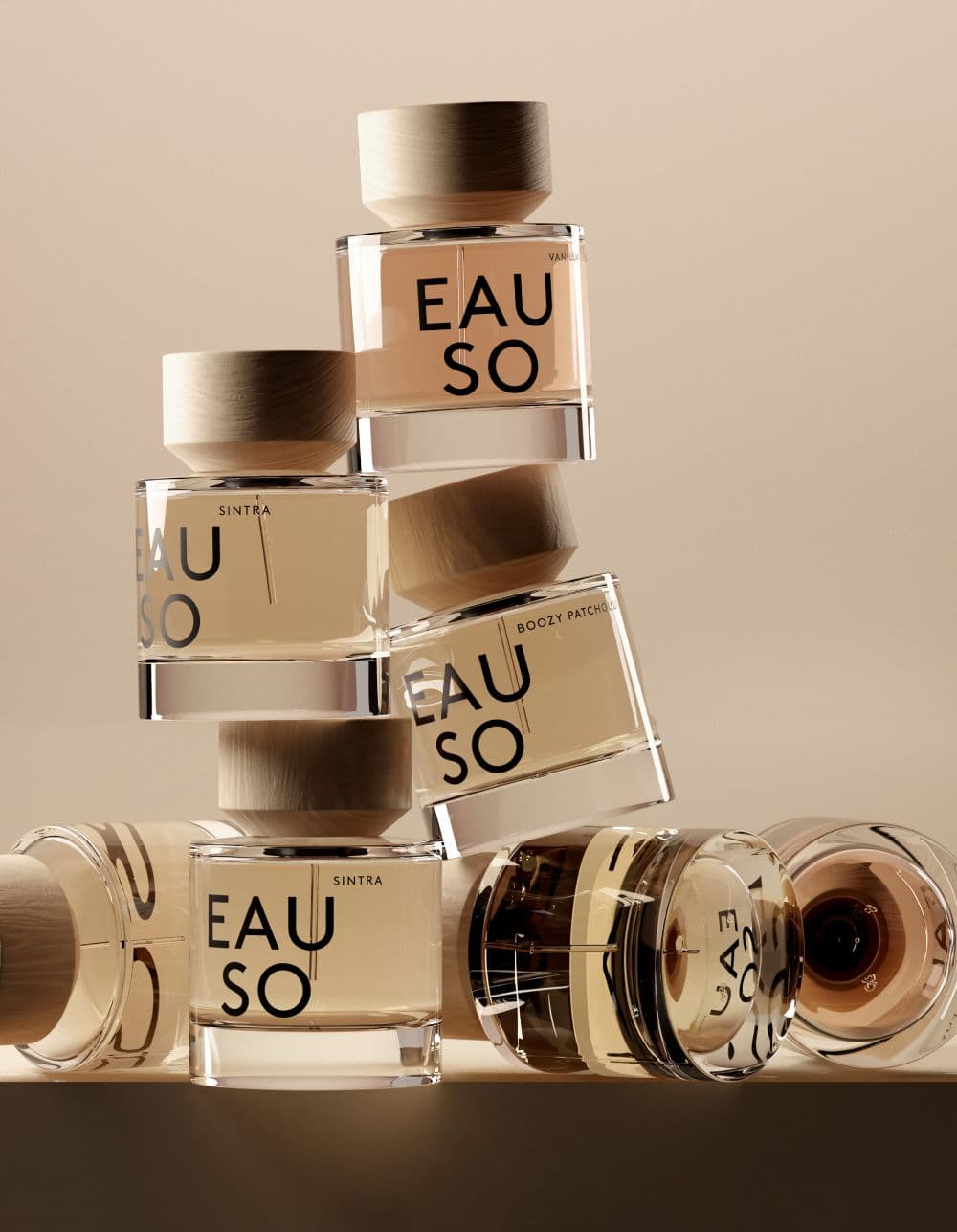
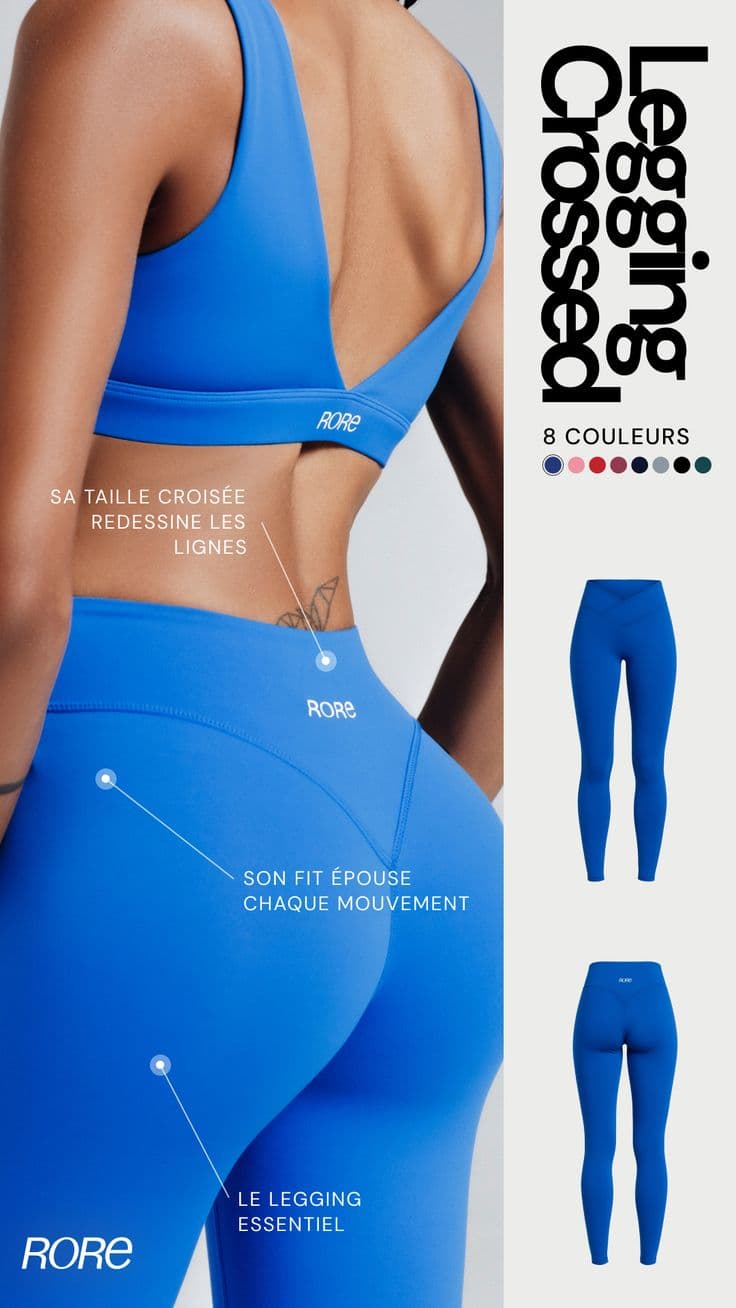
From upload to Wix in minutes
- 11. Connect your Wix sitePaste your published Wix URL. Snapsible reads your brand colors, fonts, and voice directly from your site CSS and content.
- 22. Upload product shotsOne clean photo per SKU. Snapsible preserves exact color, material, and logo detail when regenerating scenes.
- 33. Choose the Wix size presetPick between Hero Strip (16:9), Gallery Pro (1:1), PDP Main (1500x1500), or Studio CMS — or generate all at once.
- 44. Generate 1–4 variationsSnapsible renders in parallel so you can compare scene, lighting, and crop side-by-side before committing.
- 55. Upload to Wix Media ManagerDrop JPEGs into Wix Media Manager and assign to product pages, galleries, or CMS collections. Wix auto-optimizes for web delivery.
Three steps to
studio-quality content
No design skills. No studio. Just your product, your brand, and a reference image.
Set up your Brand DNA
Paste your website URL and we auto-extract your colors, fonts, tone, and style in seconds. Or define it manually.
Pick your references
Upload inspiration images or import directly from Pinterest. AI analyzes the scene, lighting, and composition.
Generate & download
AI places your exact product into the reference scene. Download in any format, or create ad creatives in one click.
Wix-specific tips
What separates AI-looking output from editorial-grade Wix creative.
Generate hero strips natively at 1920x1080
Wix's hero strip widget stretches any uploaded image to 1920x1080. Uploading a square product photo guarantees a bad crop. Always generate hero imagery at 16:9 so the composition is built for the frame.
Use Gallery Pro with consistent 1:1 crops
Wix's Gallery Pro widget looks clean when every image is the same aspect ratio. Generate an entire product line at 800x800 with matched backgrounds so the gallery grid reads as one unified brand moment.
Pair PDP mains with lifestyle secondaries
Wix Stores lets you upload up to 15 images per product. Use Snapsible's Product Photography mode for slot 1 (clean studio) and Replicate Reference for slots 2–5 (in-use, scale, detail, brand context). Conversion lifts when PDPs mix both.
Leverage Wix Studio CMS for scaled catalogs
If you sell 50+ SKUs, build a Wix Studio CMS collection with one image field per product. Generate all images at the same dimensions in Snapsible, name by SKU, then bulk-import via CSV. The repeater widget auto-populates your catalog.
Check mobile render before publishing
Wix's mobile view auto-adjusts but doesn't always crop intelligently. After uploading, switch the Editor to mobile preview and confirm your hero and gallery images hold up on narrow screens. Regenerate at 4:5 if products get clipped.
Start free. Scale when ready.
Every plan runs on credits — 5 credits per image. No hidden fees, no confusing tiers.
Try it out, no card needed.
- 50 credits / month
- 10 image generations
- 1 brand profile
- All 6 workflows
For solo creators and founders.
- 500 credits / month
- 100 image generations
- 5 brand profiles
- All 6 workflows
- No watermark
- Commercial license
For growing brands and agencies.
- 1,500 credits / month
- 300 image generations
- Unlimited brand profiles
- All 6 workflows
- No watermark
- Commercial license
- Priority queue
- API access
5 credits per image · All workflows same cost · Credits reset monthly, no rollover
AI product photos for Wix: FAQ
Your References +
Your Brand DNA
= Studio-Quality Content
No designers. No studios. No wasted hours. Just upload, generate, and publish.
Free plan available · No credit card required · Cancel anytime