AI product photographyfor Shopify stores
Zoom-ready PDP images, lifestyle hero shots, and collection banners — generated in minutes and sized for every Shopify template. No photographer, no reshoots.
Built for Shopify's image pipeline, not generic e-comm
Shopify recommends square product images at 2048x2048 pixels so the zoom feature works cleanly across Dawn, Impulse, Prestige, and every other Online Store 2.0 theme. Hero banners typically run 1200x1800 or wider, collection tiles are square, and your social channels need 1:1 and 4:5 crops of the same product. That is at least four different compositions per SKU before you factor in swatches, color variants, and seasonal refreshes. Booking a photographer for that volume is slow and expensive. Snapsible generates every crop from a single product photo. Upload your product, choose a reference scene or product photography preset, and get 1–4 variations in under a minute at the exact dimensions Shopify wants. Your brand DNA — colors, typography, language extracted from your storefront — is applied to every shot, so PDPs, lifestyle tiles, and Meta ads all look like the same brand. Export straight into Shopify's media library or drop them into your theme customizer.
Shopify aspect ratios & image specs
Snapsible generates at the exact ratio each slot expects — no after-the-fact cropping.
AI-generated. Studio quality.
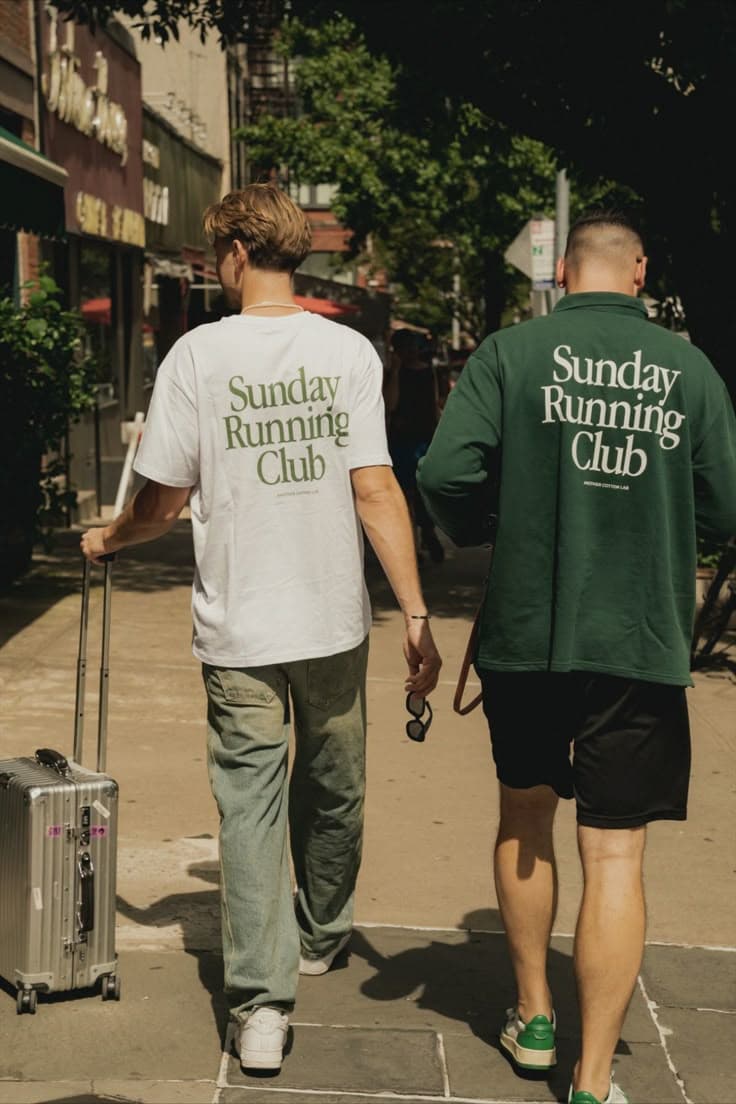
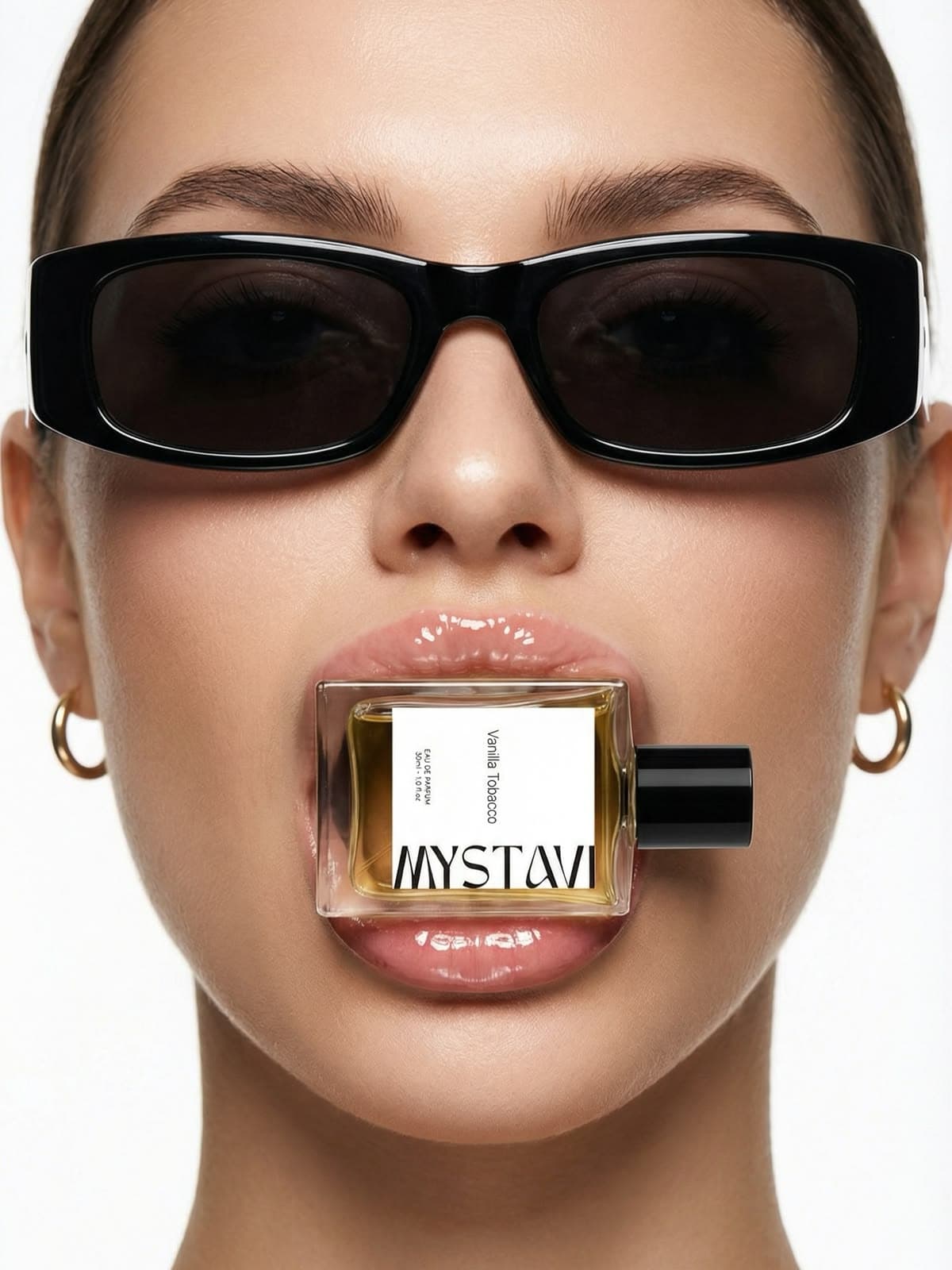
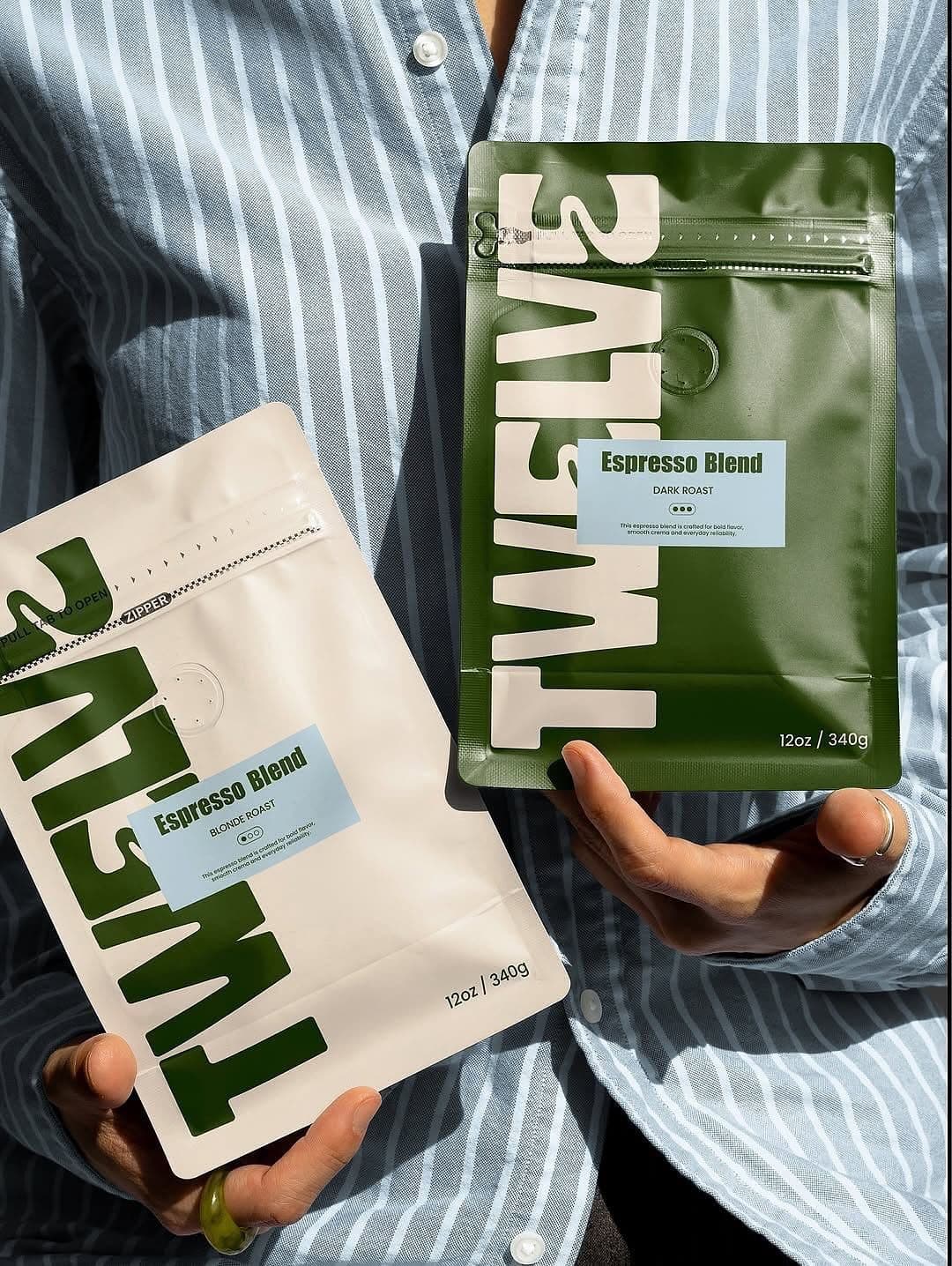
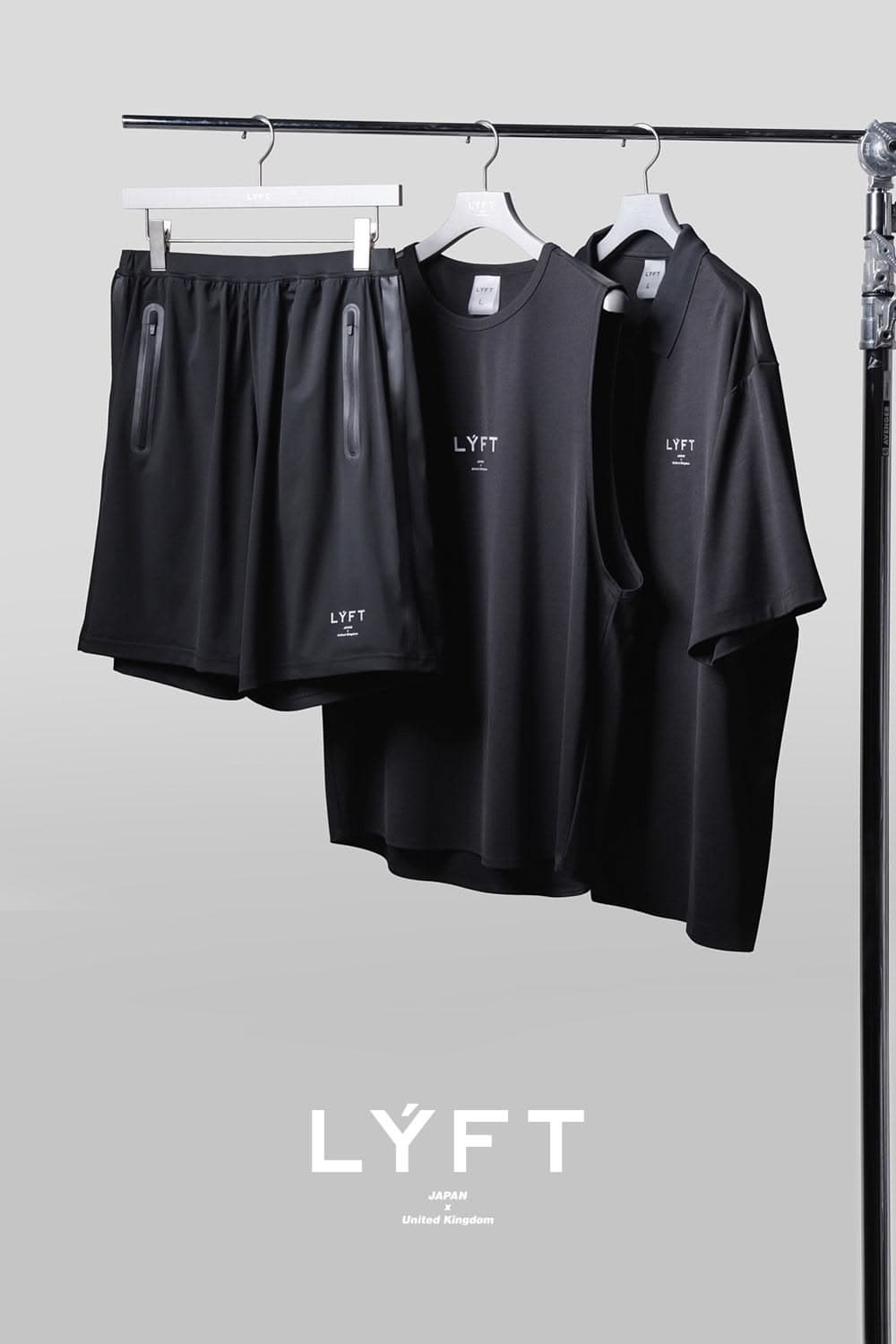
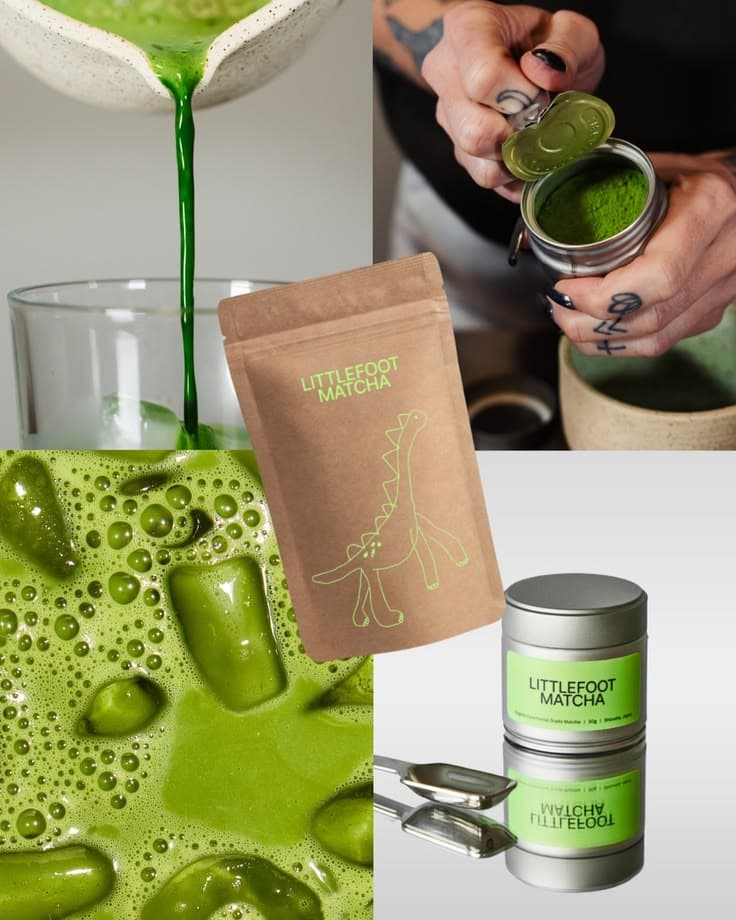
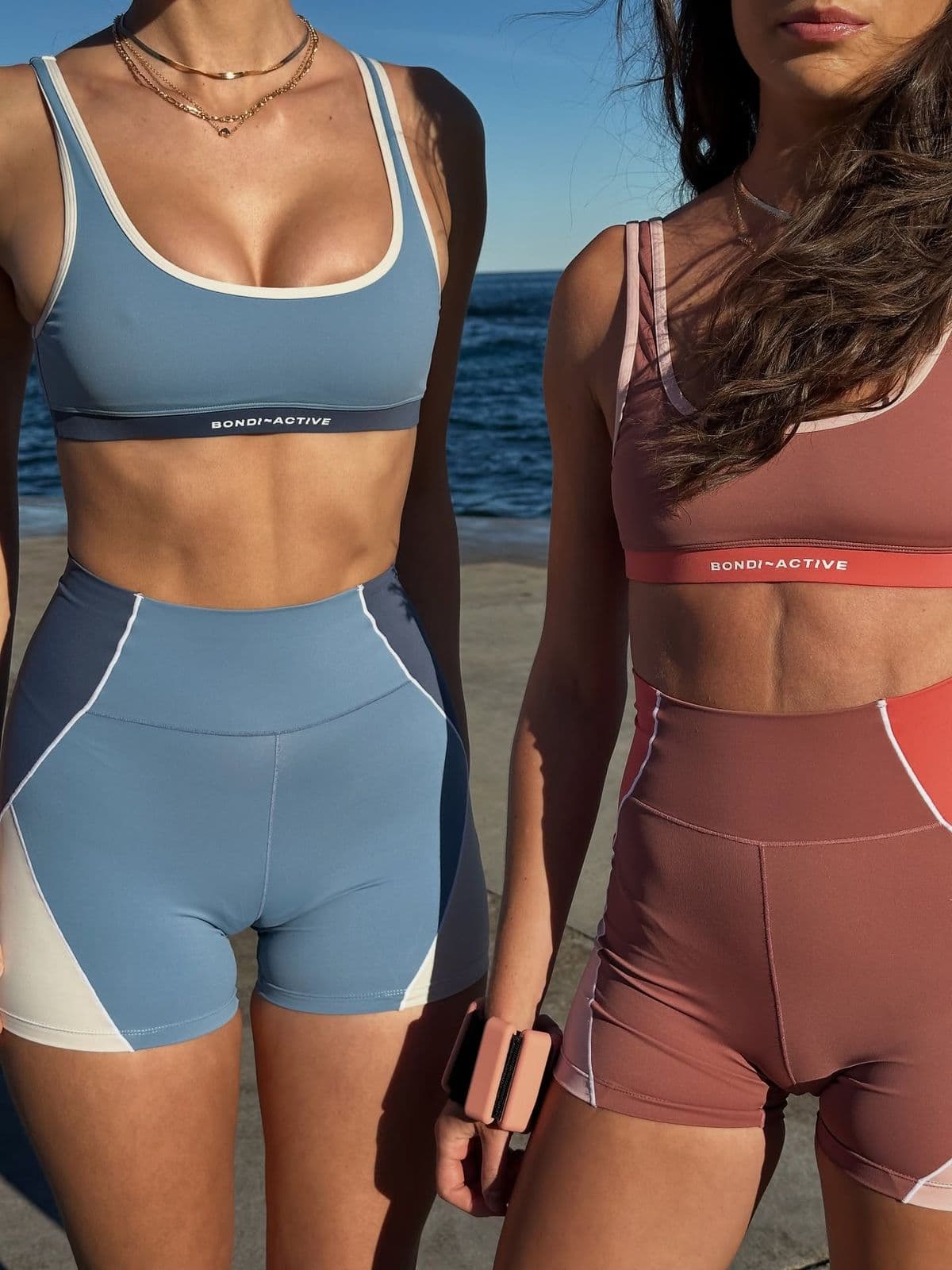
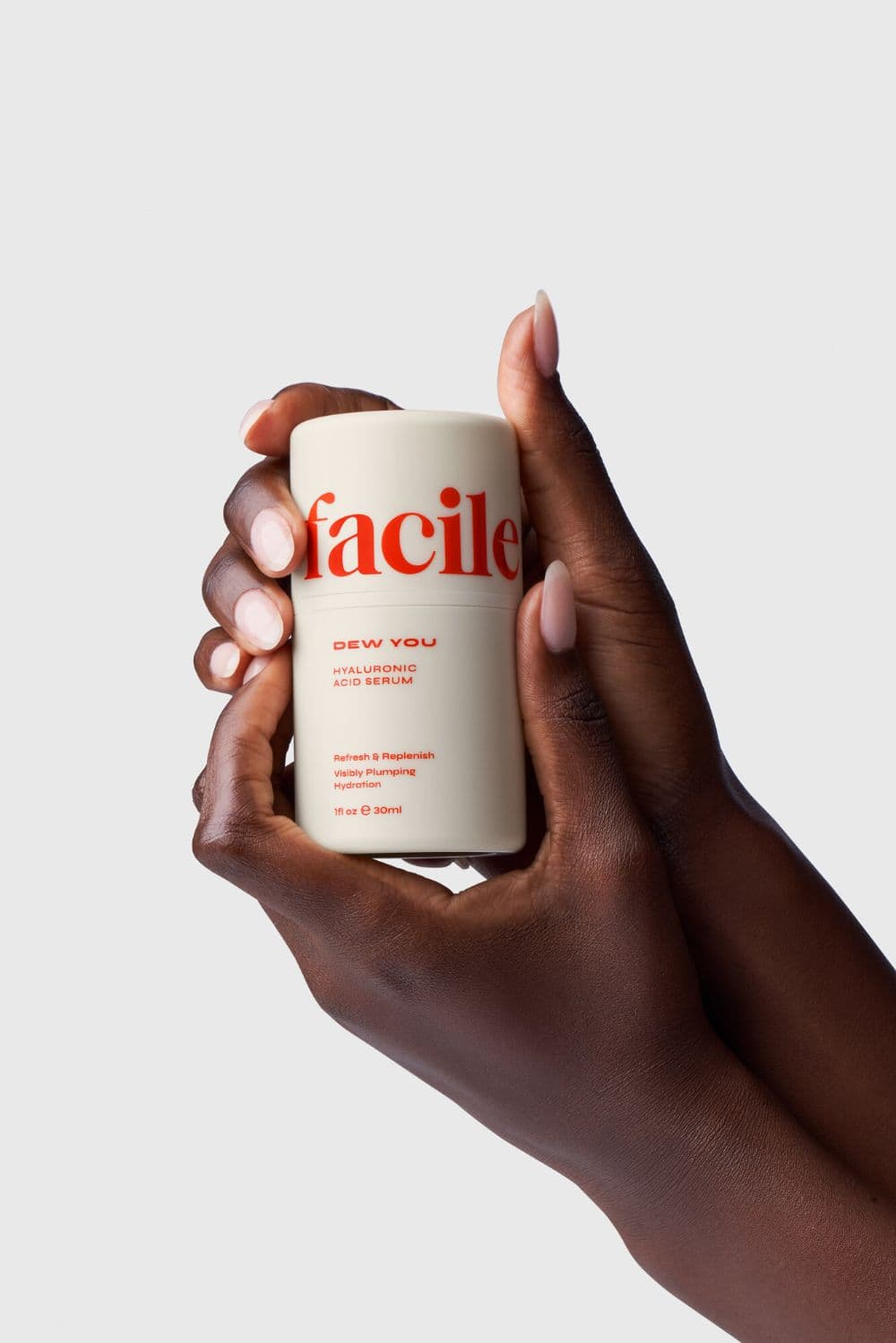
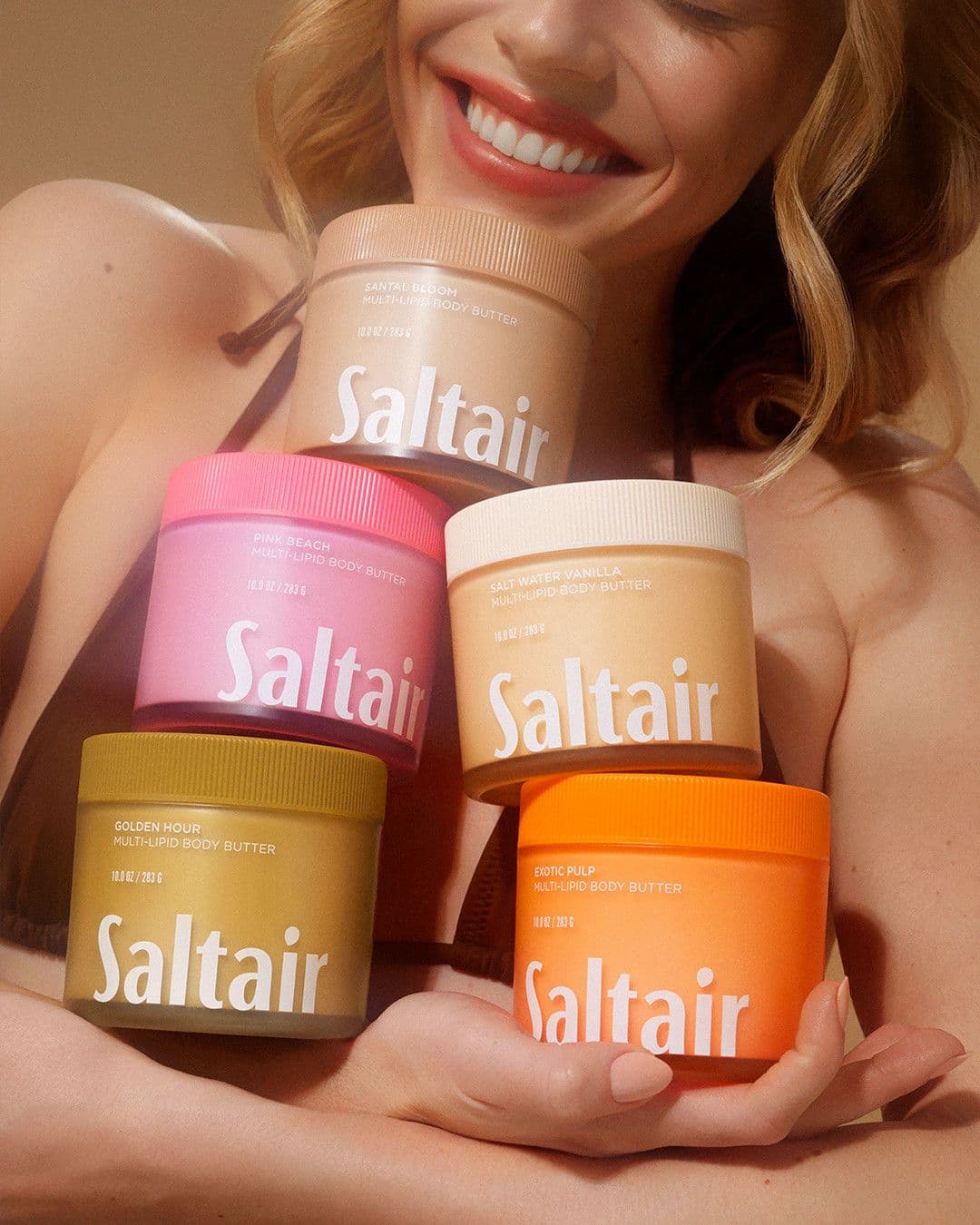
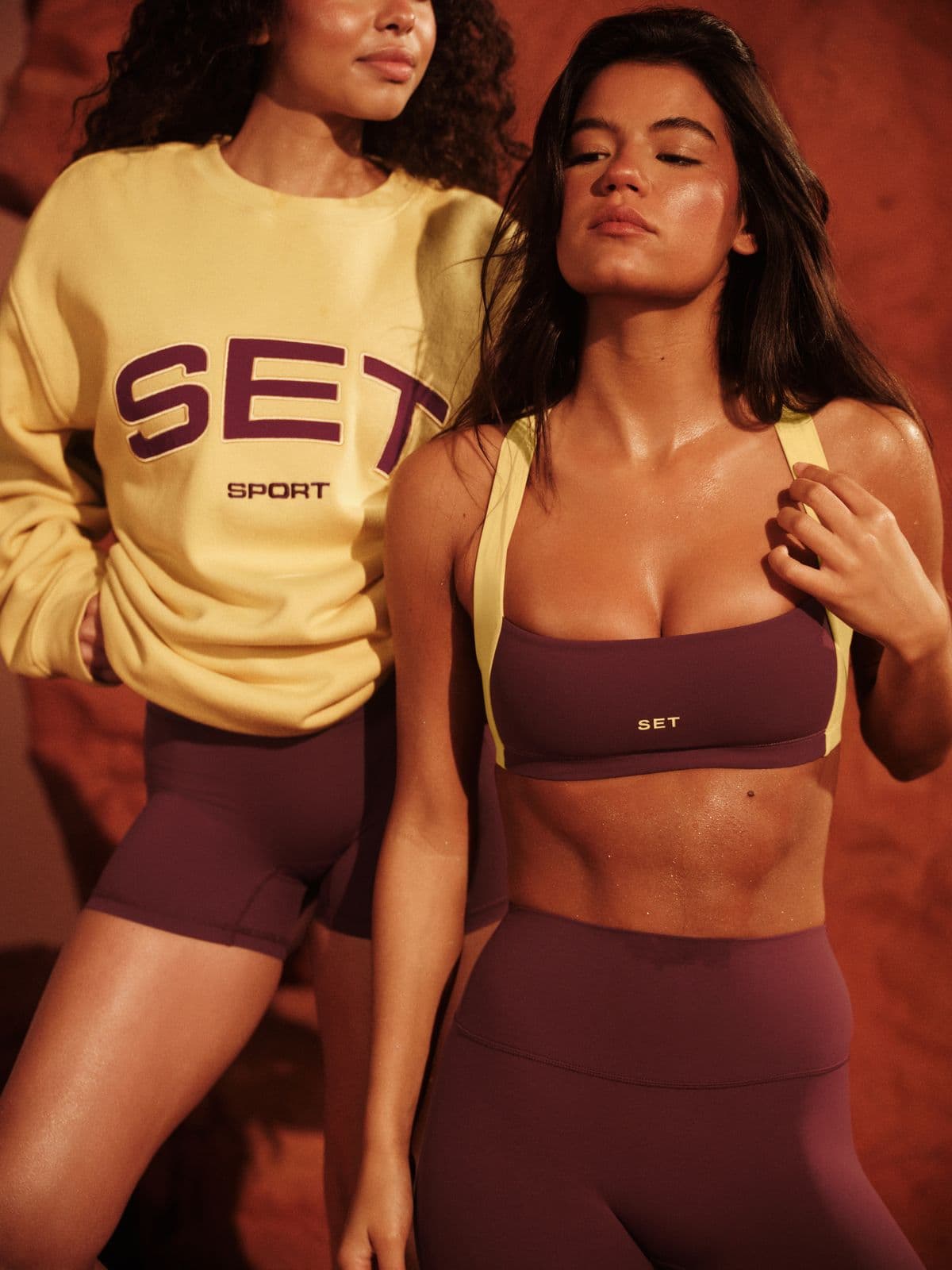
Every image below was generated in seconds. No photographer, no studio, no retouching.
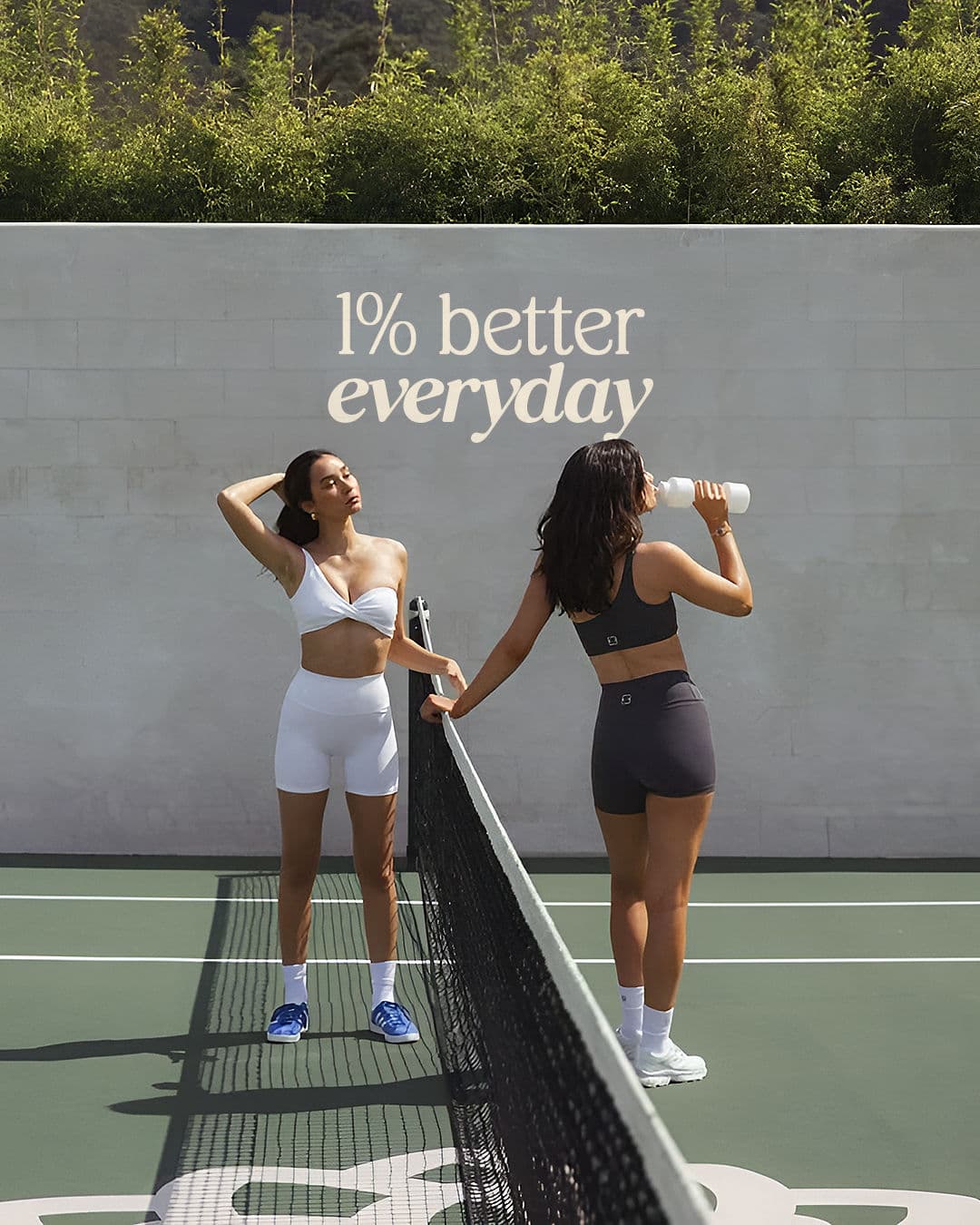
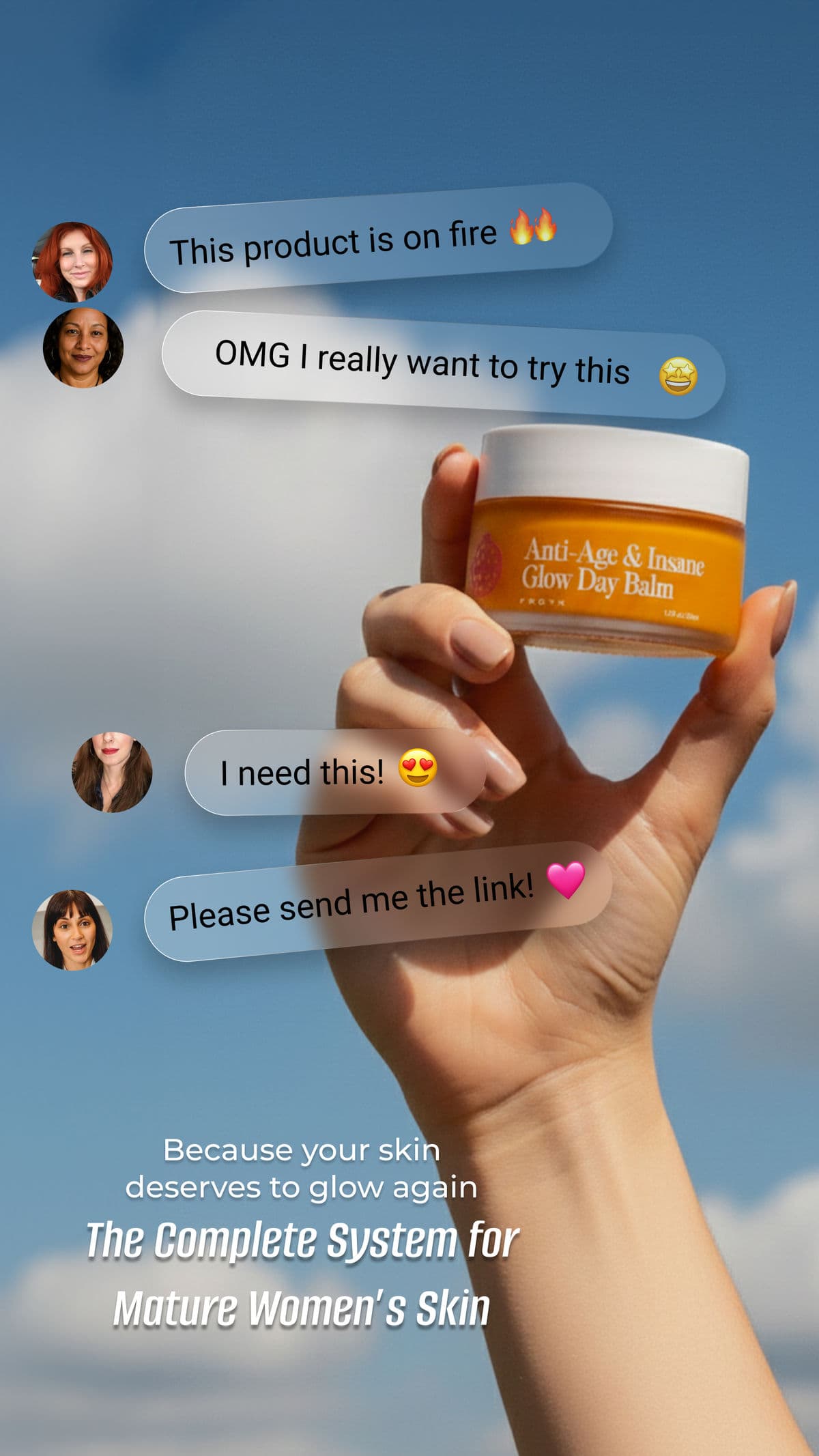
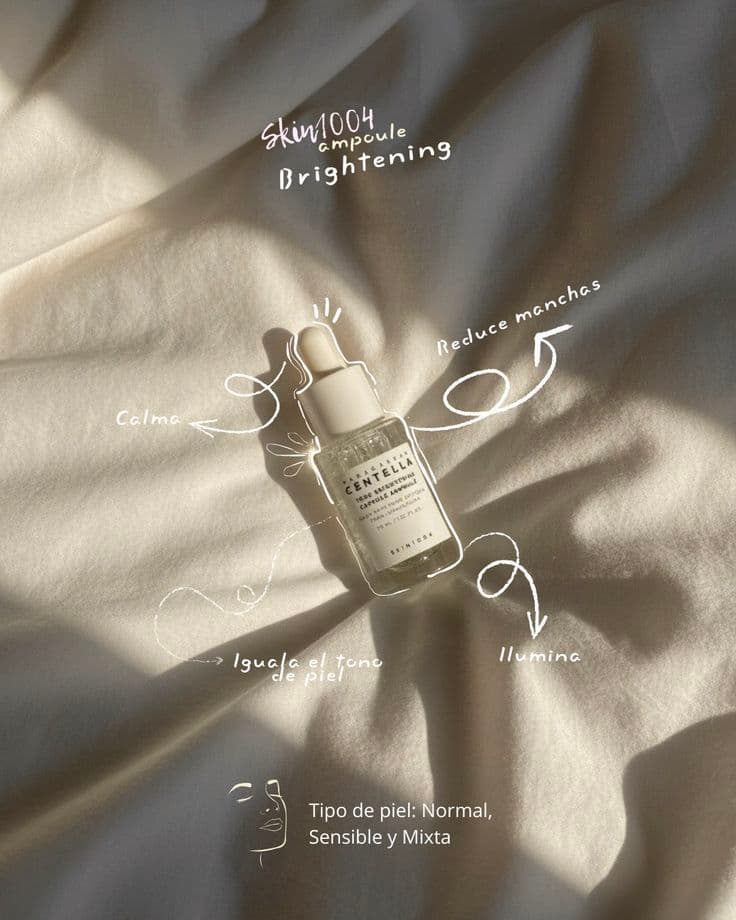
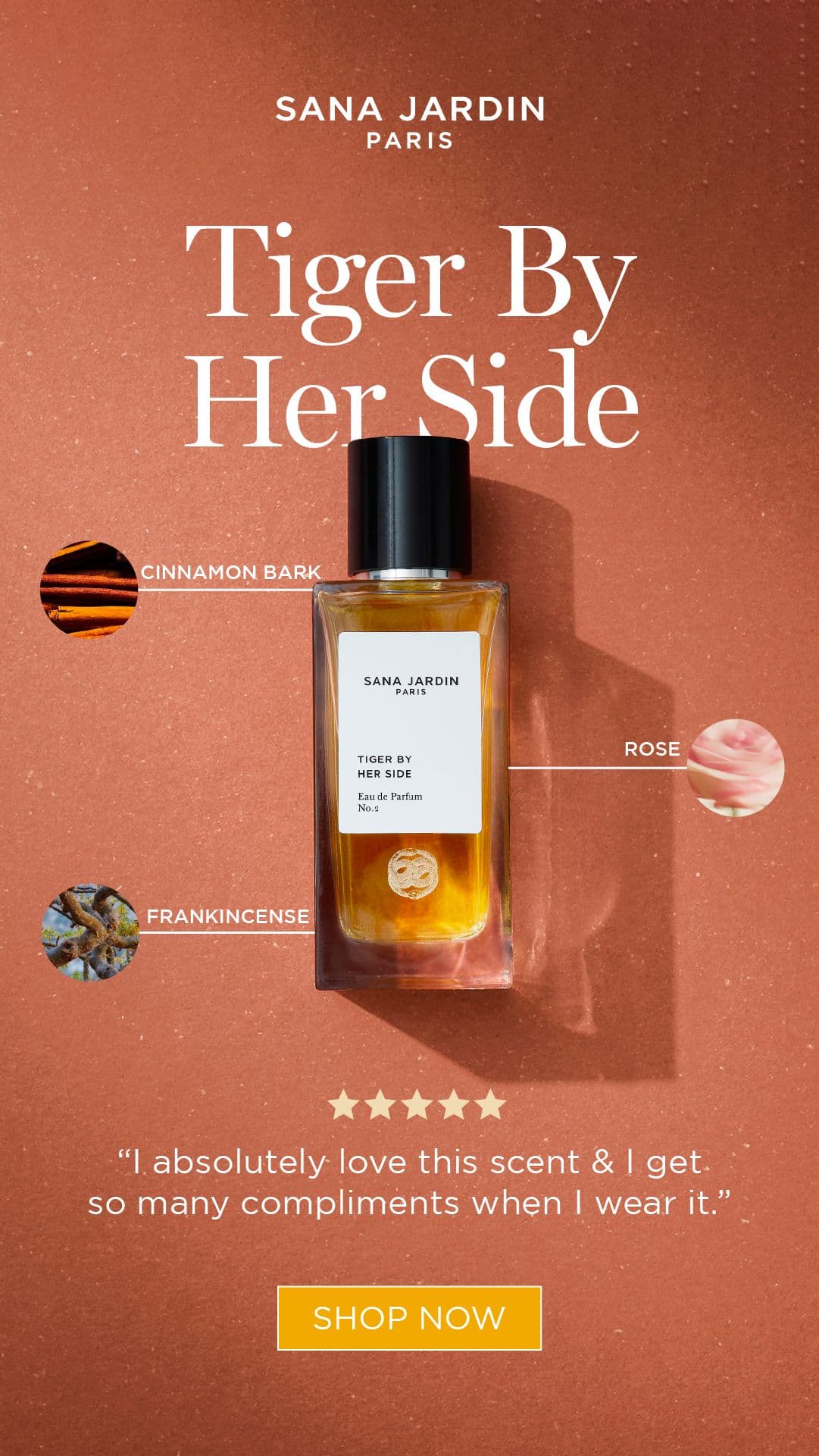
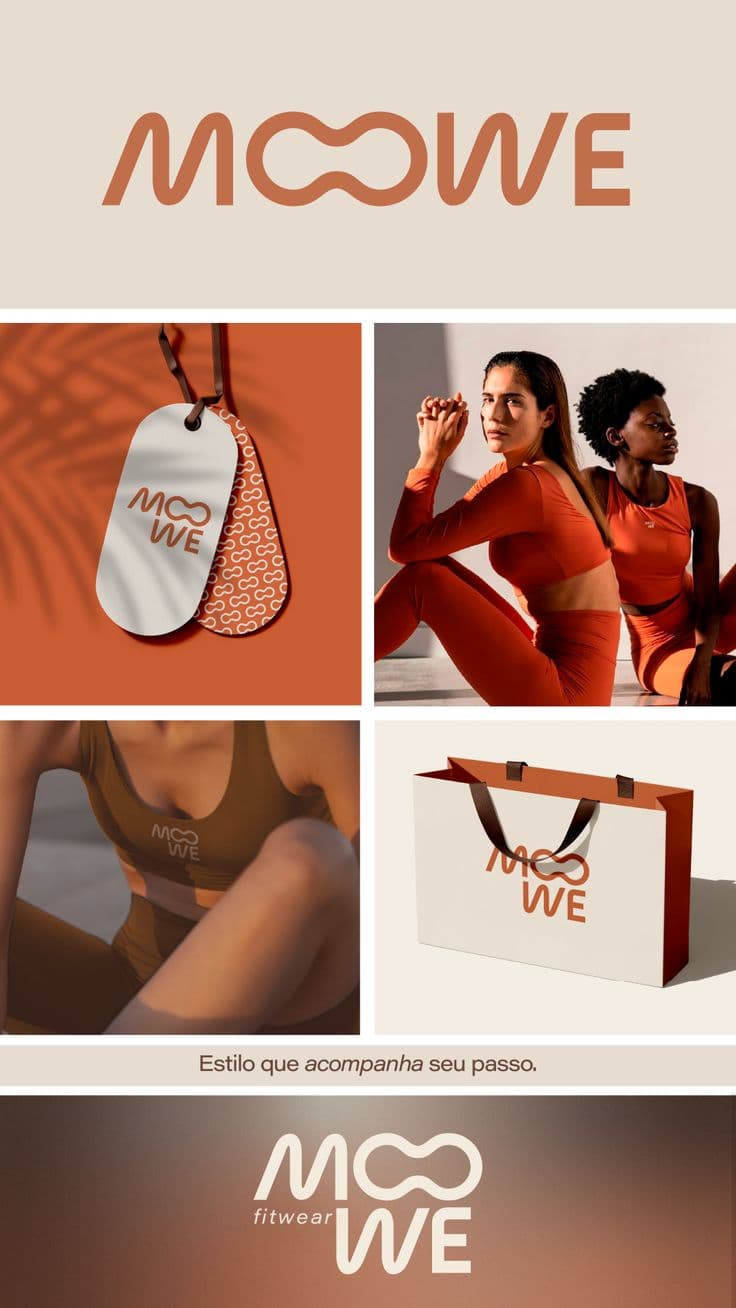
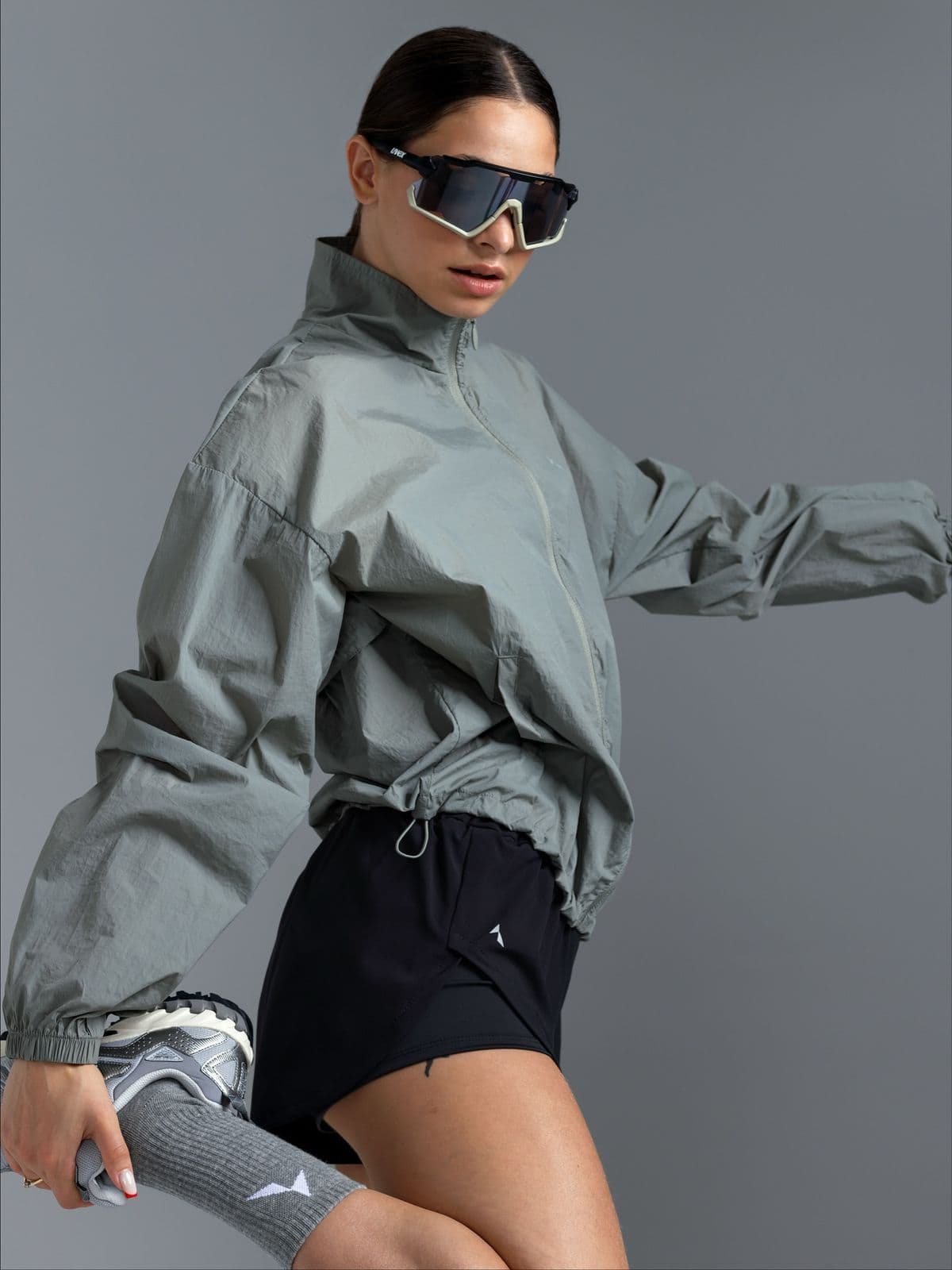
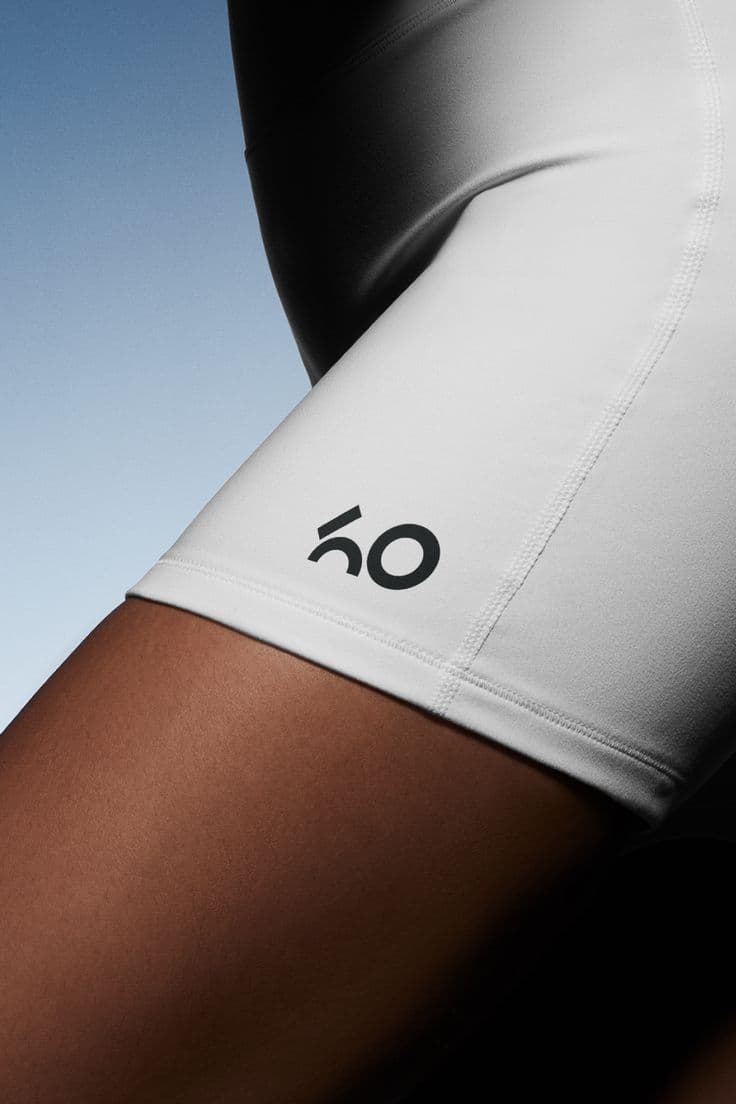
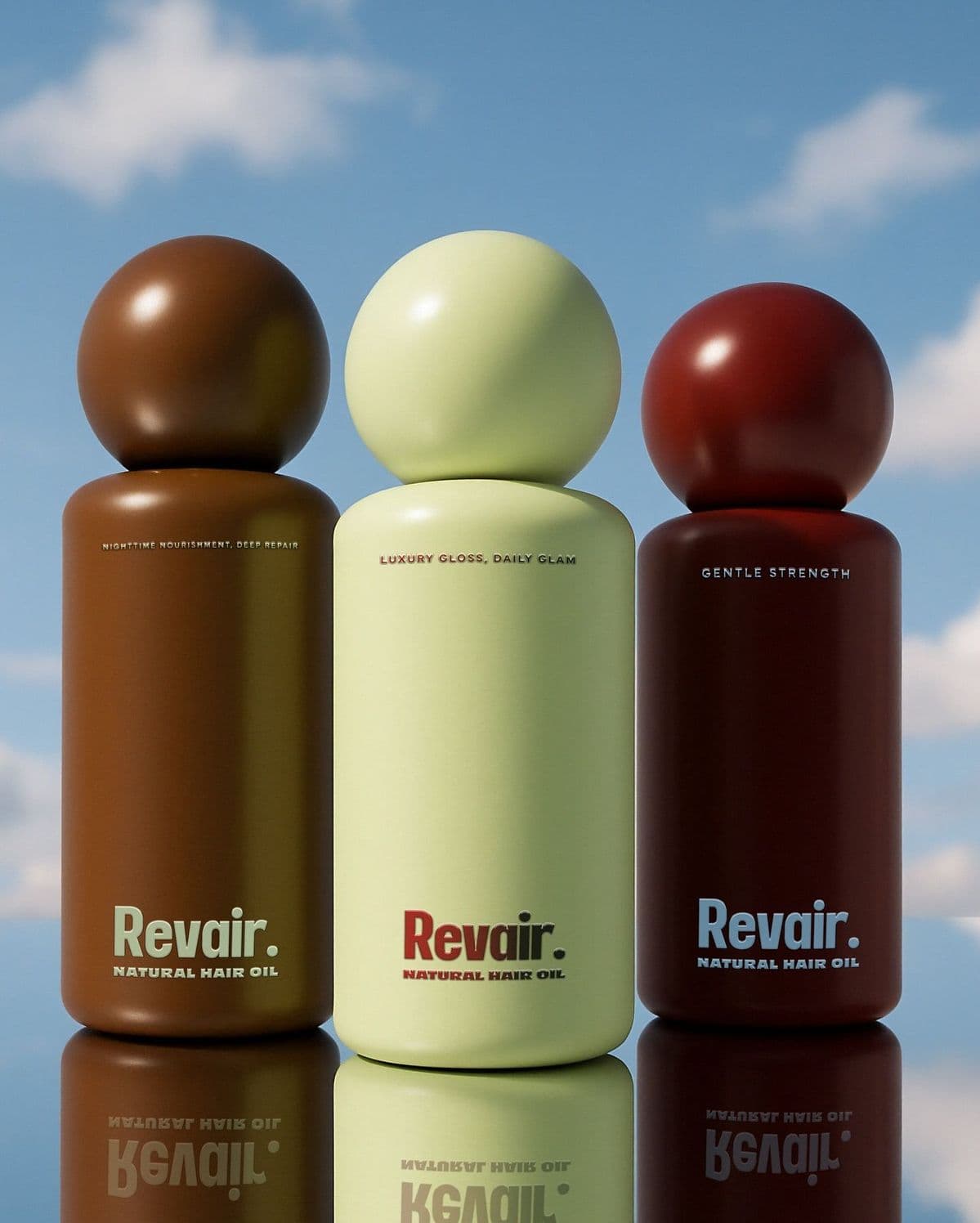
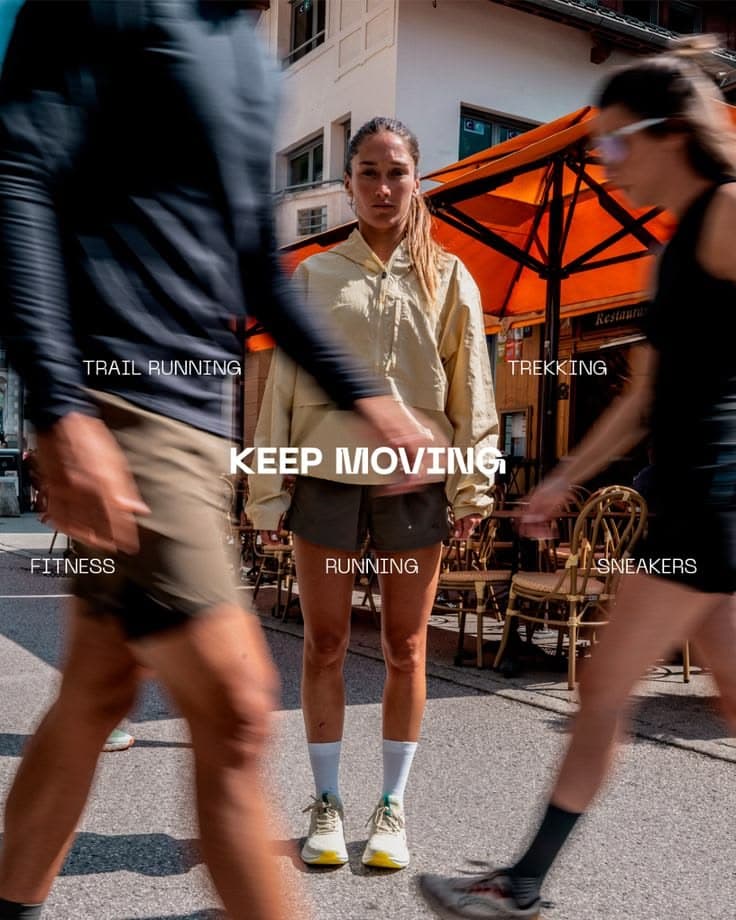
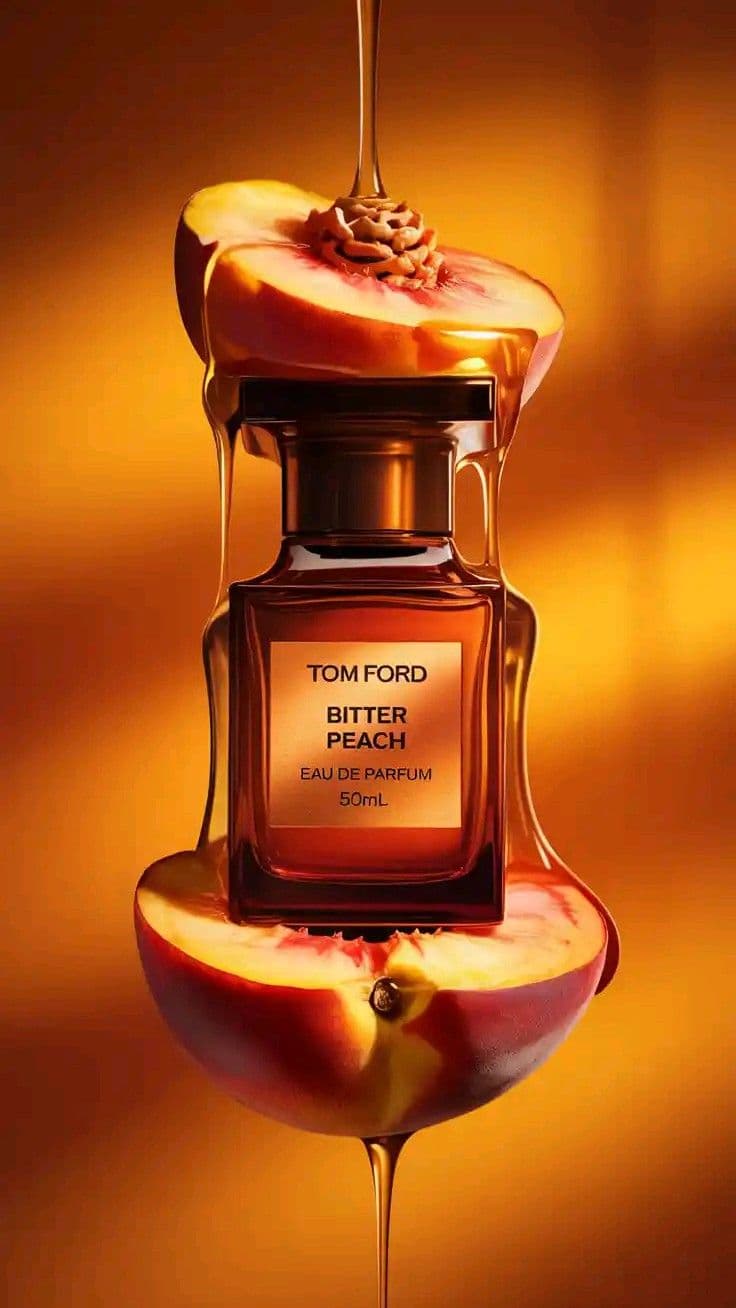
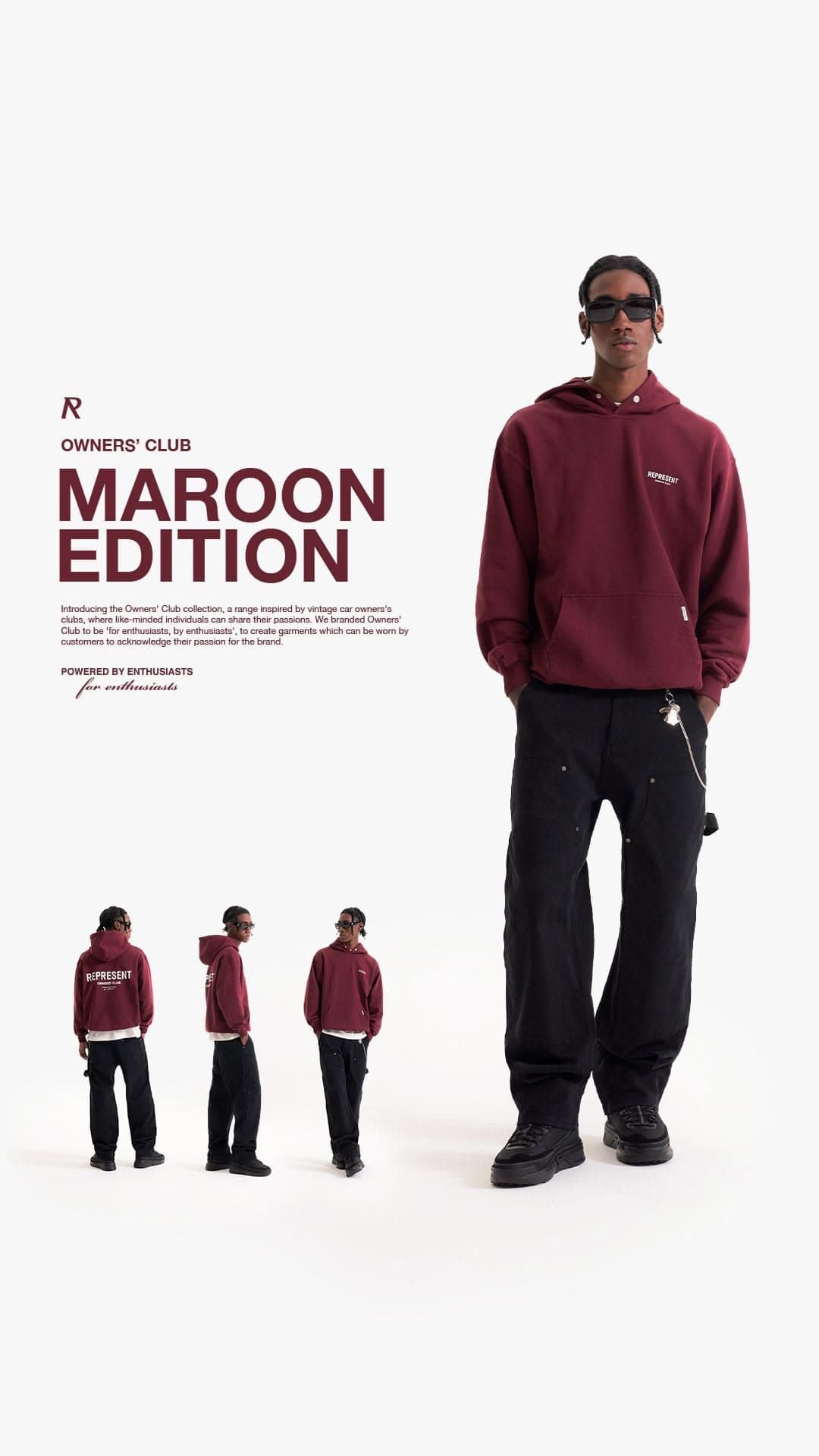
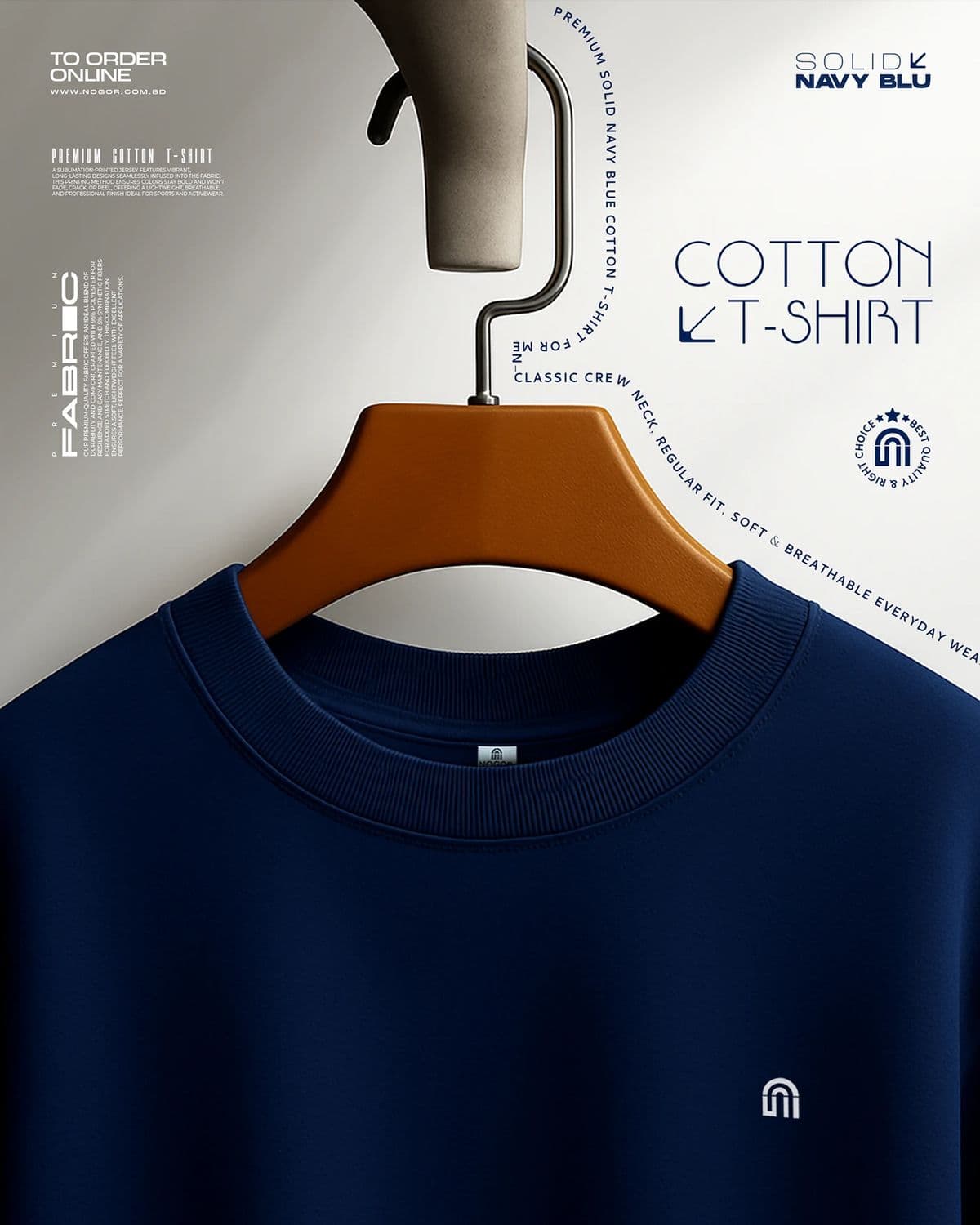
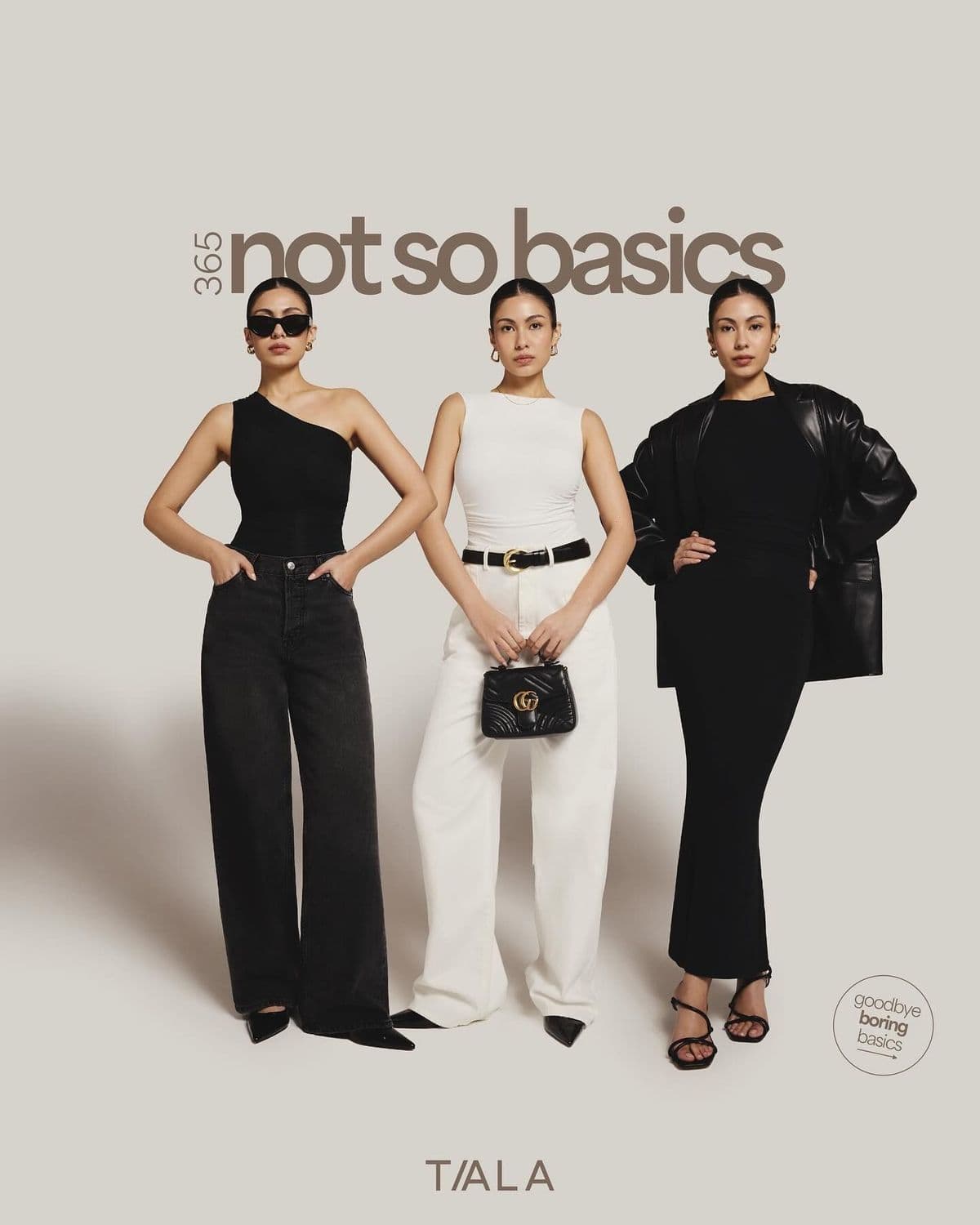
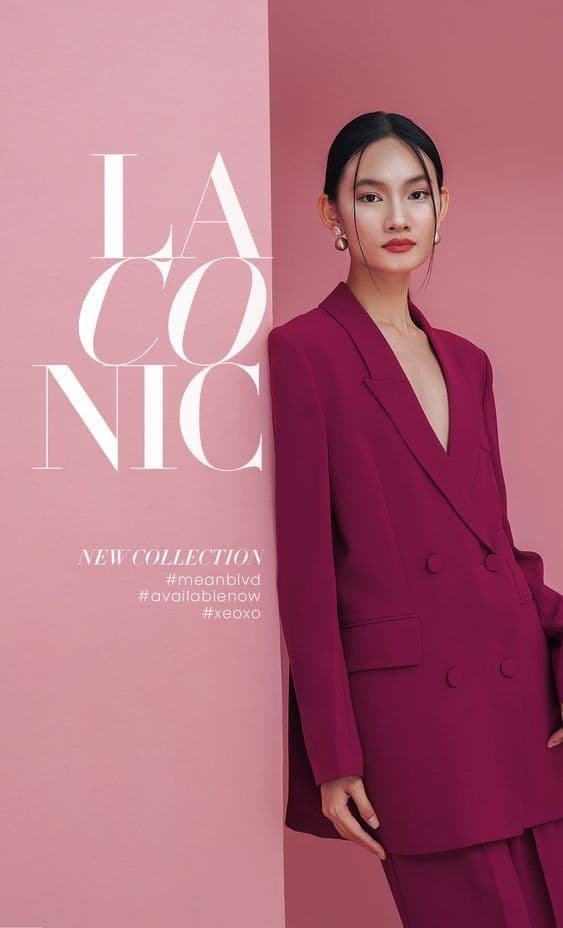
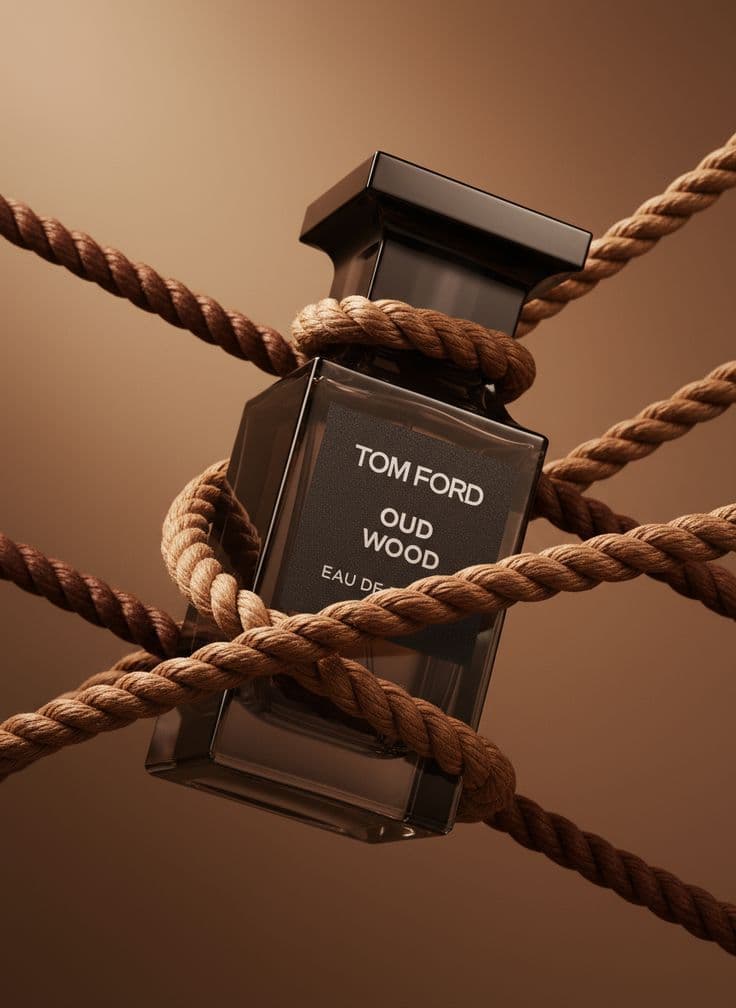
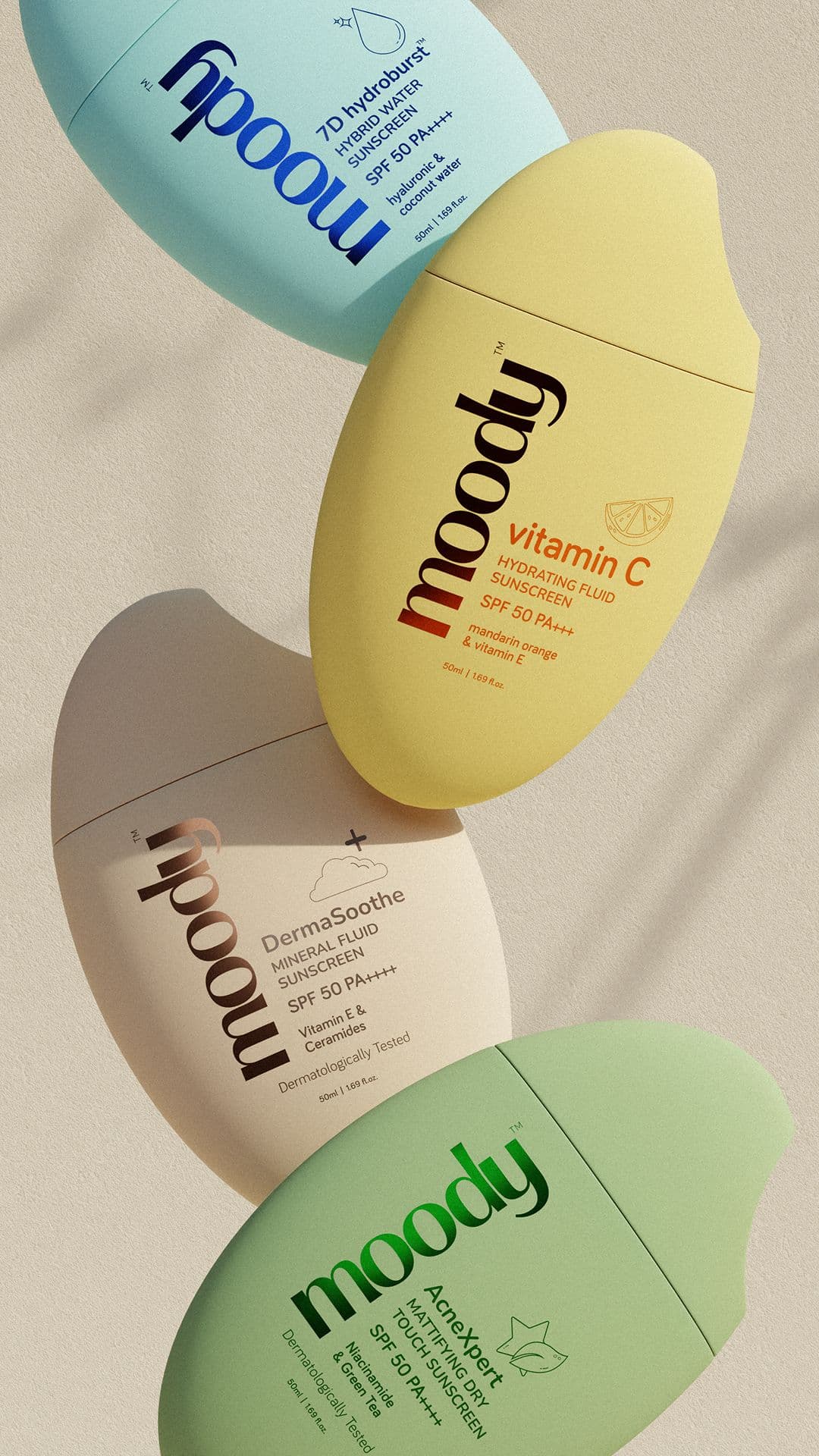
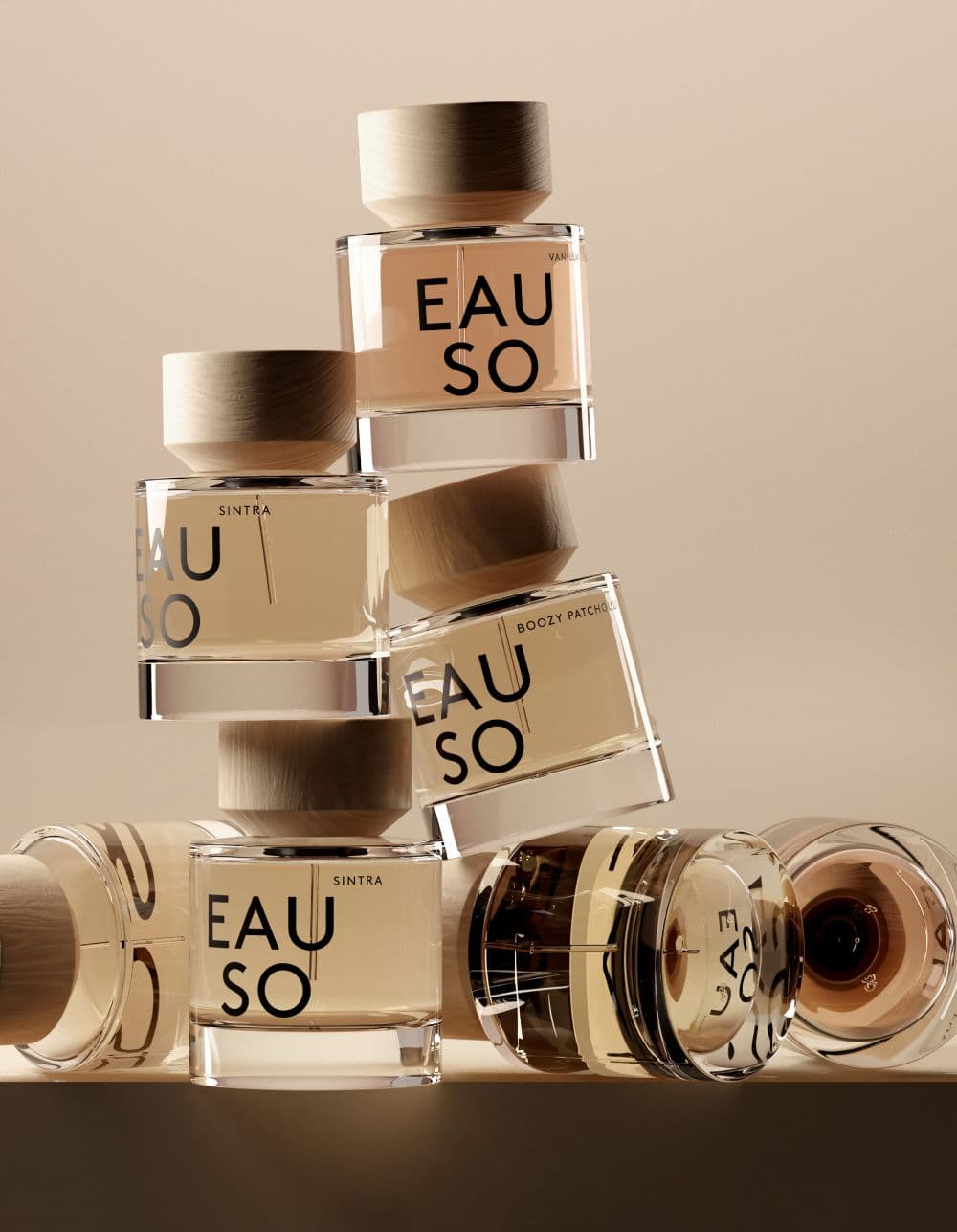
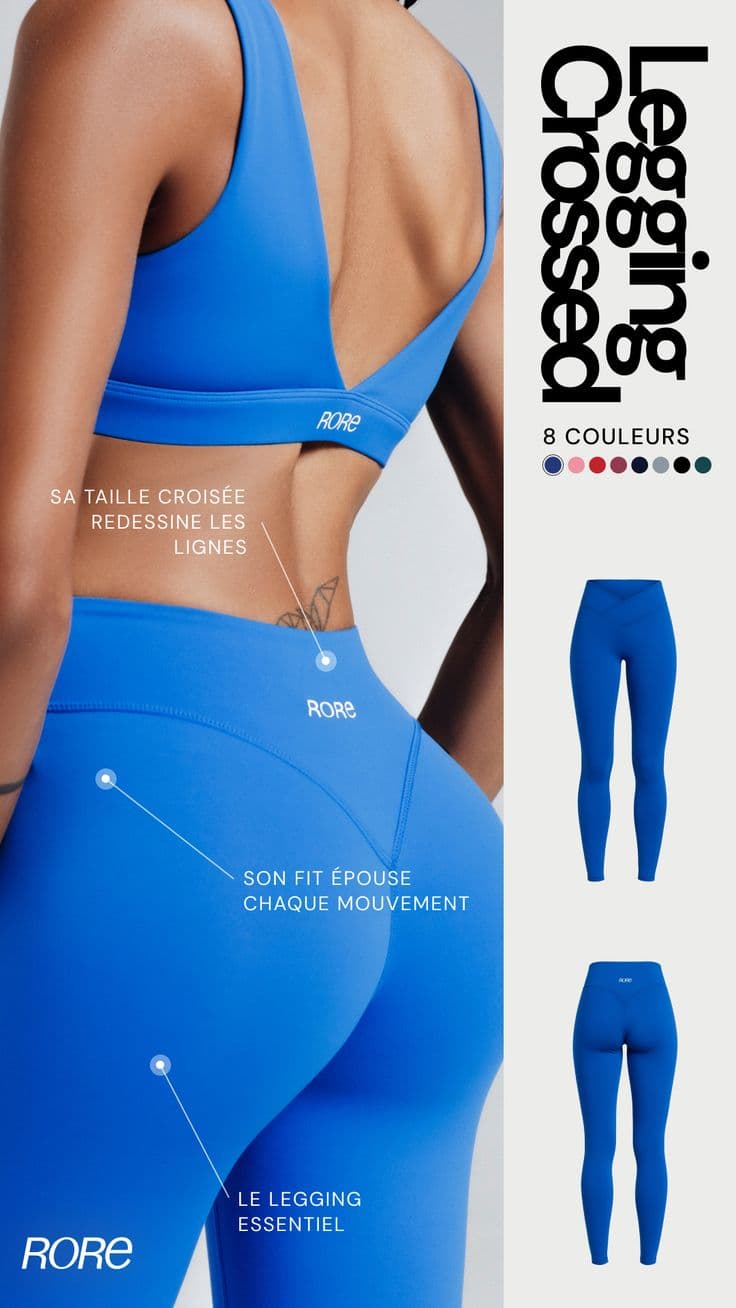
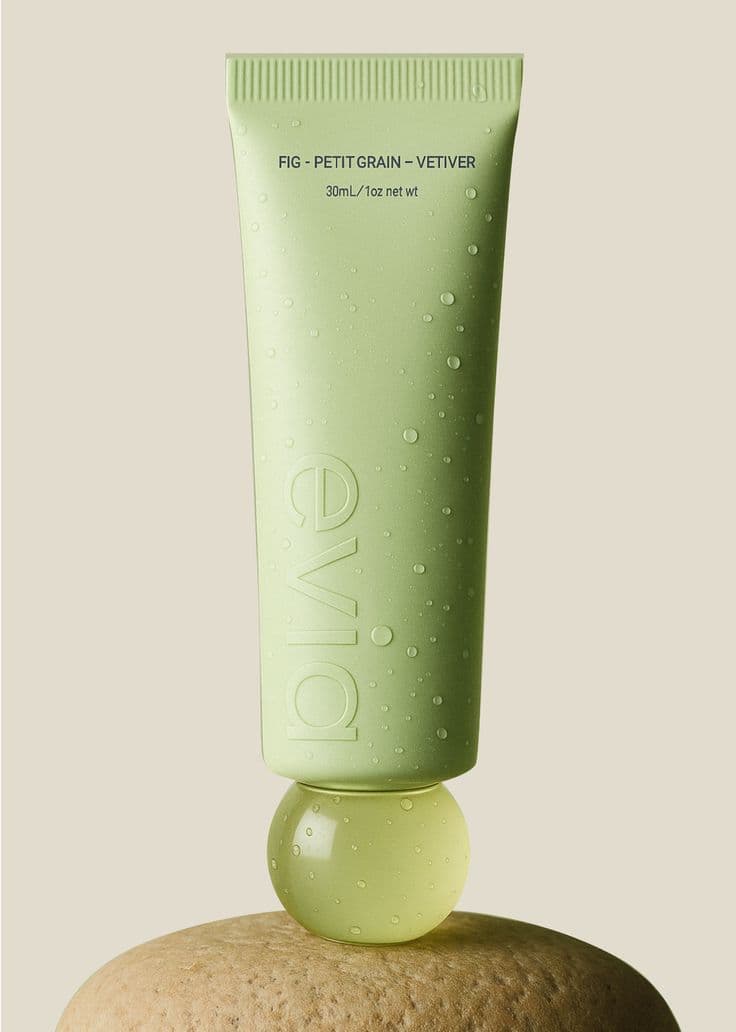
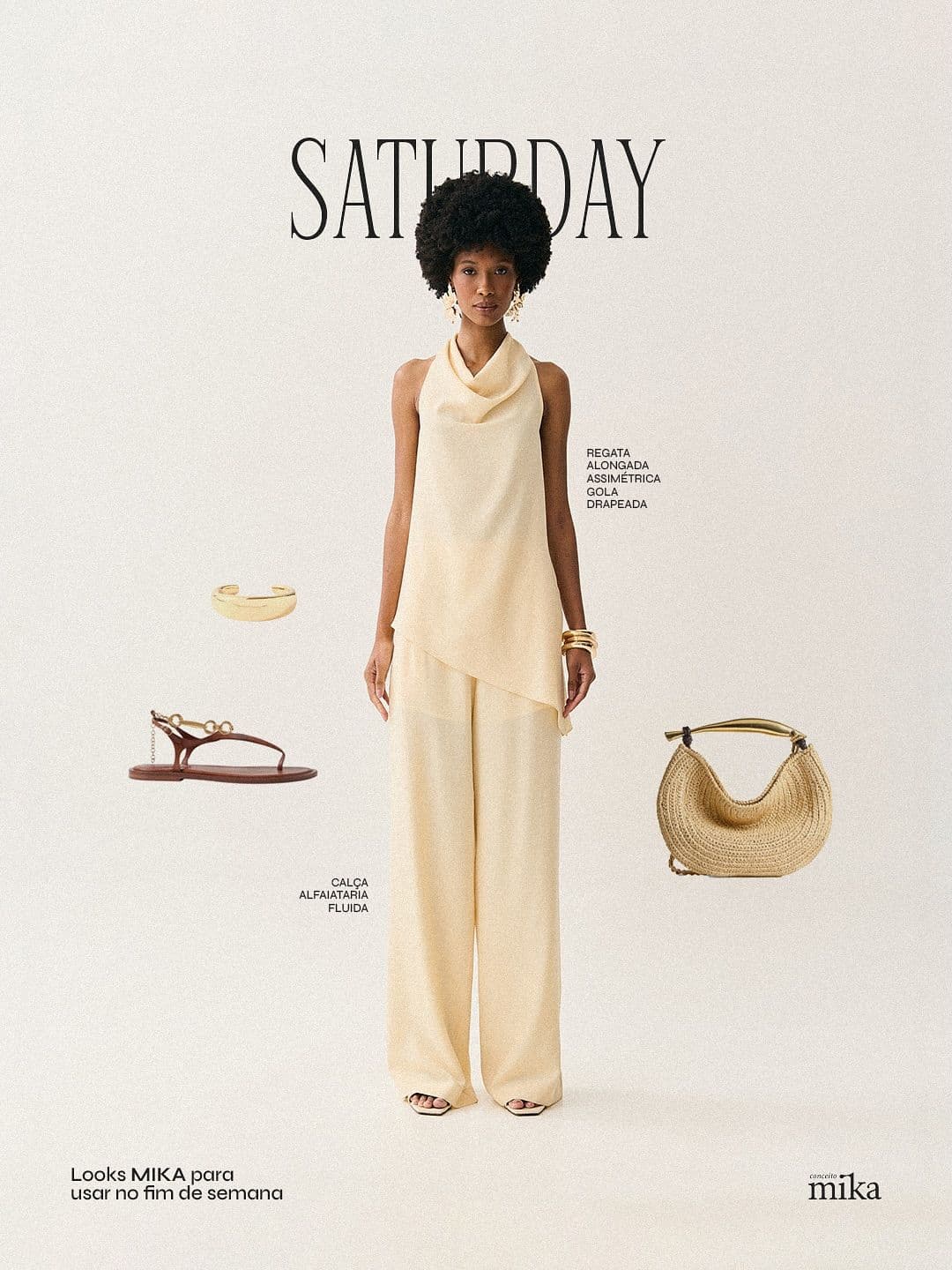
From upload to Shopify in minutes
- 11. Connect your brandPaste your Shopify store URL. Snapsible extracts your colors, typography, and brand voice via Kimi AI in under 30 seconds.
- 22. Upload product photosDrop in 1–3 clean shots of the SKU. Phone photos on a plain background work — the AI only needs to read the product accurately.
- 33. Pick a sceneChoose Product Photography mode for studio shots, or paste a reference image to match a Pinterest or competitor vibe.
- 44. Generate at Shopify sizesSelect 2048x2048 for PDPs, 2:3 for hero banners, 4:5 for Shop App. Snapsible renders all four variants in parallel.
- 55. Upload to your storeDownload the PNG or JPEG and upload directly to Shopify admin, or drag into theme sections. Alt text and filenames stay SEO-friendly.
Three steps to
studio-quality content
No design skills. No studio. Just your product, your brand, and a reference image.
Set up your Brand DNA
Paste your website URL and we auto-extract your colors, fonts, tone, and style in seconds. Or define it manually.
Pick your references
Upload inspiration images or import directly from Pinterest. AI analyzes the scene, lighting, and composition.
Generate & download
AI places your exact product into the reference scene. Download in any format, or create ad creatives in one click.
Shopify-specific tips
What separates AI-looking output from editorial-grade Shopify creative.
Lead PDPs with the 2048x2048 hero
Shopify's zoom feature only kicks in above 1800 pixels on the long edge. Always export at 2048 so customers can inspect fabric weave, print detail, and material finish — the number one cause of returns on DTC stores.
Match product tile backgrounds across a collection
Collection pages look disjointed when one product sits on white and the next on beige. Lock a single background color or texture in Snapsible and regenerate every SKU in the collection so the grid reads as one visual system.
Generate lifestyle + studio pairs
Shoppers convert faster when PDPs show both the clean product shot and the in-context lifestyle frame. Use Product Photography mode for the studio image, then Replicate Reference to drop the same product into a lifestyle scene.
Use 4:5 for Shop App and shoppable Instagram
Shopify's Shop App and Instagram Shopping tags crop to 4:5 on mobile. Generate a dedicated 4:5 crop rather than letting Shopify auto-crop your 1:1 — you'll keep the product centered and avoid head or feet getting chopped on model shots.
Keep alt text descriptive for SEO
Shopify uses image alt text for Google Shopping and on-site search. Name your Snapsible exports with the product name and scene (e.g. merino-crew-neck-linen-flatlay.jpg) so the alt text auto-populates meaningfully when you drag them into admin.
Start free. Scale when ready.
Every plan runs on credits — 5 credits per image. No hidden fees, no confusing tiers.
Try it out, no card needed.
- 50 credits / month
- 10 image generations
- 1 brand profile
- All 6 workflows
For solo creators and founders.
- 500 credits / month
- 100 image generations
- 5 brand profiles
- All 6 workflows
- No watermark
- Commercial license
For growing brands and agencies.
- 1,500 credits / month
- 300 image generations
- Unlimited brand profiles
- All 6 workflows
- No watermark
- Commercial license
- Priority queue
- API access
5 credits per image · All workflows same cost · Credits reset monthly, no rollover
AI product photos for Shopify: FAQ
Your References +
Your Brand DNA
= Studio-Quality Content
No designers. No studios. No wasted hours. Just upload, generate, and publish.
Free plan available · No credit card required · Cancel anytime