AI product contentfor TikTok Shop
9:16 vertical feed creative, 1:1 PDP images, and 3:4 showcase thumbnails — generated at TikTok's exact dimensions with creator-native energy, not stock studio stiffness.
TikTok Shop rewards content that looks like creators made it
TikTok Shop doesn't run like Amazon or Shopify. The feed is 9:16 vertical-native, and the algorithm rewards product content that feels organic — creator-shot, handheld energy, lived-in lifestyle contexts. Polished studio product shots in a feed full of UGC look like ads and get scrolled past. But the TikTok Shop PDP still needs clean 1:1 main images, 3:4 showcase tiles, and 9:16 vertical showcase videos and stills, so sellers have to produce two visual languages at once: feed-native creator content AND PDP-compliant catalog imagery. Snapsible handles both. Use Replicate Reference mode with a creator-style reference (handheld, desk setup, bedroom lighting, everyday context) for feed content that blends into organic TikTok. Switch to Product Photography mode for the clean PDP main image and 3:4 showcase. Your brand DNA is applied to both so PDP and feed feel like the same brand even when the visual language differs. Export at 9:16, 1:1, and 3:4 in one batch, upload to TikTok Shop's product editor, and pass to affiliate creators via the Affiliate Center with imagery that already matches the feed vibe.
TikTok Shop aspect ratios & image specs
Snapsible generates at the exact ratio each slot expects — no after-the-fact cropping.
AI-generated. Studio quality.
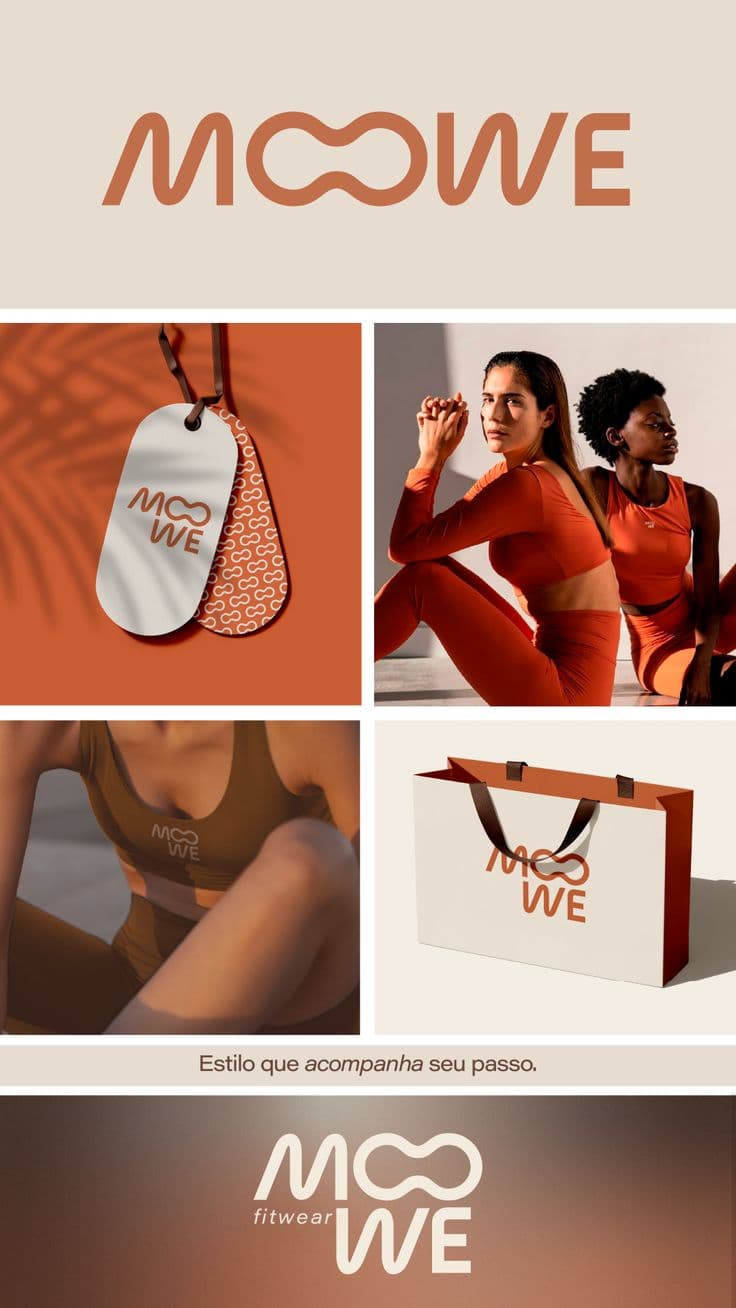
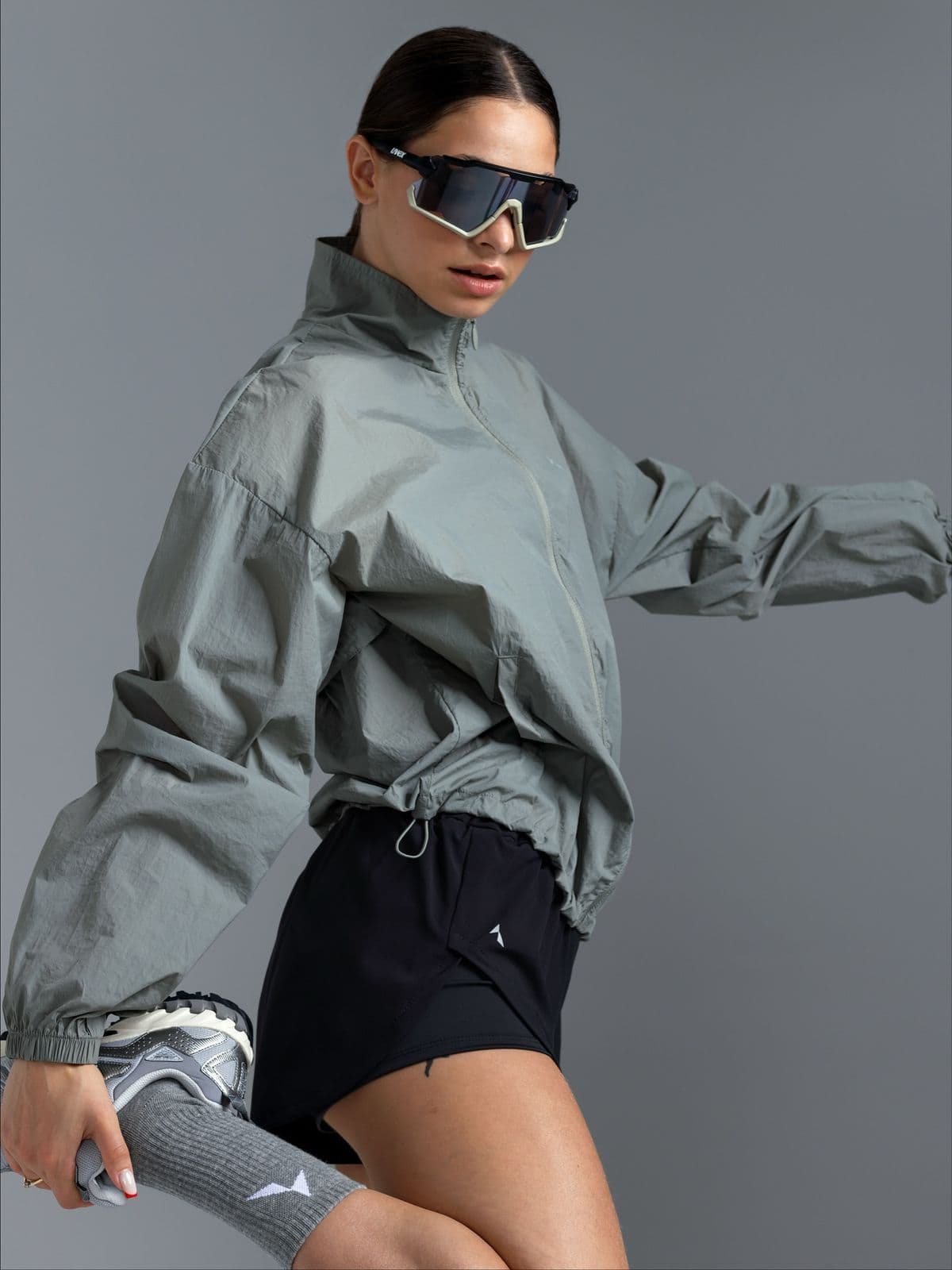
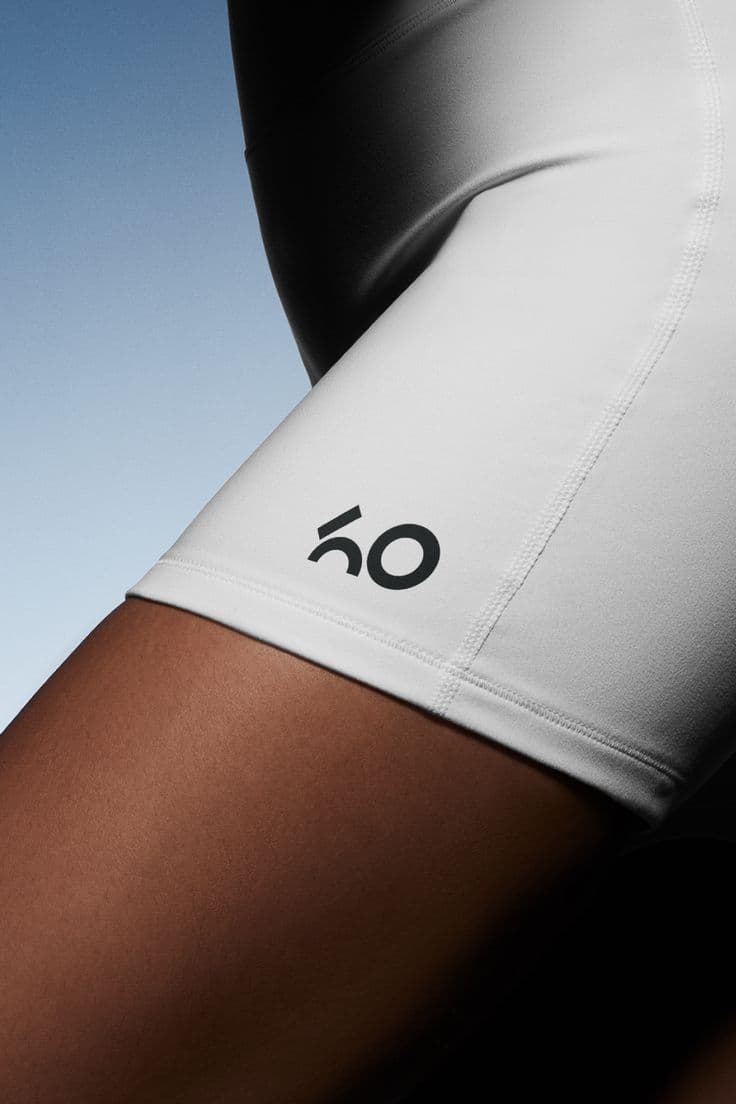
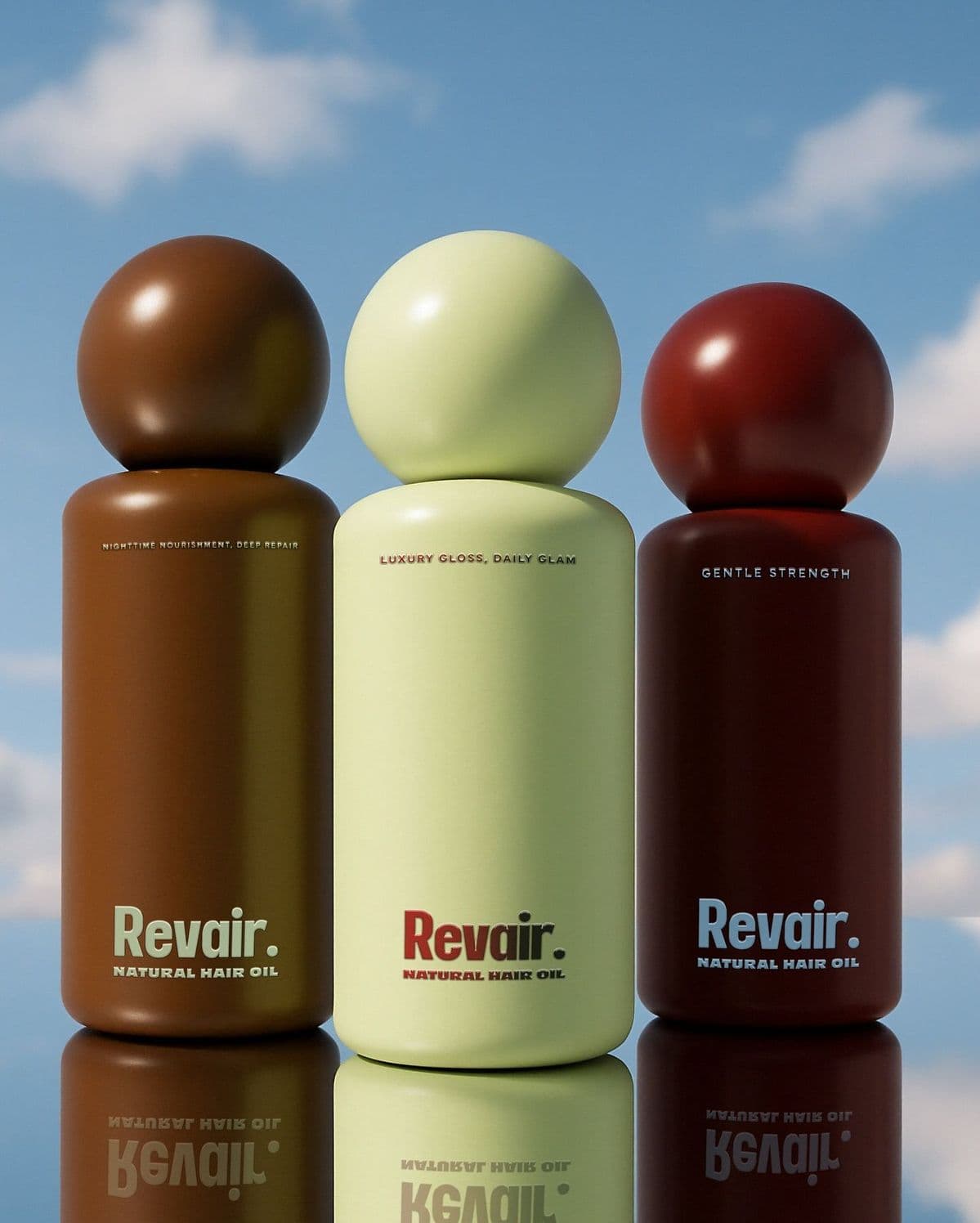
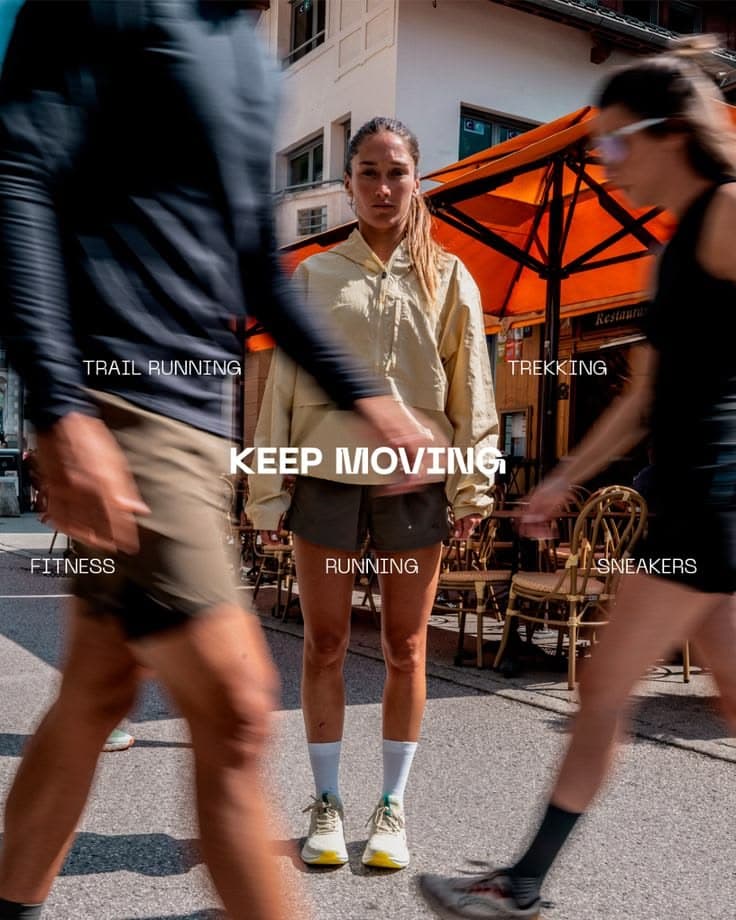
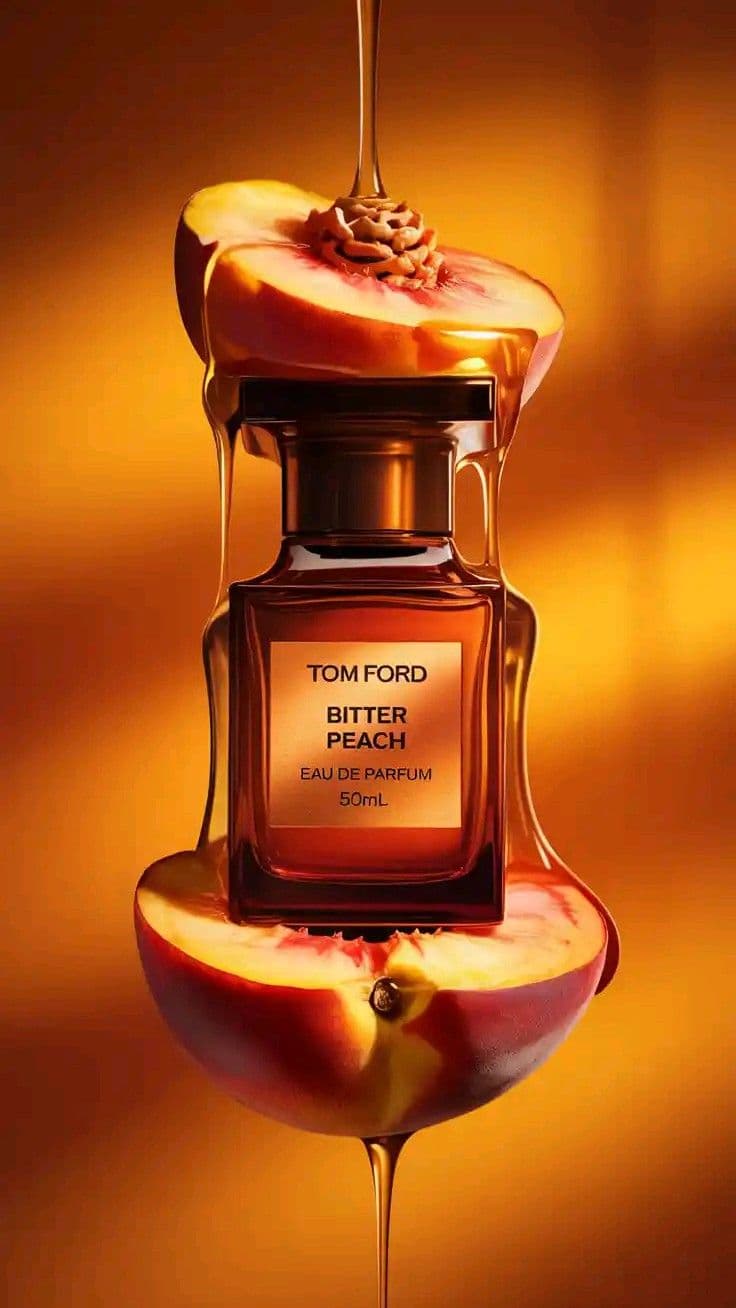
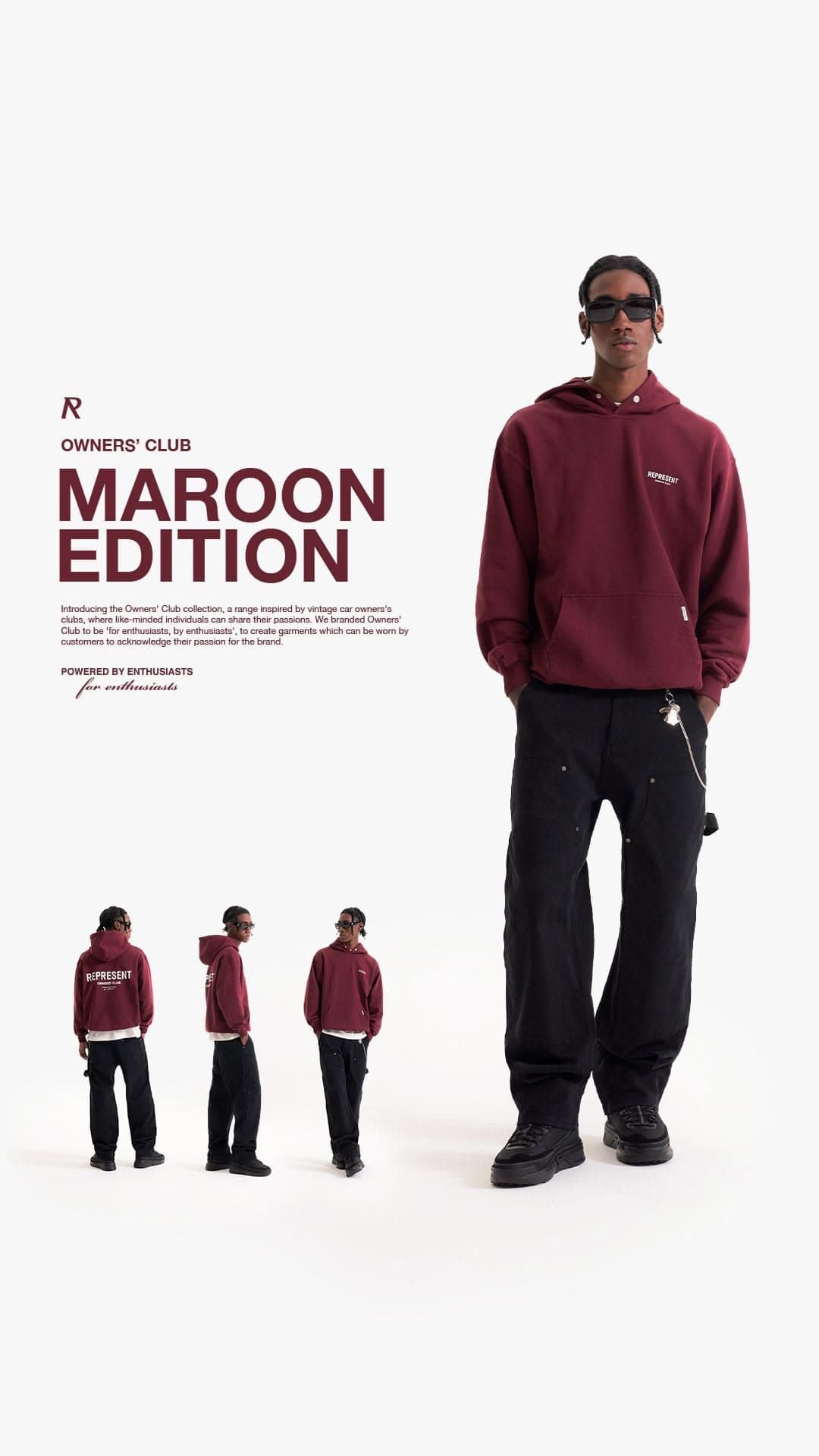
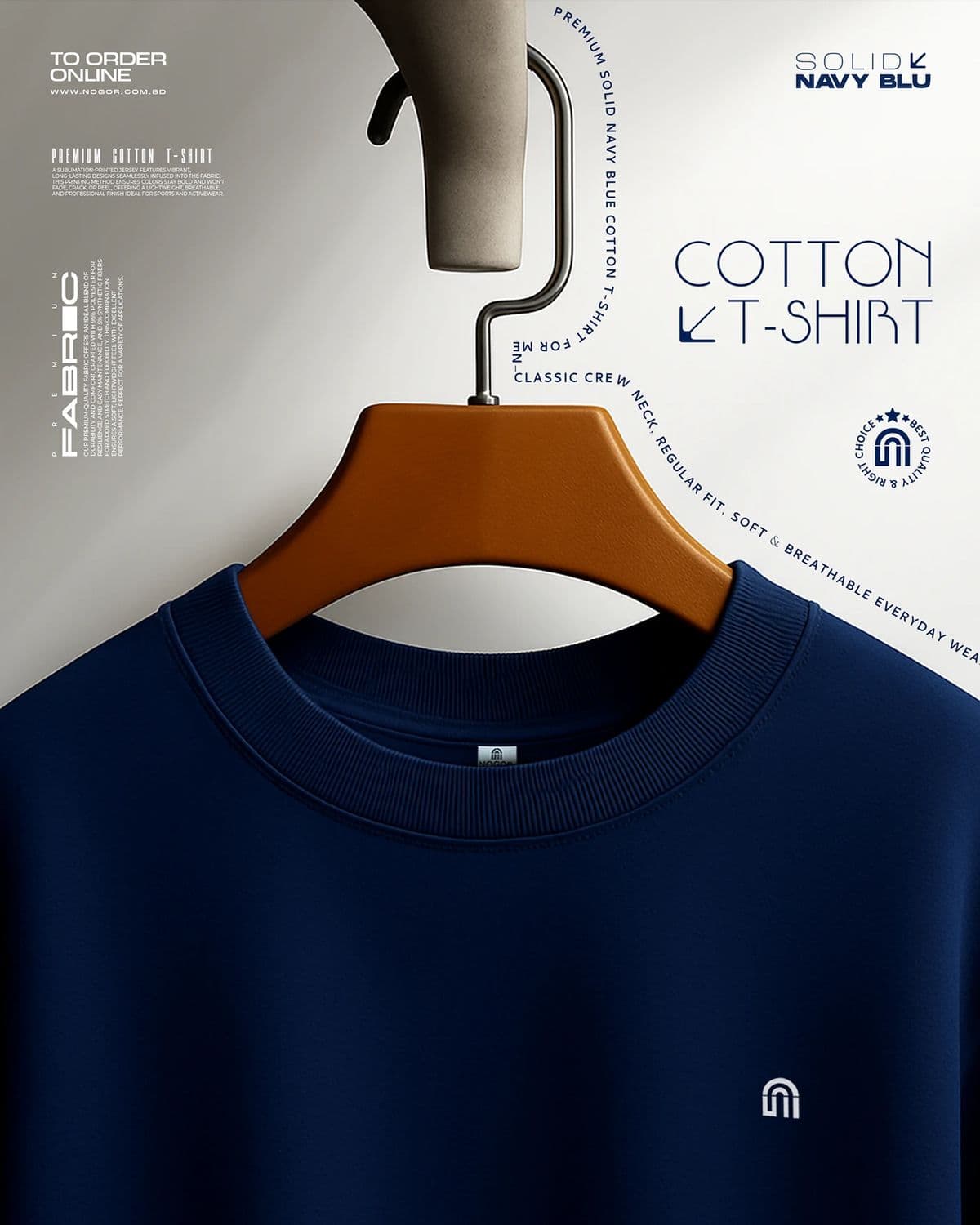
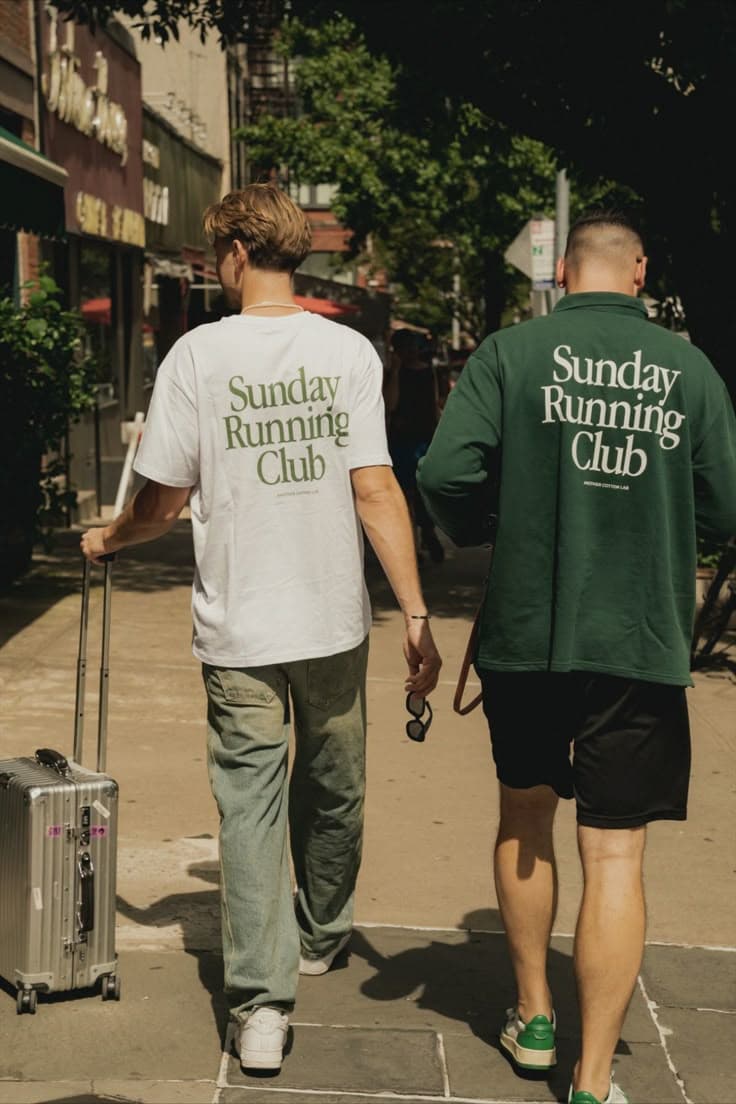
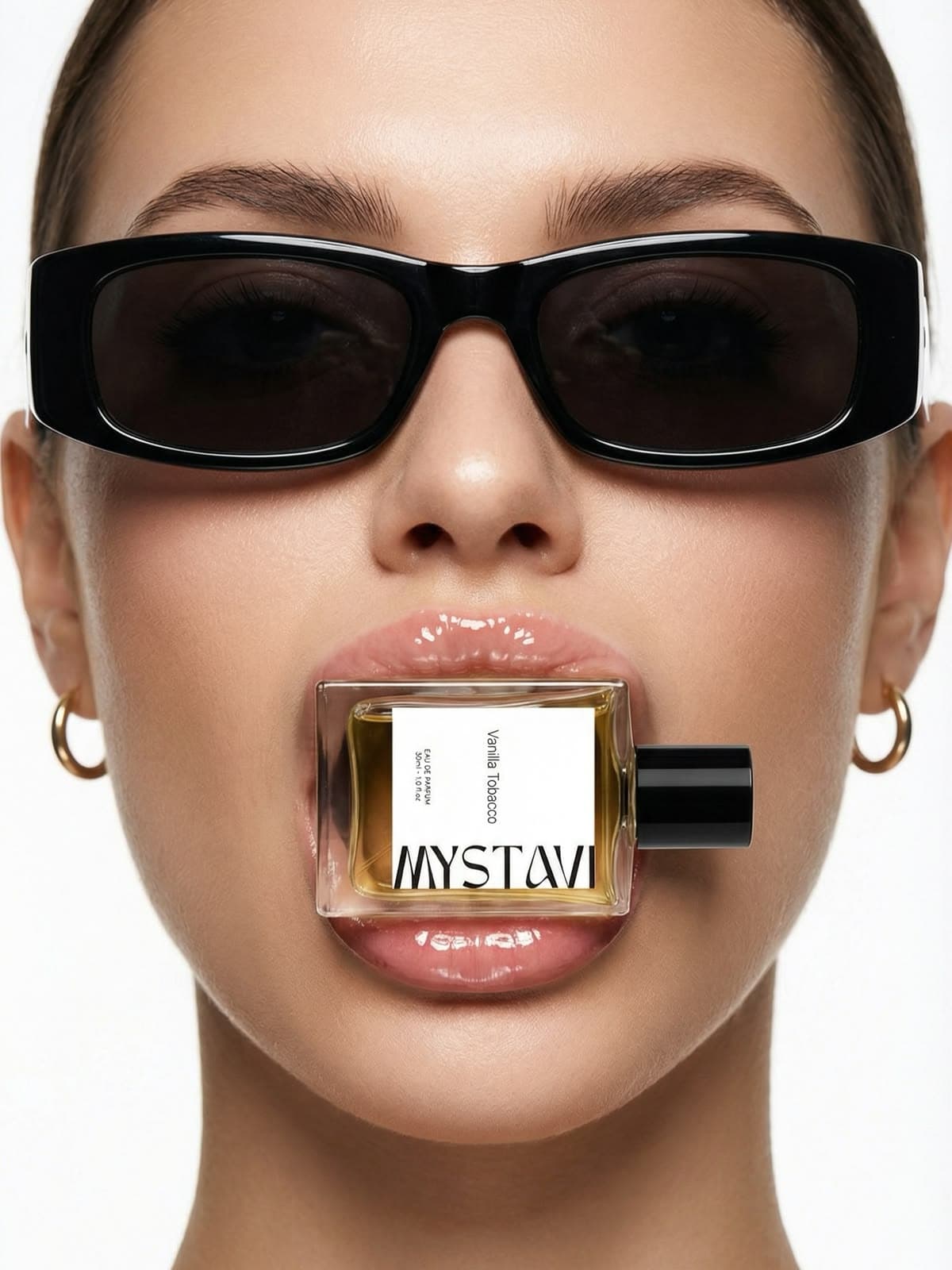
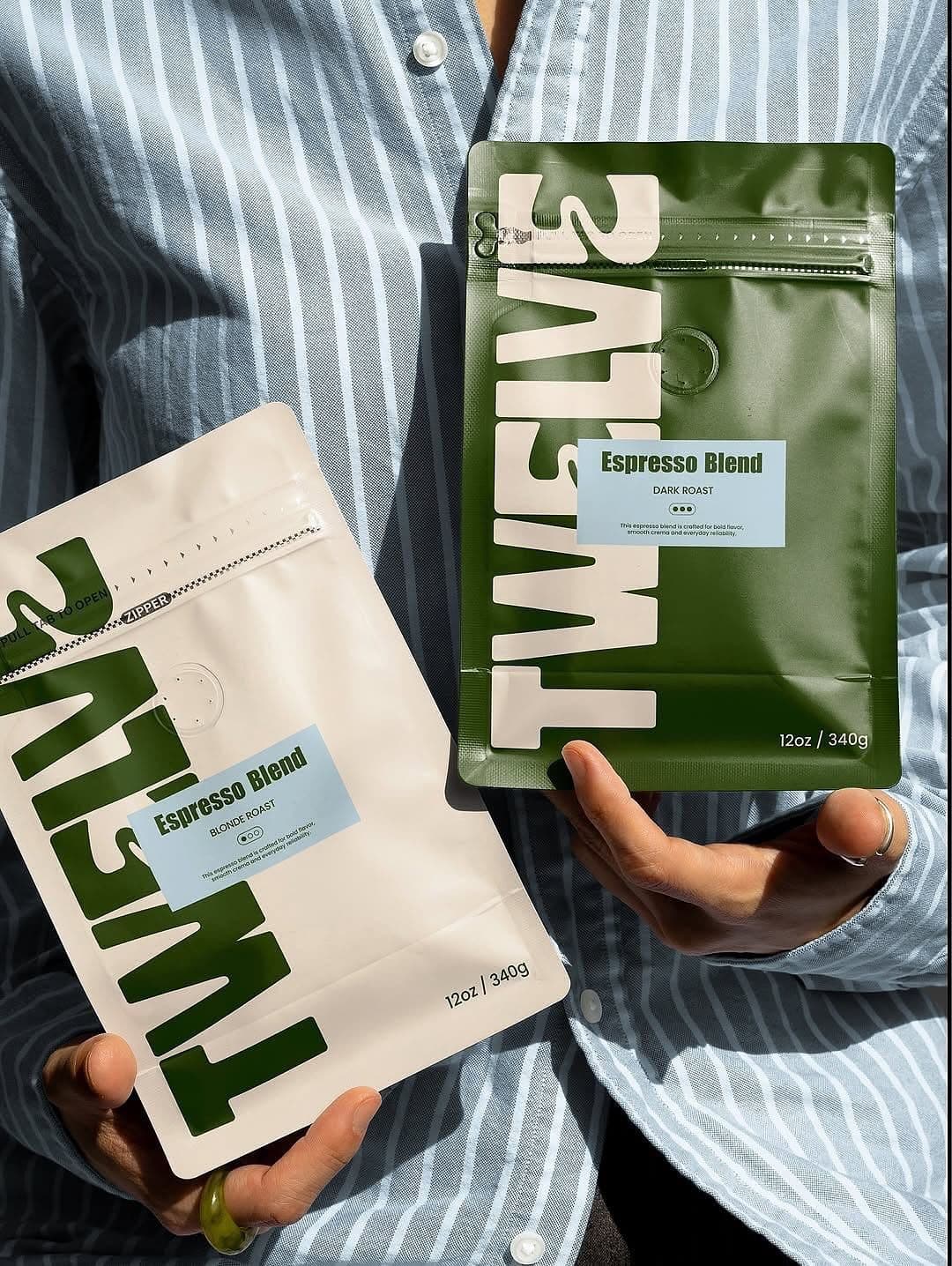
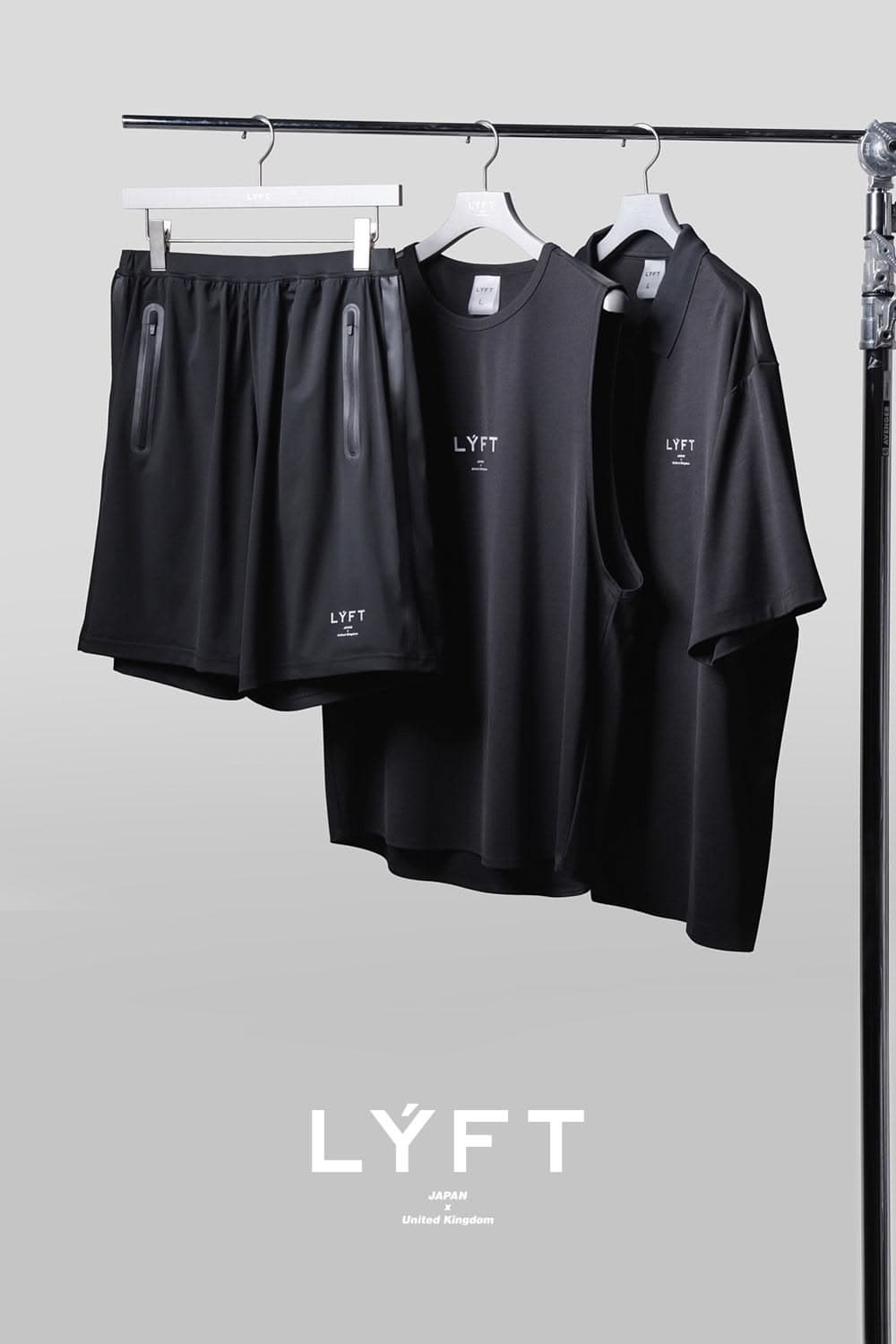
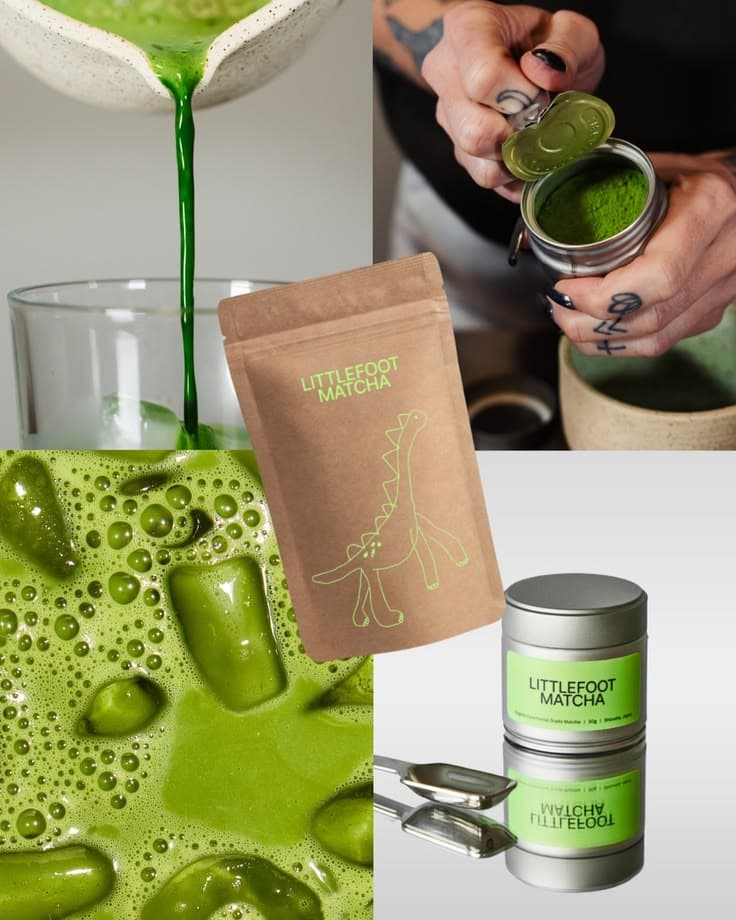
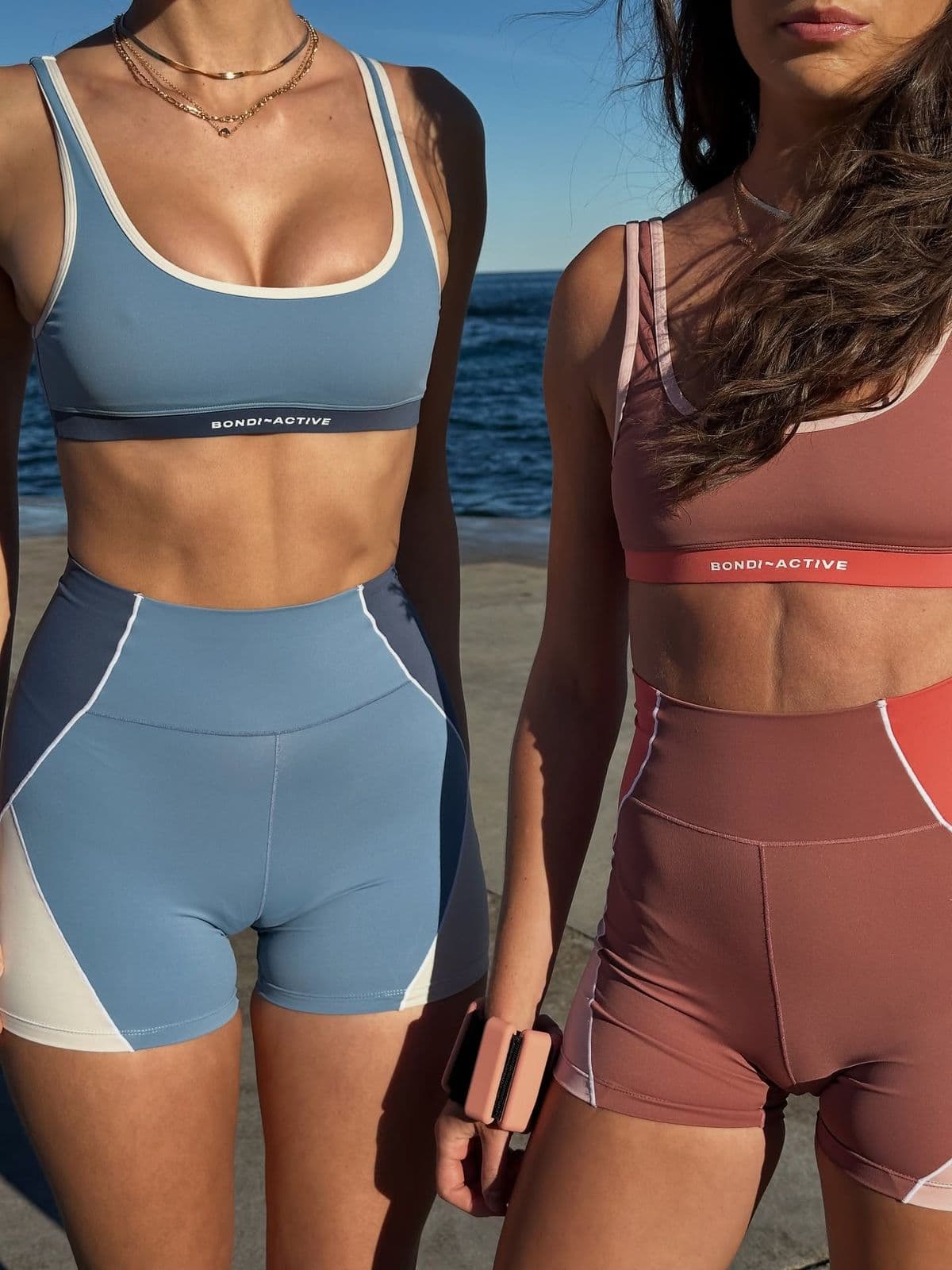
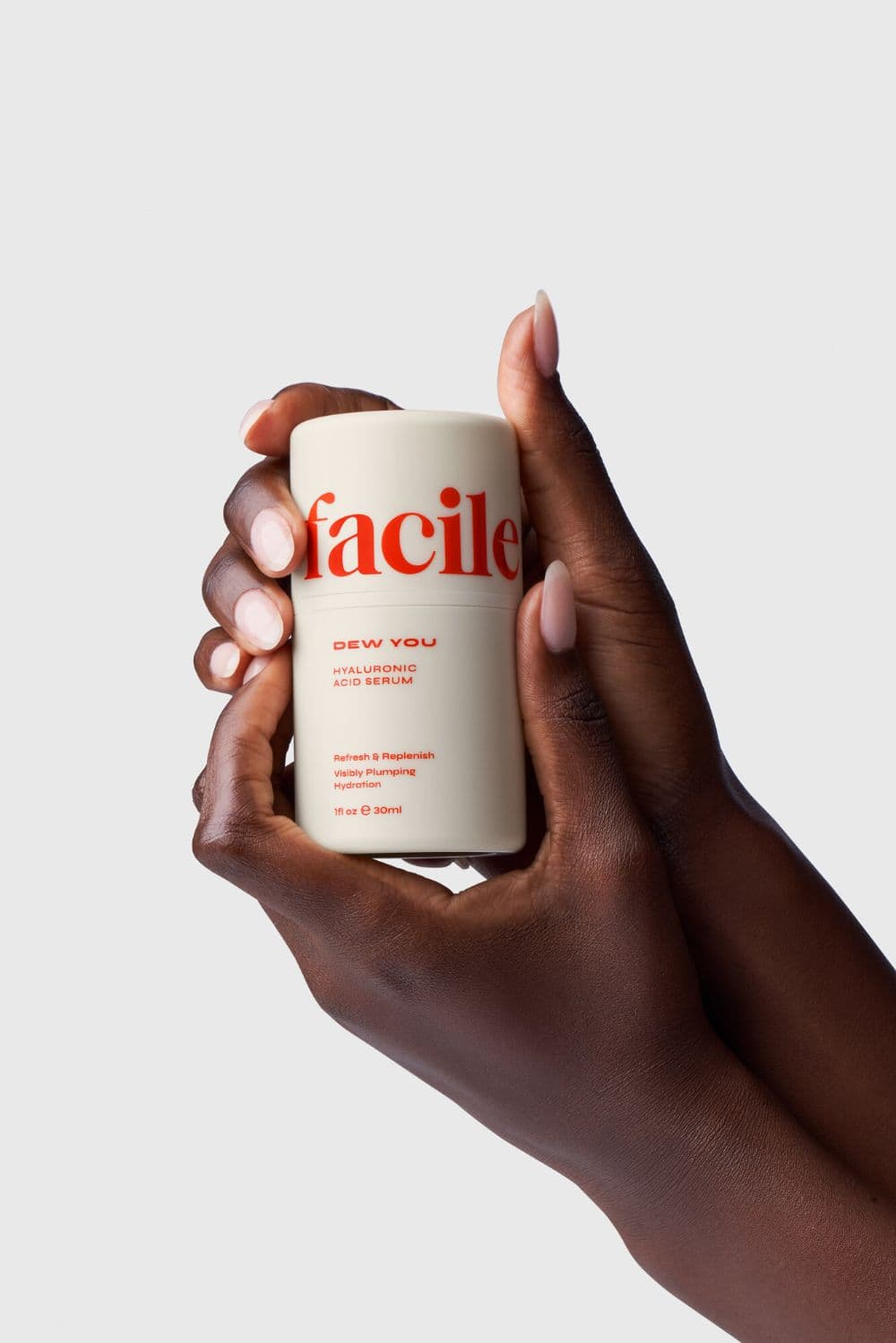
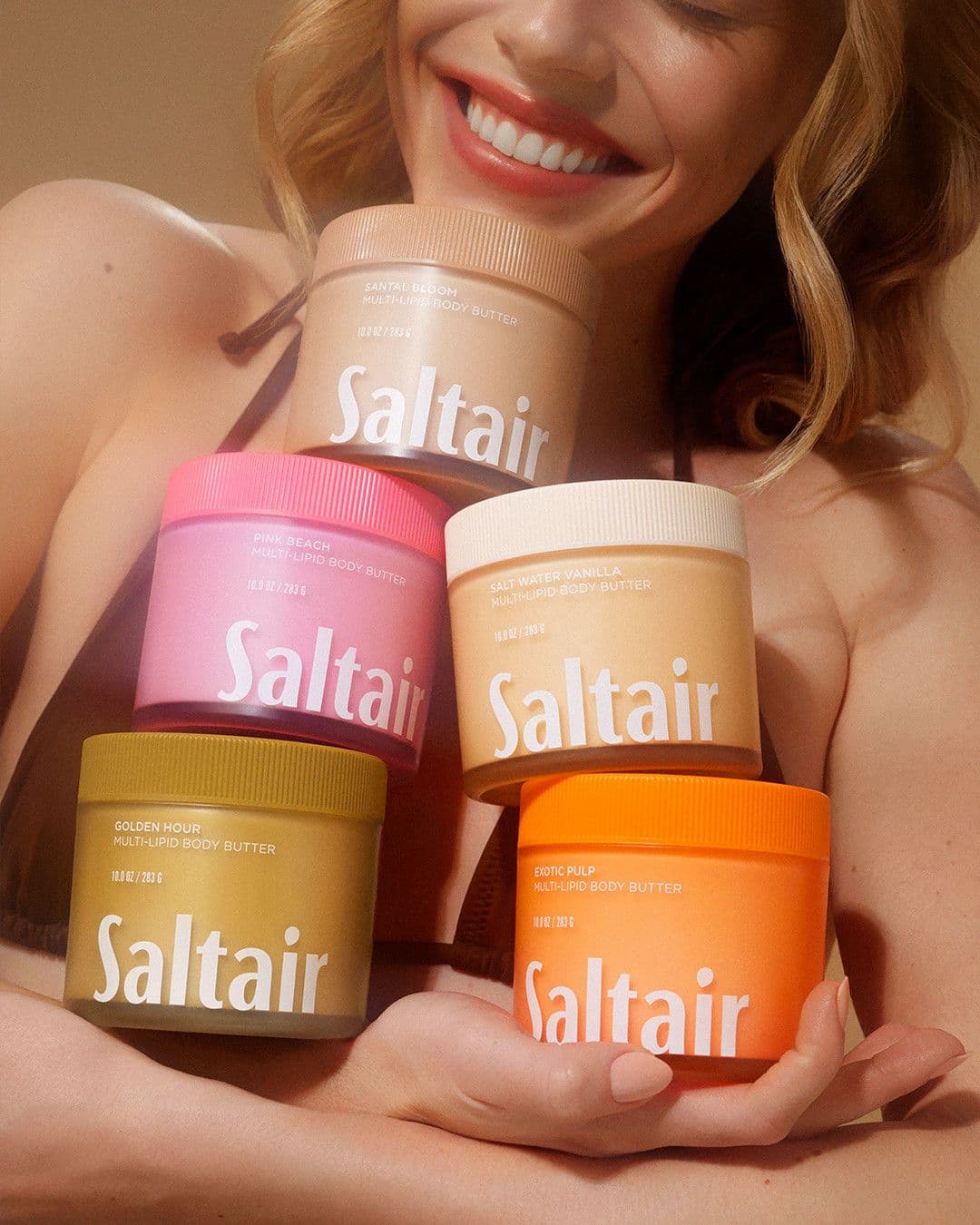
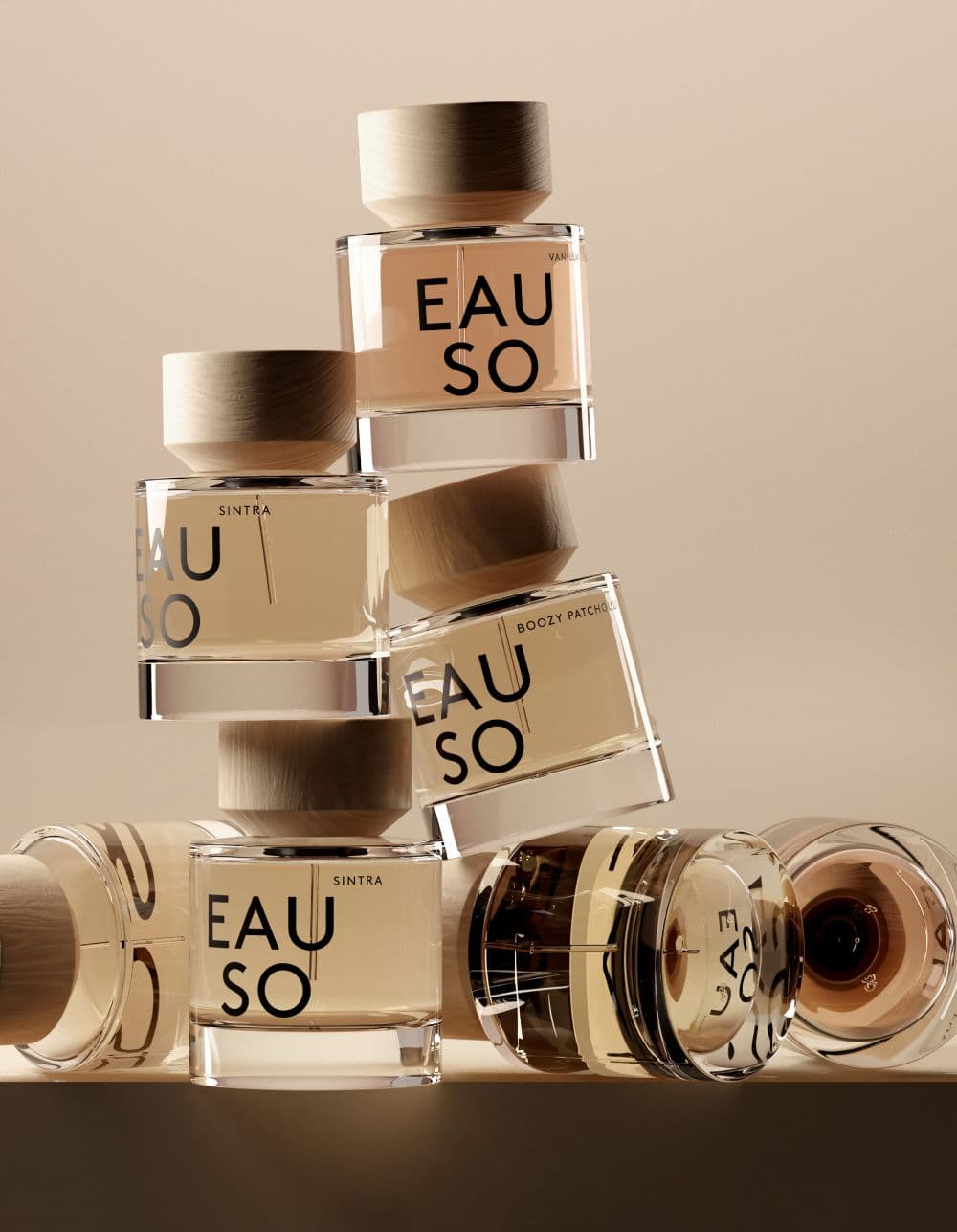
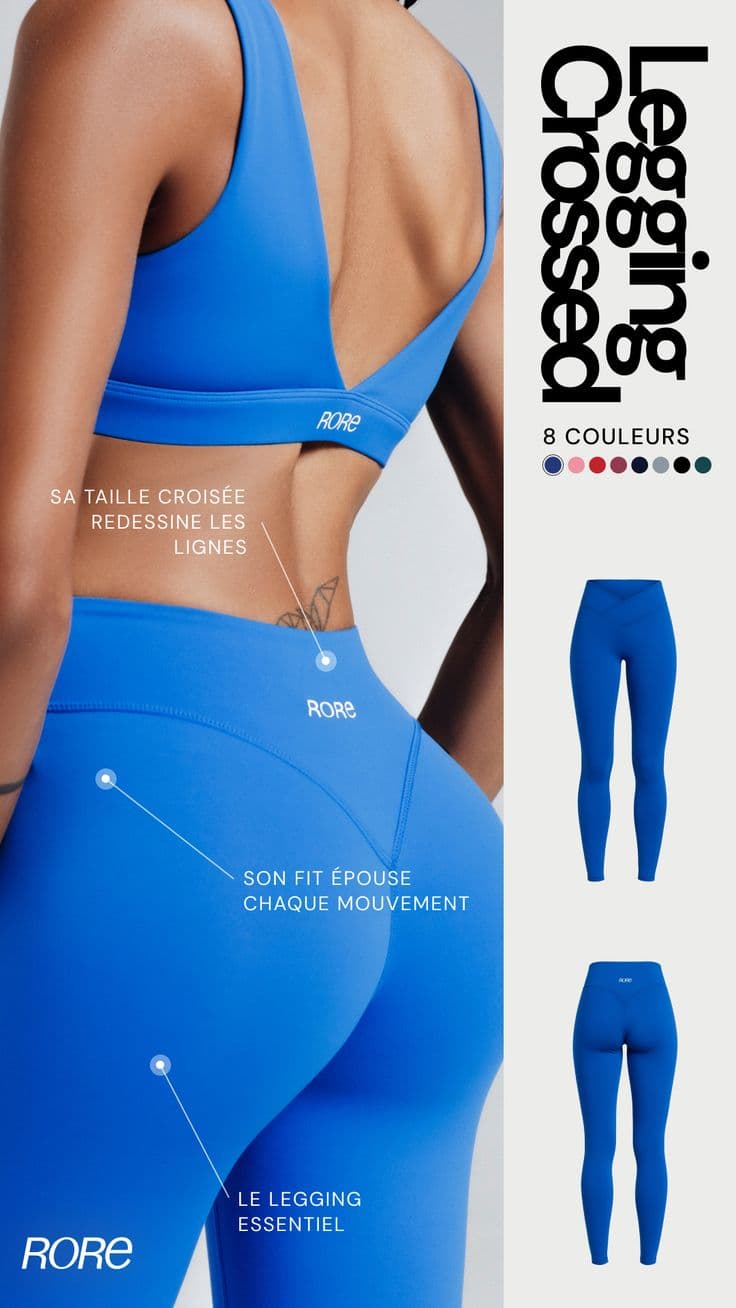
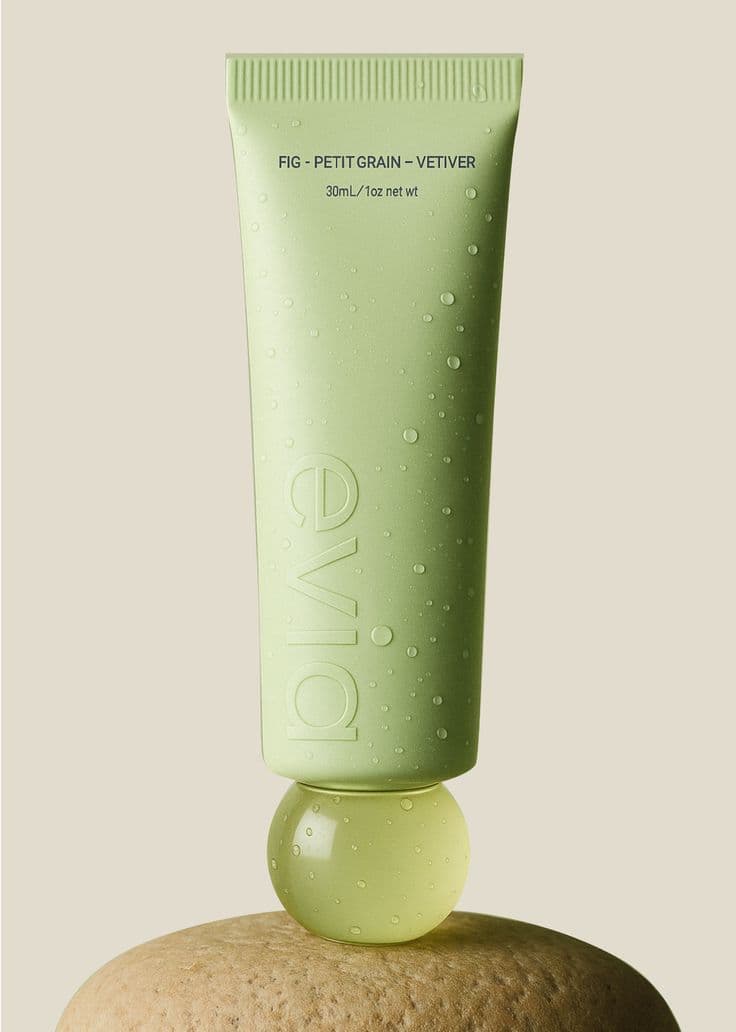
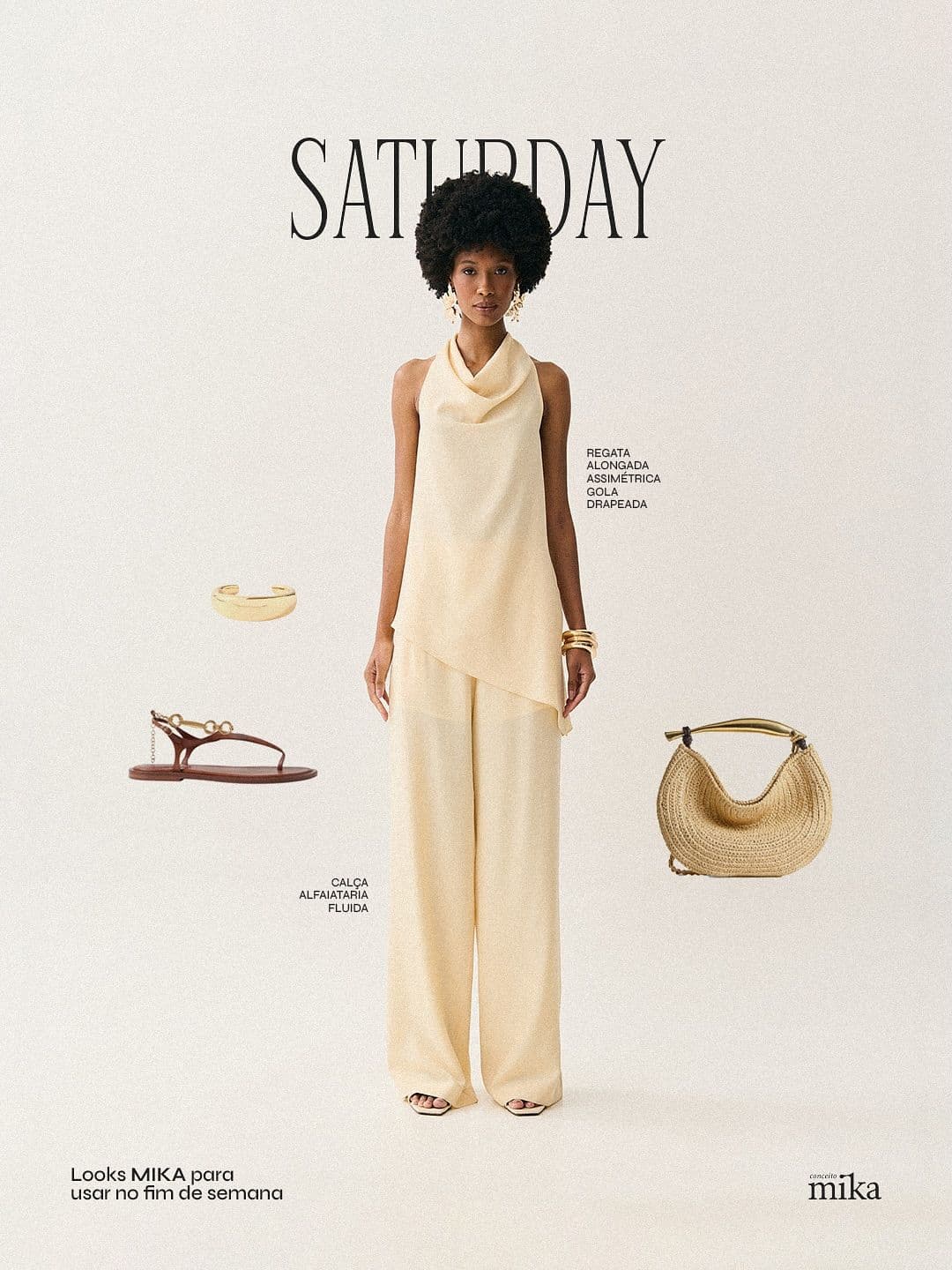
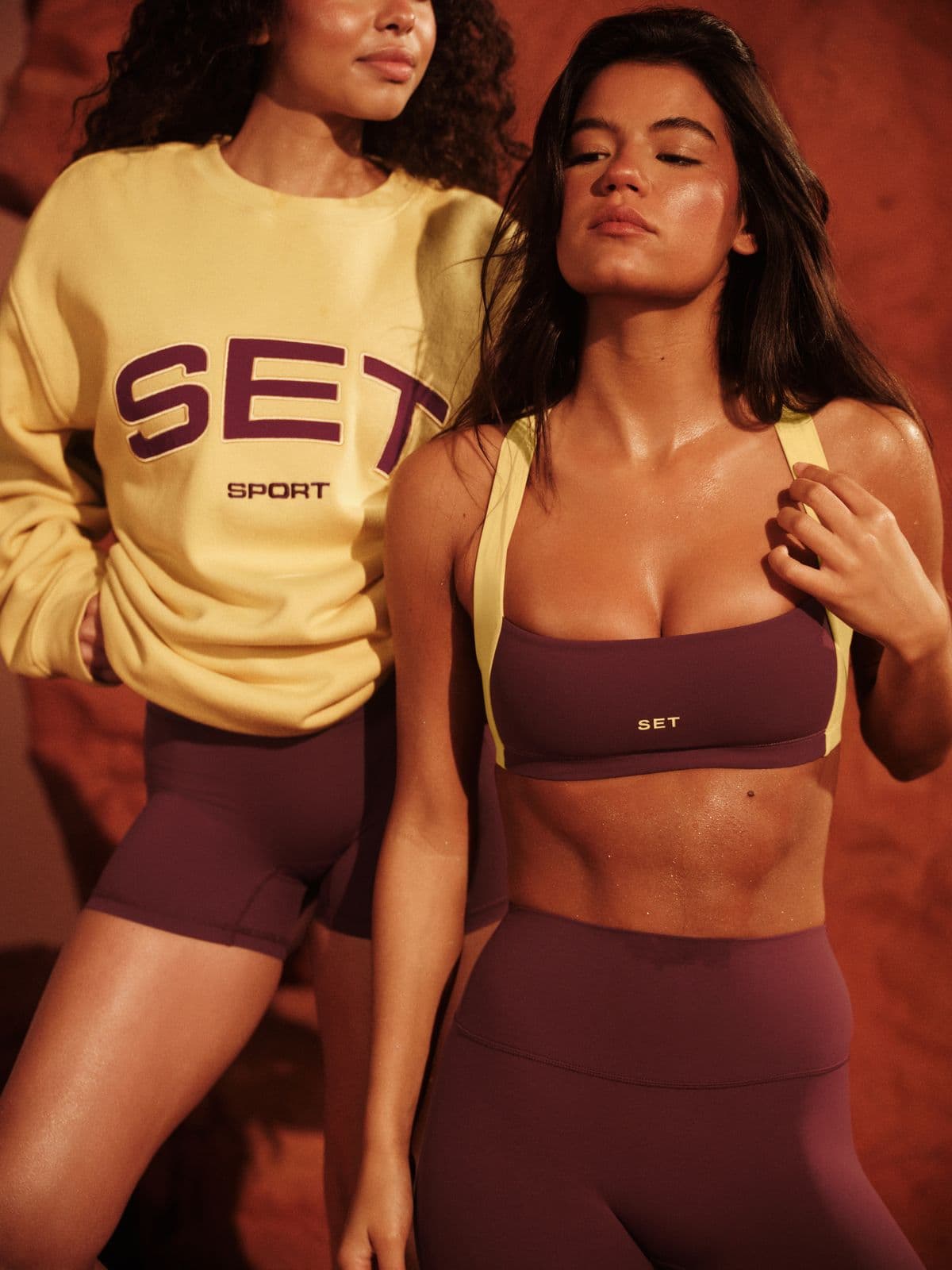
Every image below was generated in seconds. No photographer, no studio, no retouching.
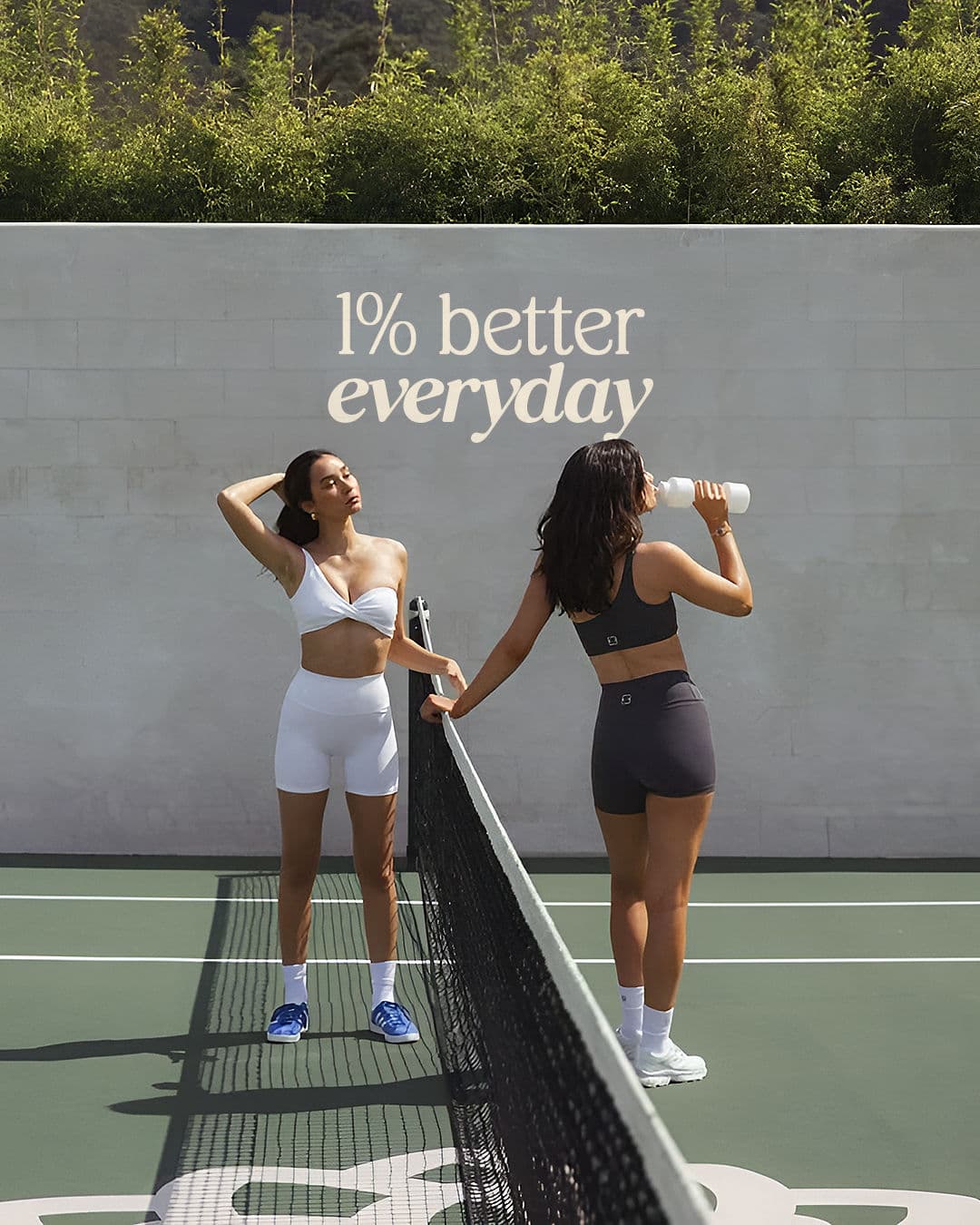
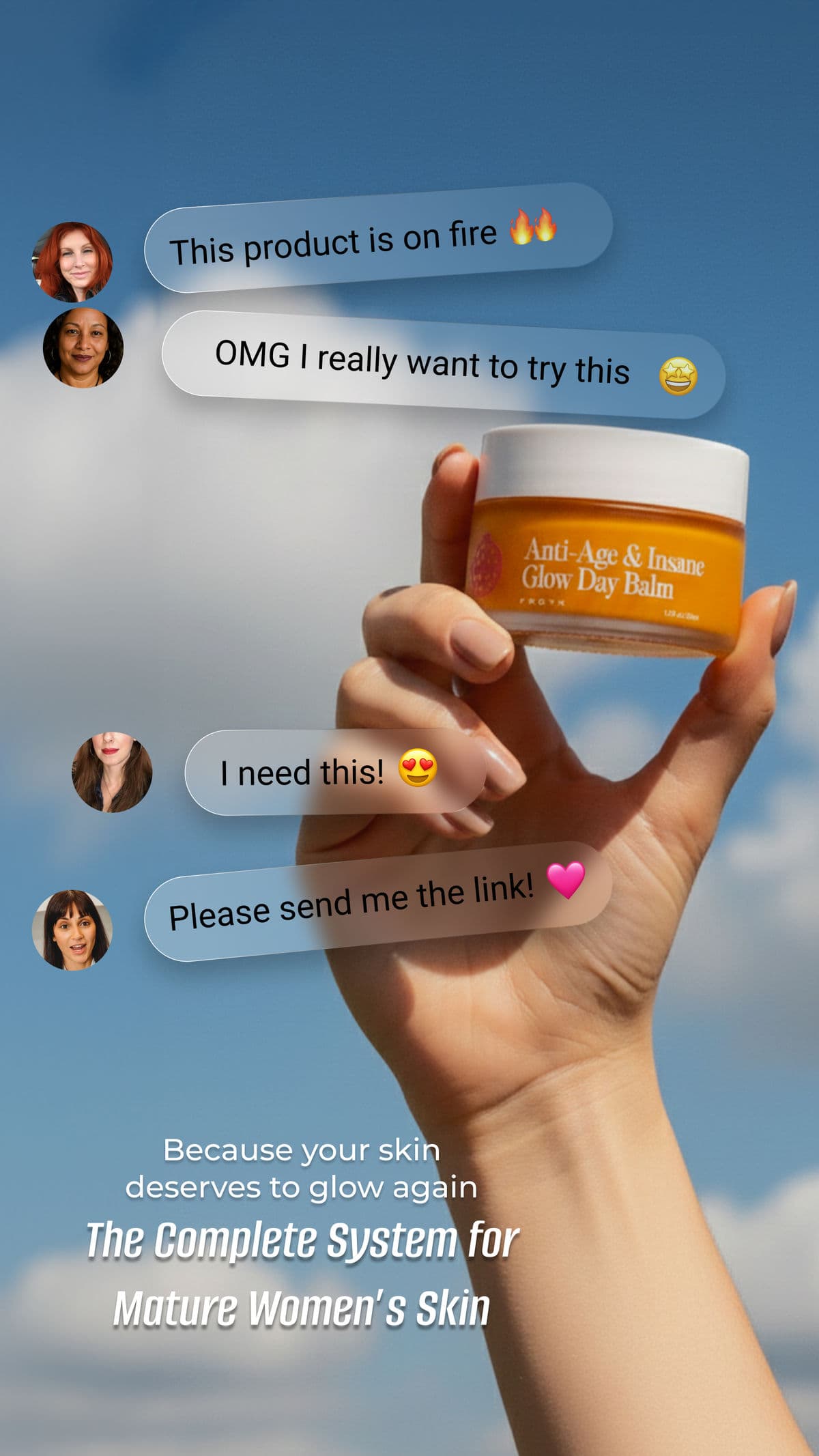
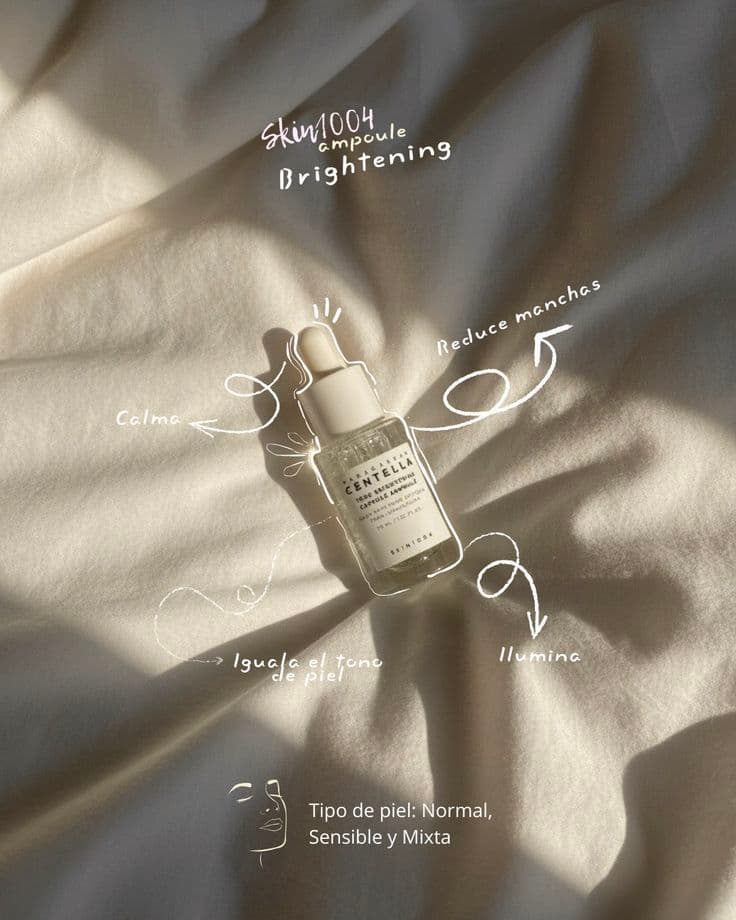
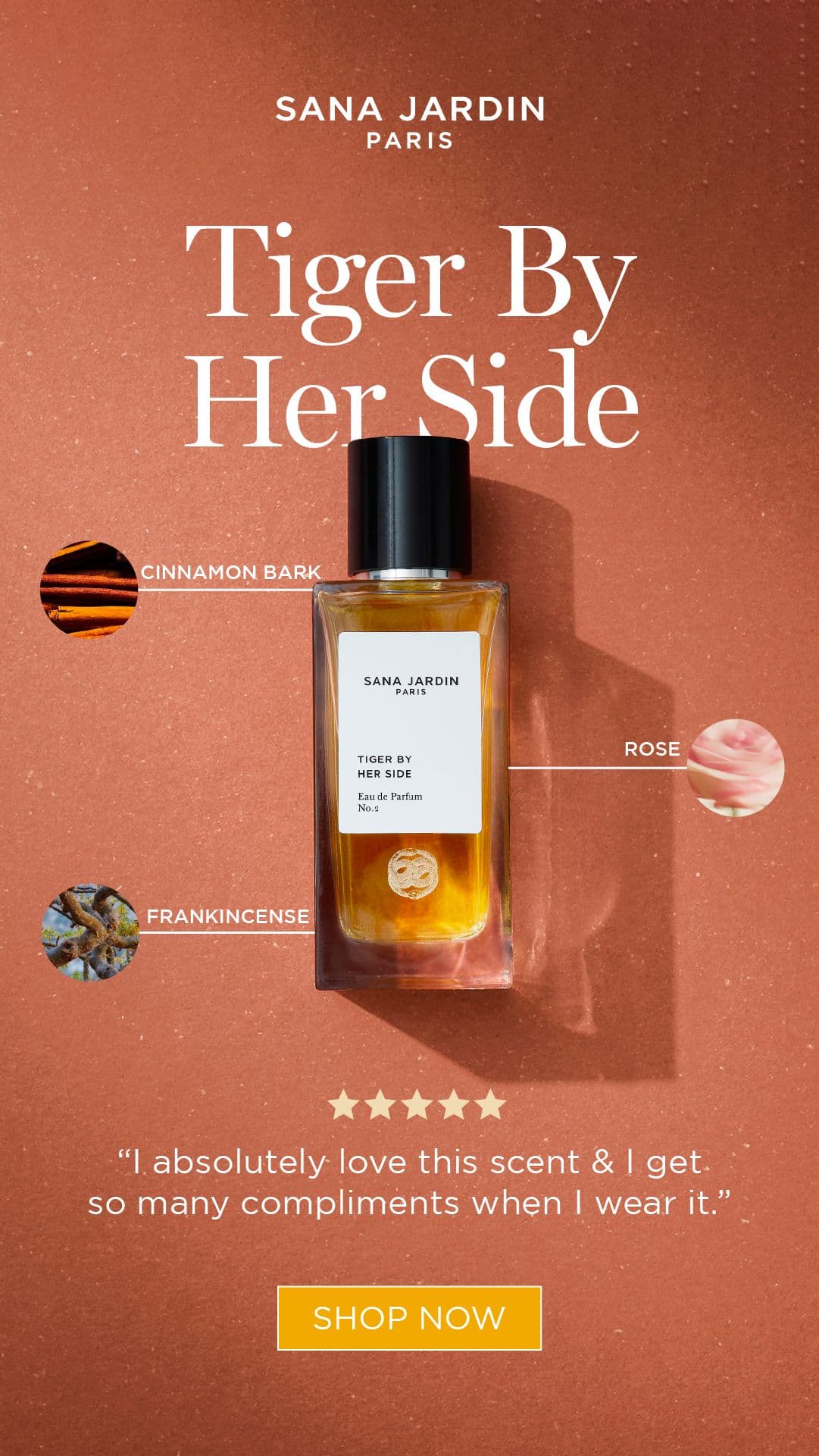
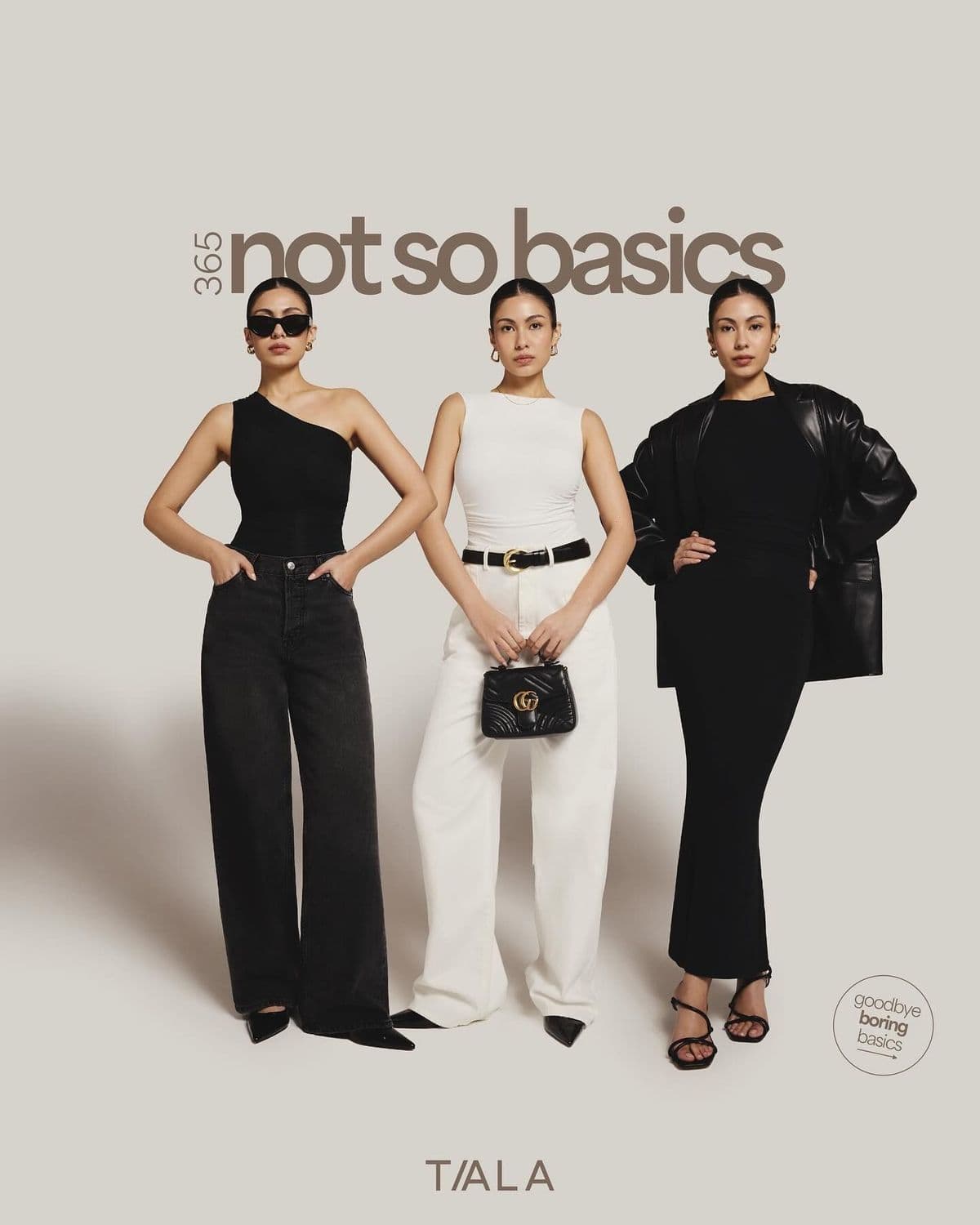
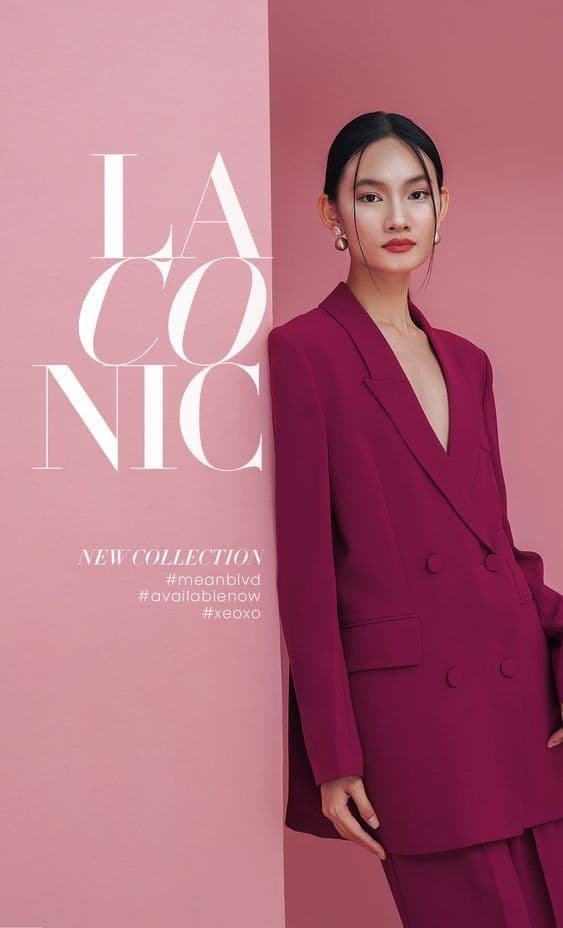
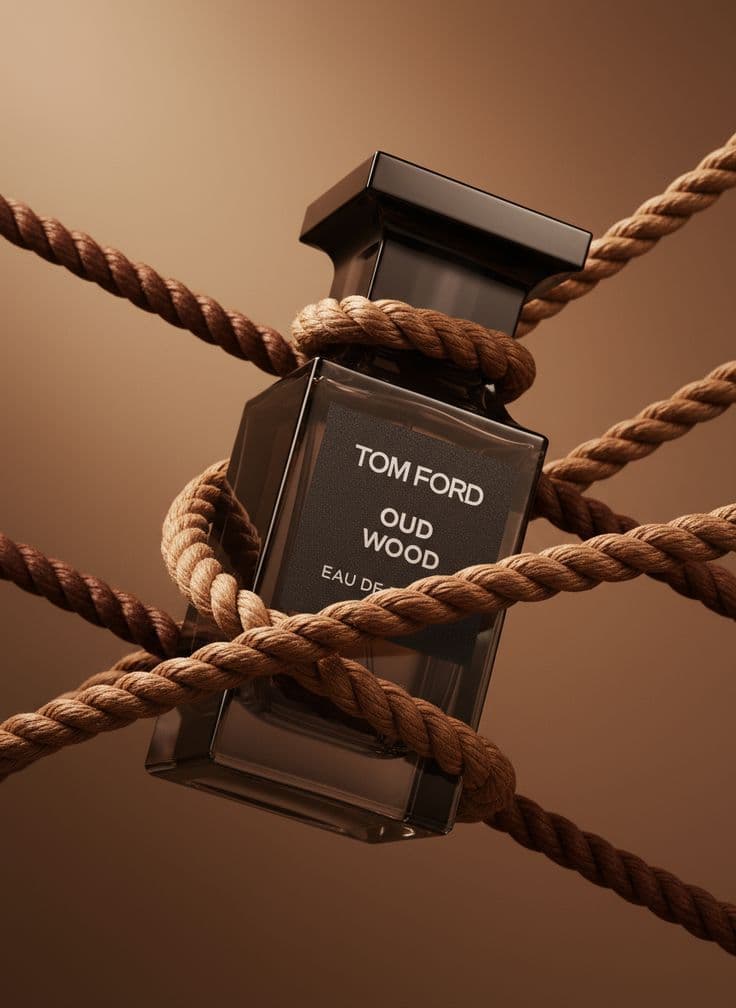
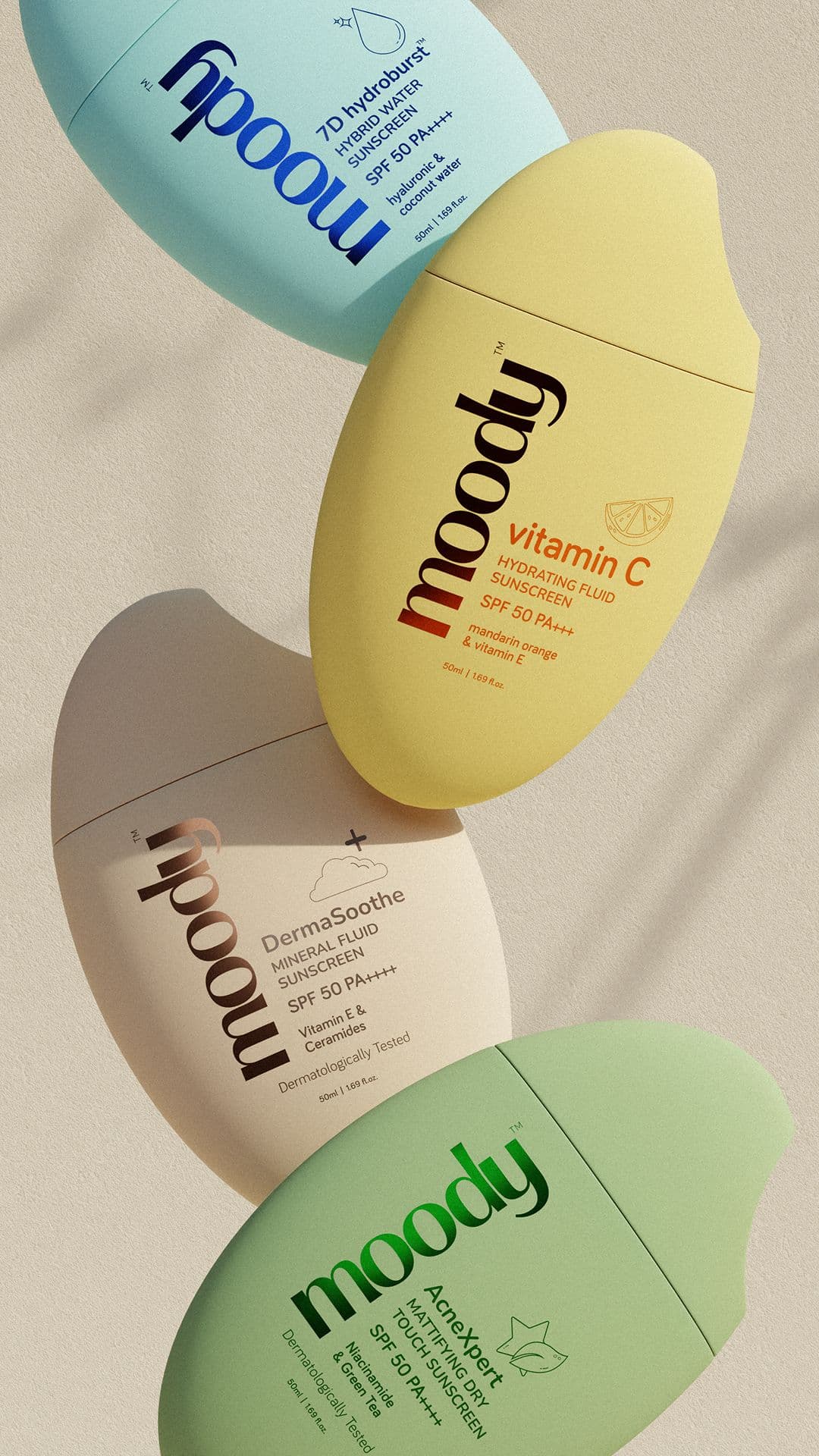
From upload to TikTok Shop in minutes
- 11. Pull your brand DNAPaste your TikTok Shop URL or storefront site. Snapsible reads your brand palette and voice — used consistently across feed and PDP.
- 22. Upload one clean product shotPhone photo on a plain surface. Snapsible preserves exact product detail when compositing into creator-style scenes.
- 33. Choose feed mode or PDP modeReplicate Reference with a creator-style reference for 9:16 feed content. Product Photography for clean 1:1 PDP mains and 3:4 Showcase tiles.
- 44. Render at TikTok Shop sizesSnapsible exports 9:16, 1:1, and 3:4 in one batch — everything you need for Shop listing, Showcase, and feed-ready assets.
- 55. Upload to Seller Center or send to affiliatesDrop PDP images into TikTok Shop Seller Center product editor. Share feed-style creative with affiliate creators via the Affiliate Center or creator campaigns.
Three steps to
studio-quality content
No design skills. No studio. Just your product, your brand, and a reference image.
Set up your Brand DNA
Paste your website URL and we auto-extract your colors, fonts, tone, and style in seconds. Or define it manually.
Pick your references
Upload inspiration images or import directly from Pinterest. AI analyzes the scene, lighting, and composition.
Generate & download
AI places your exact product into the reference scene. Download in any format, or create ad creatives in one click.
TikTok Shop-specific tips
What separates AI-looking output from editorial-grade TikTok Shop creative.
Make feed content feel handheld, not studio
Paid content on TikTok Shop performs 2–3x better when it looks like the creator shot it on their phone. Use Replicate Reference with a messy-desk, bedroom-lighting, or cafe-table reference — not a seamless backdrop. Snapsible nails the "iPhone at golden hour" aesthetic.
Keep PDP imagery clean and catalog-grade
The feed can be scrappy, but the PDP needs to signal trust. Use Product Photography mode for the main image — clean background, even lighting, product centered. Shoppers bounce from PDPs that look as rough as the feed content.
Show scale and in-use context in 3:4 Showcase
TikTok Shop's 3:4 Showcase tile appears in Live Shopping, affiliate cards, and search. Always show a hand holding the product or the product in context — abstract product floats look like dropshipping and tank conversion.
Supply creators with brand-ready source assets
Affiliate creators will make their own videos, but giving them high-quality brand-trained stills in 9:16 means their covers, thumbnails, and B-roll stay on-brand. Export a Snapsible creator kit (9:16 + 1:1 + 3:4) for every top SKU and drop it in the Affiliate Center.
Design thumb-safe for TikTok's UI overlay
TikTok's caption, hashtags, username, and Shop cart button cover the bottom 400 pixels and right 200 pixels of a 9:16 frame. Keep product, headline, and logo in the top 60% and centered. Snapsible's TikTok preset masks unsafe zones automatically.
Start free. Scale when ready.
Every plan runs on credits — 5 credits per image. No hidden fees, no confusing tiers.
Try it out, no card needed.
- 50 credits / month
- 10 image generations
- 1 brand profile
- All 6 workflows
For solo creators and founders.
- 500 credits / month
- 100 image generations
- 5 brand profiles
- All 6 workflows
- No watermark
- Commercial license
For growing brands and agencies.
- 1,500 credits / month
- 300 image generations
- Unlimited brand profiles
- All 6 workflows
- No watermark
- Commercial license
- Priority queue
- API access
5 credits per image · All workflows same cost · Credits reset monthly, no rollover
AI product photos for TikTok Shop: FAQ
Your References +
Your Brand DNA
= Studio-Quality Content
No designers. No studios. No wasted hours. Just upload, generate, and publish.
Free plan available · No credit card required · Cancel anytime